Advanced Web Engineering Strategies for High-Quality Web Applications
Discover the intricate process of Web Engineering (WebE) and its crucial role in creating top-notch Web-based applications. Explore the key planning activities, network requirements, and unique features of WebApps, alongside the service-oriented applications and component-based development involved. Learn about the incremental delivery approach, customer communication, and business analysis shaping the future of Web Engineering.

Download Presentation

Please find below an Image/Link to download the presentation.
The content on the website is provided AS IS for your information and personal use only. It may not be sold, licensed, or shared on other websites without obtaining consent from the author. If you encounter any issues during the download, it is possible that the publisher has removed the file from their server.
You are allowed to download the files provided on this website for personal or commercial use, subject to the condition that they are used lawfully. All files are the property of their respective owners.
The content on the website is provided AS IS for your information and personal use only. It may not be sold, licensed, or shared on other websites without obtaining consent from the author.
E N D
Presentation Transcript
Citra N, MT SI - UNIKOM
Web engineering (WebE) the process used to create high quality Web-based applications (WebApps). As WebApps become increasingly integrated in business strategies (e.g., e- commerce) the need to build reliable, usable, and adaptable systems grows in importance. Web engineering (WebE) formulation assesses the underlying need for the WebApp, the features and functions desired by users, and the scope of the development effort. Web Engineering planning activities. addresses the things that must be defined to establish a work plan consider risks, define a schedule, establish mechanisms to track the work as the project proceeds.
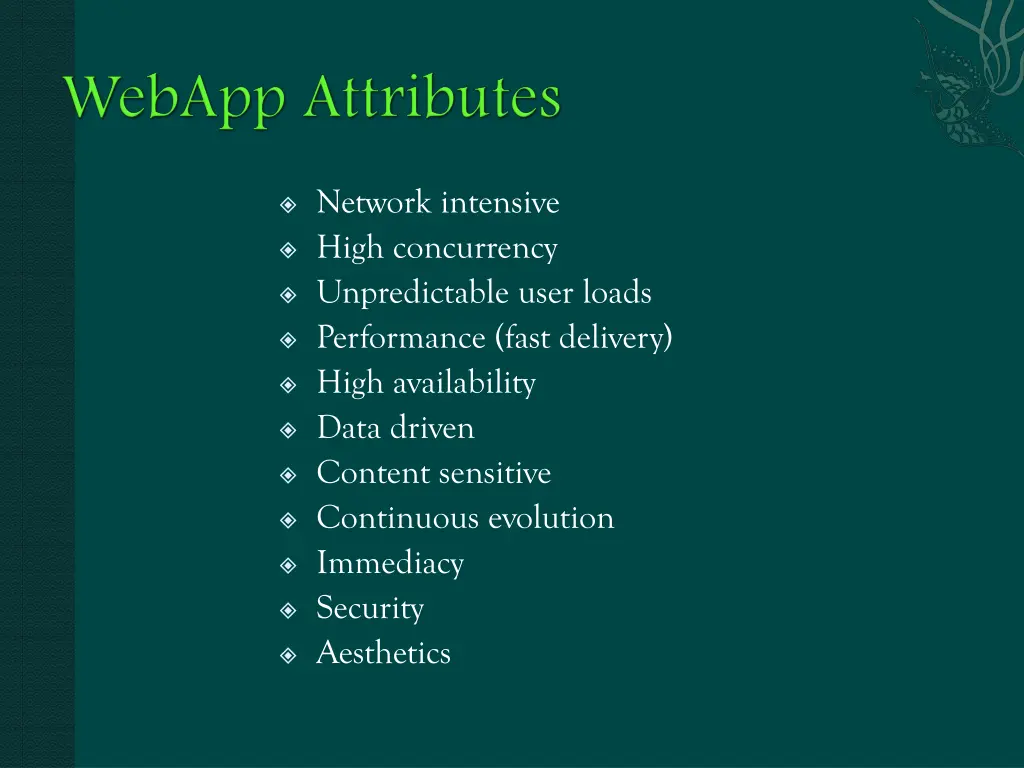
Network intensive High concurrency Unpredictable user loads Performance (fast delivery) High availability Data driven Content sensitive Continuous evolution Immediacy Security Aesthetics
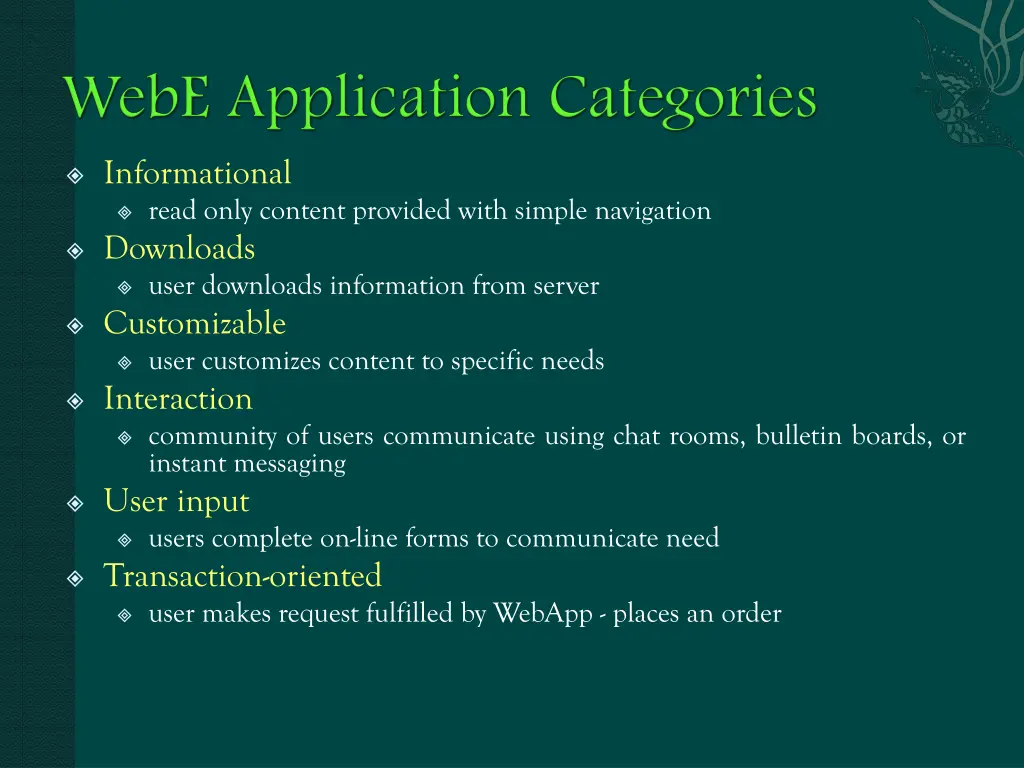
Informational read only content provided with simple navigation Downloads user downloads information from server Customizable user customizes content to specific needs Interaction community of users communicate using chat rooms, bulletin boards, or instant messaging User input users complete on-line forms to communicate need Transaction-oriented user makes request fulfilled by WebApp - places an order
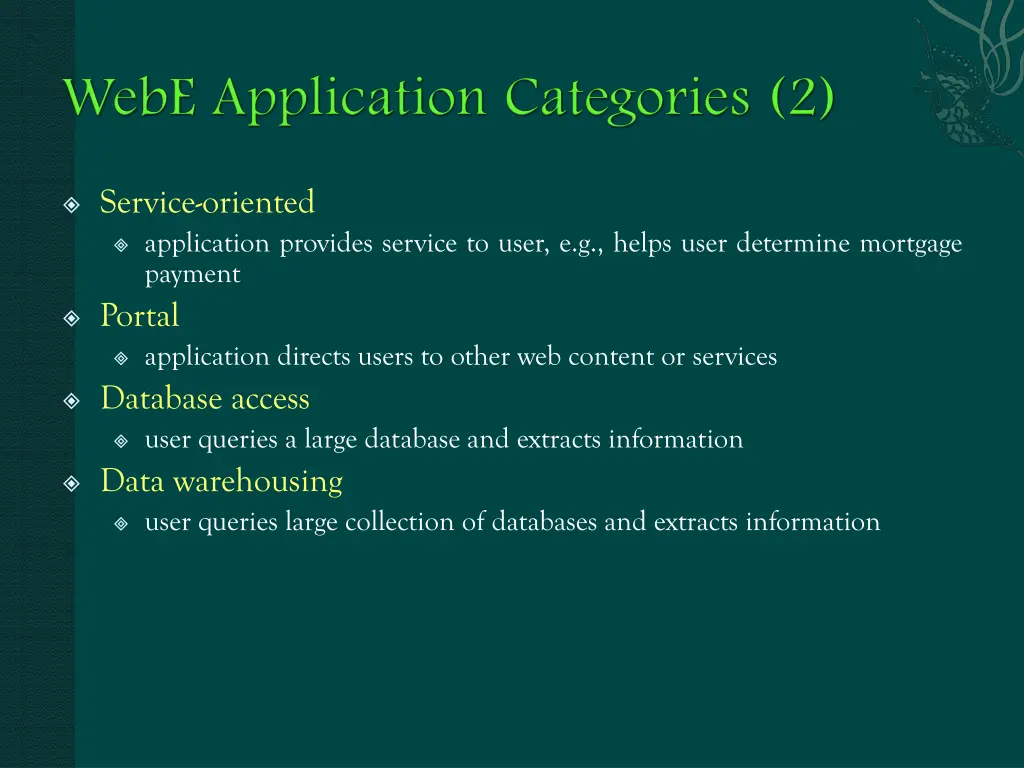
Service-oriented application provides service to user, e.g., helps user determine mortgage payment Portal application directs users to other web content or services Database access user queries a large database and extracts information Data warehousing user queries large collection of databases and extracts information
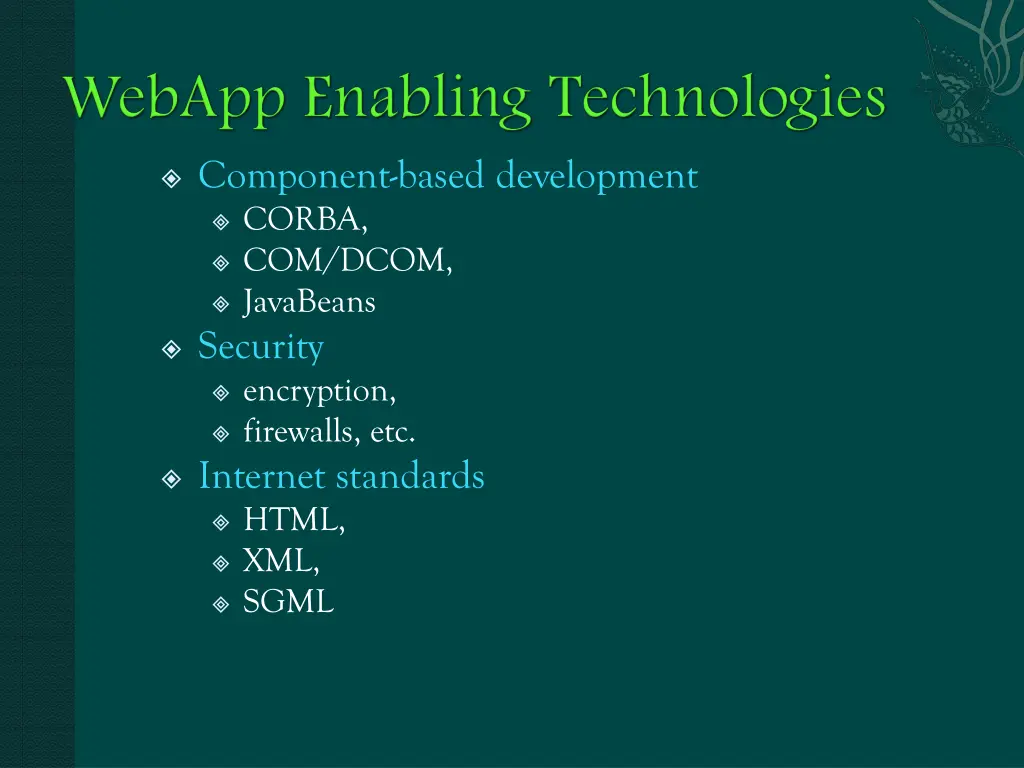
Component-based development CORBA, COM/DCOM, JavaBeans Security encryption, firewalls, etc. Internet standards HTML, XML, SGML
WebApps are often delivered incrementally Changes occur frequently Timelines are short
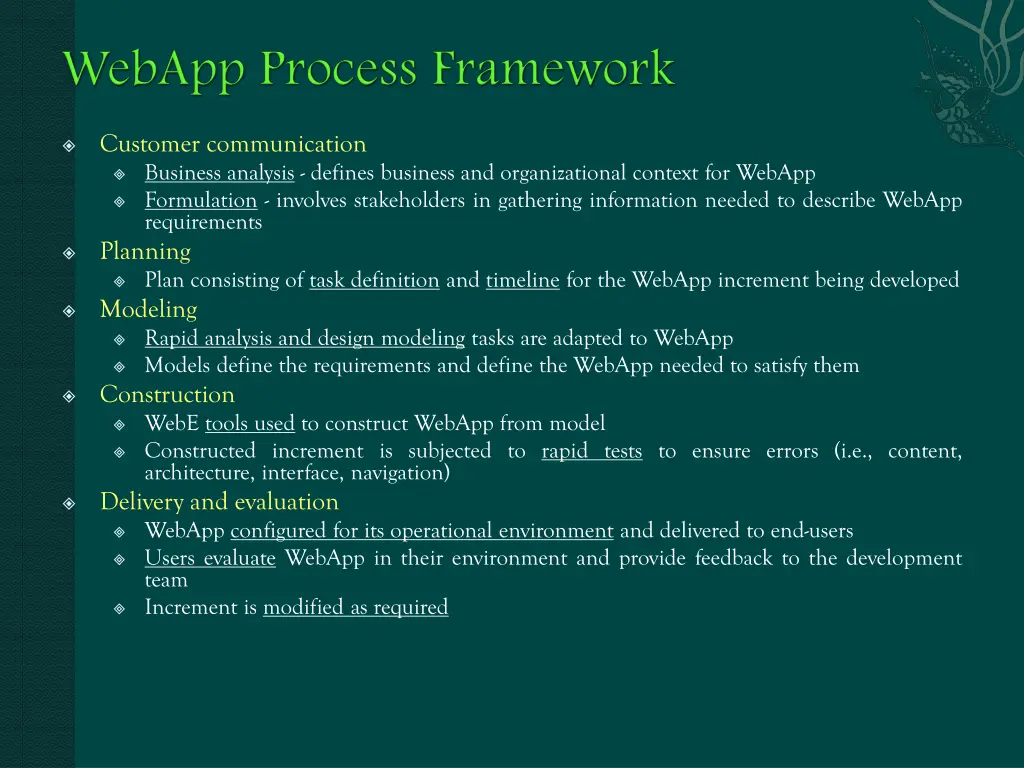
Customer communication Business analysis - defines business and organizational context for WebApp Formulation - involves stakeholders in gathering information needed to describe WebApp requirements Planning Plan consisting of task definition and timeline for the WebApp increment being developed Modeling Rapid analysis and design modeling tasks are adapted to WebApp Models define the requirements and define the WebApp needed to satisfy them Construction WebE tools used to construct WebApp from model Constructed increment is subjected to rapid tests to ensure errors (i.e., content, architecture, interface, navigation) Delivery and evaluation WebApp configured for its operational environment and delivered to end-users Users evaluate WebApp in their environment and provide feedback to the development team Increment is modified as required
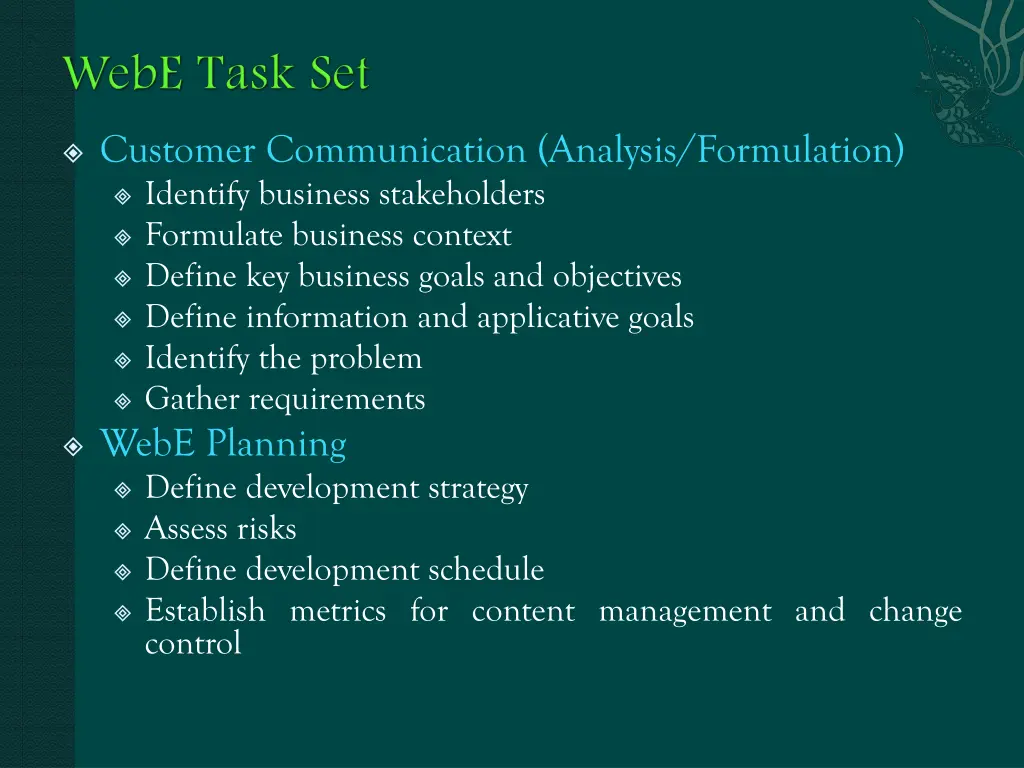
Customer Communication (Analysis/Formulation) Identify business stakeholders Formulate business context Define key business goals and objectives Define information and applicative goals Identify the problem Gather requirements WebE Planning Define development strategy Assess risks Define development schedule Establish metrics for content management and change control
WebE Modeling Refine content classes Identify content relationships Refine user tasks Identify computational functions Identify database requirements Refine interface requirements Design the WebApp architecture Design the interface Design the navigational scheme Design appropriate security and privacy mechanisms Review the design
WebE Construction Build or acquire the content and integrate it into WebAPP architecture Establish navigational capabilities Implement computational functions Address configuration issues Test all WebApp components Address configuration issues Test all WebApp components (content and function) Test navigation Test usability Test security and performance Test increment for different configurations WebE Delivery and evaluation Deliver WebApp increment to representative end-users Evaluate end-user interaction Assess lessons-learned and consider all end-user feedback Make modifications to WebApp increment as required
Take time to understand the business needs and product objectives, even if WebApp details are vague. Describe how users will interact with the WebApp using a scenario-based approach. Develop a brief project plan. Spend time modeling what you are going to build. Review models for consistency and quality. Use tools and technology that enable you to construct the system with as many reusable components as possible. Don't rely on users to debug the WebApp, design comprehensive tests and execute them before releasing the system.
Identify business need for WebApp with stakeholders objectives Work to describe WebApp Develop user profile(s) Define major features and functions Develop an integrated statement of scope Establish requirements gathering activity that leads to development of analysis model
What is the main motivation (business Need) for the WebApp? What are the objectives that the WebApp must fulfill? Who will use the WebApp? What are the WebApp's informational goals (user's intention for using the content)? What are the applicative goals (ability to perform tasks within the WebApp) for the WebApp?
Goals Identify content requirements Identify functional requirements Define interaction scenarios for each user class Steps Ask stakeholders descriptions for each Communicate with stakeholders to define basic WebApp requirements Analyze information gathered and use information to follow-up with stakeholders Define use-cases that describe interaction scenarios for each user class to define user categories and develop
What is the user's overall objective when using the WebApp? What is the user's background and sophistication relative to the content and functionality of the WebApp? What generic WebApp characteristics does the user like or dislike?
Traditional focus groups trained moderator meets with group of representative end-users Electronic focus groups on-line version of traditional focus group Iterative surveys series of focused surveys sent to representative end-users (often web-based or e-mail) Exploratory surveys web-based survey tied to WebApps having user similar to the expected users of the proposed WebApp Scenario-building selected end-users asked to create informal use-cases that describe specific WebApp interactions
Use-cases provide detail necessary to create an effective analysis model Use-cases help the developer understand how users perceive their interaction with the WebApp Use-cases help to compartmentalize WebE work Use-cases provide important guidance to those testing the WebApp
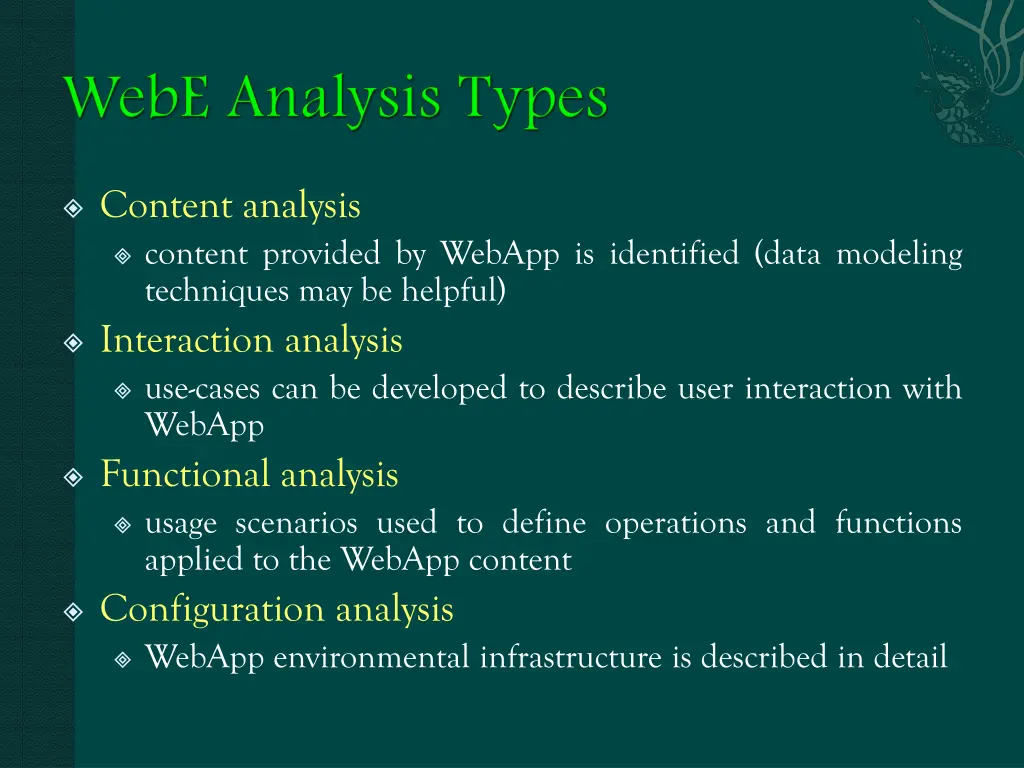
Content analysis content provided by WebApp is identified (data modeling techniques may be helpful) Interaction analysis use-cases can be developed to describe user interaction with WebApp Functional analysis usage scenarios used to define operations and functions applied to the WebApp content Configuration analysis WebApp environmental infrastructure is described in detail
Estimate project cost Evaluate risks Define finely granulated schedule for first increment and coarser subsequent increments schedule for
Content developers and providers focus on generation and/or collection of WebApp content Web publisher liaison between technical staff who engineers WebApp and non- technical content developers and providers Web engineer involved with WebApp requirements elicitation, analysis modeling, architectural design, navigational implementation, and testing Business domain experts focus on the specific business problems to be address by the WebApp Support specialist responsible for continuing WebApp maintenance and support Administrator (Web master) responsible for daily operation of WebApp design, interface design, * SEPA 6thed, Roger S. Pressman
Large or complex WebApp to be built Large number of stakeholders Large number of Web engineers and other contributors goals and business bottom line WebApp objectives will affect WebApp success will have strong bearing on success of company
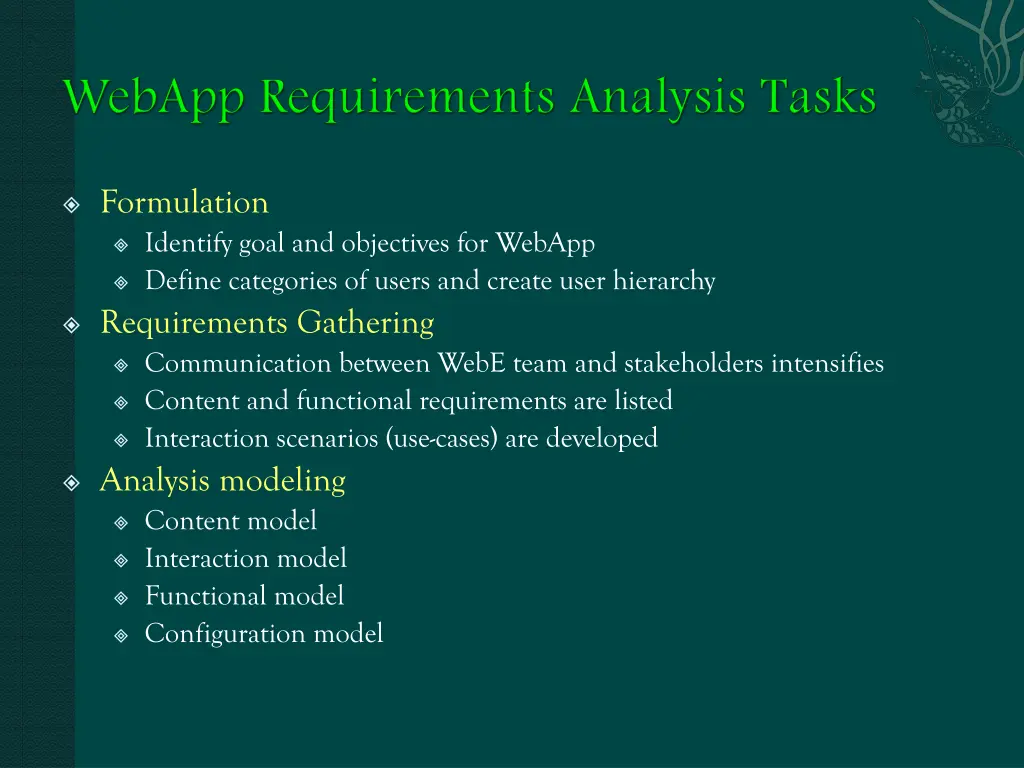
Formulation Identify goal and objectives for WebApp Define categories of users and create user hierarchy Requirements Gathering Communication between WebE team and stakeholders intensifies Content and functional requirements are listed Interaction scenarios (use-cases) are developed Analysis modeling Content model Interaction model Functional model Configuration model
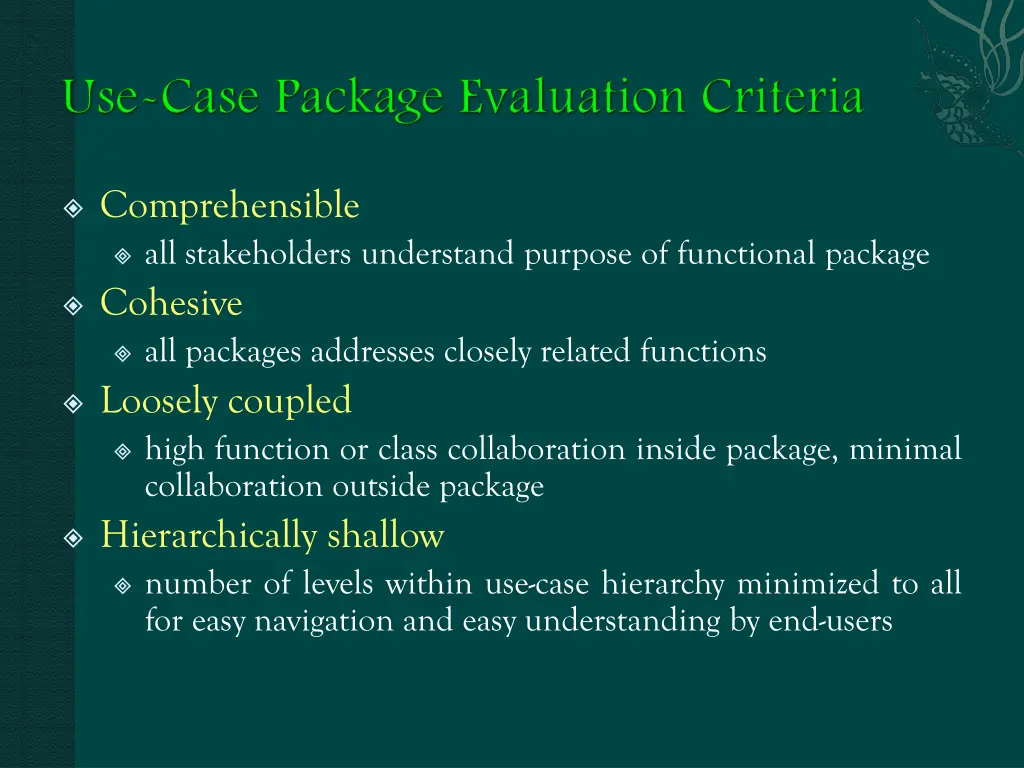
Comprehensible all stakeholders understand purpose of functional package Cohesive all packages addresses closely related functions Loosely coupled high function or class collaboration inside package, minimal collaboration outside package Hierarchically shallow number of levels within use-case hierarchy minimized to all for easy navigation and easy understanding by end-users
Content analysis content provided by WebApp is identified (data modeling techniques may be helpful) Interaction analysis use-cases can be developed to describe user interaction with WebApp Functional analysis usage scenarios used to define operations and functions applied to the WebApp content Configuration analysis WebApp environmental infrastructure is described in detail
Structural elements identify classes and content objects required to create a WebApp that meets stakeholders needs Dynamic elements describe how structural elements interact with one another and how they interact with end-users
Structural requirements WebApp content objects text, graphics, photographs, video images, audio Includes all analysis classes - user visible entities created or manipulated as end-users interact with WebApp Analysis classes defined by class diagrams showing attributes, operations, and class collaborations Content model is derived from careful examination of WebApp use-cases Entity-relationship diagrams may be part of the content model elements that represent WebApp content
Use-cases dominant element of WebApp interaction models Sequence diagrams provide representation of manner in which user actions collaborate with analysis classes State diagrams indicates information required to move users between states and represents behavioral information, can also depict potential navigation pathways User interface prototype layout of content presentation, interaction mechanisms, and overall aesthetic of user interface
User observable behavior delivered to end-users Operations contained in analysis classes to implement class behaviors UML activity diagrams used to model both
May be a list of server-side and client-side attributes for the WebApp UML deployment diagrams can be used for complex configuration architectures
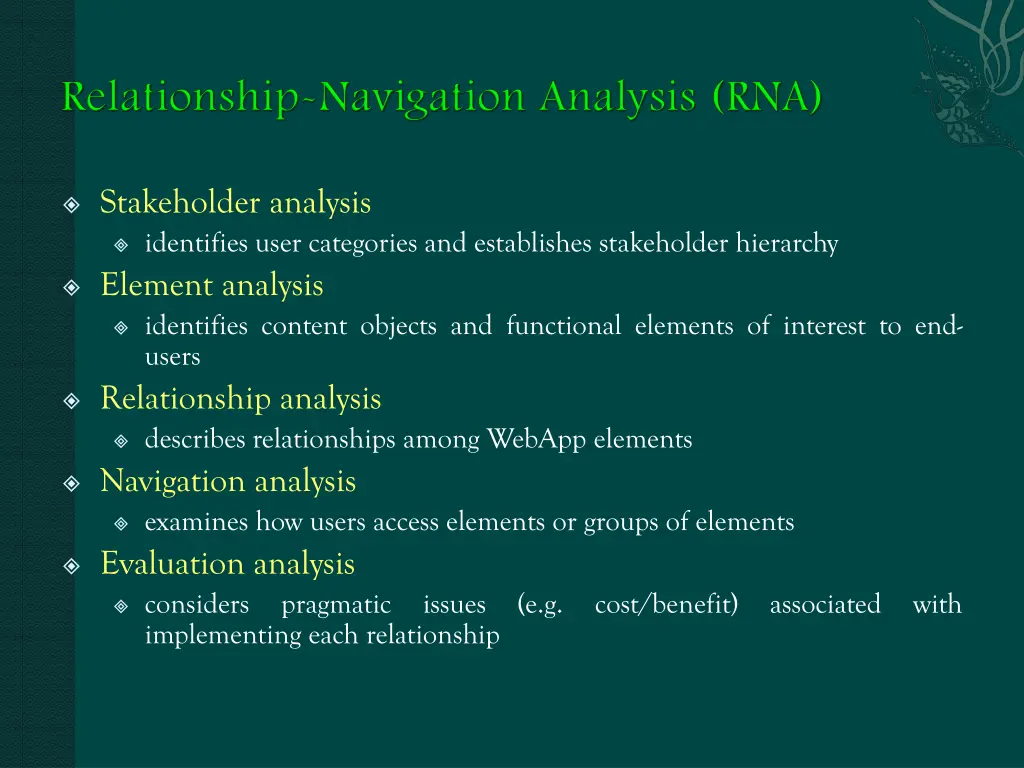
Stakeholder analysis identifies user categories and establishes stakeholder hierarchy Element analysis identifies content objects and functional elements of interest to end- users Relationship analysis describes relationships among WebApp elements Navigation analysis examines how users access elements or groups of elements Evaluation analysis considers pragmatic issues implementing each relationship (e.g. cost/benefit) associated with
Purpose is to position element within the WebApp and establish element relationships engineers should questions about each element (content object or function) Web seek answers to It is possible to develop a relationship taxonomy and categorize each relationship using a fixed criteria
Web engineers consider requirements that dictate how each type of user will navigate from one content object to another Navigation mechanics are defined as part of design engineers and determine navigation requirements Web stakeholders must
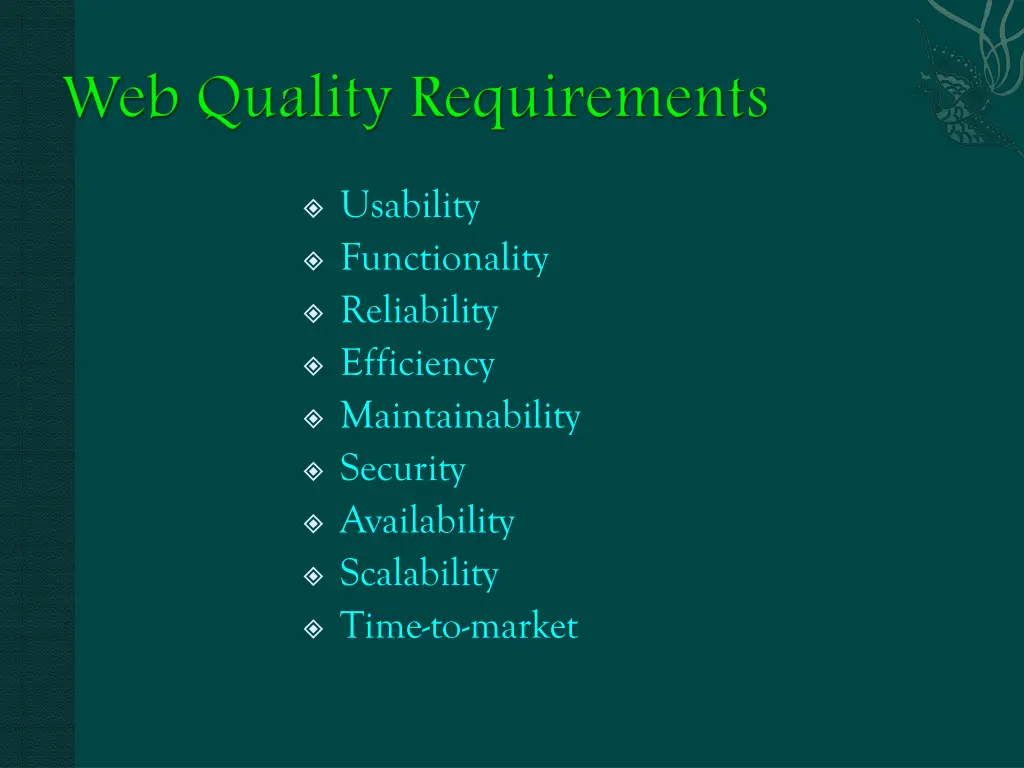
Usability Functionality Reliability Efficiency Maintainability Security Availability Scalability Time-to-market
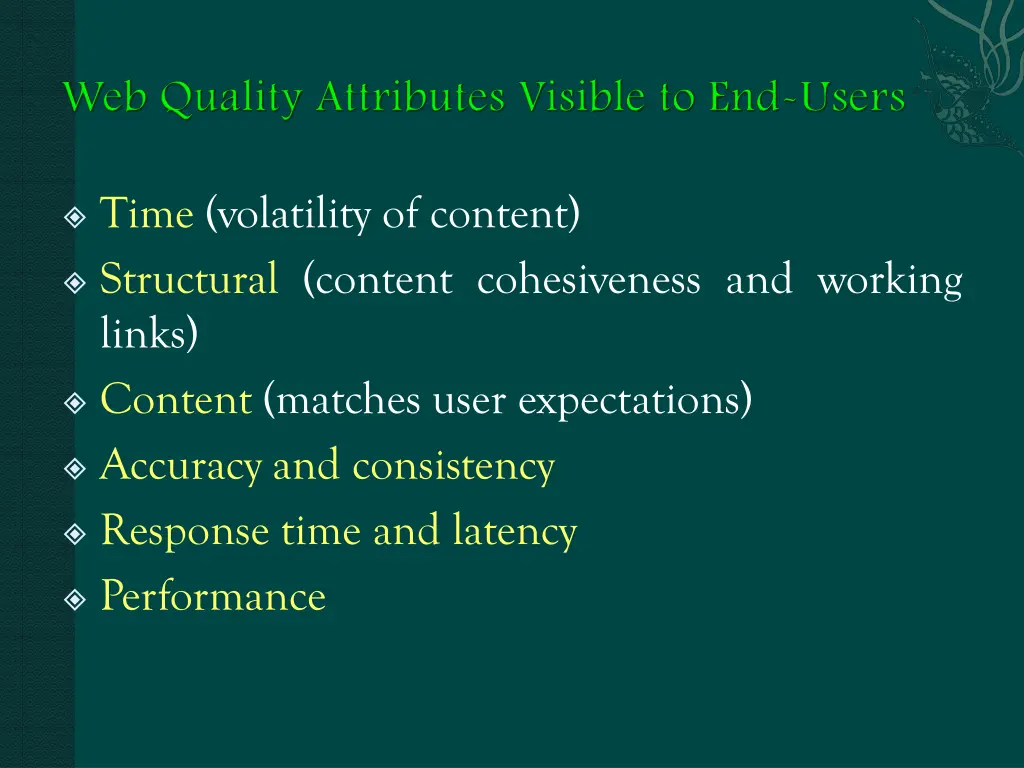
Time (volatility of content) Structural (content cohesiveness and working links) Content (matches user expectations) Accuracy and consistency Response time and latency Performance
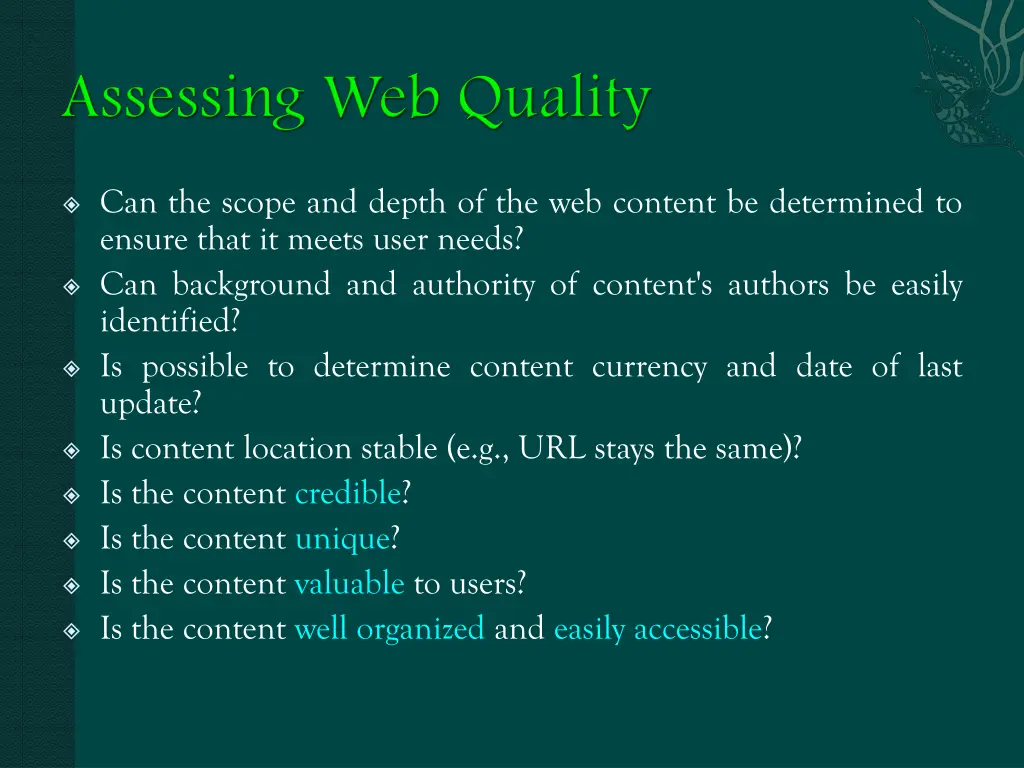
Can the scope and depth of the web content be determined to ensure that it meets user needs? Can background and authority of content's authors be easily identified? Is possible to determine content currency and date of last update? Is content location stable (e.g., URL stays the same)? Is the content credible? Is the content unique? Is the content valuable to users? Is the content well organized and easily accessible?
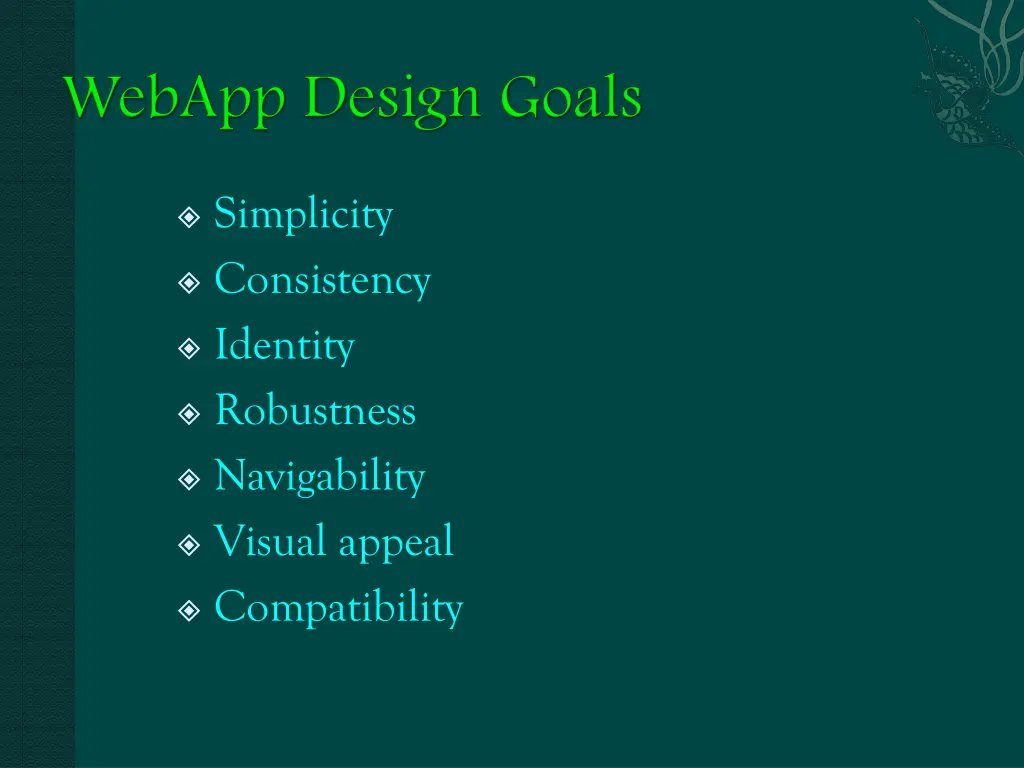
Simplicity Consistency Identity Robustness Navigability Visual appeal Compatibility
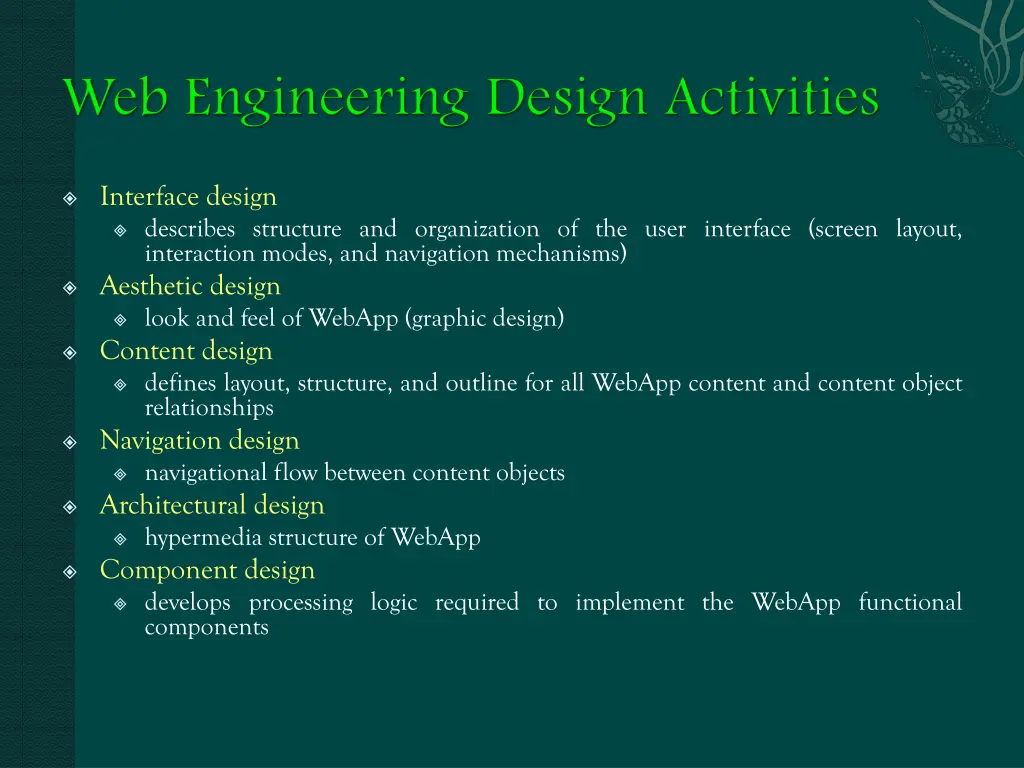
Interface design describes structure and organization of the user interface (screen layout, interaction modes, and navigation mechanisms) Aesthetic design look and feel of WebApp (graphic design) Content design defines layout, structure, and outline for all WebApp content and content object relationships Navigation design navigational flow between content objects Architectural design hypermedia structure of WebApp Component design develops processing logic required to implement the WebApp functional components
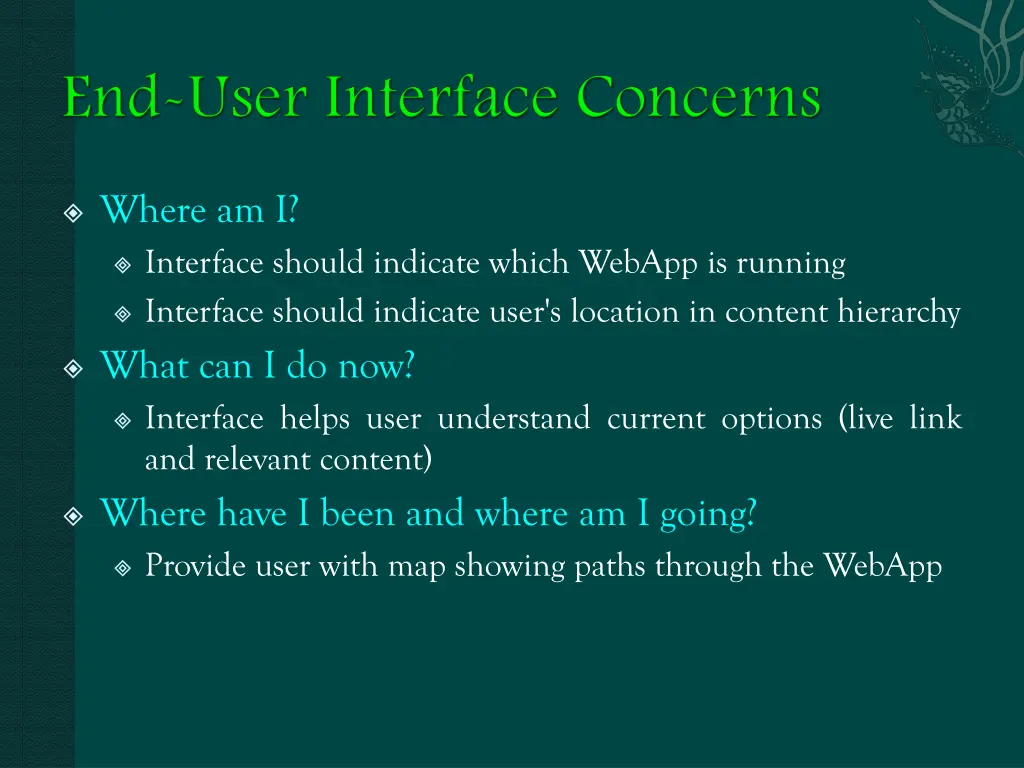
Where am I? Interface should indicate which WebApp is running Interface should indicate user's location in content hierarchy What can I do now? Interface helps user understand current options (live link and relevant content) Where have I been and where am I going? Provide user with map showing paths through the WebApp
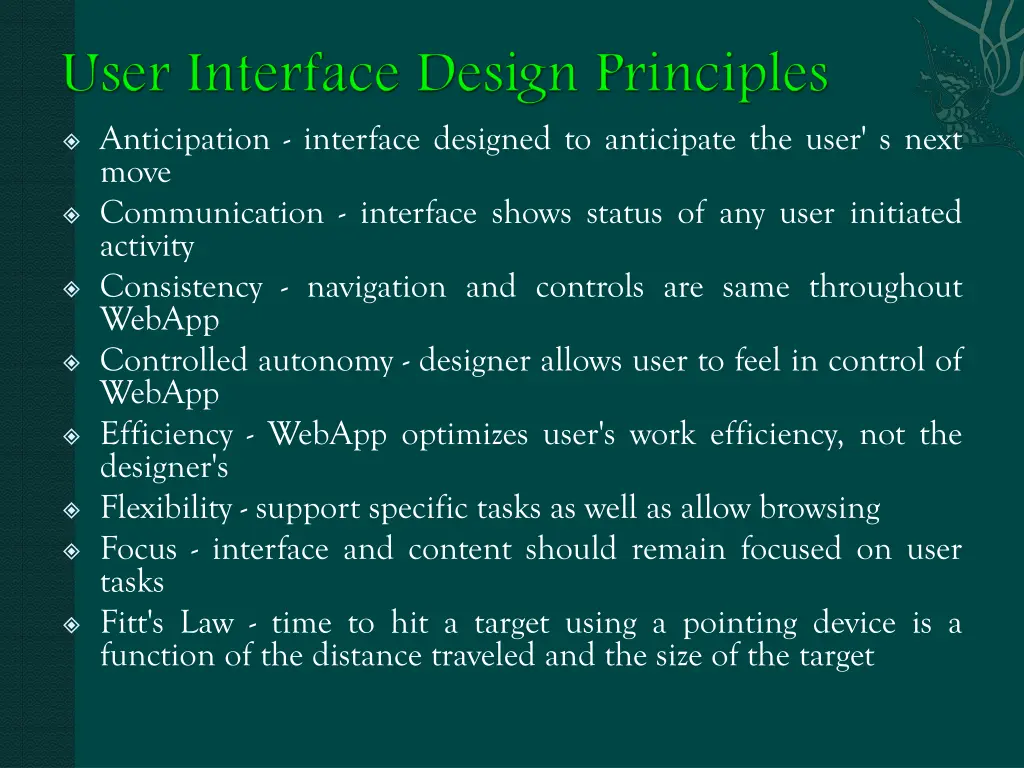
Anticipation - interface designed to anticipate the user' s next move Communication - interface shows status of any user initiated activity Consistency - navigation and controls are same throughout WebApp Controlled autonomy - designer allows user to feel in control of WebApp Efficiency - WebApp optimizes user's work efficiency, not the designer's Flexibility - support specific tasks as well as allow browsing Focus - interface and content should remain focused on user tasks Fitt's Law - time to hit a target using a pointing device is a function of the distance traveled and the size of the target
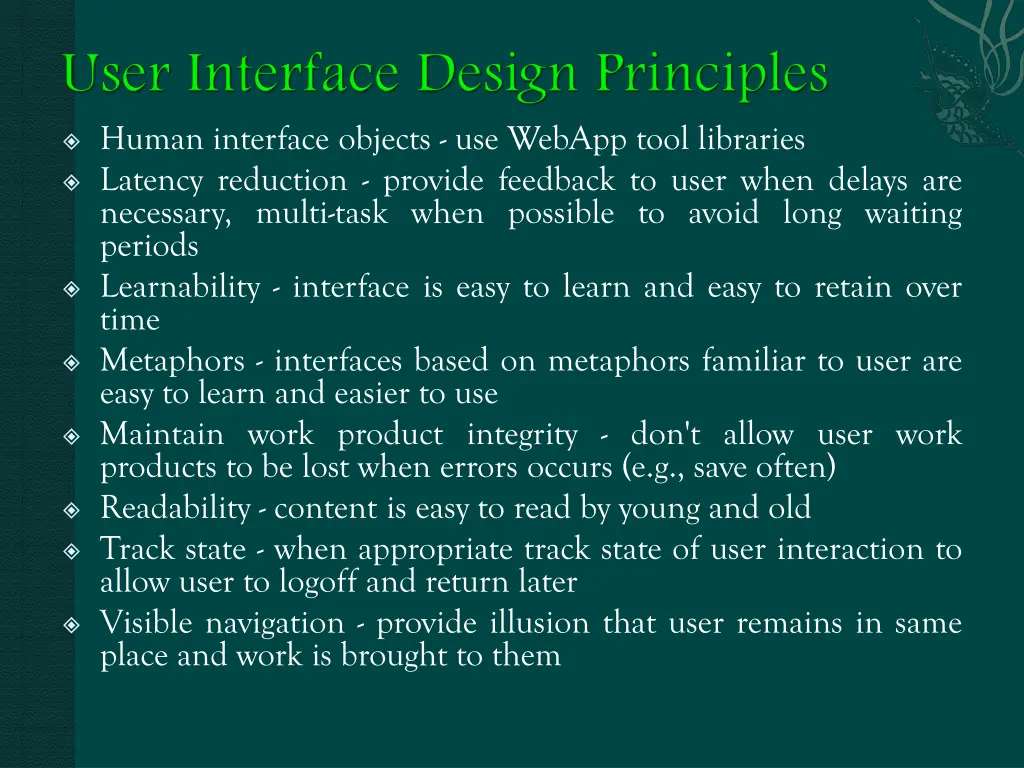
Human interface objects - use WebApp tool libraries Latency reduction - provide feedback to user when delays are necessary, multi-task when possible to avoid long waiting periods Learnability - interface is easy to learn and easy to retain over time Metaphors - interfaces based on metaphors familiar to user are easy to learn and easier to use Maintain work product integrity - don't allow user work products to be lost when errors occurs (e.g., save often) Readability - content is easy to read by young and old Track state - when appropriate track state of user interaction to allow user to logoff and return later Visible navigation - provide illusion that user remains in same place and work is brought to them
Minor server errors are likely to cause user to leave WebApp and look for an alternative site Reading speed on monitor is about 25% slower than for hardcopy Avoid "under construction" signs Users prefer not having to scroll to read content Navigation menus and headers should be designed consistently and be available on all pages available to the user Do not rely on browser functions to assist in navigation Aesthetics should never take precedence over application functionality Navigation should be obvious to causal users
Navigation menus Graphic icons (buttons, switches, etc.) Graphic images (used to implement links)
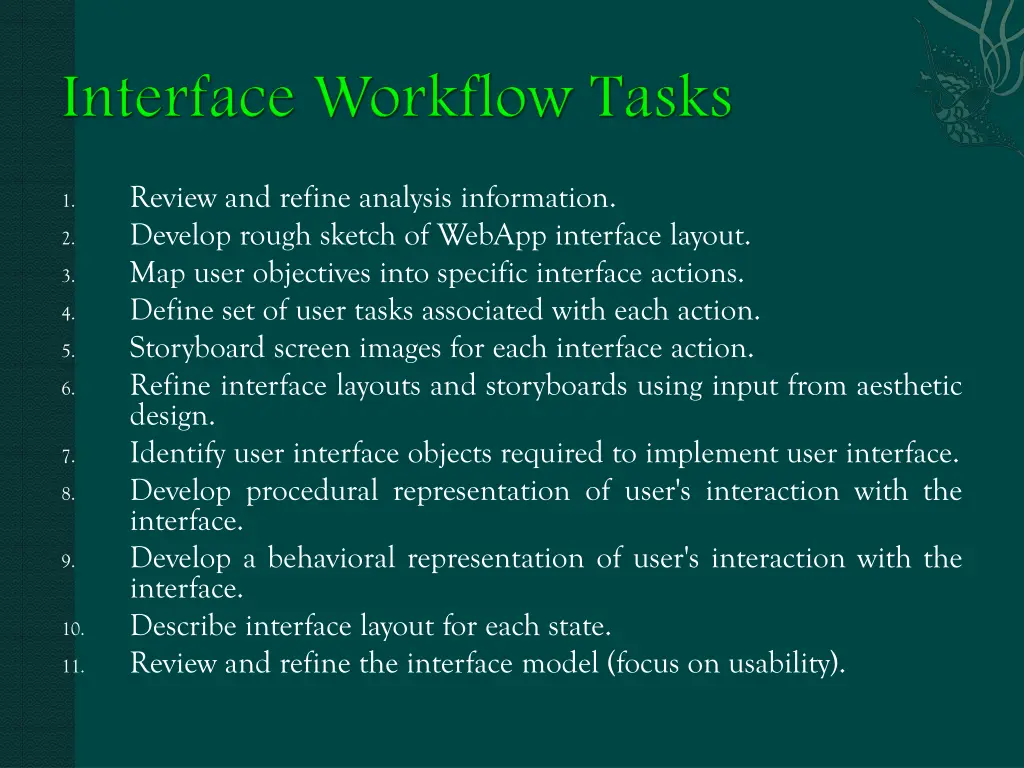
Review and refine analysis information. Develop rough sketch of WebApp interface layout. Map user objectives into specific interface actions. Define set of user tasks associated with each action. Storyboard screen images for each interface action. Refine interface layouts and storyboards using input from aesthetic design. Identify user interface objects required to implement user interface. Develop procedural representation of user's interaction with the interface. Develop a behavioral representation of user's interaction with the interface. Describe interface layout for each state. Review and refine the interface model (focus on usability). 1. 2. 3. 4. 5. 6. 7. 8. 9. 10. 11.
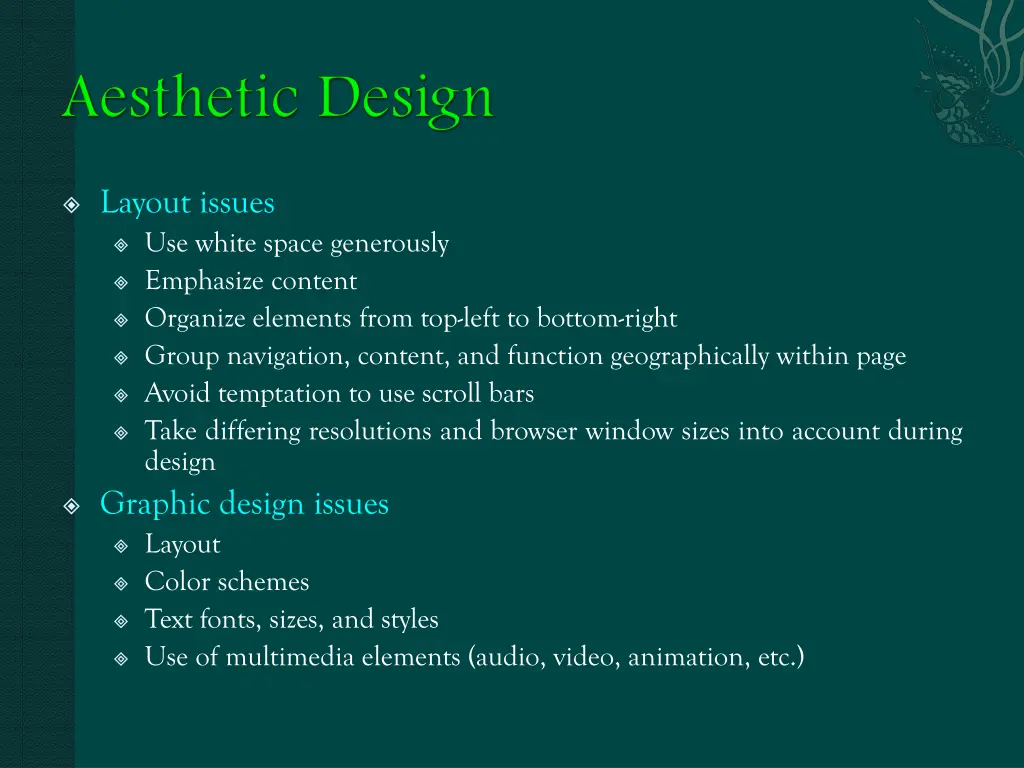
Layout issues Use white space generously Emphasize content Organize elements from top-left to bottom-right Group navigation, content, and function geographically within page Avoid temptation to use scroll bars Take differing resolutions and browser window sizes into account during design Graphic design issues Layout Color schemes Text fonts, sizes, and styles Use of multimedia elements (audio, video, animation, etc.)
Representations relationships (Web engineers) Analysis content objects modeled by UML associations and aggregations Representation of information within specific content objects (content authors) As content objects are designed they are "chunked" to form pages (based in user needs and content relationships) Aesthetic design may be applied to get the proper look and feel for the information for content objects and their
Sequential - used for linear content Conditional - allows user to choose between alternative content objects and allows return to current position Nested - allows branching to other content objects, but demands return to object where branching occurred Iterative - occurs when user goes through content object repeatedly with each iteration defining new state conditions and use of different links
Design principles and methods (high modularity, low coupling, information hiding, stepwise refinement, OO design methods) Golden rules (design applications) Design Patterns (can be applied to WebApp functional elements, documents, graphics, and general aesthetics) Templates (provide reusable skeletal frameworks for any design pattern or document used within the WebApp) heuristics for hypermedia
Content architecture focuses on the manner in which content objects are structured for presentation and navigation WebApp architecture addresses the manner in which the application is structured to manage user interaction, handle internal processing tasks, effect navigation, and present content (may be influenced by the nature of the development environment) Architectural design is often conducted in parallel with user interface design