Learn about the fundamental memory operations of read and write in computer systems, along with the types of memory units such as RAM and ROM. Explore the addressing schemes, read/write cycles, different types of memory chips, and the functions of input/output devices in computer systems.
Please find below an Image/Link to download the presentation.
The content on the website is provided AS IS for your information and personal use only. It may not be sold, licensed, or shared on other websites without obtaining consent from the author. If you encounter any issues during the download, it is possible that the publisher has removed the file from their server.
You are allowed to download the files provided on this website for personal or commercial use, subject to the condition that they are used lawfully. All files are the property of their respective owners.
The content on the website is provided AS IS for your information and personal use only. It may not be sold, licensed, or shared on other websites without obtaining consent from the author.
E N D
Presentation Transcript
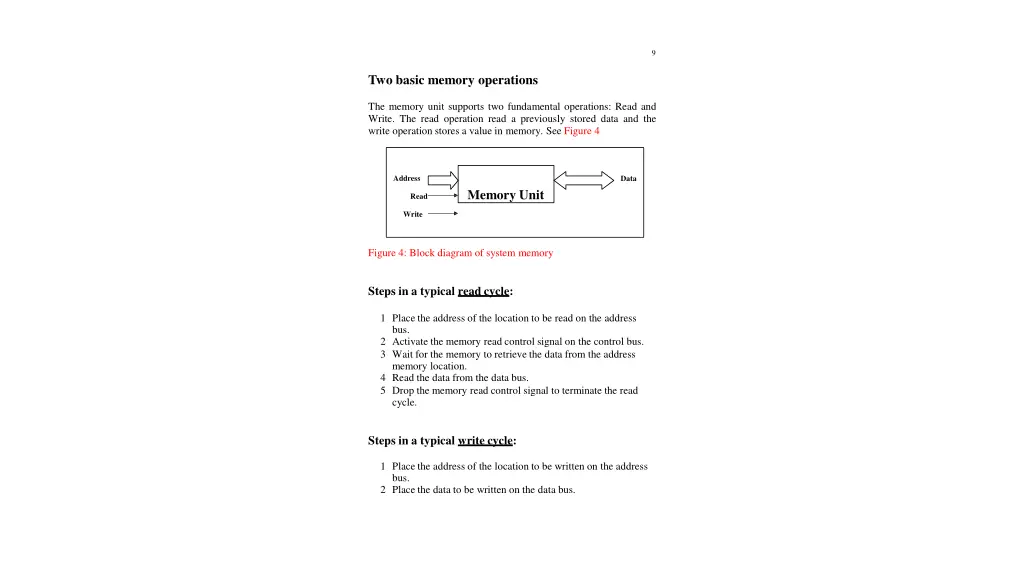
9 Two basic memory operations The memory unit supports two fundamental operations: Read and Write. The read operation read a previously stored data and the write operation stores a value in memory. See Figure 4 Address Data Memory Unit Read Write Figure 4: Block diagram of system memory Steps in a typical read cycle: 1 Place the address of the location to be read on the address bus. 2 Activate the memory read control signal on the control bus. 3 Wait for the memory to retrieve the data from the address memory location. 4 Read the data from the data bus. 5 Drop the memory read control signal to terminate the read cycle. Steps in a typical write cycle: 1 Place the address of the location to be written on the address bus. 2 Place the data to be written on the data bus.
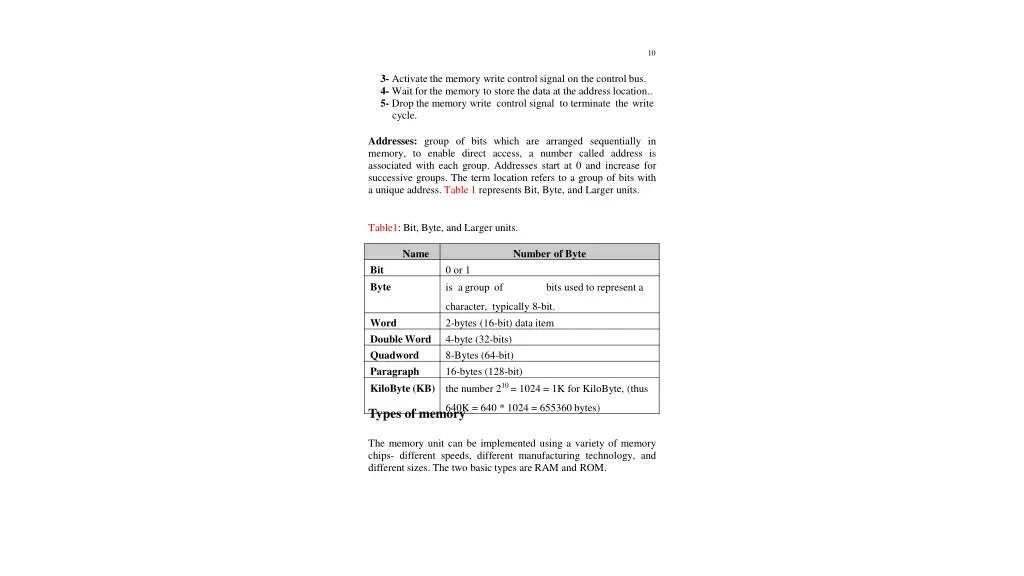
10 3- Activate the memory write control signal on the control bus. 4- Wait for the memory to store the data at the address location.. 5- Drop the memory write control signal to terminate the write cycle. Addresses: group of bits which are arranged sequentially in memory, to enable direct access, a number called address is associated with each group. Addresses start at 0 and increase for successive groups. The term location refers to a group of bits with a unique address. Table 1 represents Bit, Byte, and Larger units. Table1: Bit, Byte, and Larger units. Name Number of Byte Bit Byte 0 or 1 is agroup of bits used to represent a character, typically 8-bit. 2-bytes (16-bit) data item 4-byte (32-bits) 8-Bytes (64-bit) 16-bytes (128-bit) the number 210 = 1024 = 1K for KiloByte, (thus Word DoubleWord Quadword Paragraph KiloByte (KB) 640K = 640 * 1024 = 655360 bytes) Types of memory The memory unit can be implemented using a variety of memory chips- different speeds, different manufacturing technology, and different sizes. The two basic types are RAM and ROM.
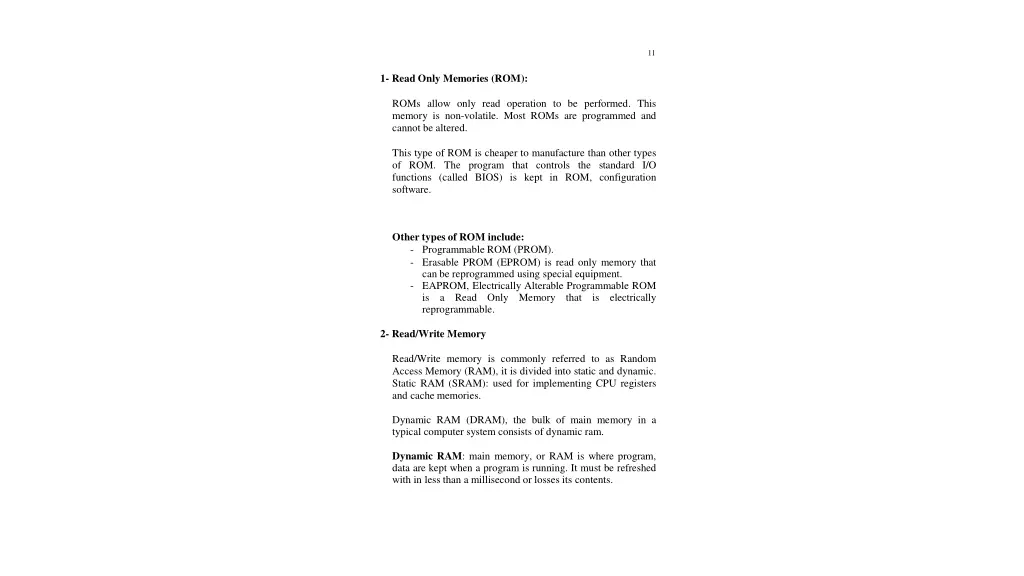
11 1- Read Only Memories (ROM): ROMs allow only read operation to be performed. This memory is non-volatile. Most ROMs are programmed and cannot be altered. This type of ROM is cheaper to manufacture than other types of ROM. The program that controls the standard I/O functions (called BIOS) is kept in ROM, configuration software. Other types of ROM include: - Programmable ROM (PROM). - Erasable PROM (EPROM) is read only memory that can be reprogrammed using special equipment. - EAPROM, Electrically Alterable Programmable ROM is a Read Only Memory reprogrammable. that is electrically 2- Read/Write Memory Read/Write memory is commonly referred to as Random Access Memory (RAM), it is divided into static and dynamic. Static RAM (SRAM): used for implementing CPU registers and cache memories. Dynamic RAM (DRAM), the bulk of main memory in a typical computer system consists of dynamic ram. Dynamic RAM: main memory, or RAM is where program, data are kept when a program is running. It must be refreshed with in less than a millisecond or losses its contents.
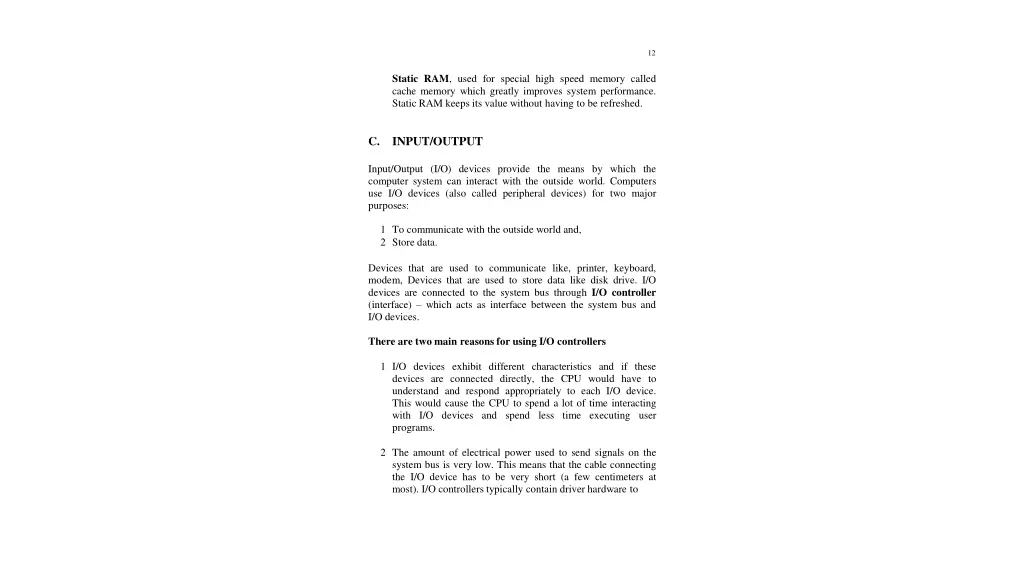
12 Static RAM, used for special high speed memory called cache memory which greatly improves system performance. Static RAM keeps its value without having to be refreshed. C. INPUT/OUTPUT Input/Output (I/O) devices provide the means by which the computer system can interact with the outside world. Computers use I/O devices (also called peripheral devices) for two major purposes: 1 To communicate with the outside world and, 2 Store data. Devices that are used to communicate like, printer, keyboard, modem, Devices that are used to store data like disk drive. I/O devices are connected to the system bus through I/O controller (interface) which acts as interface between the system bus and I/O devices. There are two main reasons for using I/O controllers 1 I/O devices exhibit different characteristics and if these devices are connected directly, the CPU would have to understand and respond appropriately to each I/O device. This would cause the CPU to spend a lot of time interacting with I/O devices and spend less time executing user programs. 2 The amount of electrical power used to send signals on the system bus is very low. This means that the cable connecting the I/O device has to be very short (a few centimeters at most). I/O controllers typically contain driver hardware to