Binary Coded Records and Data Conversion in Object-Oriented Programming
Learn about binary coded files, data types conversion to binary, and writing structured data into binary format in Object-Oriented Programming. Understand how to store, secure, and retrieve records using proper streams for effective data management.

Download Presentation

Please find below an Image/Link to download the presentation.
The content on the website is provided AS IS for your information and personal use only. It may not be sold, licensed, or shared on other websites without obtaining consent from the author. If you encounter any issues during the download, it is possible that the publisher has removed the file from their server.
You are allowed to download the files provided on this website for personal or commercial use, subject to the condition that they are used lawfully. All files are the property of their respective owners.
The content on the website is provided AS IS for your information and personal use only. It may not be sold, licensed, or shared on other websites without obtaining consent from the author.
E N D
Presentation Transcript
CS 116 Object Oriented Programming II Lecture 12 Acknowledgement: Contains materials provided by George Koutsogiannakis and Matt Bauer
Topics Read and Write to Binary File Writing objects into a File. Reading objects from a File. Text book chapter 11 (pg. 782-795) 2
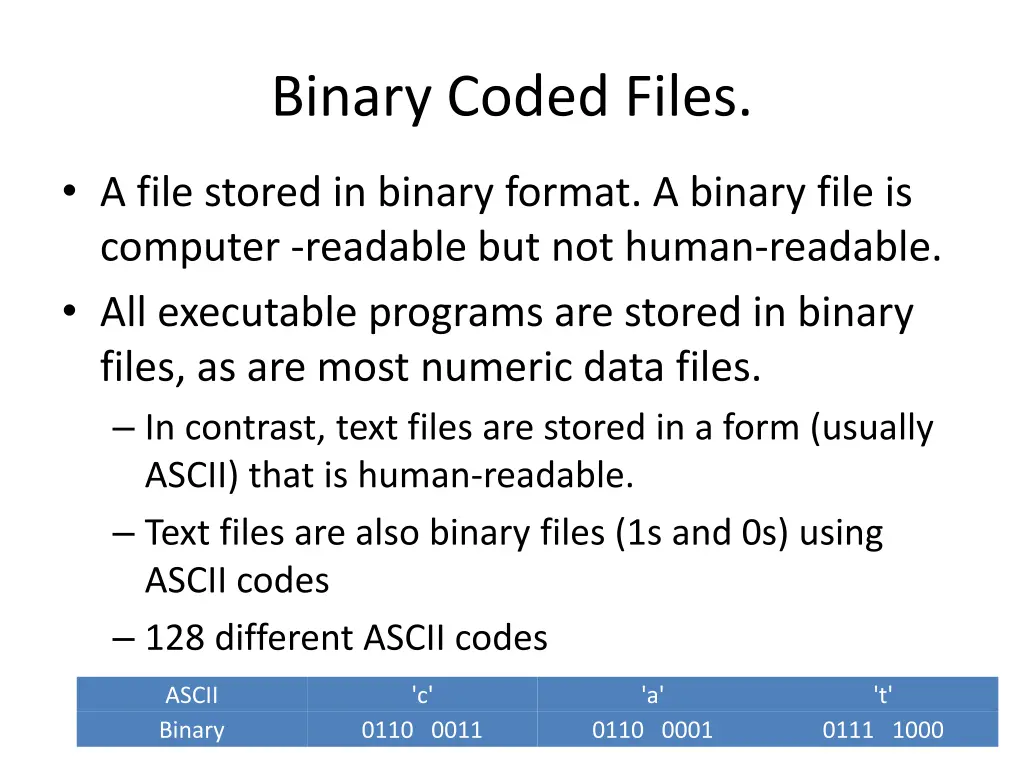
Binary Coded Files. A file stored in binary format. A binary file is computer -readable but not human-readable. All executable programs are stored in binary files, as are most numeric data files. In contrast, text files are stored in a form (usually ASCII) that is human-readable. Text files are also binary files (1s and 0s) using ASCII codes 128 different ASCII codes ASCII Binary 'c' 'a' 't' 0110 0011 0110 0001 0111 1000 3
Binary Coded Files Every primitive data type can be converted into a binary coded version of the data type. The java.io package has classes with methods that allow us to convert each data type to its binary coded version and write it (or read it from) in a file. This technique can be used when structured data is to be recorded in a file. 4
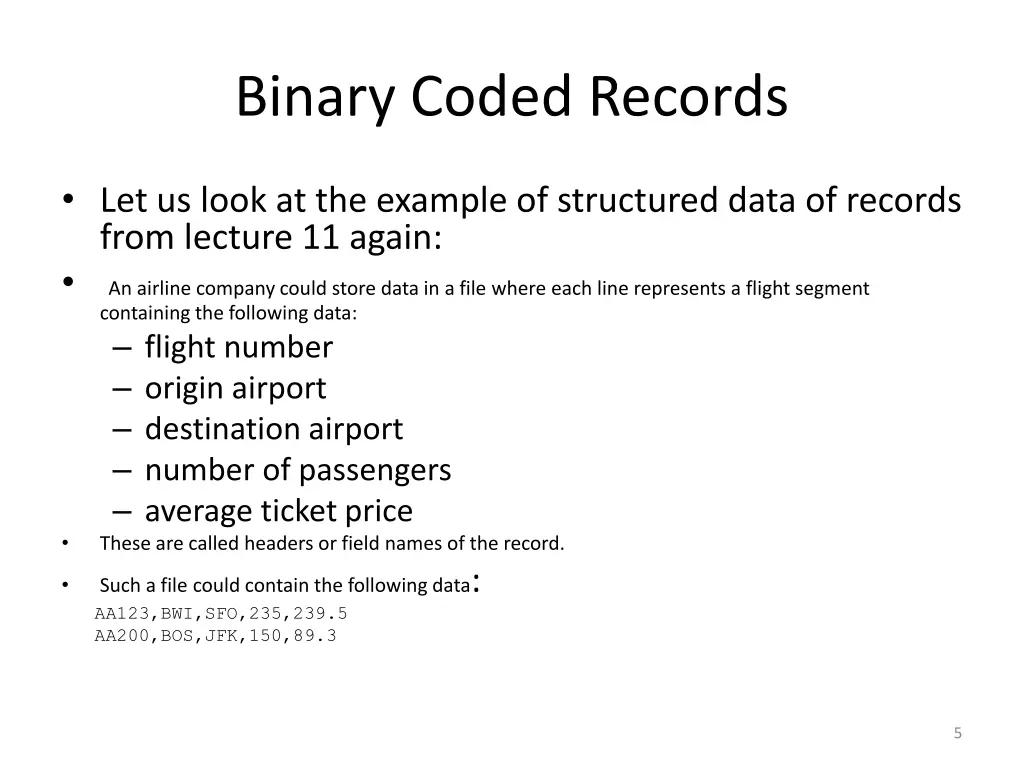
Binary Coded Records Let us look at the example of structured data of records from lecture 11 again: An airline company could store data in a file where each line represents a flight segment containing the following data: flight number origin airport destination airport number of passengers average ticket price These are called headers or field names of the record. Such a file could contain the following data: AA123,BWI,SFO,235,239.5 AA200,BOS,JFK,150,89.3 5
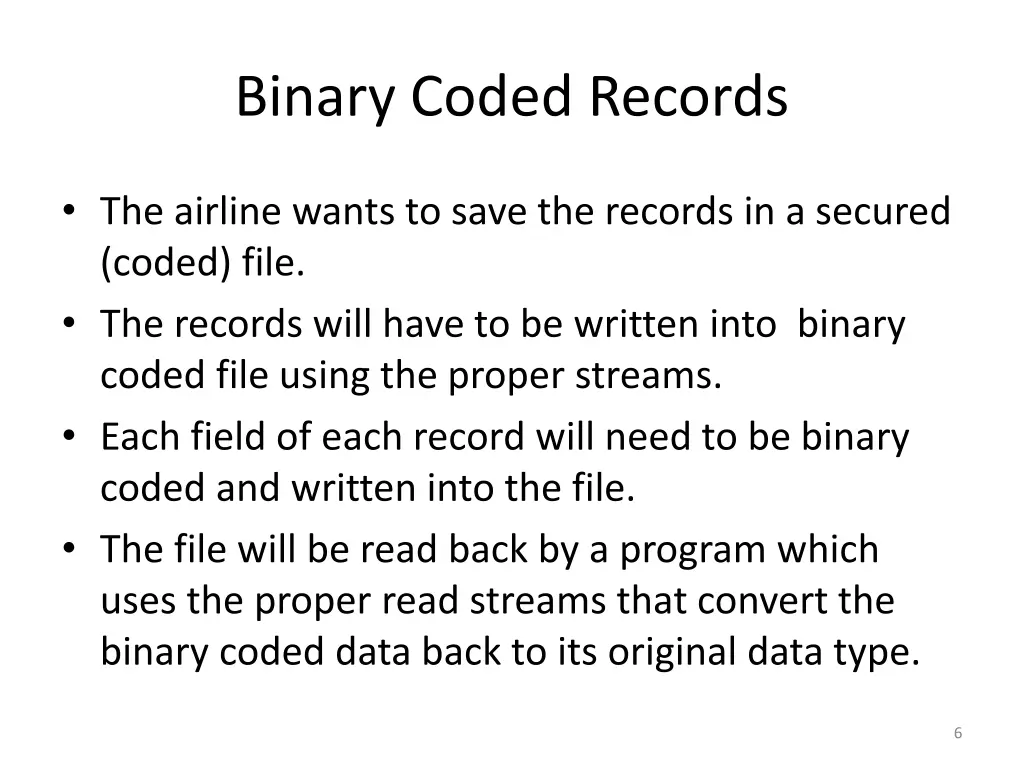
Binary Coded Records The airline wants to save the records in a secured (coded) file. The records will have to be written into binary coded file using the proper streams. Each field of each record will need to be binary coded and written into the file. The file will be read back by a program which uses the proper read streams that convert the binary coded data back to its original data type. 6
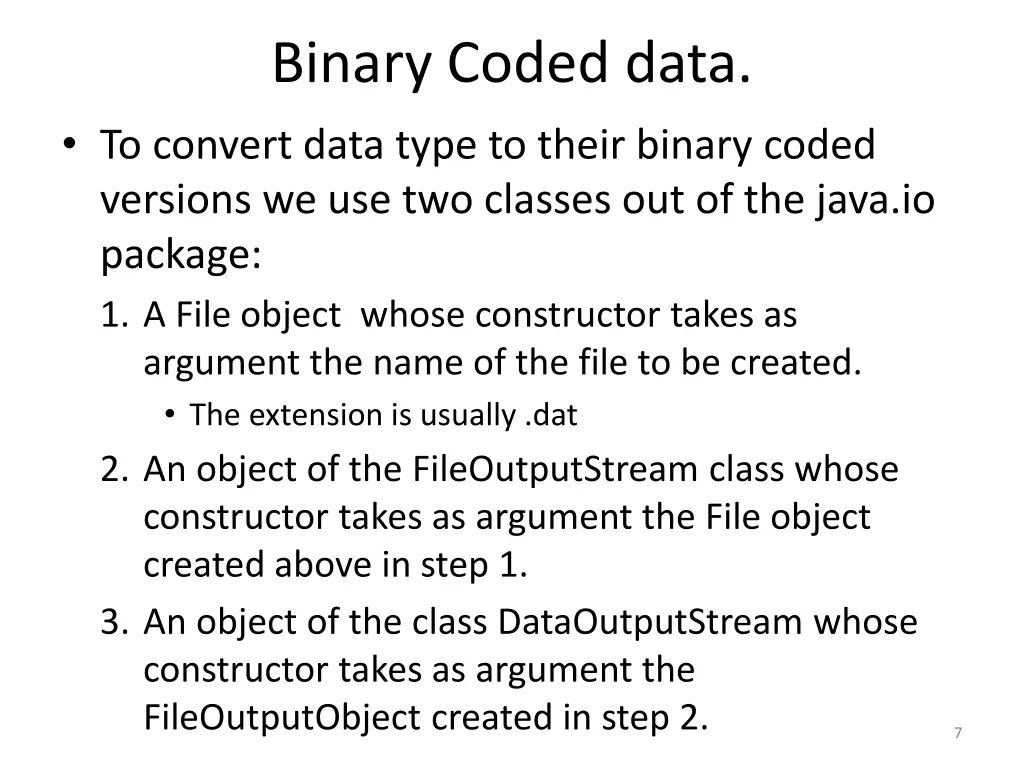
Binary Coded data. To convert data type to their binary coded versions we use two classes out of the java.io package: 1. A File object whose constructor takes as argument the name of the file to be created. The extension is usually .dat 2. An object of the FileOutputStream class whose constructor takes as argument the File object created above in step 1. 3. An object of the class DataOutputStream whose constructor takes as argument the FileOutputObject created in step 2. 7
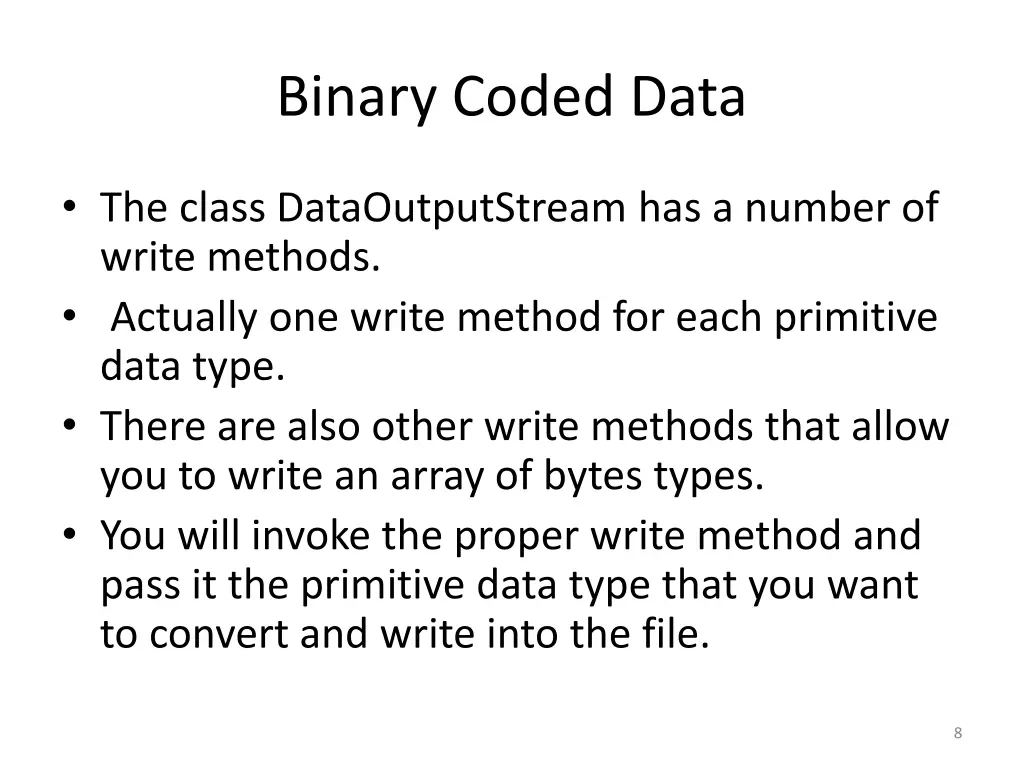
Binary Coded Data The class DataOutputStream has a number of write methods. Actually one write method for each primitive data type. There are also other write methods that allow you to write an array of bytes types. You will invoke the proper write method and pass it the primitive data type that you want to convert and write into the file. 8
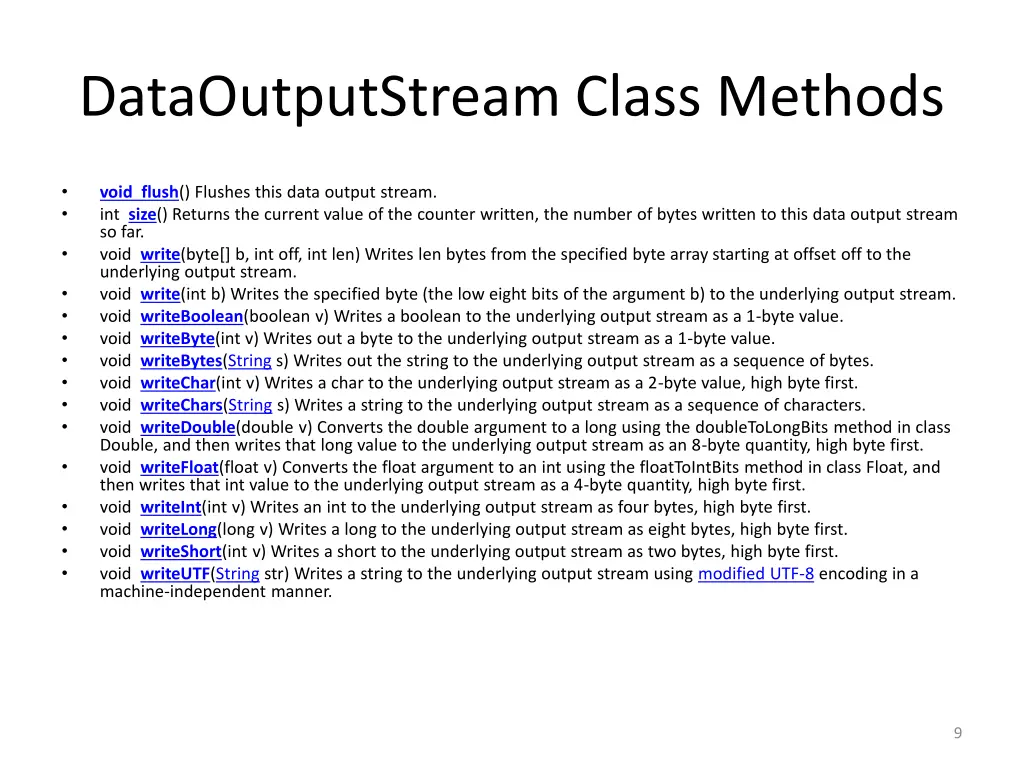
DataOutputStream Class Methods void flush() Flushes this data output stream. int size() Returns the current value of the counter written, the number of bytes written to this data output stream so far. void write(byte[] b, int off, int len) Writes len bytes from the specified byte array starting at offset off to the underlying output stream. void write(int b) Writes the specified byte (the low eight bits of the argument b) to the underlying output stream. void writeBoolean(boolean v) Writes a boolean to the underlying output stream as a 1-byte value. void writeByte(int v) Writes out a byte to the underlying output stream as a 1-byte value. void writeBytes(String s) Writes out the string to the underlying output stream as a sequence of bytes. void writeChar(int v) Writes a char to the underlying output stream as a 2-byte value, high byte first. void writeChars(String s) Writes a string to the underlying output stream as a sequence of characters. void writeDouble(double v) Converts the double argument to a long using the doubleToLongBits method in class Double, and then writes that long value to the underlying output stream as an 8-byte quantity, high byte first. void writeFloat(float v) Converts the float argument to an int using the floatToIntBits method in class Float, and then writes that int value to the underlying output stream as a 4-byte quantity, high byte first. void writeInt(int v) Writes an int to the underlying output stream as four bytes, high byte first. void writeLong(long v) Writes a long to the underlying output stream as eight bytes, high byte first. void writeShort(int v) Writes a short to the underlying output stream as two bytes, high byte first. void writeUTF(String str) Writes a string to the underlying output stream using modified UTF-8 encoding in a machine-independent manner. 9
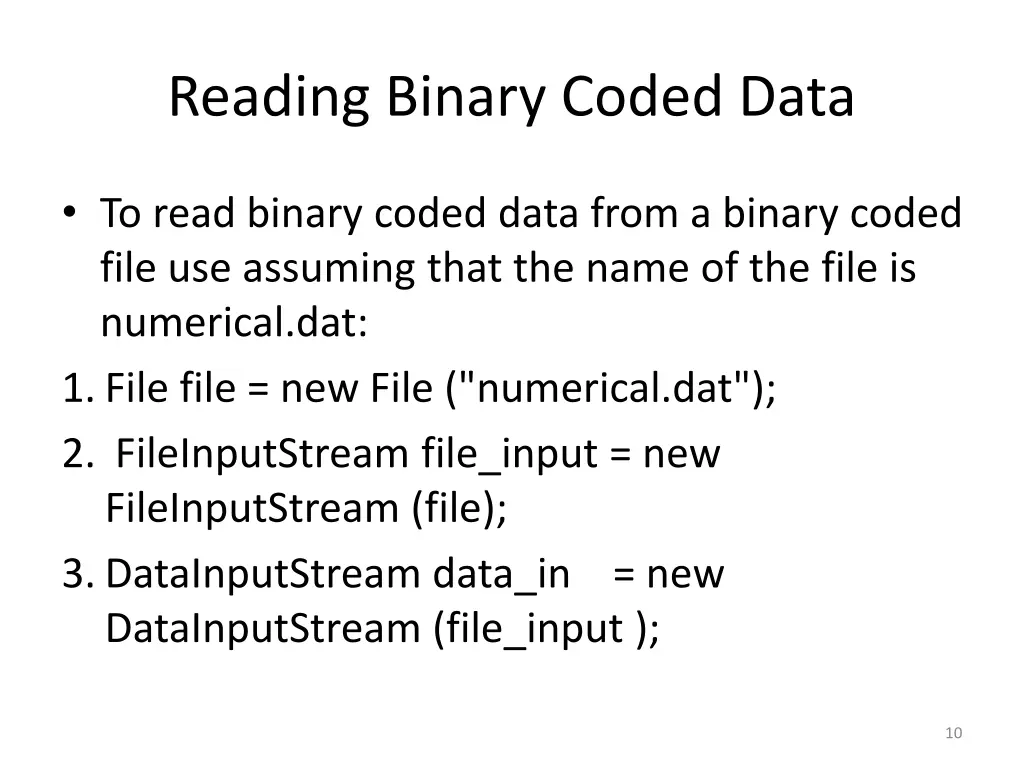
Reading Binary Coded Data To read binary coded data from a binary coded file use assuming that the name of the file is numerical.dat: 1.File file = new File ("numerical.dat"); 2. FileInputStream file_input = new FileInputStream (file); 3.DataInputStream data_in = new DataInputStream (file_input ); 10
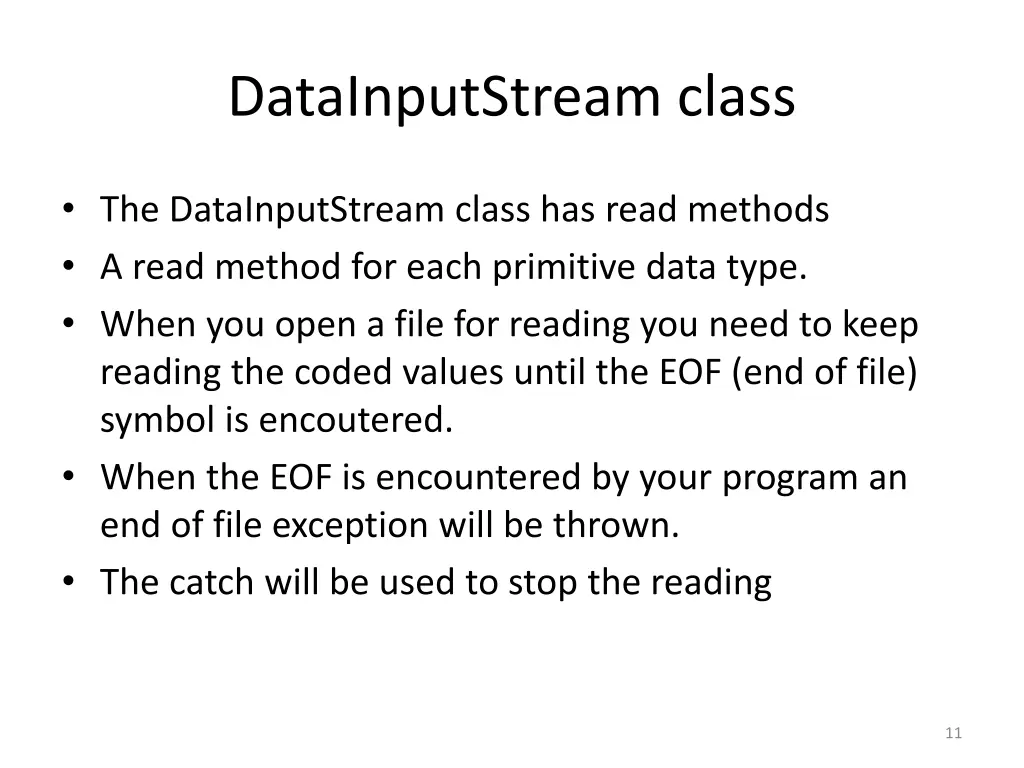
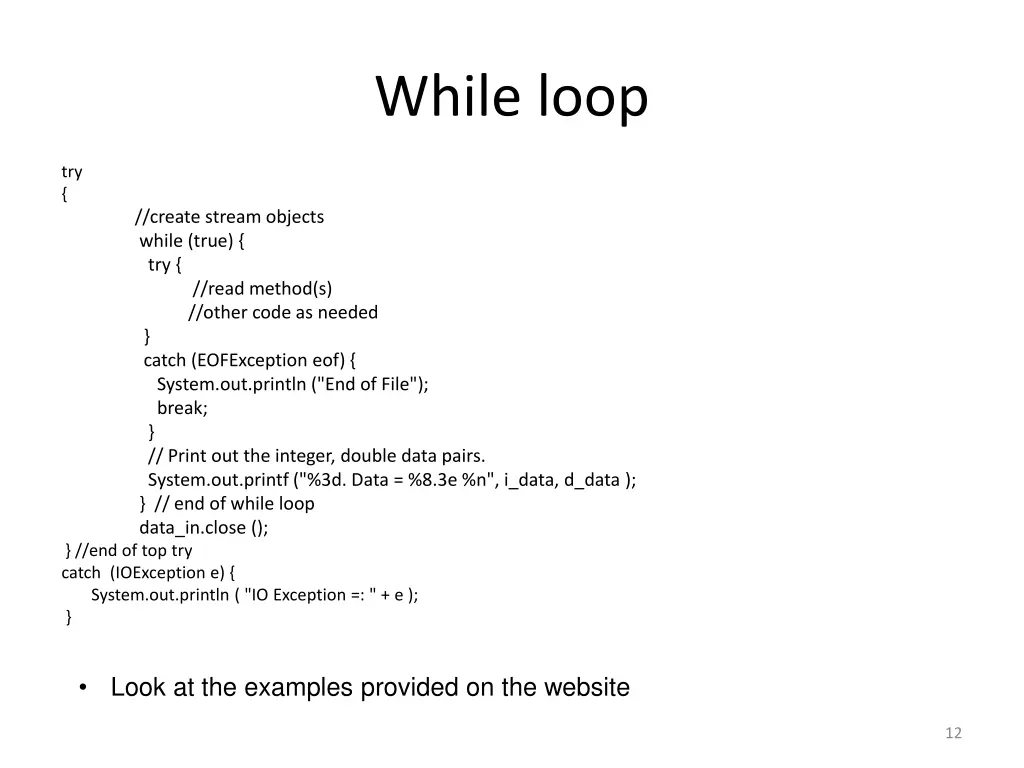
DataInputStream class The DataInputStream class has read methods A read method for each primitive data type. When you open a file for reading you need to keep reading the coded values until the EOF (end of file) symbol is encoutered. When the EOF is encountered by your program an end of file exception will be thrown. The catch will be used to stop the reading 11
While loop try { //create stream objects while (true) { try { //read method(s) //other code as needed } catch (EOFException eof) { System.out.println ("End of File"); break; } // Print out the integer, double data pairs. System.out.printf ("%3d. Data = %8.3e %n", i_data, d_data ); } // end of while loop data_in.close (); } //end of top try catch (IOException e) { System.out.println ( "IO Exception =: " + e ); } Look at the examples provided on the website 12
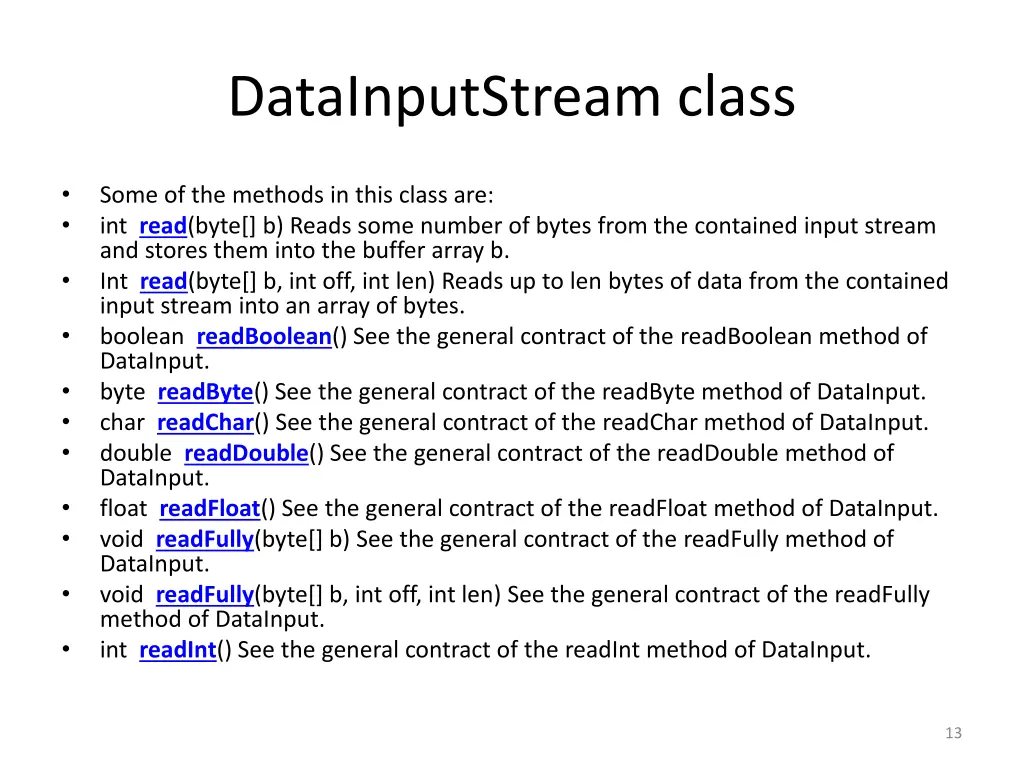
DataInputStream class Some of the methods in this class are: int read(byte[] b) Reads some number of bytes from the contained input stream and stores them into the buffer array b. Int read(byte[] b, int off, int len) Reads up to len bytes of data from the contained input stream into an array of bytes. boolean readBoolean() See the general contract of the readBoolean method of DataInput. byte readByte() See the general contract of the readByte method of DataInput. char readChar() See the general contract of the readChar method of DataInput. double readDouble() See the general contract of the readDouble method of DataInput. float readFloat() See the general contract of the readFloat method of DataInput. void readFully(byte[] b) See the general contract of the readFully method of DataInput. void readFully(byte[] b, int off, int len) See the general contract of the readFully method of DataInput. int readInt() See the general contract of the readInt method of DataInput. 13
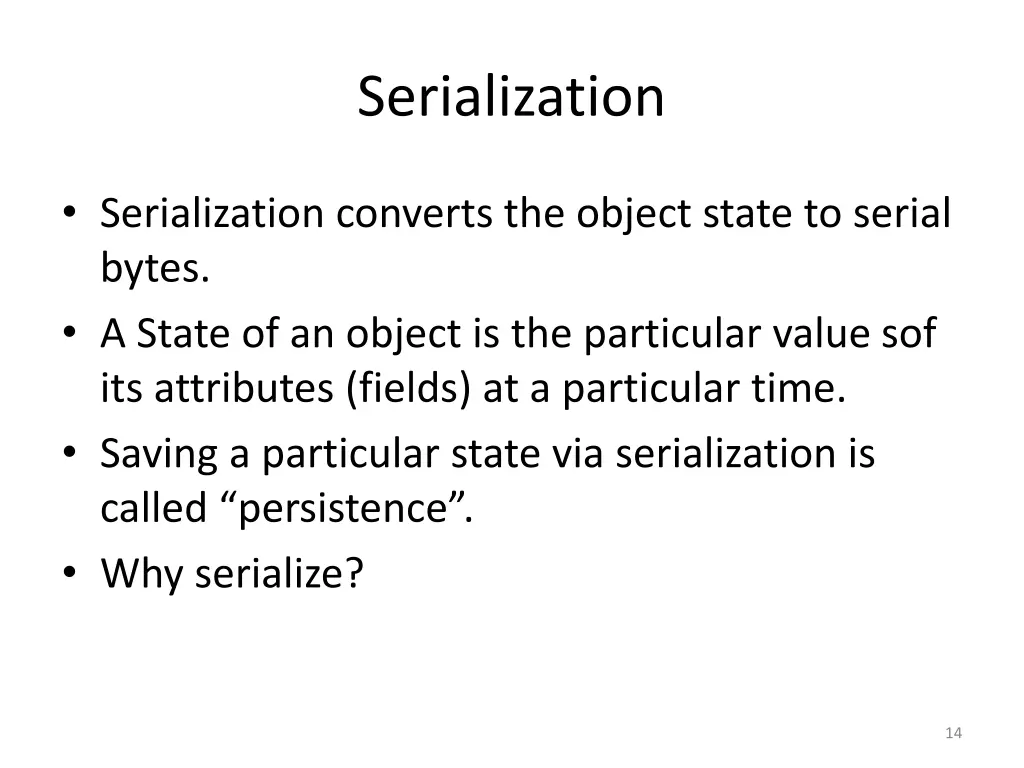
Serialization Serialization converts the object state to serial bytes. A State of an object is the particular value sof its attributes (fields) at a particular time. Saving a particular state via serialization is called persistence . Why serialize? 14
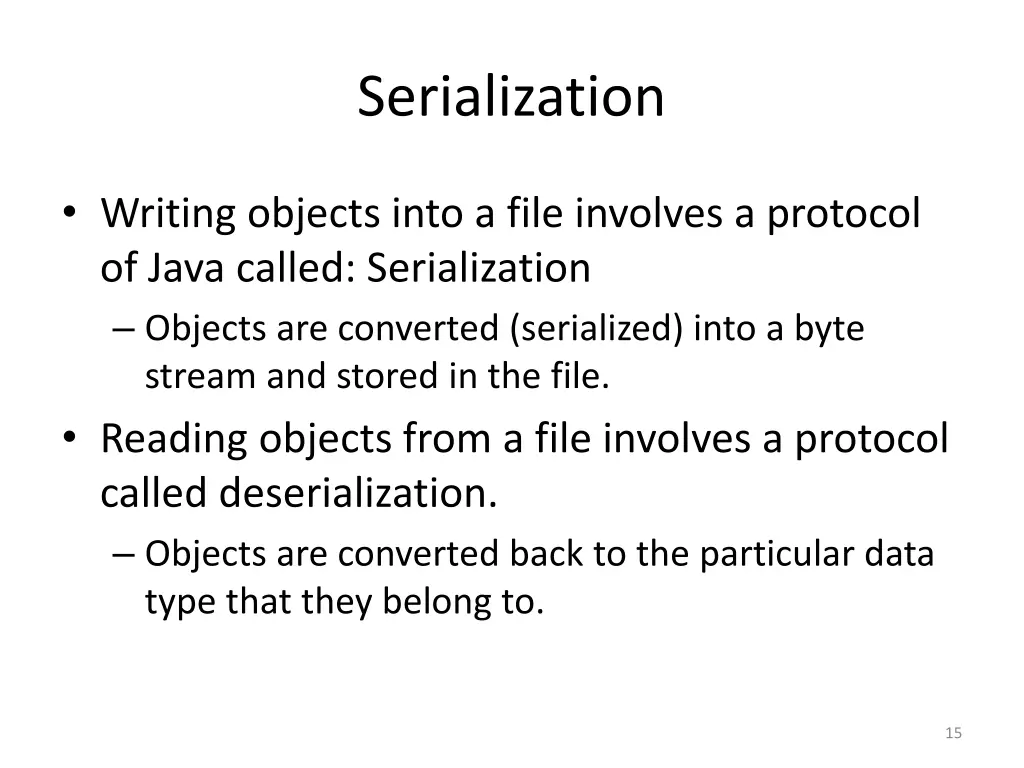
Serialization Writing objects into a file involves a protocol of Java called: Serialization Objects are converted (serialized) into a byte stream and stored in the file. Reading objects from a file involves a protocol called deserialization. Objects are converted back to the particular data type that they belong to. 15
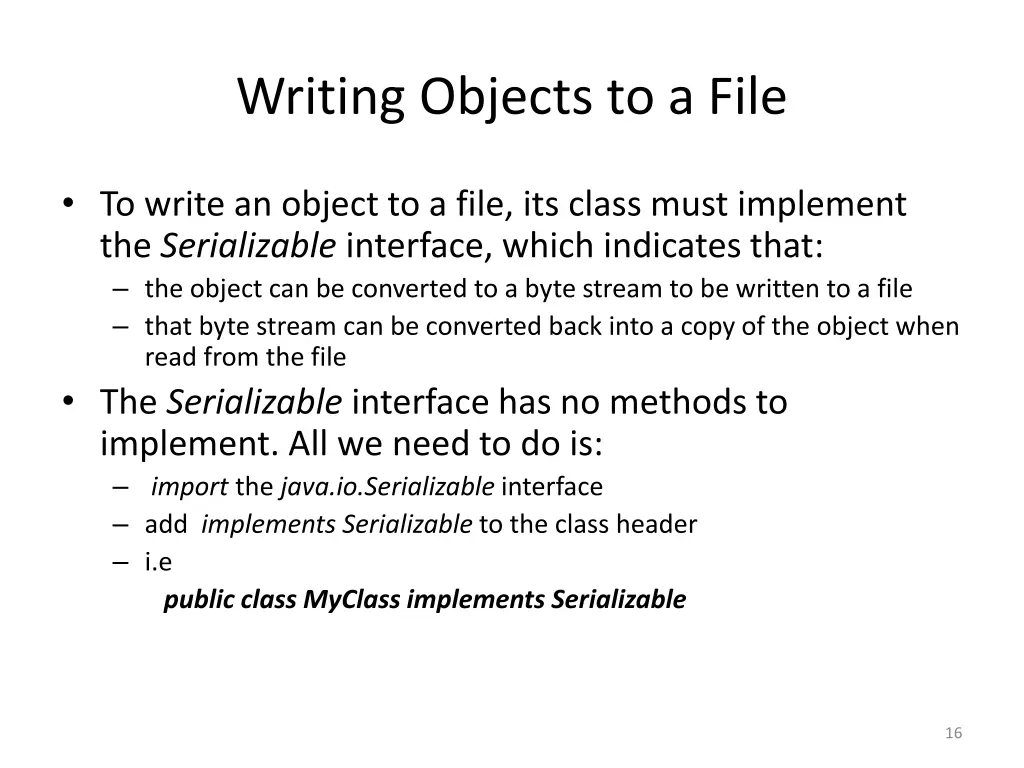
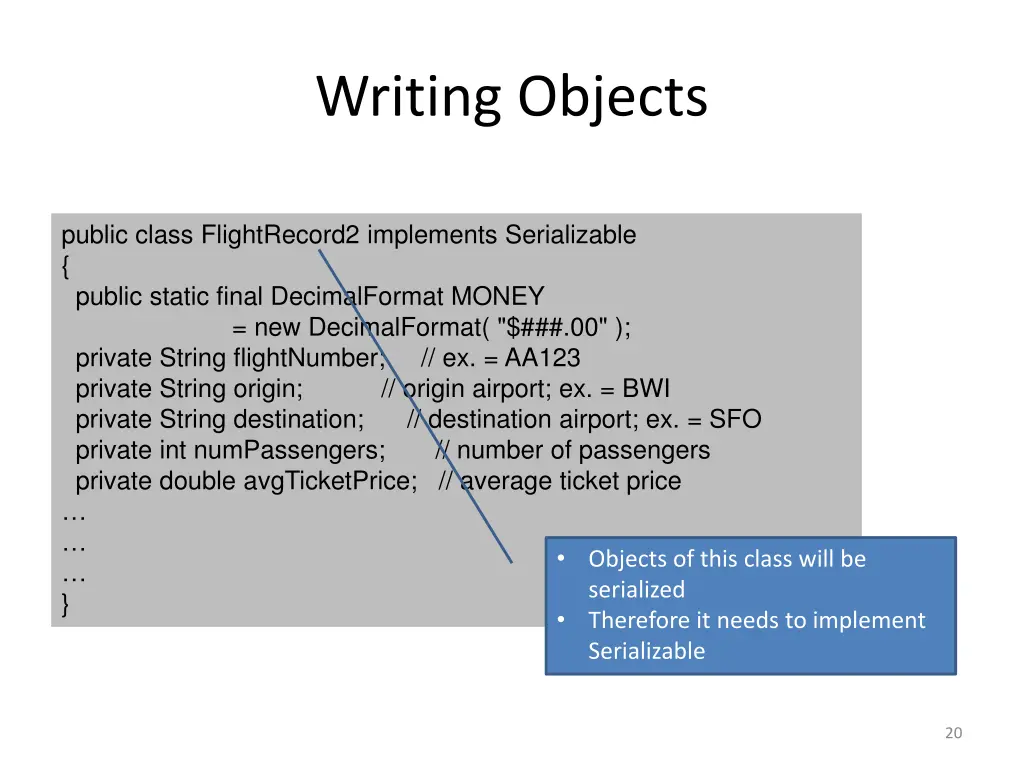
Writing Objects to a File To write an object to a file, its class must implement the Serializable interface, which indicates that: the object can be converted to a byte stream to be written to a file that byte stream can be converted back into a copy of the object when read from the file The Serializable interface has no methods to implement. All we need to do is: import the java.io.Serializable interface add implementsSerializable to the class header i.e public class MyClass implements Serializable 16
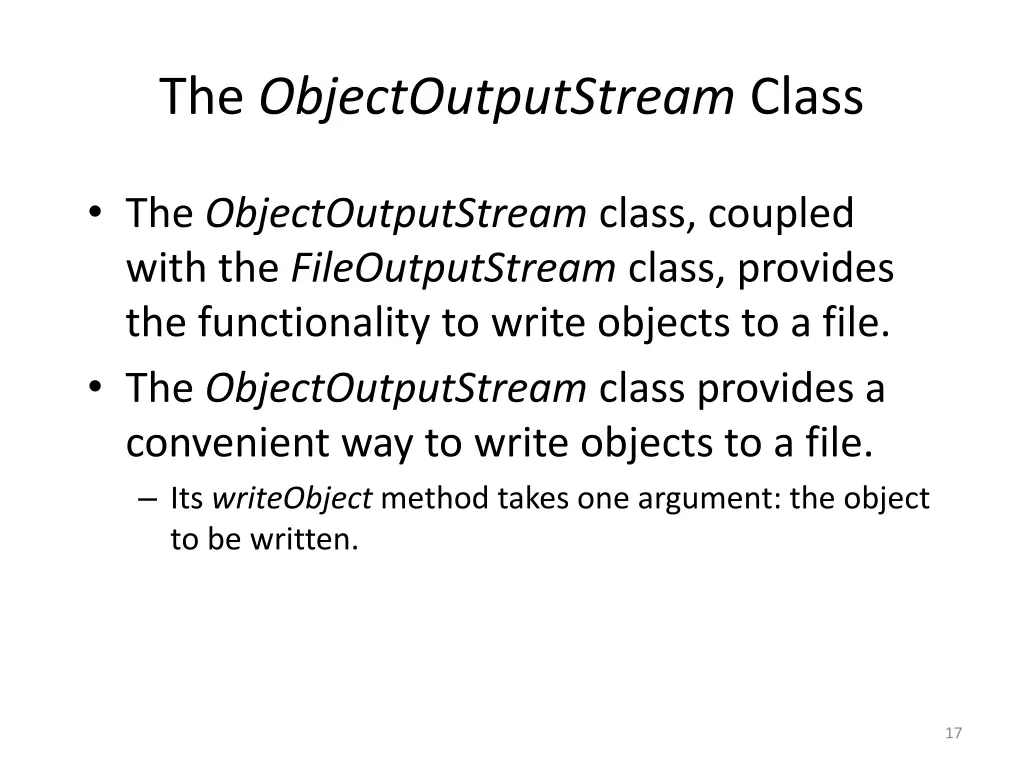
The ObjectOutputStream Class The ObjectOutputStream class, coupled with the FileOutputStream class, provides the functionality to write objects to a file. The ObjectOutputStream class provides a convenient way to write objects to a file. Its writeObject method takes one argument: the object to be written. 17
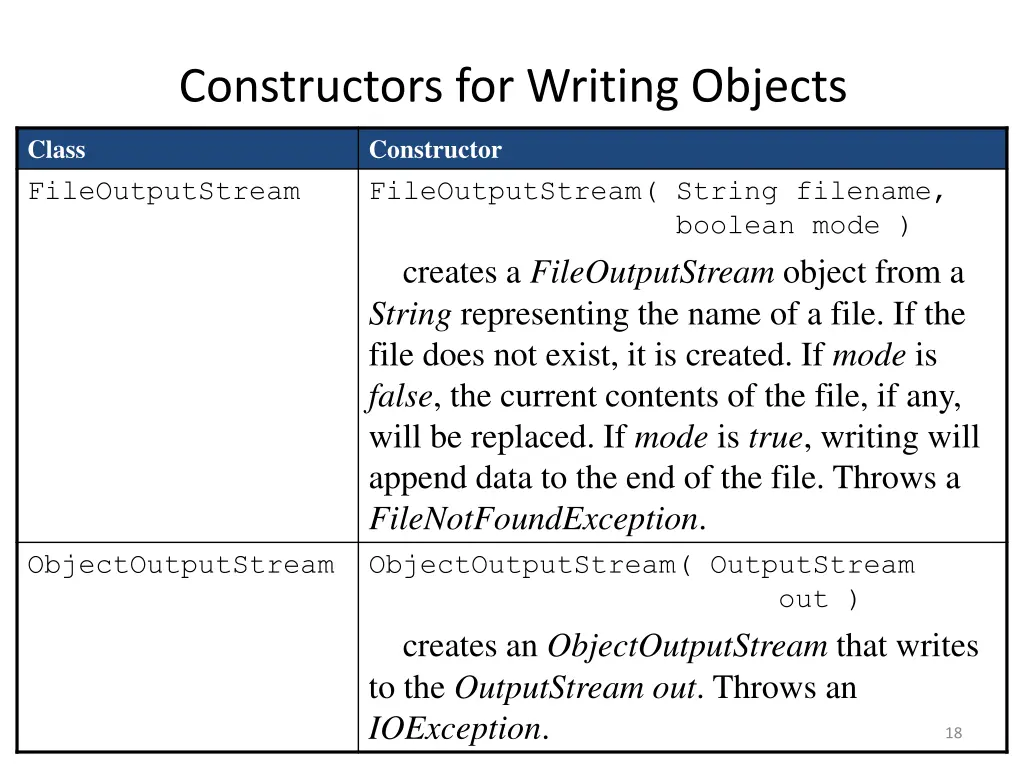
Constructors for Writing Objects Class FileOutputStream Constructor FileOutputStream( String filename, boolean mode ) creates a FileOutputStream object from a String representing the name of a file. If the file does not exist, it is created. If mode is false, the current contents of the file, if any, will be replaced. If mode is true, writing will append data to the end of the file. Throws a FileNotFoundException. ObjectOutputStream ObjectOutputStream( OutputStream out ) creates an ObjectOutputStream that writes to the OutputStreamout. Throws an IOException. 18
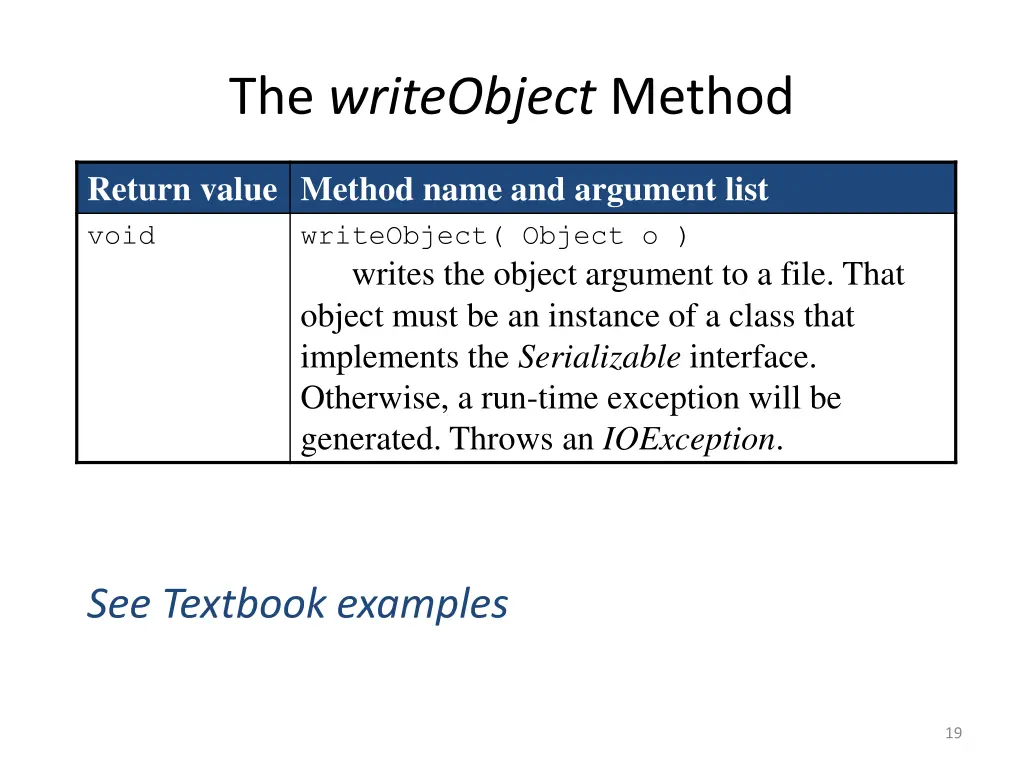
The writeObject Method Return value Method name and argument list void writeObject( Object o ) writes the object argument to a file. That object must be an instance of a class that implements the Serializable interface. Otherwise, a run-time exception will be generated. Throws an IOException. See Textbook examples 19
Writing Objects public class FlightRecord2 implements Serializable { public static final DecimalFormat MONEY = new DecimalFormat( "$###.00" ); private String flightNumber; // ex. = AA123 private String origin; // origin airport; ex. = BWI private String destination; // destination airport; ex. = SFO private int numPassengers; // number of passengers private double avgTicketPrice; // average ticket price } Objects of this class will be serialized Therefore it needs to implement Serializable 20
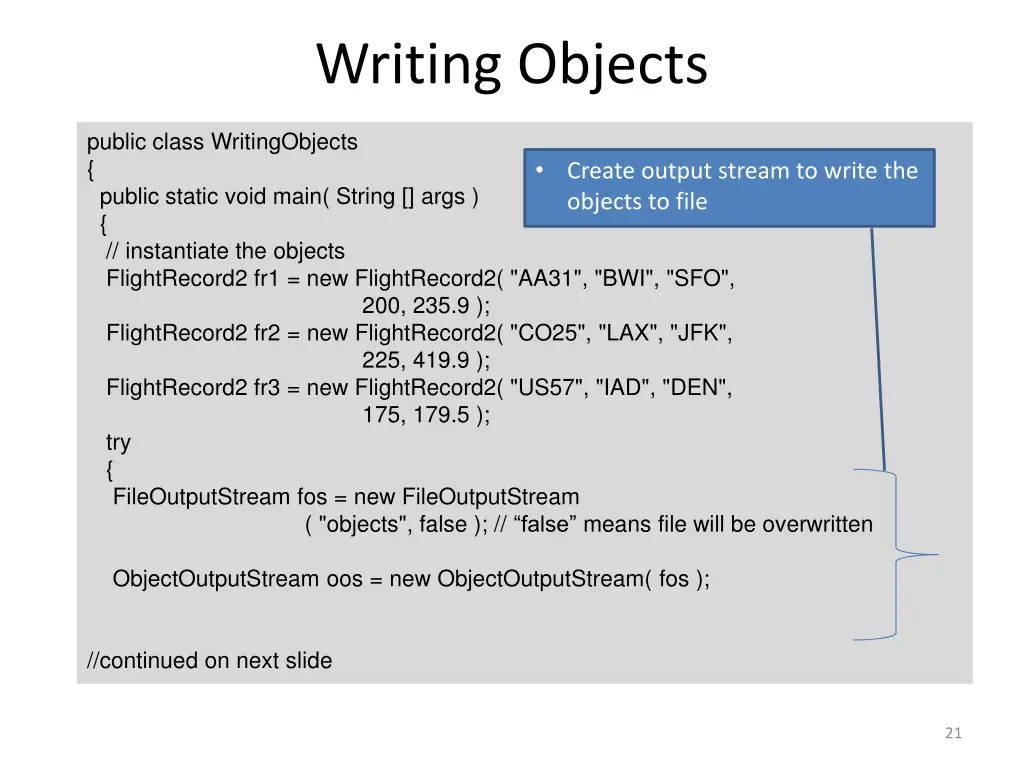
Writing Objects public class WritingObjects { public static void main( String [] args ) { // instantiate the objects FlightRecord2 fr1 = new FlightRecord2( "AA31", "BWI", "SFO", 200, 235.9 ); FlightRecord2 fr2 = new FlightRecord2( "CO25", "LAX", "JFK", 225, 419.9 ); FlightRecord2 fr3 = new FlightRecord2( "US57", "IAD", "DEN", 175, 179.5 ); try { FileOutputStream fos = new FileOutputStream ( "objects", false ); // false means file will be overwritten ObjectOutputStream oos = new ObjectOutputStream( fos ); Create output stream to write the objects to file //continued on next slide 21
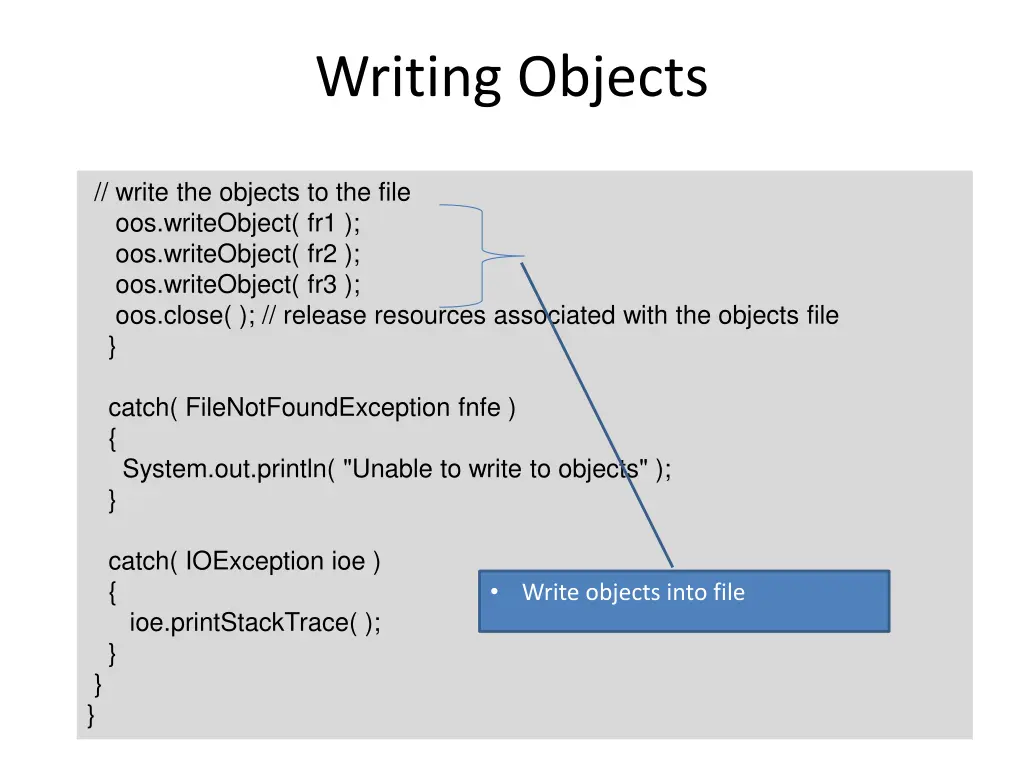
Writing Objects // write the objects to the file oos.writeObject( fr1 ); oos.writeObject( fr2 ); oos.writeObject( fr3 ); oos.close( ); // release resources associated with the objects file } catch( FileNotFoundException fnfe ) { System.out.println( "Unable to write to objects" ); } catch( IOException ioe ) { ioe.printStackTrace( ); } } } Write objects into file 22
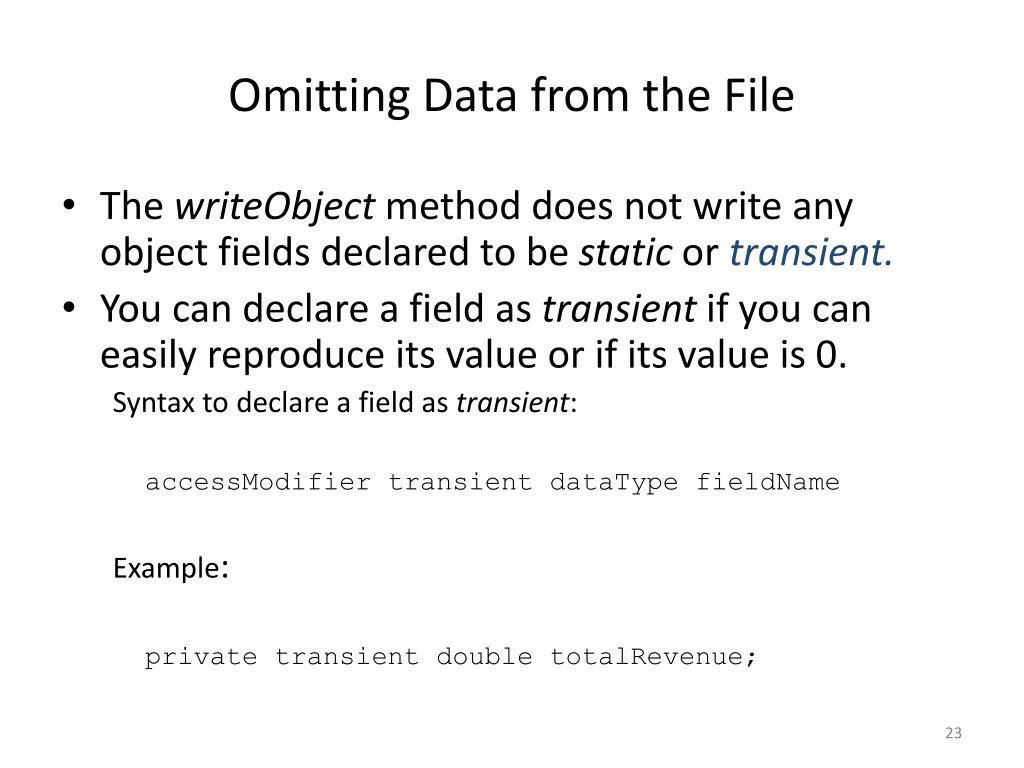
Omitting Data from the File The writeObject method does not write any object fields declared to be static or transient. You can declare a field as transient if you can easily reproduce its value or if its value is 0. Syntax to declare a field as transient: accessModifier transient dataType fieldName Example: private transient double totalRevenue; 23
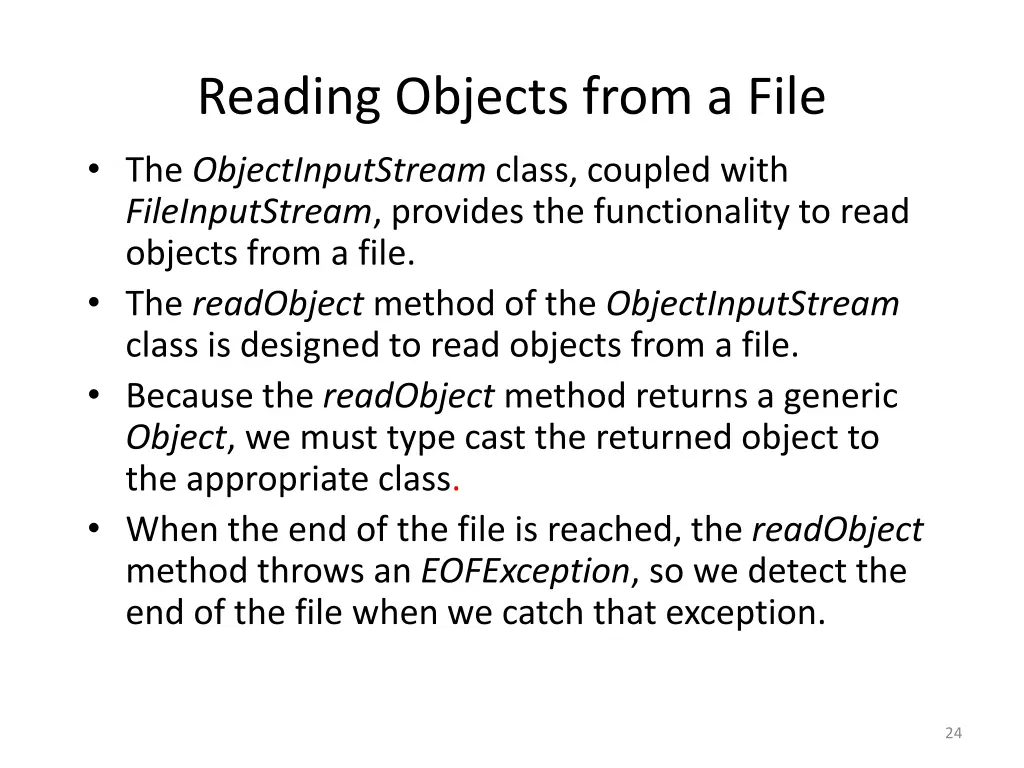
Reading Objects from a File The ObjectInputStream class, coupled with FileInputStream, provides the functionality to read objects from a file. The readObject method of the ObjectInputStream class is designed to read objects from a file. Because the readObject method returns a generic Object,we must type cast the returned object to the appropriate class. When the end of the file is reached, the readObject method throws an EOFException, so we detect the end of the file when we catch that exception. 24
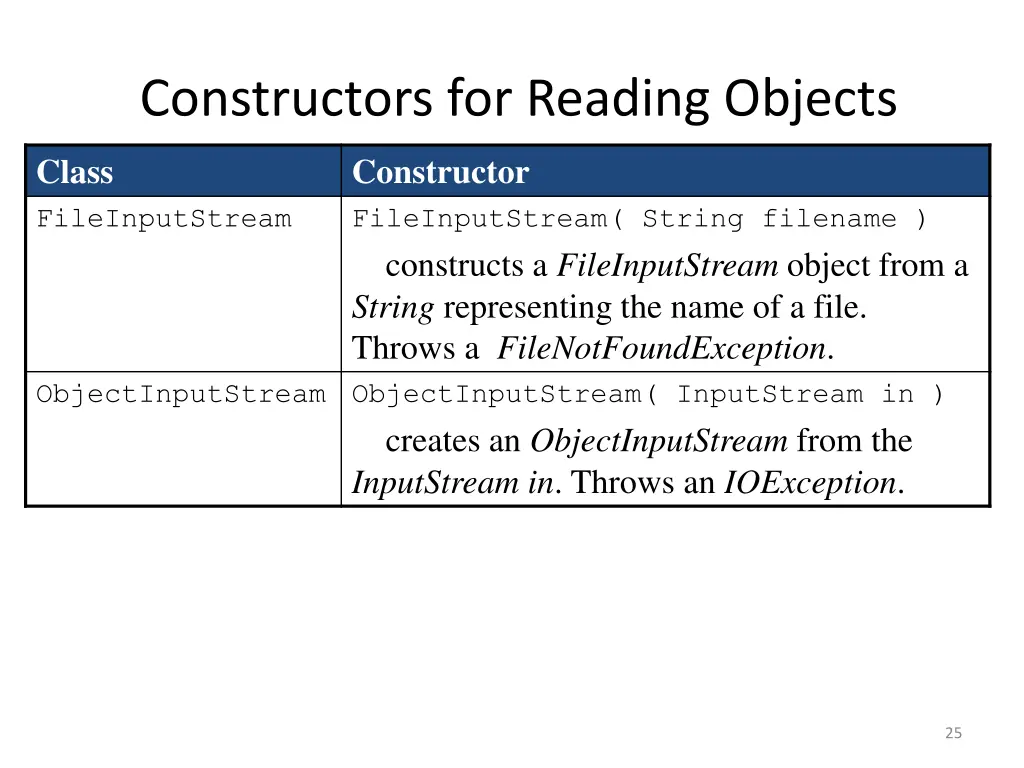
Constructors for Reading Objects Class FileInputStream Constructor FileInputStream( String filename ) constructs a FileInputStream object from a String representing the name of a file. Throws a FileNotFoundException. ObjectInputStream ObjectInputStream( InputStream in ) creates an ObjectInputStream from the InputStreamin. Throws an IOException. 25
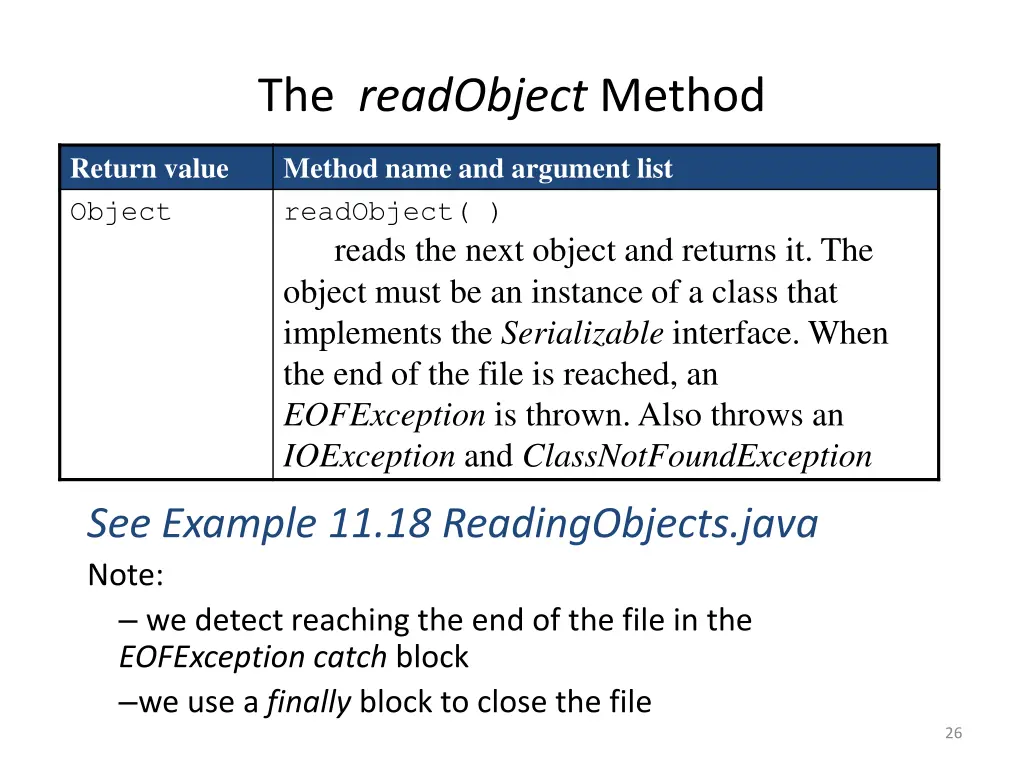
The readObject Method Return value Object Method name and argument list readObject( ) reads the next object and returns it. The object must be an instance of a class that implements the Serializable interface. When the end of the file is reached, an EOFException is thrown. Also throws an IOException and ClassNotFoundException See Example 11.18 ReadingObjects.java Note: we detect reaching the end of the file in the EOFException catch block we use a finally block to close the file 26
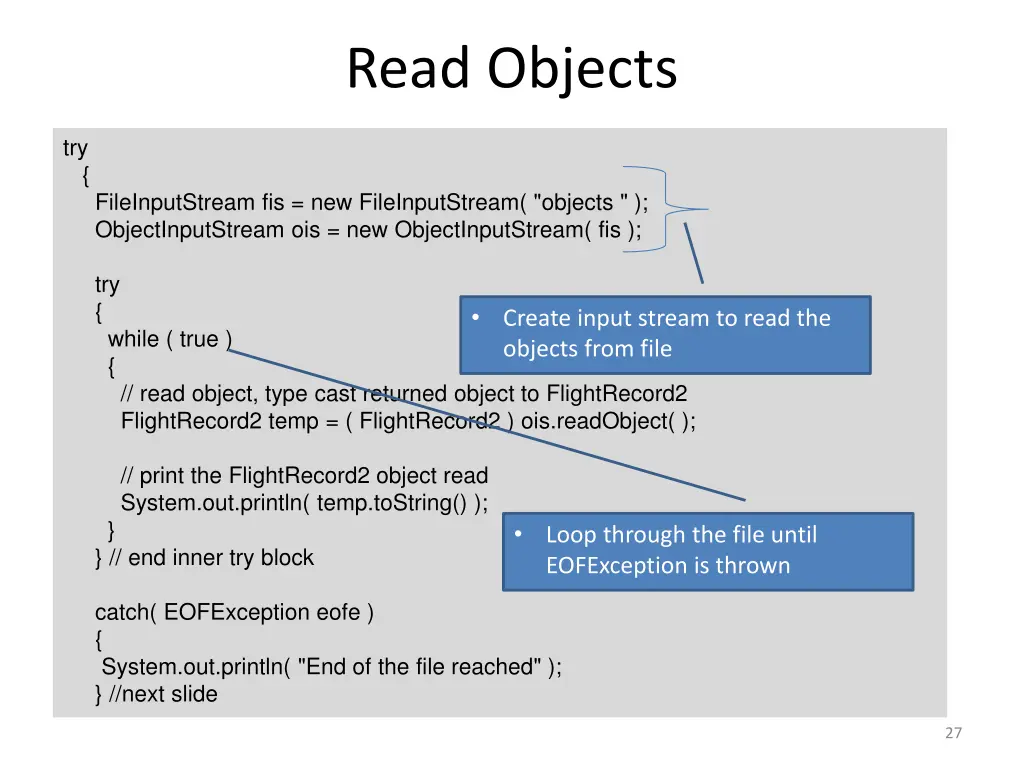
Read Objects try { FileInputStream fis = new FileInputStream( "objects " ); ObjectInputStream ois = new ObjectInputStream( fis ); try { while ( true ) { // read object, type cast returned object to FlightRecord2 FlightRecord2 temp = ( FlightRecord2 ) ois.readObject( ); Create input stream to read the objects from file // print the FlightRecord2 object read System.out.println( temp.toString() ); } } // end inner try block Loop through the file until EOFException is thrown catch( EOFException eofe ) { System.out.println( "End of the file reached" ); } //next slide 27
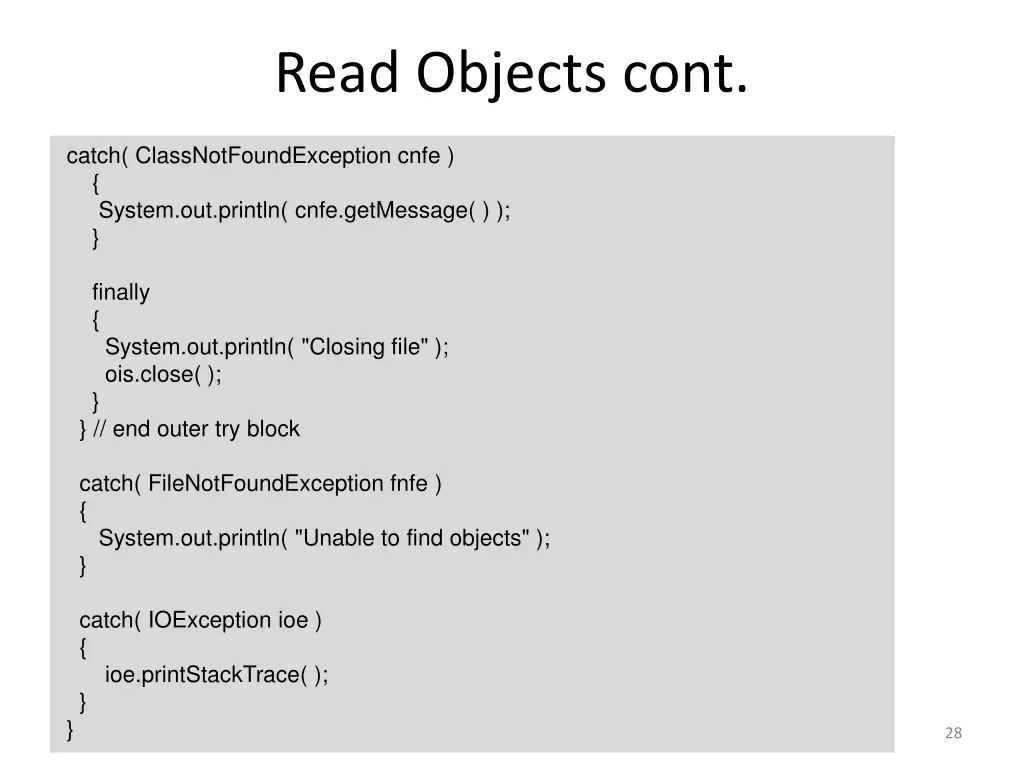
Read Objects cont. catch( ClassNotFoundException cnfe ) { System.out.println( cnfe.getMessage( ) ); } finally { System.out.println( "Closing file" ); ois.close( ); } } // end outer try block catch( FileNotFoundException fnfe ) { System.out.println( "Unable to find objects" ); } catch( IOException ioe ) { ioe.printStackTrace( ); } } 28
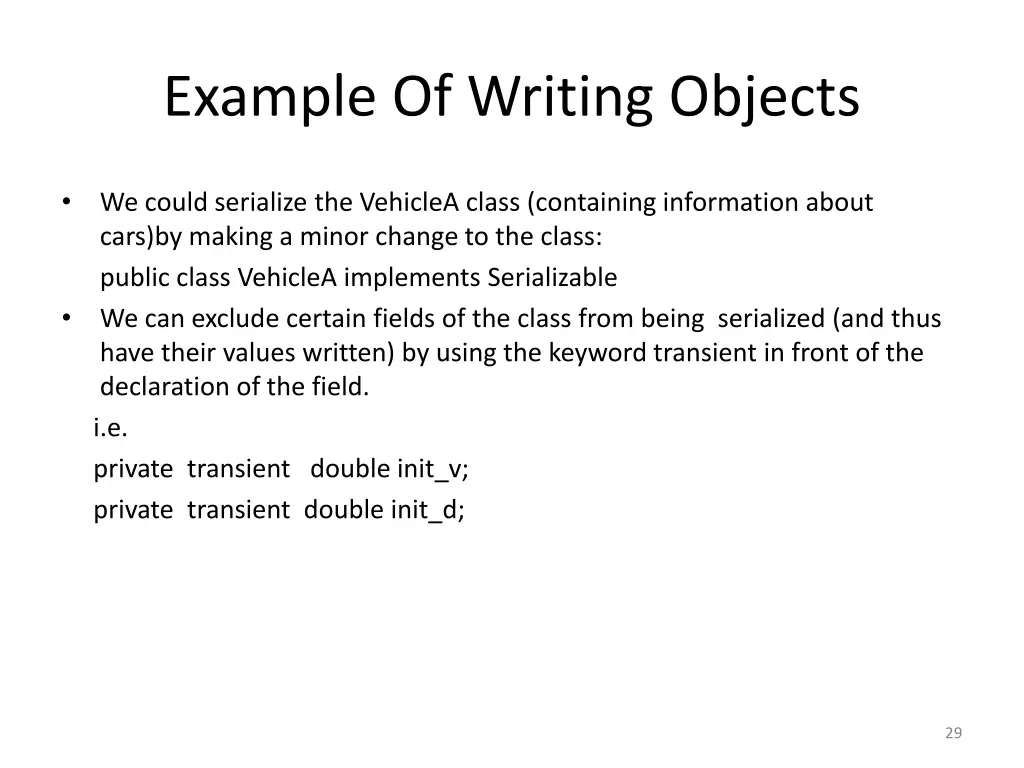
Example Of Writing Objects We could serialize the VehicleA class (containing information about cars)by making a minor change to the class: public class VehicleA implements Serializable We can exclude certain fields of the class from being serialized (and thus have their values written) by using the keyword transient in front of the declaration of the field. i.e. private transient double init_v; private transient double init_d; 29
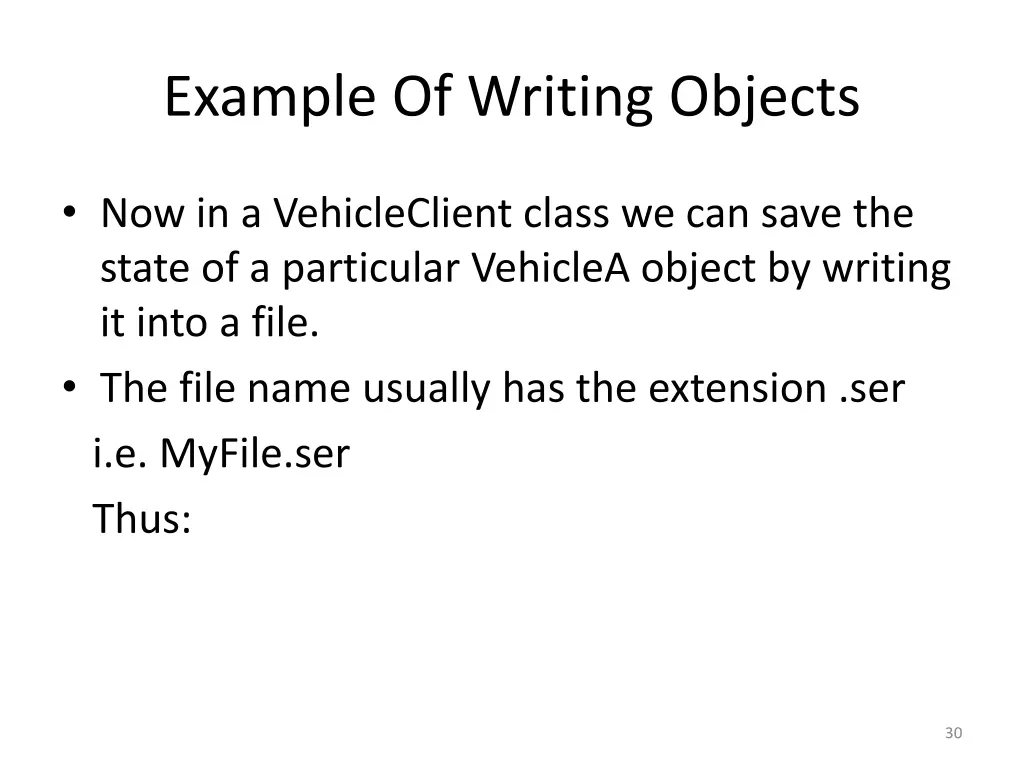
Example Of Writing Objects Now in a VehicleClient class we can save the state of a particular VehicleA object by writing it into a file. The file name usually has the extension .ser i.e. MyFile.ser Thus: 30
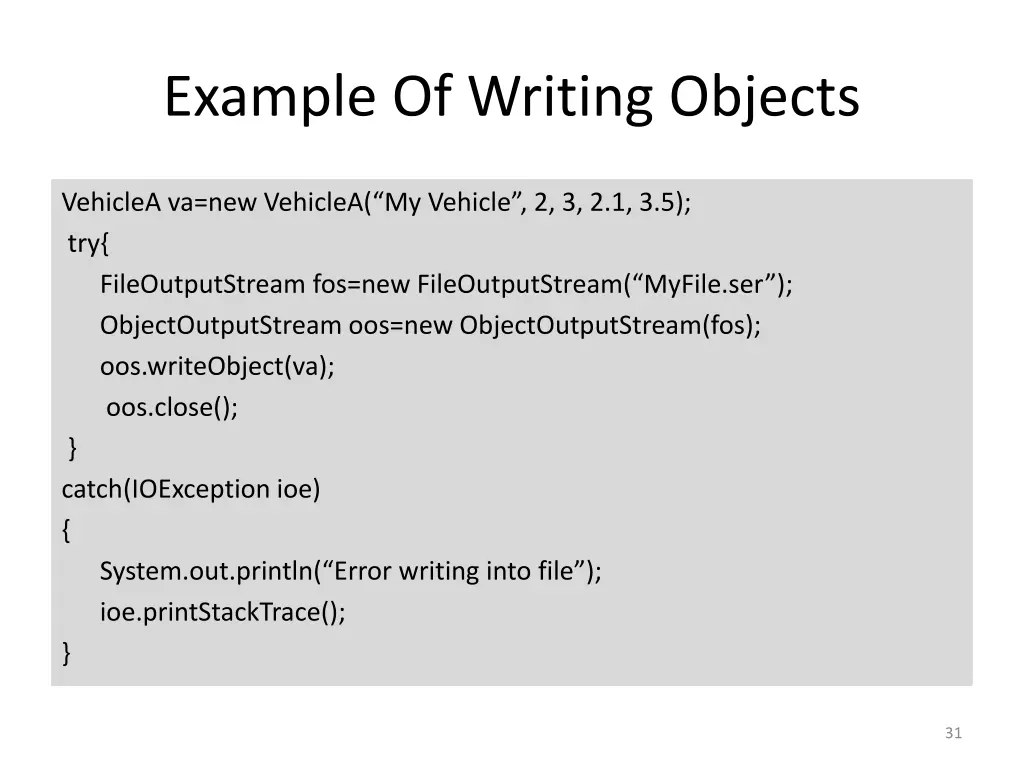
Example Of Writing Objects VehicleA va=new VehicleA( My Vehicle , 2, 3, 2.1, 3.5); try{ FileOutputStream fos=new FileOutputStream( MyFile.ser ); ObjectOutputStream oos=new ObjectOutputStream(fos); oos.writeObject(va); oos.close(); } catch(IOException ioe) { System.out.println( Error writing into file ); ioe.printStackTrace(); } 31
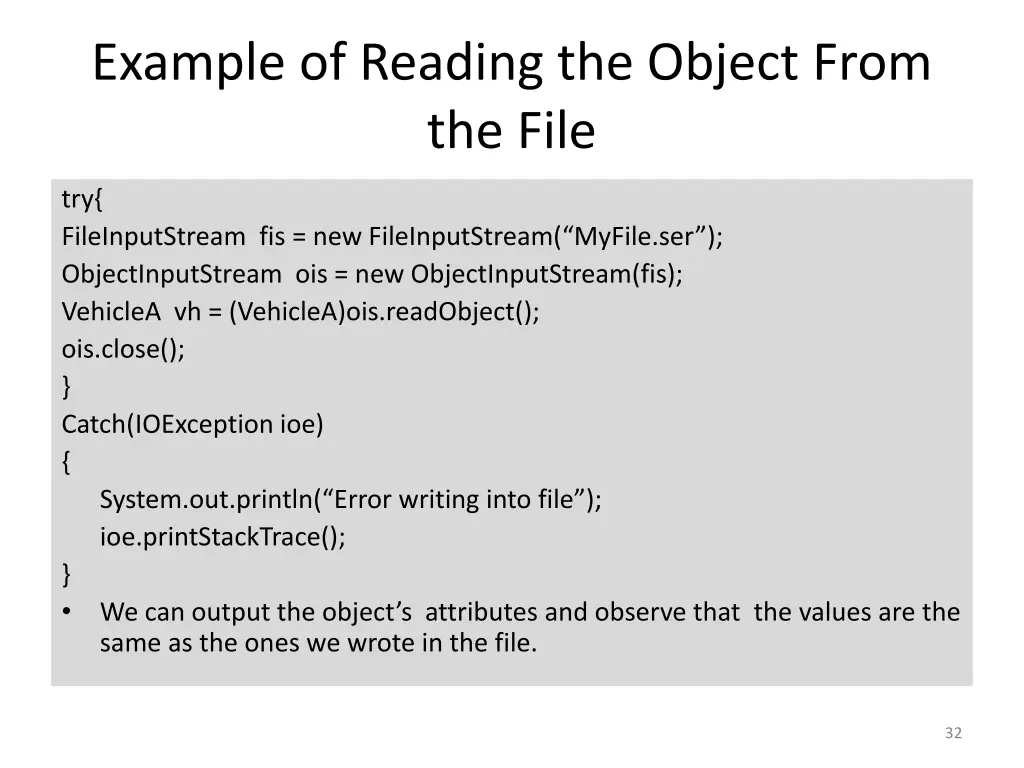
Example of Reading the Object From the File try{ FileInputStream fis = new FileInputStream( MyFile.ser ); ObjectInputStream ois = new ObjectInputStream(fis); VehicleA vh = (VehicleA)ois.readObject(); ois.close(); } Catch(IOException ioe) { System.out.println( Error writing into file ); ioe.printStackTrace(); } We can output the object s attributes and observe that the values are the same as the ones we wrote in the file. 32