Boost Your Sub-Admin Skills with Blackboard Collaborate Tips and Session Check-in
Enhance your Sub-Admin expertise by learning valuable tips on Blackboard Collaborate and conducting a thorough session check-in. Explore features on account management, permissions, purpose, search functionalities, and password changes. Dive into efficient enrollment processes and effective communication with your team. Access helpful resources for optimizing your Sub-Admin responsibilities and maximizing productivity.

Download Presentation

Please find below an Image/Link to download the presentation.
The content on the website is provided AS IS for your information and personal use only. It may not be sold, licensed, or shared on other websites without obtaining consent from the author. If you encounter any issues during the download, it is possible that the publisher has removed the file from their server.
You are allowed to download the files provided on this website for personal or commercial use, subject to the condition that they are used lawfully. All files are the property of their respective owners.
The content on the website is provided AS IS for your information and personal use only. It may not be sold, licensed, or shared on other websites without obtaining consent from the author.
E N D
Presentation Transcript
Session 17 November 19, 2020 1:00-2:00 pm
Agenda Check-in with Sub-Admins and Q&A Blackboard Collaborate Tips Session settings Guest links
Check-in with SubAdmins We asked you to Log into your SubAdmin account Review the search features for Users and search for at least three users or groups of users Review the search features for Courses/Organizations and search for at least three courses or groups of courses Quick enroll/Quick unenroll in at least one course
Check-in with Sub-Admins What questions do you have about: Your account? Permissions? Purpose of the account? Searching? Changing a password?
Sub-Admin Check-in Question #1 Have you logged into your Sub-Admin account? Yes! Not yet, but I have my credentials. No, and I can t find my credentials. Help!
Sub-Admin Check-in Question #2 Do you know the steps to change someone s password? Yes, and I ve even changed a password! Yes, and I watched the video. Not yet, but I know there s a video about that.
Sub-Admin Check-in Question #3 For Program Administrators Only Have you decided how you are going to use each of your Sub-Admins and has that plan been communicated to them? Yes! They each know what they are responsible for. I m working on it. I need some advice about that.
Blackboard Collaborate Tip Session Settings Video: https://bit.ly/SessionSettings Source material: https://help.blackboard.com/Collaborate/Ultra/Modera tor/Schedule_Sessions/Session_Settings
Blackboard Collaborate Tip Guest links A guest link allows participants to join a Collaborate session without having to have a Blackboard account. It s a good idea to set up sessions with a guest link from the beginning, even if you don t plan to use it. Be aware that when emailing guest links to students, they can break and become unusable. The student may be able to join, but no one will be there.
Blackboard Collaborate Tip Guest links A single guest link is generated for a recurring session and it works for all sessions. This is a good to use for a long-running course, office hours, open help times, etc. You can even convert it to a bitly or tinyurl link. To add a guest link to a recurring session with the starting session in the past, you have to change the date to the next scheduled session (future date).
Blackboard Student Classes ests. All requests for the creation of any student class (content or collaborate only) with a start date between January 1-15, 2021 need to be submitted no later than Friday, December 11, 2020.
ALERT!! The Basic and Advanced Blackboard Faculty Training courses will be closing on December 30, 2020 at 3pm. Uncompleted courses will result in participants having to start over with new courses in January 2021.
Blackboard Helpdesk Contact Pleasesend requests or issues to: oaehelpdesk@tcsg.edu All new requests require a new help desk ticket. Tickets that are still ongoing or something was overlooked by OAE can be replied to. Keep in mind that due to high demand, it can take up to 10 business days to complete requests. That includes: Helpdesk tickets, master class requests, student class requests.
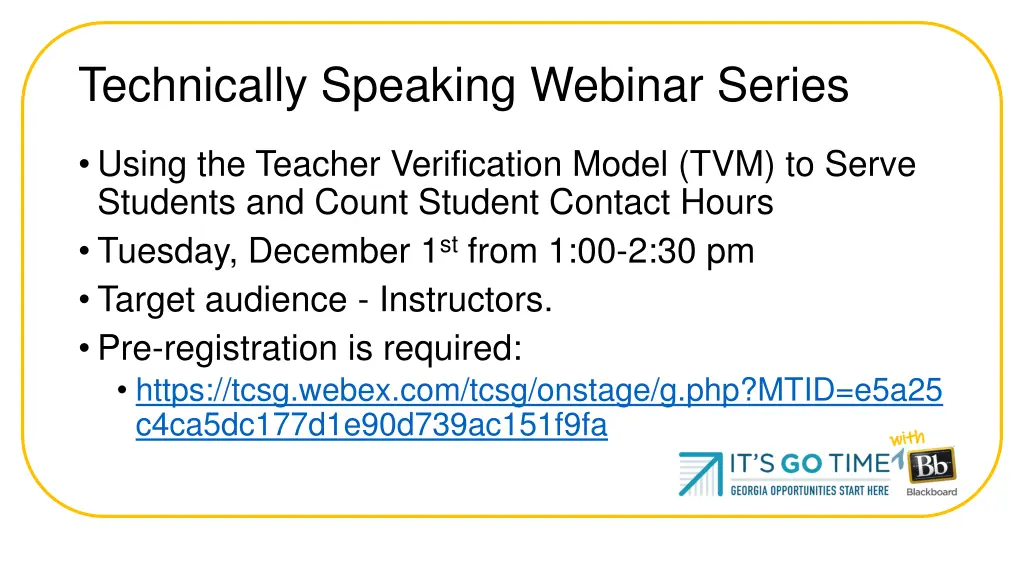
Technically Speaking Webinar Series Using the Teacher Verification Model (TVM) to Serve Students and Count Student Contact Hours Tuesday, December 1st from 1:00-2:30 pm Target audience - Instructors. Pre-registration is required: https://tcsg.webex.com/tcsg/onstage/g.php?MTID=e5a25 c4ca5dc177d1e90d739ac151f9fa
Any Final Questions? Concerns? Comments?