Computer Basics and System Processing Concepts
Explore the fundamentals of computer basics, system processing, data, information, and their relationships. Learn about the essential tools for various applications, the role of systems, data processing, and the functions of a computer in converting data into information. Discover insights into problem-solving processes and the significance of communication tools in information transfer.

Download Presentation

Please find below an Image/Link to download the presentation.
The content on the website is provided AS IS for your information and personal use only. It may not be sold, licensed, or shared on other websites without obtaining consent from the author. If you encounter any issues during the download, it is possible that the publisher has removed the file from their server.
You are allowed to download the files provided on this website for personal or commercial use, subject to the condition that they are used lawfully. All files are the property of their respective owners.
The content on the website is provided AS IS for your information and personal use only. It may not be sold, licensed, or shared on other websites without obtaining consent from the author.
E N D
Presentation Transcript
Computer Basics Chapter One
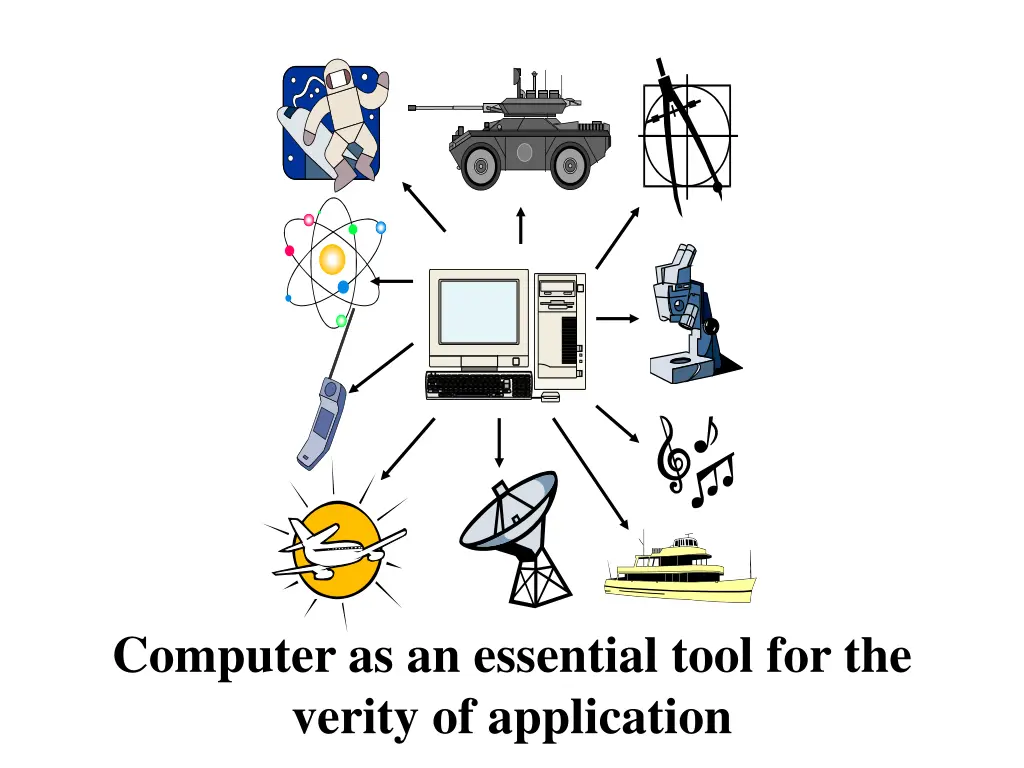
Computer as an essential tool for the verity of application
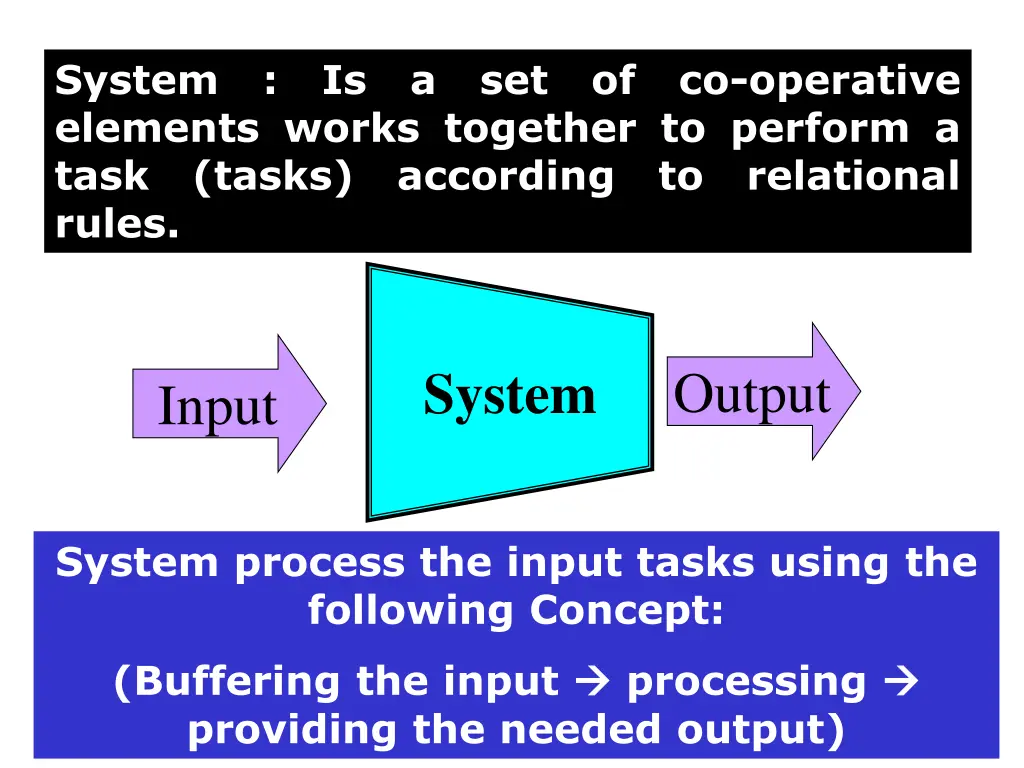
System : Is a set of co-operative elements works together to perform a task (tasks) according to relational rules. System Output Input System process the input tasks using the following Concept: (Buffering the input providing the needed output) processing
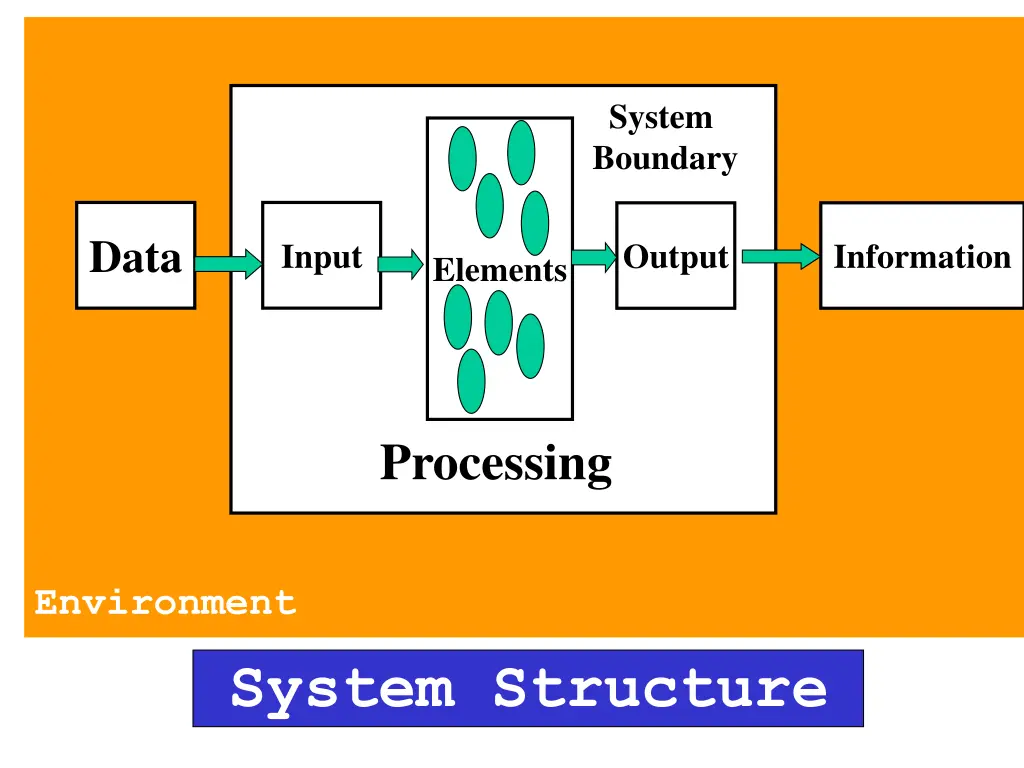
System Boundary Data Input Output Information Elements Processing Environment System Structure
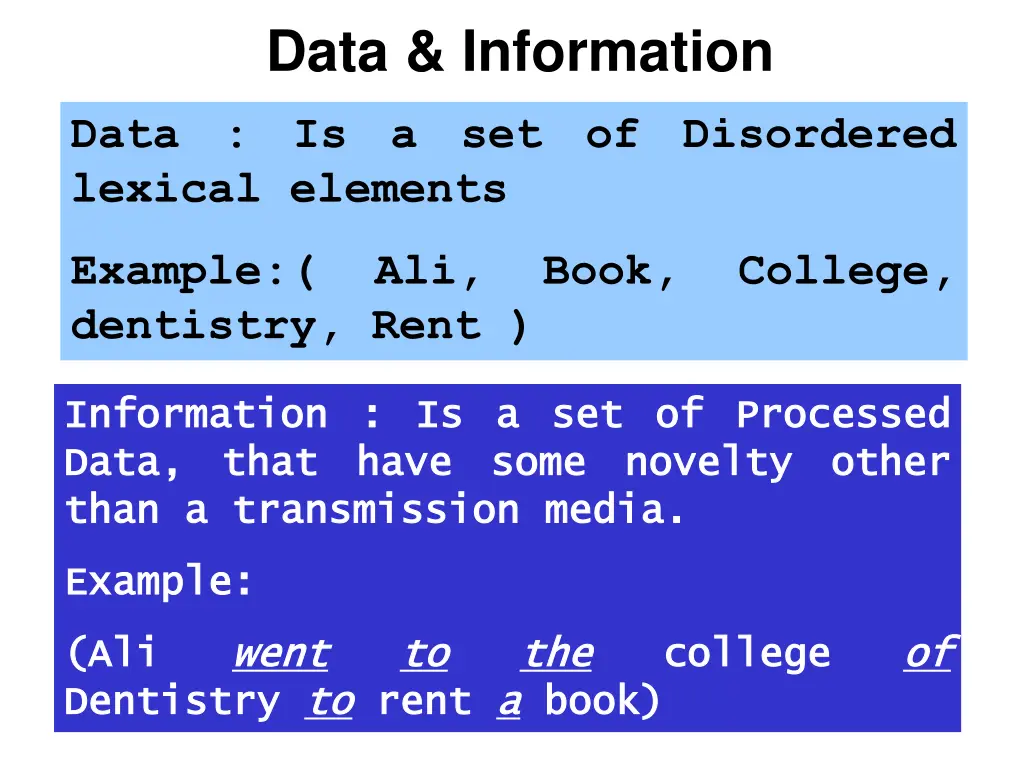
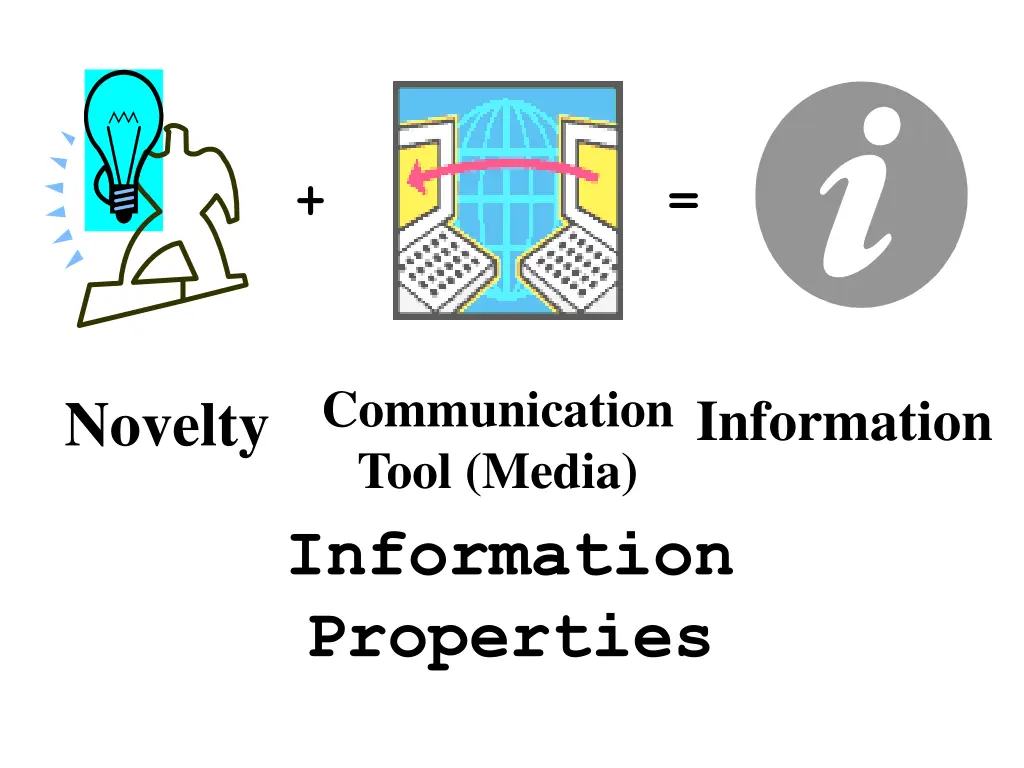
Data & Information Data : Is a set of Disordered lexical elements Example:( Ali, Book, College, dentistry, Rent ) Information : Is a set of Processed Information : Is a set of Processed Data, that have some novelty other Data, that have some novelty other than a transmission media. than a transmission media. Example: Example: (Ali (Ali Dentistry Dentistry to went went to to rent a a book) the the book) college college of of to rent
+ = Communication Tool (Media) Information Properties Novelty Information
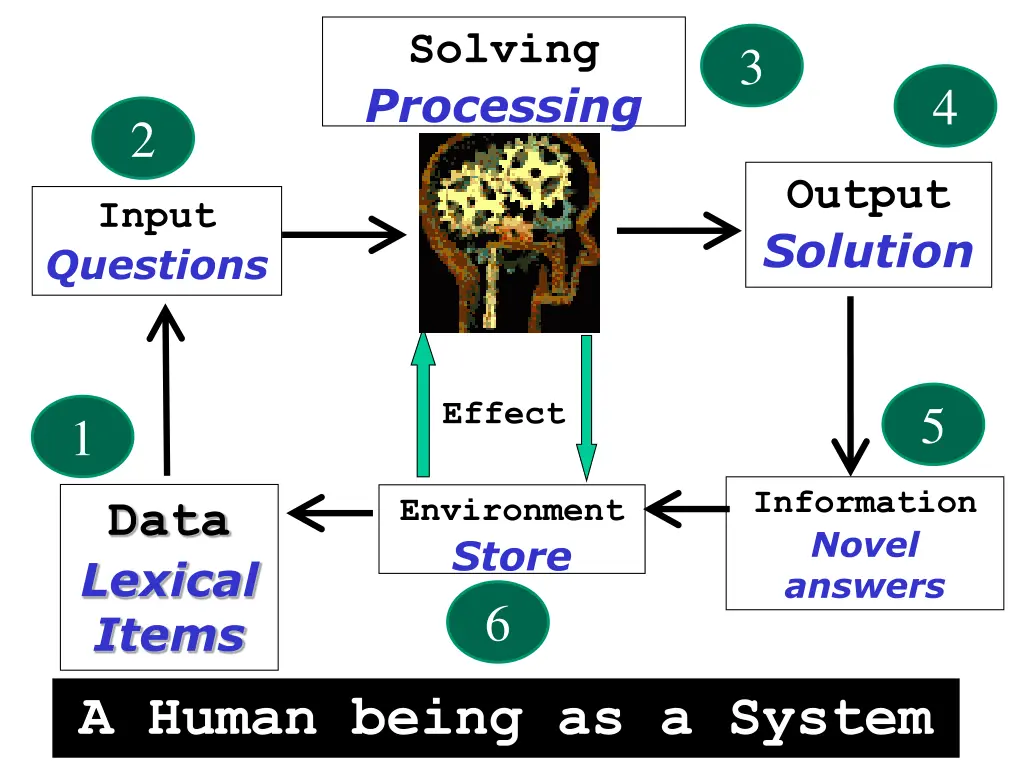
Solving Processing 3 4 2 Output Solution Input Questions Effect 5 1 Information Novel answers Environment Store 6 Data Lexical Items A Human being as a System
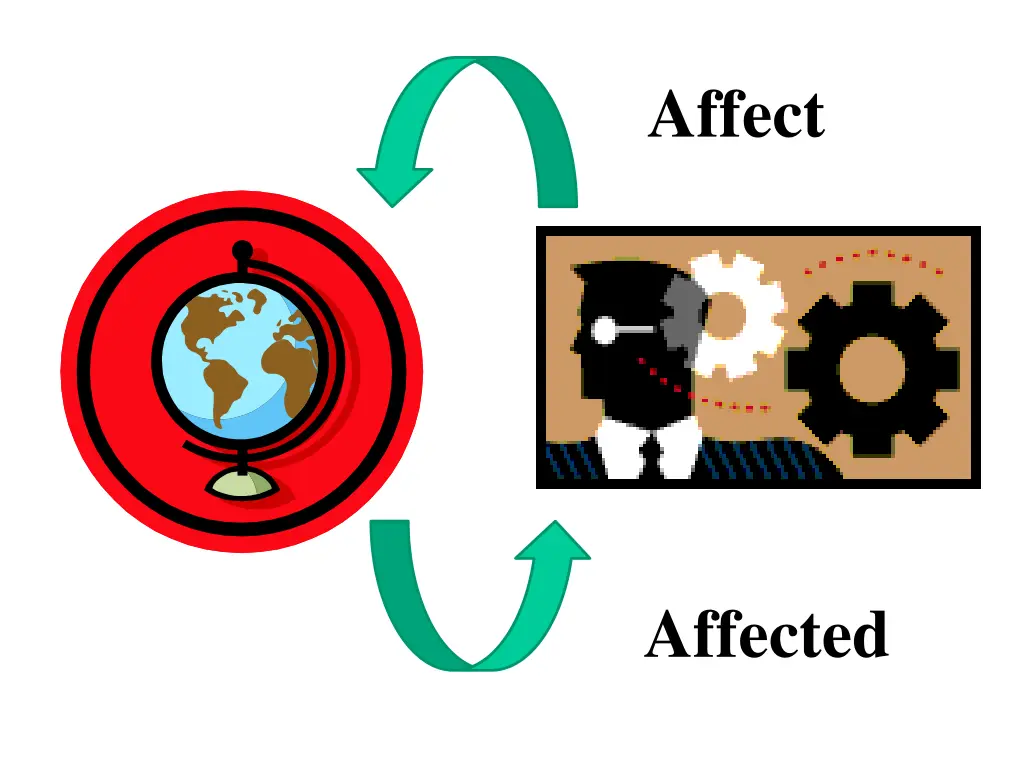
Affect Affected
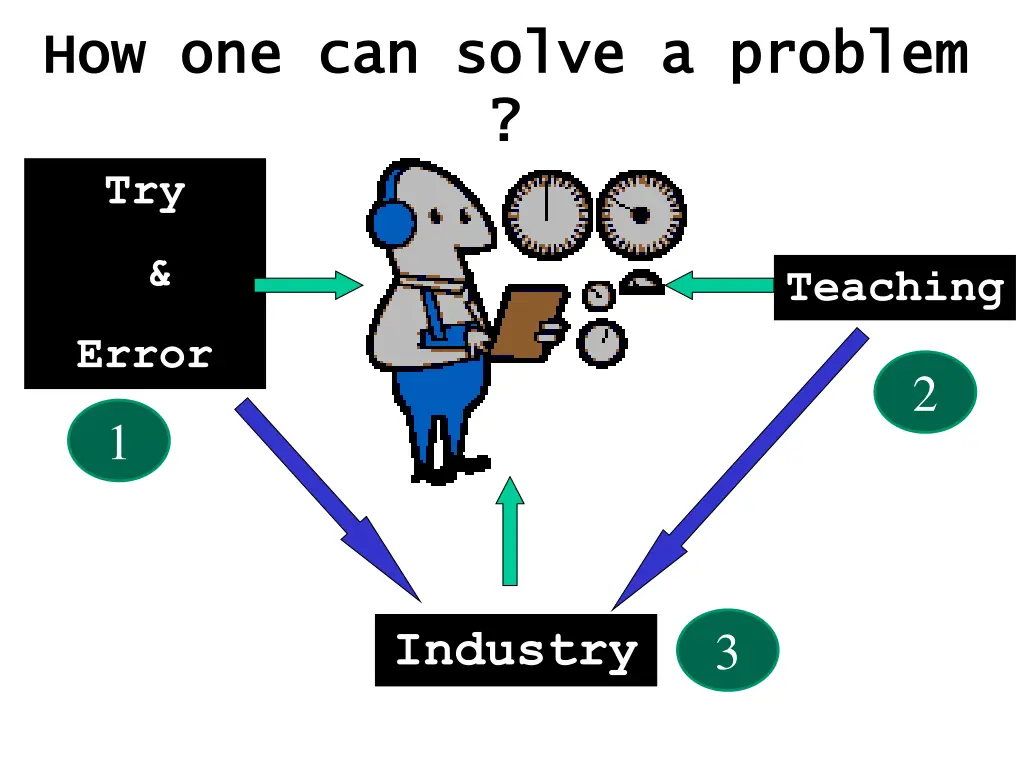
How one can solve a problem How one can solve a problem ? ? Try & Teaching Error 2 1 Industry 3
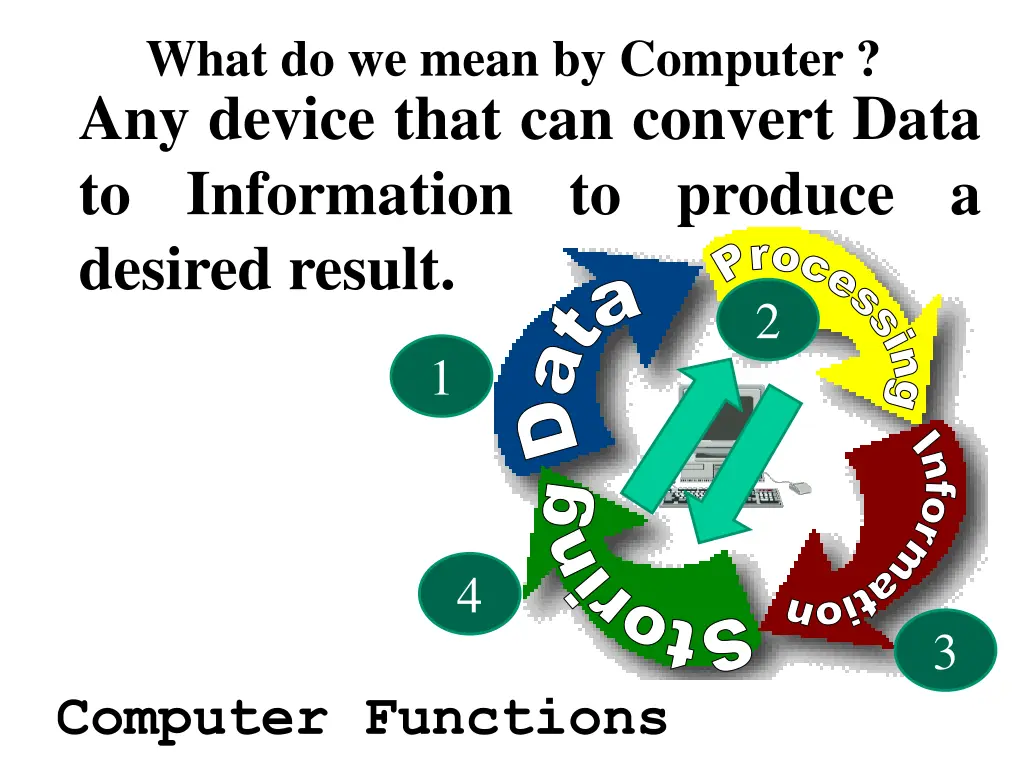
What do we mean by Computer ? Any device that can convert Data to Information to produce a desired result. Processing Data Information Storing 2 1 4 3 Computer Functions
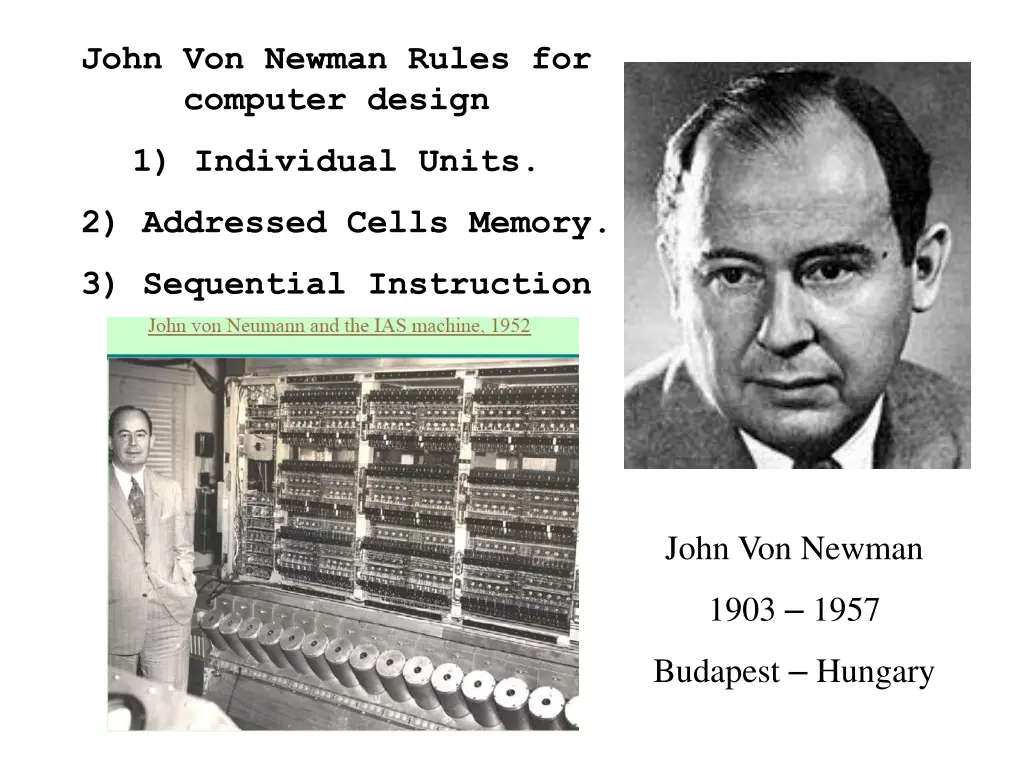
John Von Newman Rules for computer design 153px-JohnvonNeumann-LosAlamos 1) Individual Units. 2) Addressed Cells Memory. 3) Sequential Instruction John Von Newman 1903 1957 Budapest Hungary
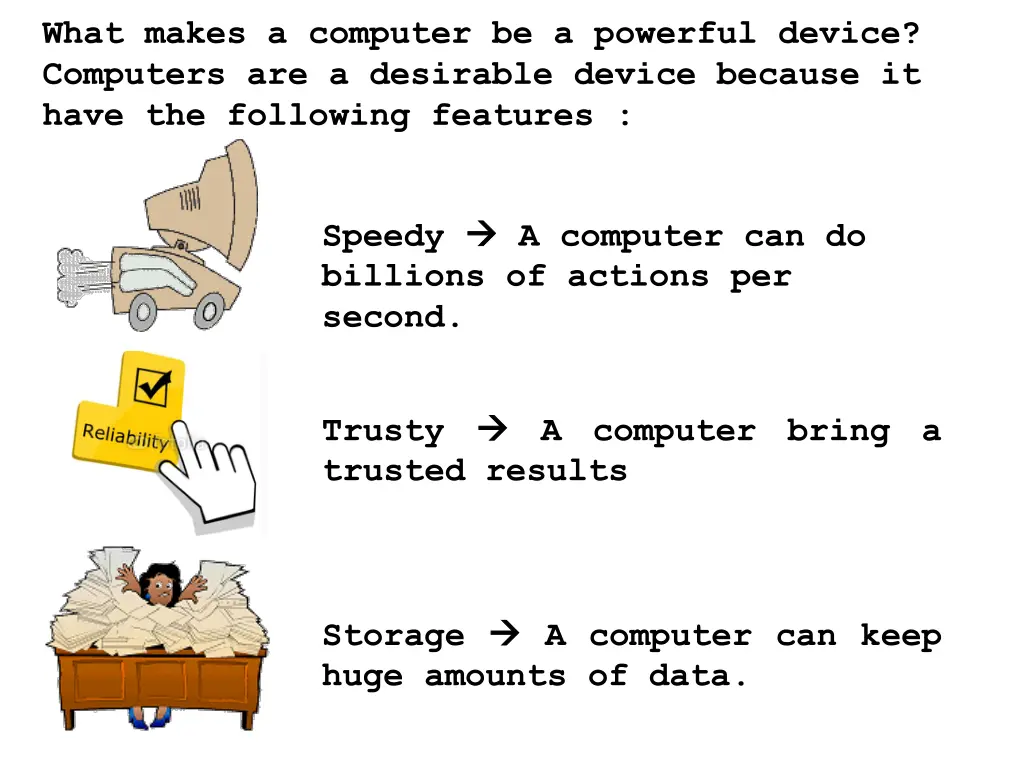
What makes a computer be a powerful device? Computers are a desirable device because it have the following features : Speedy billions of actions per second. A computer can do Trusty trusted results A computer bring a Storage huge amounts of data. A computer can keep
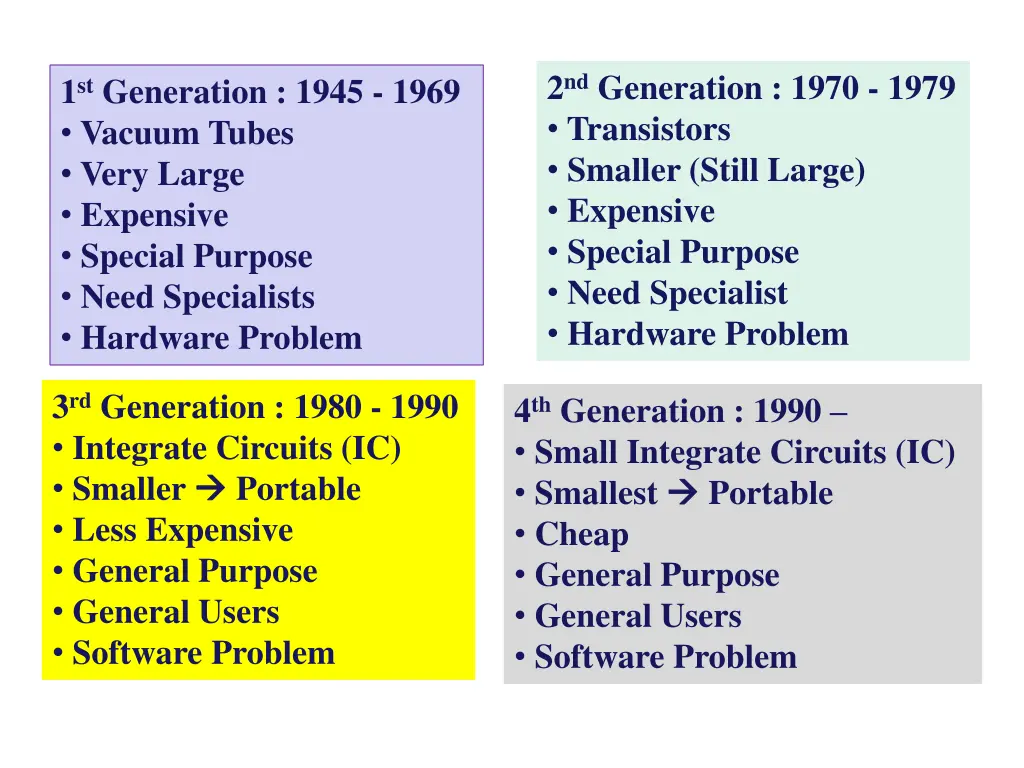
2nd Generation : 1970 - 1979 Transistors Smaller (Still Large) Expensive Special Purpose Need Specialist Hardware Problem 1st Generation : 1945 - 1969 Vacuum Tubes Very Large Expensive Special Purpose Need Specialists Hardware Problem 3rd Generation : 1980 - 1990 Integrate Circuits (IC) Smaller Portable Less Expensive General Purpose General Users Software Problem 4th Generation : 1990 Small Integrate Circuits (IC) Smallest Portable Cheap General Purpose General Users Software Problem
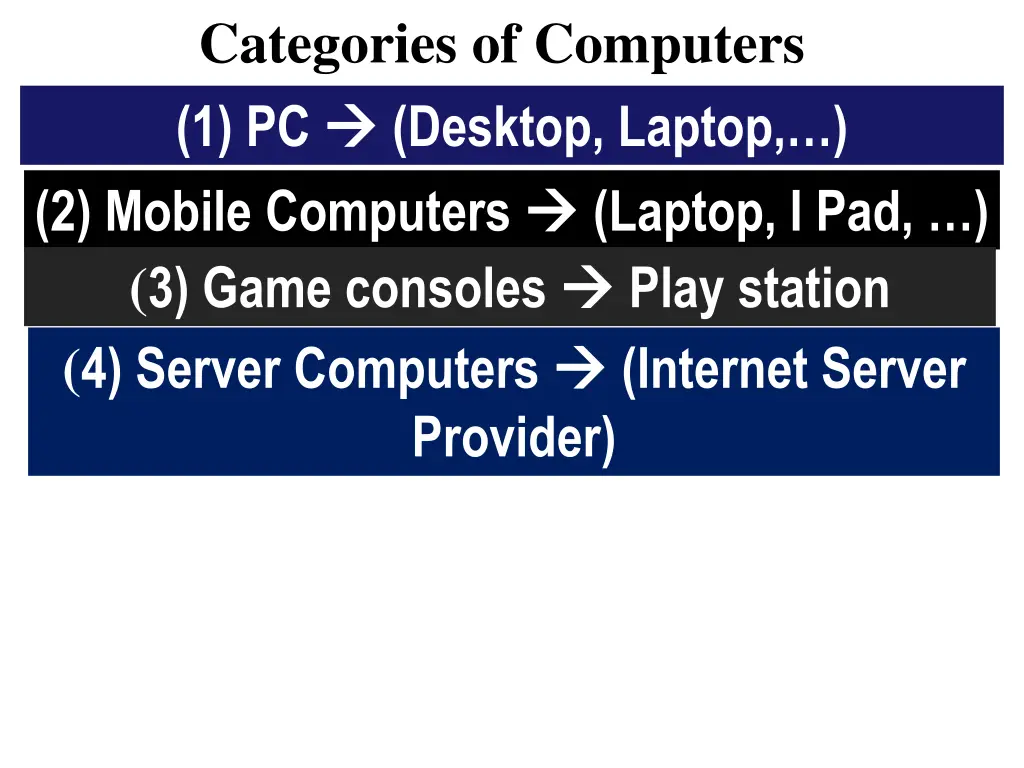
Categories of Computers (1) PC (Desktop, Laptop, ) (2) Mobile Computers (3) Game consoles (4) Server Computers Provider) (Laptop, I Pad, ) Play station (Internet Server
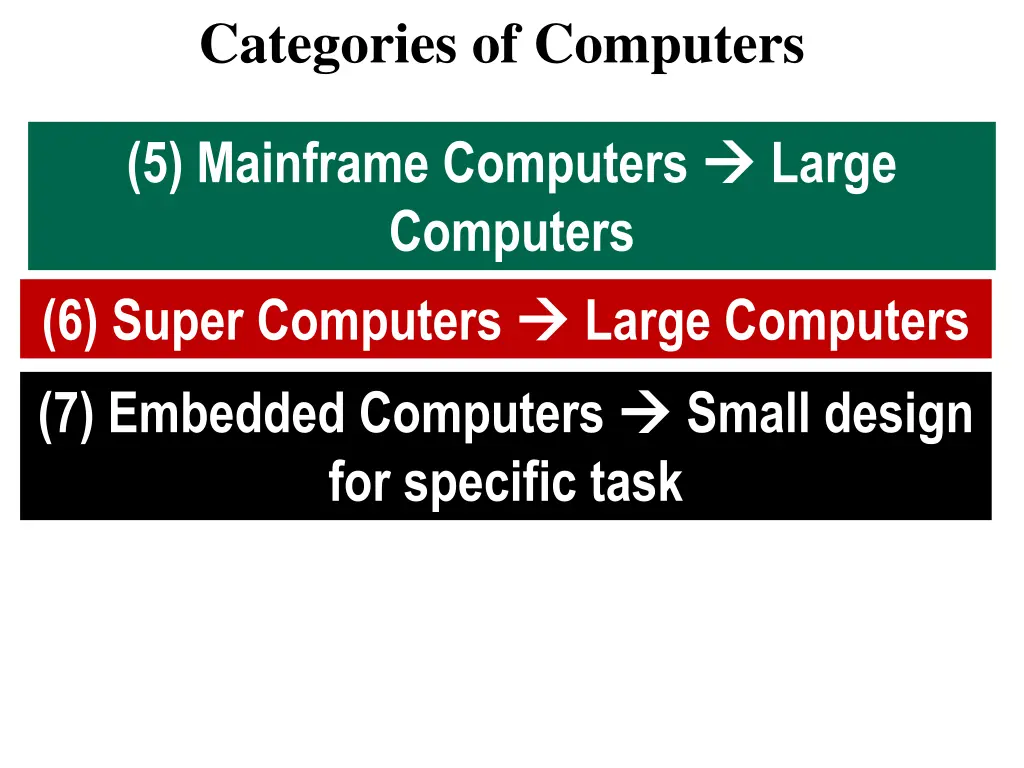
Categories of Computers (5) Mainframe Computers Computers Large (6) Super Computers (7) Embedded Computers for specific task Large Computers Small design
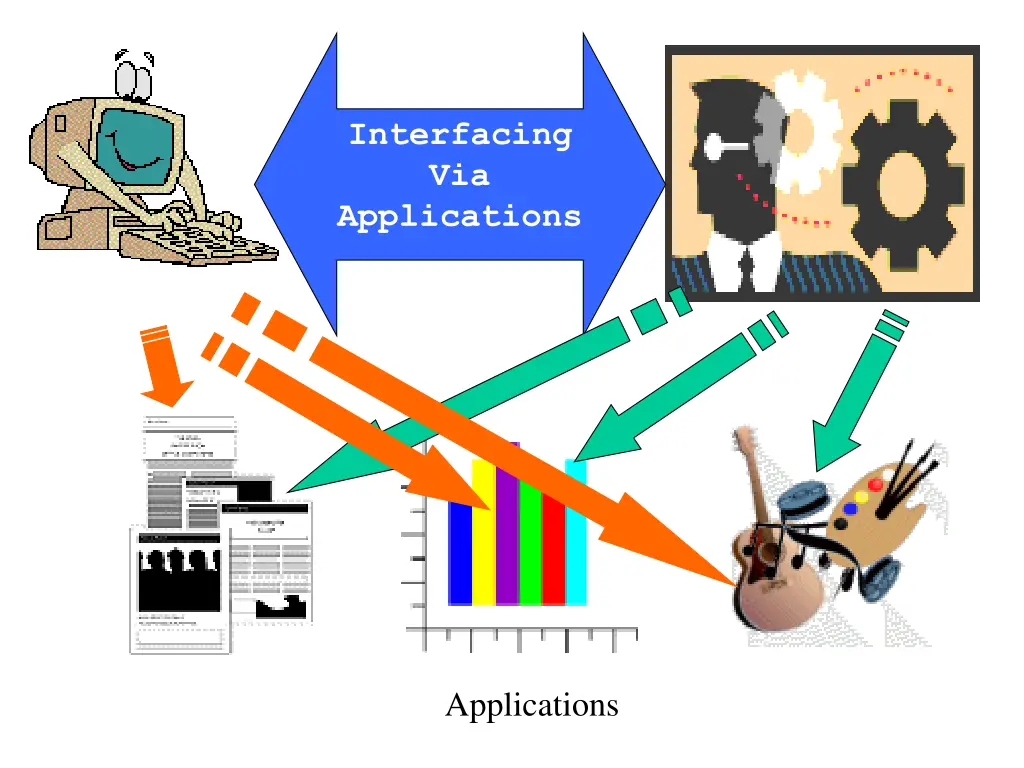
Interfacing Via Applications Applications
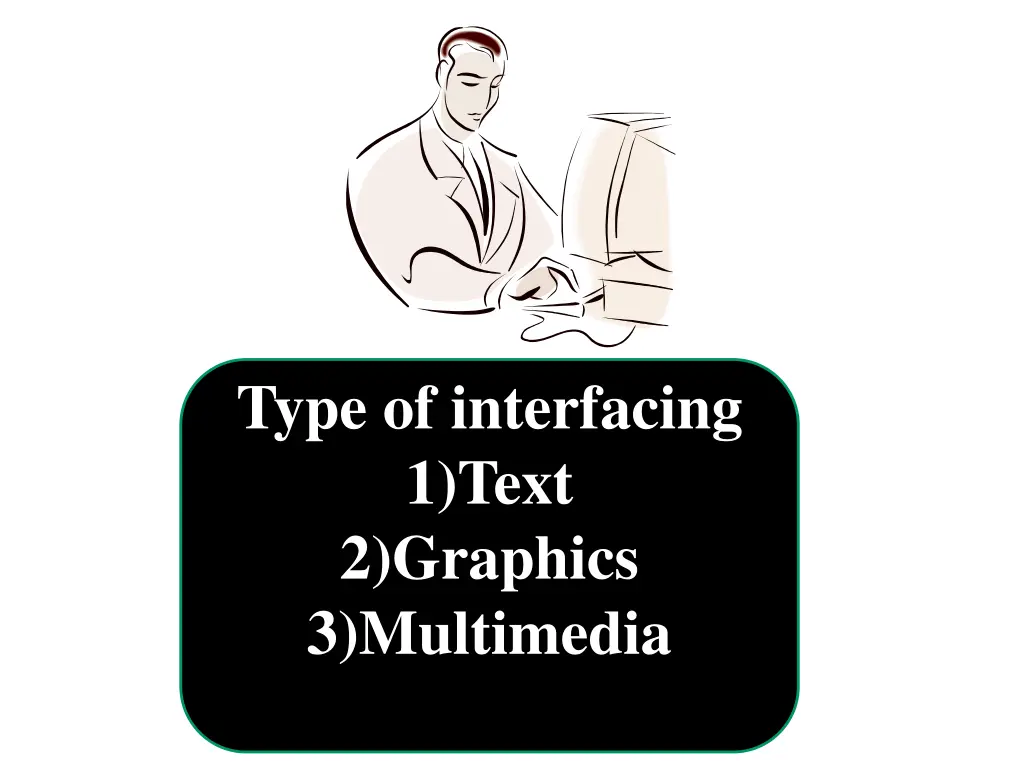
Type of interfacing 1)Text 2)Graphics 3)Multimedia
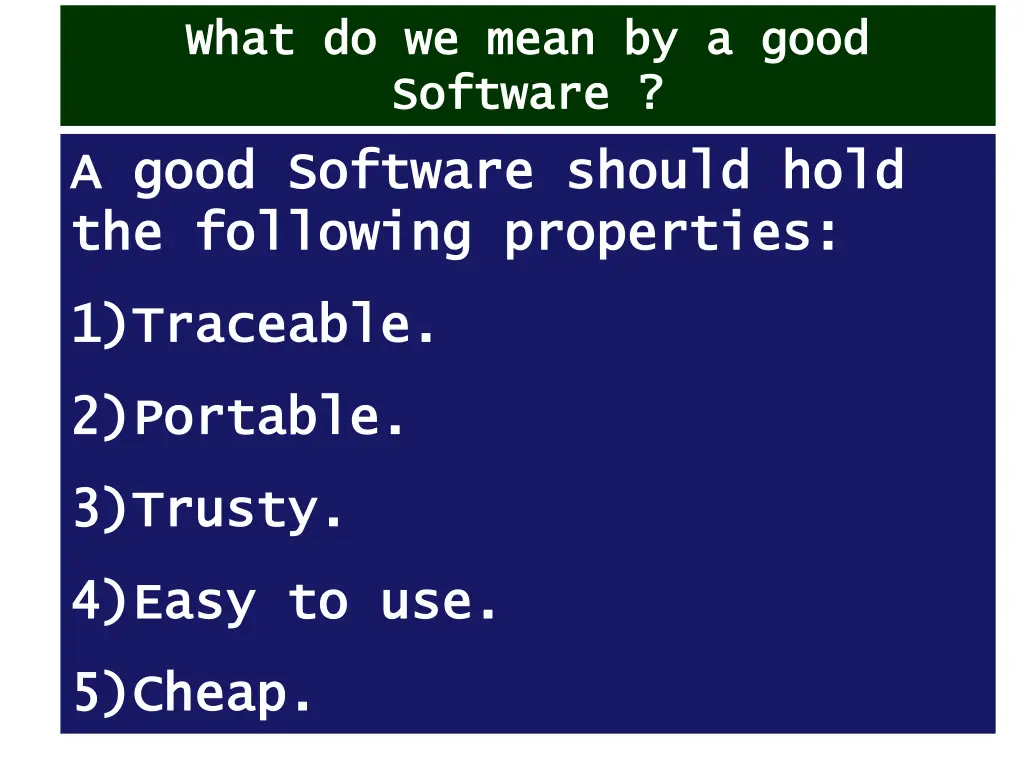
What do we mean by a good What do we mean by a good Software ? Software ? A A good Software good Software should hold the following properties: the following properties: should hold 1) 1)Traceable. Traceable. 2) 2)Portable. Portable. 3) 3)Trusty. Trusty. 4) 4)Easy to use. Easy to use. 5) 5)Cheap. Cheap.
Computer Applications in Dentistry
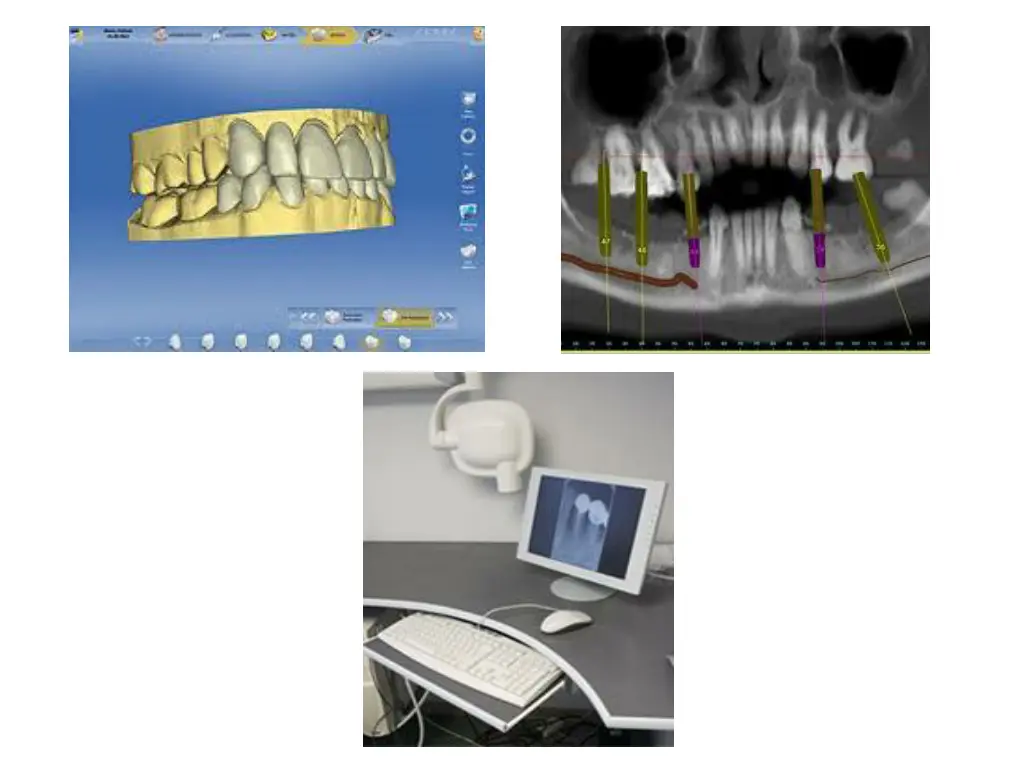
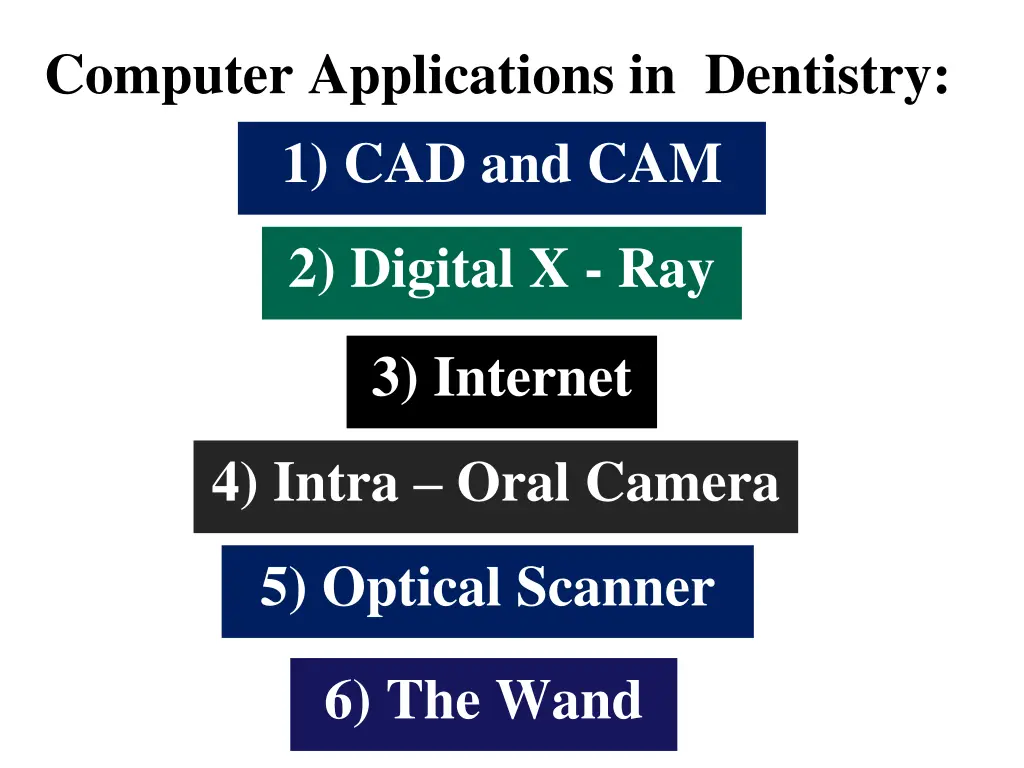
Computer Applications in Dentistry: 1) CAD and CAM 2) Digital X - Ray 3) Internet 4) Intra Oral Camera 5) Optical Scanner 6) The Wand