Conducting Exploratory Data Analysis with JMP 15.2
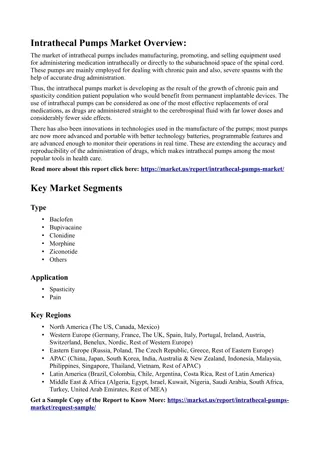
Learn how to utilize JMP Statistical Discovery Software for Exploratory Data Analysis on MMR vaccine data through Distribution, Tabulate, and Graphs platforms. Explore data, shape it using JMP Scripting Language, and repeat the process for further analysis.

Download Presentation

Please find below an Image/Link to download the presentation.
The content on the website is provided AS IS for your information and personal use only. It may not be sold, licensed, or shared on other websites without obtaining consent from the author. If you encounter any issues during the download, it is possible that the publisher has removed the file from their server.
You are allowed to download the files provided on this website for personal or commercial use, subject to the condition that they are used lawfully. All files are the property of their respective owners.
The content on the website is provided AS IS for your information and personal use only. It may not be sold, licensed, or shared on other websites without obtaining consent from the author.
E N D
Presentation Transcript
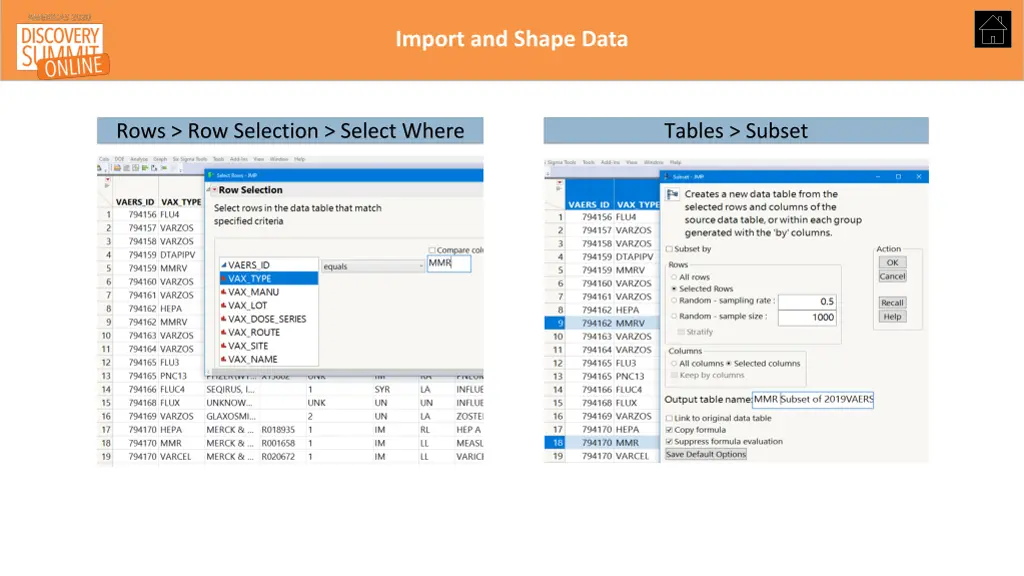
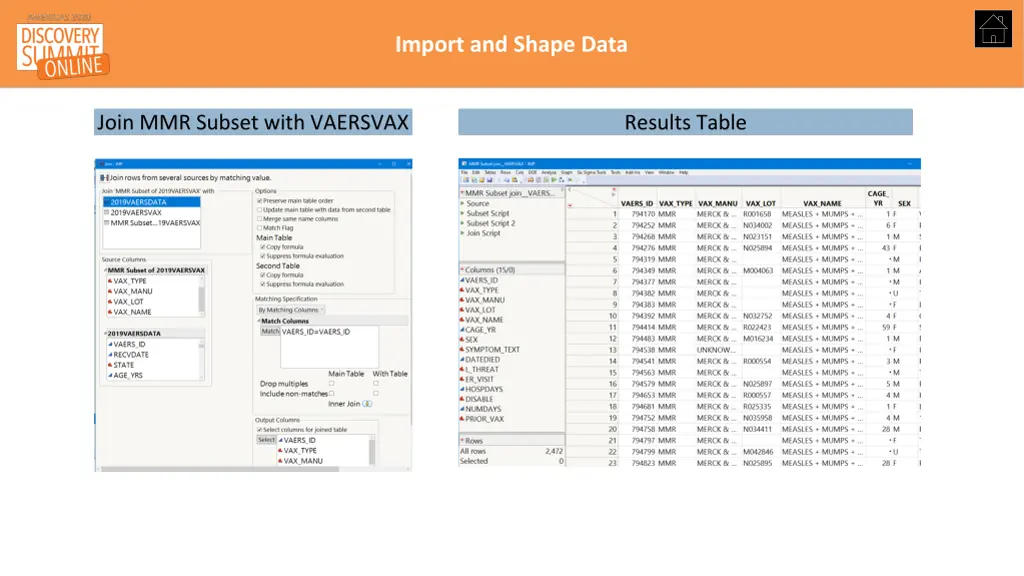
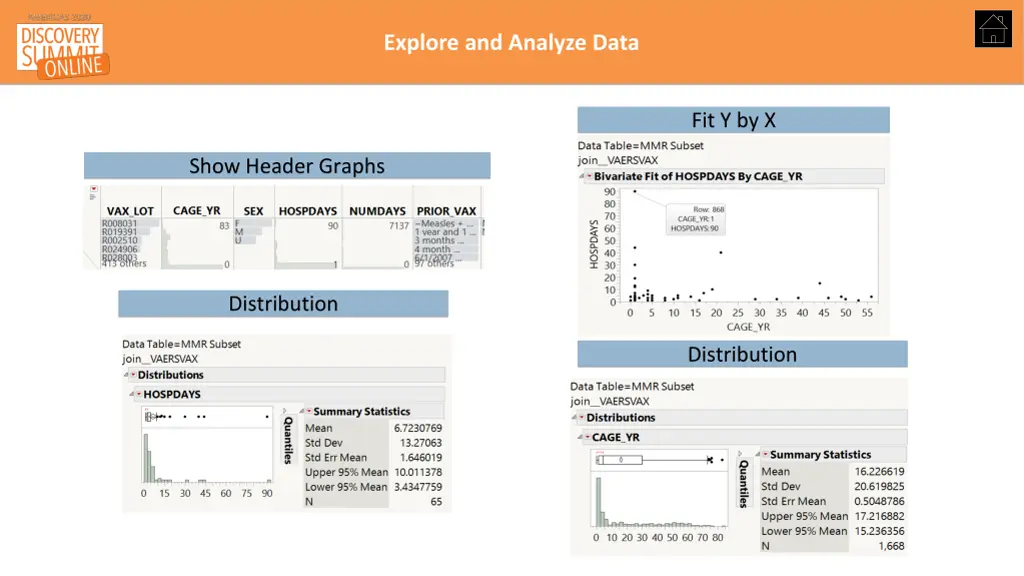
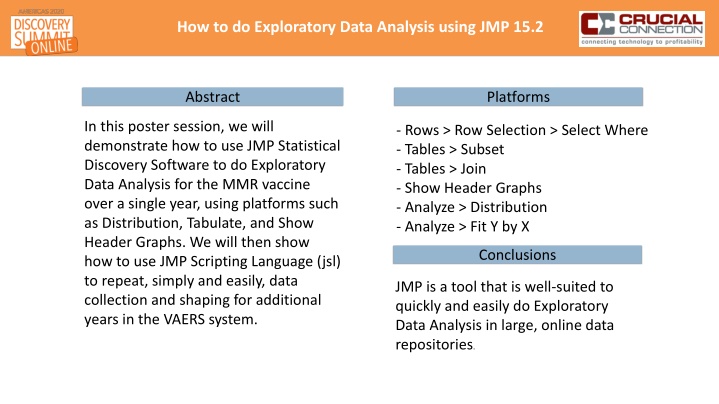
How to do Exploratory Data Analysis using JMP 15.2 Abstract Platforms In this poster session, we will demonstrate how to use JMP Statistical Discovery Software to do Exploratory Data Analysis for the MMR vaccine over a single year, using platforms such as Distribution, Tabulate, and Show Header Graphs. We will then show how to use JMP Scripting Language (jsl) to repeat, simply and easily, data collection and shaping for additional years in the VAERS system. - Rows > Row Selection > Select Where - Tables > Subset - Tables > Join - Show Header Graphs - Analyze > Distribution - Analyze > Fit Y by X Conclusions JMP is a tool that is well-suited to quickly and easily do Exploratory Data Analysis in large, online data repositories.
Import and Shape Data Rows > Row Selection > Select Where Tables > Subset
Import and Shape Data Join MMR Subset with VAERSVAX Results Table
Explore and Analyze Data Fit Y by X Show Header Graphs Distribution Distribution
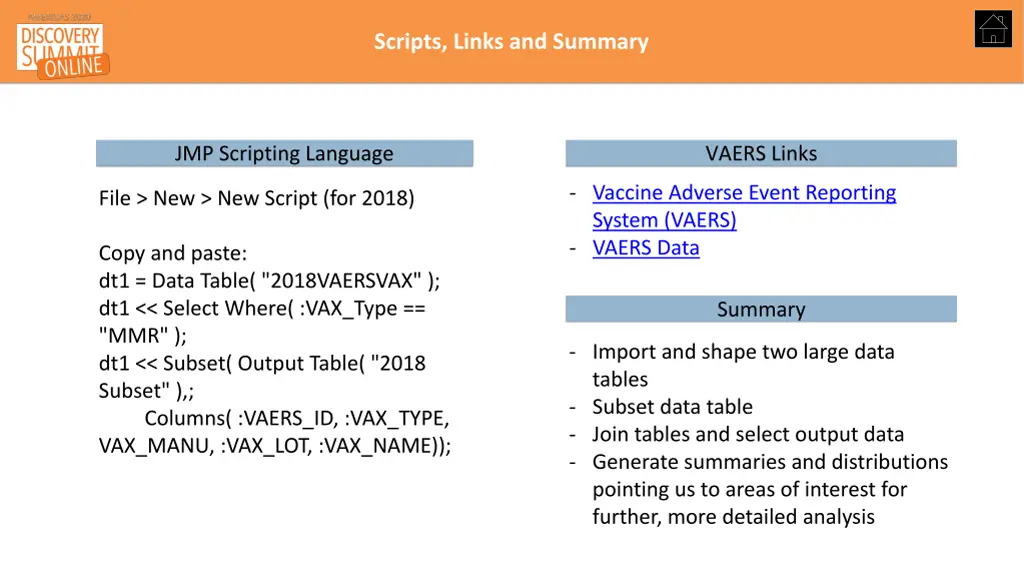
Scripts, Links and Summary JMP Scripting Language VAERS Links - Vaccine Adverse Event Reporting System (VAERS) - VAERS Data File > New > New Script (for 2018) Copy and paste: dt1 = Data Table( "2018VAERSVAX" ); dt1 << Select Where( :VAX_Type == "MMR" ); dt1 << Subset( Output Table( "2018 Subset" ),; Columns( :VAERS_ID, :VAX_TYPE, VAX_MANU, :VAX_LOT, :VAX_NAME)); Summary - Import and shape two large data tables - Subset data table - Join tables and select output data - Generate summaries and distributions pointing us to areas of interest for further, more detailed analysis