Explore the art of creating balanced characters in Battle Bots through strategic unbalancing methods. Enhance your designs using the Balance Spreadsheet for point distribution. Dive into paper prototyping, playtesting, and incorporating audio features for an engaging gameplay experience.
Please find below an Image/Link to download the presentation.
The content on the website is provided AS IS for your information and personal use only. It may not be sold, licensed, or shared on other websites without obtaining consent from the author. If you encounter any issues during the download, it is possible that the publisher has removed the file from their server.
You are allowed to download the files provided on this website for personal or commercial use, subject to the condition that they are used lawfully. All files are the property of their respective owners.
The content on the website is provided AS IS for your information and personal use only. It may not be sold, licensed, or shared on other websites without obtaining consent from the author.
E N D
Presentation Transcript
DES315 Technical Design Methods Week 8: Battle Bots! Creating Balanced Characters through Strategic Unbalancing: BattleBattle! and Being Batman
Project #3: Continue working on your Specs Your initial Spec Docs should be submitted Monday this week, but they can be revised through Wednesday. Considerations to include: Designing for better Strategic Unbalance Use the Balance Spreadsheet to consider point distribution Create more impactful weaknesses to afford opponents interesting actions and choices Complete Paper prototyping and Playtesting those prototypes At least one feature is expected to be enhanced with audio, and consider which features need to communicate with the opponent. Also note extra contributions can be made: additional hazards, new arena designs, or music (if you compose).
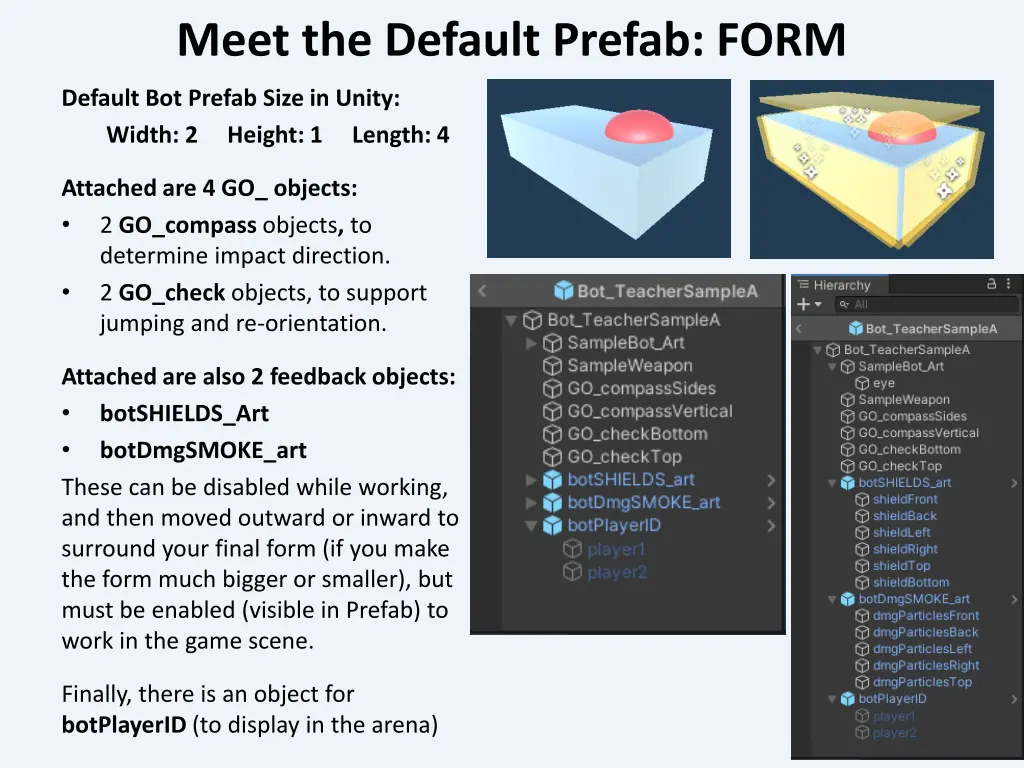
Meet the Default Prefab: FORM Default Bot Prefab Size in Unity: Width: 2 Height: 1 Length: 4 Attached are 4 GO_ objects: 2 GO_compass objects, to determine impact direction. 2 GO_check objects, to support jumping and re-orientation. Attached are also 2 feedback objects: botSHIELDS_Art botDmgSMOKE_art These can be disabled while working, and then moved outward or inward to surround your final form (if you make the form much bigger or smaller), but must be enabled (visible in Prefab) to work in the game scene. Finally, there is an object for botPlayerID (to display in the arena)
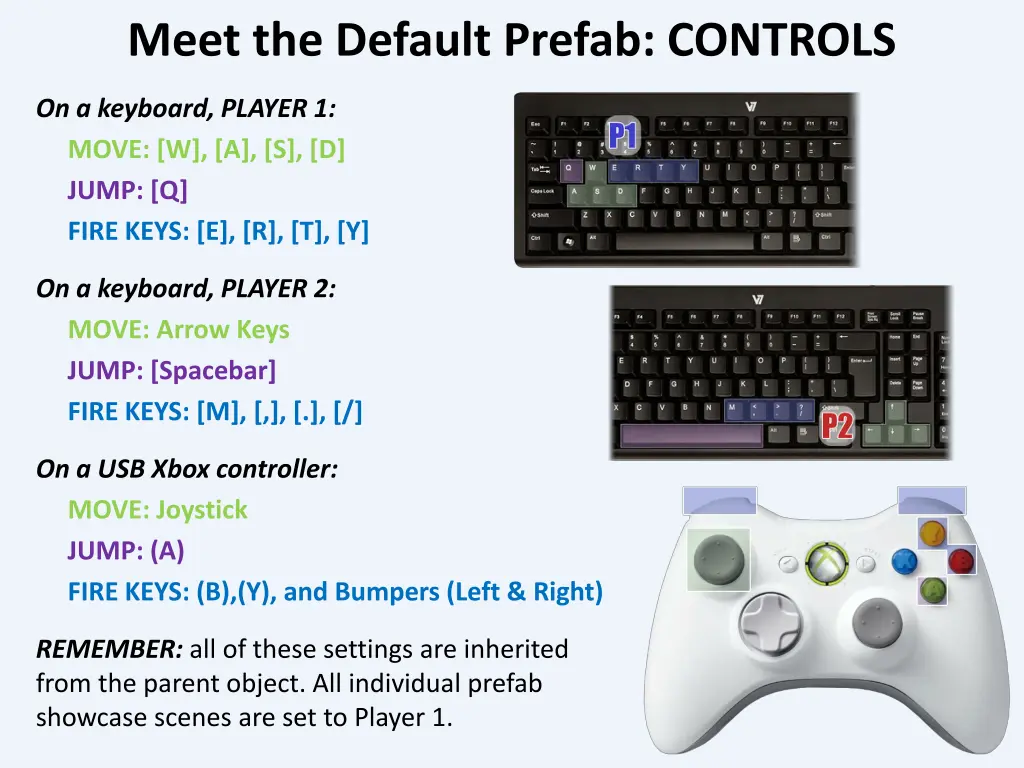
Meet the Default Prefab: CONTROLS On a keyboard, PLAYER 1: MOVE: [W], [A], [S], [D] JUMP: [Q] FIRE KEYS: [E], [R], [T], [Y] On a keyboard, PLAYER 2: MOVE: Arrow Keys JUMP: [Spacebar] FIRE KEYS: [M], [,], [.], [/] On a USB Xbox controller: MOVE: Joystick JUMP: (A) FIRE KEYS: (B),(Y), and Bumpers (Left & Right) REMEMBER: all of these settings are inherited from the parent object. All individual prefab showcase scenes are set to Player 1.
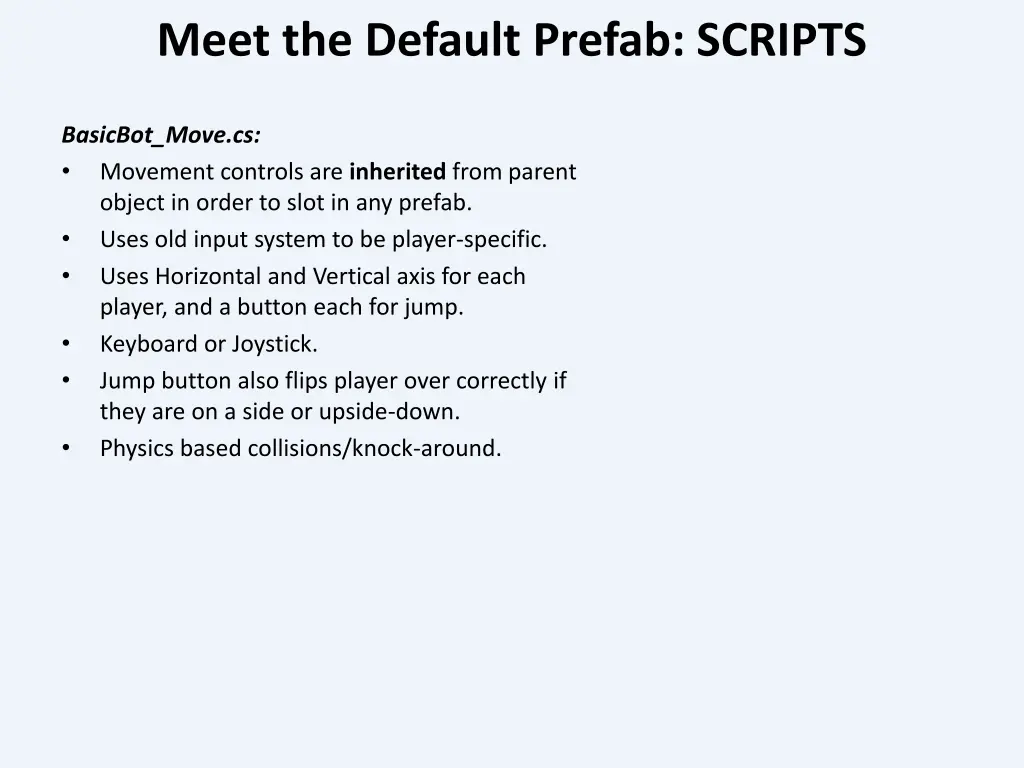
Meet the Default Prefab: SCRIPTS BasicBot_Move.cs: Movement controls are inherited from parent object in order to slot in any prefab. Uses old input system to be player-specific. Uses Horizontal and Vertical axis for each player, and a button each for jump. Keyboard or Joystick. Jump button also flips player over correctly if they are on a side or upside-down. Physics based collisions/knock-around.
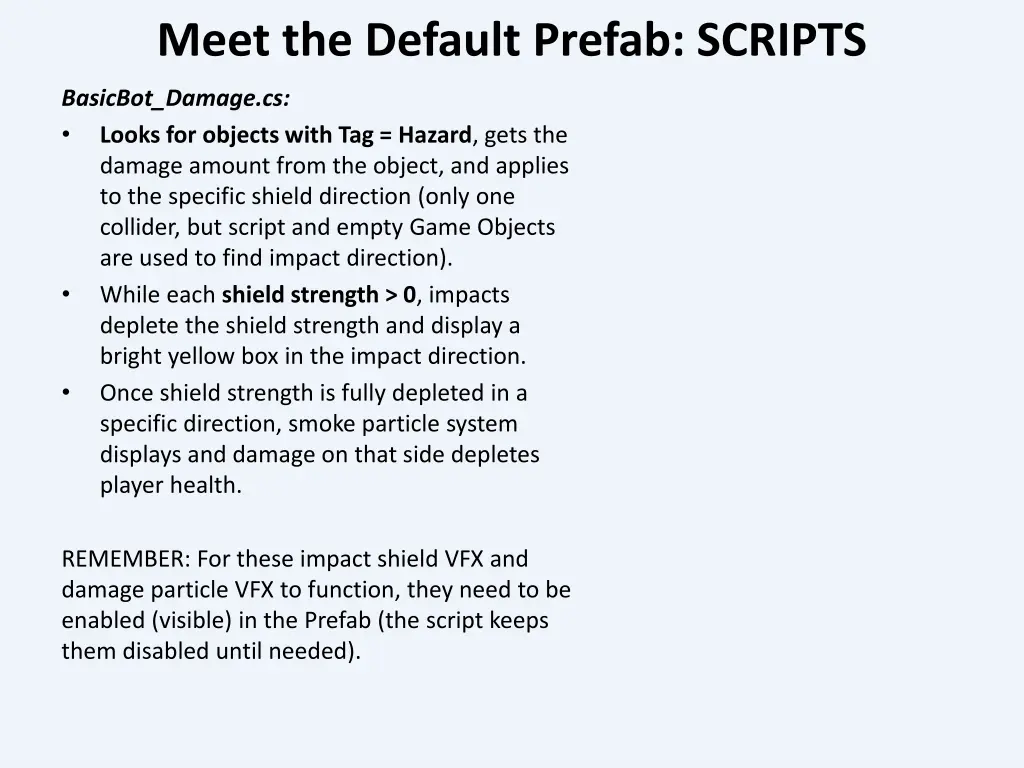
Meet the Default Prefab: SCRIPTS BasicBot_Damage.cs: Looks for objects with Tag = Hazard, gets the damage amount from the object, and applies to the specific shield direction (only one collider, but script and empty Game Objects are used to find impact direction). While each shield strength > 0, impacts deplete the shield strength and display a bright yellow box in the impact direction. Once shield strength is fully depleted in a specific direction, smoke particle system displays and damage on that side depletes player health. REMEMBER: For these impact shield VFX and damage particle VFX to function, they need to be enabled (visible) in the Prefab (the script keeps them disabled until needed).
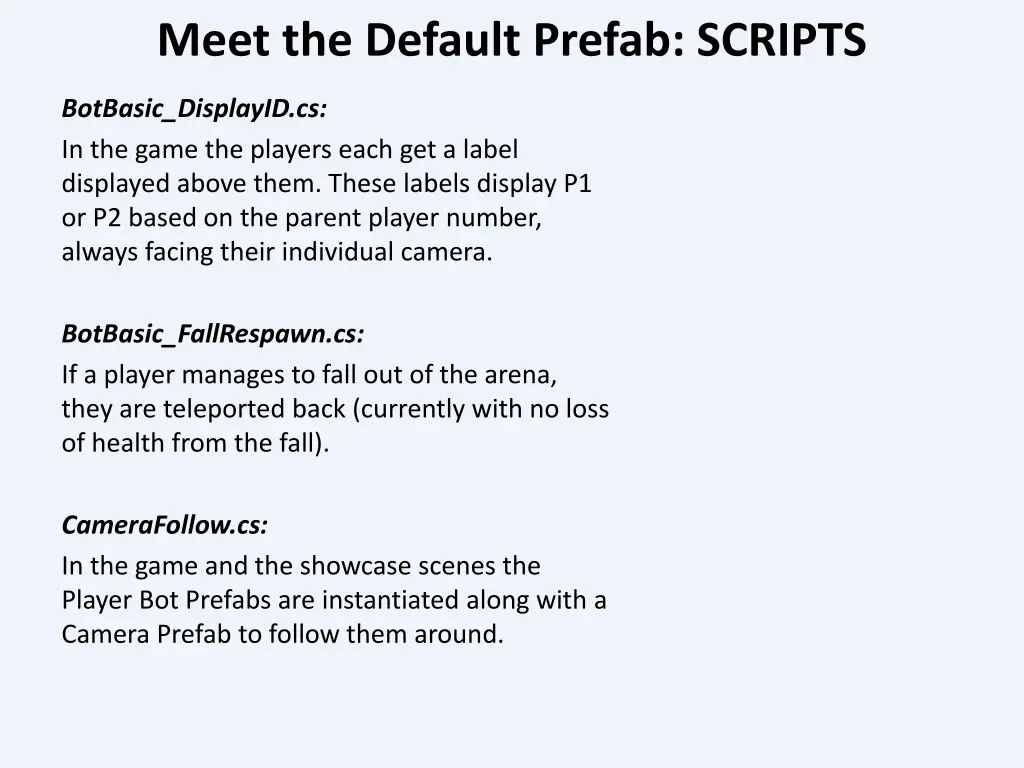
Meet the Default Prefab: SCRIPTS BotBasic_DisplayID.cs: In the game the players each get a label displayed above them. These labels display P1 or P2 based on the parent player number, always facing their individual camera. BotBasic_FallRespawn.cs: If a player manages to fall out of the arena, they are teleported back (currently with no loss of health from the fall). CameraFollow.cs: In the game and the showcase scenes the Player Bot Prefabs are instantiated along with a Camera Prefab to follow them around.
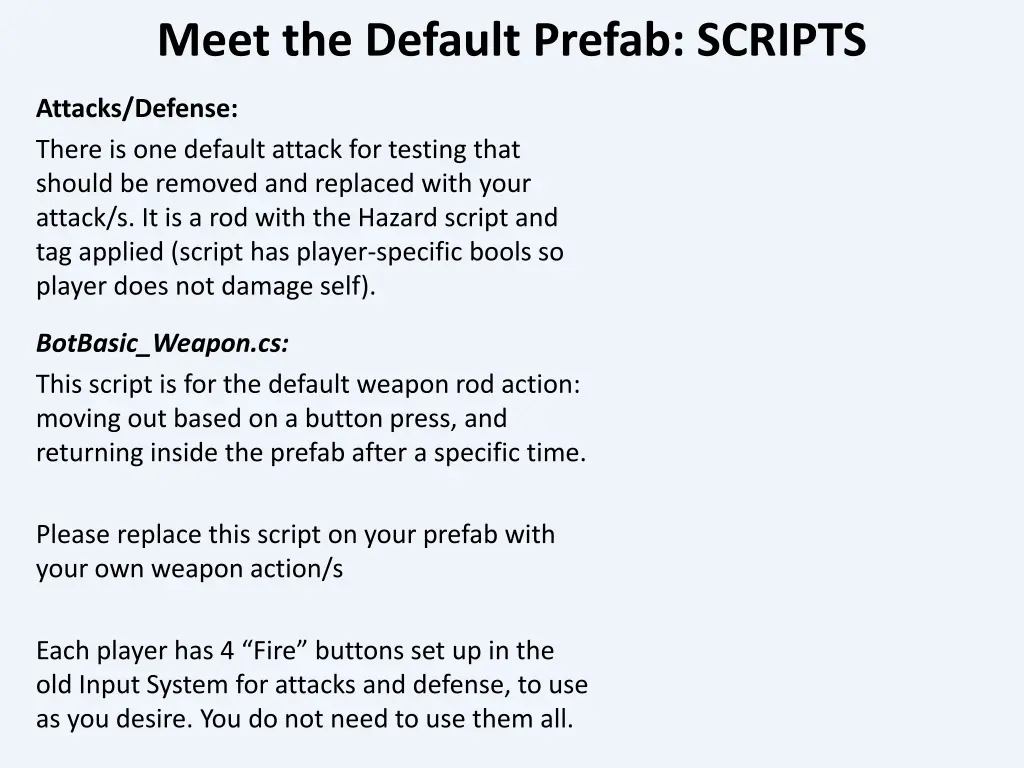
Meet the Default Prefab: SCRIPTS Attacks/Defense: There is one default attack for testing that should be removed and replaced with your attack/s. It is a rod with the Hazard script and tag applied (script has player-specific bools so player does not damage self). BotBasic_Weapon.cs: This script is for the default weapon rod action: moving out based on a button press, and returning inside the prefab after a specific time. Please replace this script on your prefab with your own weapon action/s Each player has 4 Fire buttons set up in the old Input System for attacks and defense, to use as you desire. You do not need to use them all.
Meet the Default Prefab: USEFUL HOOKS Here are some of the exposed parameters you might find useful for your intended interactions: Booleans in the BotBasic_move script: isGrounded uses a GroundCheck to know if the bot is touching the ground, bottom-down (used for jumping). isTurtled knows if the bot is on the ground bottom-up (pace bar will flip it right-side up). canFlip controls whether the player can flip the bot right-side up from an upside down or on-the side position. You can make it temporarily false if you want your bot to NOT be able to flip back right away (a flip cool-down). isGrabbed controls whether the player can move or rotate. If set to true, inputs are still taken but do not affect player position or orientation (good if you want to pick up the player and throw them be sure to give them a way to break free).
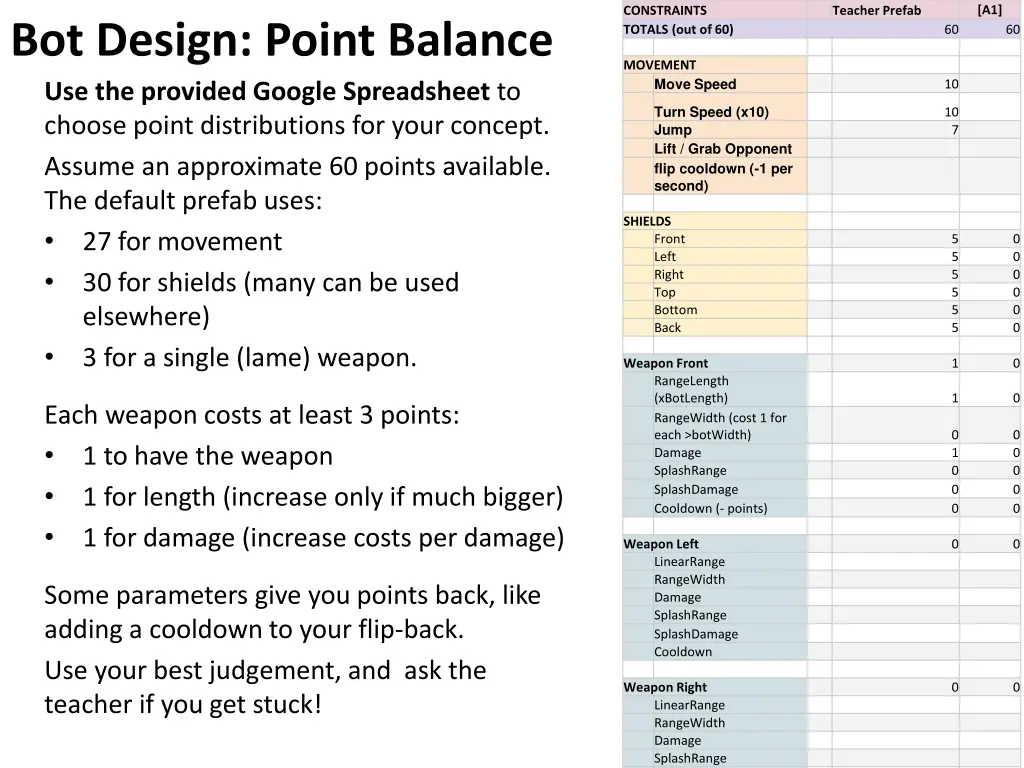
[A1] CONSTRAINTS TOTALS (out of 60) Teacher Prefab Bot Design: Point Balance Use the provided Google Spreadsheet to choose point distributions for your concept. Assume an approximate 60 points available. The default prefab uses: 27 for movement 30 for shields (many can be used elsewhere) 3 for a single (lame) weapon. 60 60 MOVEMENT Move Speed 10 Turn Speed (x10) Jump Lift / Grab Opponent flip cooldown (-1 per second) 10 7 SHIELDS Front Left Right Top Bottom Back 5 5 5 5 5 5 0 0 0 0 0 0 Weapon Front RangeLength (xBotLength) RangeWidth (cost 1 for each >botWidth) Damage SplashRange SplashDamage Cooldown (- points) 1 0 1 0 Each weapon costs at least 3 points: 1 to have the weapon 1 for length (increase only if much bigger) 1 for damage (increase costs per damage) 0 1 0 0 0 0 0 0 0 0 Weapon Left LinearRange RangeWidth Damage SplashRange SplashDamage Cooldown 0 0 Some parameters give you points back, like adding a cooldown to your flip-back. Use your best judgement, and ask the teacher if you get stuck! Weapon Right LinearRange RangeWidth Damage SplashRange SplashDamage 0 0
Strategic Unbalance: 4 Principles Here are FOUR PRINCIPLES to consider. You do not need to adhere to them, but consider them in your thinking: #1: Powers should be balanced by Weaknesses A Bot that fires a missile can also have low shielding. BUT, these two things do not feel connected, and would not necessarily occur to the opponent #2: Weaknesses should be derived from the Powers they seek to balance A Bot that fires missiles can have poor targeting/aim systems, so they are hard to control. BUT, this may be less fun for the player controlling the bot, and does not directly afford the opponent a way to act against it. #3: A weakness should offer an opening for opponent to act A Bot that fires missiles could be only able to fire forward and slow to turn, offering the opponent a clear path to avoid. #4: Include UI (ideally diegetic) to share any critically needed info A Bot that fires missiles could have a cool-down between shots, and display that cooldown as a filling-bar or an increasing glow.
Feedback / Game Feel Some features need to visually communicate how they work, especially to opponents. Are you creating a system to grab and lift another bot? You will want to provide a way for the opponent to feel they still have some agency, and potentially to escape. You could, for example, make it so hitting the left-right turn keys (or joystick) can wiggle them lose (the project is set up to be easy to listen for the opponent s movement on their horizontal axis). Importantly, you would then need to indicate this to the player, either with an explicit, discrete interface element (like a hovering/blinking left-right message), or a more diegetic solution, like responding to player input with a visible bot-shake.
GitHub You have been added to the Project 3 Repo! GITHUB REMEMBER: Rule #1: NO REVERT. Please do not use that GitHub function for this project. Rule #2: Please DO create a branch in the Repo, Merge on a regular basis (each day you work, that your build is stable) NOTE FOR THIS PROJECT: Unity work is expected to begin this week, at least after Wednesday class! The Prefabs and Showcase Scenes are already in place: find the one that corresponds to your call-sign to modify it! The Prefabs are designed to only work in the showcase or arena scenes: they take they movement axis and attacks from the parent object that instantiates them (so we can have separate controls for Player1 and Player2).
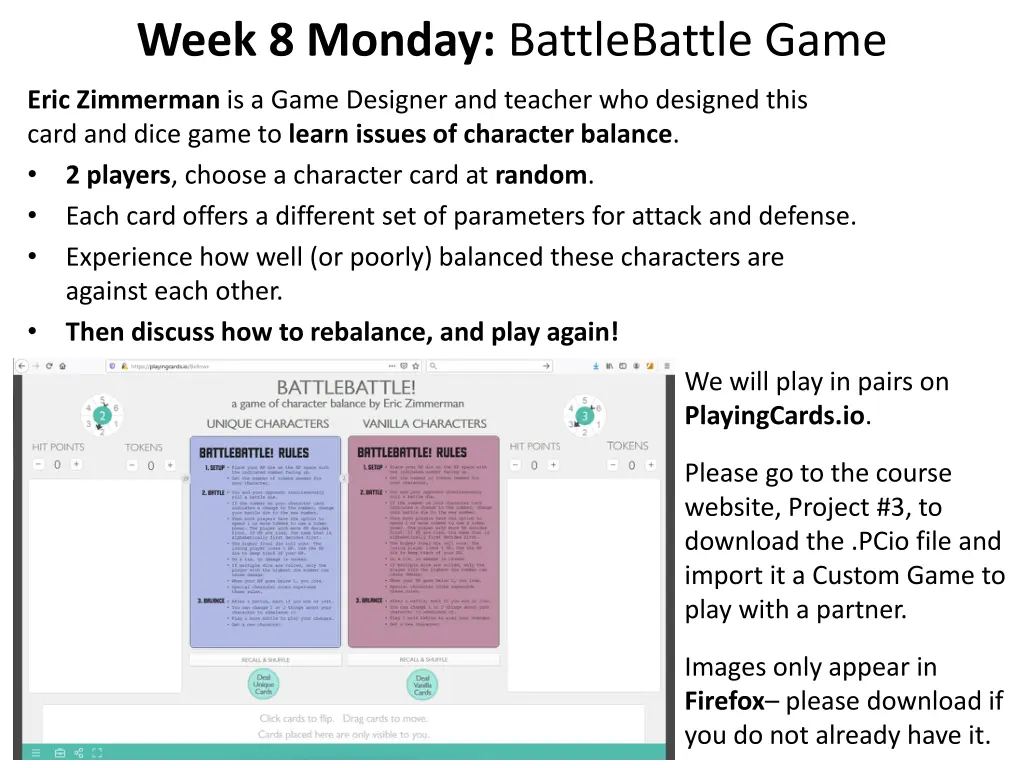
Week 8 Monday: BattleBattle Game Eric Zimmerman is a Game Designer and teacher who designed this card and dice game to learn issues of character balance. 2 players, choose a character card at random. Each card offers a different set of parameters for attack and defense. Experience how well (or poorly) balanced these characters are against each other. Then discuss how to rebalance, and play again! We will play in pairs on PlayingCards.io. Please go to the course website, Project #3, to download the .PCio file and import it a Custom Game to play with a partner. Images only appear in Firefox please download if you do not already have it.
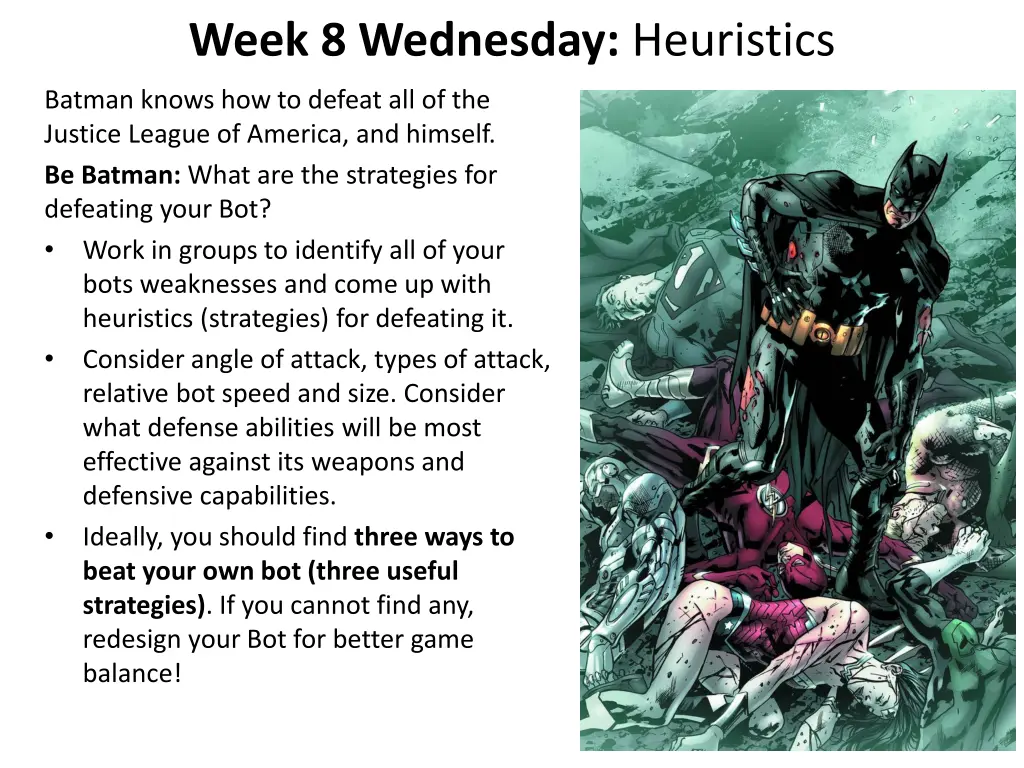
Week 8 Wednesday: Heuristics Batman knows how to defeat all of the Justice League of America, and himself. Be Batman: What are the strategies for defeating your Bot? Work in groups to identify all of your bots weaknesses and come up with heuristics (strategies) for defeating it. Consider angle of attack, types of attack, relative bot speed and size. Consider what defense abilities will be most effective against its weapons and defensive capabilities. Ideally, you should find three ways to beat your own bot (three useful strategies). If you cannot find any, redesign your Bot for better game balance!
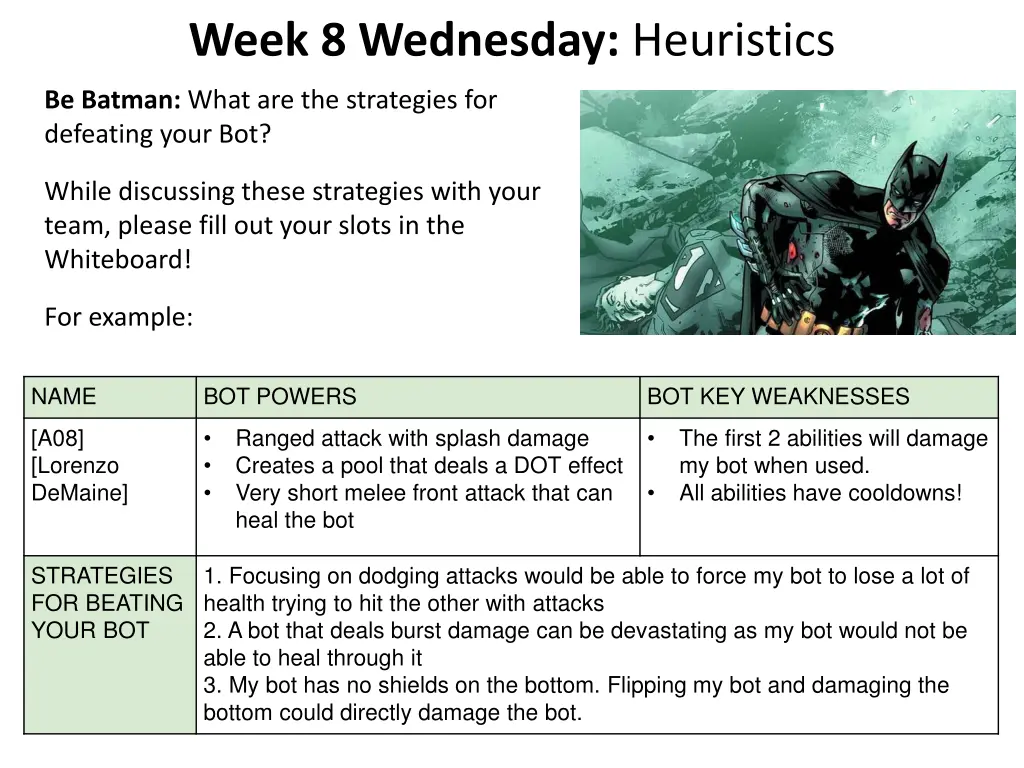
Week 8 Wednesday: Heuristics Be Batman: What are the strategies for defeating your Bot? While discussing these strategies with your team, please fill out your slots in the Whiteboard! For example: NAME BOT POWERS BOT KEY WEAKNESSES [A08] [Lorenzo DeMaine] Ranged attack with splash damage Creates a pool that deals a DOT effect Very short melee front attack that can heal the bot The first 2 abilities will damage my bot when used. All abilities have cooldowns! STRATEGIES FOR BEATING YOUR BOT 1. Focusing on dodging attacks would be able to force my bot to lose a lot of health trying to hit the other with attacks 2. A bot that deals burst damage can be devastating as my bot would not be able to heal through it 3. My bot has no shields on the bottom. Flipping my bot and damaging the bottom could directly damage the bot.
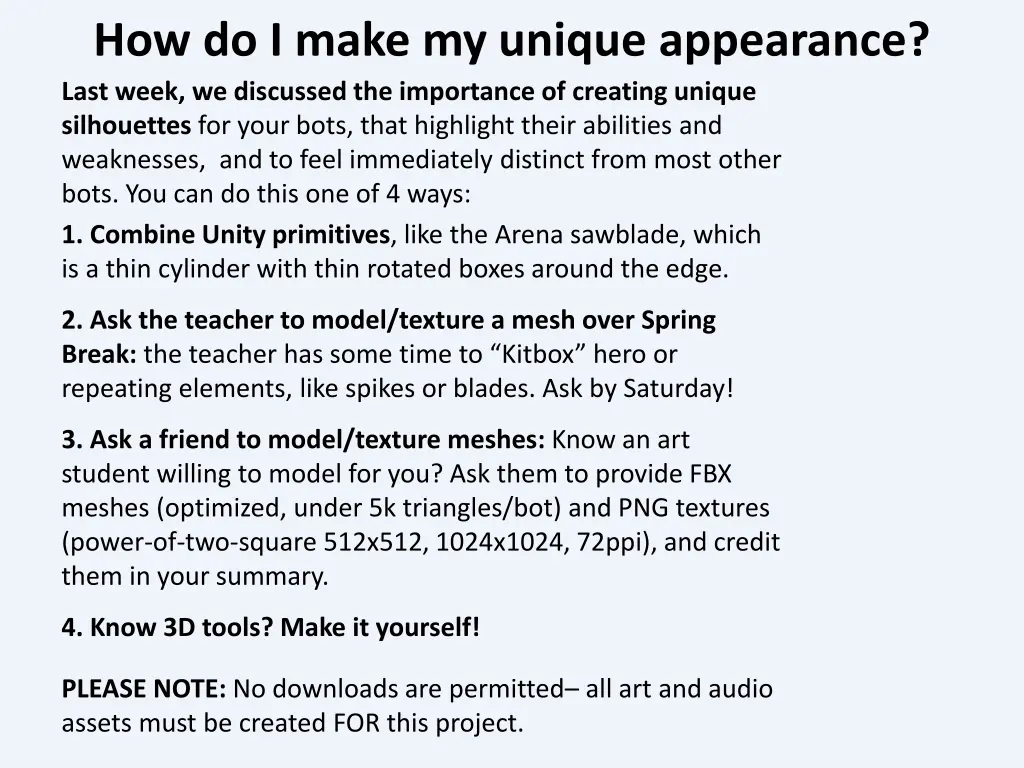
How do I make my unique appearance? Last week, we discussed the importance of creating unique silhouettes for your bots, that highlight their abilities and weaknesses, and to feel immediately distinct from most other bots. You can do this one of 4 ways: 1. Combine Unity primitives, like the Arena sawblade, which is a thin cylinder with thin rotated boxes around the edge. 2. Ask the teacher to model/texture a mesh over Spring Break: the teacher has some time to Kitbox hero or repeating elements, like spikes or blades. Ask by Saturday! 3. Ask a friend to model/texture meshes: Know an art student willing to model for you? Ask them to provide FBX meshes (optimized, under 5k triangles/bot) and PNG textures (power-of-two-square 512x512, 1024x1024, 72ppi), and credit them in your summary. 4. Know 3D tools? Make it yourself! PLEASE NOTE: No downloads are permitted all art and audio assets must be created FOR this project.
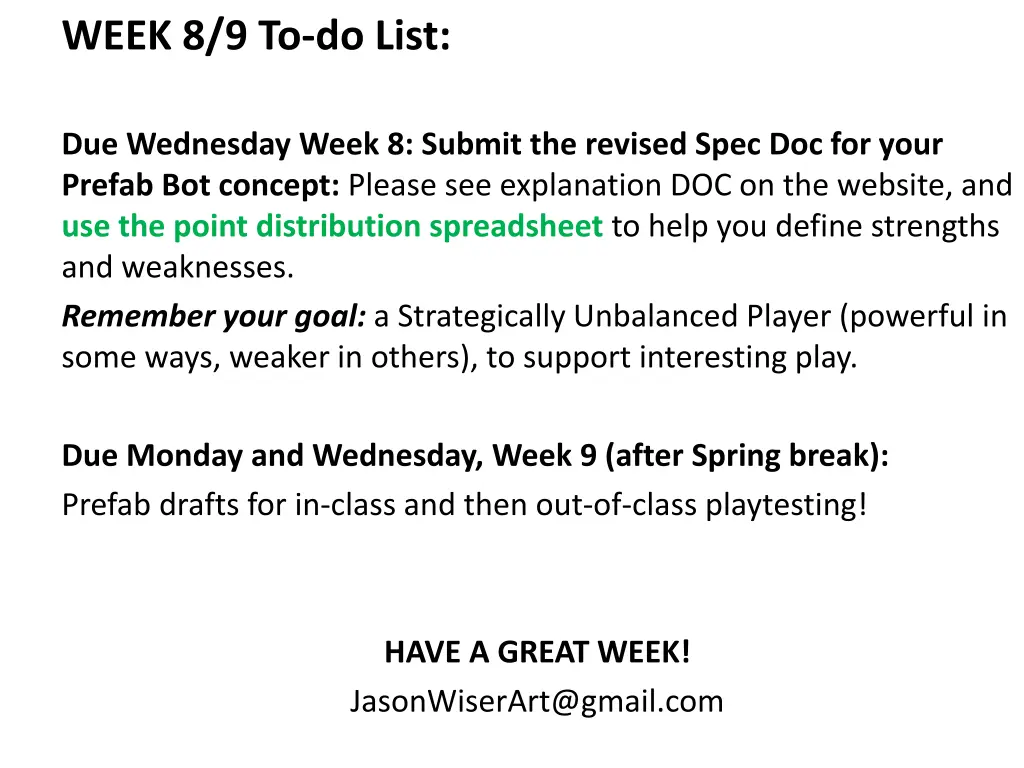
WEEK 8/9 To-do List: Due Wednesday Week 8: Submit the revised Spec Doc for your Prefab Bot concept: Please see explanation DOC on the website, and use the point distribution spreadsheet to help you define strengths and weaknesses. Remember your goal: a Strategically Unbalanced Player (powerful in some ways, weaker in others), to support interesting play. Due Monday and Wednesday, Week 9 (after Spring break): Prefab drafts for in-class and then out-of-class playtesting! HAVE A GREAT WEEK! JasonWiserArt@gmail.com