Discovering Digital Library User Behavior with Google Analytics Strategies
Uncover the methods for tracking and analyzing user behavior in a digital library using Google Analytics. Explore event tracking, data analysis, and API integration techniques to effectively collect and export data for insights. Enhance your understanding of user engagement across domains and optimize your tracking code for efficient data acquisition.

Download Presentation

Please find below an Image/Link to download the presentation.
The content on the website is provided AS IS for your information and personal use only. It may not be sold, licensed, or shared on other websites without obtaining consent from the author. If you encounter any issues during the download, it is possible that the publisher has removed the file from their server.
You are allowed to download the files provided on this website for personal or commercial use, subject to the condition that they are used lawfully. All files are the property of their respective owners.
The content on the website is provided AS IS for your information and personal use only. It may not be sold, licensed, or shared on other websites without obtaining consent from the author.
E N D
Presentation Transcript
Discovering Digital Library User Behavior with Google Analytics Kirk Hess University of Illinois Urbana-Champaign Hi #code4lib!
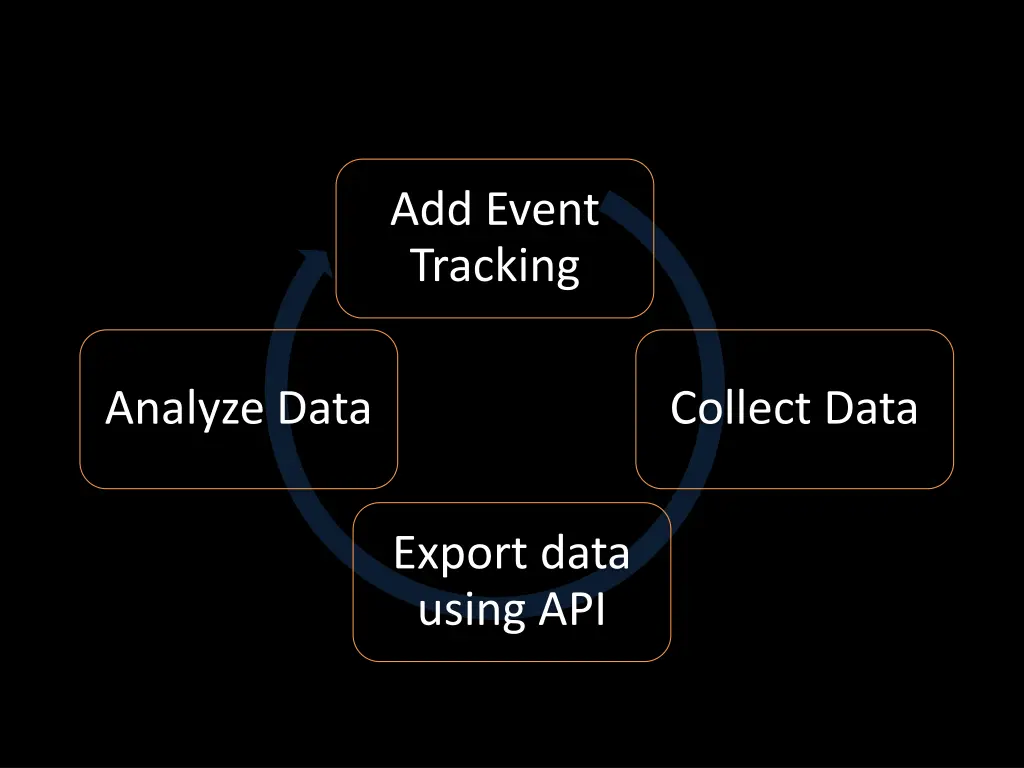
Add Event Tracking Analyze Data Collect Data Export data using API
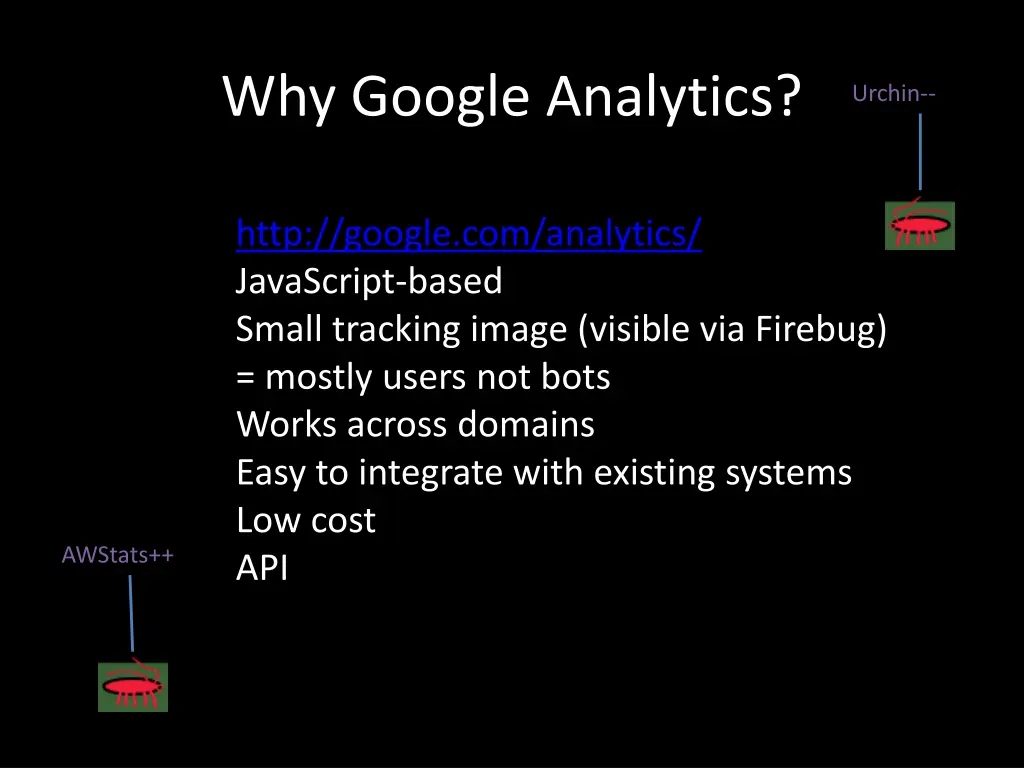
Why Google Analytics? Urchin-- http://google.com/analytics/ JavaScript-based Small tracking image (visible via Firebug) = mostly users not bots Works across domains Easy to integrate with existing systems Low cost API AWStats++
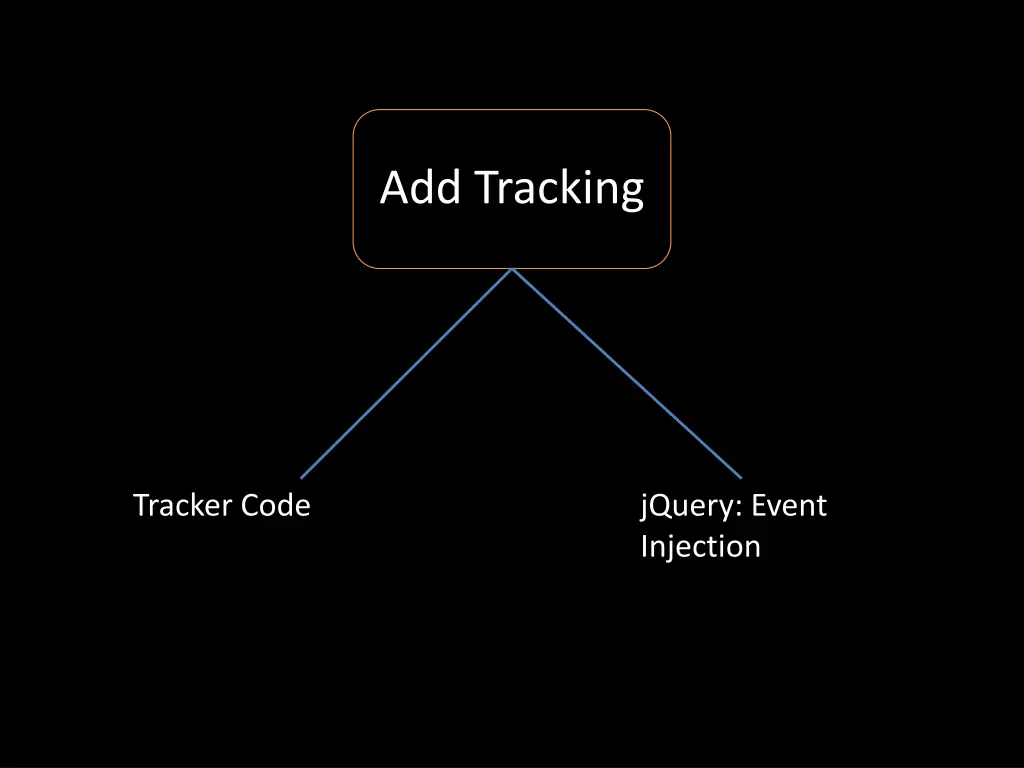
Add Tracking Tracker Code jQuery: Event Injection
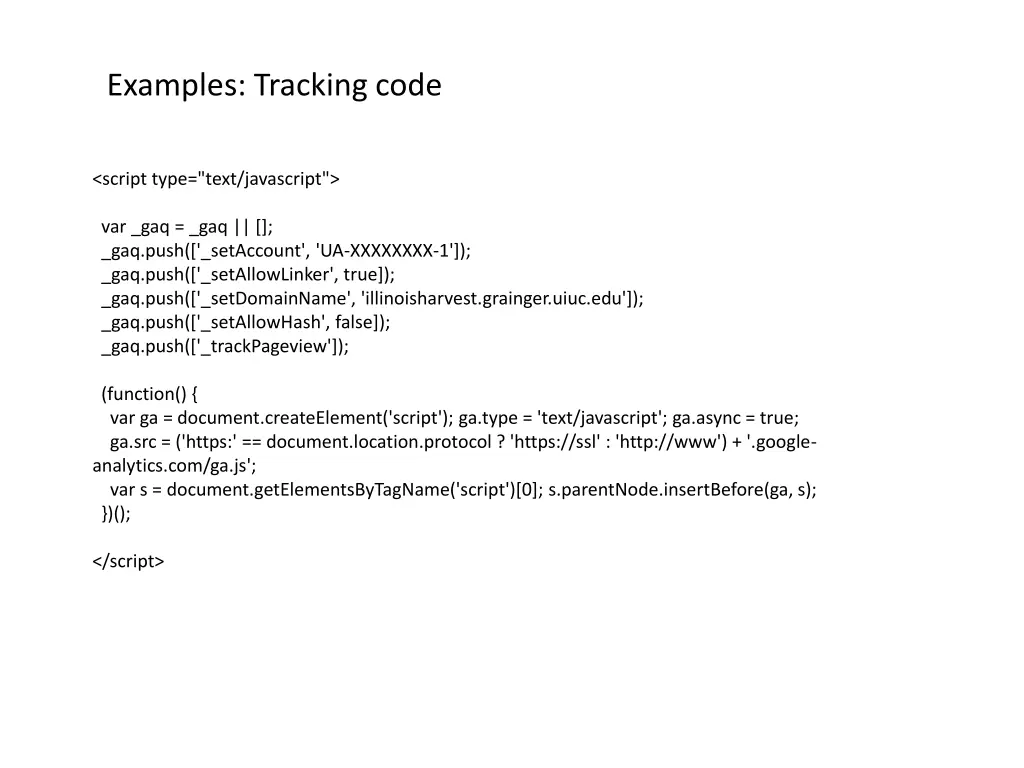
Examples: Tracking code <script type="text/javascript"> var _gaq = _gaq || []; _gaq.push(['_setAccount', 'UA-XXXXXXXX-1']); _gaq.push(['_setAllowLinker', true]); _gaq.push(['_setDomainName', 'illinoisharvest.grainger.uiuc.edu']); _gaq.push(['_setAllowHash', false]); _gaq.push(['_trackPageview']); (function() { var ga = document.createElement('script'); ga.type = 'text/javascript'; ga.async = true; ga.src = ('https:' == document.location.protocol ? 'https://ssl' : 'http://www') + '.google- analytics.com/ga.js'; var s = document.getElementsByTagName('script')[0]; s.parentNode.insertBefore(ga, s); })(); </script>
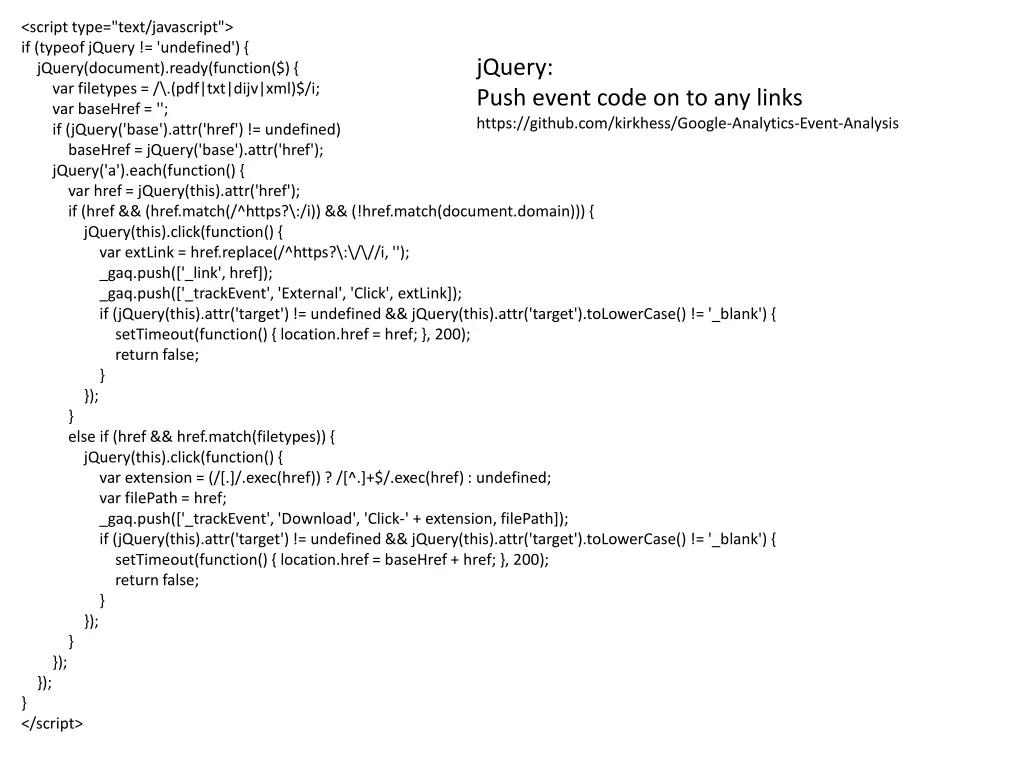
<script type="text/javascript"> if (typeof jQuery != 'undefined') { jQuery(document).ready(function($) { var filetypes = /\.(pdf|txt|dijv|xml)$/i; var baseHref = ''; if (jQuery('base').attr('href') != undefined) baseHref = jQuery('base').attr('href'); jQuery('a').each(function() { var href = jQuery(this).attr('href'); if (href && (href.match(/^https?\:/i)) && (!href.match(document.domain))) { jQuery(this).click(function() { var extLink = href.replace(/^https?\:\/\//i, ''); _gaq.push(['_link', href]); _gaq.push(['_trackEvent', 'External', 'Click', extLink]); if (jQuery(this).attr('target') != undefined && jQuery(this).attr('target').toLowerCase() != '_blank') { setTimeout(function() { location.href = href; }, 200); return false; } }); } else if (href && href.match(filetypes)) { jQuery(this).click(function() { var extension = (/[.]/.exec(href)) ? /[^.]+$/.exec(href) : undefined; var filePath = href; _gaq.push(['_trackEvent', 'Download', 'Click-' + extension, filePath]); if (jQuery(this).attr('target') != undefined && jQuery(this).attr('target').toLowerCase() != '_blank') { setTimeout(function() { location.href = baseHref + href; }, 200); return false; } }); } }); }); } </script> jQuery: Push event code on to any links https://github.com/kirkhess/Google-Analytics-Event-Analysis
Collect Data A few months later
Google Analytics Interface Heat Map Content Drill Down Visitor Flow Events
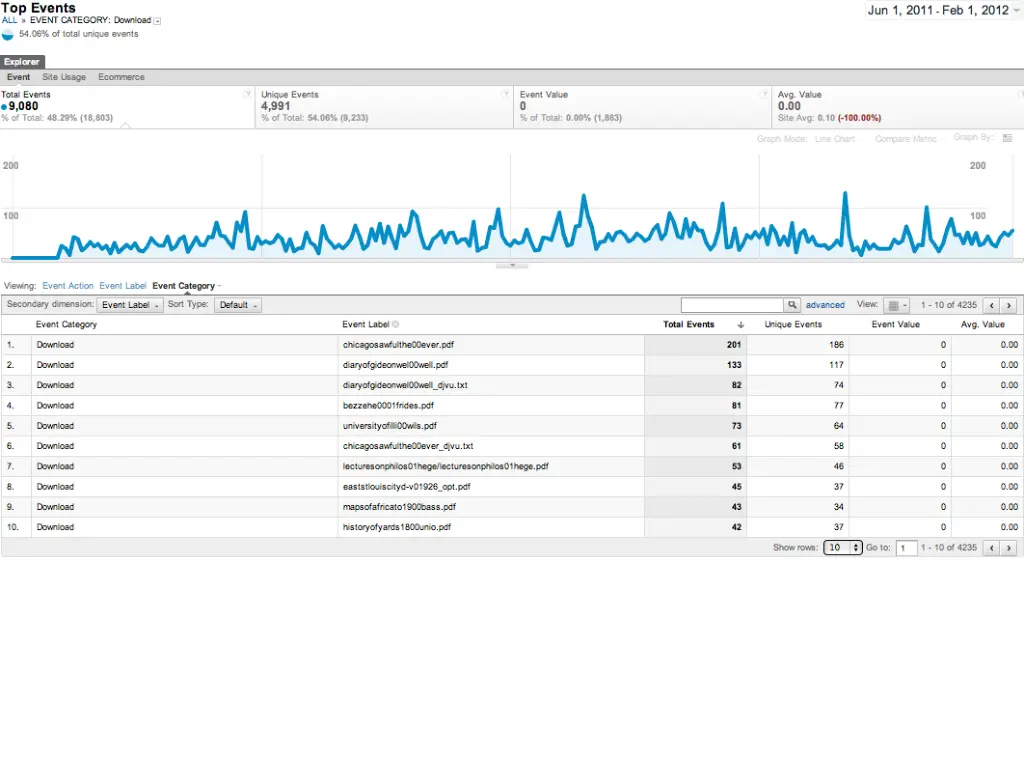
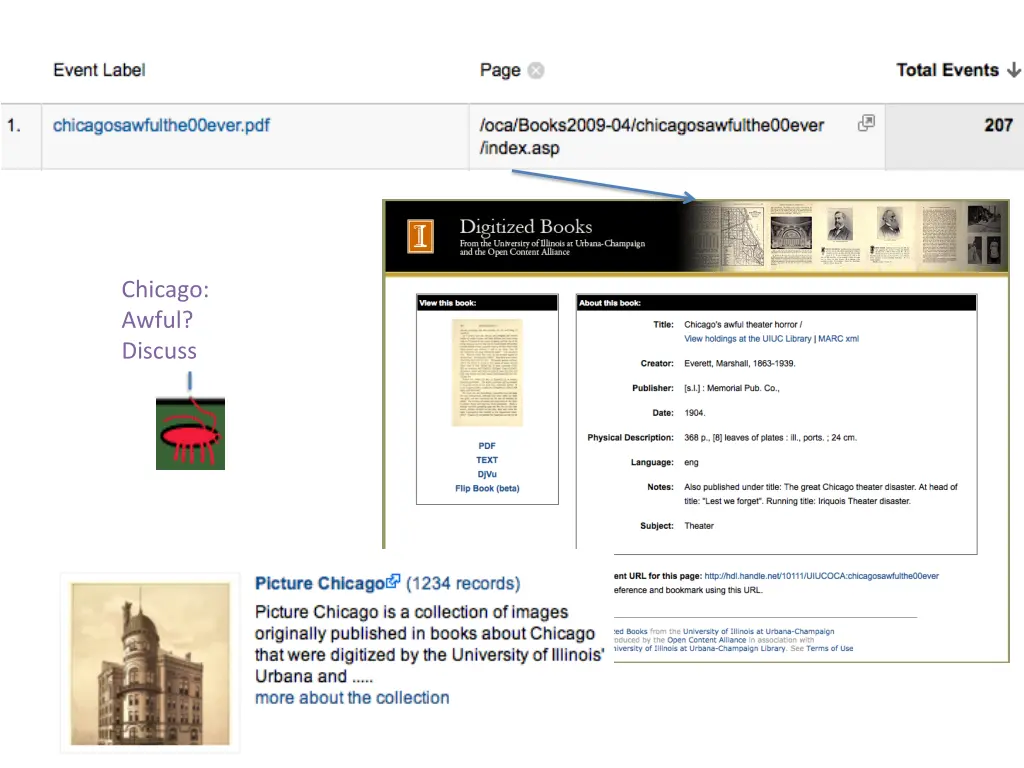
Chicago: Awful? Discuss
Export data using API Google Analytics API Java or Javascript Export any field into a database for further analysis
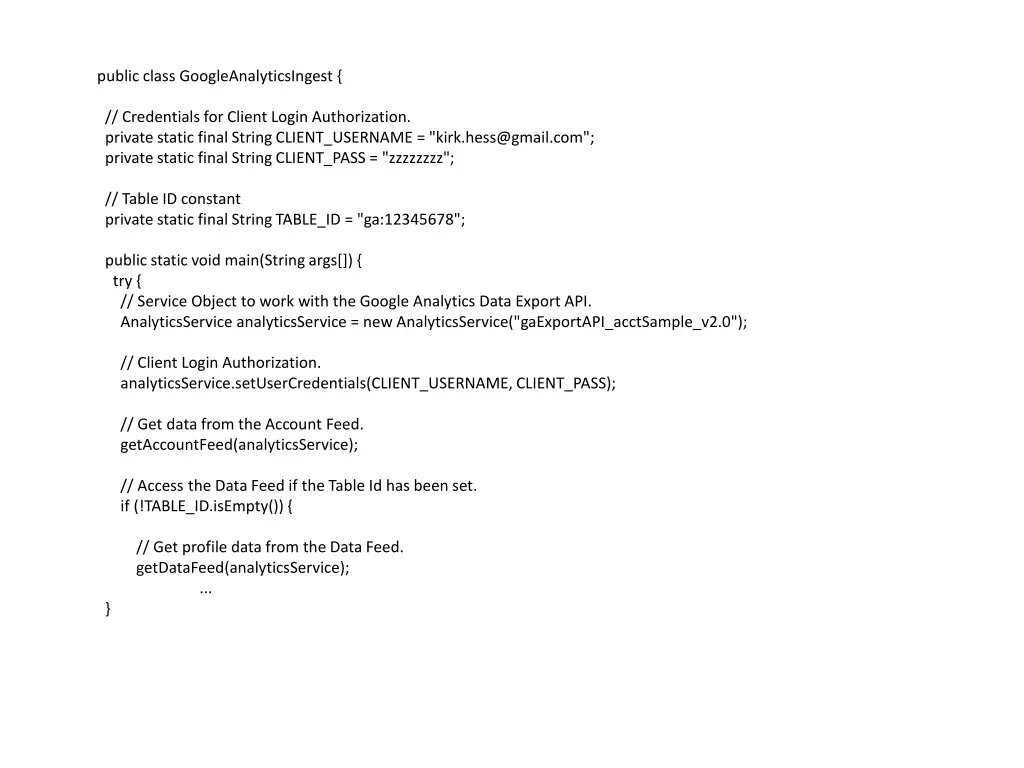
public class GoogleAnalyticsIngest { // Credentials for Client Login Authorization. private static final String CLIENT_USERNAME = "kirk.hess@gmail.com"; private static final String CLIENT_PASS = "zzzzzzzz"; // Table ID constant private static final String TABLE_ID = "ga:12345678"; public static void main(String args[]) { try { // Service Object to work with the Google Analytics Data Export API. AnalyticsService analyticsService = new AnalyticsService("gaExportAPI_acctSample_v2.0"); // Client Login Authorization. analyticsService.setUserCredentials(CLIENT_USERNAME, CLIENT_PASS); // Get data from the Account Feed. getAccountFeed(analyticsService); // Access the Data Feed if the Table Id has been set. if (!TABLE_ID.isEmpty()) { // Get profile data from the Data Feed. getDataFeed(analyticsService); ... }
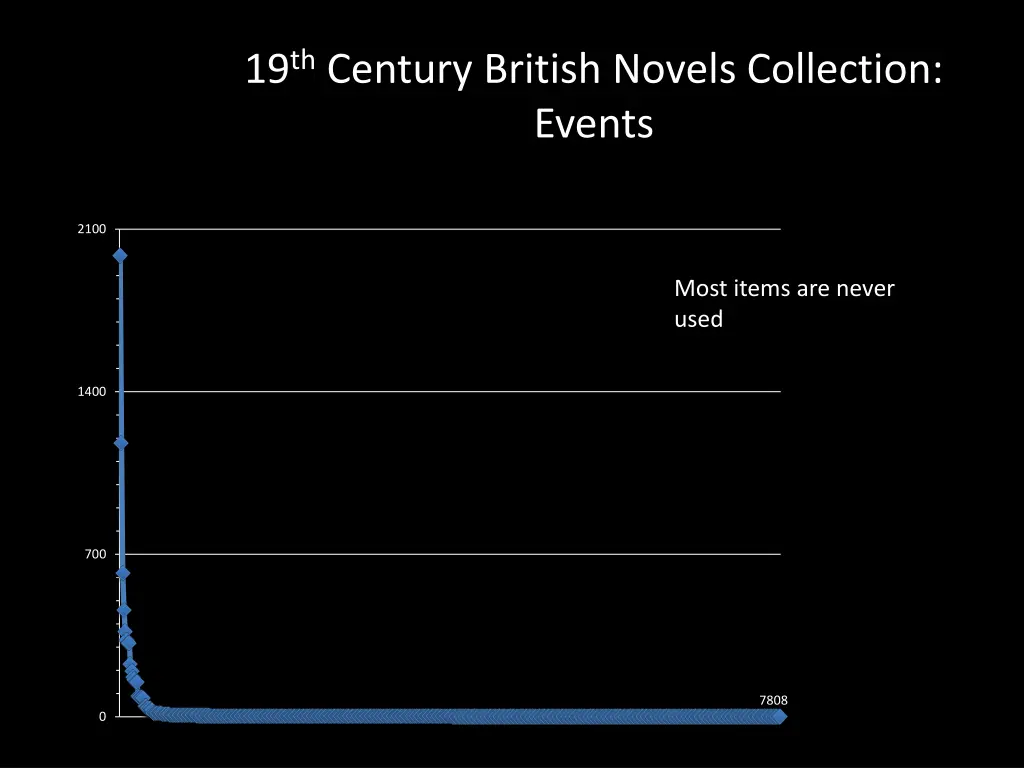
Analyze Data Which items are popular? How many times was an item viewed? Downloaded? Effective Collection Size
19th Century British Novels Collection: Events 2100 Most items are never used 1400 700 7808 0
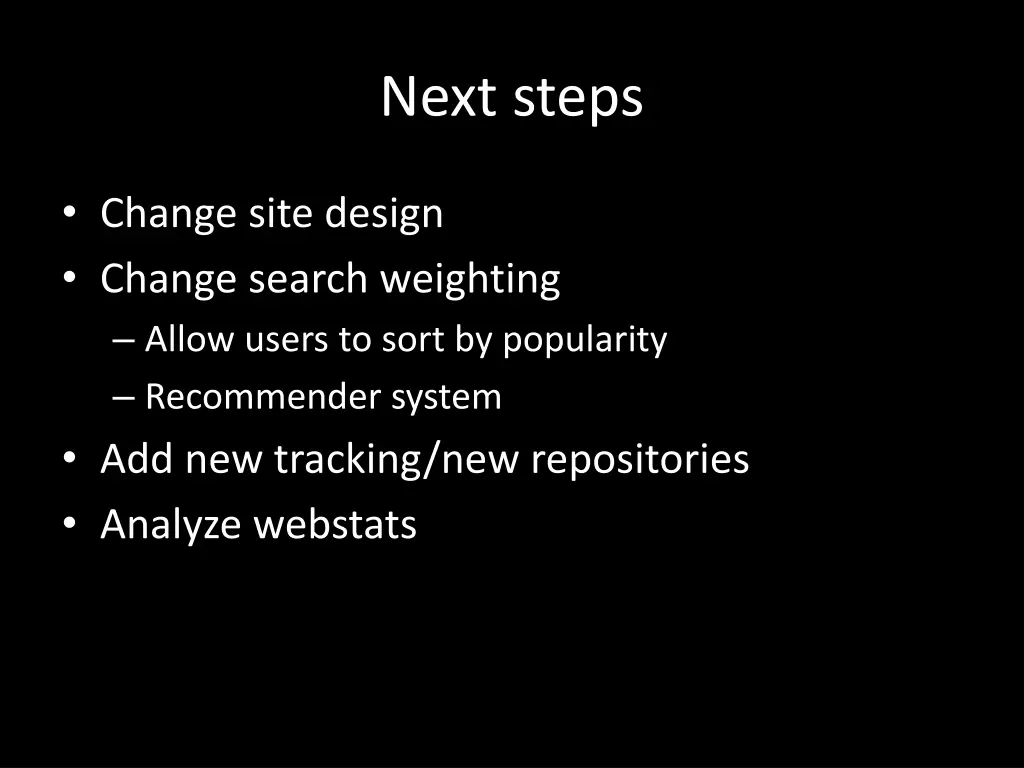
Next steps Change site design Change search weighting Allow users to sort by popularity Recommender system Add new tracking/new repositories Analyze webstats
Code: https://github.com/kirkhess/Google-Analytics-Event-Analysis