Visualpath delivers expert-led Dynamics 365 Business Central Training in Bangalore with Live Projects & Real-time examples. Get skilled in finance, supply chain, and operations. Available globally in the USA, UK, Canada, Dubai, and Australia. Enroll
Please find below an Image/Link to download the presentation.
The content on the website is provided AS IS for your information and personal use only. It may not be sold, licensed, or shared on other websites without obtaining consent from the author. If you encounter any issues during the download, it is possible that the publisher has removed the file from their server.
You are allowed to download the files provided on this website for personal or commercial use, subject to the condition that they are used lawfully. All files are the property of their respective owners.
The content on the website is provided AS IS for your information and personal use only. It may not be sold, licensed, or shared on other websites without obtaining consent from the author.
E N D
Presentation Transcript
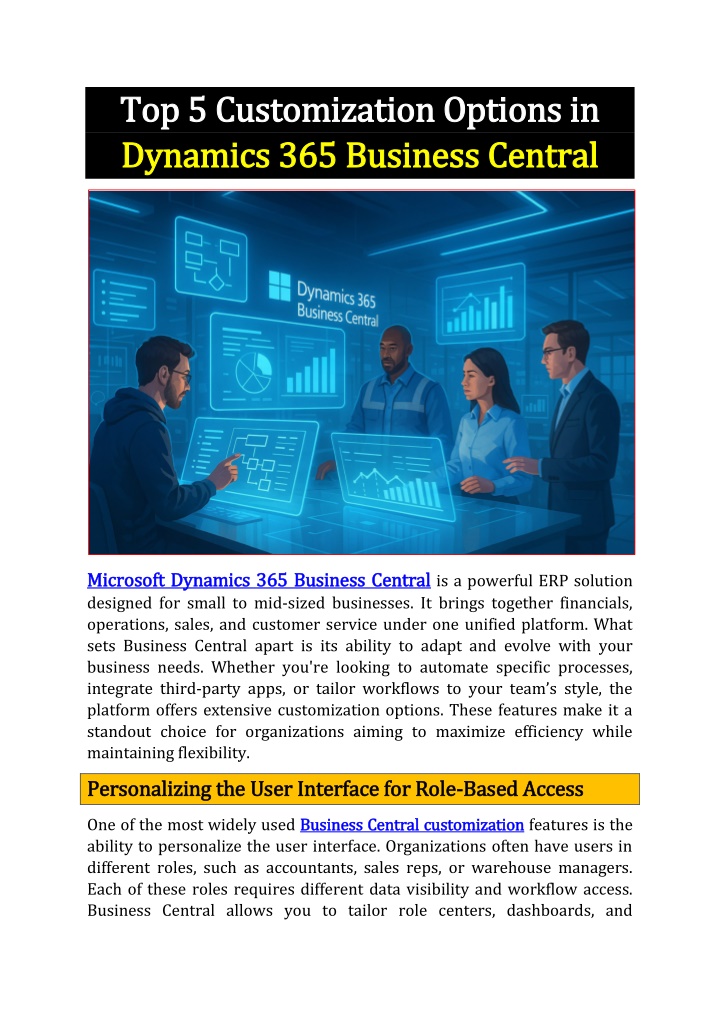
Top 5 Customization Options in Top 5 Customization Options in Dynamics 365 Business Central Dynamics 365 Business Central Microsoft Dynamics 365 Business Central Microsoft Dynamics 365 Business Central is a powerful ERP solution designed for small to mid-sized businesses. It brings together financials, operations, sales, and customer service under one unified platform. What sets Business Central apart is its ability to adapt and evolve with your business needs. Whether you're looking to automate specific processes, integrate third-party apps, or tailor workflows to your team s style, the platform offers extensive customization options. These features make it a standout choice for organizations aiming to maximize efficiency while maintaining flexibility. Personalizing the User Interface for Role Personalizing the User Interface for Role- -Based Access Based Access One of the most widely used Business Central customization Business Central customization features is the ability to personalize the user interface. Organizations often have users in different roles, such as accountants, sales reps, or warehouse managers. Each of these roles requires different data visibility and workflow access. Business Central allows you to tailor role centers, dashboards, and
navigation menus for each user group. You can hide irrelevant fields, move tiles, rearrange pages, and add cues that reflect KPIs or key tasks. This customization not only improves user experience but also increases productivity by reducing screen clutter and focusing users on what matters most. Creating Custom Fields and Tables Without Code Creating Custom Fields and Tables Without Code In many businesses, standard ERP fields aren't enough. Whether it s a specific industry requirement or an internal data need, adding custom fields is often essential. Business Central offers a powerful "No-Code" customization tool that enables users to create custom fields and tables without writing a single line of code. These fields can be added to existing pages and used in reports and data exports. The ability to modify the data structure without developer intervention is a game-changer for companies looking for agility. With this functionality, businesses can adapt their system in real-time, responding quickly to operational changes. Dynamic Business Central Course Business Central Course Dynamics 365 s 365 Using Power Automate for Workflow Automation Using Power Automate for Workflow Automation Automation is a critical factor in modern business systems, and Business Central shines here with native integration into the Power Platform. With Power Automate for Dynamics 365 Power Automate for Dynamics 365, businesses can create automated workflows that connect Business Central with other Microsoft and third- party apps. For example, you can trigger email alerts when invoices are overdue or automatically update records in SharePoint when inventory levels change. This kind of automation reduces manual work, eliminates human error, and ensures timely responses across departments. It's one of the most effective ways to extend the functionality of Business Central and streamline your business operations. Extending Functional Extending Functionality with Extensions and AppSource ity with Extensions and AppSource Another key customization approach is leveraging extensions and apps from Microsoft AppSource. These pre-built solutions allow you to plug in additional functionality specific to your industry or business model. Whether it s advanced inventory management, payroll, or third-party shipping solutions, AppSource has thousands of vetted options. What s more, you can also build your own extensions using AL (Application Language) if your requirements are highly specific. Dynamics Dynamics 365 Business 365 Business
Central extensions Central extensions are sandboxed, meaning they won t interfere with the core system, ensuring stability even after updates. This approach gives businesses a scalable, secure way to customize their ERP without compromising future compatibility. Custom Reports and Data Visualizations Custom Reports and Data Visualizations Data is at the heart of decision-making, and Business Central s reporting tools offer comprehensive customization. Users can design custom reports using built-in tools or through integration with Power BI. This allows you to visualize financials, sales trends, inventory movement, and customer behaviours in ways that are most meaningful to your team. You can also create custom layouts using Word or RDLC and assign them to specific reports or users. Many organizations utilize custom reporting in Dynamics 365 365 to align data outputs with internal KPIs or board-level expectations, helping leaders make informed, data-driven decisions quickly and confidently. custom reporting in Dynamics Conclusion Conclusion Dynamics 365 Business Central offers a robust suite of customization options that empower businesses to mold the system around their unique processes. From personalized user experiences and custom fields to automation, extensions, and data reporting, the flexibility is unmatched in the ERP space. The best part is that most of these customizations can be implemented without heavy IT involvement, enabling teams to adapt quickly and cost-effectively. As your business evolves, having a system like Business Central that can evolve with you isn t just a luxury it s a competitive necessity. If you're considering implementing or optimizing your ERP, these customization features will help you unlock the platform s full potential. Visualpath is the Leading and Best Institute for learning in Hyderabad. We provide Dynamics 365 Business Central Online Training Course. You will get the best course at an affordable cost. Call/What s App +91-7032290546 Visit: https://www.visualpath.in/microsoft-dynamics-365-business- central-training.html