Effective Tips for Eco-Friendly Printing Practices
Discover practical tips for eco-friendly printing to reduce paper waste and minimize environmental impact. Learn about strategies such as printing only essential documents, engaging in double-sided printing, avoiding overprinting, using print previews efficiently, and proofreading before printing.

Download Presentation

Please find below an Image/Link to download the presentation.
The content on the website is provided AS IS for your information and personal use only. It may not be sold, licensed, or shared on other websites without obtaining consent from the author. If you encounter any issues during the download, it is possible that the publisher has removed the file from their server.
You are allowed to download the files provided on this website for personal or commercial use, subject to the condition that they are used lawfully. All files are the property of their respective owners.
The content on the website is provided AS IS for your information and personal use only. It may not be sold, licensed, or shared on other websites without obtaining consent from the author.
E N D
Presentation Transcript
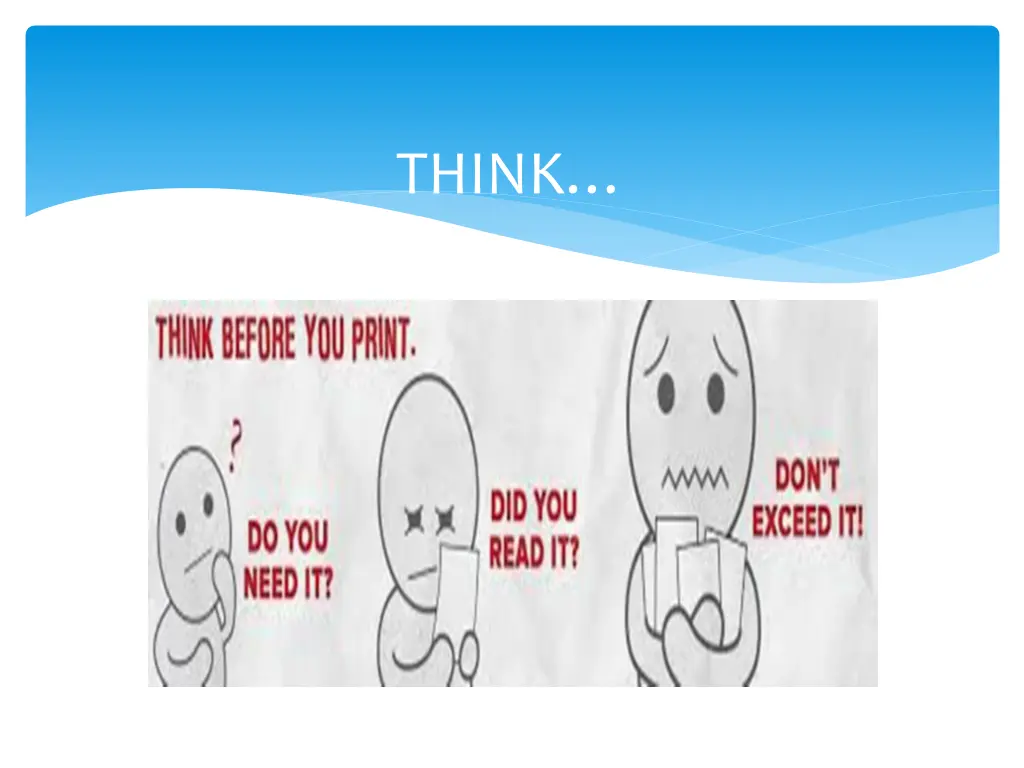
Think before you take a printout Presented by- Charushila Baburao Pawar Cadre-Tahsildar Class-D
Can you imagine our daily work without paper? Many of things/documents we have to print in daily routine to maintain paperwork. Now a days we do many of work online and avoid manual work but we can t stop use of paper and printing, when we print we use too many papers just because we unaware about what precautions should be taken while printing.
Only print out what really needs to be printed In everyday life you notice that although almost everyone now owns a smartphone and has access to computers, extremely much is printed out. We were wondering why. For many people, paper is better and easier to read than screen content. Printed documents are easier to correct, mark, etc. and then forward. Printouts are somehow more binding - for example in contracts. But we have to print out what really need to be printed as paper saving is necessary, because wasting paper is ultimately affects on environment.
Doubled sided printing to save paper When it comes to printing documents, make sure you print doubled sided. This will save many, many pieces of paper which other people can use when printing off documents.
No overprinting Do NOT print off documents that you don t actually need or you know will go to waste and get thrown in the bin. This is a huge waste of paper which other people could be using.
Use your preview to cut out what you don t need. When printing articles from online, double check your print preview. Choose to print only the pages which have content. This move takes mere seconds, but can help prevent six, eight, ten pages or more worth of waste. Some websites feature a print option that removes images and ads from your print, and some others feature a read only mode designed to make your reading experience easier and more book-like. Keep an eye out for these options as well.
Proofread final drafts before you print. You ve printed out something you think is ready to submit, and then notice it right there on the first page, a glaring misspelling or something incredibly ungrammatical. You then end up printing a new updated copy and throw the previous draft in the wastebasket. Avoid doing this! Meticulously look over your work before you do a final print. Or if you find a typo on a page, reprint that page only if it won t affect the other pages on your set of documents.
Reduce document size. The reality is that there s a lot of dead space available on each page, especially for Word documents. When you re editing your work or printing out reading material, You can double or quadruple the amount of information you put on each page. The easiest for Word docs is to use smaller margins and line spacing. This trick will put more words on each page, which means fewer pages per print out.
Store all documents electronically Store as many documents as you can electronically, this will save printing them off and having them all around the office. It will save a lot of storage space and they re just as easily accessible as they would be if they re printed off.