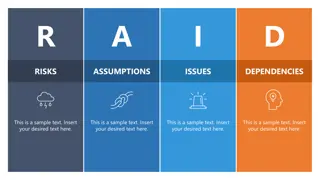
Learn how to easily customize your presentation with pre-templated layouts. This guide provides step-by-step instructions on changing layouts and maximizing the visual impact of your slides. Elevate your presentations with ease!
Please find below an Image/Link to download the presentation.
The content on the website is provided AS IS for your information and personal use only. It may not be sold, licensed, or shared on other websites without obtaining consent from the author. If you encounter any issues during the download, it is possible that the publisher has removed the file from their server.
You are allowed to download the files provided on this website for personal or commercial use, subject to the condition that they are used lawfully. All files are the property of their respective owners.
The content on the website is provided AS IS for your information and personal use only. It may not be sold, licensed, or shared on other websites without obtaining consent from the author.
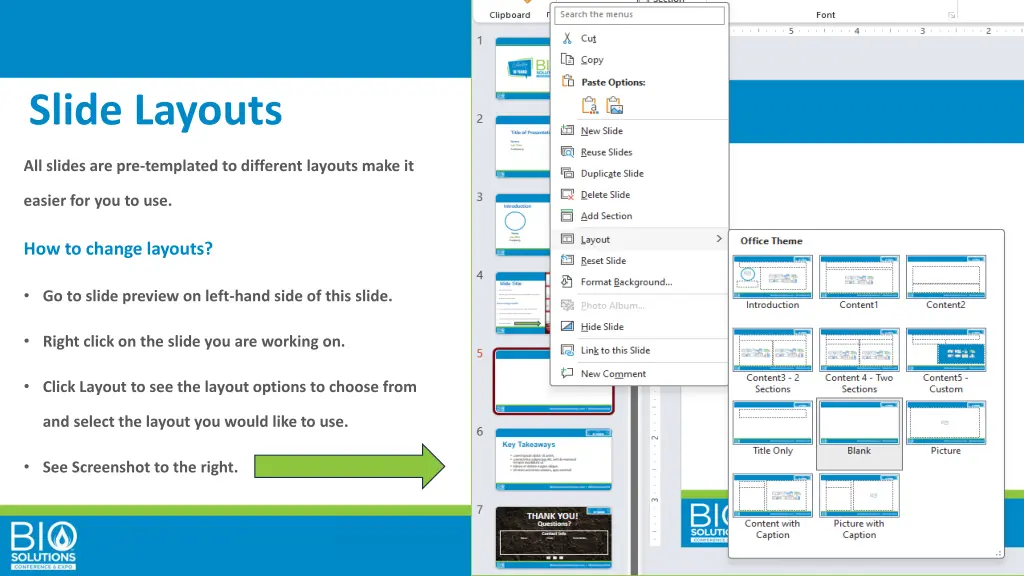
Slide Layouts All slides are pre-templated to different layouts make it easier for you to use. How to change layouts? Go to slide preview on left-hand side of this slide. Right click on the slide you are working on. Click Layout to see the layout options to choose from and select the layout you would like to use. See Screenshot to the right.