Enhancing Effective Learning through Active Learning and Digital Tools
Explore active learning, authentic assessment, and student engagement with digital tools in this 1-hour educational session designed for lecturers and course leaders. Discover ways to replace traditional essays with innovative alternatives and apply education design principles for enhanced learning outcomes.

Download Presentation

Please find below an Image/Link to download the presentation.
The content on the website is provided AS IS for your information and personal use only. It may not be sold, licensed, or shared on other websites without obtaining consent from the author. If you encounter any issues during the download, it is possible that the publisher has removed the file from their server.
You are allowed to download the files provided on this website for personal or commercial use, subject to the condition that they are used lawfully. All files are the property of their respective owners.
The content on the website is provided AS IS for your information and personal use only. It may not be sold, licensed, or shared on other websites without obtaining consent from the author.
E N D
Presentation Transcript
CPD5 Active Learning and Digital Tools for Student Engagement Aim: Design Principles aiming at enhancing Effective Learning practices Duration: 1 hour Audience: Lecturers, Course Leaders To activate some of the key areas of BSU Education Placeholder EP
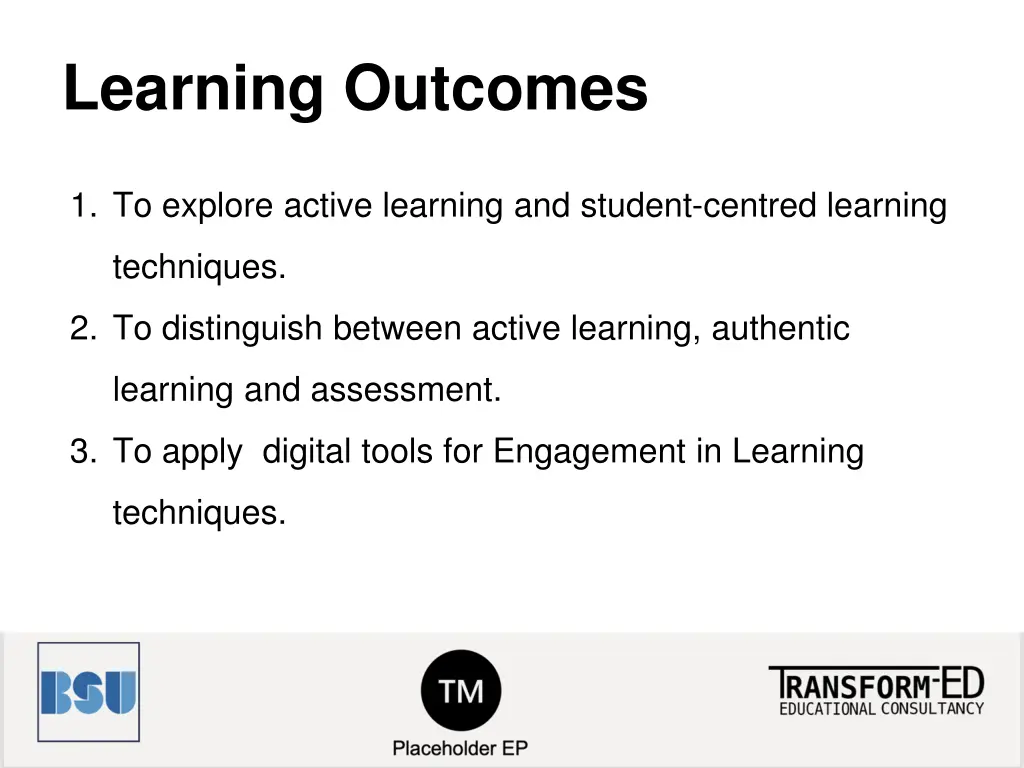
Learning Outcomes 1. To explore active learning and student-centred learning techniques. 2. To distinguish between active learning, authentic learning and assessment. 3. To apply digital tools for Engagement in Learning techniques.
Content Activating Educational Design Principles Active Learning Authentic Assessment Students Engagement with Digital Tools Extra slide: Dethroning the Essay
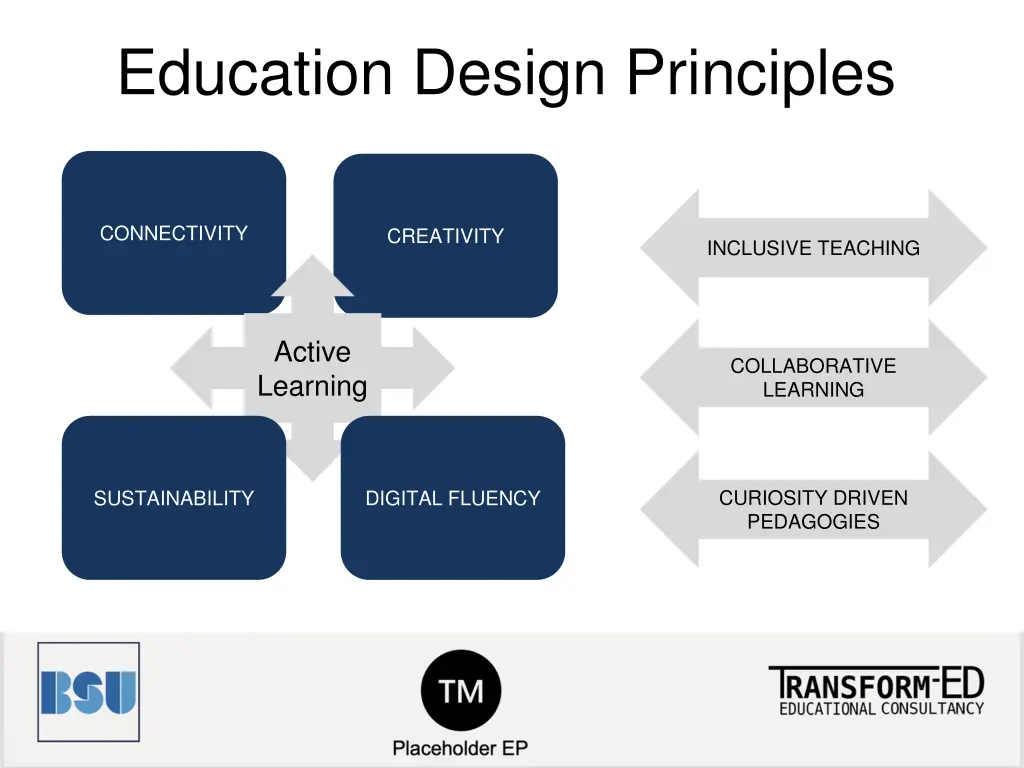
Education Design Principles CONNECTIVITY CREATIVITY INCLUSIVE TEACHING Active Learning COLLABORATIVE LEARNING CURIOSITY DRIVEN PEDAGOGIES SUSTAINABILITY DIGITAL FLUENCY
What is Active Learning? Active learning is the idea that students learn better when actively engaged in meaningful learning related to the topic of focus. This approach tends to be more student focused, with the teacher facilitating activities.
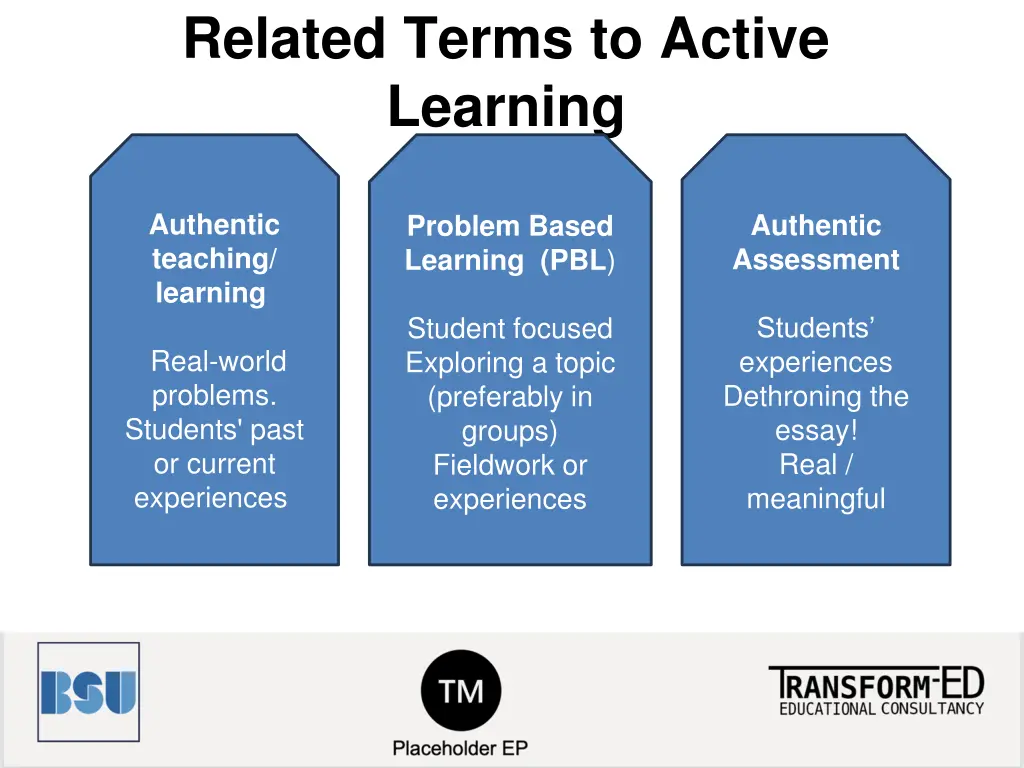
Related Terms to Active Learning Authentic teaching/ learning Authentic Assessment Problem Based Learning (PBL) Student focused Exploring a topic (preferably in groups) Fieldwork or experiences Students experiences Dethroning the essay! Real / meaningful Real-world problems. Students' past or current experiences
Make it yours (1) How can you replace the essays with other alternatives? Think podcasts, e-portfolios, pitches, videos, artefacts, poems, quilts, posters, games the sky is the limit!
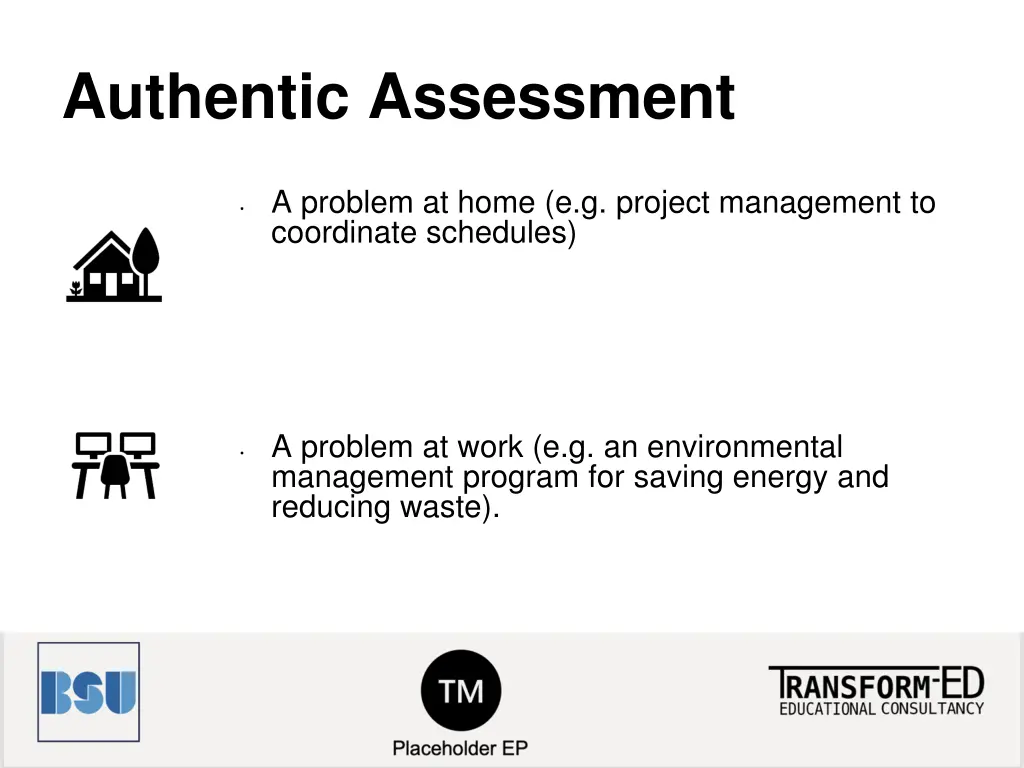
Authentic Assessment A problem at home (e.g. project management to coordinate schedules) A problem at work (e.g. an environmental management program for saving energy and reducing waste).
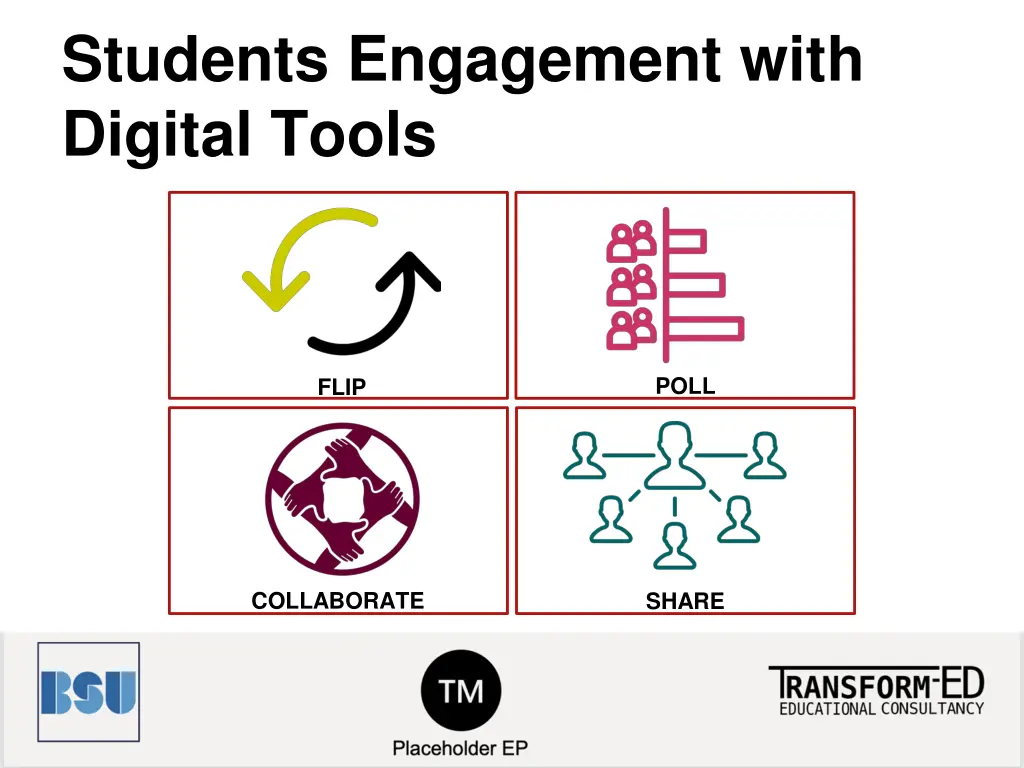
Students Engagement with Digital Tools POLL FLIP COLLABORATE SHARE
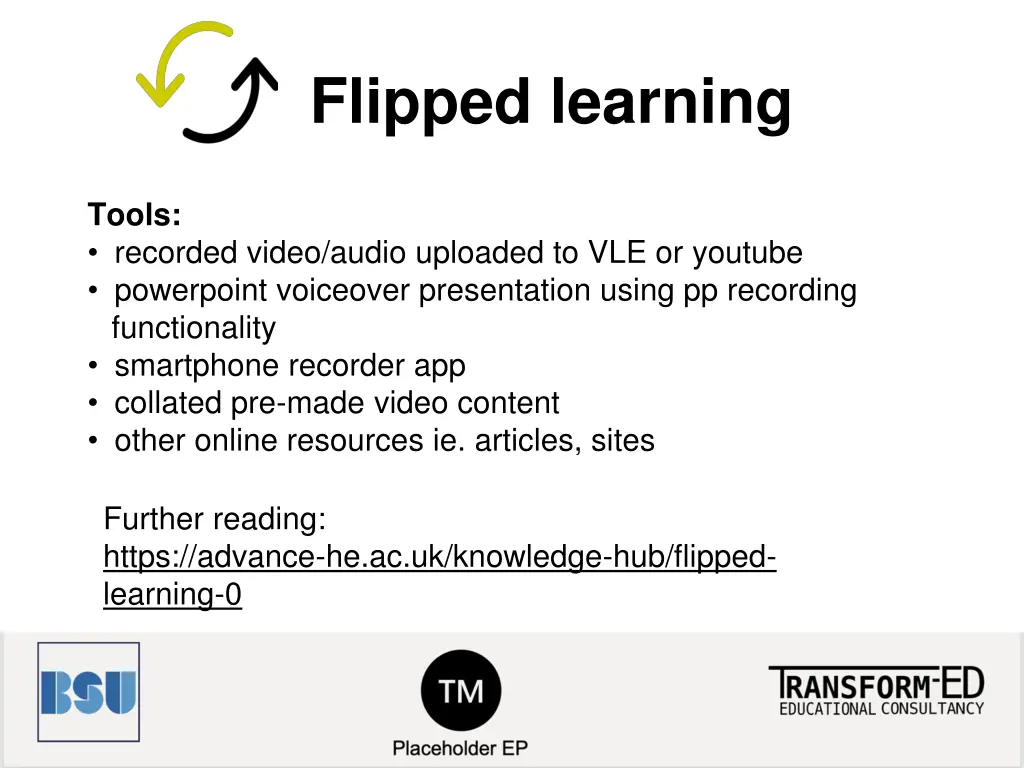
Flipped learning Tools: recorded video/audio uploaded to VLE or youtube powerpoint voiceover presentation using pp recording functionality smartphone recorder app collated pre-made video content other online resources ie. articles, sites Further reading: https://advance-he.ac.uk/knowledge-hub/flipped- learning-0
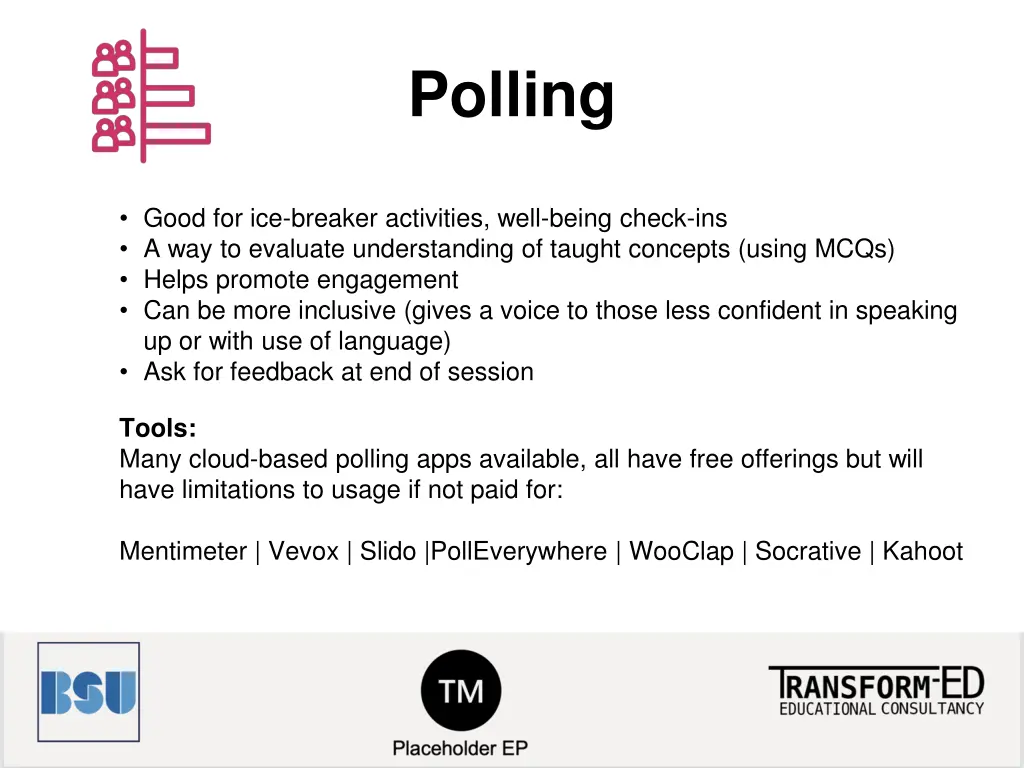
Polling Good for ice-breaker activities, well-being check-ins A way to evaluate understanding of taught concepts (using MCQs) Helps promote engagement Can be more inclusive (gives a voice to those less confident in speaking up or with use of language) Ask for feedback at end of session Tools: Many cloud-based polling apps available, all have free offerings but will have limitations to usage if not paid for: Mentimeter | Vevox | Slido |PollEverywhere | WooClap | Socrative | Kahoot
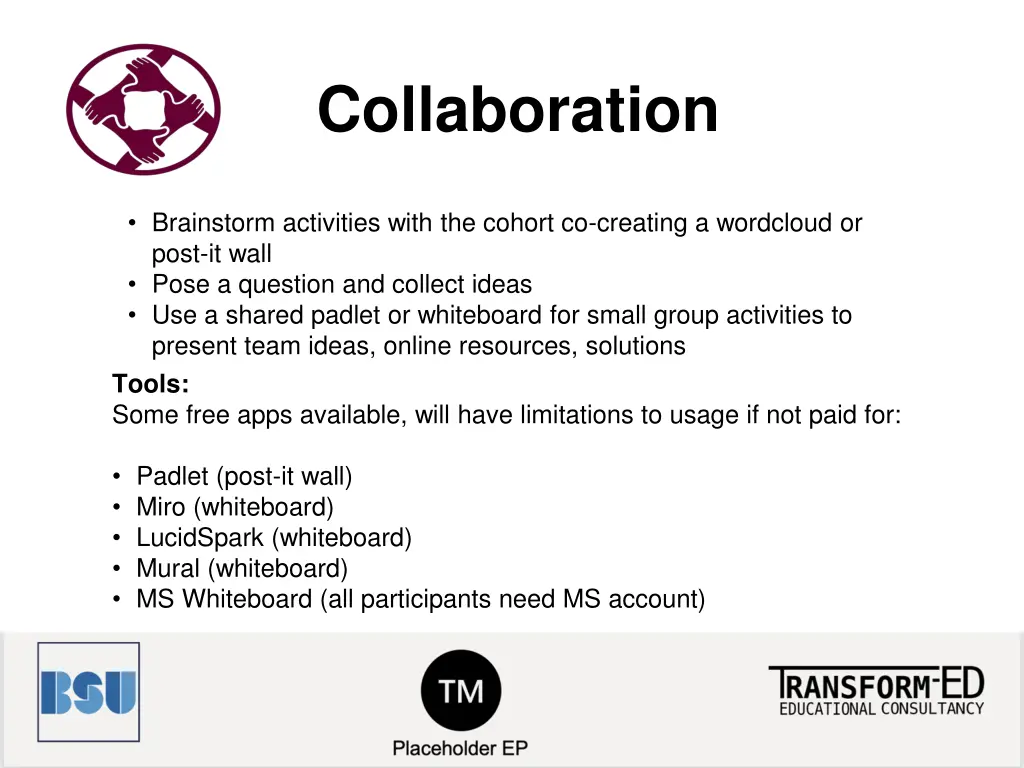
Collaboration Brainstorm activities with the cohort co-creating a wordcloud or post-it wall Pose a question and collect ideas Use a shared padlet or whiteboard for small group activities to present team ideas, online resources, solutions Tools: Some free apps available, will have limitations to usage if not paid for: Padlet (post-it wall) Miro (whiteboard) LucidSpark (whiteboard) Mural (whiteboard) MS Whiteboard (all participants need MS account)
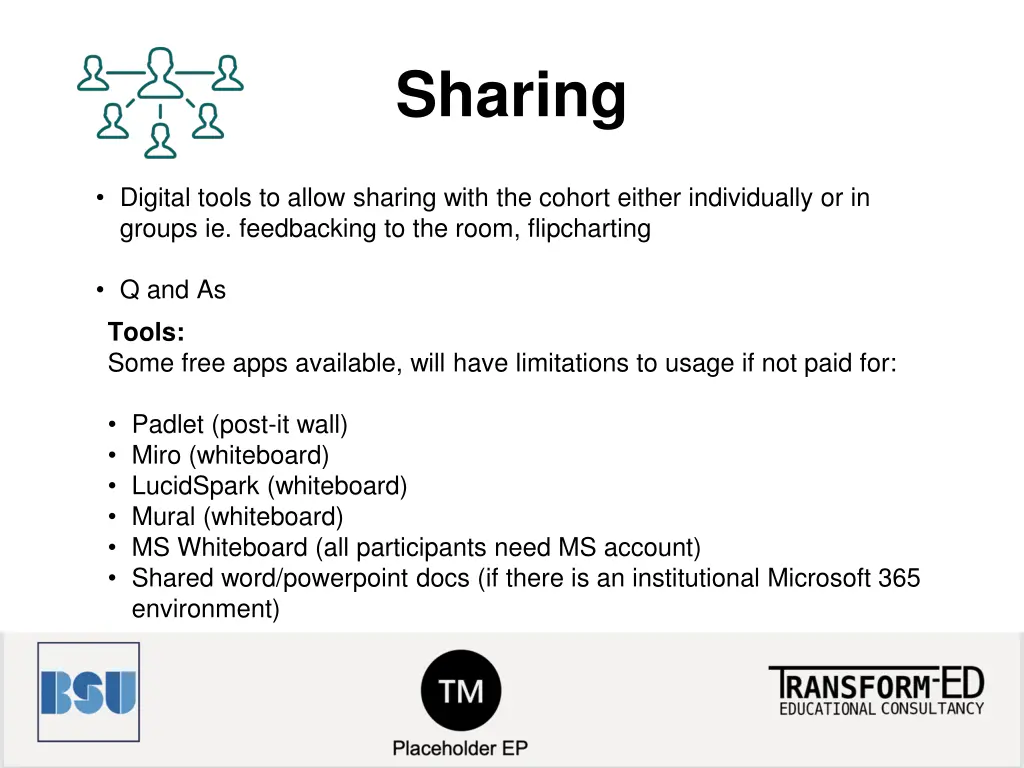
Sharing Digital tools to allow sharing with the cohort either individually or in groups ie. feedbacking to the room, flipcharting Q and As Tools: Some free apps available, will have limitations to usage if not paid for: Padlet (post-it wall) Miro (whiteboard) LucidSpark (whiteboard) Mural (whiteboard) MS Whiteboard (all participants need MS account) Shared word/powerpoint docs (if there is an institutional Microsoft 365 environment)
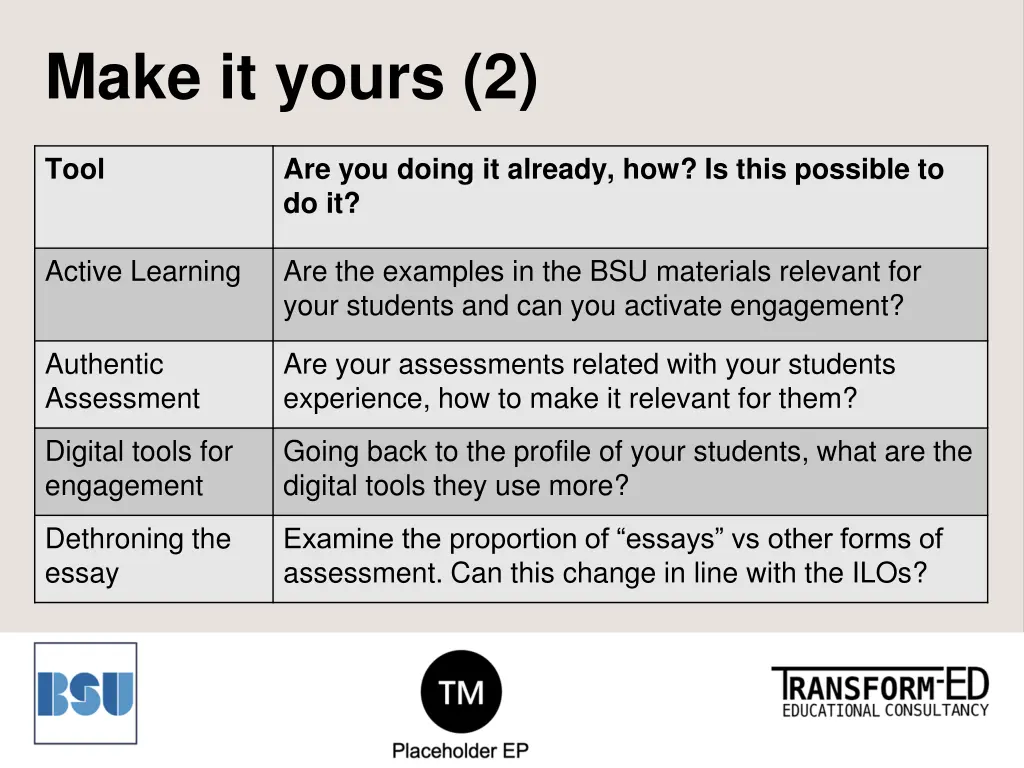
Make it yours (2) Tool Are you doing it already, how? Is this possible to do it? Active Learning Are the examples in the BSU materials relevant for your students and can you activate engagement? Authentic Assessment Are your assessments related with your students experience, how to make it relevant for them? Digital tools for engagement Going back to the profile of your students, what are the digital tools they use more? Dethroning the essay Examine the proportion of essays vs other forms of assessment. Can this change in line with the ILOs?
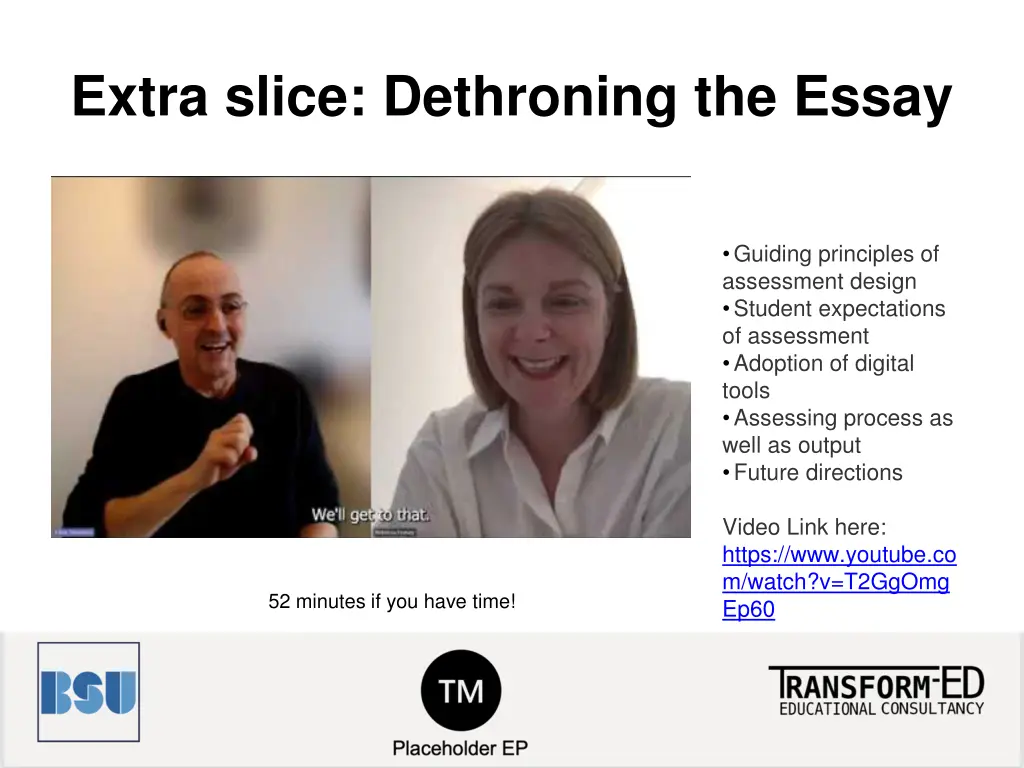
Extra slice: Dethroning the Essay Creative approaches to assessment - Dr Rebecca Feasey Guiding principles of assessment design Student expectations of assessment Adoption of digital tools Assessing process as well as output Future directions Video Link here: https://www.youtube.co m/watch?v=T2GgOmg Ep60 52 minutes if you have time!
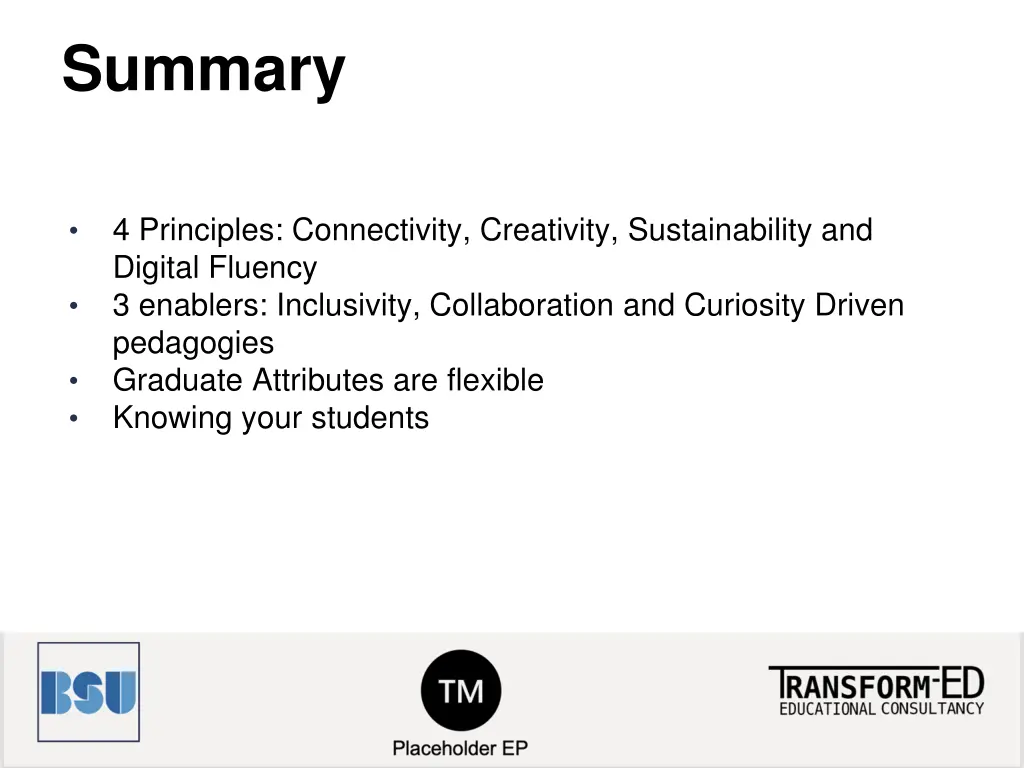
Summary 4 Principles: Connectivity, Creativity, Sustainability and Digital Fluency 3 enablers: Inclusivity, Collaboration and Curiosity Driven pedagogies Graduate Attributes are flexible Knowing your students
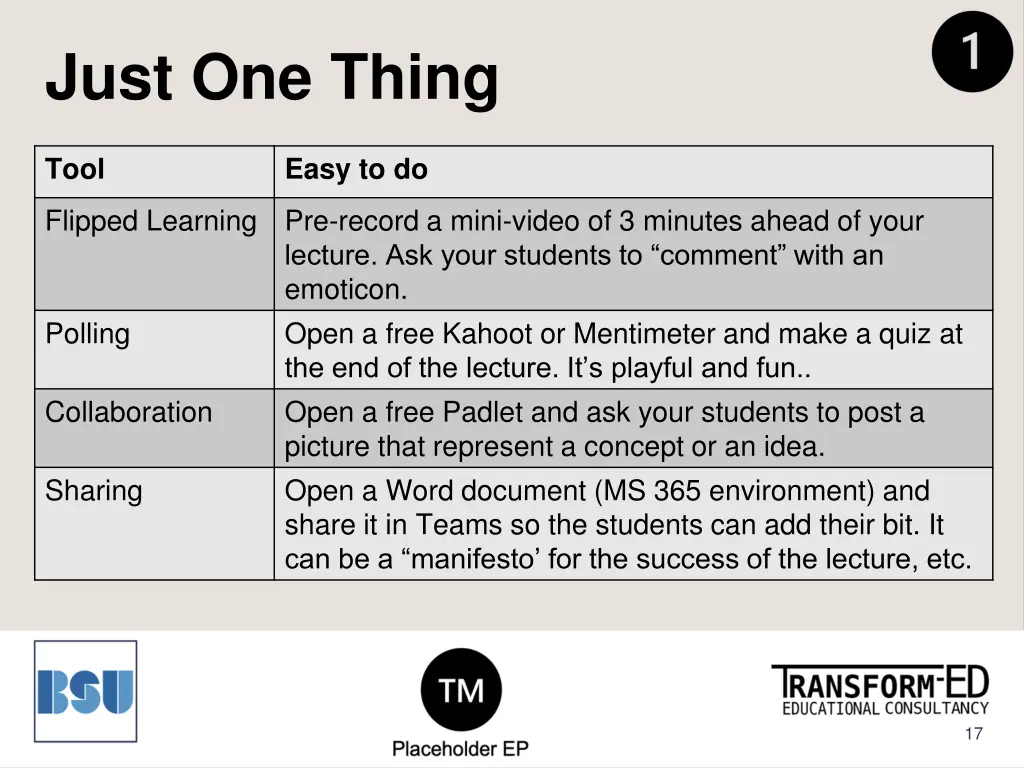
Just One Thing Tool Easy to do Flipped Learning Pre-record a mini-video of 3 minutes ahead of your lecture. Ask your students to comment with an emoticon. Open a free Kahoot or Mentimeter and make a quiz at the end of the lecture. It s playful and fun.. Open a free Padlet and ask your students to post a picture that represent a concept or an idea. Open a Word document (MS 365 environment) and share it in Teams so the students can add their bit. It can be a manifesto for the success of the lecture, etc. Polling Collaboration Sharing 17
Resources How to bring authentic teaching and assessment. Getting to the heart of authentic assessment (article) #Creative HE: Resources for creative teaching and learning Problem Based Learning (guide) 18