Essentials for Accessible Publishing in 2021
This webinar covers key topics such as Advocacy and Policy, Content Workflows, Tools and Solutions, and Accessibility Policy, providing insights into inclusive publishing practices for publishers and content creators in 2021.

Download Presentation

Please find below an Image/Link to download the presentation.
The content on the website is provided AS IS for your information and personal use only. It may not be sold, licensed, or shared on other websites without obtaining consent from the author.If you encounter any issues during the download, it is possible that the publisher has removed the file from their server.
You are allowed to download the files provided on this website for personal or commercial use, subject to the condition that they are used lawfully. All files are the property of their respective owners.
The content on the website is provided AS IS for your information and personal use only. It may not be sold, licensed, or shared on other websites without obtaining consent from the author.
E N D
Presentation Transcript
July 21, 2021 The Essentials for Accessible Publishing in 2021 Accessible Publishing and Reading Webinars daisy.org/webinars
Your panel Host: Stacy Scott Dr Agata Mrva-Montoya Graham Bell Laura Brady Daniella Levy-Pinto Richard Orme
Overview Advocacy and Policy Content Workflows Tools and Solutions Accessibility Metadata Consumer Testing and Feedback Questions
Advocacy and Policy Survey findings: what publishers could do better? Getting started with inclusive publishing Accessibility policy Advocacy inhouse and in the publishing ecosystem.
Accessibility Policy A summary statement Policy implementation plan Effective dates Scope of the policy Technical standards Procurement provisions Mechanisms for ongoing review
Content Workflows 1 Buy-in from production and editorial are key to accessible content Styles are foundational to all workflows
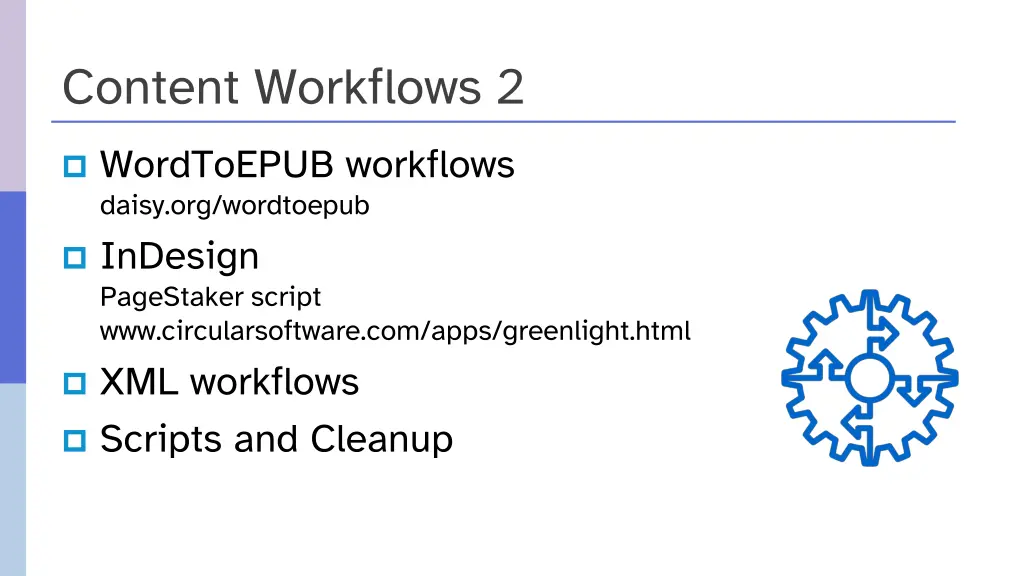
Content Workflows 2 WordToEPUB workflows daisy.org/wordtoepub InDesign PageStaker script www.circularsoftware.com/apps/greenlight.html XML workflows Scripts and Cleanup
Tools and Solutions EPUBCheck Ace by DAISY Ace SMART Accessible Publishing Knowledge Base Inclusive Publishing Hub
EPUBCheck Free, open source, cross platform software Evaluates if your EPUB publications conform to the EPUB specifications Command line, desktop apps and integrated into tools w3.org/publishing/epubcheck
Ace by DAISY Accessibility Checker for EPUB Free, open source, cross platform software Desktop and command line versions Automatically checks the title and reports errors Generates visualizations for manual review daisy.org/ace/
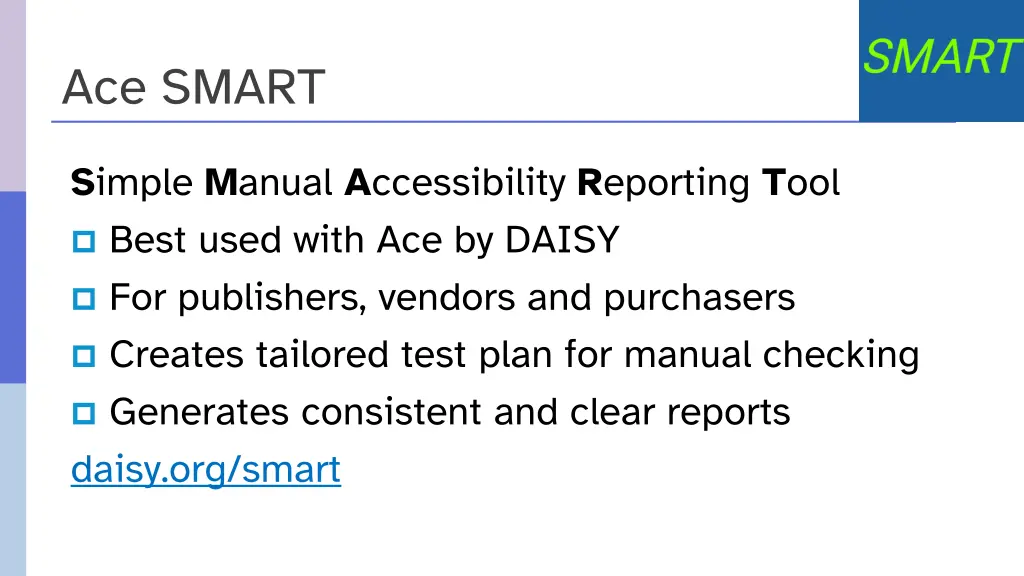
Ace SMART Simple Manual Accessibility Reporting Tool Best used with Ace by DAISY For publishers, vendors and purchasers Creates tailored test plan for manual checking Generates consistent and clear reports daisy.org/smart
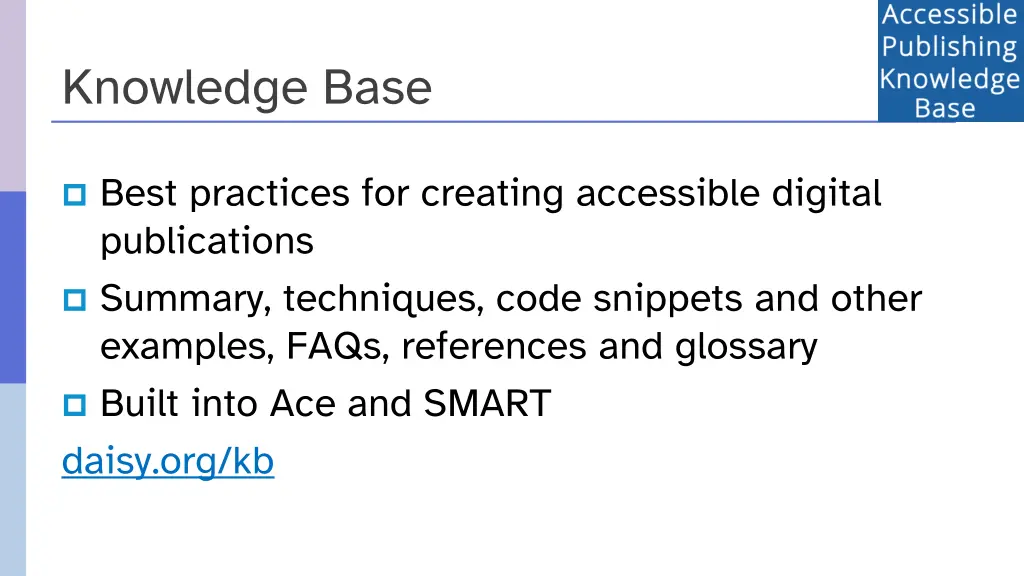
Knowledge Base Best practices for creating accessible digital publications Summary, techniques, code snippets and other examples, FAQs, references and glossary Built into Ace and SMART daisy.org/kb
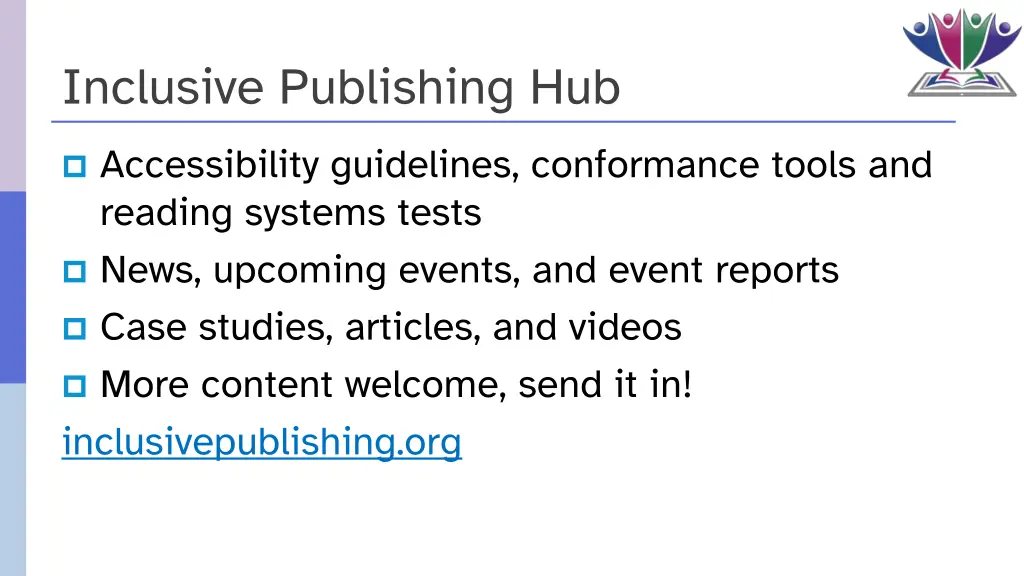
Inclusive Publishing Hub Accessibility guidelines, conformance tools and reading systems tests News, upcoming events, and event reports Case studies, articles, and videos More content welcome, send it in! inclusivepublishing.org
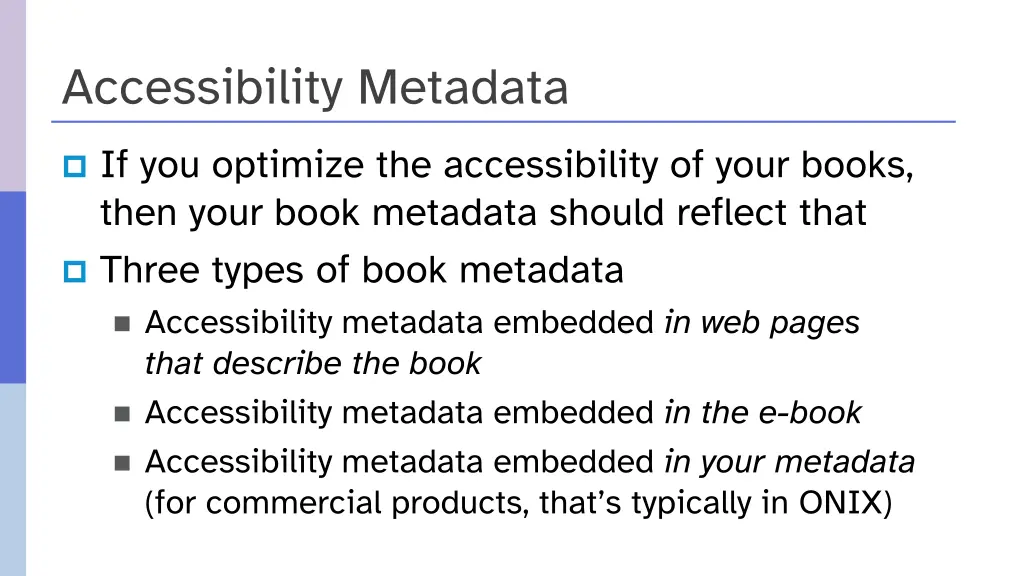
Accessibility Metadata If you optimize the accessibility of your books, then your book metadata should reflect that Three types of book metadata Accessibility metadata embedded in web pages that describe the book Accessibility metadata embedded in the e-book Accessibility metadata embedded in your metadata (for commercial products, that s typically in ONIX)
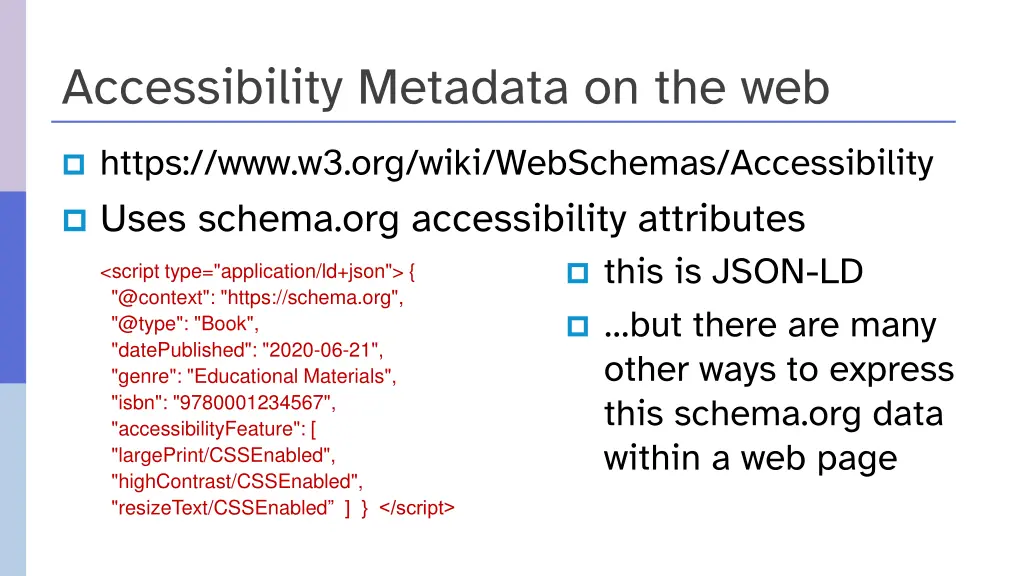
Accessibility Metadata on the web https://www.w3.org/wiki/WebSchemas/Accessibility Uses schema.org accessibility attributes this is JSON-LD <script type="application/ld+json"> { "@context": "https://schema.org", "@type": "Book", "datePublished": "2020-06-21", "genre": "Educational Materials", "isbn": "9780001234567", "accessibilityFeature": [ "largePrint/CSSEnabled", "highContrast/CSSEnabled", "resizeText/CSSEnabled ] } </script> but there are many other ways to express this schema.org data within a web page
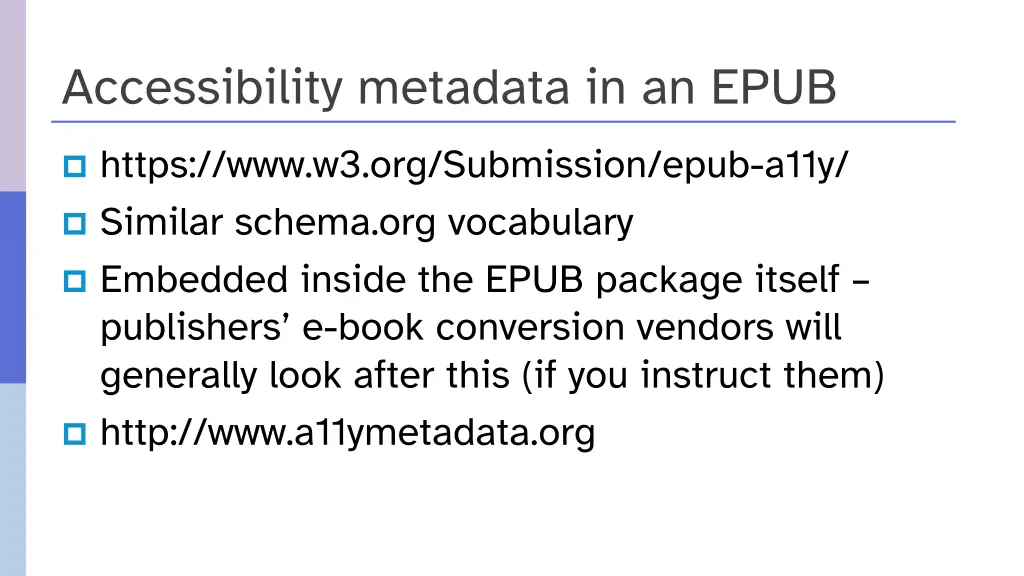
Accessibility metadata in an EPUB https://www.w3.org/Submission/epub-a11y/ Similar schema.org vocabulary Embedded inside the EPUB package itself publishers e-book conversion vendors will generally look after this (if you instruct them) http://www.a11ymetadata.org
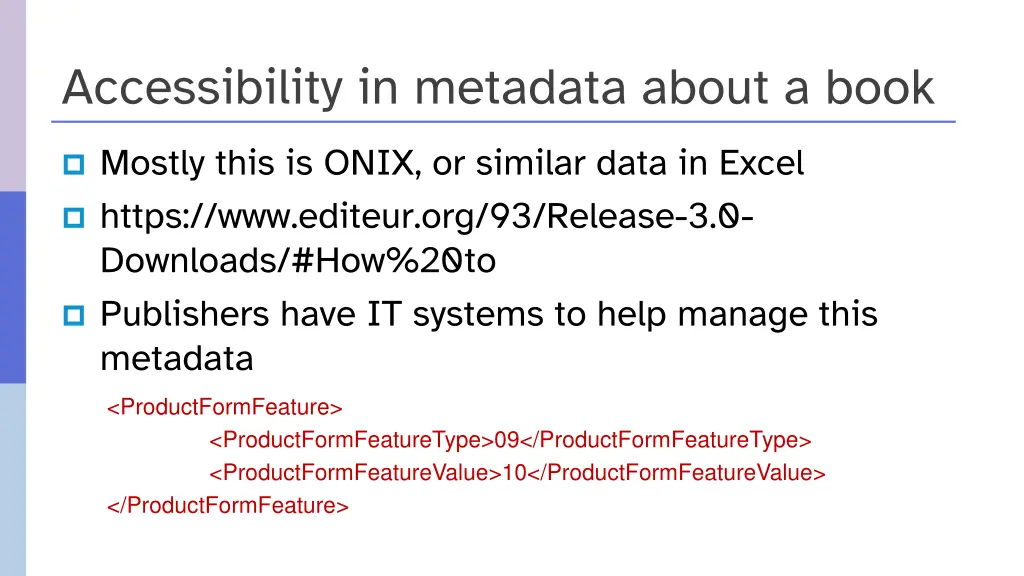
Accessibility in metadata about a book Mostly this is ONIX, or similar data in Excel https://www.editeur.org/93/Release-3.0- Downloads/#How%20to Publishers have IT systems to help manage this metadata <ProductFormFeature> <ProductFormFeatureType>09</ProductFormFeatureType> <ProductFormFeatureValue>10</ProductFormFeatureValue> </ProductFormFeature>
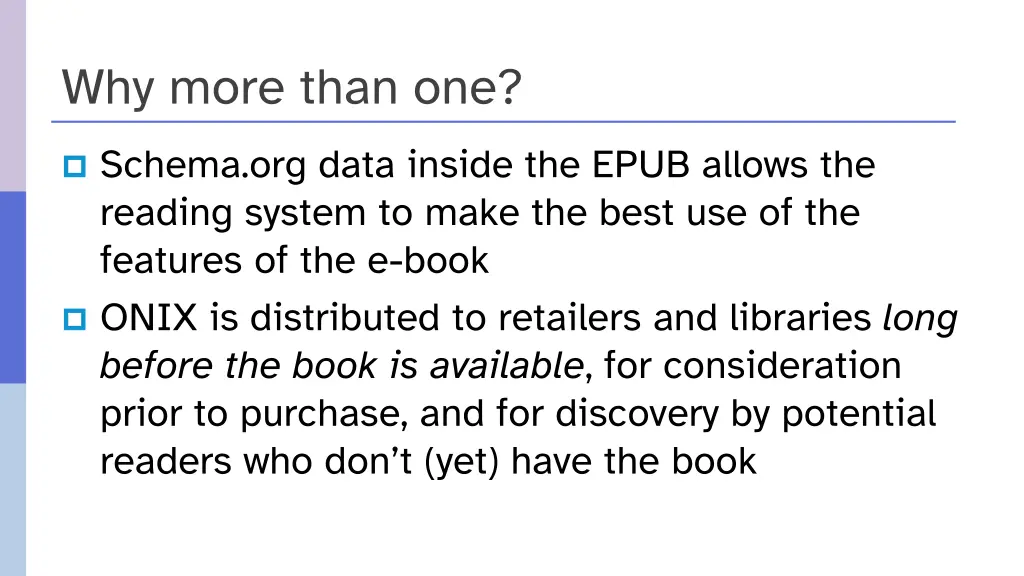
Why more than one? Schema.org data inside the EPUB allows the reading system to make the best use of the features of the e-book ONIX is distributed to retailers and libraries long before the book is available, for consideration prior to purchase, and for discovery by potential readers who don t (yet) have the book
Consumer Testing and Feedback Accessibility Testing as Part of the Workflow Diversity of Reading Accessibility Testing Process Findings and Accessibility Feedback
Accessibility Testing as Part of the Workflow Incorporating accessibility testing into publishers workflows identifies, removes and prevents barriers Engage users with lived experience of a print disability and utilize their expertise in testing. The essence of ebook accessibility relates to supporting flexible ways for people to engage in ebook content based on their personal needs.
Diversity of Reading Assistive technology presents opportunities for access to content. Persons who are blind use screen readers and, perhaps, refreshable braille Persons with dyslexia or other learning disabilities may rely on features to voice the text on the screen, or need to customize the text Persons with low vision may use screen enlargement or magnification software, or they may increase the fonts and adjust foreground and background colours
Accessibility Testing Process Automated testing finds about 30% of issues; manual testing is essential. Engage users with lived experience The test environment should be accessible Testing is real work and should be compensated as such Begin by performing all automated tests Confirm findings and perform the necessary manual tests Check compatibility Assistive Technology Test the User Experience NNELS Guide: https://www.accessiblepublishing.ca/evaluating-your-epubs-accessibility/
Findings and Accessibility Feedback Testing Reports include accessibility findings within an EPUB file: Presents issues in real, human terms and explains how the problem adversely affects users. Provides solutions and steps User feedback highlights their experience, which humanizes accessibility. Motivation to create accessible content from the very start. An Accessibility testing process with user feedback improves awareness and communication with employees, consumers, and other end users about commitment to accessibility
Wrap up Webinar video, slide deck and links to resources will be posted at: daisy.org/webinars The DAISY Webinar series will resume in September, including sessions on: Ways People with Print Disabilities Read EPUB Accessibility 101 Authoring Accessible Math and much more!