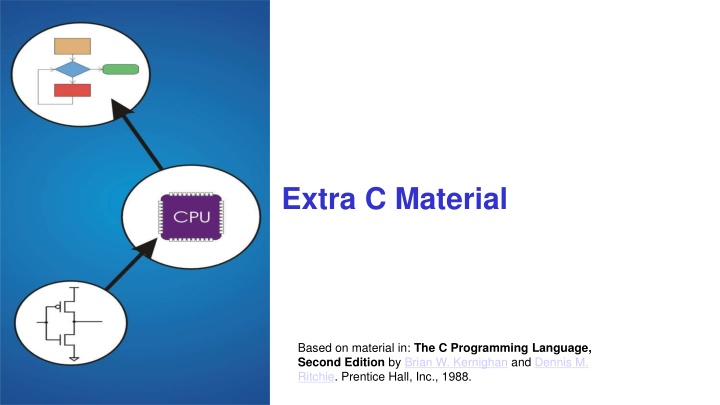
Extra C Material
Engage in interactive math games designed to enhance your understanding of numbers, specifically focusing on finding one more and one less within specified ranges. Games 15 to 18 cover counting up to 20, 40, and 100, as well as understanding number bonds between 10 and 15. This educational activity promotes arithmetic skills through fun and practice, making math enjoyable for learners at different mastery levels.

Download Presentation

Please find below an Image/Link to download the presentation.
The content on the website is provided AS IS for your information and personal use only. It may not be sold, licensed, or shared on other websites without obtaining consent from the author.If you encounter any issues during the download, it is possible that the publisher has removed the file from their server.
You are allowed to download the files provided on this website for personal or commercial use, subject to the condition that they are used lawfully. All files are the property of their respective owners.
The content on the website is provided AS IS for your information and personal use only. It may not be sold, licensed, or shared on other websites without obtaining consent from the author.
E N D
Presentation Transcript
Extra C Material Based on material in: The C Programming Language, Second Edition by Brian W. Kernighan and Dennis M. Ritchie. Prentice Hall, Inc., 1988.
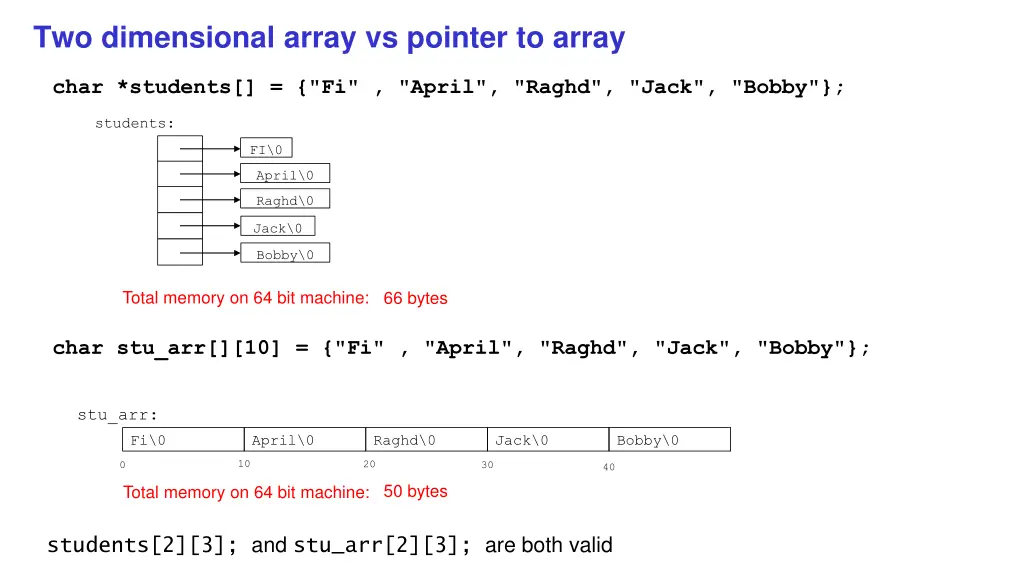
Two dimensional array vs pointer to array char *students[] = {"Fi" , "April", "Raghd", "Jack", "Bobby"}; students: FI\0 April\0 Raghd\0 Jack\0 Bobby\0 Total memory on 64 bit machine: 66 bytes char stu_arr[][10] = {"Fi" , "April", "Raghd", "Jack", "Bobby"}; stu_arr: Fi\0 April\0 Raghd\0 Jack\0 Bobby\0 10 20 0 30 40 50 bytes Total memory on 64 bit machine: students[2][3]; and stu_arr[2][3]; are both valid
char *argv[] argv: Argument Vector Pointer to array of character strings argv[0]:name of current program Number of args at least 1 argv[1- n]: command line arguments Terminated by a null pointer // print out argv int main(int argc, char *argv[]){ while(*argv){ char *c = *argv++; while(*c){ putchar(*c++); } putchar('\n'); } } argv: cat\0 hello\0 move\0 0
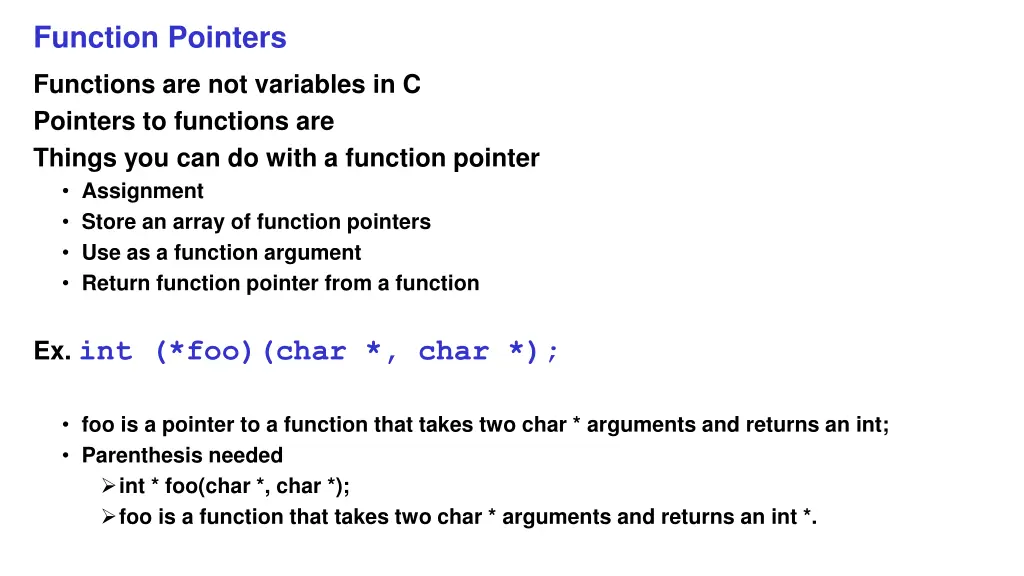
Function Pointers Functions are not variables in C Pointers to functions are Things you can do with a function pointer Assignment Store an array of function pointers Use as a function argument Return function pointer from a function Ex. int (*foo)(char *, char *); foo is a pointer to a function that takes two char * arguments and returns an int; Parenthesis needed int * foo(char *, char *); foo is a function that takes two char * arguments and returns an int *.
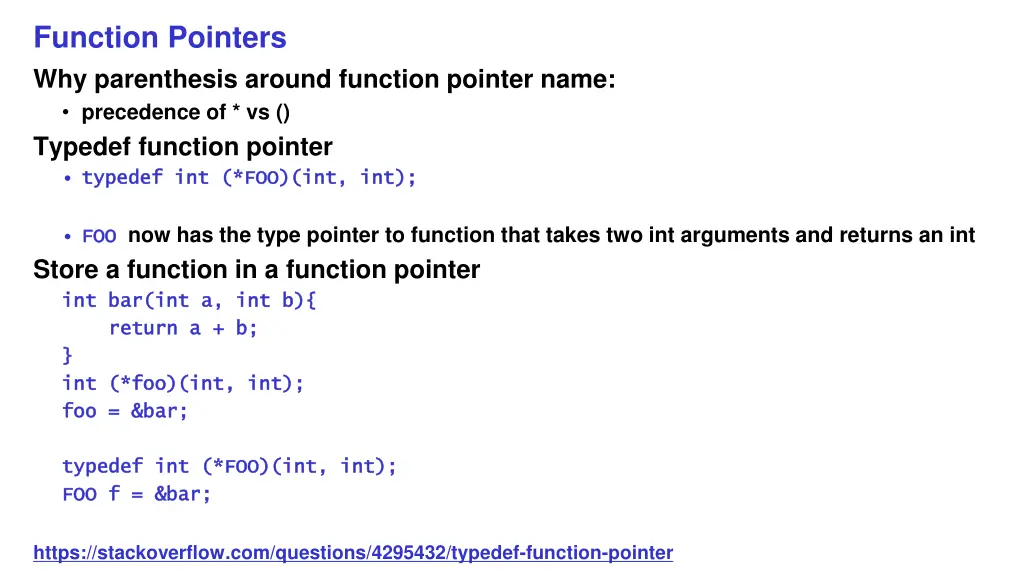
Function Pointers Why parenthesis around function pointer name: precedence of * vs () Typedef function pointer typedef int (*FOO)(int, int); typedef int (*FOO)(int, int); FOO FOO now has the type pointer to function that takes two int arguments and returns an int Store a function in a function pointer int bar(int a, int b){ int bar(int a, int b){ return a + b; return a + b; } } int (*foo)(int, int); int (*foo)(int, int); foo = &bar; foo = &bar; typedef int (*FOO)(int, int); typedef int (*FOO)(int, int); FOO f = &bar; FOO f = &bar; https://stackoverflow.com/questions/4295432/typedef-function-pointer
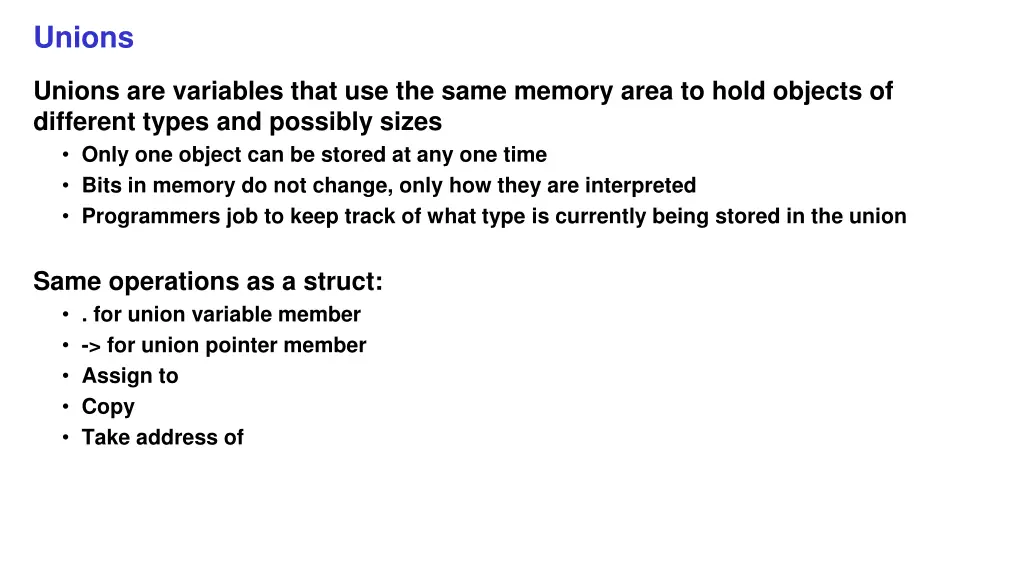
Unions Unions are variables that use the same memory area to hold objects of different types and possibly sizes Only one object can be stored at any one time Bits in memory do not change, only how they are interpreted Programmers job to keep track of what type is currently being stored in the union Same operations as a struct: . for union variable member -> for union pointer member Assign to Copy Take address of
Unions Example int main() { union tag { float f; int x; char *s; } t; // all members reference the same memory/data/bits t.f = 42.79; printf("%f\n", t.f); // treat bits in t as a float printf("%d\n", t.x); // treat bits in t as an int } Can be members of structs or have structs as members Can only be initialized with a value of the same type as the first member In this case float
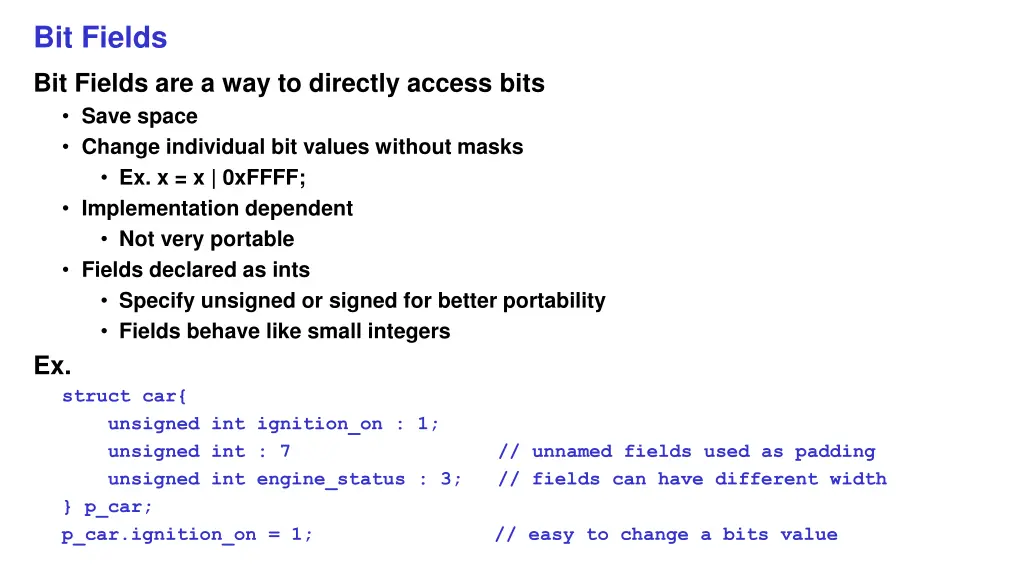
Bit Fields Bit Fields are a way to directly access bits Save space Change individual bit values without masks Ex. x = x | 0xFFFF; Implementation dependent Not very portable Fields declared as ints Specify unsigned or signed for better portability Fields behave like small integers Ex. struct car{ unsigned int ignition_on : 1; unsigned int : 7 unsigned int engine_status : 3; // fields can have different width } p_car; p_car.ignition_on = 1; // unnamed fields used as padding // easy to change a bits value