Get and Post Methods in PHP: Understanding Data Submission
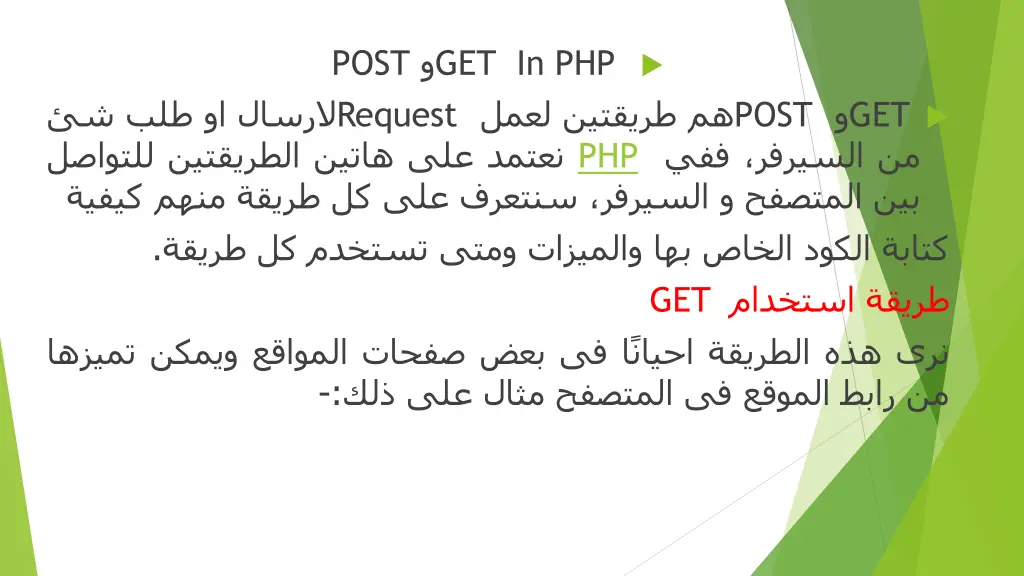
Learn the differences between GET and POST methods in PHP for sending data from forms. GET method reveals information in the URL, while POST keeps it private. Know when to use each method and their limitations to ensure secure data handling in PHP development.

Download Presentation

Please find below an Image/Link to download the presentation.
The content on the website is provided AS IS for your information and personal use only. It may not be sold, licensed, or shared on other websites without obtaining consent from the author. If you encounter any issues during the download, it is possible that the publisher has removed the file from their server.
You are allowed to download the files provided on this website for personal or commercial use, subject to the condition that they are used lawfully. All files are the property of their respective owners.
The content on the website is provided AS IS for your information and personal use only. It may not be sold, licensed, or shared on other websites without obtaining consent from the author.
E N D
Presentation Transcript
Get and Post Assisst. Prof.Dr. huda Abdulaali
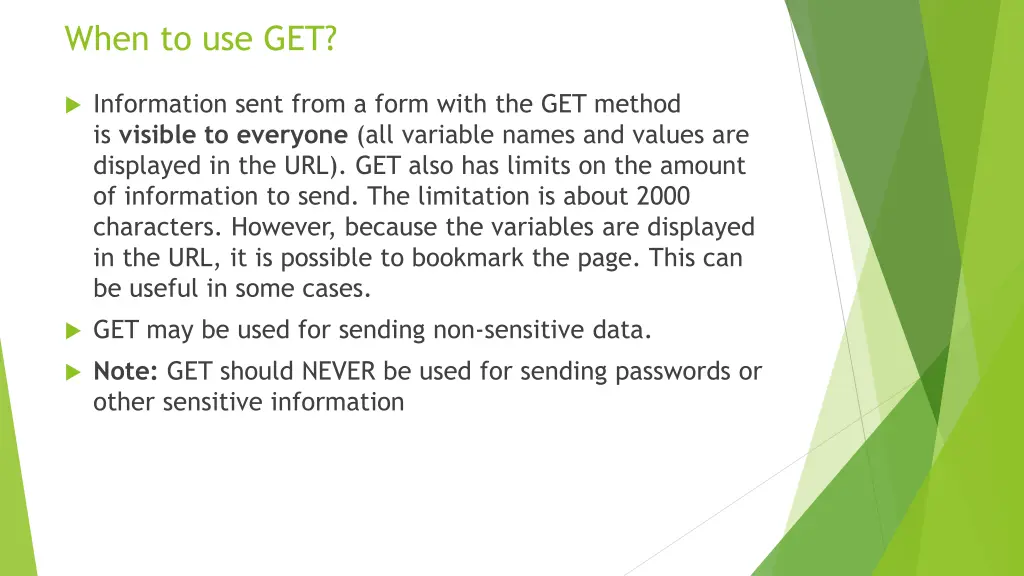
When to use GET? Information sent from a form with the GET method is visible to everyone (all variable names and values are displayed in the URL). GET also has limits on the amount of information to send. The limitation is about 2000 characters. However, because the variables are displayed in the URL, it is possible to bookmark the page. This can be useful in some cases. GET may be used for sending non-sensitive data. Note: GET should NEVER be used for sending passwords or other sensitive information
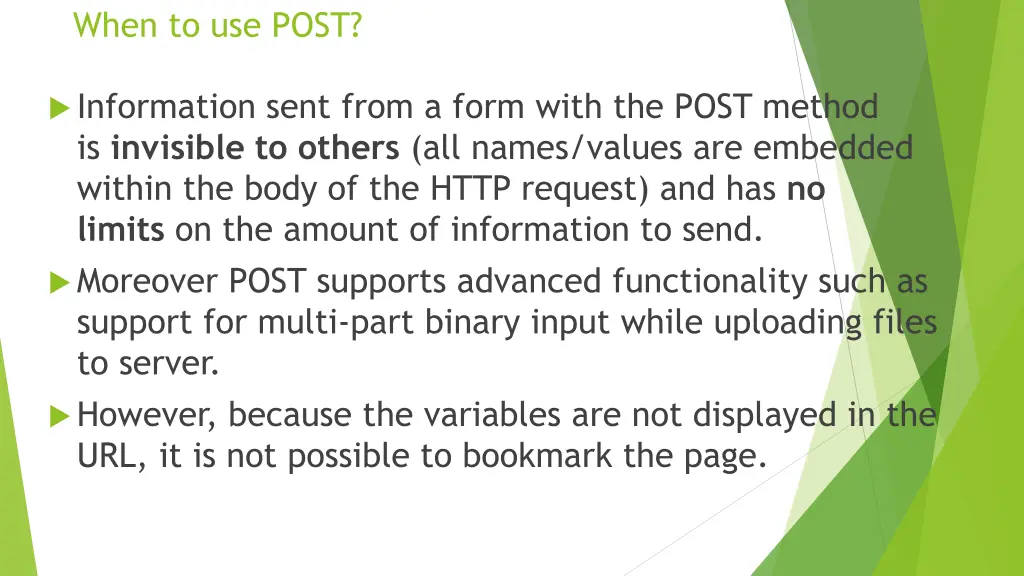
When to use POST? Information sent from a form with the POST method is invisible to others (all names/values are embedded within the body of the HTTP request) and has no limits on the amount of information to send. Moreover POST supports advanced functionality such as support for multi-part binary input while uploading files to server. However, because the variables are not displayed in the URL, it is not possible to bookmark the page.
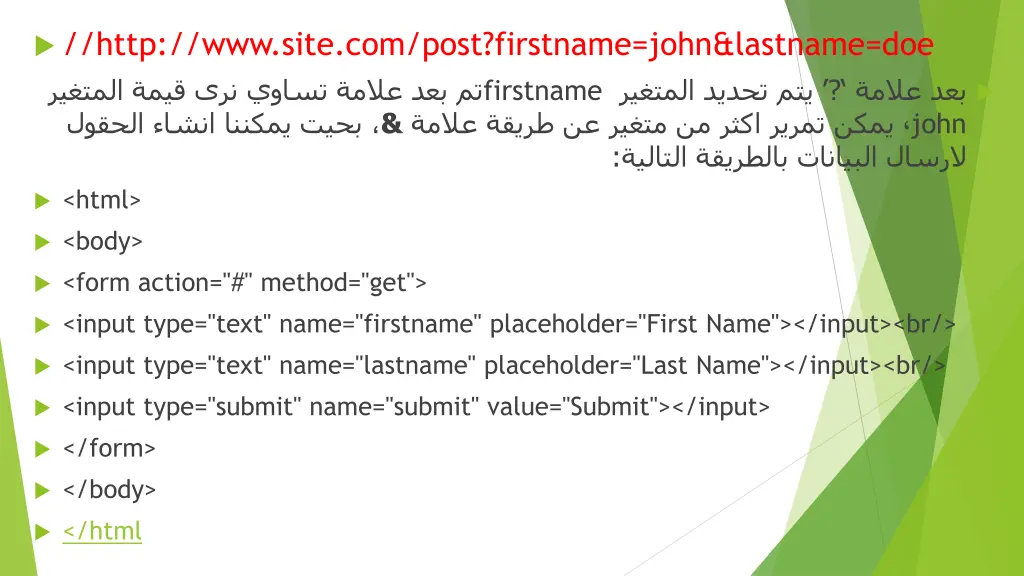
//http://www.site.com/post?firstname=john&lastname=doe firstname & ? john : <html> <body> <form action="#" method="get"> <input type="text" name="firstname" placeholder="First Name"></input><br/> <input type="text" name="lastname" placeholder="Last Name"></input><br/> <input type="submit" name="submit" value="Submit"></input> </form> </body> </html
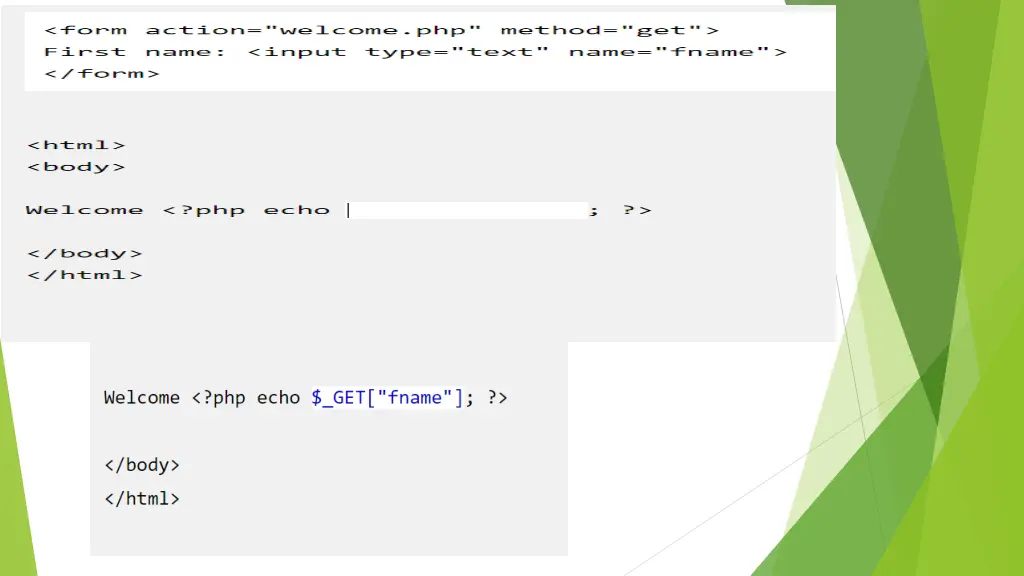
GET GET : $firstname = $_GET['fistname']; $lastname = $_GET['lastname'];
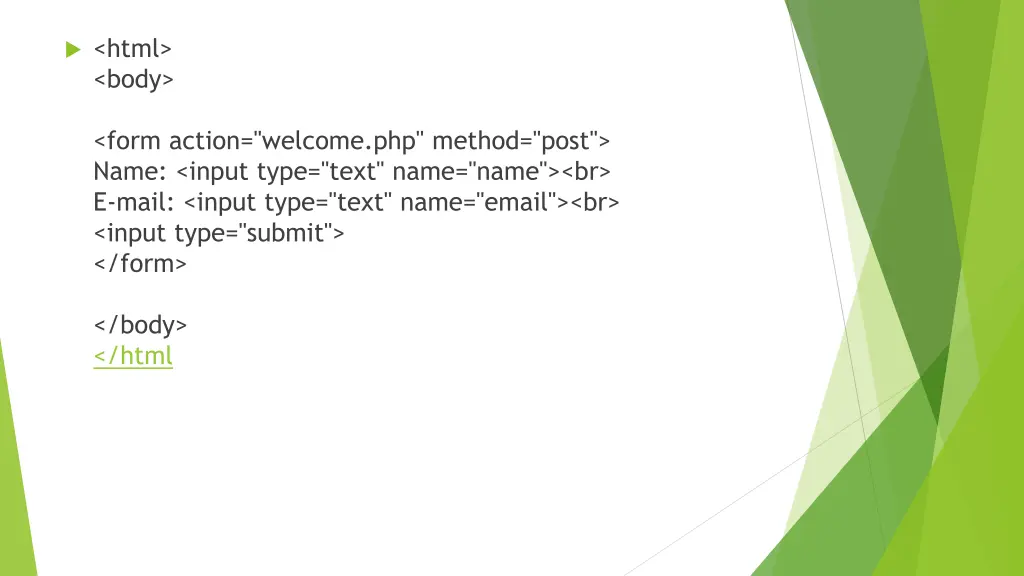
<html> <body> <form action="welcome.php" method="post"> Name: <input type="text" name="name"><br> E-mail: <input type="text" name="email"><br> <input type="submit"> </form> </body> </html
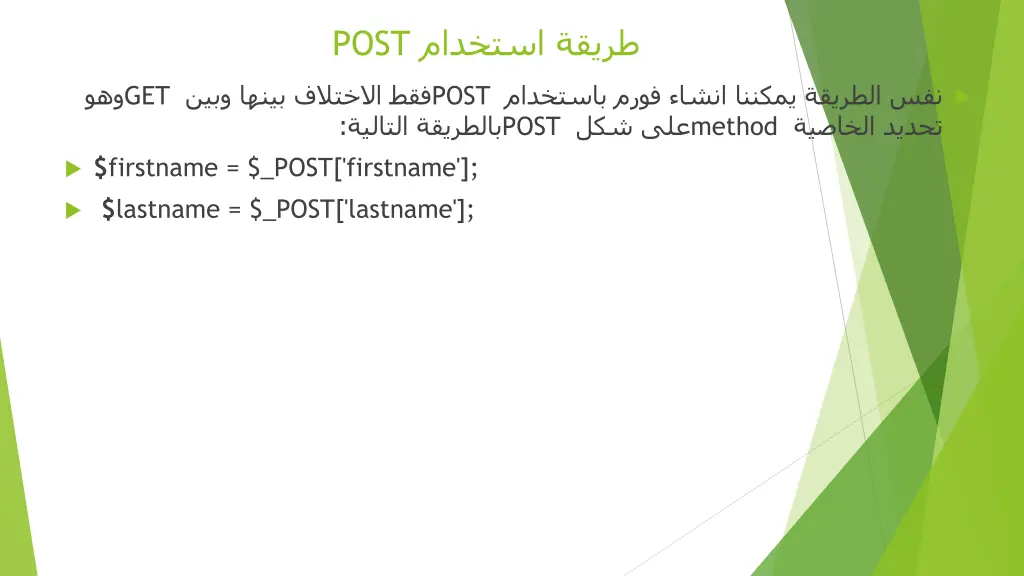
POST GET POST POST : method $firstname = $_POST['firstname']; $lastname = $_POST['lastname'];