Graphics, Color, and I Spy: A Visual Journey
Delve into the world of graphics and color with a focus on visual elements. Explore the intricacies of design, from different font sizes to color palettes, and even a fun I Spy game included. This content offers a mix of creativity and observation, making it an engaging read for those interested in visual arts and design.

Download Presentation

Please find below an Image/Link to download the presentation.
The content on the website is provided AS IS for your information and personal use only. It may not be sold, licensed, or shared on other websites without obtaining consent from the author.If you encounter any issues during the download, it is possible that the publisher has removed the file from their server.
You are allowed to download the files provided on this website for personal or commercial use, subject to the condition that they are used lawfully. All files are the property of their respective owners.
The content on the website is provided AS IS for your information and personal use only. It may not be sold, licensed, or shared on other websites without obtaining consent from the author.
E N D
Presentation Transcript
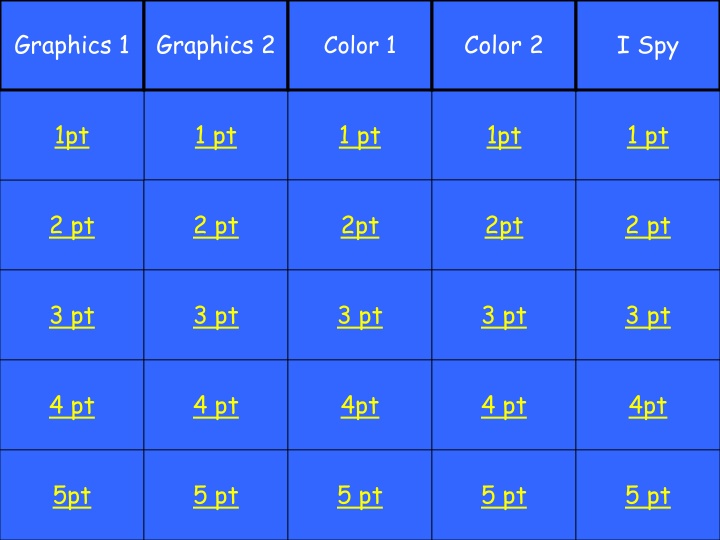
Graphics 1 Graphics 2 Color 2 I Spy Color 1 1pt 1 pt 1 pt 1pt 1 pt 1pt 1 pt 1 pt 1pt 1 pt 2 pt 2 pt 2pt 2pt 2 pt 2 pt 2 pt 2pt 2pt 2 pt 3 pt 3 pt 3 pt 3 pt 3 pt 3 pt 3 pt 3 pt 3 pt 3 pt 4 pt 4 pt 4pt 4 pt 4pt 4 pt 4 pt 4pt 4 pt 4pt 5pt 5 pt 5 pt 5 pt 5 pt 5pt 5 pt 5 pt 5 pt 5 pt
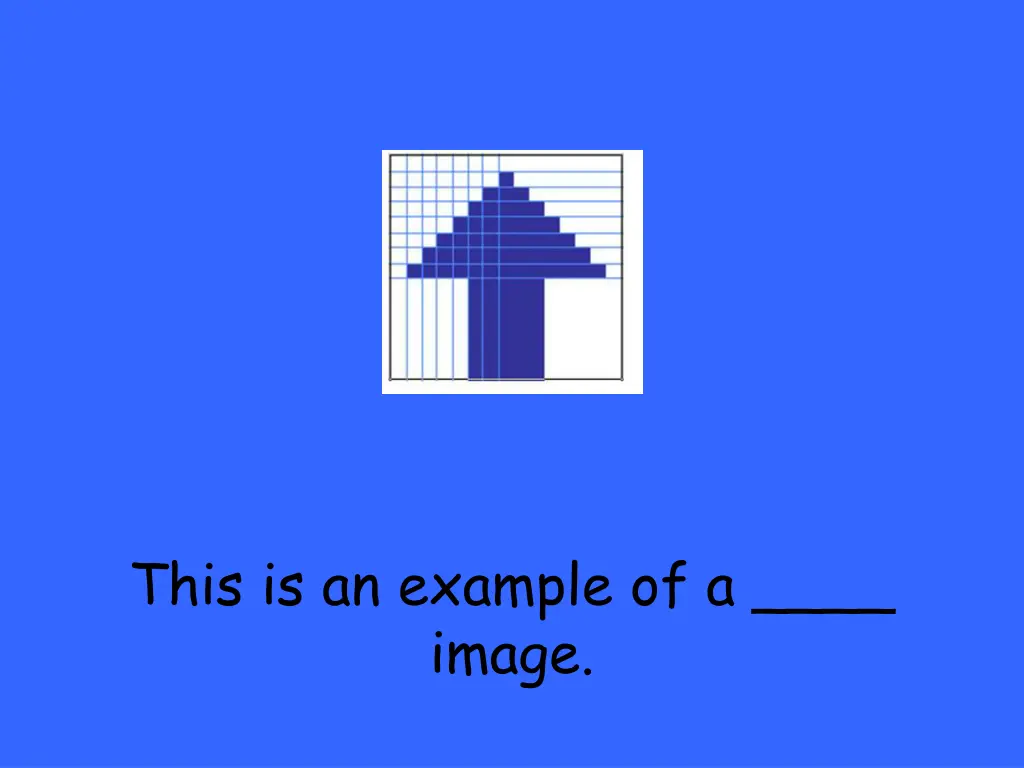
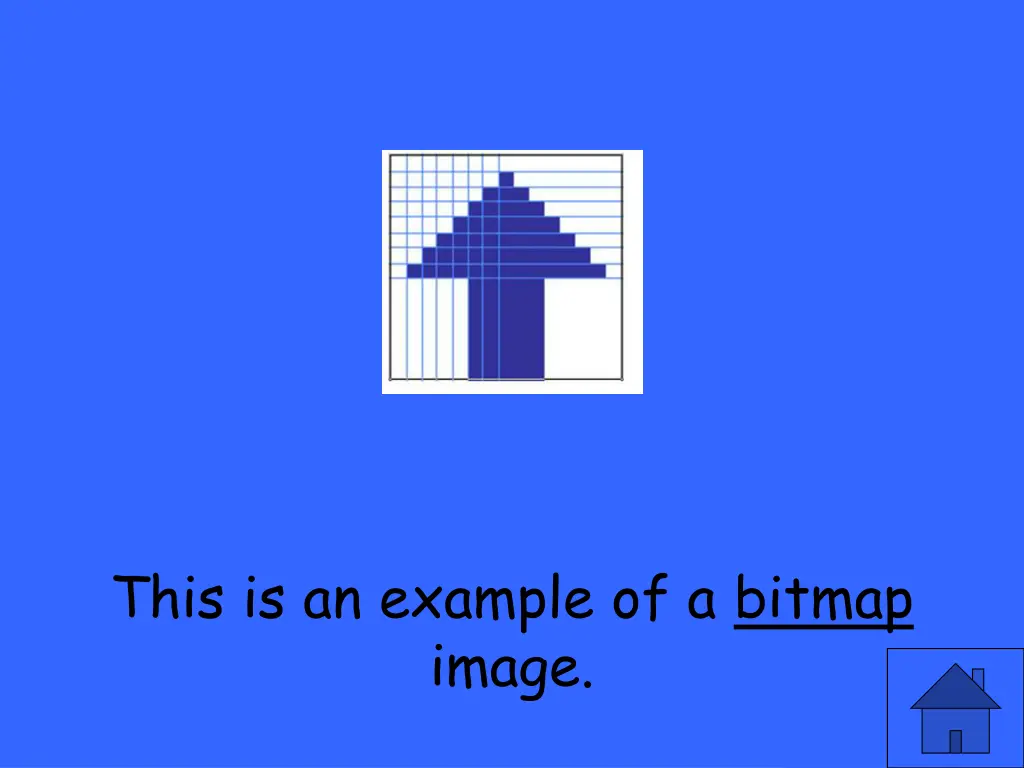
Also called raster images, these images are pixel- based.
Also called raster images, these images are pixel-based. Bitmap Images
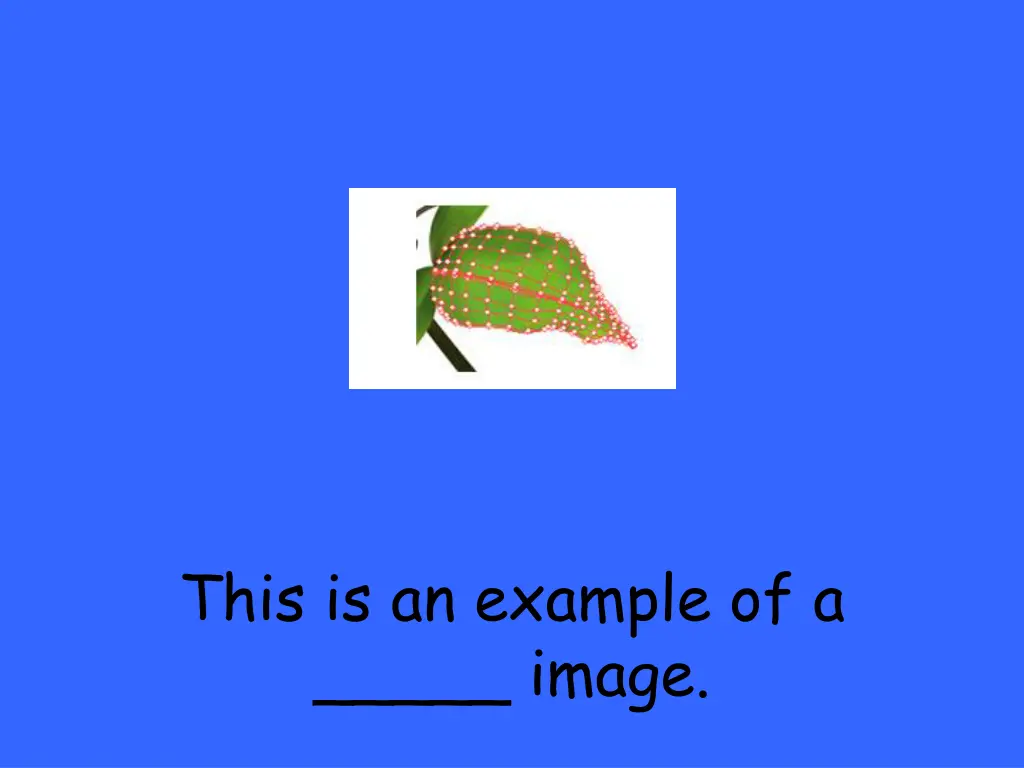
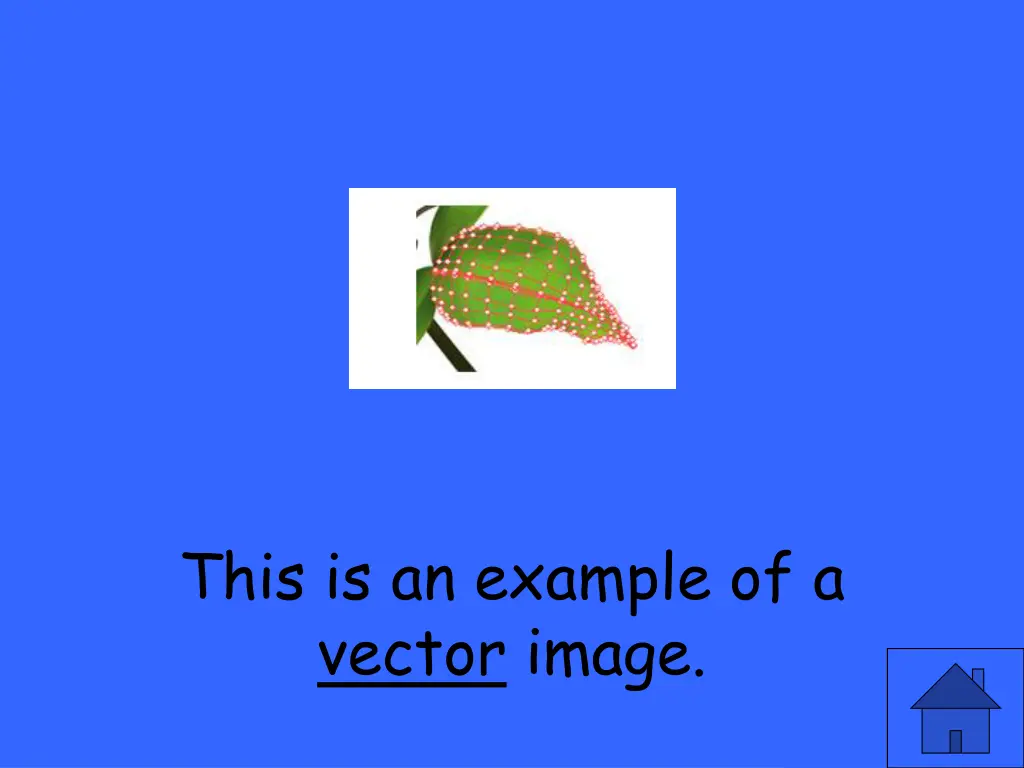
These images are mathematically-based.
These images are mathematically-based. Vector Images
These images: are usually created/illustrated in draw or illustrate programs have smooth edges create curves or shapes are good for precise illustrations
These images are VECTOR images! are usually created/illustrated in draw or illustrate programs have smooth edges create curves or shapes are good for precise illustrations
These images: are created & edited in photo or paint programs are mapped to a grid are not easily scalable
These images are BITMAP images! are created & edited in photo or paint programs are mapped to a grid are not easily scalable
What are the 2 main categories of graphic images?
What are the 2 main categories of graphic images? bitmap & vector
What is the smallest unit of measurement regarding computer data?
What is the smallest unit of measurement regarding computer data? a bit
Bit depth refers to the number of colors that can be displayed. The _____ the bit depth, the _____ the file size.
Bit depth refers to the number of colors that can be displayed. The higher the bit depth, the larger the file size.
What are the 3 primary graphic file formats for Web images?
What are the 3 primary graphic file formats for Web images? GIF, JPEG & PNG
__ is the preferred file format for images with large areas of solid colors (logos, graphics & cartoons).
GIF is the preferred file format for images with large areas of solid colors (logos, graphics & cartoons).
___ is a relatively new image file format and it can be 24- bit or 8-bit.
PNG is a relatively new image file format and it can be 24- bit or 8-bit.
The ____ color model is typically used when dealing with color viewed on a computer monitor.
The RGB color model is typically used when dealing with color viewed on a computer monitor.
The ____ color model is used on print material when printing in full color.
The CMYK color model is used on print material when printing in full color.
The CMYK color model is _____, which means light comes from a source, hits an object and reflects from the object into the eye.
The CMYK color model is reflective, hich means light comes from a source, hits an object and reflects from the object into the eye.
The RGB color model is _____, which means that light comes straight from the light source to your eyes.
The RGB color model is non- reflective, which means that light comes straight from the light source to your eyes.
What 3 types of colors make up the color wheel?
What 3 types of colors make up the color wheel? primary, secondary & tertiary (tur-shee-er-ee)
___ refers to what most of us mean by color. It is the generic name used to describe a color.
Hue refers to what most of us mean by color. It is the generic name used to describe a color.
The C in the CMYK color model stands for ______.
The C in the CMYK color model stands for Cyan (sahy- an).
_______ refers to the amount of white there is in the color.
Brightness refers to the amount of white there is in the color.
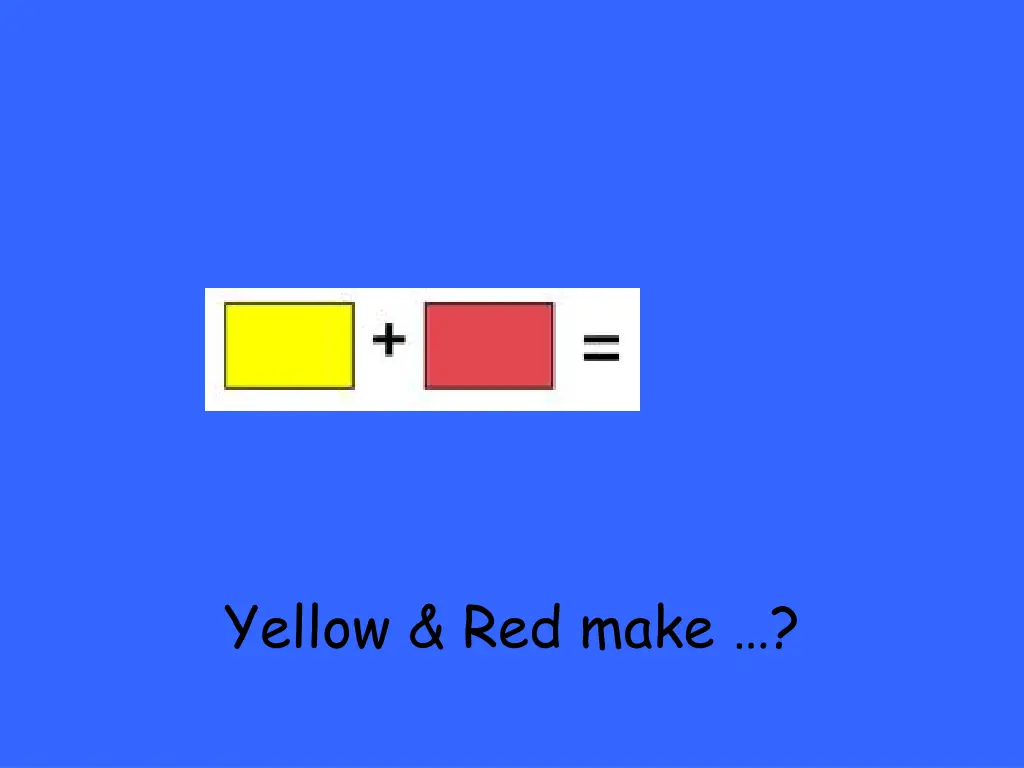
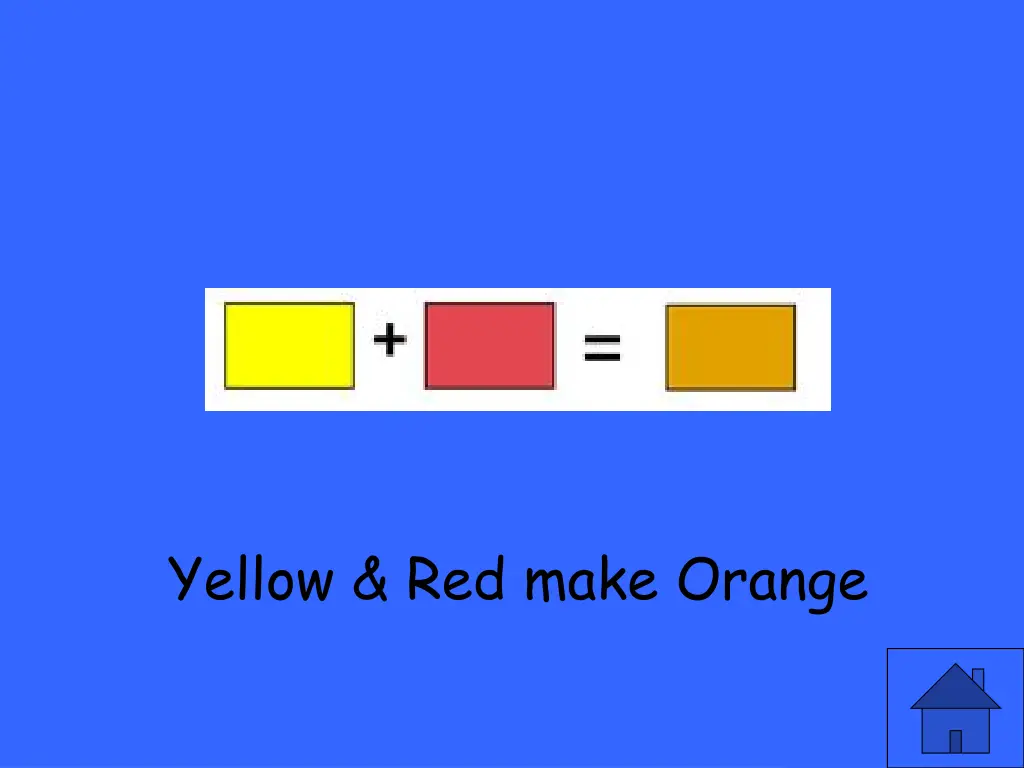
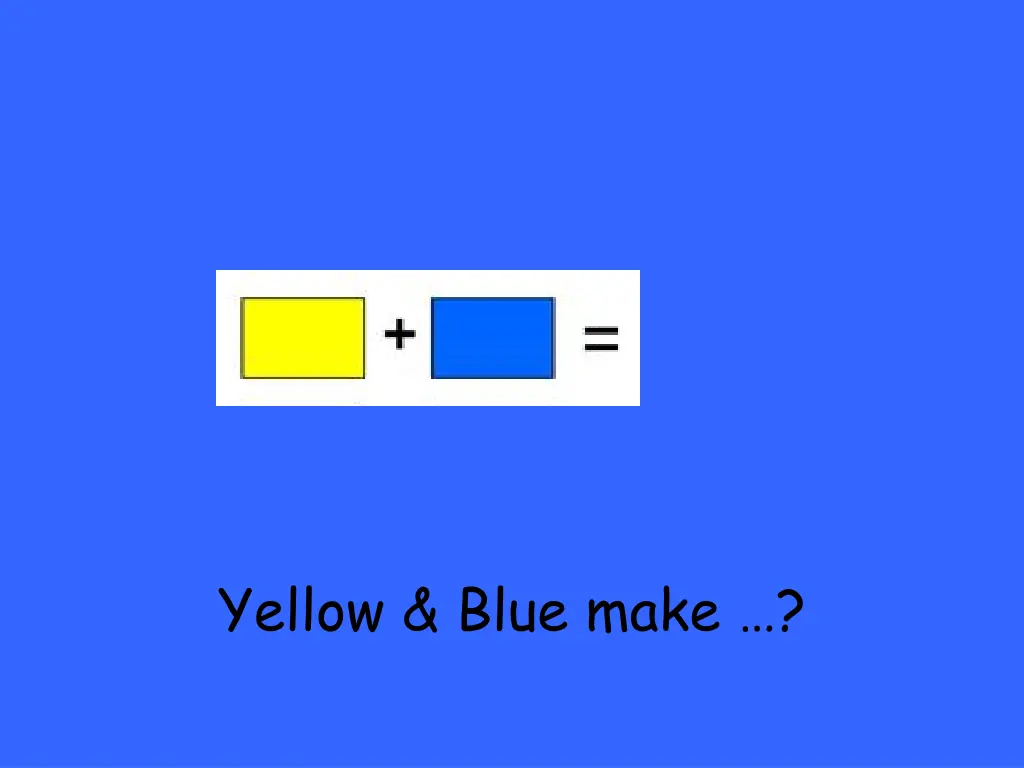
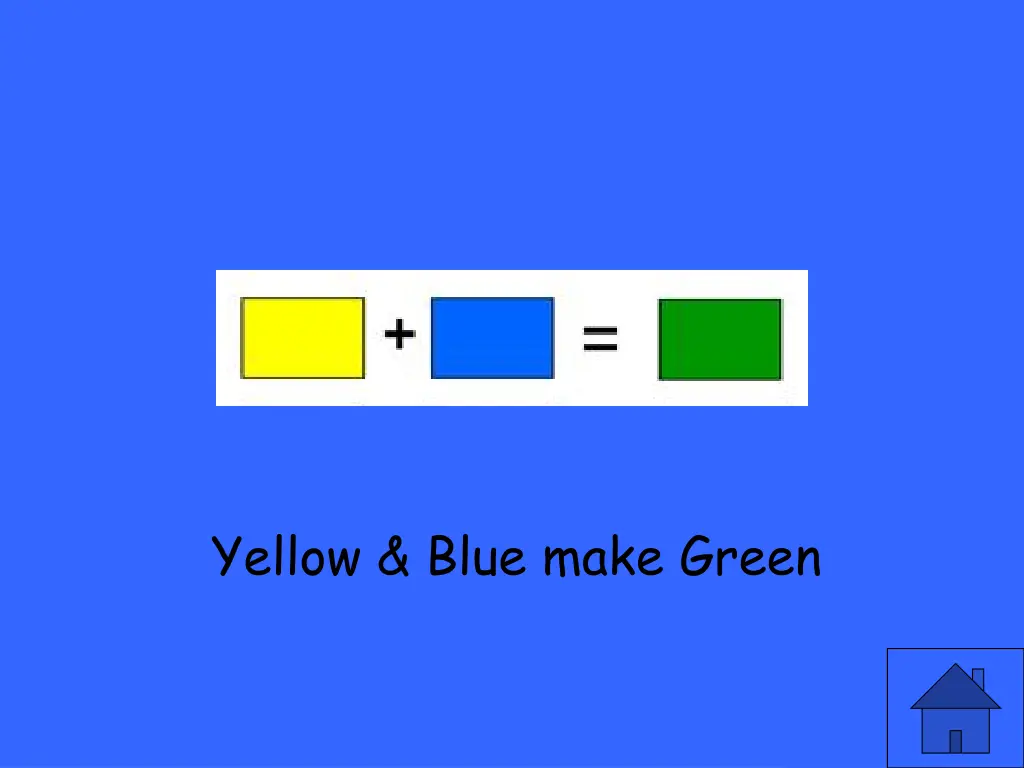
The result of blending a primary color with a secondary color is ?
The result of blending a primary color with a secondary color is a tertiary (tur-shee-er-ee)color.
This is an example of a ____ image.
This is an example of a _____ image.
This is an example of a vector image.