Introduction to Programming: Lists, Indexing, and Methods
This course covers topics such as mutable lists, list indexing and slicing, list functions, dictionary structure, and using methods in Python programming. Delve into the world of mutable and immutable data structures, learn how to manipulate lists, and understand the foundations of programming concepts with hands-on examples and explanations.

Download Presentation

Please find below an Image/Link to download the presentation.
The content on the website is provided AS IS for your information and personal use only. It may not be sold, licensed, or shared on other websites without obtaining consent from the author.If you encounter any issues during the download, it is possible that the publisher has removed the file from their server.
You are allowed to download the files provided on this website for personal or commercial use, subject to the condition that they are used lawfully. All files are the property of their respective owners.
The content on the website is provided AS IS for your information and personal use only. It may not be sold, licensed, or shared on other websites without obtaining consent from the author.
E N D
Presentation Transcript
Course A201: Introduction to Programming 10/28/2010
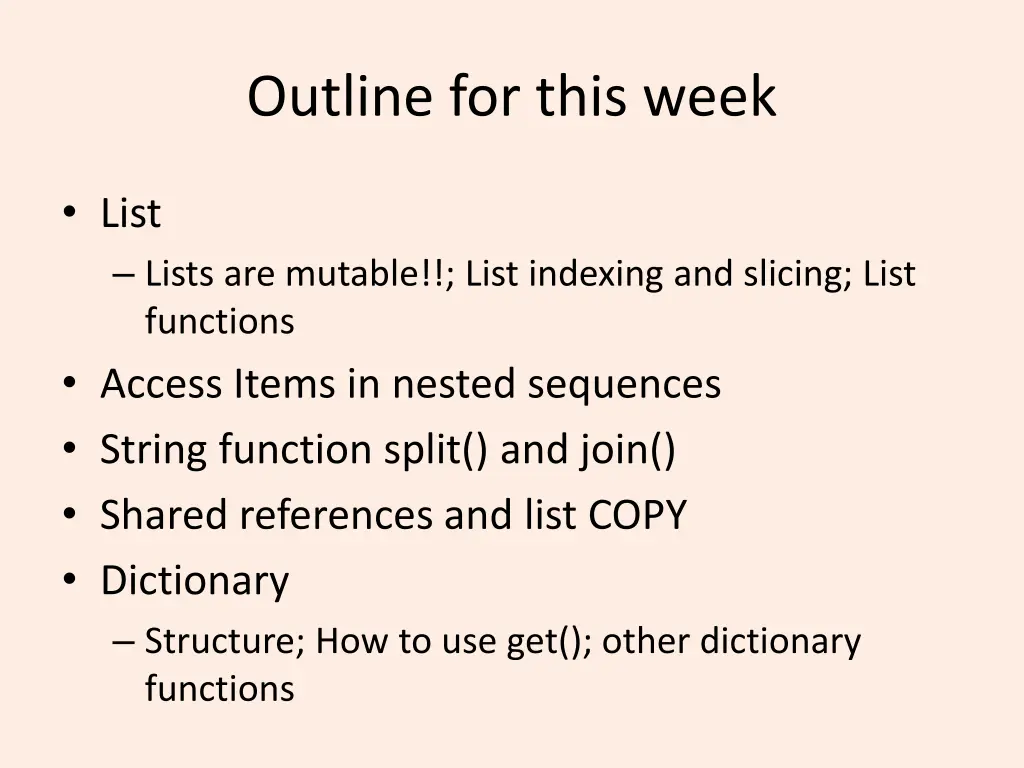
Outline for this week List Lists are mutable!!; List indexing and slicing; List functions Access Items in nested sequences String function split() and join() Shared references and list COPY Dictionary Structure; How to use get(); other dictionary functions
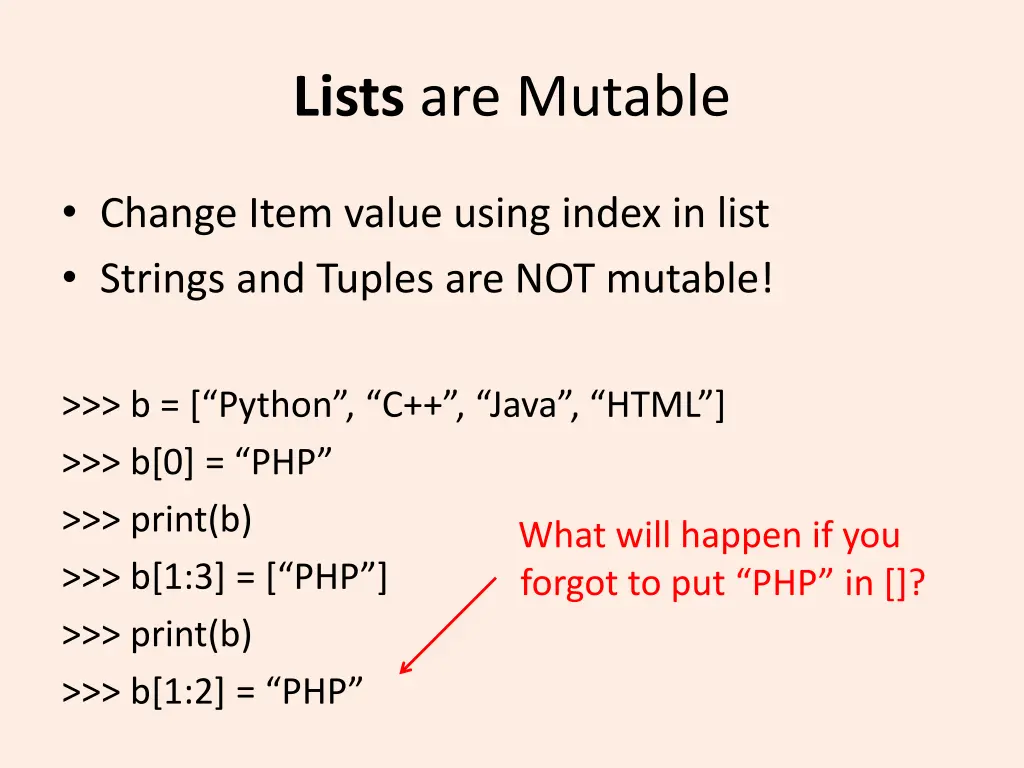
Lists are Mutable Change Item value using index in list Strings and Tuples are NOT mutable! >>> b = [ Python , C++ , Java , HTML ] >>> b[0] = PHP >>> print(b) >>> b[1:3] = [ PHP ] >>> print(b) >>> b[1:2] = PHP What will happen if you forgot to put PHP in []?
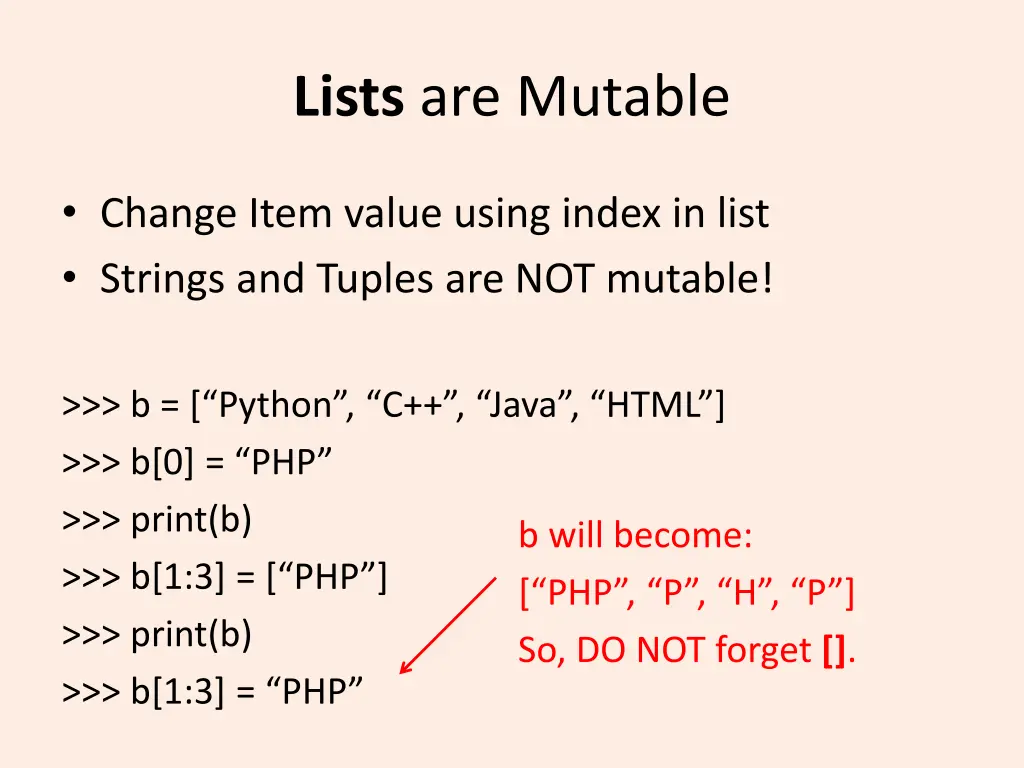
Lists are Mutable Change Item value using index in list Strings and Tuples are NOT mutable! >>> b = [ Python , C++ , Java , HTML ] >>> b[0] = PHP >>> print(b) >>> b[1:3] = [ PHP ] >>> print(b) >>> b[1:3] = PHP b will become: [ PHP , P , H , P ] So, DO NOT forget [].
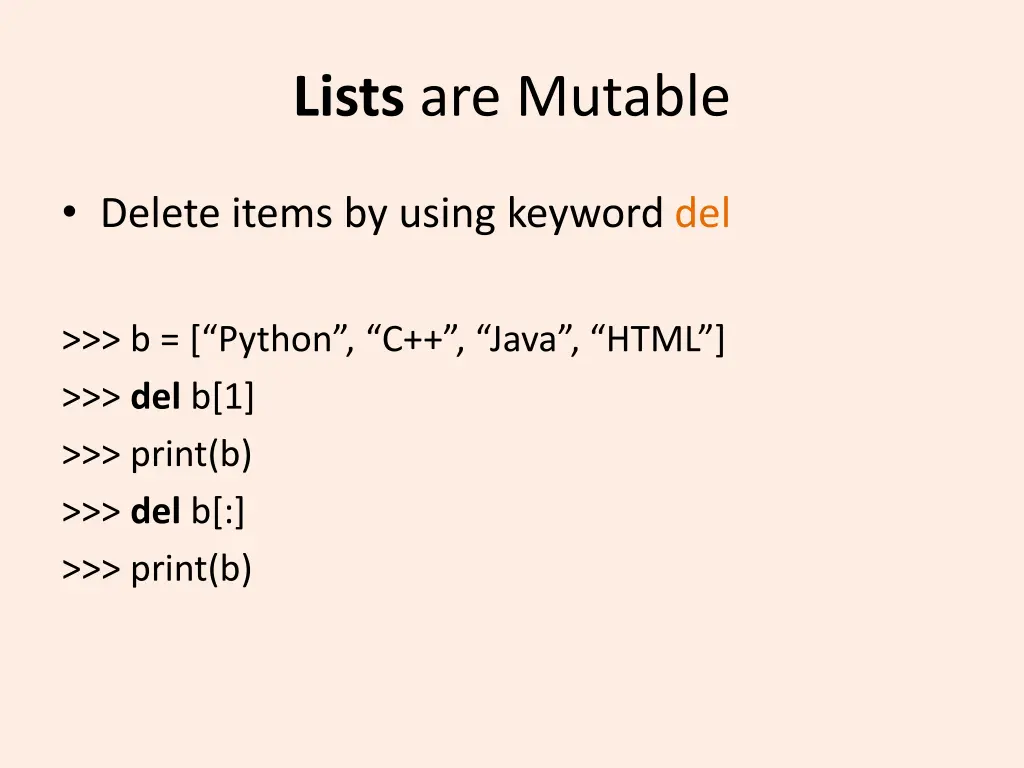
Lists are Mutable Delete items by using keyword del >>> b = [ Python , C++ , Java , HTML ] >>> del b[1] >>> print(b) >>> del b[:] >>> print(b)
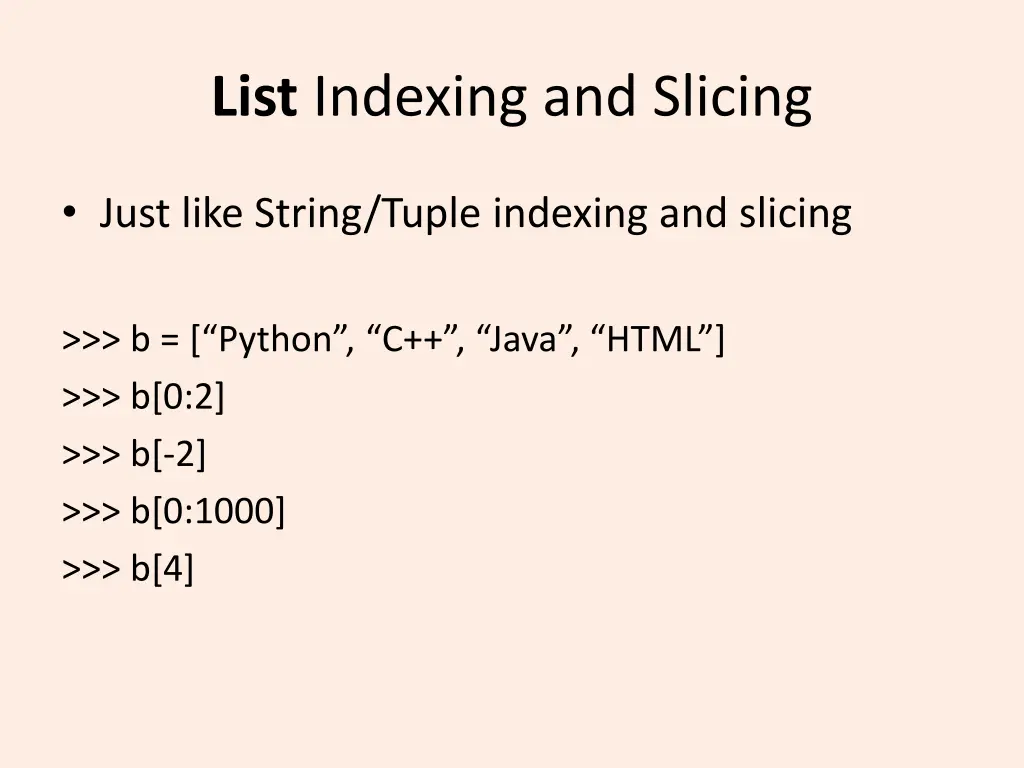
List Indexing and Slicing Just like String/Tuple indexing and slicing >>> b = [ Python , C++ , Java , HTML ] >>> b[0:2] >>> b[-2] >>> b[0:1000] >>> b[4]
List Methods Refer to Lecture Slides: List Methods
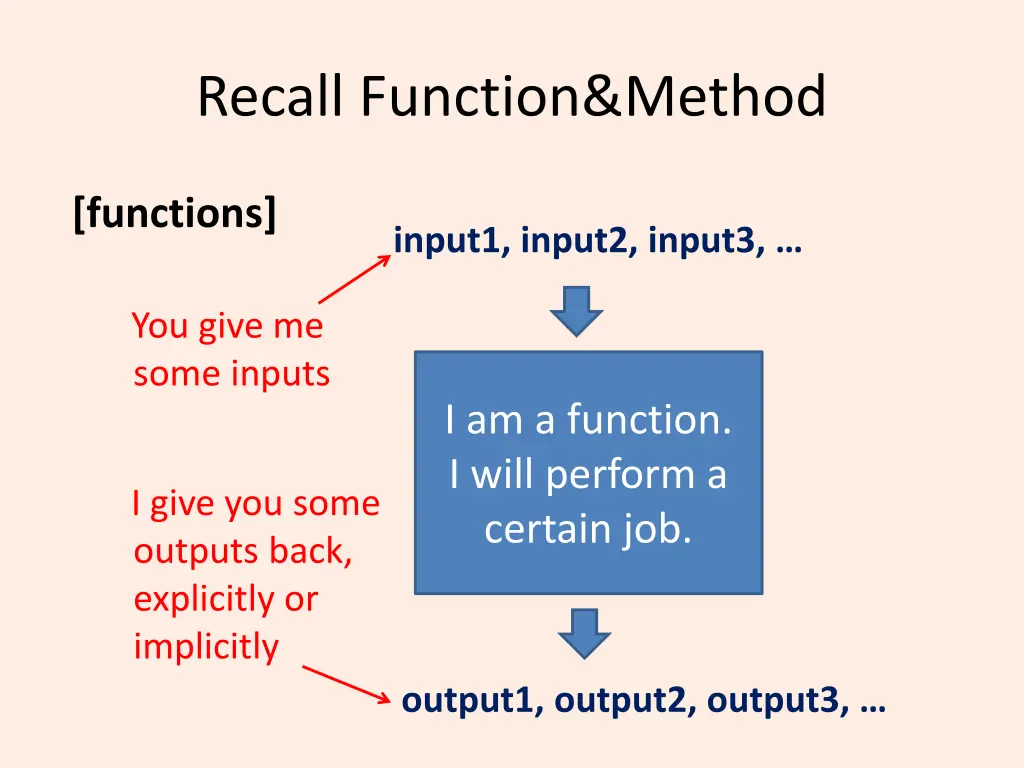
Recall Function&Method [functions] input1, input2, input3, You give me some inputs I am a function. I will perform a certain job. I give you some outputs back, explicitly or implicitly output1, output2, output3,
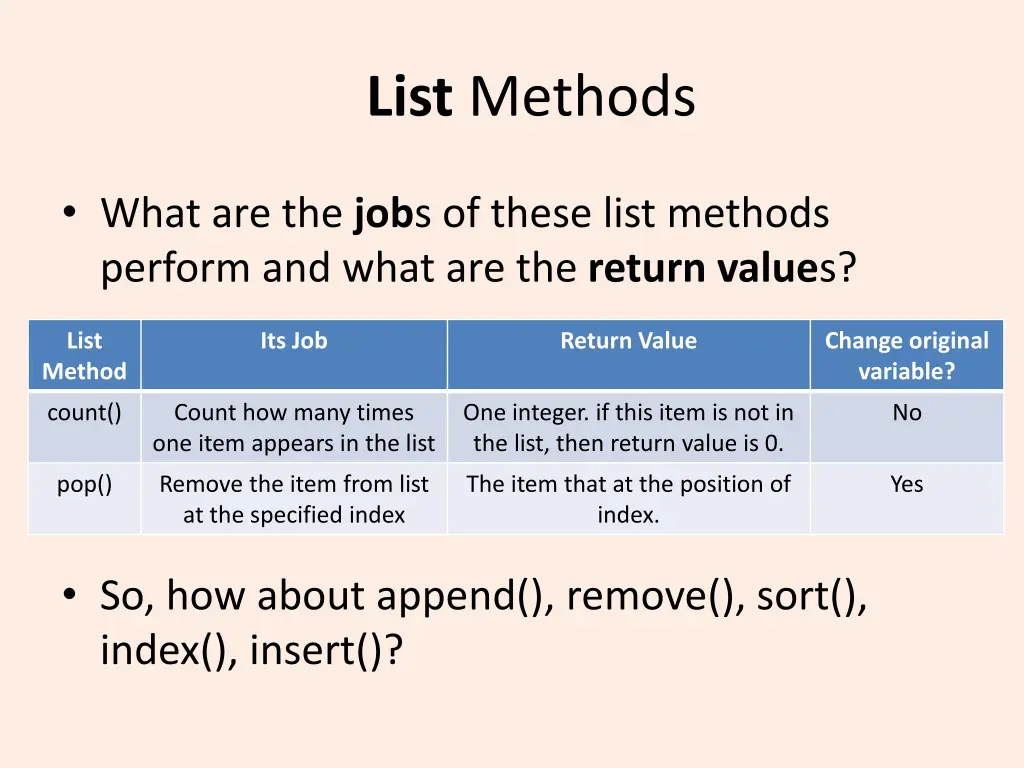
List Methods What are the jobs of these list methods perform and what are the return values? List Its Job Return Value Change original variable? Method count() Count how many times one item appears in the list One integer. if this item is not in the list, then return value is 0. No pop() Remove the item from list at the specified index The item that at the position of index. Yes So, how about append(), remove(), sort(), index(), insert()?
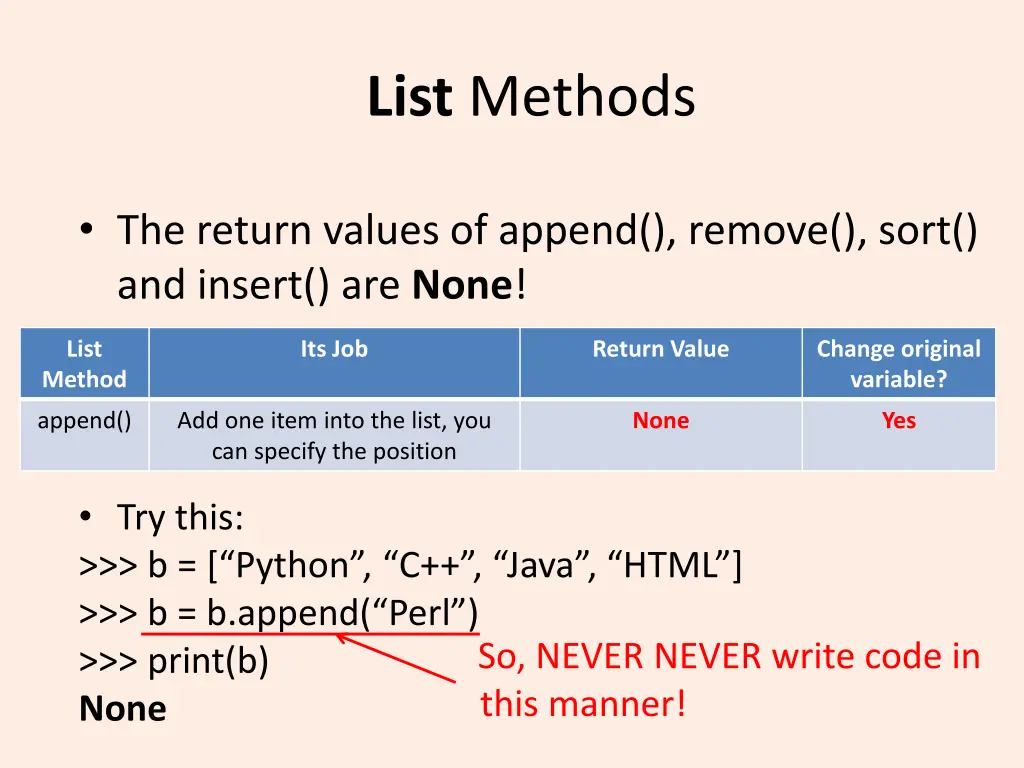
List Methods The return values of append(), remove(), sort() and insert() are None! List Its Job Return Value Change original variable? Method append() Add one item into the list, you can specify the position None Yes Try this: >>> b = [ Python , C++ , Java , HTML ] >>> b = b.append( Perl ) >>> print(b) None So, NEVER NEVER write code in this manner!
Access Items in nested sequences Refer to Lecture Slides: Access Items in nested sequences
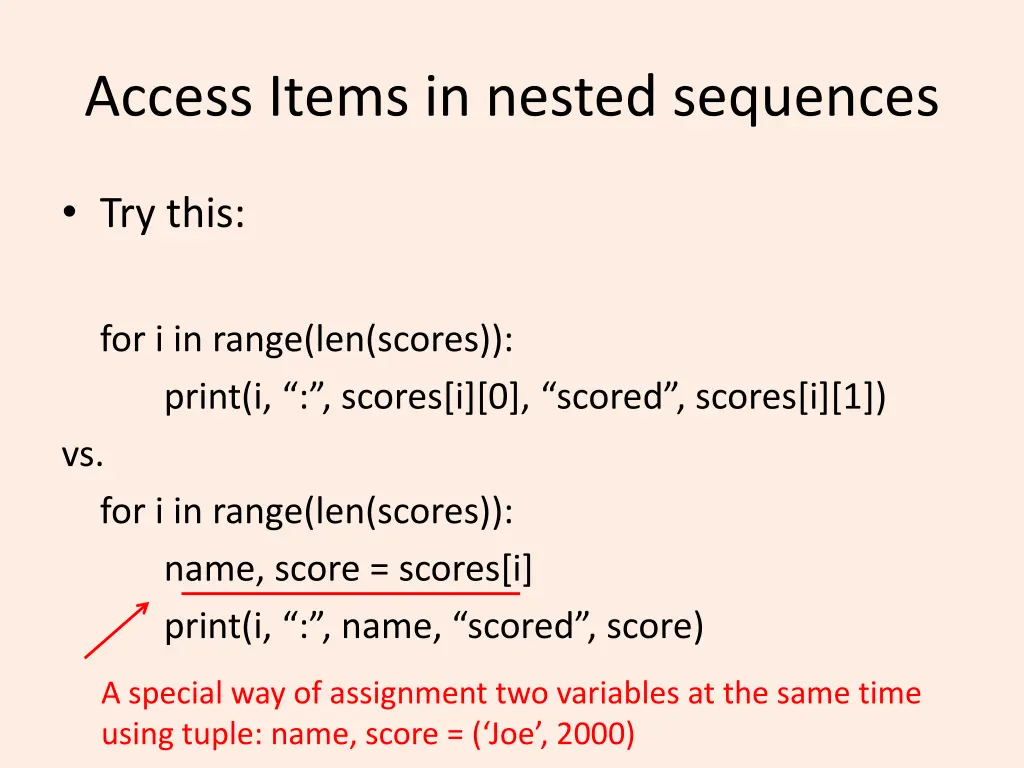
Access Items in nested sequences Try this: for i in range(len(scores)): print(i, : , scores[i][0], scored , scores[i][1]) vs. for i in range(len(scores)): name, score = scores[i] print(i, : , name, scored , score) A special way of assignment two variables at the same time using tuple: name, score = ( Joe , 2000)
An example with Lists Refer to Lecture Slides: An example with Lists
More math functions Refer to Lecture Slides: More functions (related to your assignment this week)
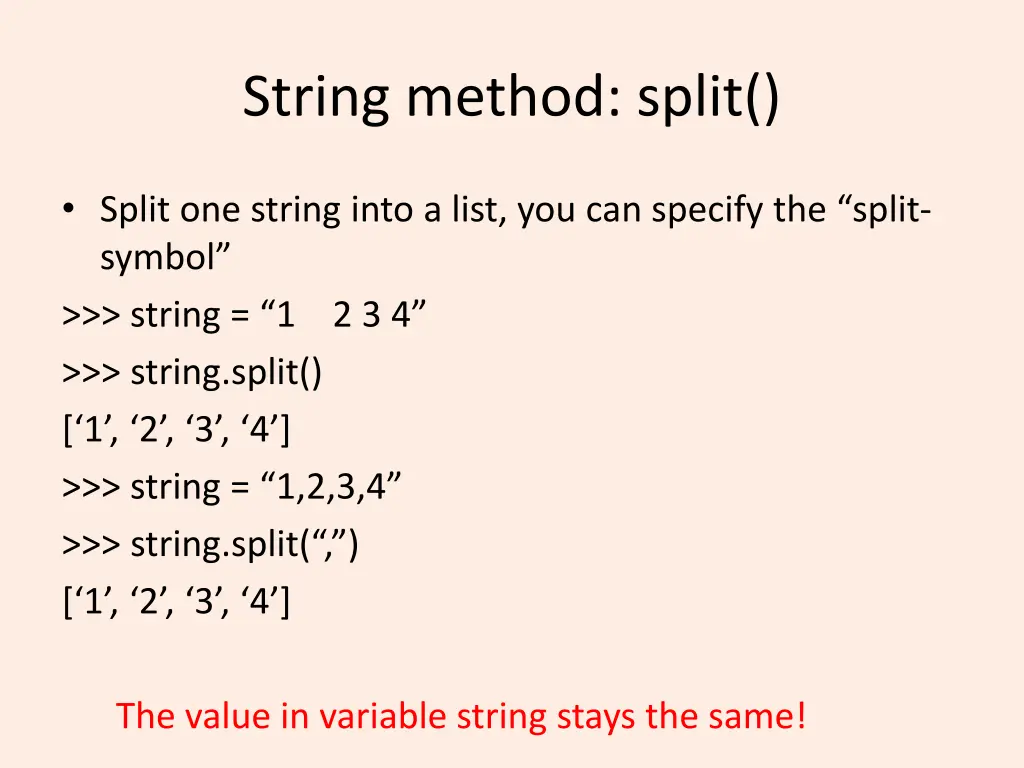
String method: split() Split one string into a list, you can specify the split- symbol >>> string = 1 2 3 4 >>> string.split() [ 1 , 2 , 3 , 4 ] >>> string = 1,2,3,4 >>> string.split( , ) [ 1 , 2 , 3 , 4 ] The value in variable string stays the same!
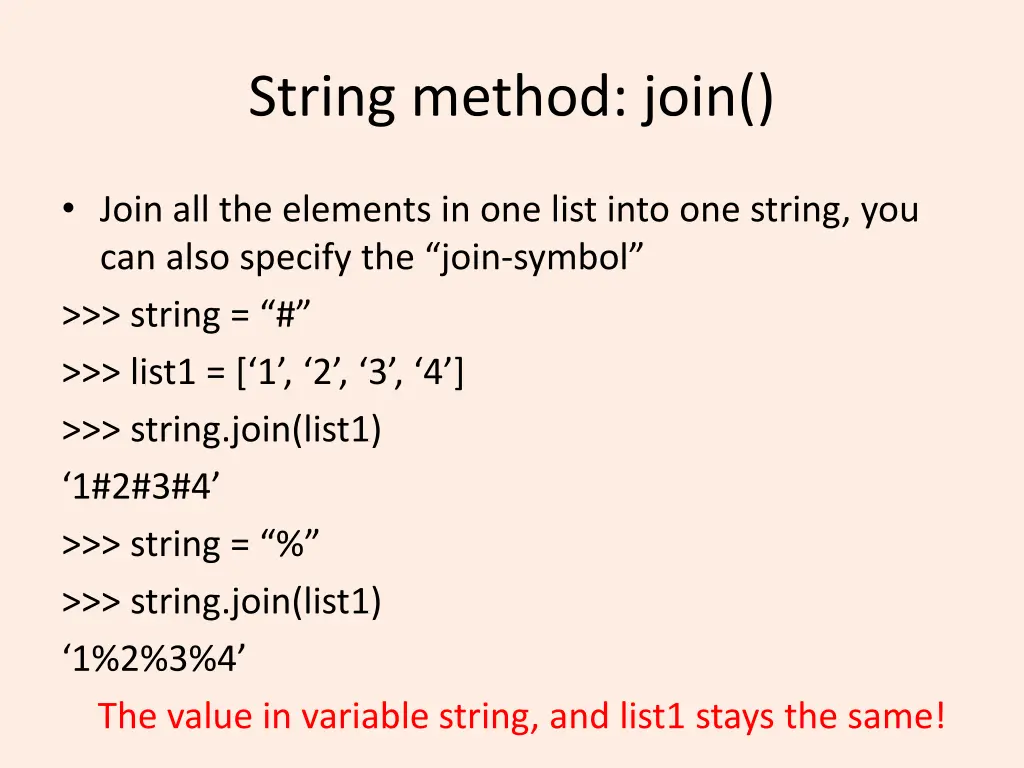
String method: join() Join all the elements in one list into one string, you can also specify the join-symbol >>> string = # >>> list1 = [ 1 , 2 , 3 , 4 ] >>> string.join(list1) 1#2#3#4 >>> string = % >>> string.join(list1) 1%2%3%4 The value in variable string, and list1 stays the same!
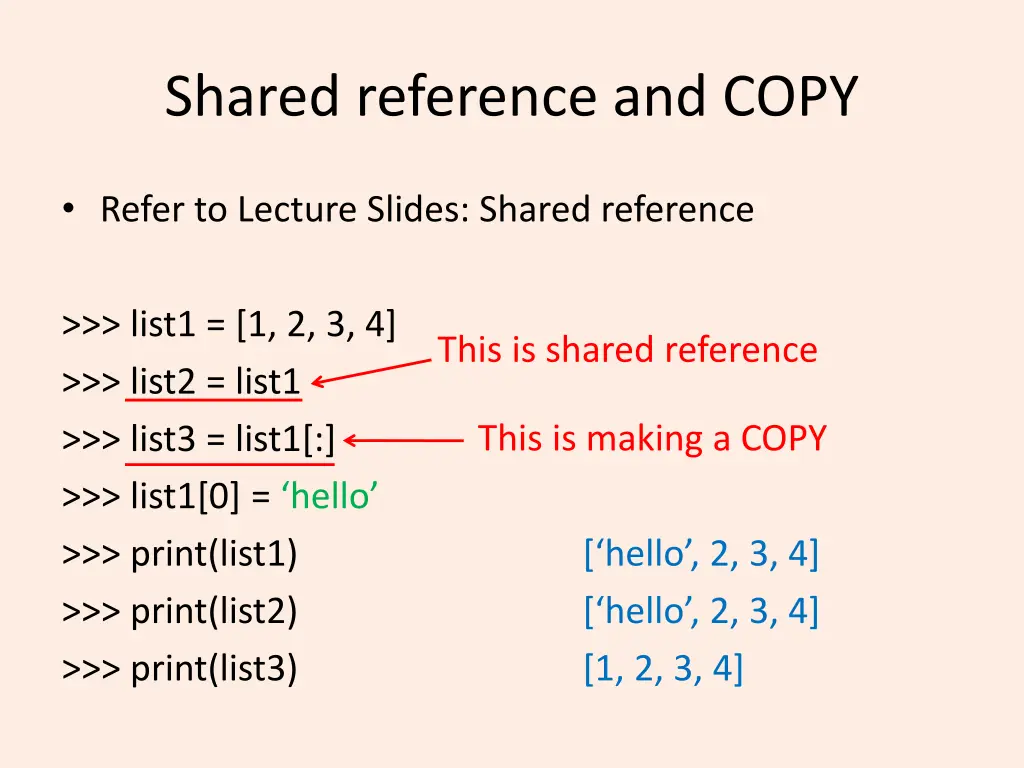
Shared reference and COPY Refer to Lecture Slides: Shared reference >>> list1 = [1, 2, 3, 4] >>> list2 = list1 >>> list3 = list1[:] >>> list1[0] = hello >>> print(list1) >>> print(list2) >>> print(list3) This is shared reference This is making a COPY [ hello , 2, 3, 4] [ hello , 2, 3, 4] [1, 2, 3, 4]
Dictionaries Refer to Lecture Slides: Dictionaries
Have a nice evening! See you tomorrow~