Introduction to Programming
Dive into the world of programming with course A201, exploring the fundamentals of for loops, range function, and string manipulation in Python. Learn how to iterate efficiently, manipulate sequences, and handle different data types effectively. Master the art of writing nested loops, understanding string indexing, and utilizing functions like len(). Get ready to enhance your programming skills and tackle real-world challenges in Part-2 of this course.

Download Presentation

Please find below an Image/Link to download the presentation.
The content on the website is provided AS IS for your information and personal use only. It may not be sold, licensed, or shared on other websites without obtaining consent from the author.If you encounter any issues during the download, it is possible that the publisher has removed the file from their server.
You are allowed to download the files provided on this website for personal or commercial use, subject to the condition that they are used lawfully. All files are the property of their respective owners.
The content on the website is provided AS IS for your information and personal use only. It may not be sold, licensed, or shared on other websites without obtaining consent from the author.
E N D
Presentation Transcript
Course A201: Introduction to Programming 09/30/2010
Outlines for this week How to write for loops Function range() Python membership operator: in Write nested for loops to print out certain shapes More on Strings String Indexing Function len() String functions Finish Part-1, understand what to do in Part-2
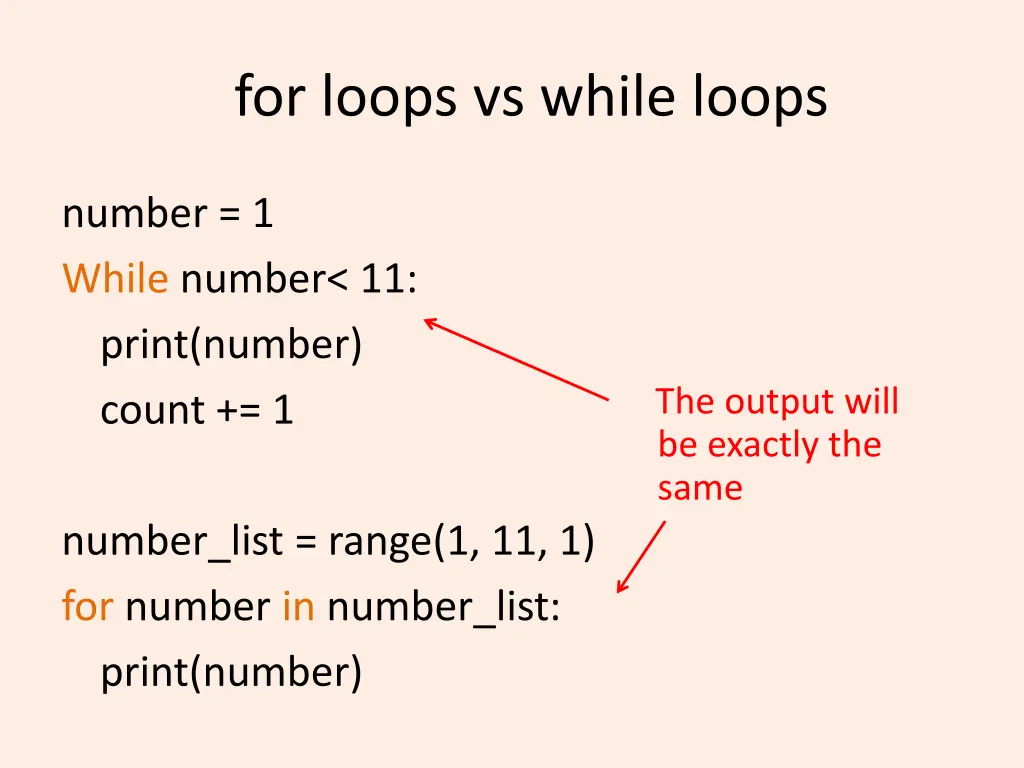
for loops vs while loops number = 1 While number< 11: print(number) count += 1 The output will be exactly the same number_list = range(1, 11, 1) for number in number_list: print(number)
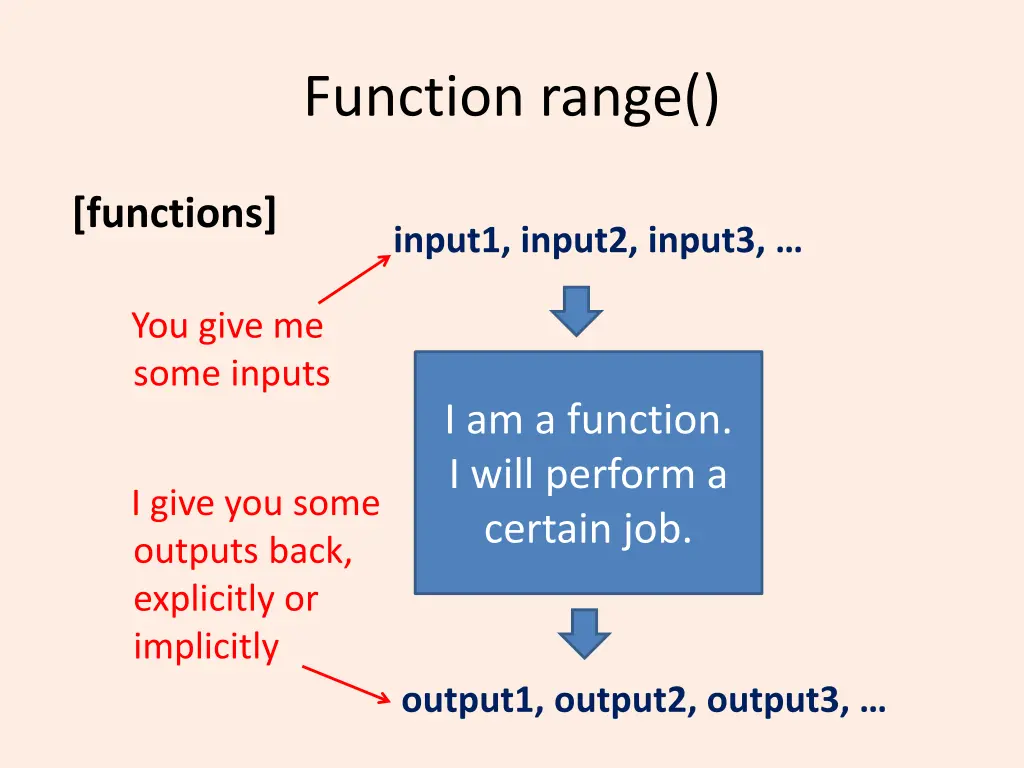
Function range() [functions] input1, input2, input3, You give me some inputs I am a function. I will perform a certain job. I give you some outputs back, explicitly or implicitly output1, output2, output3,
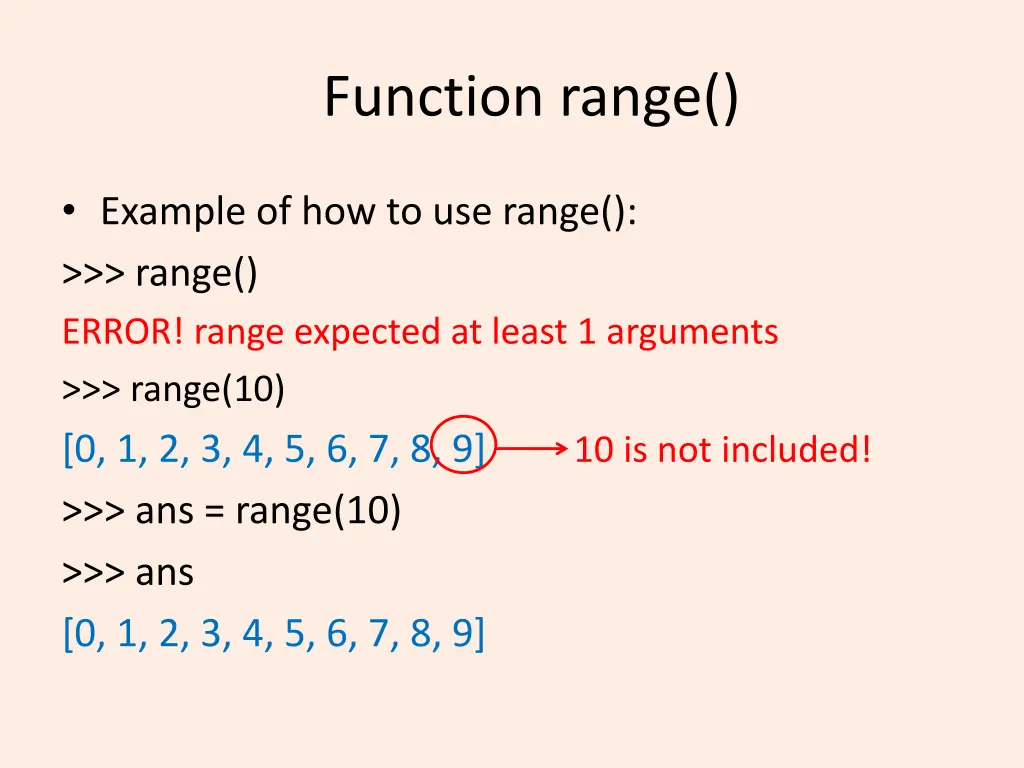
Function range() Example of how to use range(): >>> range() ERROR! range expected at least 1 arguments >>> range(10) [0, 1, 2, 3, 4, 5, 6, 7, 8, 9] >>> ans = range(10) >>> ans [0, 1, 2, 3, 4, 5, 6, 7, 8, 9] 10 is not included!
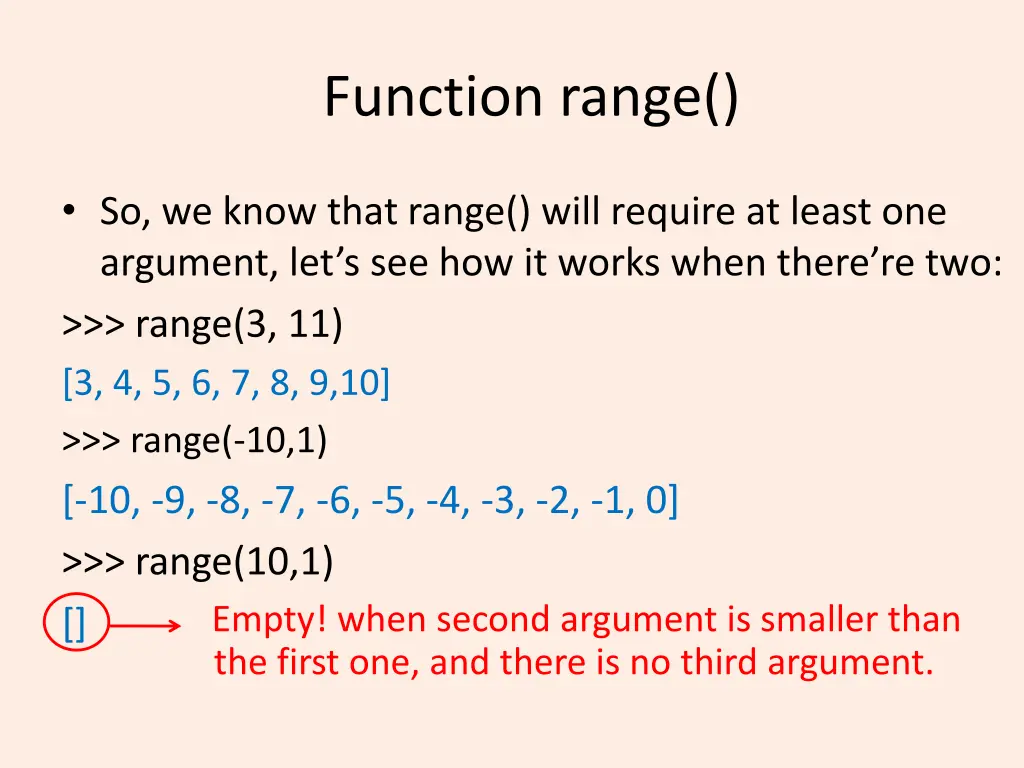
Function range() So, we know that range() will require at least one argument, let s see how it works when there re two: >>> range(3, 11) [3, 4, 5, 6, 7, 8, 9,10] >>> range(-10,1) [-10, -9, -8, -7, -6, -5, -4, -3, -2, -1, 0] >>> range(10,1) [] Empty! when second argument is smaller than the first one, and there is no third argument.
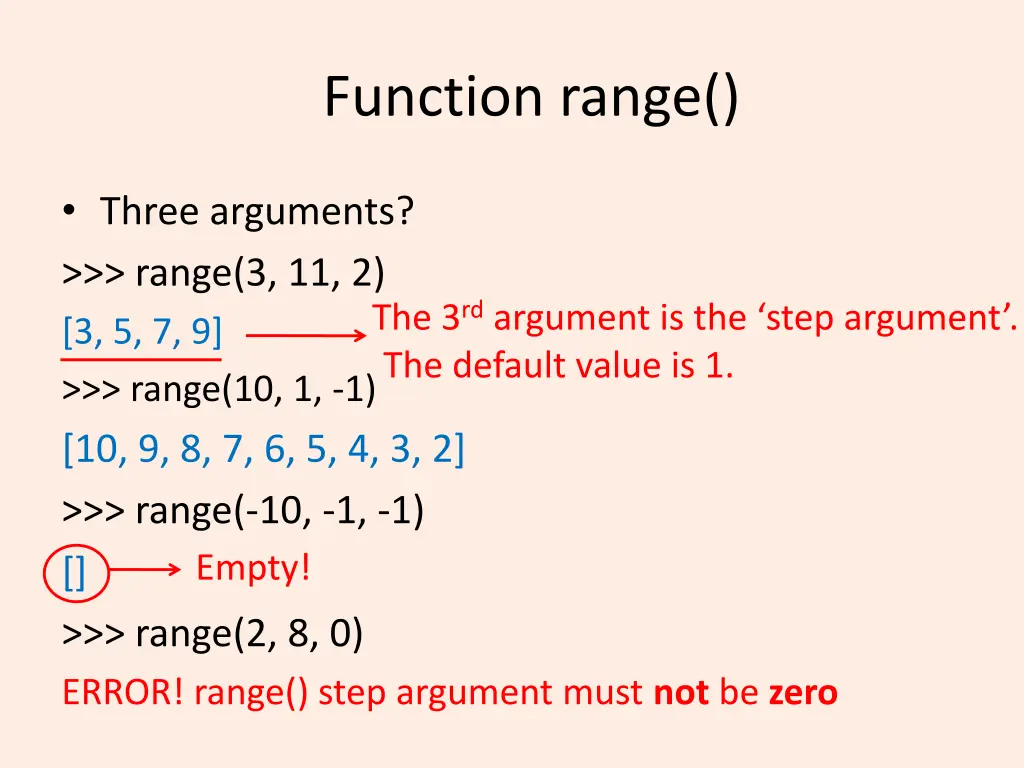
Function range() Three arguments? >>> range(3, 11, 2) [3, 5, 7, 9] >>> range(10, 1, -1) [10, 9, 8, 7, 6, 5, 4, 3, 2] >>> range(-10, -1, -1) [] >>> range(2, 8, 0) ERROR! range() step argument must not be zero The 3rdargument is the step argument . The default value is 1. Empty!
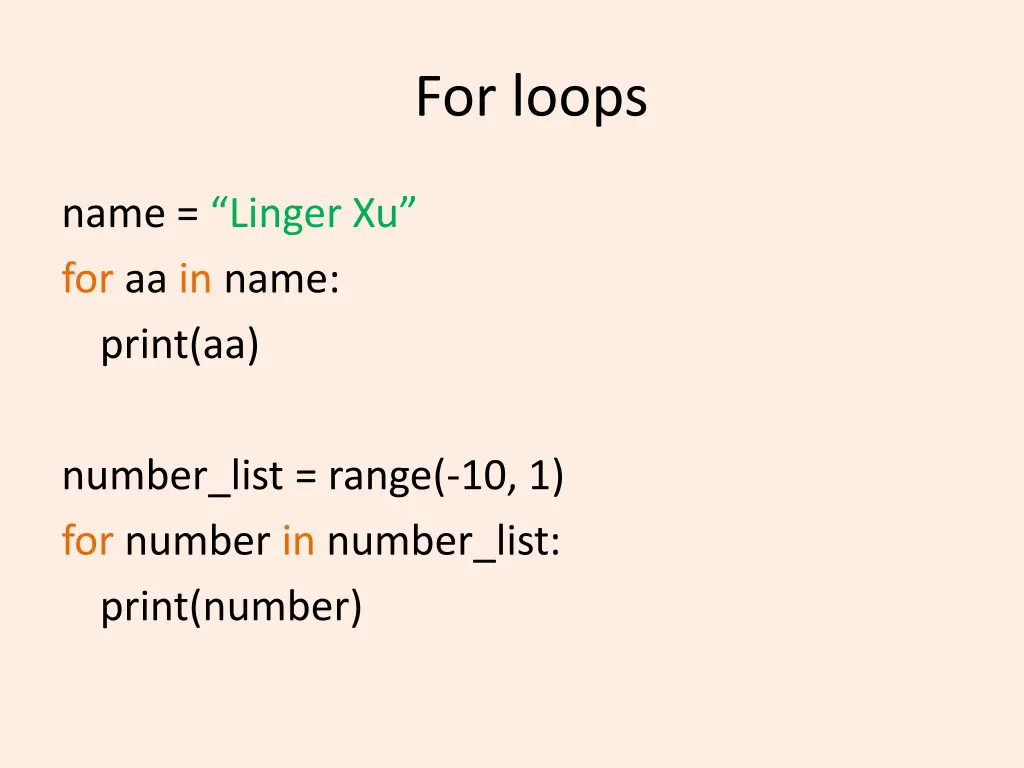
For loops name = Linger Xu for aa in name: print(aa) number_list = range(-10, 1) for number in number_list: print(number)
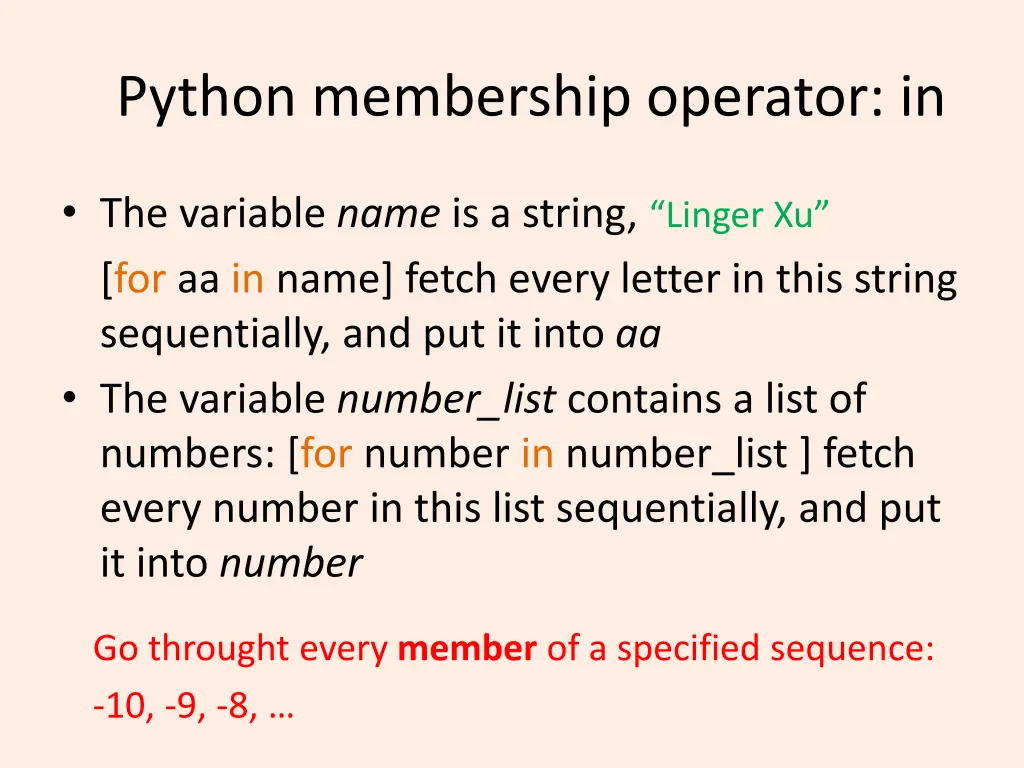
Python membership operator: in The variable name is a string, Linger Xu [for aa in name] fetch every letter in this string sequentially, and put it into aa The variable number_list contains a list of numbers: [for number in number_list ] fetch every number in this list sequentially, and put it into number Go throught every member of a specified sequence: -10, -9, -8,
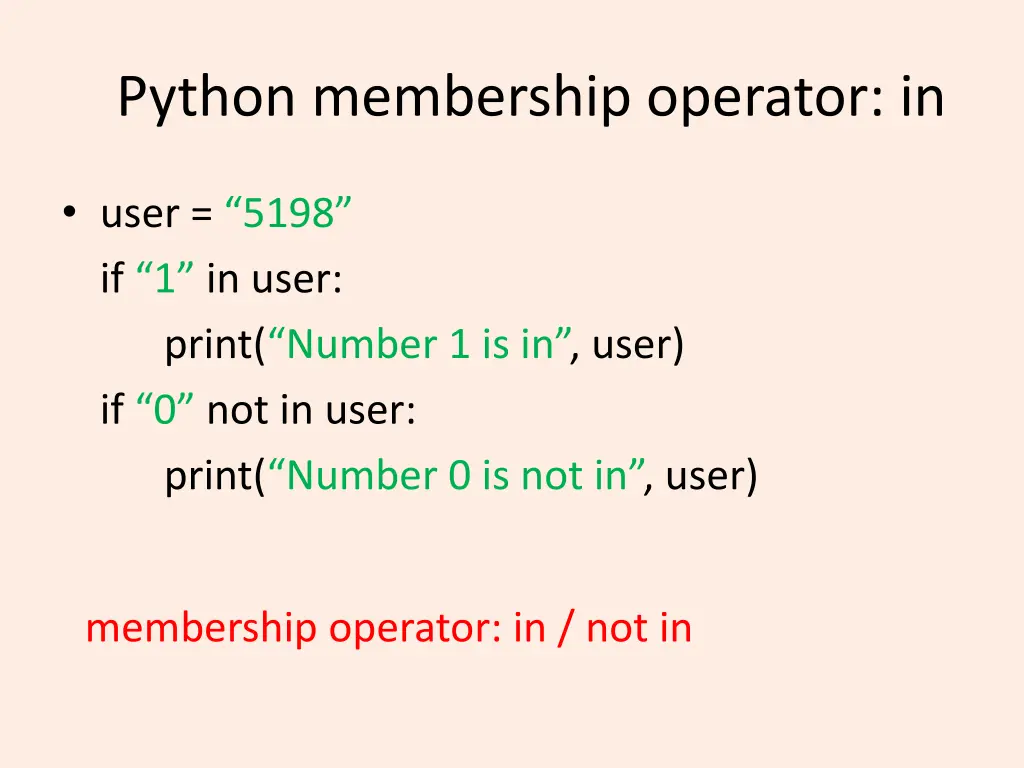
Python membership operator: in user = 5198 if 1 in user: print( Number 1 is in , user) if 0 not in user: print( Number 0 is not in , user) membership operator: in / not in
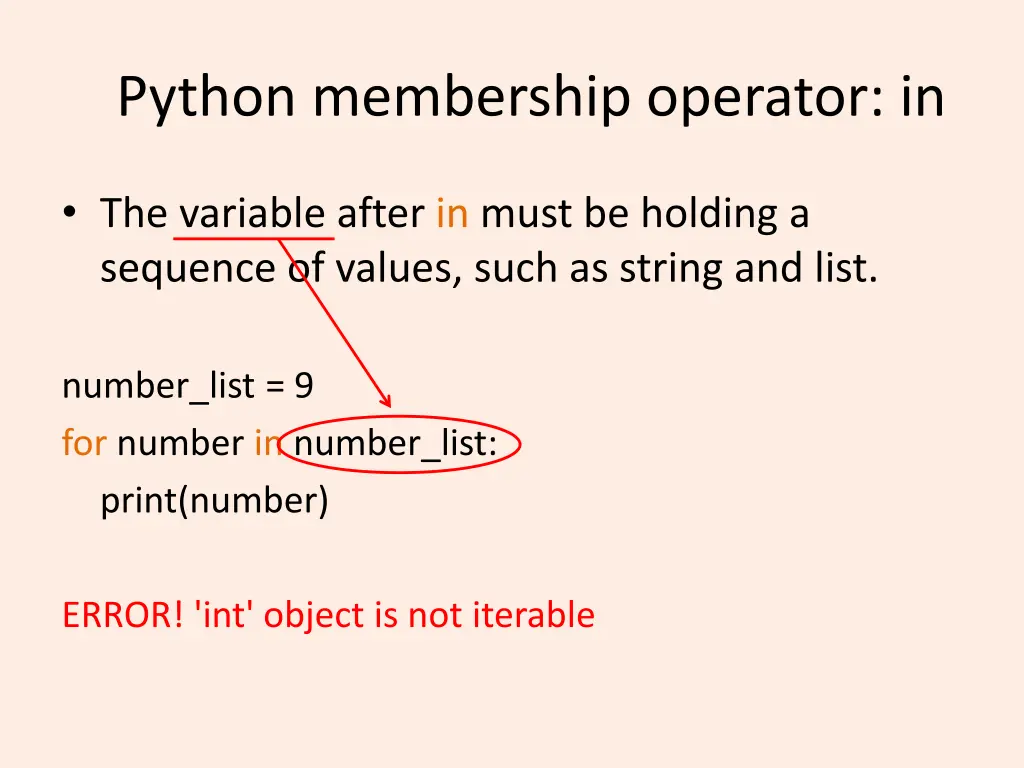
Python membership operator: in The variable after in must be holding a sequence of values, such as string and list. number_list = 9 for number in number_list: print(number) ERROR! 'int' object is not iterable
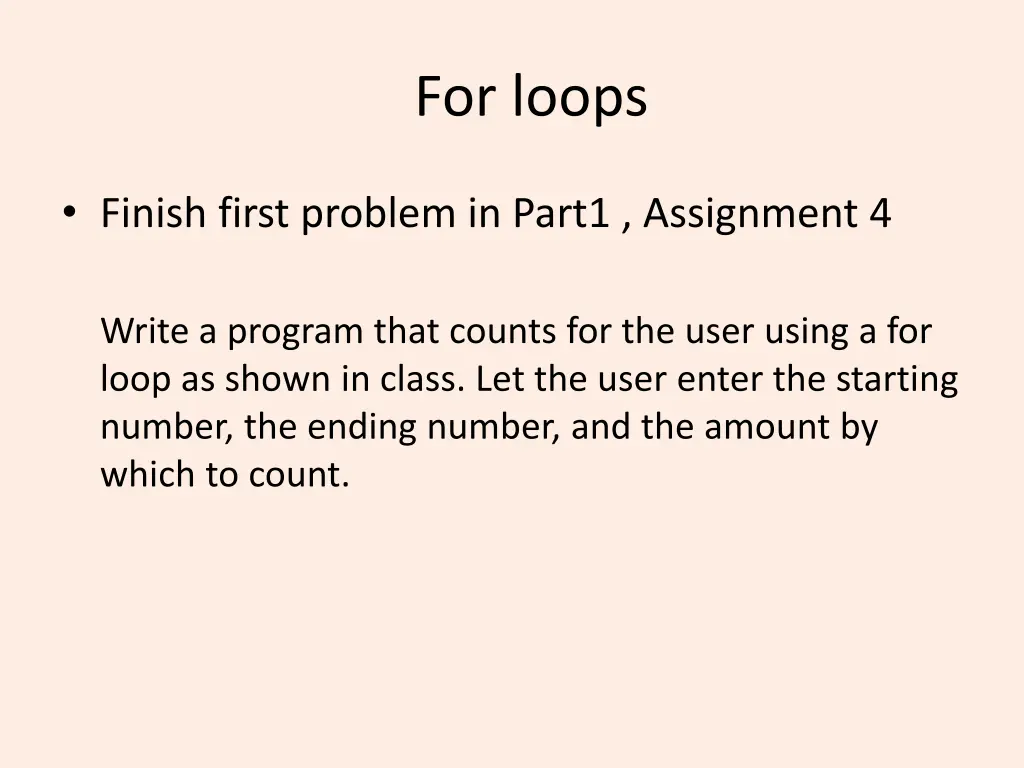
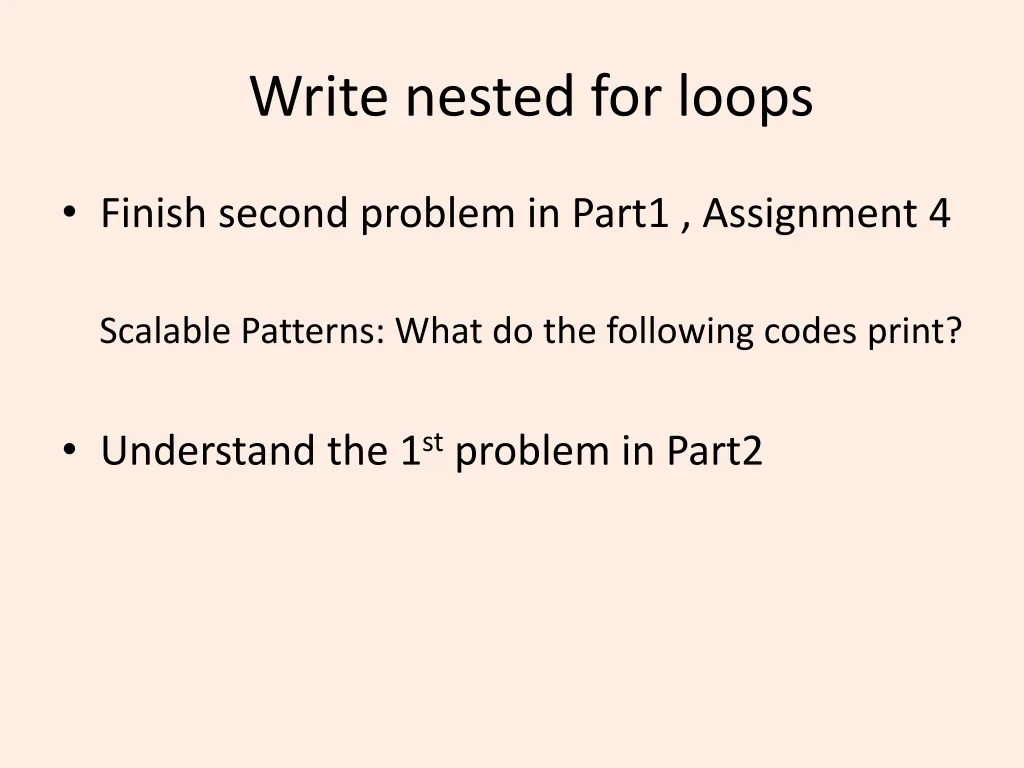
For loops Finish first problem in Part1 , Assignment 4 Write a program that counts for the user using a for loop as shown in class. Let the user enter the starting number, the ending number, and the amount by which to count.
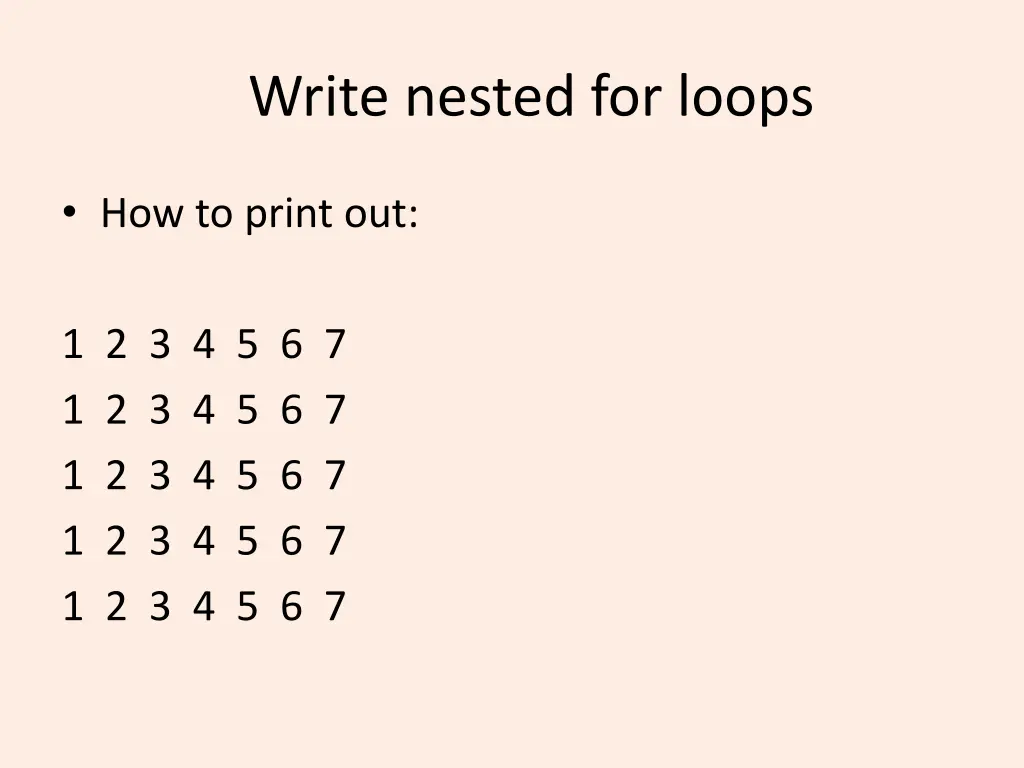
Write nested for loops How to print out: 1 2 3 4 5 6 7 1 2 3 4 5 6 7 1 2 3 4 5 6 7 1 2 3 4 5 6 7 1 2 3 4 5 6 7
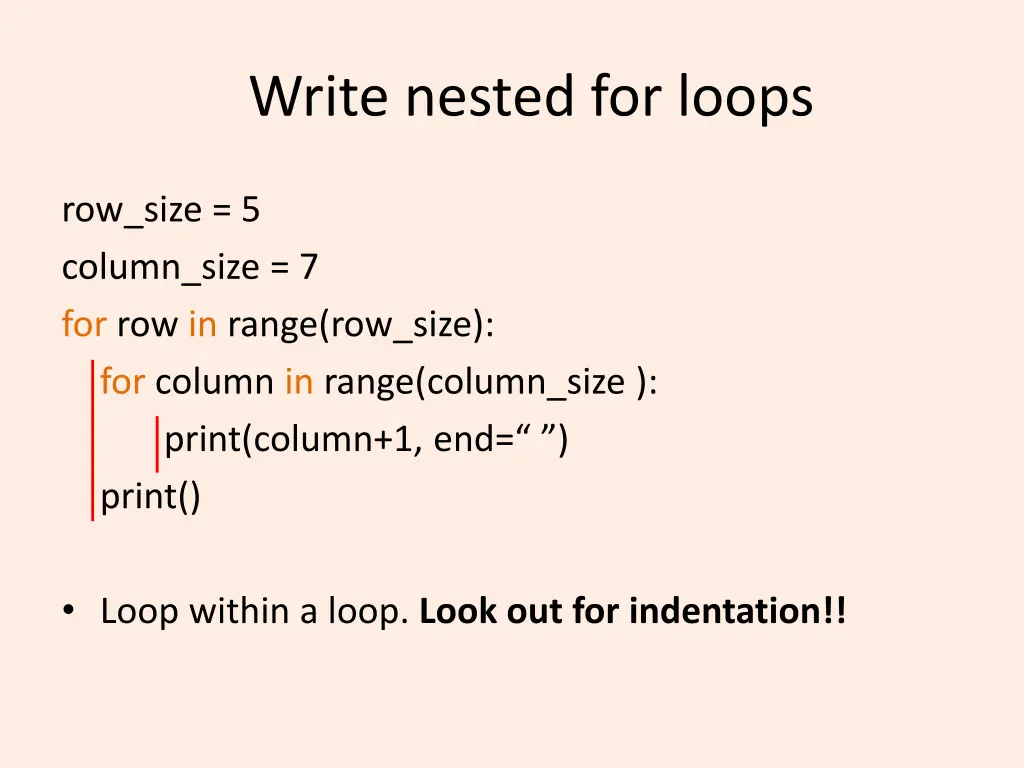
Write nested for loops row_size = 5 column_size = 7 for row in range(row_size): for column in range(column_size ): print(column+1, end= ) print() Loop within a loop. Look out for indentation!!
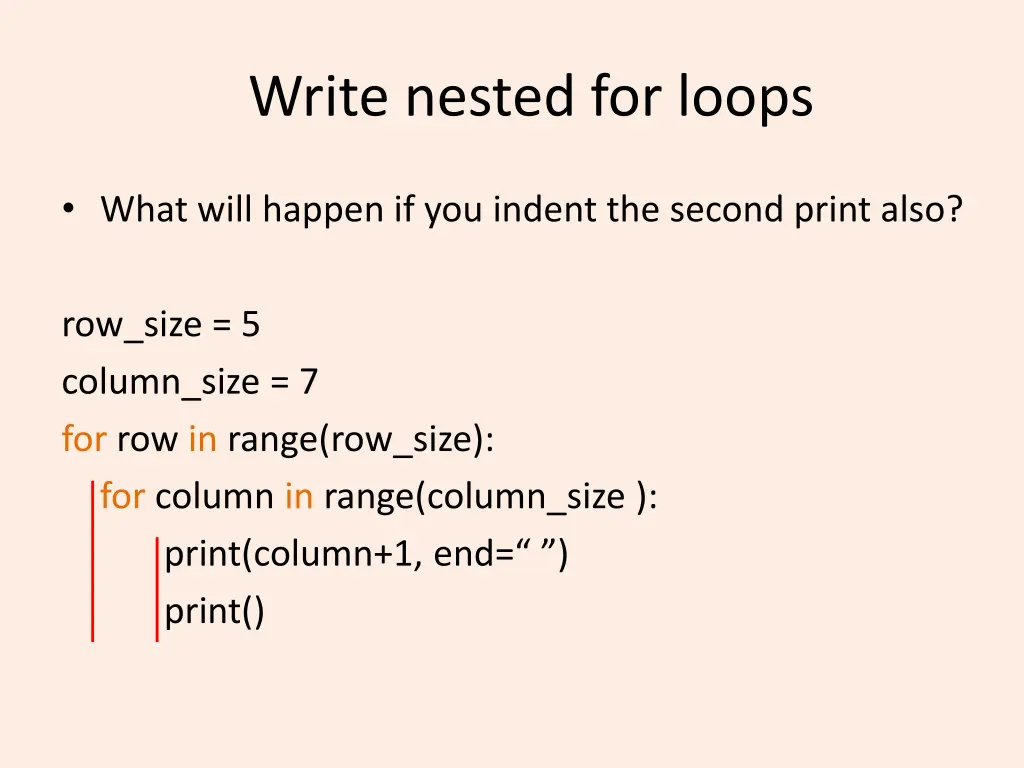
Write nested for loops What will happen if you indent the second print also? row_size = 5 column_size = 7 for row in range(row_size): for column in range(column_size ): print(column+1, end= ) print()
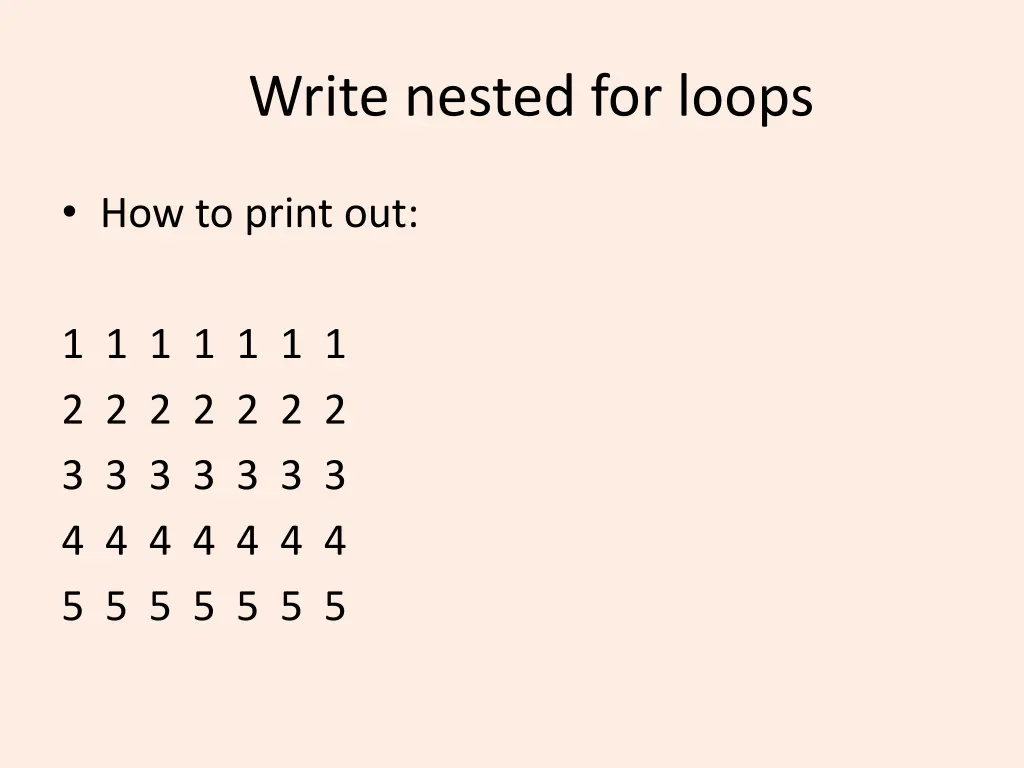
Write nested for loops How to print out: 1 1 1 1 1 1 1 2 2 2 2 2 2 2 3 3 3 3 3 3 3 4 4 4 4 4 4 4 5 5 5 5 5 5 5
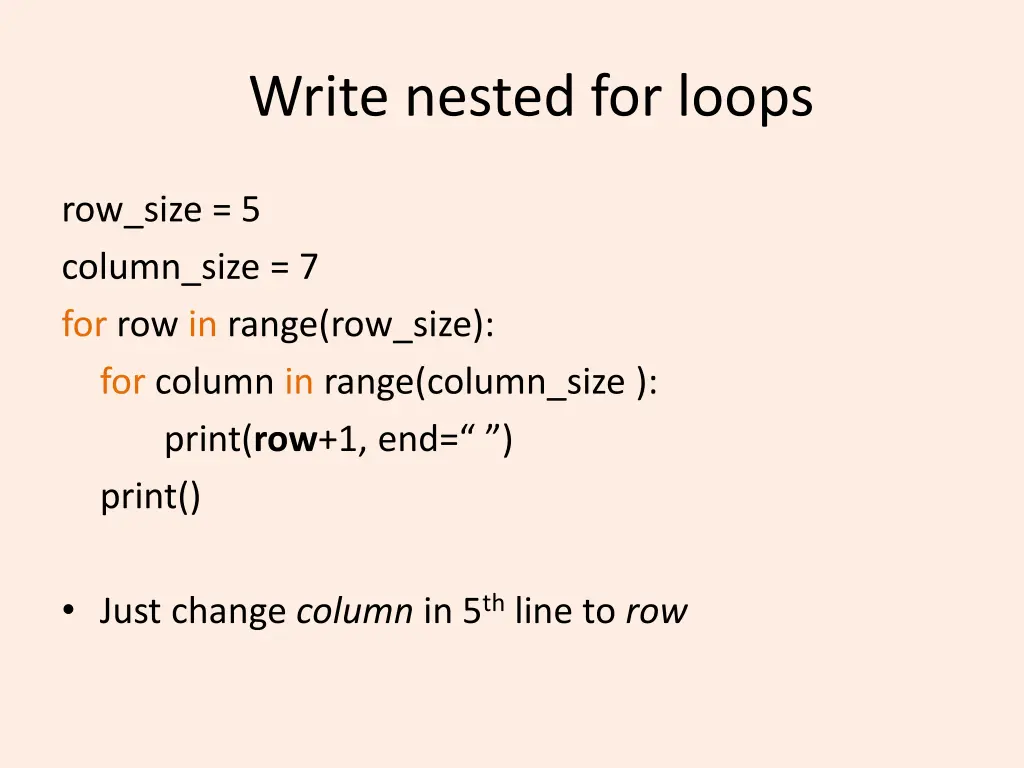
Write nested for loops row_size = 5 column_size = 7 for row in range(row_size): for column in range(column_size ): print(row+1, end= ) print() Just change column in 5thline to row
Write nested for loops Finish second problem in Part1 , Assignment 4 Scalable Patterns: What do the following codes print? Understand the 1stproblem in Part2
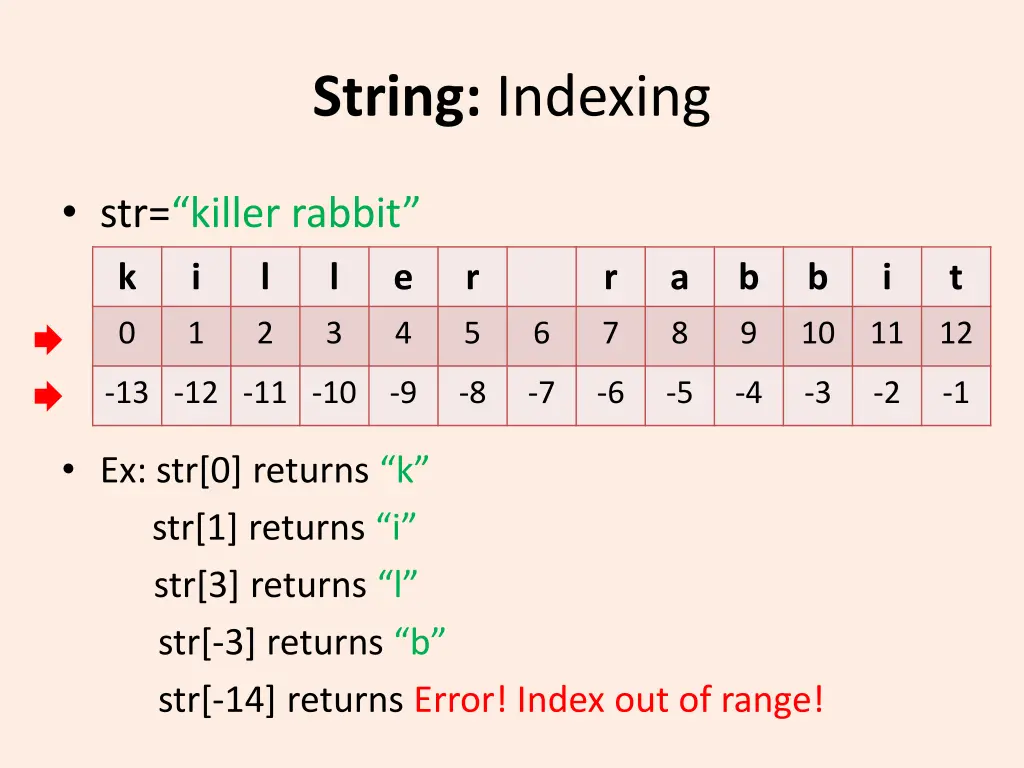
String: Indexing str= killer rabbit k i l l e r r a b b i t 0 1 2 3 4 5 6 7 8 9 10 11 12 -13 -12 -11 -10 -9 -8 -7 -6 -5 -4 -3 -2 -1 Ex: str[0] returns k str[1] returns i str[3] returns l str[-3] returns b str[-14] returns Error! Index out of range!
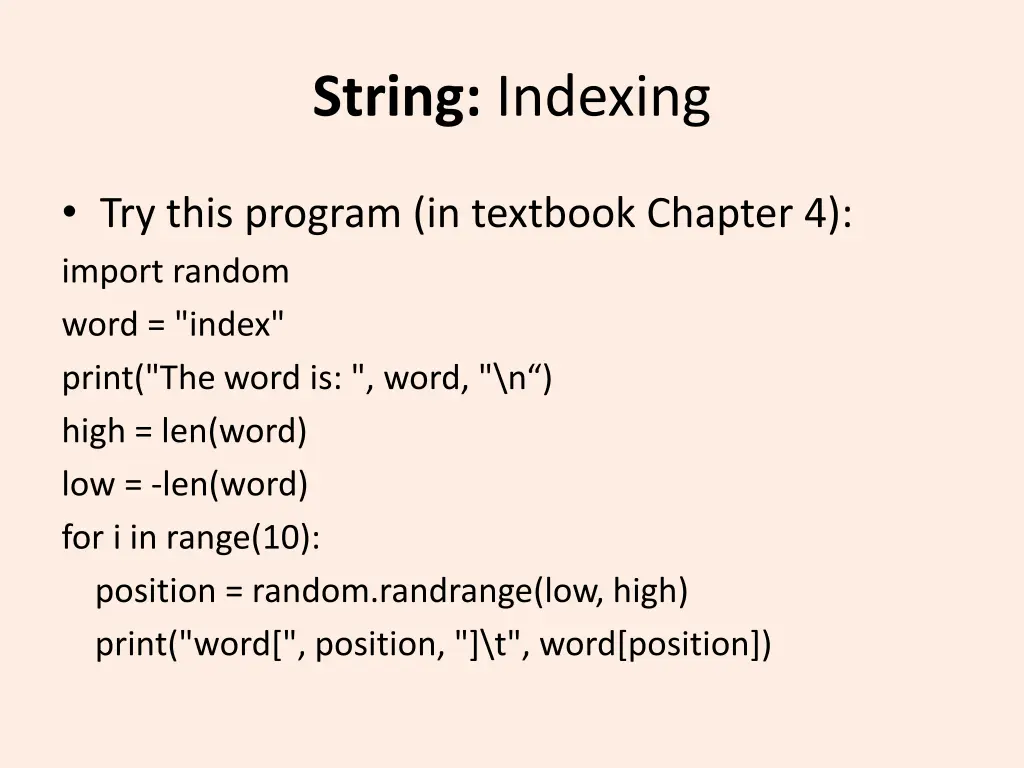
String: Indexing Try this program (in textbook Chapter 4): import random word = "index" print("The word is: ", word, "\n ) high = len(word) low = -len(word) for i in range(10): position = random.randrange(low, high) print("word[", position, "]\t", word[position])
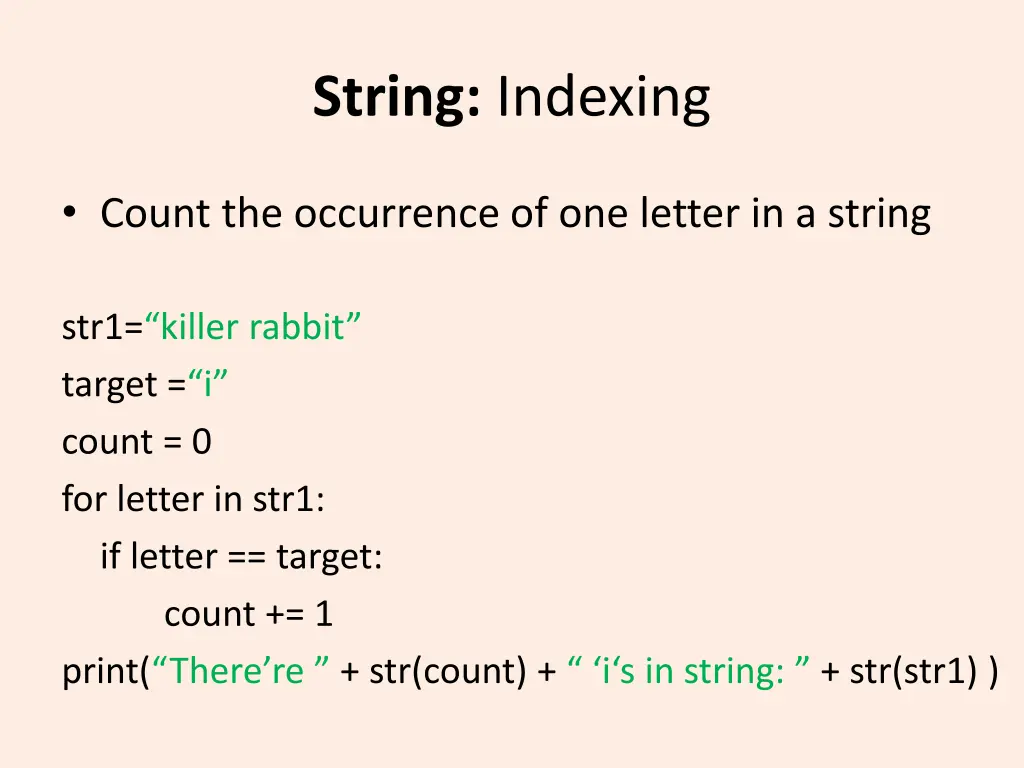
String: Indexing Count the occurrence of one letter in a string str1= killer rabbit target = i count = 0 for letter in str1: if letter == target: count += 1 print( There re + str(count) + i s in string: + str(str1) )
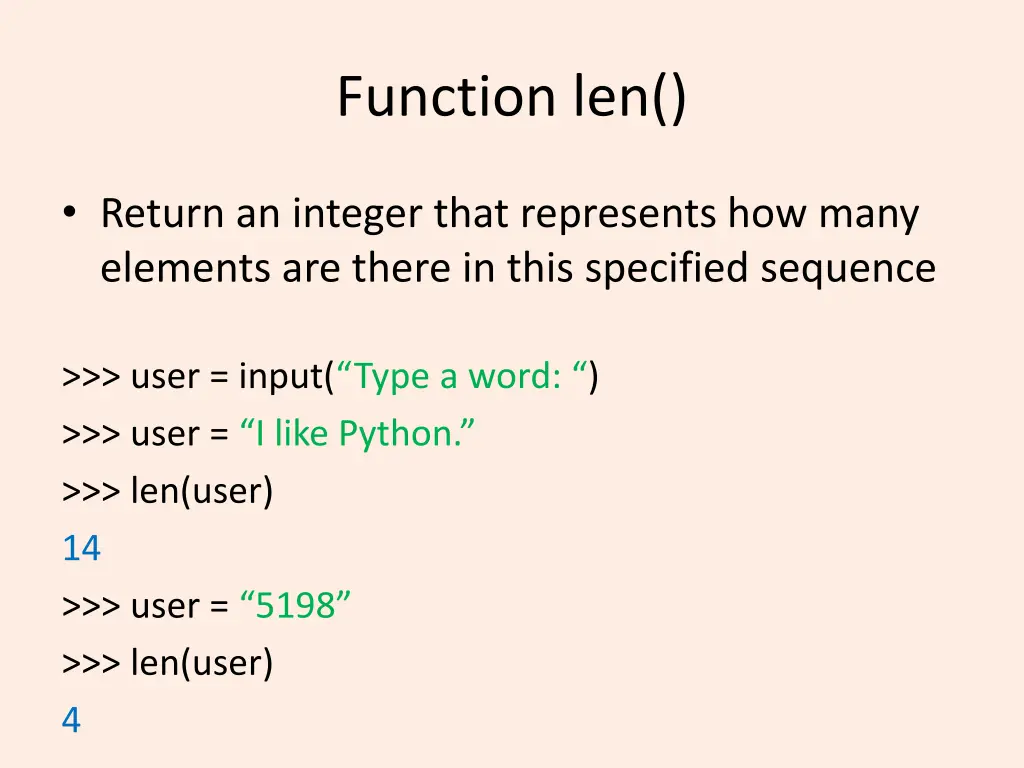
Function len() Return an integer that represents how many elements are there in this specified sequence >>> user = input( Type a word: ) >>> user = I like Python. >>> len(user) 14 >>> user = 5198 >>> len(user) 4
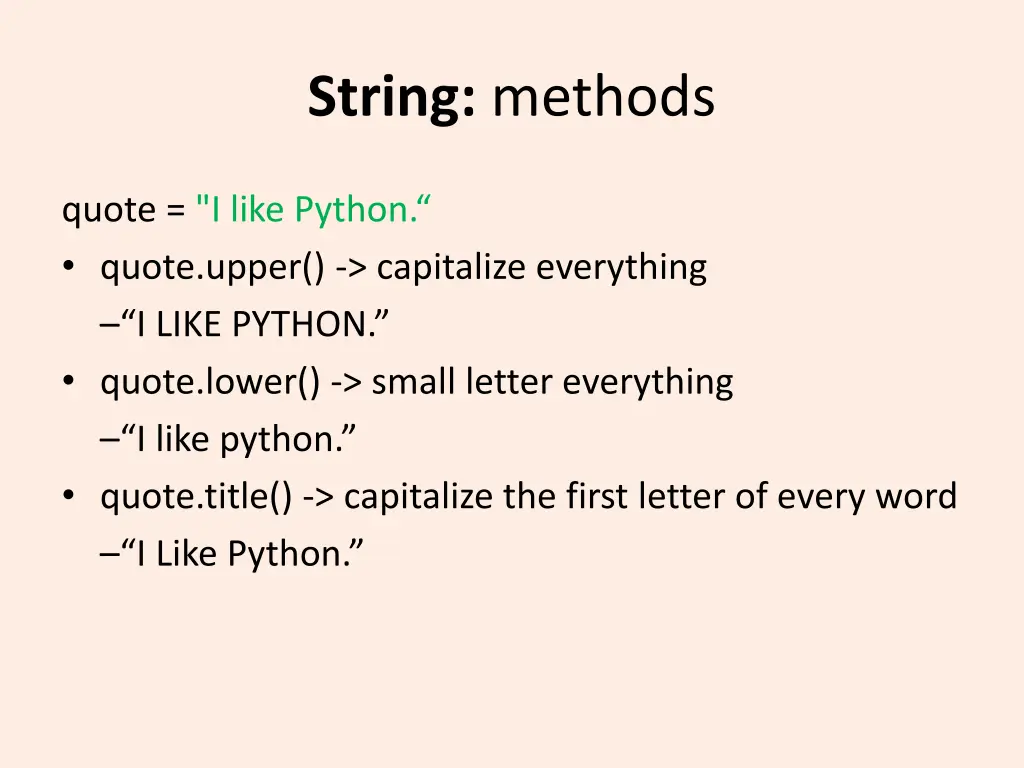
String: methods quote = "I like Python. quote.upper() -> capitalize everything I LIKE PYTHON. quote.lower() -> small letter everything I like python. quote.title() -> capitalize the first letter of every word I Like Python.
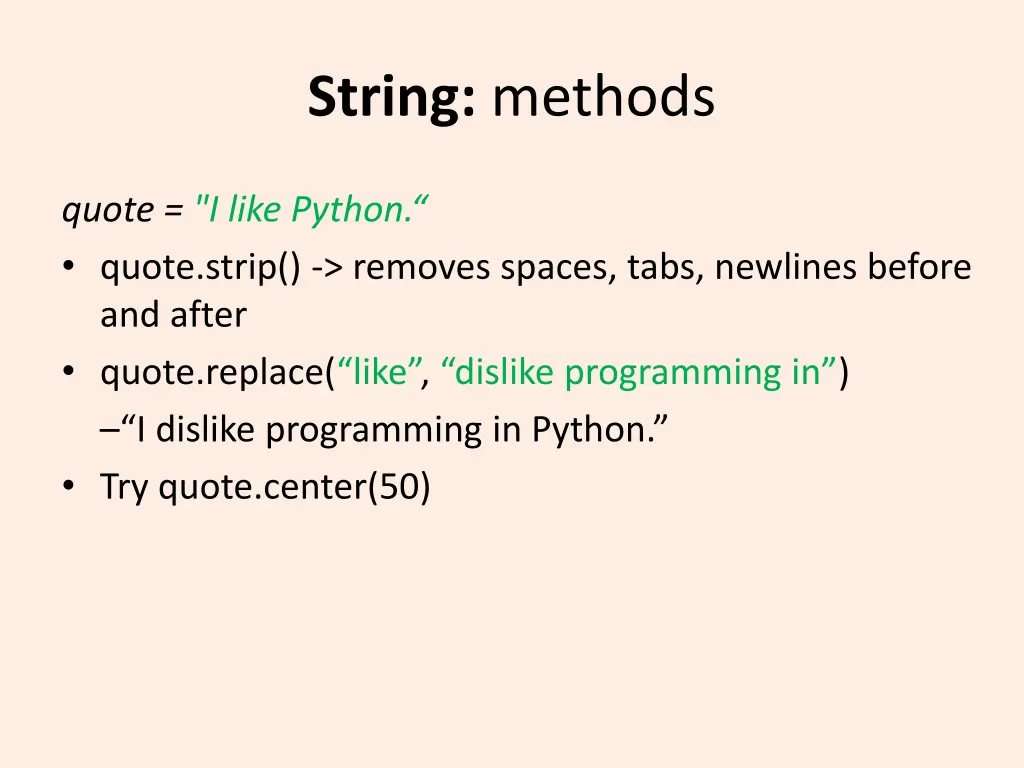
String: methods quote = "I like Python. quote.strip() -> removes spaces, tabs, newlines before and after quote.replace( like , dislike programming in ) I dislike programming in Python. Try quote.center(50)
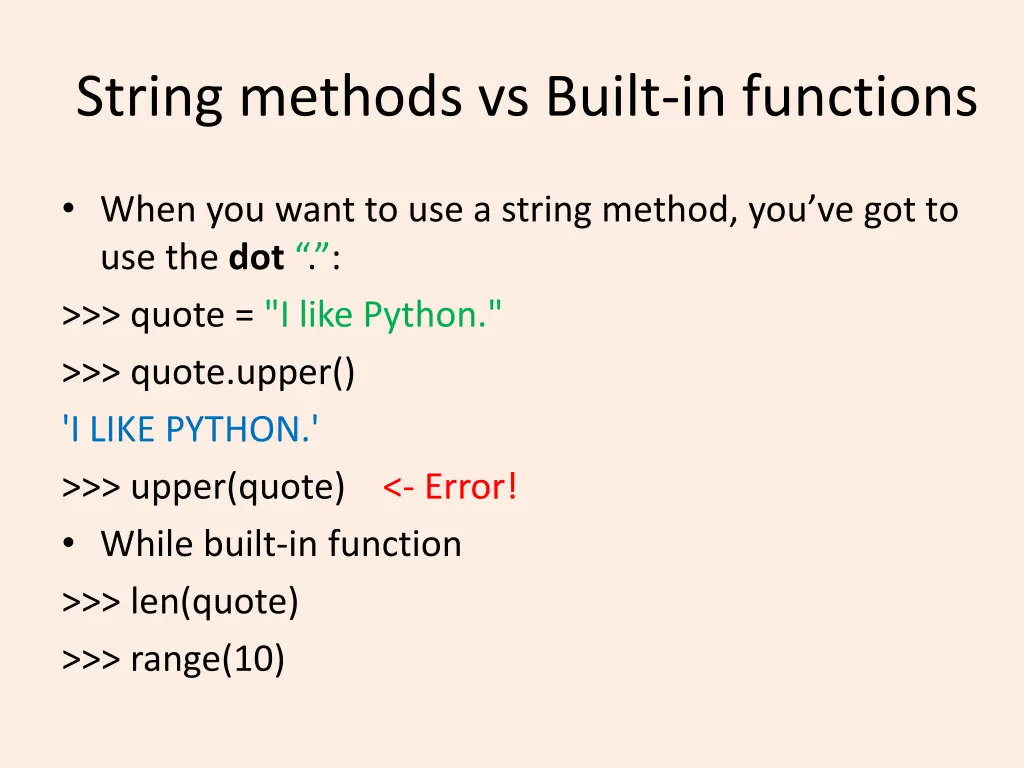
String methods vs Built-in functions When you want to use a string method, you ve got to use the dot . : >>> quote = "I like Python." >>> quote.upper() 'I LIKE PYTHON.' >>> upper(quote) <- Error! While built-in function >>> len(quote) >>> range(10)
String: Indexing and slicing Understand the 2nd and 3rdproblem in Part2
Have a nice evening! See you tomorrow~