IoT Cloud Enabled Industry Automation System with Transcend Eco Drives Pvt Limited
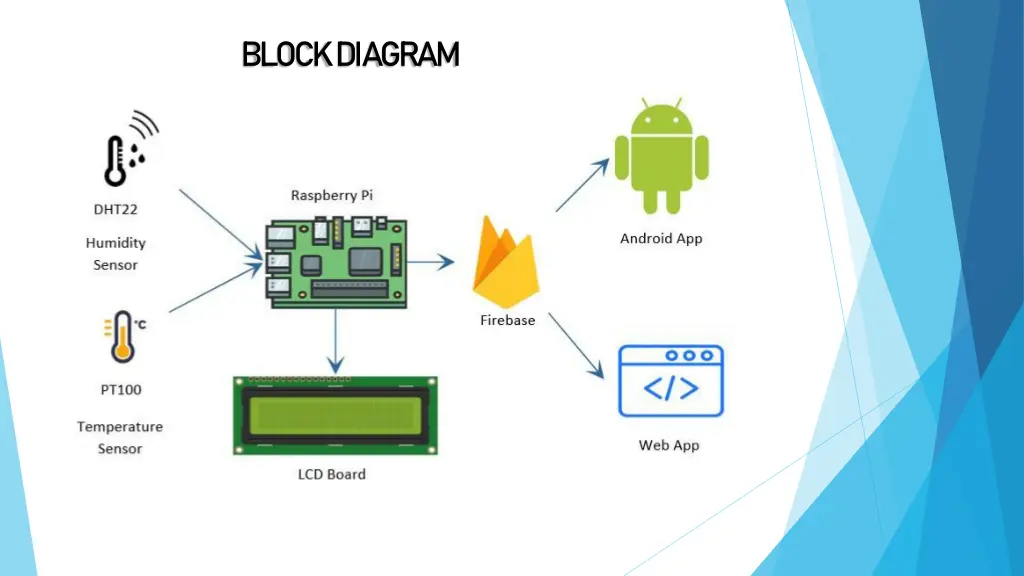
Explore the IoT Cloud Enabled Industry Automation System by Transcend Eco Drives Pvt Limited. This system displays temperature and humidity data, stores information in a remote cloud, and provides secure access for authorized personnel. Equipped with high-end processors and a range of features, it offers real-time monitoring and analysis capabilities for efficient industrial applications.

Download Presentation

Please find below an Image/Link to download the presentation.
The content on the website is provided AS IS for your information and personal use only. It may not be sold, licensed, or shared on other websites without obtaining consent from the author. If you encounter any issues during the download, it is possible that the publisher has removed the file from their server.
You are allowed to download the files provided on this website for personal or commercial use, subject to the condition that they are used lawfully. All files are the property of their respective owners.
The content on the website is provided AS IS for your information and personal use only. It may not be sold, licensed, or shared on other websites without obtaining consent from the author.
E N D
Presentation Transcript
IoT/cloud enabled Industry Automation System Tranzcend eco-drives pvt limited
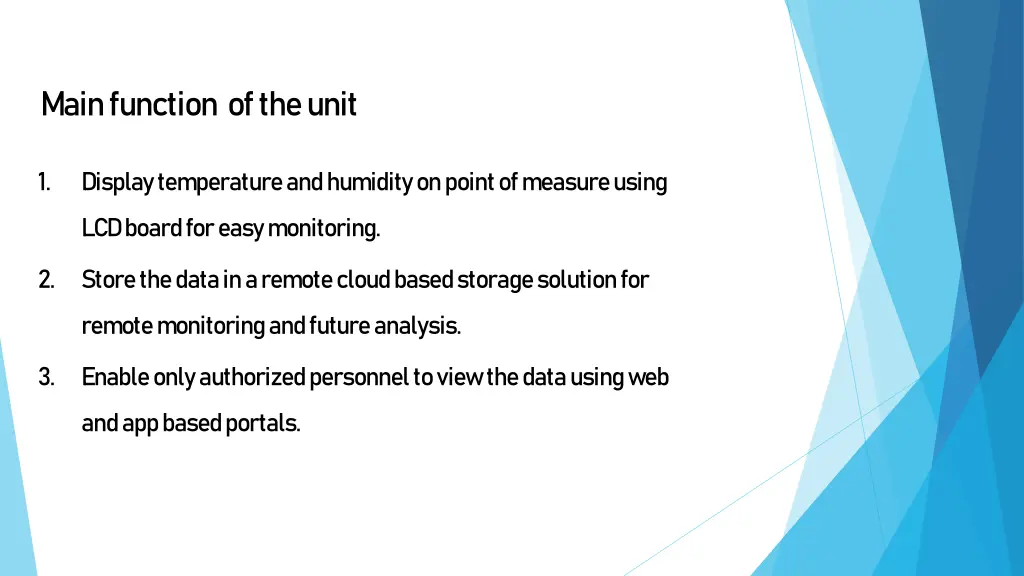
Main function of the unit 1. Display temperature and humidity on point of measure using LCD board for easy monitoring. 2. Store the data in a remote cloud based storage solution for remote monitoring and future analysis. 3. Enable only authorized personnel to view the data using web and app based portals.
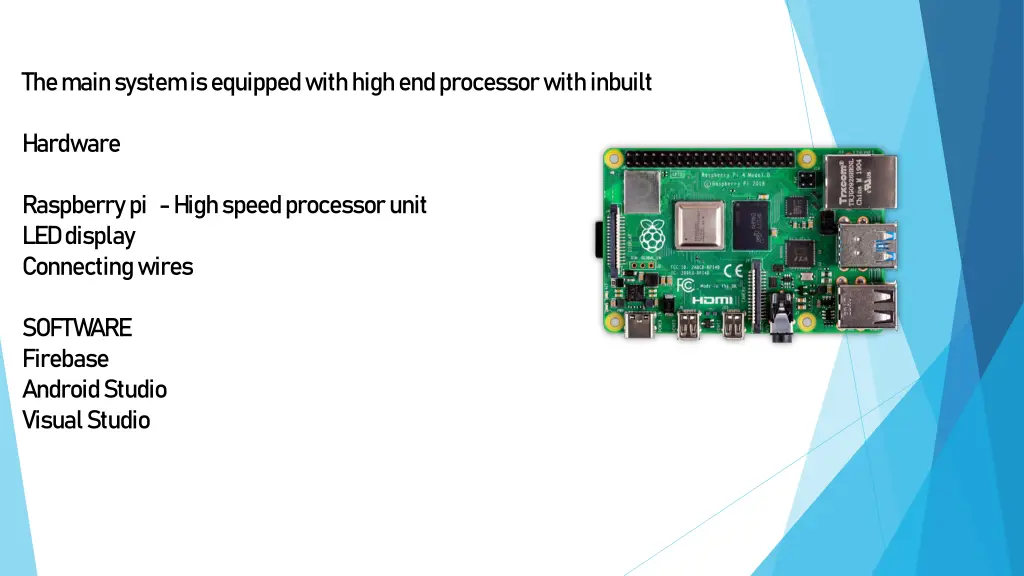
The main system is equipped with high end processor with inbuilt Hardware Raspberry pi - High speed processor unit LED display Connecting wires SOFTWARE Firebase Android Studio Visual Studio
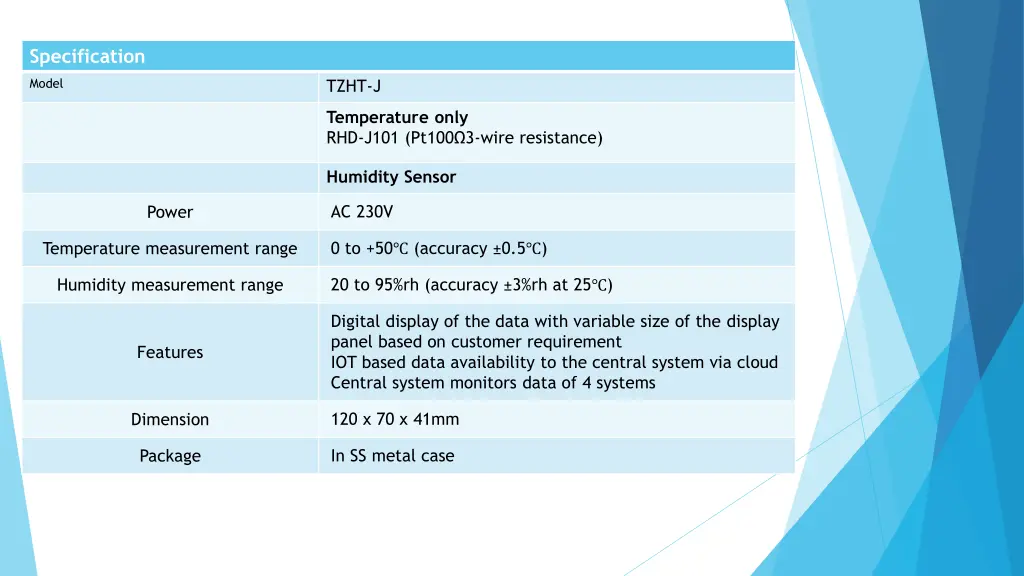
Specification Model TZHT-J Temperature only RHD-J101 (Pt100 3-wire resistance) Humidity Sensor AC 230V Power 0 to +50 (accuracy 0.5 ) Temperature measurement range 20 to 95%rh (accuracy 3%rh at 25 ) Humidity measurement range Digital display of the data with variable size of the display panel based on customer requirement IOT based data availability to the central system via cloud Central system monitors data of 4 systems Features 120 x 70 x 41mm Dimension In SS metal case Package
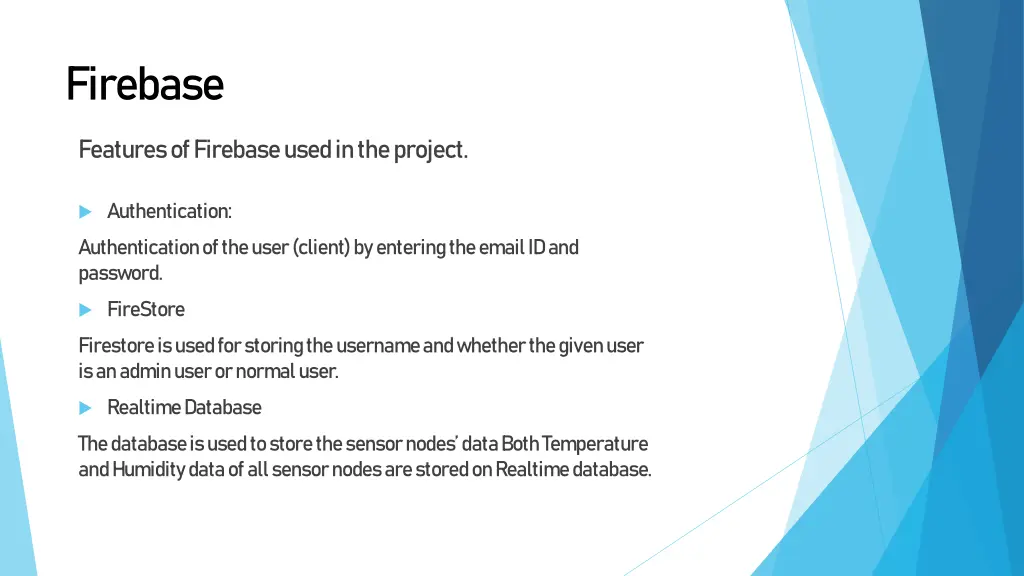
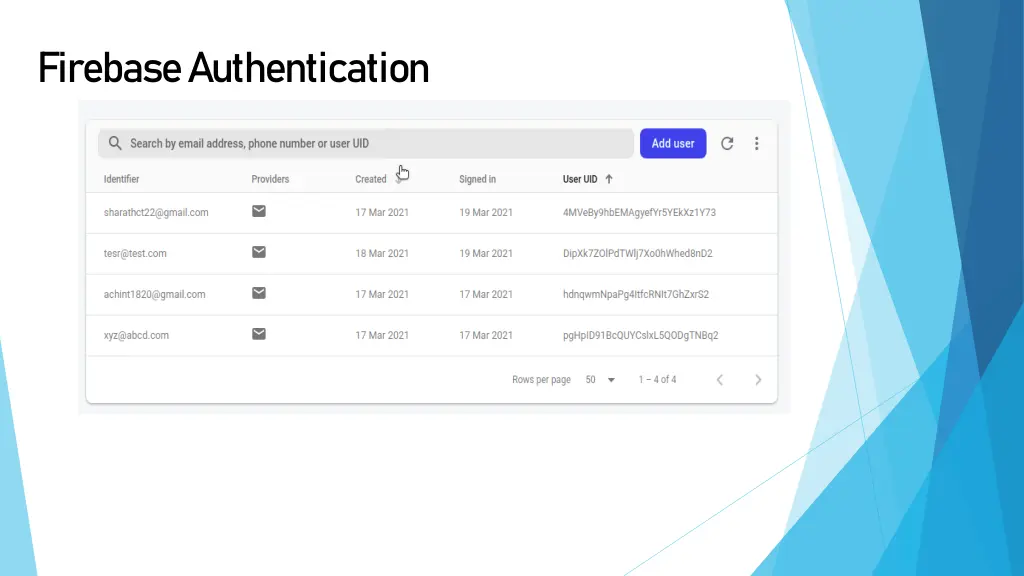
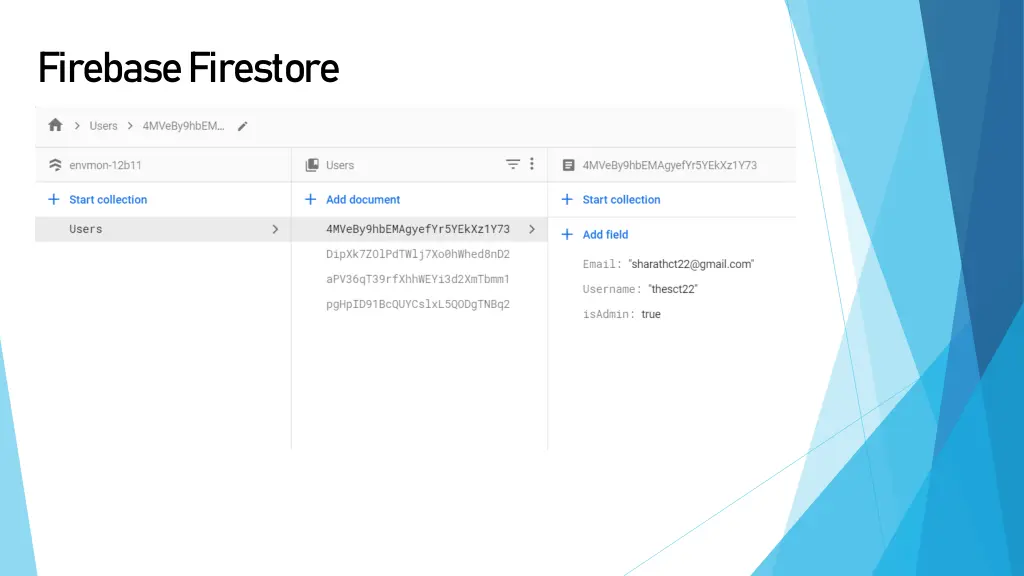
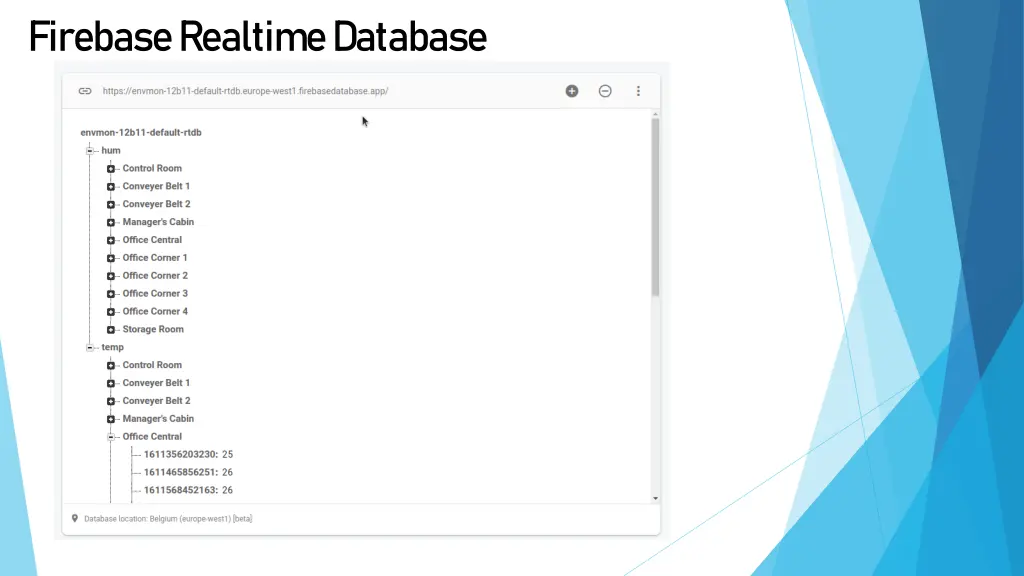
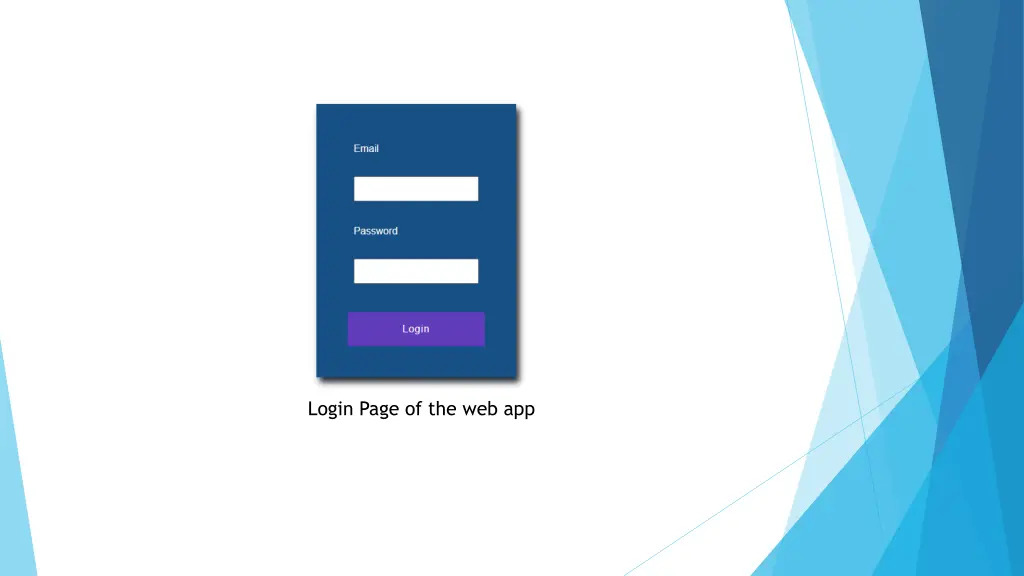
Firebase Features of Firebase used in the project. Authentication: Authentication of the user (client) by entering the email ID and password. FireStore Firestore is used for storing the username and whether the given user is an admin user or normal user. Realtime Database The database is used to store the sensor nodes data Both Temperature and Humidity data of all sensor nodes are stored on Realtime database.
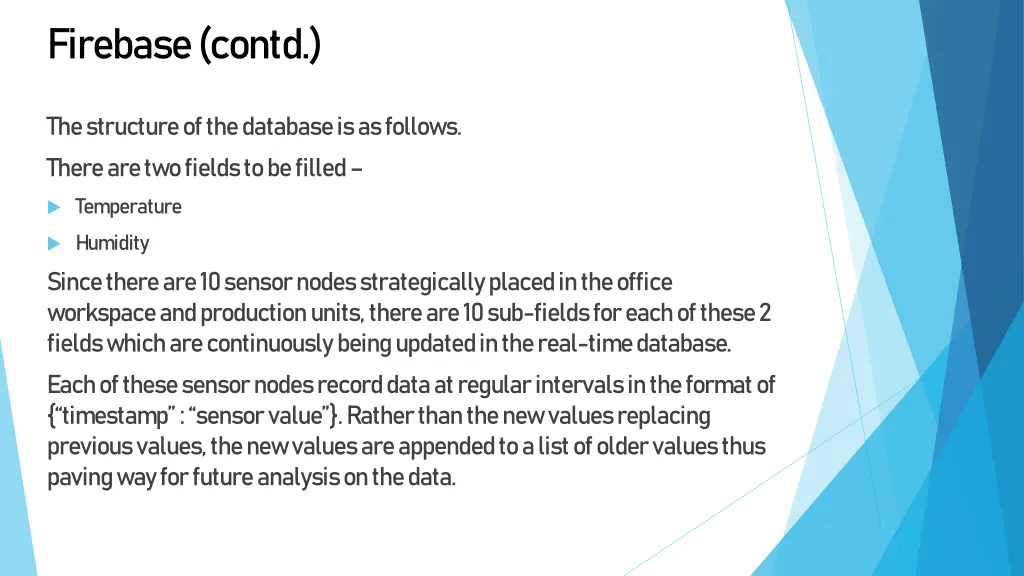
Firebase (contd.) The structure of the database is as follows. There are two fields to be filled Temperature Humidity Since there are 10 sensor nodes strategically placed in the office workspace and production units, there are 10 sub-fields for each of these 2 fields which are continuously being updated in the real-time database. Each of these sensor nodes record data at regular intervals in the format of { timestamp : sensor value }. Rather than the new values replacing previous values, the new values are appended to a list of older values thus paving way for future analysis on the data.
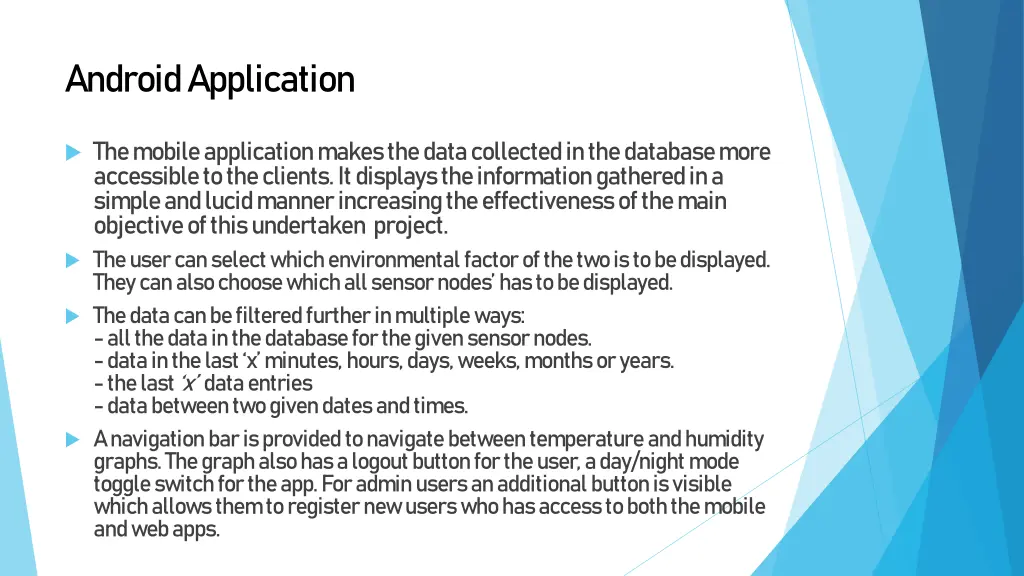
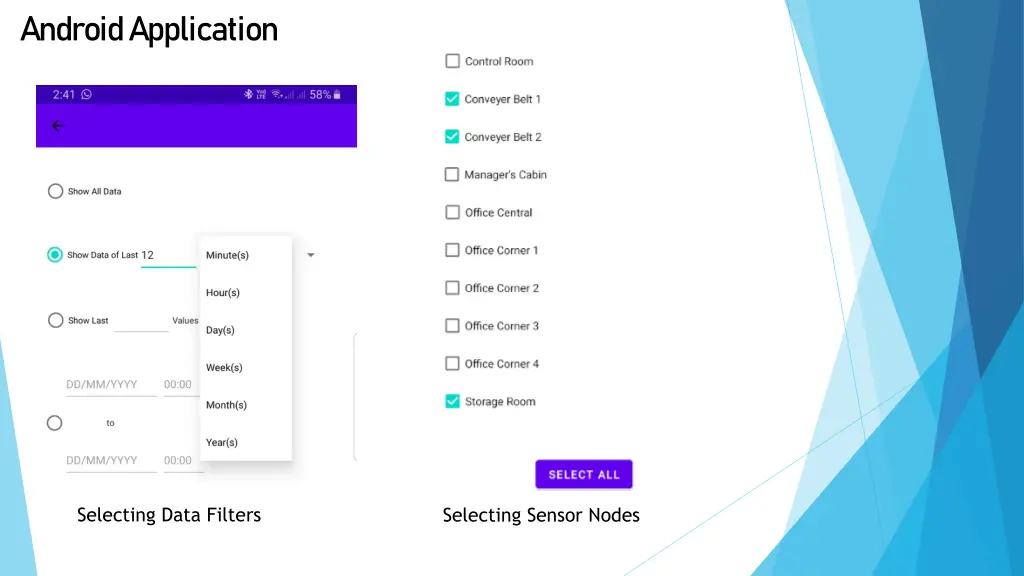
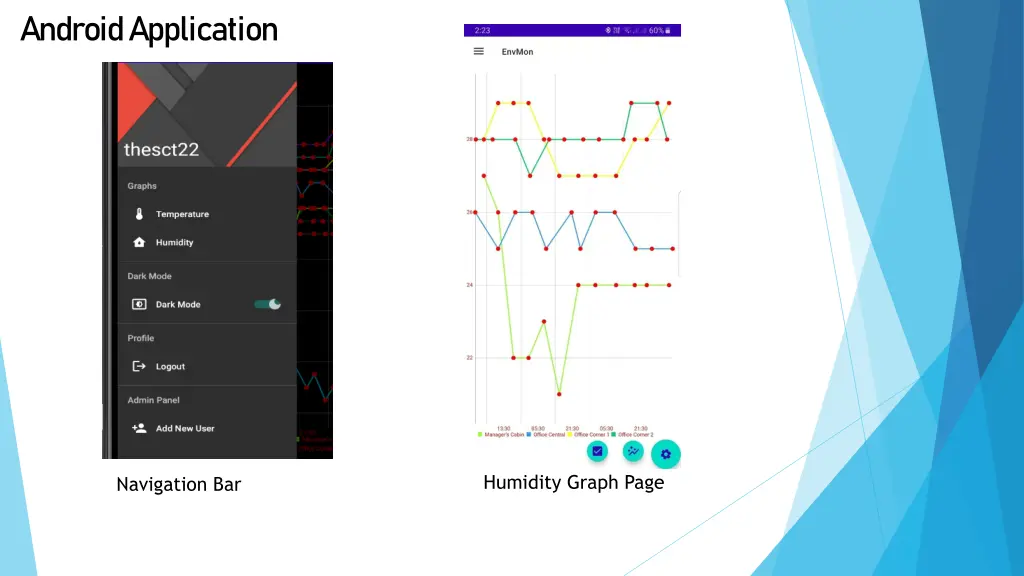
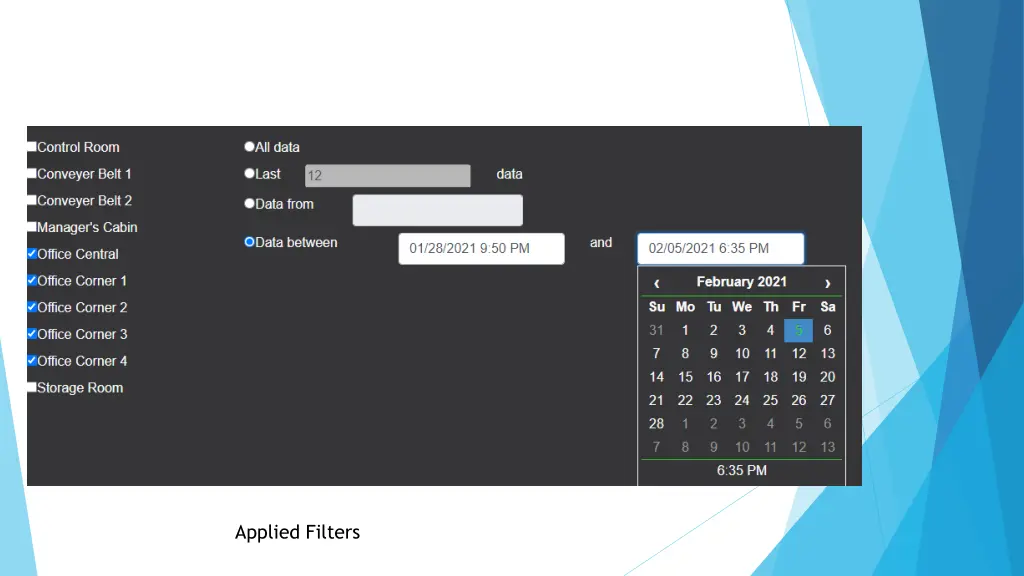
Android Application The mobile application makes the data collected in the database more accessible to the clients. It displays the information gathered in a simple and lucid manner increasing the effectiveness of the main objective of this undertaken project. The user can select which environmental factor of the two is to be displayed. They can also choose which all sensor nodes has to be displayed. The data can be filtered further in multiple ways: - all the data in the database for the given sensor nodes. - data in the last x minutes, hours, days, weeks, months or years. - the last x data entries - data between two given dates and times. A navigation bar is provided to navigate between temperature and humidity graphs. The graph also has a logout button for the user, a day/night mode toggle switch for the app. For admin users an additional button is visible which allows them to register new users who has access to both the mobile and web apps.
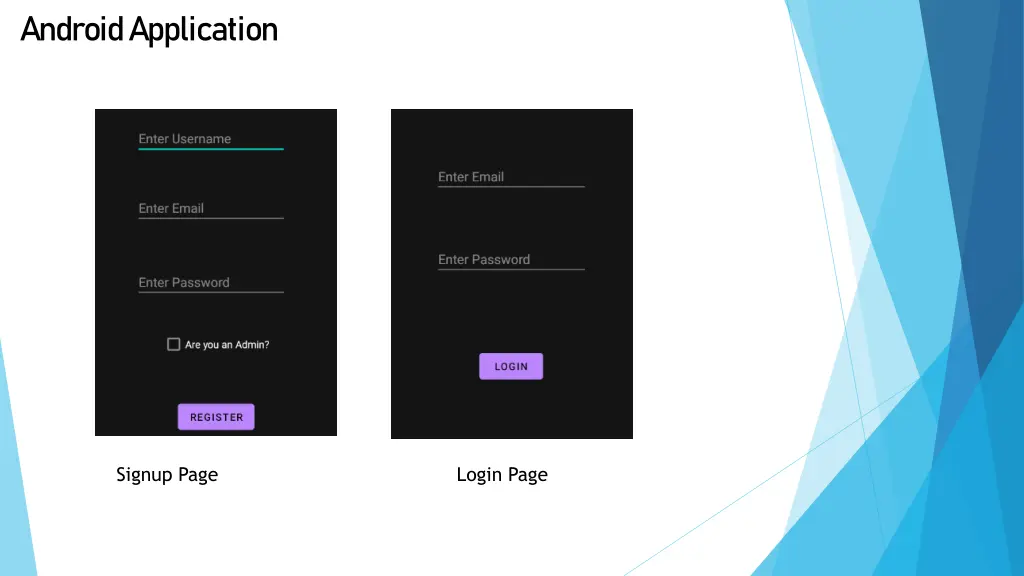
Android Application Signup Page Login Page
Android Application Selecting Data Filters Selecting Sensor Nodes
Android Application Humidity Graph Page Navigation Bar
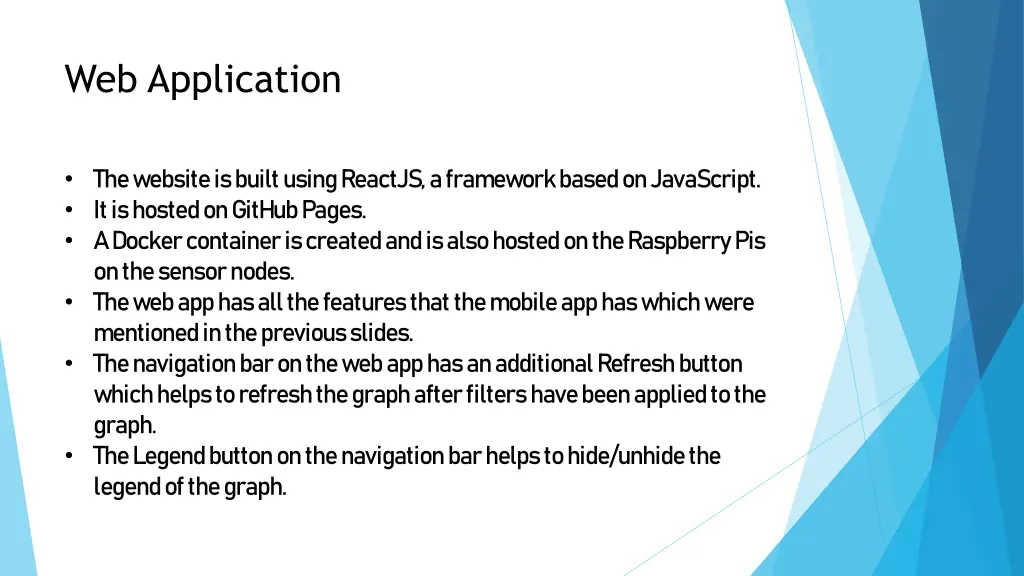
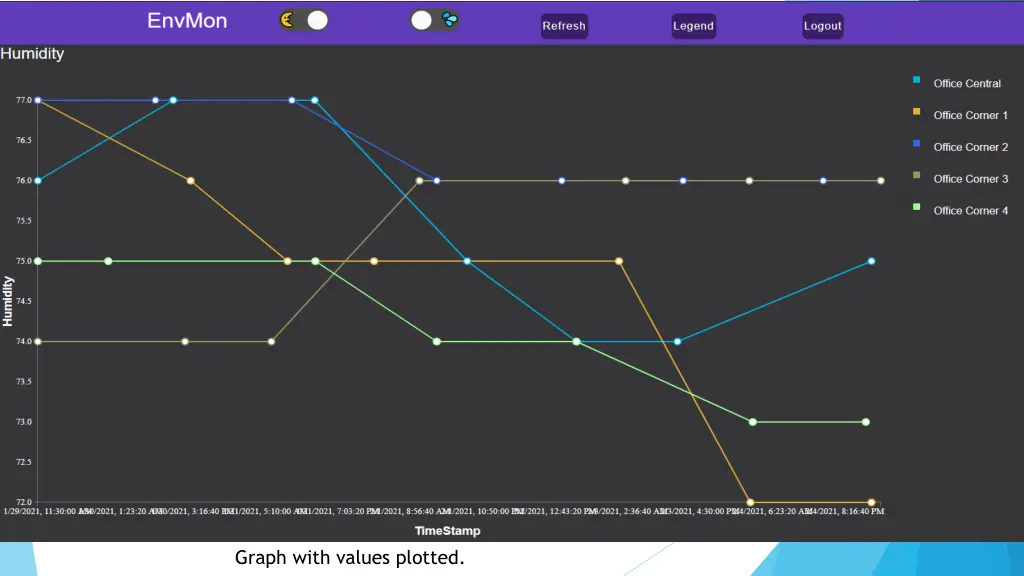
Web Application The website is built using ReactJS, a framework based on JavaScript. It is hosted on GitHub Pages. A Docker container is created and is also hosted on the Raspberry Pis on the sensor nodes. The web app has all the features that the mobile app has which were mentioned in the previous slides. The navigation bar on the web app has an additional Refresh button which helps to refresh the graph after filters have been applied to the graph. The Legend button on the navigation bar helps to hide/unhide the legend of the graph.
Website Graph with values plotted.