Learn Various Programming Languages: Java, C#, Python & More
Explore the importance of learning different programming languages like Java, C#, and Python as a software developer. Understand the significance of flexibility and the process of quickly mastering new languages in your career journey.

Download Presentation

Please find below an Image/Link to download the presentation.
The content on the website is provided AS IS for your information and personal use only. It may not be sold, licensed, or shared on other websites without obtaining consent from the author. If you encounter any issues during the download, it is possible that the publisher has removed the file from their server.
You are allowed to download the files provided on this website for personal or commercial use, subject to the condition that they are used lawfully. All files are the property of their respective owners.
The content on the website is provided AS IS for your information and personal use only. It may not be sold, licensed, or shared on other websites without obtaining consent from the author.
E N D
Presentation Transcript
Module 1 Part 1 Intro to Java Skeleton, Variables, Printing, Reading in Java
CSE1321 was taught in Python You learned a bunch!: What a variable is and how to use them. How to print and read information on the console. Conditionals (if, match) Loops (while, for) functions/methods (def ) Sequence types (lists, tuples, dictionaries) Object Oriented Programming (classes, objects)
This semester We are going to learn Java and then C#. Why two languages? Java and C# are almost identical languages. Java was created by Sun Microsystems which was later acquired by Oracle in 1996 The promise of Java is write once, run anywhere. Indeed today Java can run on almost any type of hardware/Operating System (windows, mac, linux, android etc) C# was created by Microsoft in 2000 It is used to write a lot of Windows software. It s used in the Unity game engine
Why learn Java? It s designed to build large enterprise applications. It s one of the most used languages in the world. It s a good example of an object oriented language, so it helps you learn other languages. It s a good example of a compiled language, you ll need to get used to working with a compiler. Since C# is almost identical, it s a good way to prepare to learn C#.
Learning new languages In your career as a software developer, you ll most likely have to write code in multiple languages. Very few companies only use a single language. Each task will be evaluated, and the best language for that task will be used. As a developer you ll need to be able to switch back and forth. Languages come and go. New languages are created all the time, with a promise of making things better for developers. It s very difficult for a company to spend the time to rewrite all their existing (working) code into a new language, so there is a very long tail of code in old languages out there.
Flexibility Being able to quickly learn a new language is an important skills as a software developer. The good news is that most languages use very similar syntax. For example, almost all languages use variables, if statements, loops, arrays/lists, and methods/functions There are 3 big categories of programming languages: Procedural Object Oriented Functional Each has its place, but today by far the majority of people use Object Oriented, of which Java, C# and Python are examples of.
How to learn a new language For the most part, you ll take your existing knowledge in whatever languages you learned first, and look up the syntax in the new one. Don t be scared, remember it s always OK to try something in a compiler and see if it works. Your IDE will typically tell you what syntax errors you made, which makes learning easier. With experience, you ll get better at guessing what the correct syntax is in the new language.
Compiled vs. Interpreted language Java is a compiled language. Python is an interpreted language. Each has pros and cons which is why they both exist. In general: Python is easier to write, because it s more forgiving and less strongly typed. This allows for quick prototyping of a solution, as well as for getting a task automated quickly. It is an easy language to learn Java is more specific and less forgiving. This makes them better suited for large coding tasks They will generally execute faster than Python While it may be tempting to say I m good with Python, i ll just do everything in Python , that is a problem.
What is a compiler? It s a piece of software, that first reads your code, looking for syntax errors. Assuming there are none, it converts your source code into a machine language (Java Byte Code to run on a Java Virtual Machine) in this case. Finally your code is run. By comparison, an interpreter (such as what Python uses), reads each line of code, and executes it.
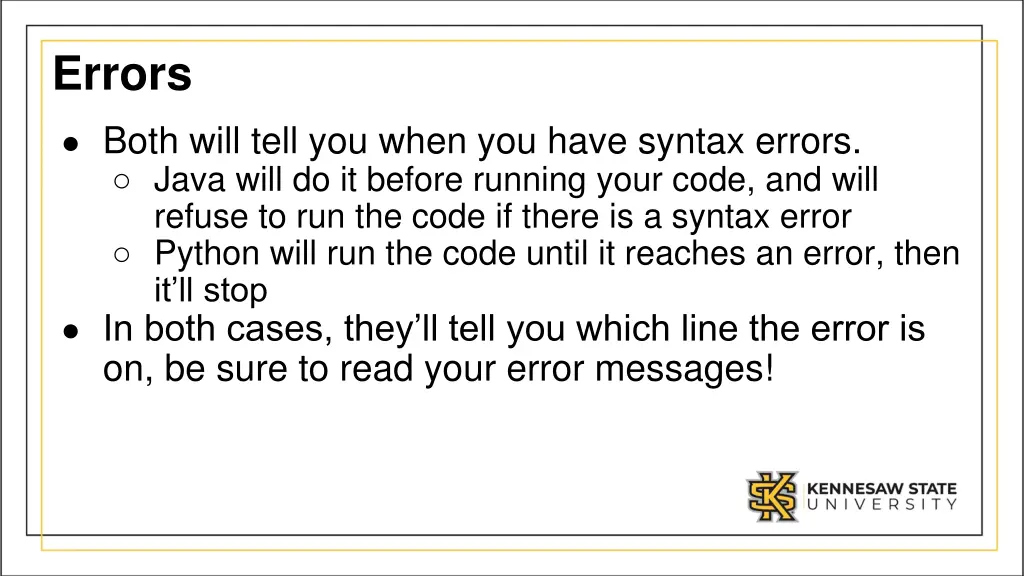
Errors Both will tell you when you have syntax errors. Java will do it before running your code, and will refuse to run the code if there is a syntax error Python will run the code until it reaches an error, then it ll stop In both cases, they ll tell you which line the error is on, be sure to read your error messages!
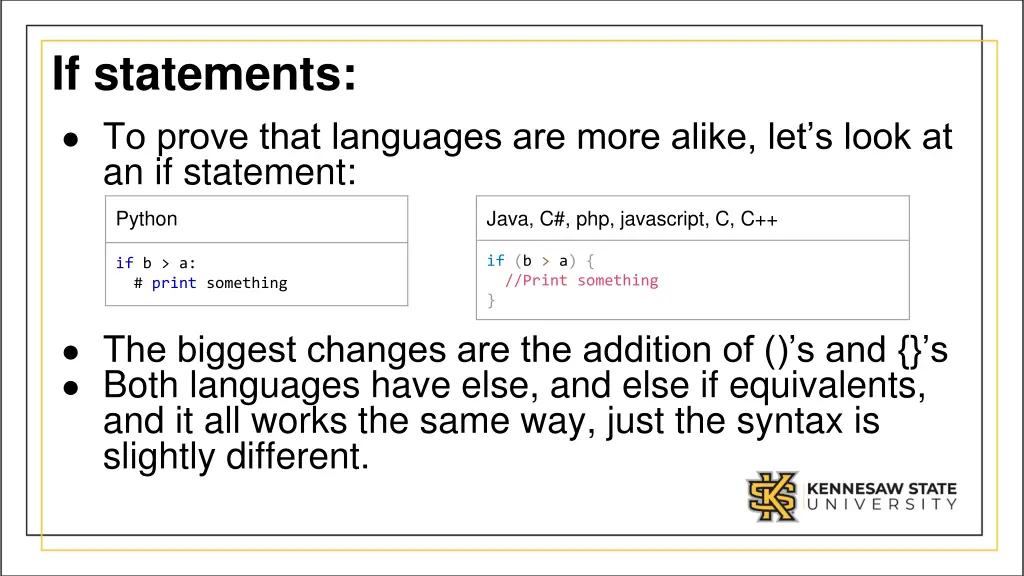
If statements: To prove that languages are more alike, let s look at an if statement: Python Java, C#, php, javascript, C, C++ if (b > a) { //Print something } if b > a: # print something The biggest changes are the addition of () s and {} s Both languages have else, and else if equivalents, and it all works the same way, just the syntax is slightly different.
Python vs Java A quick introduction
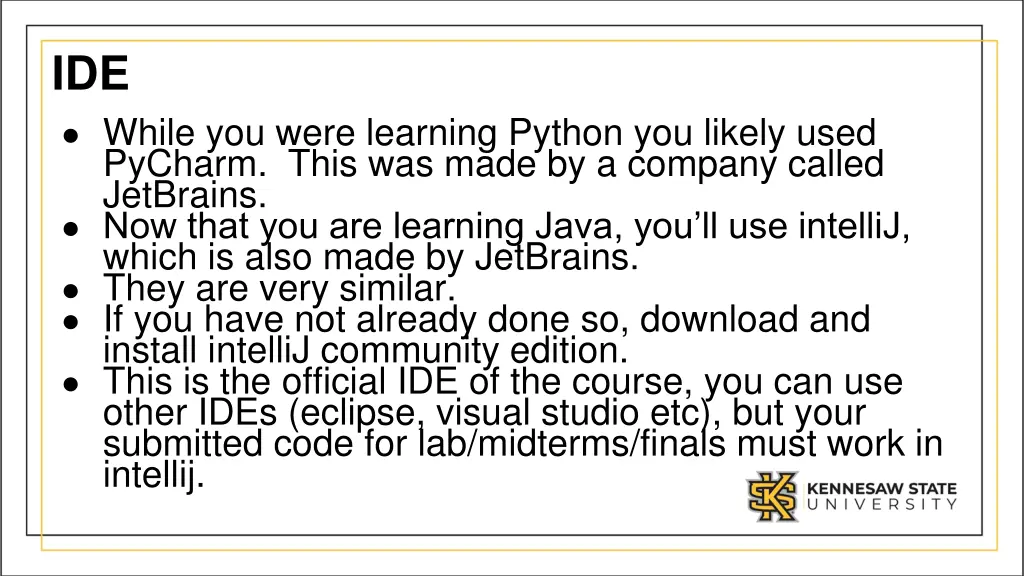
IDE While you were learning Python you likely used PyCharm. This was made by a company called JetBrains. Now that you are learning Java, you ll use intelliJ, which is also made by JetBrains. They are very similar. If you have not already done so, download and install intelliJ community edition. This is the official IDE of the course, you can use other IDEs (eclipse, visual studio etc), but your submitted code for lab/midterms/finals must work in intellij.
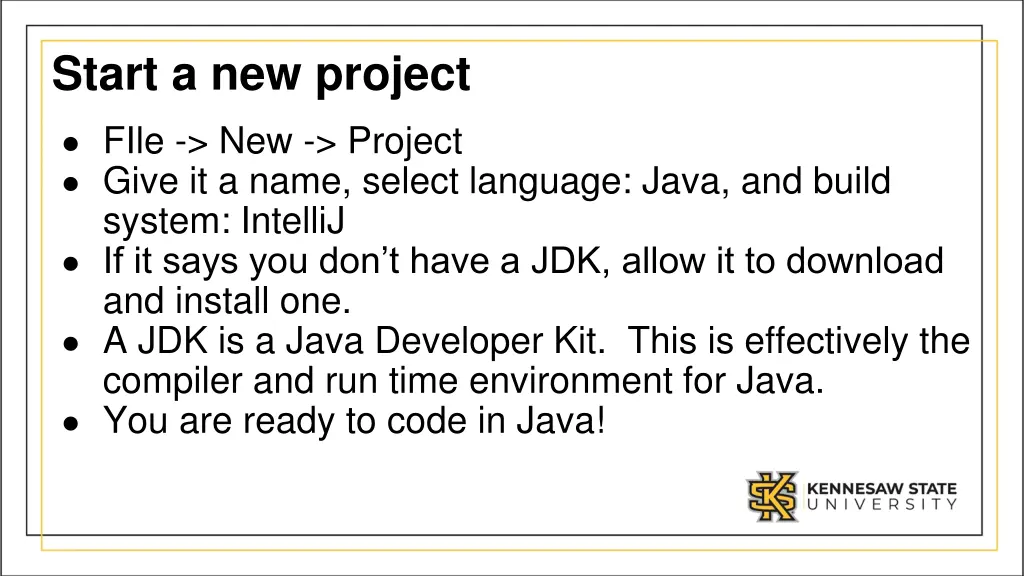
Start a new project FIle -> New -> Project Give it a name, select language: Java, and build system: IntelliJ If it says you don t have a JDK, allow it to download and install one. A JDK is a Java Developer Kit. This is effectively the compiler and run time environment for Java. You are ready to code in Java!
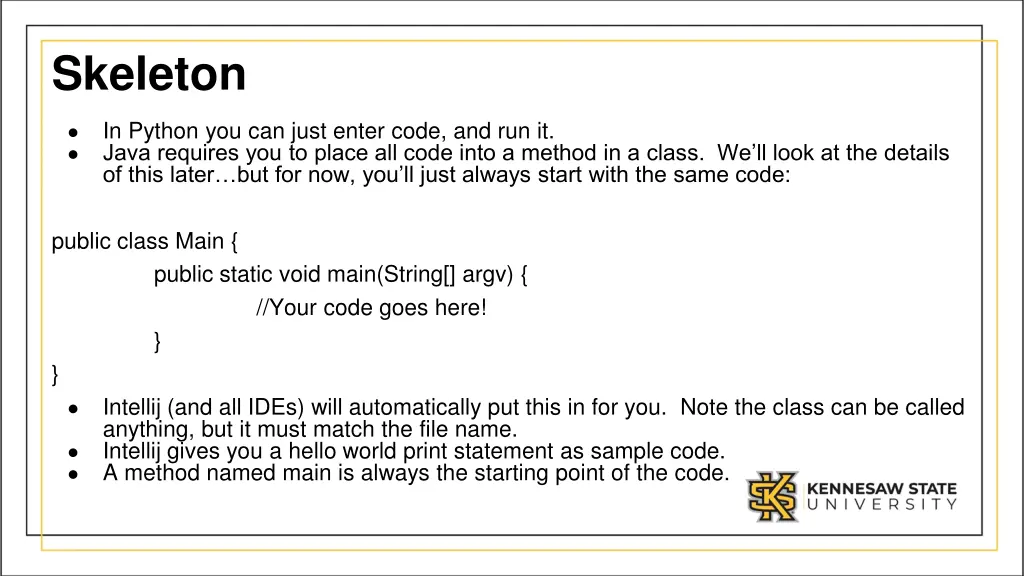
Skeleton In Python you can just enter code, and run it. Java requires you to place all code into a method in a class. We ll look at the details of this later but for now, you ll just always start with the same code: public class Main { public static void main(String[] argv) { //Your code goes here! } } Intellij (and all IDEs) will automatically put this in for you. Note the class can be called anything, but it must match the file name. Intellij gives you a hello world print statement as sample code. A method named main is always the starting point of the code.
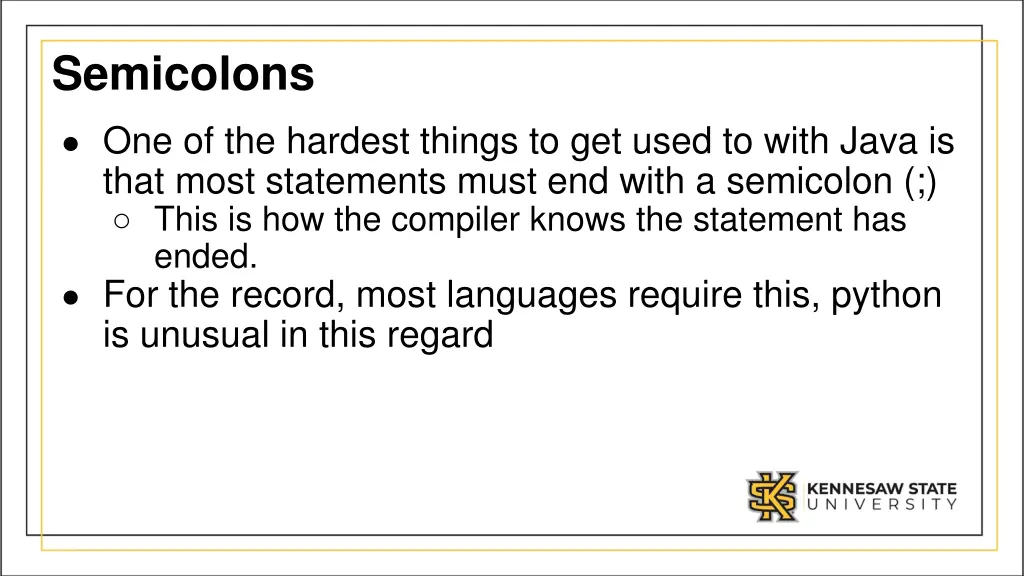
Semicolons One of the hardest things to get used to with Java is that most statements must end with a semicolon (;) This is how the compiler knows the statement has ended. For the record, most languages require this, python is unusual in this regard
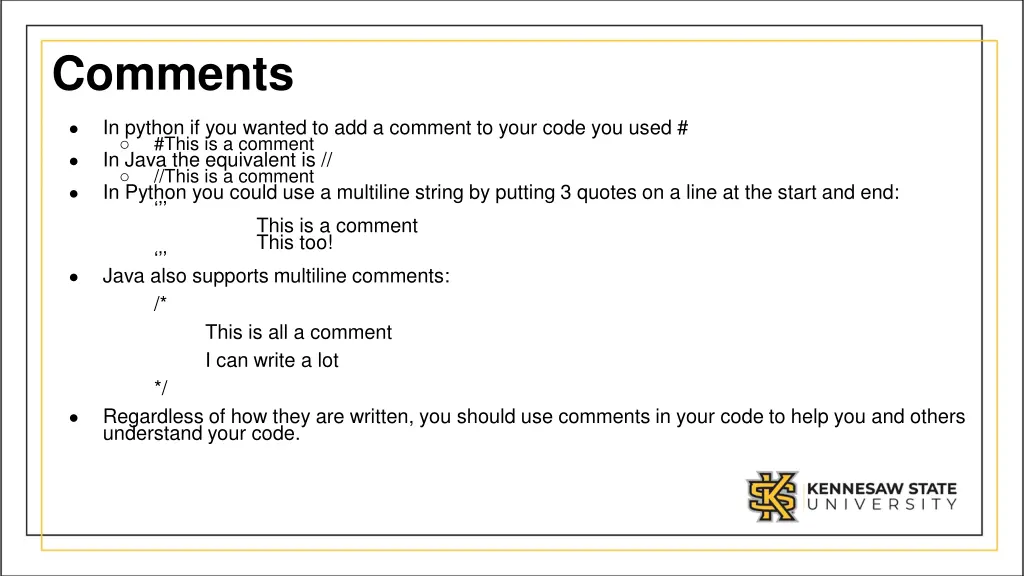
Comments In python if you wanted to add a comment to your code you used # #This is a comment In Java the equivalent is // //This is a comment In Python you could use a multiline string by putting 3 quotes on a line at the start and end: This is a comment This too! Java also supports multiline comments: /* This is all a comment I can write a lot */ Regardless of how they are written, you should use comments in your code to help you and others understand your code.
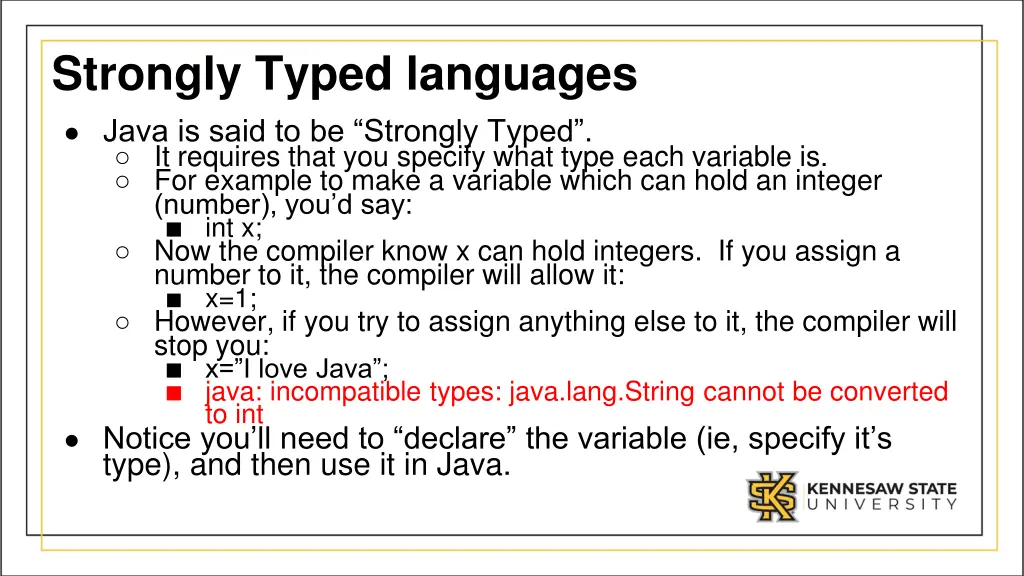
Strongly Typed languages Java is said to be Strongly Typed . It requires that you specify what type each variable is. For example to make a variable which can hold an integer (number), you d say: int x; Now the compiler know x can hold integers. If you assign a number to it, the compiler will allow it: x=1; However, if you try to assign anything else to it, the compiler will stop you: x= I love Java ; java: incompatible types: java.lang.String cannot be converted to int Notice you ll need to declare the variable (ie, specify it s type), and then use it in Java.
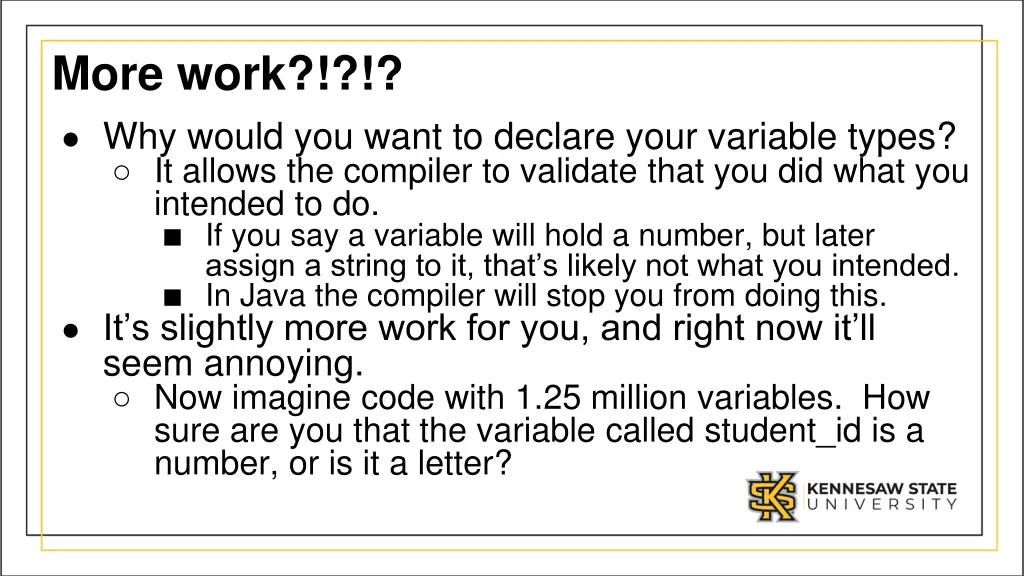
More work?!?!? Why would you want to declare your variable types? It allows the compiler to validate that you did what you intended to do. If you say a variable will hold a number, but later assign a string to it, that s likely not what you intended. In Java the compiler will stop you from doing this. It s slightly more work for you, and right now it ll seem annoying. Now imagine code with 1.25 million variables. How sure are you that the variable called student_id is a number, or is it a letter?
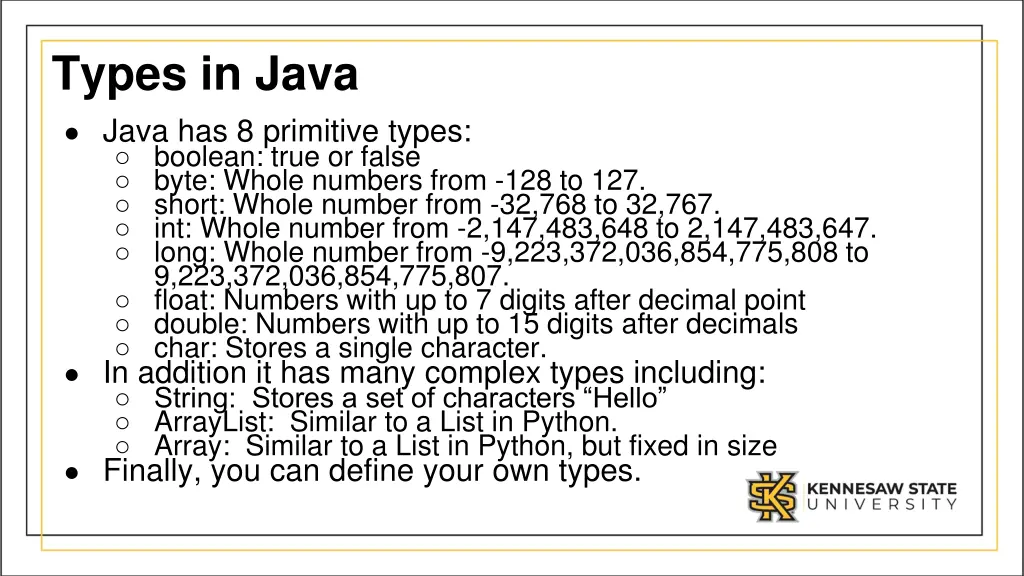
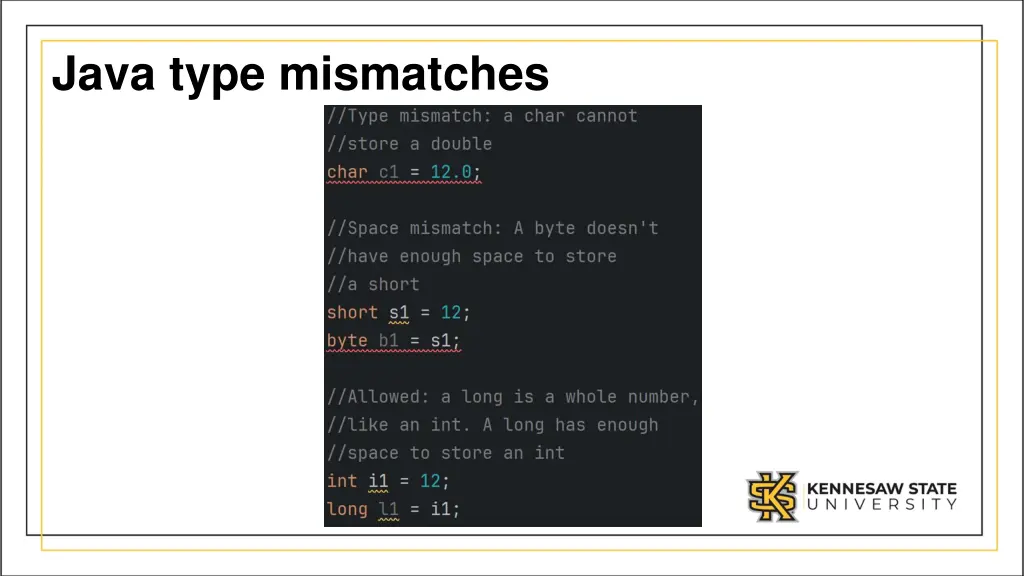
Types in Java Java has 8 primitive types: boolean: true or false byte: Whole numbers from -128 to 127. short: Whole number from -32,768 to 32,767. int: Whole number from -2,147,483,648 to 2,147,483,647. long: Whole number from -9,223,372,036,854,775,808 to 9,223,372,036,854,775,807. float: Numbers with up to 7 digits after decimal point double: Numbers with up to 15 digits after decimals char: Stores a single character. In addition it has many complex types including: String: Stores a set of characters Hello ArrayList: Similar to a List in Python. Array: Similar to a List in Python, but fixed in size Finally, you can define your own types.
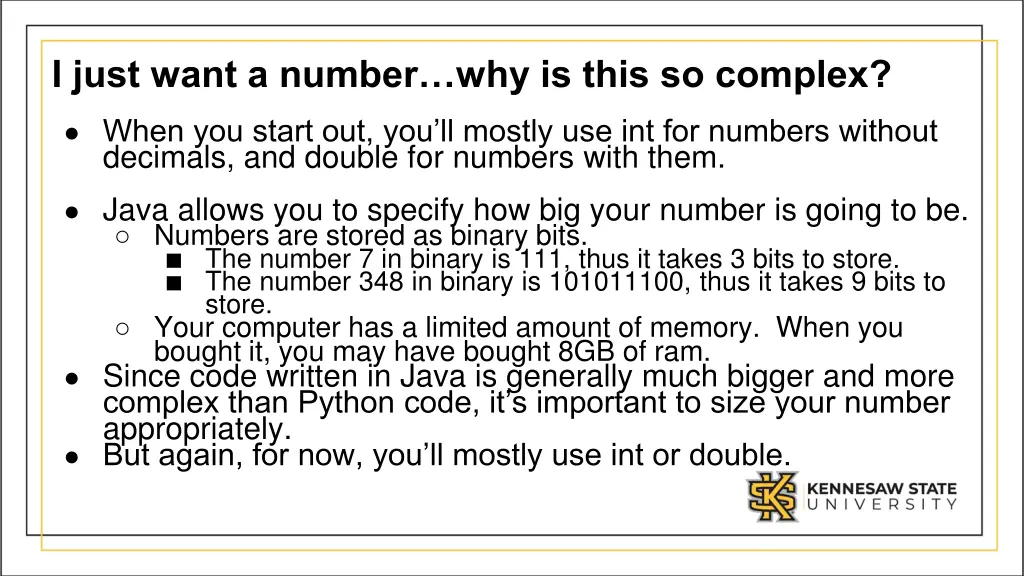
I just want a numberwhy is this so complex? When you start out, you ll mostly use int for numbers without decimals, and double for numbers with them. Java allows you to specify how big your number is going to be. Numbers are stored as binary bits. The number 7 in binary is 111, thus it takes 3 bits to store. The number 348 in binary is 101011100, thus it takes 9 bits to store. Your computer has a limited amount of memory. When you bought it, you may have bought 8GB of ram. Since code written in Java is generally much bigger and more complex than Python code, it s important to size your number appropriately. But again, for now, you ll mostly use int or double.
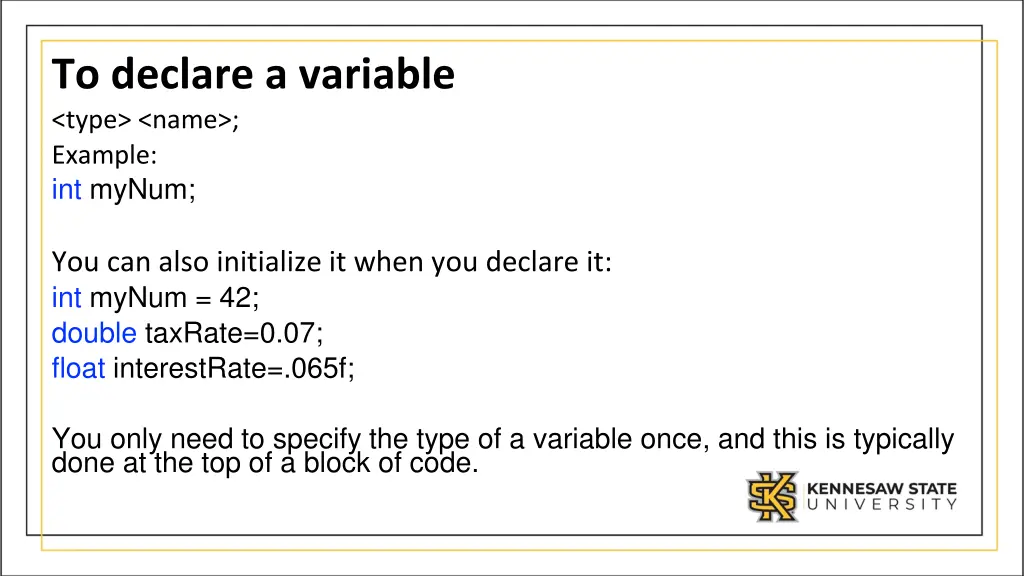
To declare a variable <type> <name>; Example: int myNum; You can also initialize it when you declare it: int myNum = 42; double taxRate=0.07; float interestRate=.065f; You only need to specify the type of a variable once, and this is typically done at the top of a block of code.
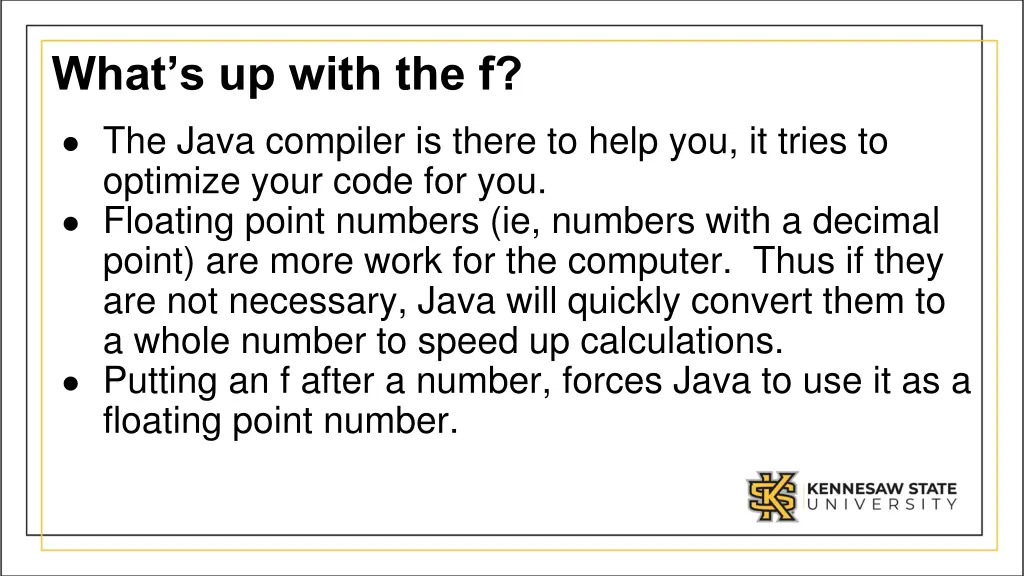
Whats up with the f? The Java compiler is there to help you, it tries to optimize your code for you. Floating point numbers (ie, numbers with a decimal point) are more work for the computer. Thus if they are not necessary, Java will quickly convert them to a whole number to speed up calculations. Putting an f after a number, forces Java to use it as a floating point number.
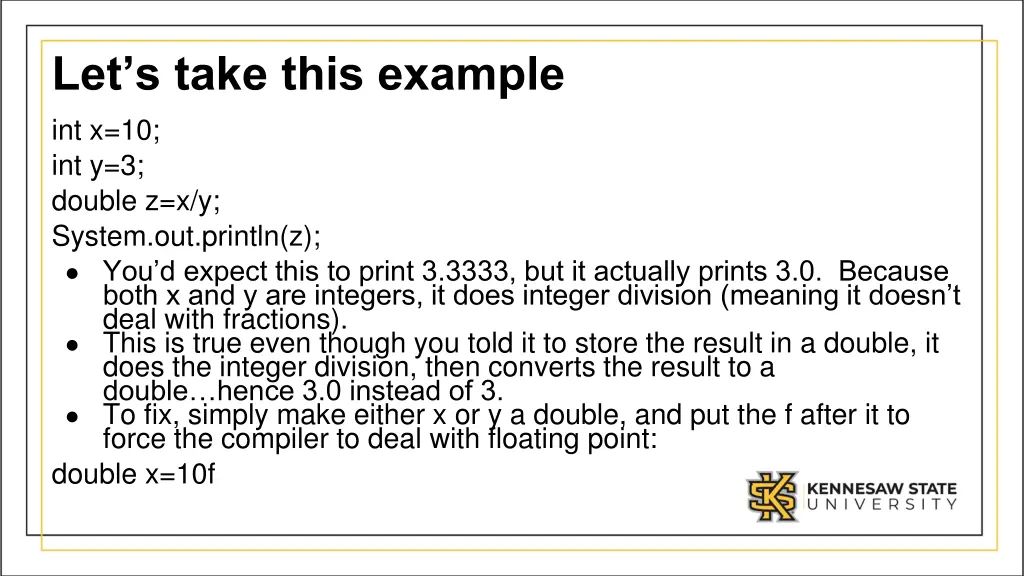
Lets take this example int x=10; int y=3; double z=x/y; System.out.println(z); You d expect this to print 3.3333, but it actually prints 3.0. Because both x and y are integers, it does integer division (meaning it doesn t deal with fractions). This is true even though you told it to store the result in a double, it does the integer division, then converts the result to a double hence 3.0 instead of 3. To fix, simply make either x or y a double, and put the f after it to force the compiler to deal with floating point: double x=10f
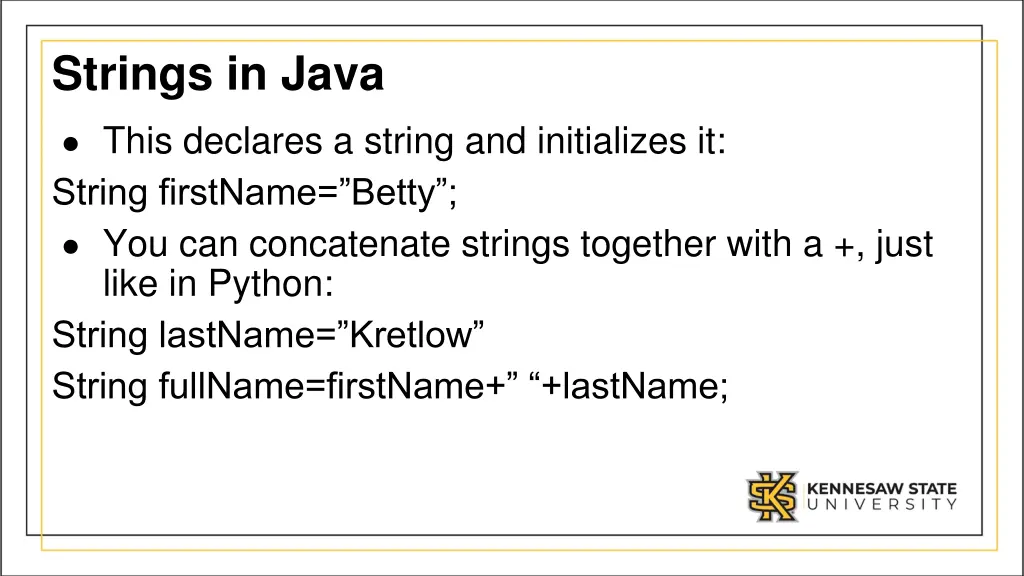
Strings in Java This declares a string and initializes it: String firstName= Betty ; You can concatenate strings together with a +, just like in Python: String lastName= Kretlow String fullName=firstName+ +lastName;
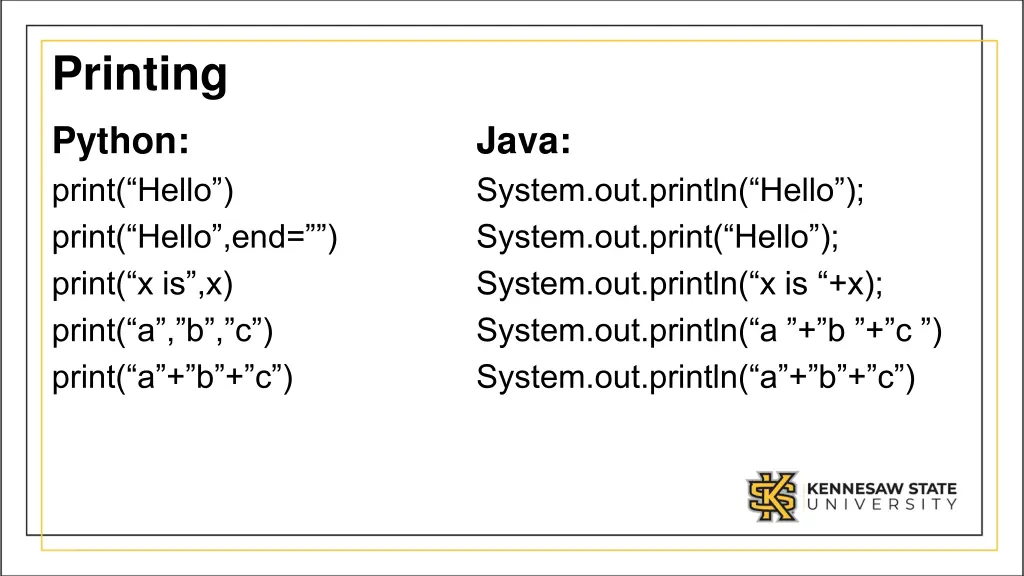
Printing Python: print( Hello ) print( Hello ,end= ) print( x is ,x) print( a , b , c ) print( a + b + c ) Java: System.out.println( Hello ); System.out.print( Hello ); System.out.println( x is +x); System.out.println( a + b + c ) System.out.println( a + b + c )
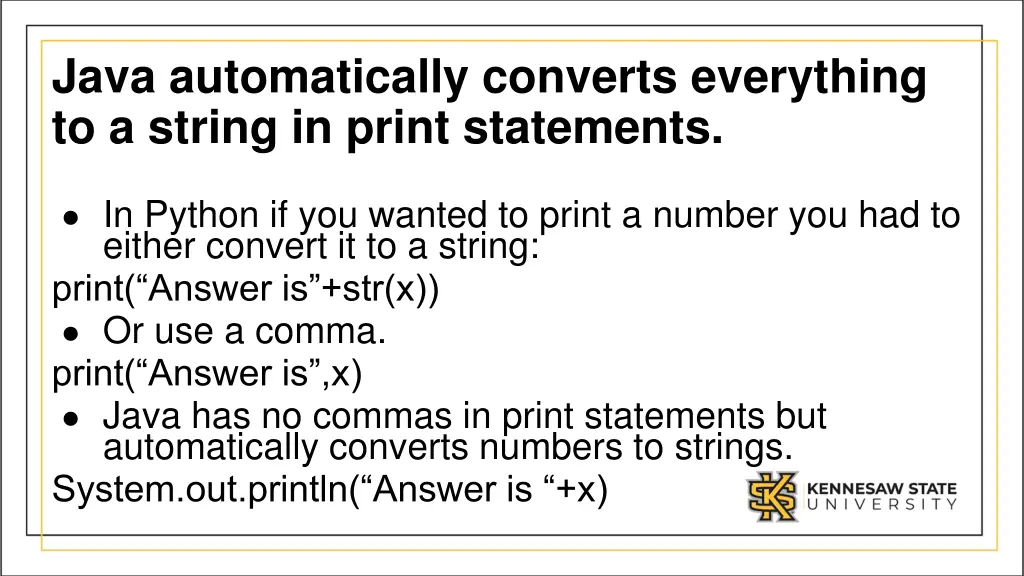
Java automatically converts everything to a string in print statements. In Python if you wanted to print a number you had to either convert it to a string: print( Answer is +str(x)) Or use a comma. print( Answer is ,x) Java has no commas in print statements but automatically converts numbers to strings. System.out.println( Answer is +x)
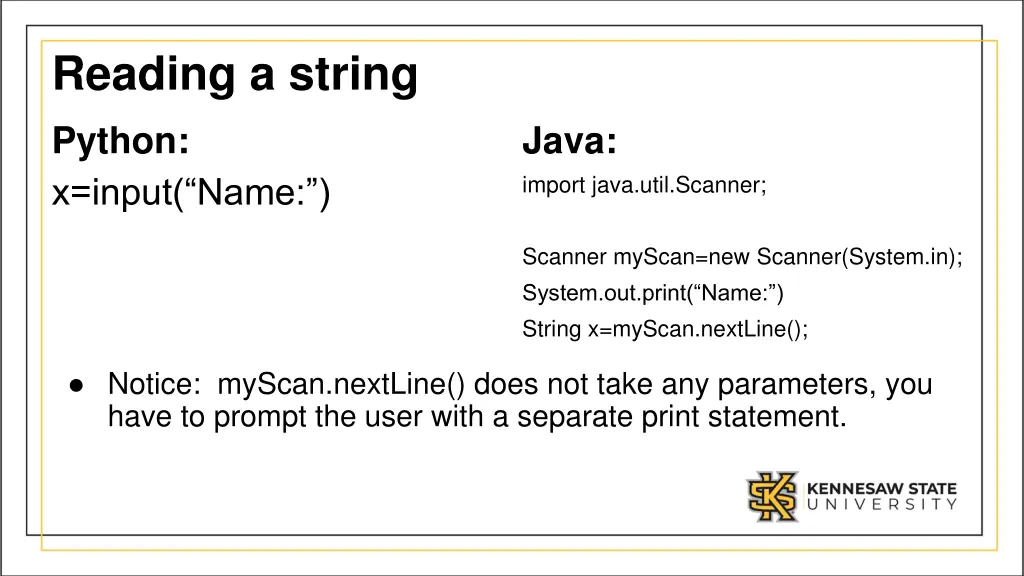
Reading a string Python: x=input( Name: ) Java: import java.util.Scanner; Scanner myScan=new Scanner(System.in); System.out.print( Name: ) String x=myScan.nextLine(); Notice: myScan.nextLine() does not take any parameters, you have to prompt the user with a separate print statement.
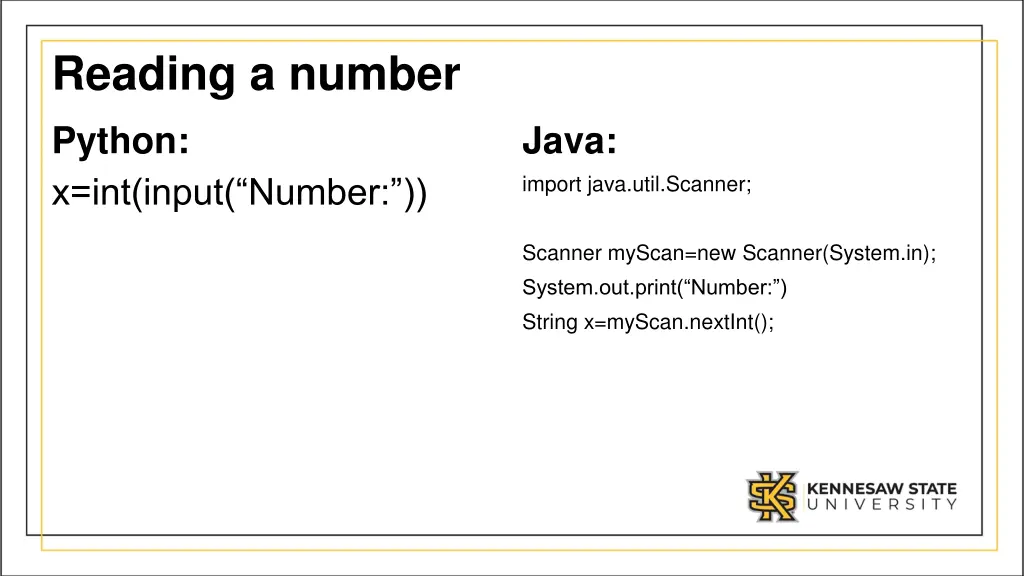
Reading a number Python: x=int(input( Number: )) Java: import java.util.Scanner; Scanner myScan=new Scanner(System.in); System.out.print( Number: ) String x=myScan.nextInt();
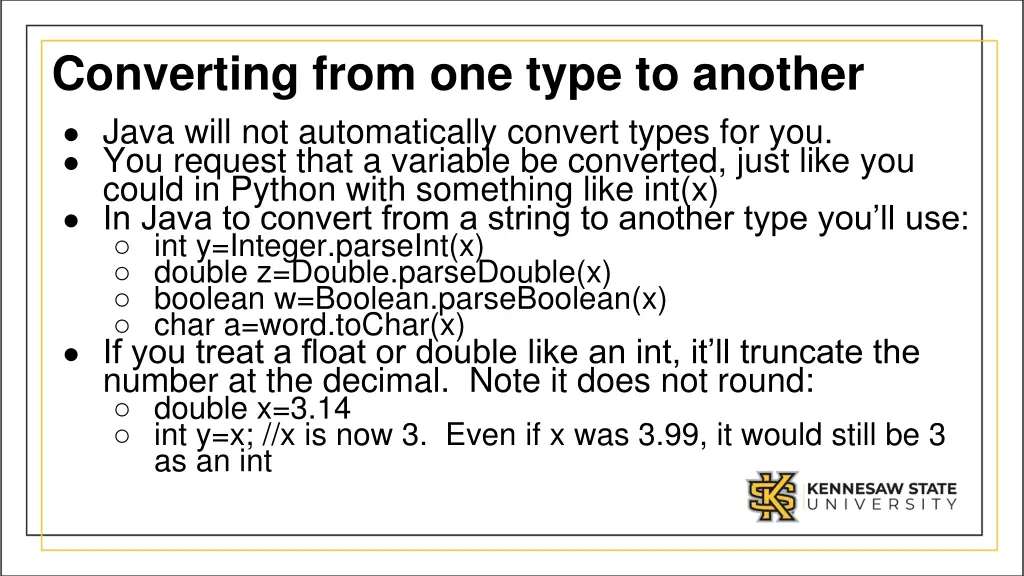
Converting from one type to another Java will not automatically convert types for you. You request that a variable be converted, just like you could in Python with something like int(x) In Java to convert from a string to another type you ll use: int y=Integer.parseInt(x) double z=Double.parseDouble(x) boolean w=Boolean.parseBoolean(x) char a=word.toChar(x) If you treat a float or double like an int, it ll truncate the number at the decimal. Note it does not round: double x=3.14 int y=x; //x is now 3. Even if x was 3.99, it would still be 3 as an int
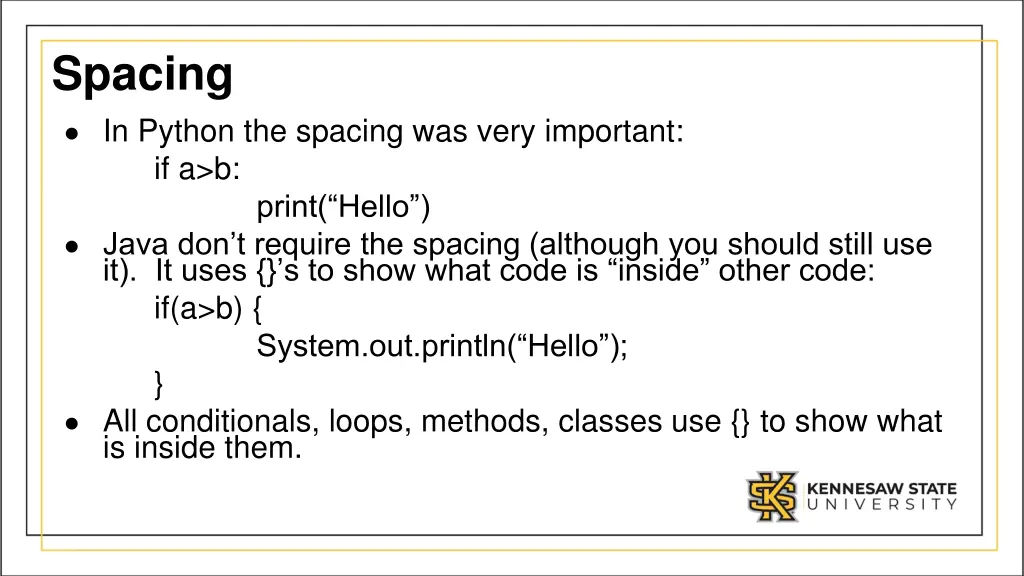
Spacing In Python the spacing was very important: if a>b: print( Hello ) Java don t require the spacing (although you should still use it). It uses {} s to show what code is inside other code: if(a>b) { System.out.println( Hello ); } All conditionals, loops, methods, classes use {} to show what is inside them.
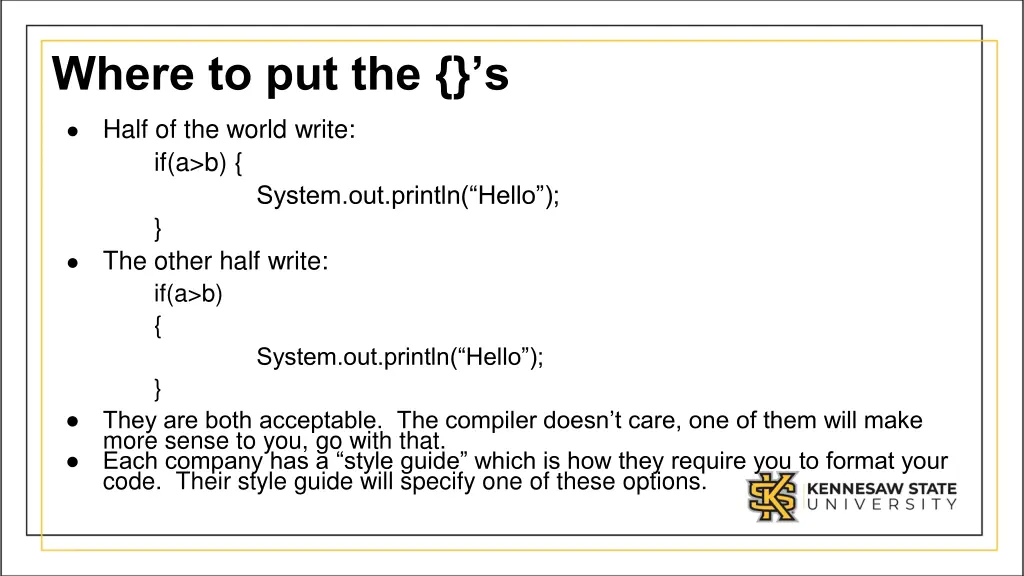
Where to put the {}s Half of the world write: if(a>b) { System.out.println( Hello ); } The other half write: if(a>b) { System.out.println( Hello ); } They are both acceptable. The compiler doesn t care, one of them will make more sense to you, go with that. Each company has a style guide which is how they require you to format your code. Their style guide will specify one of these options.
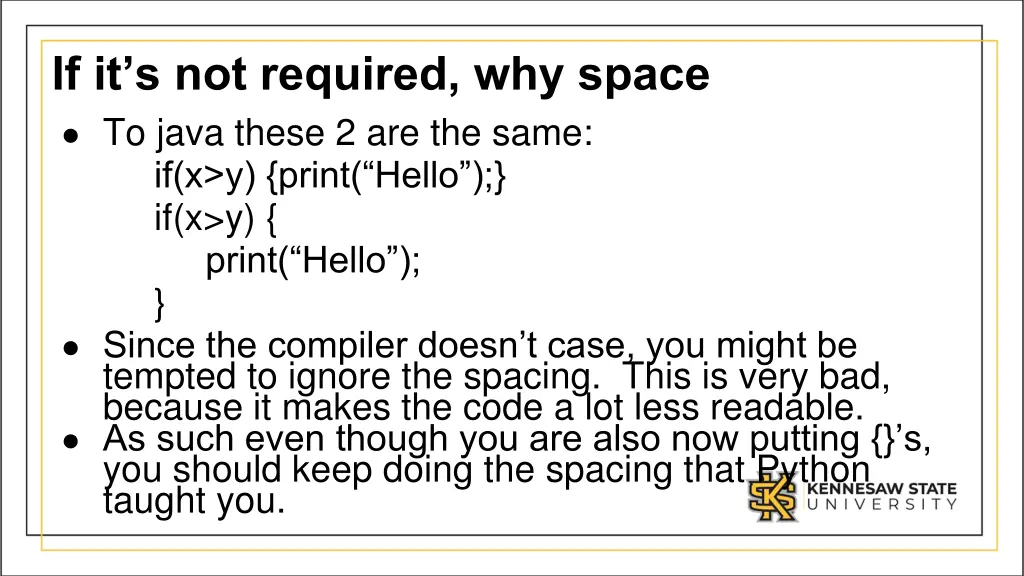
If its not required, why space To java these 2 are the same: if(x>y) {print( Hello );} if(x>y) { print( Hello ); } Since the compiler doesn t case, you might be tempted to ignore the spacing. This is very bad, because it makes the code a lot less readable. As such even though you are also now putting {} s, you should keep doing the spacing that Python taught you.
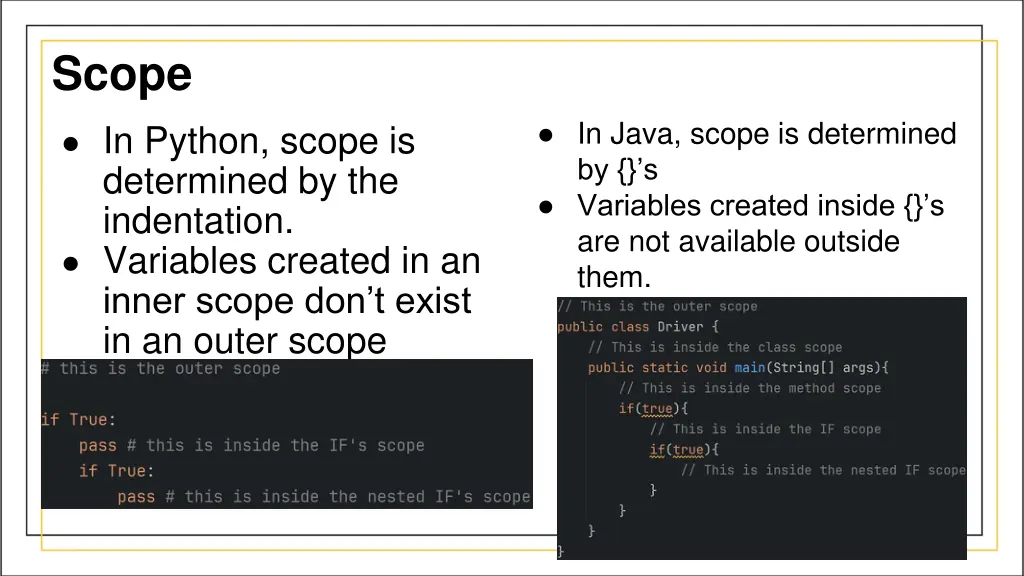
Scope In Java, scope is determined by {} s Variables created inside {} s are not available outside them. In Python, scope is determined by the indentation. Variables created in an inner scope don t exist in an outer scope
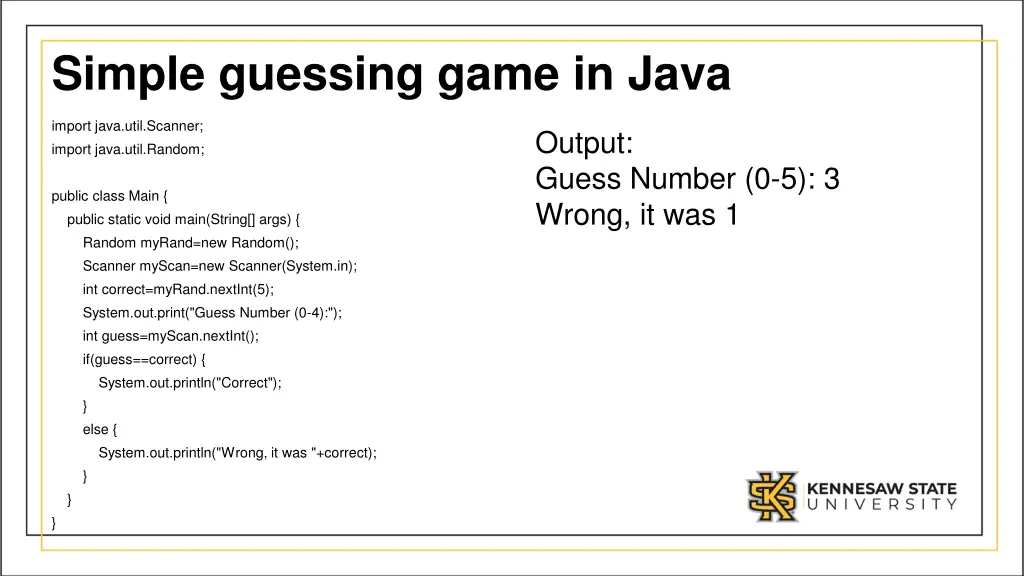
Simple guessing game in Java import java.util.Scanner; import java.util.Random; Output: Guess Number (0-5): 3 Wrong, it was 1 public class Main { public static void main(String[] args) { Random myRand=new Random(); Scanner myScan=new Scanner(System.in); int correct=myRand.nextInt(5); System.out.print("Guess Number (0-4):"); int guess=myScan.nextInt(); if(guess==correct) { System.out.println("Correct"); } else { System.out.println("Wrong, it was "+correct); } } }
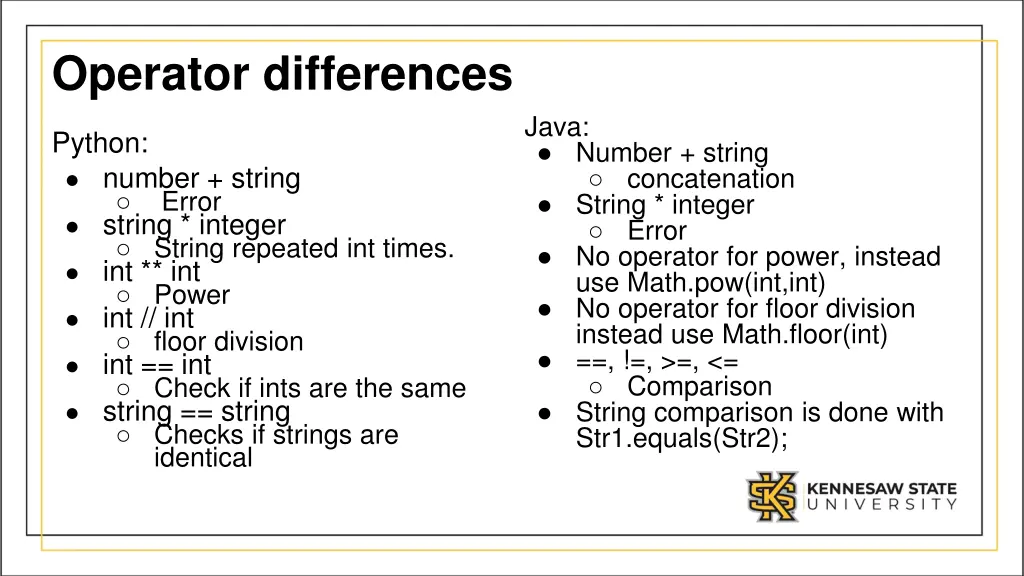
Operator differences Java: Number + string concatenation String * integer Error No operator for power, instead use Math.pow(int,int) No operator for floor division instead use Math.floor(int) ==, !=, >=, <= Comparison String comparison is done with Str1.equals(Str2); Python: number + string Error string * integer String repeated int times. int ** int Power int // int floor division int == int Check if ints are the same string == string Checks if strings are identical