Lewiston School District Substitute Policies

Welcome to Lewiston School District! Explore district policies, absence management, and strategies for success. Learn about employee responsibilities, drug-free workplace, sexual harassment, and training resources. Find important links and guidelines for substitutes.

Download Presentation

Please find below an Image/Link to download the presentation.
The content on the website is provided AS IS for your information and personal use only. It may not be sold, licensed, or shared on other websites without obtaining consent from the author.If you encounter any issues during the download, it is possible that the publisher has removed the file from their server.
You are allowed to download the files provided on this website for personal or commercial use, subject to the condition that they are used lawfully. All files are the property of their respective owners.
The content on the website is provided AS IS for your information and personal use only. It may not be sold, licensed, or shared on other websites without obtaining consent from the author.
E N D
Presentation Transcript
Welcome On behalf of the Lewiston School District, it is a pleasure to welcome you as a substitute in our district. Independent School District No. 1
AGENDA Introduction Strategies to Succeed District Policies and Procedures Absence Management; District Sub Calling System Employment Next Steps
SUCCEEDING AS A SUBSTITUTE Tim Sperber, Principal; Sacajawea Middle School Strategies for Success Classroom Management
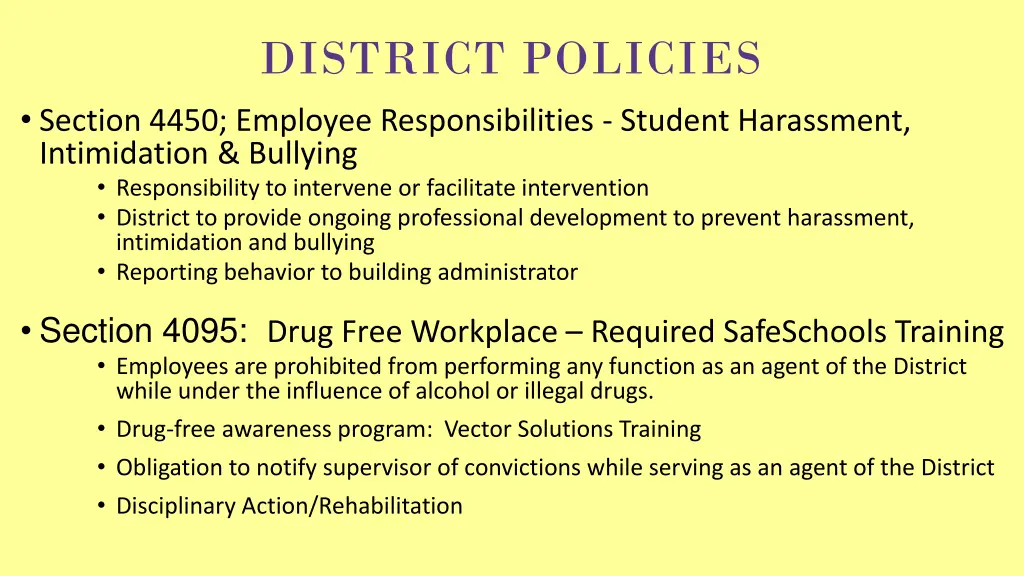
DISTRICT POLICIES Section 4450; Employee Responsibilities - Student Harassment, Intimidation & Bullying Responsibility to intervene or facilitate intervention District to provide ongoing professional development to prevent harassment, intimidation and bullying Reporting behavior to building administrator Section 4095: Drug Free Workplace Required SafeSchools Training Employees are prohibited from performing any function as an agent of the District while under the influence of alcohol or illegal drugs. Drug-free awareness program: Vector Solutions Training Obligation to notify supervisor of convictions while serving as an agent of the District Disciplinary Action/Rehabilitation
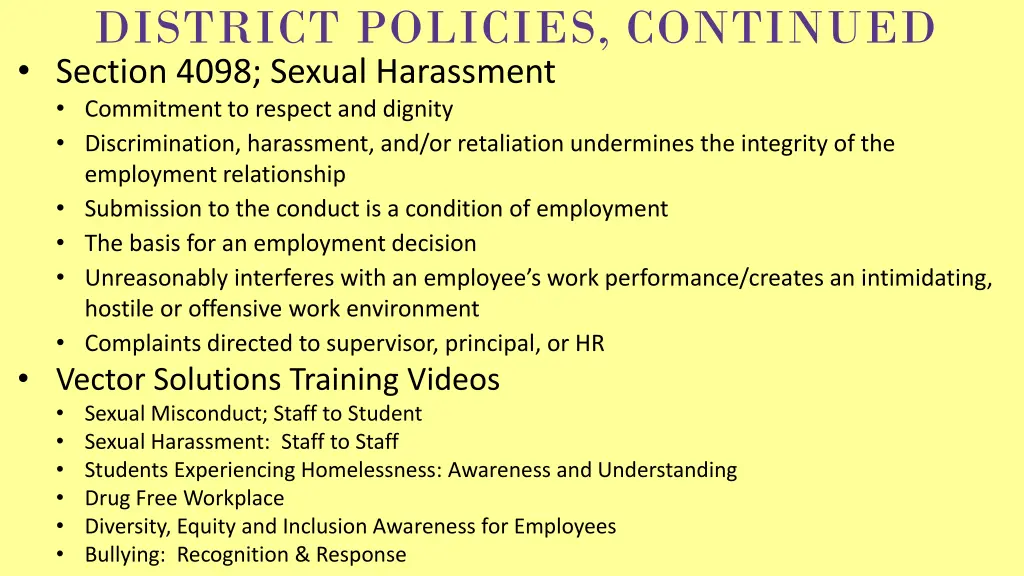
DISTRICT POLICIES, CONTINUED Section 4098; Sexual Harassment Commitment to respect and dignity Discrimination, harassment, and/or retaliation undermines the integrity of the employment relationship Submission to the conduct is a condition of employment The basis for an employment decision Unreasonably interferes with an employee s work performance/creates an intimidating, hostile or offensive work environment Complaints directed to supervisor, principal, or HR Vector Solutions Training Videos Sexual Misconduct; Staff to Student Sexual Harassment: Staff to Staff Students Experiencing Homelessness: Awareness and Understanding Drug Free Workplace Diversity, Equity and Inclusion Awareness for Employees Bullying: Recognition & Response
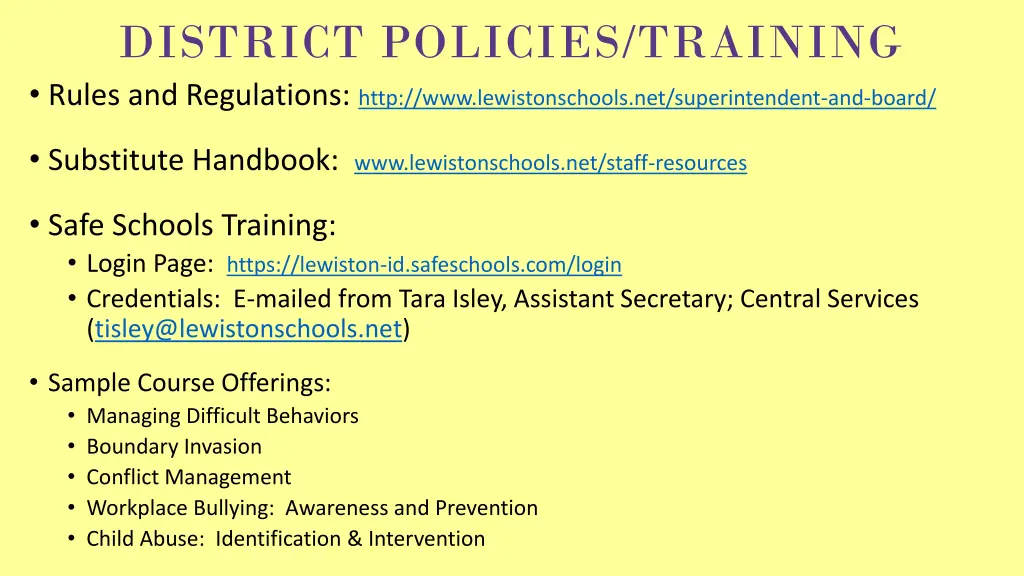
DISTRICT POLICIES/TRAINING Rules and Regulations: http://www.lewistonschools.net/superintendent-and-board/ Substitute Handbook: www.lewistonschools.net/staff-resources Safe Schools Training: Login Page: https://lewiston-id.safeschools.com/login Credentials: E-mailed from Tara Isley, Assistant Secretary; Central Services (tisley@lewistonschools.net) Sample Course Offerings: Managing Difficult Behaviors Boundary Invasion Conflict Management Workplace Bullying: Awareness and Prevention Child Abuse: Identification & Intervention
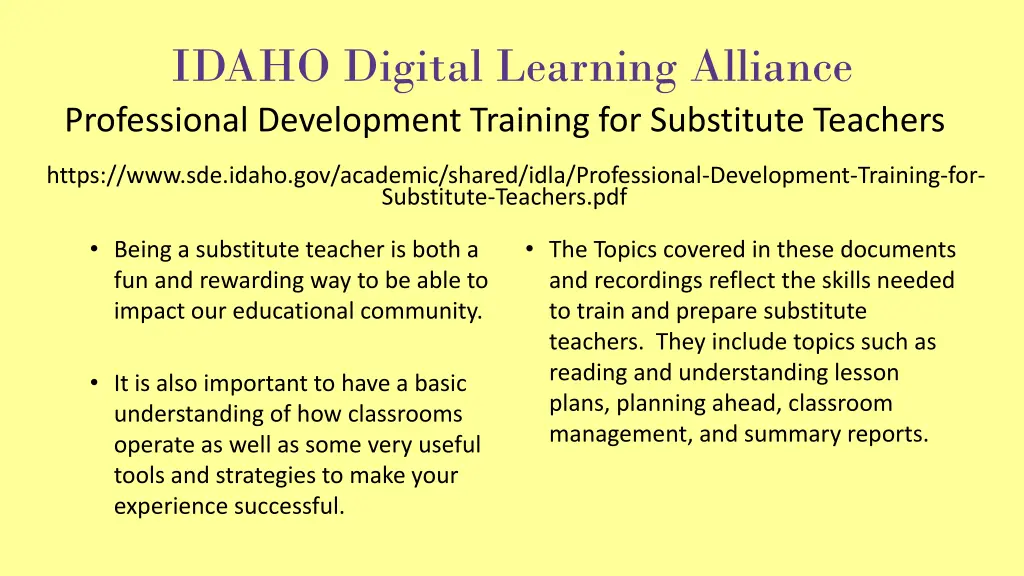
IDAHO Digital Learning Alliance Professional Development Training for Substitute Teachers https://www.sde.idaho.gov/academic/shared/idla/Professional-Development-Training-for- Substitute-Teachers.pdf Being a substitute teacher is both a fun and rewarding way to be able to impact our educational community. The Topics covered in these documents and recordings reflect the skills needed to train and prepare substitute teachers. They include topics such as reading and understanding lesson plans, planning ahead, classroom management, and summary reports. It is also important to have a basic understanding of how classrooms operate as well as some very useful tools and strategies to make your experience successful.
APPLICATION If you haven t applied to be a substitute in the district yet, please complete the online application at: www.lewistonschools.net/employment Application questions may be directed to: humanresources@lewistonschools.net or (208) 748-3000
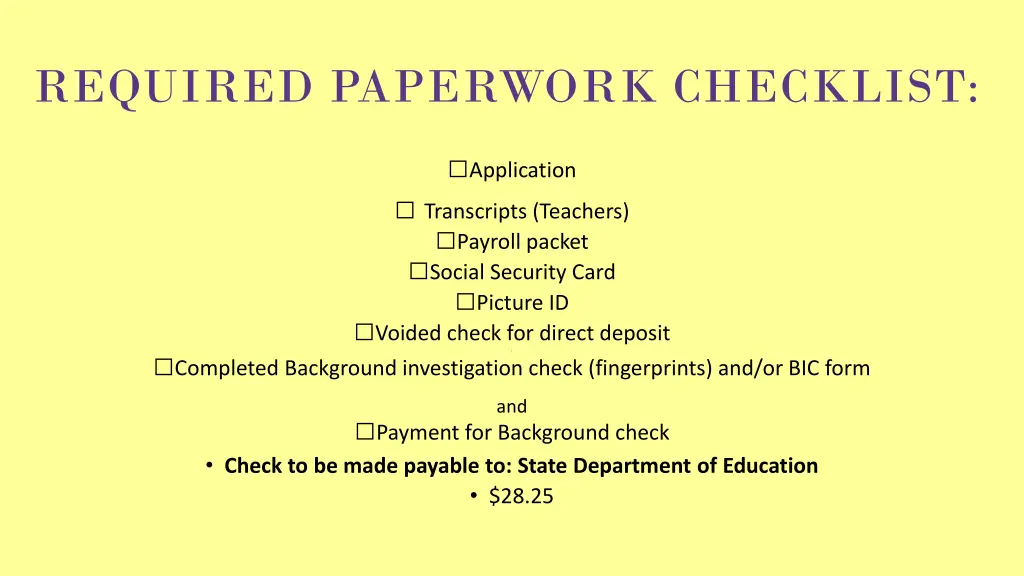
REQUIRED PAPERWORK CHECKLIST: Application Transcripts (Teachers) Payroll packet Social Security Card Picture ID Voided check for direct deposit . Completed Background investigation check (fingerprints) and/or BIC form and Payment for Background check Check to be made payable to: State Department of Education $28.25
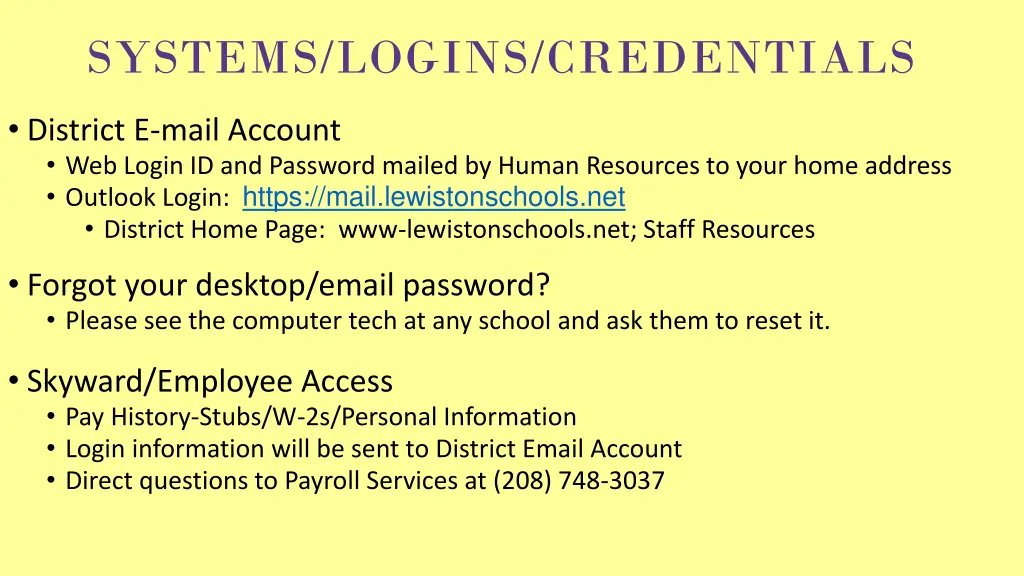
SYSTEMS/LOGINS/CREDENTIALS District E-mail Account Web Login ID and Password mailed by Human Resources to your home address Outlook Login: https://mail.lewistonschools.net District Home Page: www-lewistonschools.net; Staff Resources Forgot your desktop/email password? Please see the computer tech at any school and ask them to reset it. Skyward/Employee Access Pay History-Stubs/W-2s/Personal Information Login information will be sent to District Email Account Direct questions to Payroll Services at (208) 748-3037
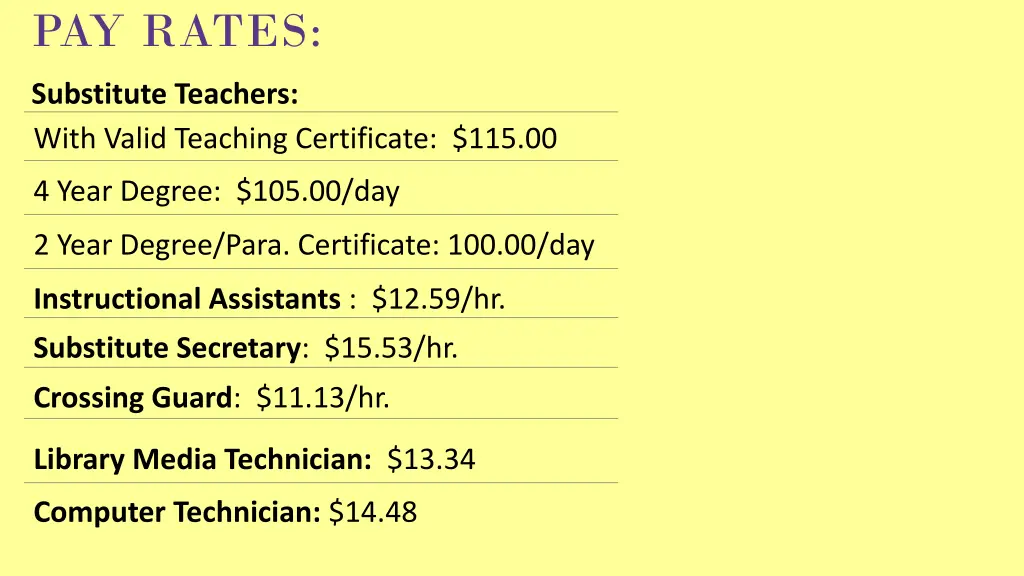
PAY RATES: Substitute Teachers: With Valid Teaching Certificate: $115.00 4 Year Degree: $105.00/day 2 Year Degree/Para. Certificate: 100.00/day Instructional Assistants : $12.59/hr. Substitute Secretary: $15.53/hr. Crossing Guard: $11.13/hr. Library Media Technician: $13.34 Computer Technician: $14.48
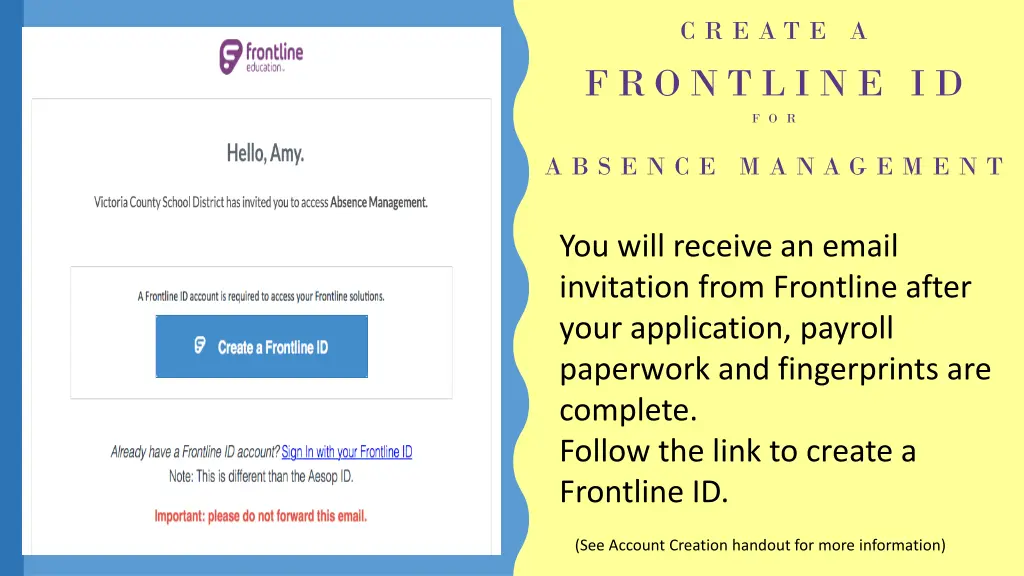
C R E A T E A F R O N T L I N E I D F O R A B S E N C E M A N A G E M E N T You will receive an email invitation from Frontline after your application, payroll paperwork and fingerprints are complete. Follow the link to create a Frontline ID. (See Account Creation handout for more information)
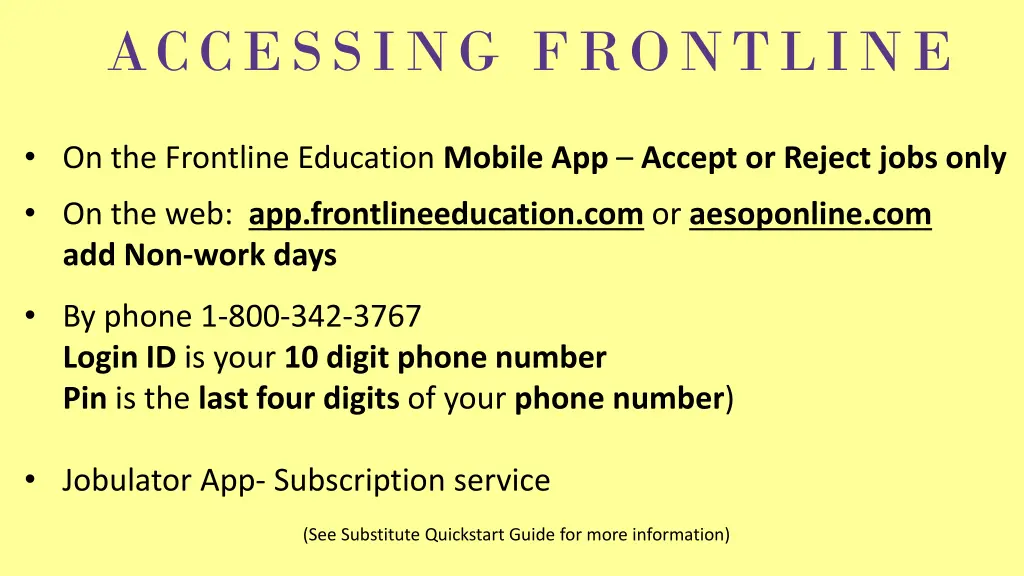
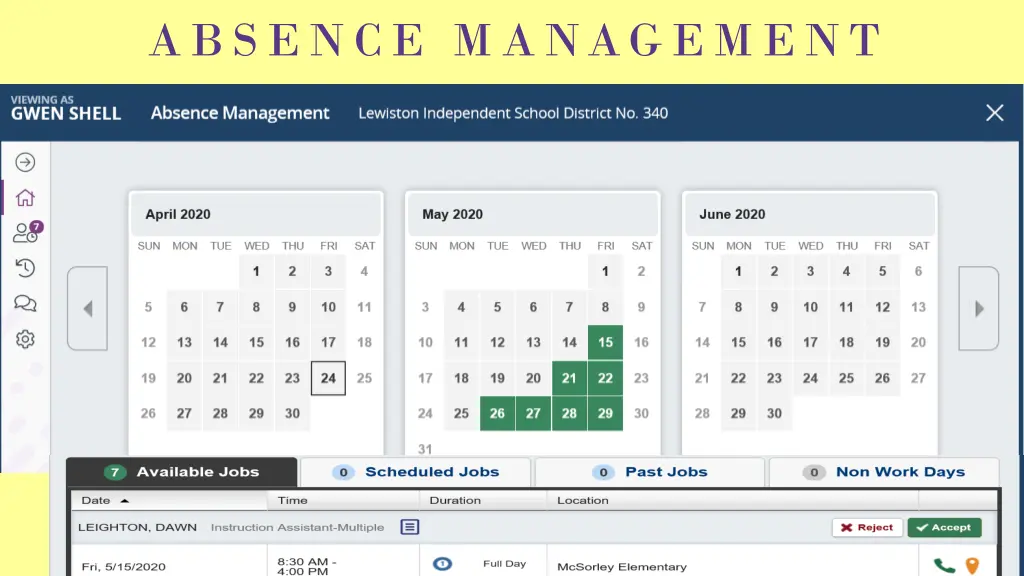
ACCESSING FRONTLINE On the Frontline Education Mobile App Accept or Reject jobs only On the web: app.frontlineeducation.com or aesoponline.com add Non-work days By phone 1-800-342-3767 Login ID is your 10 digit phone number Pin is the last four digits of your phone number) Jobulator App- Subscription service (See Substitute Quickstart Guide for more information)
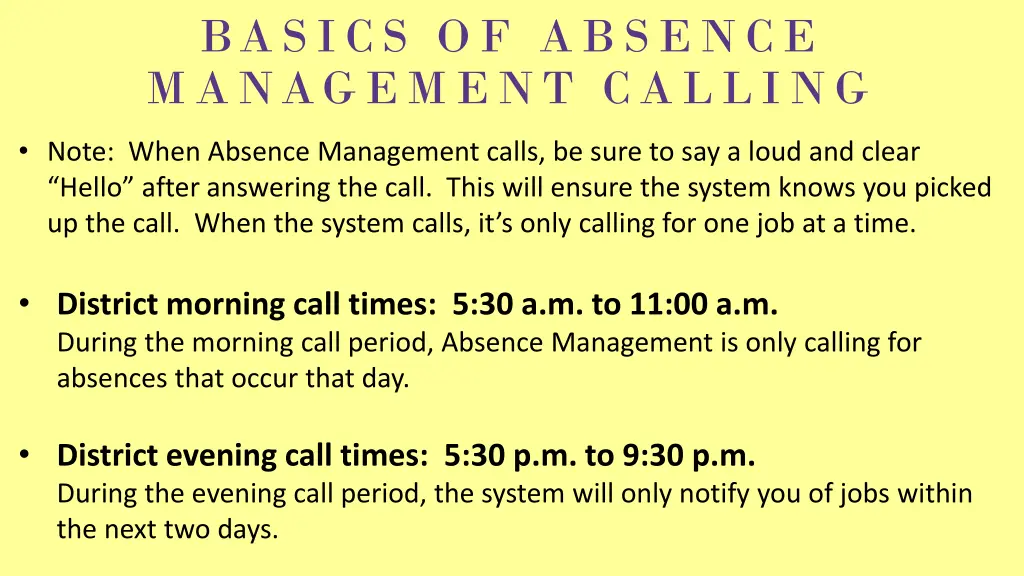
BASICS OF ABSENCE MANAGEMENT CALLING Note: When Absence Management calls, be sure to say a loud and clear Hello after answering the call. This will ensure the system knows you picked up the call. When the system calls, it s only calling for one job at a time. District morning call times: 5:30 a.m. to 11:00 a.m. During the morning call period, Absence Management is only calling for absences that occur that day. District evening call times: 5:30 p.m. to 9:30 p.m. During the evening call period, the system will only notify you of jobs within the next two days.
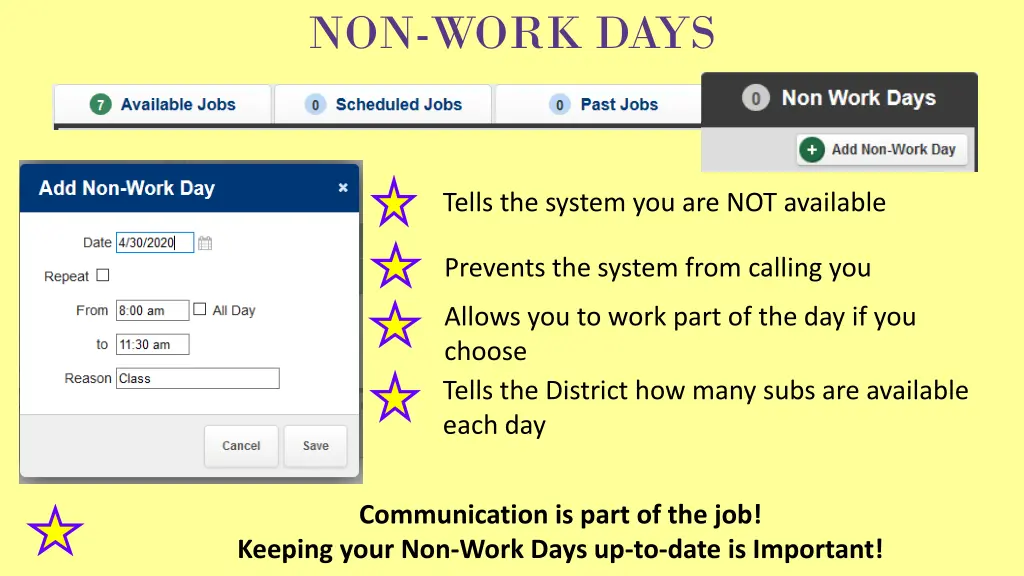
NON-WORK DAYS Tells the system you are NOT available Prevents the system from calling you Allows you to work part of the day if you choose Tells the District how many subs are available each day Communication is part of the job! Keeping your Non-Work Days up-to-date is Important!
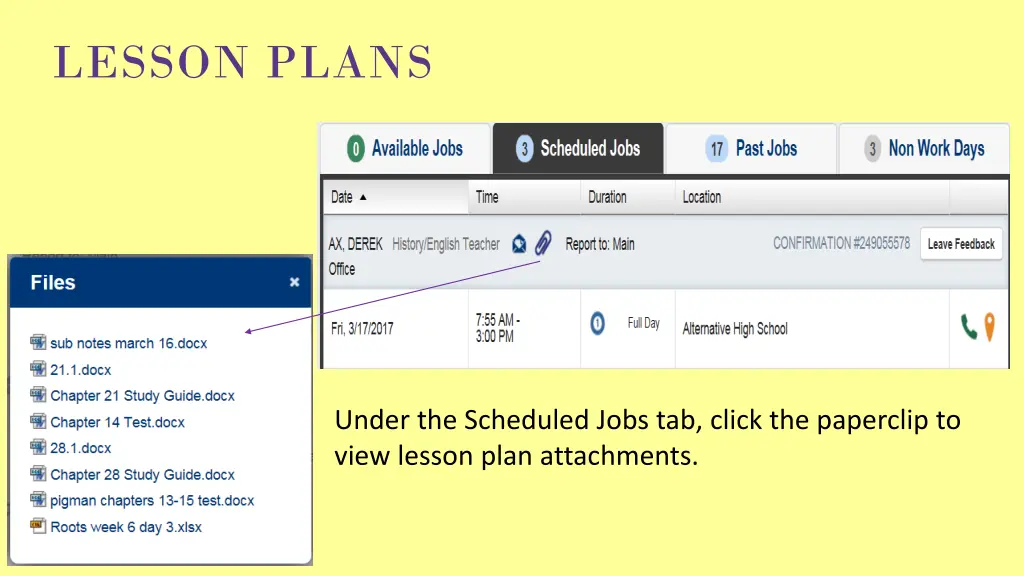
LESSON PLANS Under the Scheduled Jobs tab, click the paperclip to view lesson plan attachments.
TIPS FOR FINDING JOBS Be Proactive! Accept jobs through the Frontline App Log in to Absence Management Call in to Absence Management Accept jobs by phone when Absence Management calls Note if you miss a call from the system, try giving the system a call back or log in. The job may still be available.
CLASSROOM MANAGEMENT 1. Introduce yourself to the secretary, principal, teaching or grade level partner, your next door neighbor, etc. 2. Keep in mind We (principals and teachers) want you to succeed. Please tell us IMMEDIATELY if you need our help. 3. Remember, if you are having trouble with a student or two, chances are we have had the same problems with the same kids. Again, let us know immediately. 4. Come early, sign in, read through the plans and if you need clarification, please ask. Make sure you know the emergency plan for fire drills and lock downs. 5. Lunch count and attendance are crucial to a smooth start in the front office, please be sure you take care of this immediately. 6. The teachers usually leave a list of students that can be relied upon to help you throughout the day, if not ask someone around you or the principal. 7. Supervision of the class is extremely important in the classroom, hallways, etc. If elementary, routines etc., are important walk with your class to specials, lunch etc. Make sure they know that you are supervising and expect outstanding behavior throughout the building. 8. In the classroom, supervise by proximity. Sitting at the desk is probably detrimental to your ability to really see what is happening in the room. 9. Establish your presence in the room early, point out immediately the students who are doing what is expected. A. Thank you Susie for opening your book to page 95. B. I see 7 students who have started their assignment, thanks kids for getting to work. C. I really appreciate your hard work today, I cannot wait to report your awesome behavior to Mrs. Smith and Mr. Sperber.
CLASSROOM MANAGEMENT CONTINUED 10. Use signals or time cues to alert students to change and transitions. 1,2, eyes on you 1,2,3, eyes on me. Give me 5 please. Flash the lights on and off , countdown to quiet, 5,4,3,2,1. 11. Correct problem behaviors early and often, if persistent report it to the principal. Remember, if you are having problems, we have more than likely had them too. 12. Check in at lunch with the principal, office, etc. If you have preps and nothing to work on that supports the learning in that class, check and see if you are needed elsewhere. 13. Over communicate in writing how your day went with the kids academically and behaviorally. If the opportunity presents itself, speak with the teacher on the phone. This is an incredibly important part of the day. 14. Don t freelance, stick to the plan. If you run out of things to do, let us know, we can help. 15. Your work in the school is confidential. Please, please, please do not post to Facebook how bad little Timmy Sperber behaved today in Mrs. Jones class. 16. Have fun and enjoy yourself check out with the office and try and speak with the principal even if you have to wander to the bus stop. 17. Thanks for serving our kids.
FREQUENTLY ASKED QUESTIONS What if I forget my school district email password? The computer tech at any school can reset your password. What if I need to cancel one day of a multi-day assignment? Call the subcaller to be removed from one or more days 208-748-3074. Where do I go to access my school district email? mail.lewistonschools.net Where do I go to access Vector Solutions training? What is my login and password? https://lewiston- id.safeschools.com/login The Username is your school district email address. No password is required. Do I need specialized training to work in Special Ed? No, please arrive early to ask questions. When will I get paid? The 20th of each month. (See attached payroll schedule.) When will I receive my username and password for my school district email/desktop? Approximately two weeks after you submit your payroll paperwork and fingerprints. You will receive your password in the mail at your address on file.
YOUR RESOURCES IN HUMAN RESOURCES Gwen Shell Kathy Vellegas Sub Coordinator HR Supervisor (208) 748-3074 (208) 748-3042 kvellegas@lewistonschools.net gshell@lewistonschools.net Office Hours 6:30-10:30, M-F