Managing Multiple Reviews: The Devil in the Details
Dive into the intricacies of handling multiple course reviews effectively, ensuring the continuity of QM certification. Discover strategies to evaluate sources, craft research notes, and present findings meticulously. Explore tools like Researcher in Word 2016 for streamlined data gathering.

Download Presentation

Please find below an Image/Link to download the presentation.
The content on the website is provided AS IS for your information and personal use only. It may not be sold, licensed, or shared on other websites without obtaining consent from the author.If you encounter any issues during the download, it is possible that the publisher has removed the file from their server.
You are allowed to download the files provided on this website for personal or commercial use, subject to the condition that they are used lawfully. All files are the property of their respective owners.
The content on the website is provided AS IS for your information and personal use only. It may not be sold, licensed, or shared on other websites without obtaining consent from the author.
E N D
Presentation Transcript
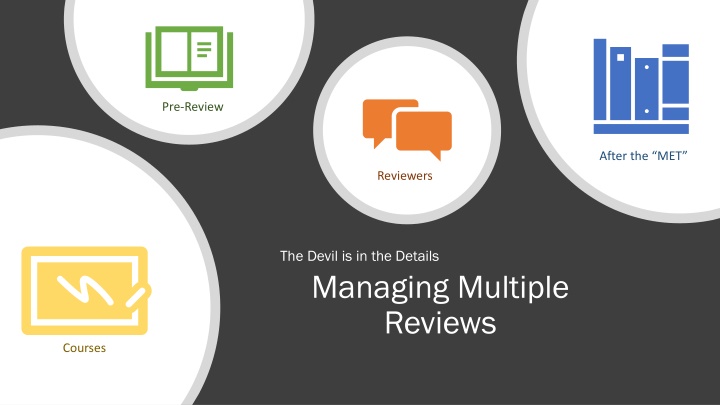
Pre-Review After the MET Reviewers The Devil is in the Details Managing Multiple Reviews Courses
Keep Courses QMd Making sure the QM Certification does not expire. Master Course list, with Course Rep and Date Recognized. Teams/Planner
Evaluate Your Sources Refer to the notes section below for guidelines on this topic.
3 3. Select the text you would like to add to your research notes and then choose if you want to Add or Add and Cite. To avoid plagiarism, make sure you add quotation marks around the text so you know it came from the source. The citation format will match the one you selected in the References tab. This citation is APA style, but you can change it to the one given by your teacher or instructor. 4 4.
Pre-Review Checklist Refer to the notes section below for guidelines on this topic.
Narrow Your Topic Refer to the notes section below for guidelines on this topic.
Present Your Research Refer to the notes section below for guidelines on this topic.
Gather Your Research using Researcher 1 2 2. After entering your topic, this example is The Alamo you can click on the + sign to add the topic to your Word document. A link is provided on your document so you can return to the information source again at a later time. Click on the article to learn more about it. 1. Start gathering your research using the Researcher feature in Word 2016.