"Prepare for your final exam by diving into data analysis projects, creating Python functions to automate review statistics, and developing efficient code review practices. Learn how to count positive and negative reviews, extract business IDs, and insert statistics into review tables. Enhance your understanding of loops, conditionals, variables, functions, and classes to excel in your assessment on December 6th at 8 am."
Please find below an Image/Link to download the presentation.
The content on the website is provided AS IS for your information and personal use only. It may not be sold, licensed, or shared on other websites without obtaining consent from the author. If you encounter any issues during the download, it is possible that the publisher has removed the file from their server.
You are allowed to download the files provided on this website for personal or commercial use, subject to the condition that they are used lawfully. All files are the property of their respective owners.
The content on the website is provided AS IS for your information and personal use only. It may not be sold, licensed, or shared on other websites without obtaining consent from the author.
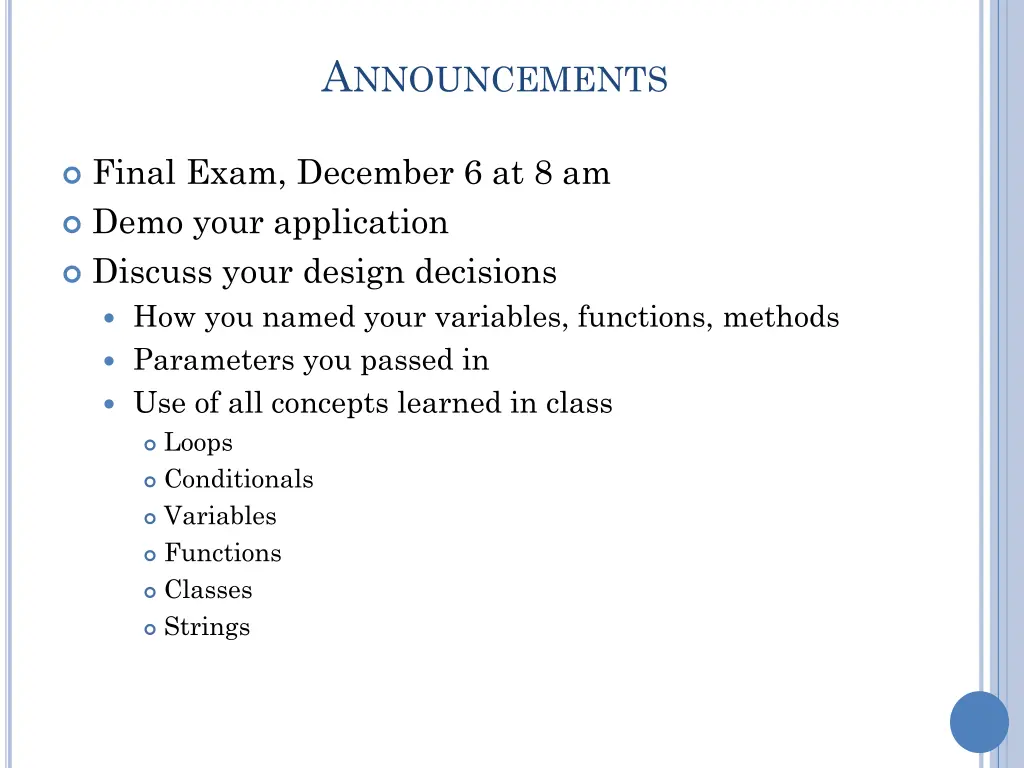
ANNOUNCEMENTS Final Exam, December 6 at 8 am Demo your application Discuss your design decisions How you named your variables, functions, methods Parameters you passed in Use of all concepts learned in class Loops Conditionals Variables Functions Classes Strings
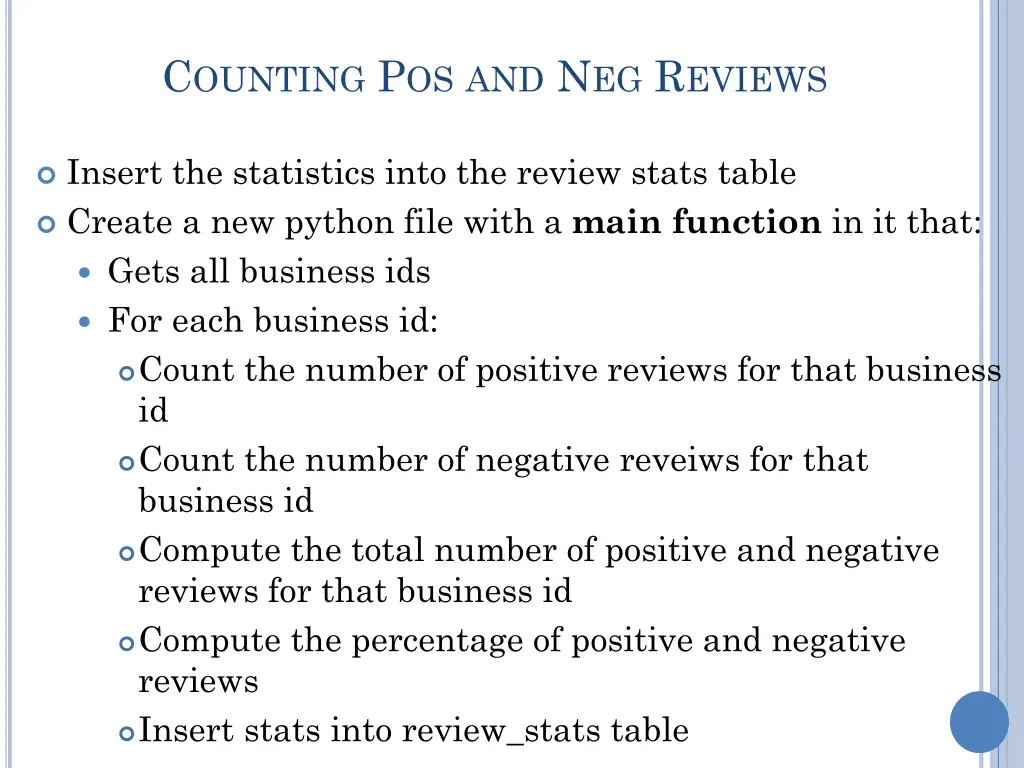
COUNTING POS AND NEG REVIEWS Insert the statistics into the review stats table Create a new python file with a main function in it that: Gets all business ids For each business id: Count the number of positive reviews for that business id Count the number of negative reveiws for that business id Compute the total number of positive and negative reviews for that business id Compute the percentage of positive and negative reviews Insert stats into review_stats table
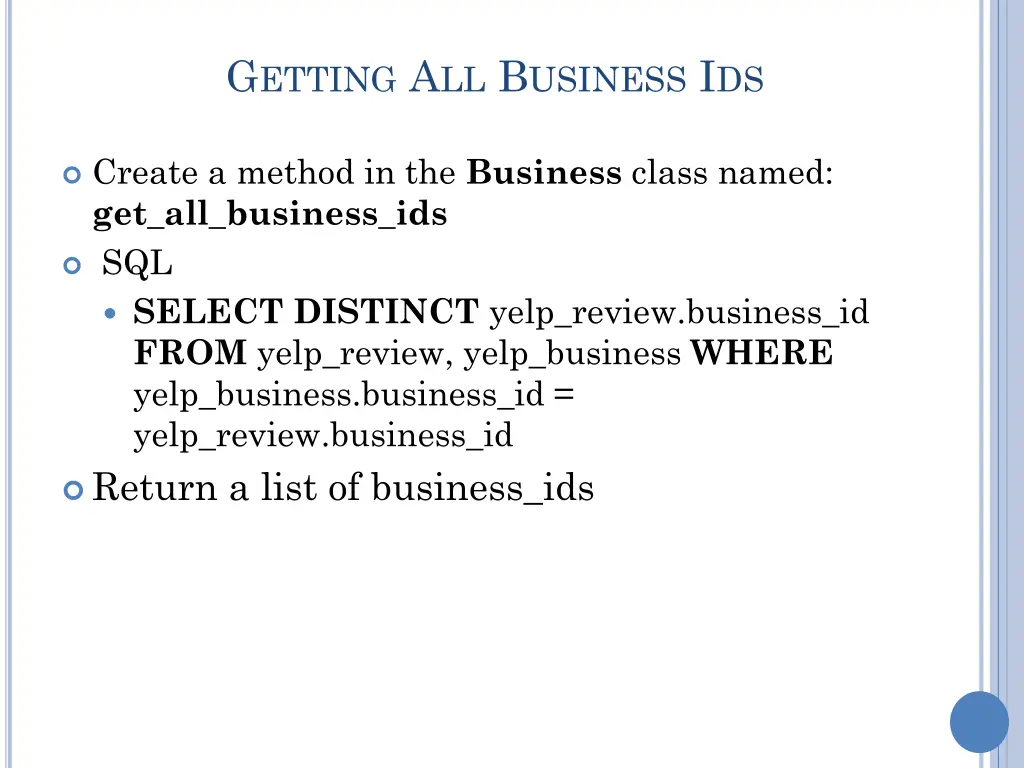
GETTING ALL BUSINESS IDS Create a method in the Business class named: get_all_business_ids SQL SELECT DISTINCT yelp_review.business_id FROM yelp_review, yelp_business WHERE yelp_business.business_id = yelp_review.business_id Return a list of business_ids
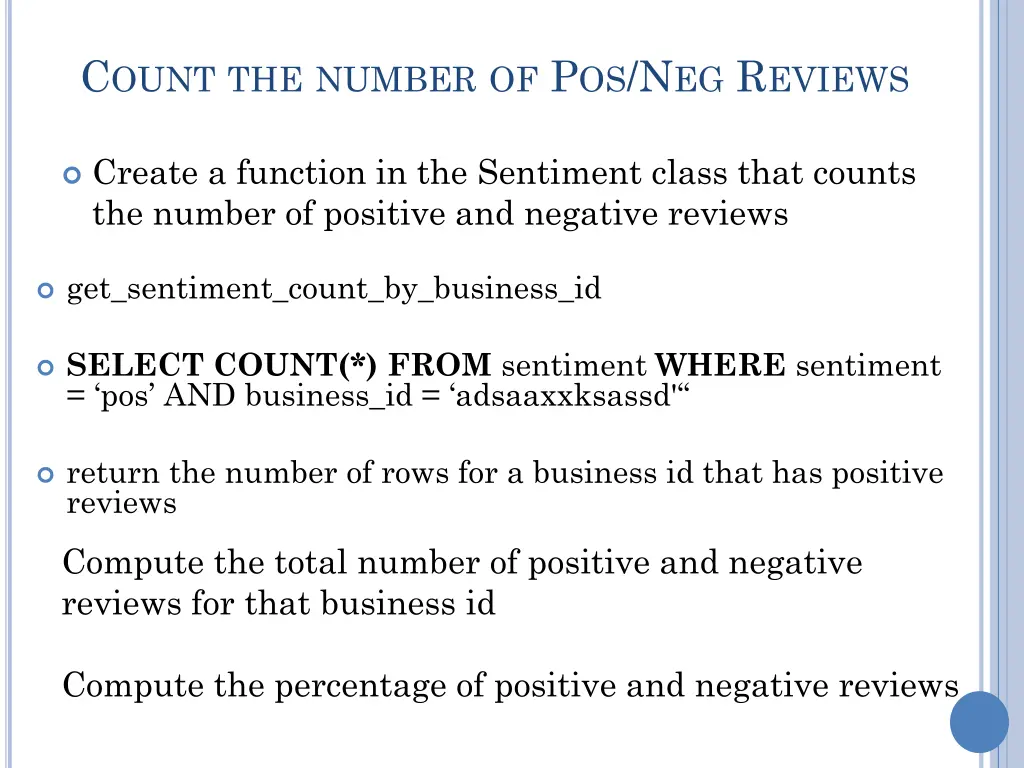
COUNT THE NUMBER OF POS/NEG REVIEWS Create a function in the Sentiment class that counts the number of positive and negative reviews get_sentiment_count_by_business_id SELECTCOUNT(*) FROM sentiment WHERE sentiment = pos AND business_id = adsaaxxksassd' return the number of rows for a business id that has positive reviews Compute the total number of positive and negative reviews for that business id Compute the percentage of positive and negative reviews
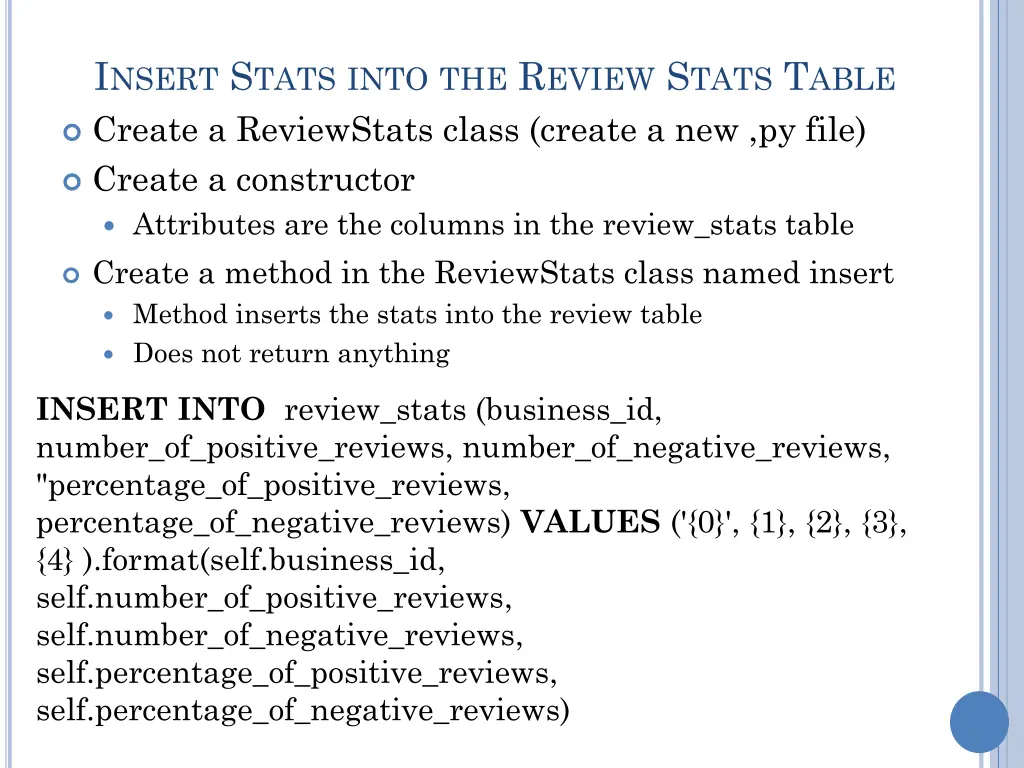
INSERT STATSINTOTHE REVIEW STATS TABLE Create a ReviewStats class (create a new ,py file) Create a constructor Attributes are the columns in the review_stats table Create a method in the ReviewStats class named insert Method inserts the stats into the review table Does not return anything INSERT INTO review_stats (business_id, number_of_positive_reviews, number_of_negative_reviews, "percentage_of_positive_reviews, percentage_of_negative_reviews) VALUES ('{0}', {1}, {2}, {3}, {4} ).format(self.business_id, self.number_of_positive_reviews, self.number_of_negative_reviews, self.percentage_of_positive_reviews, self.percentage_of_negative_reviews)
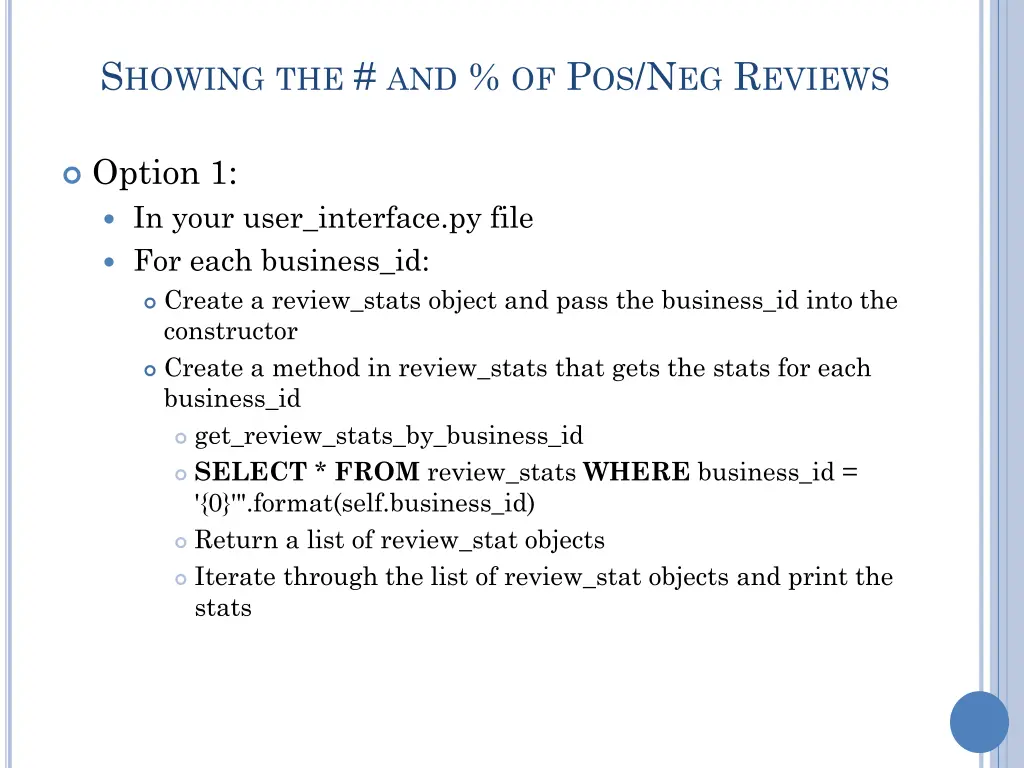
SHOWINGTHE # AND % OF POS/NEG REVIEWS Option 1: In your user_interface.py file For each business_id: Create a review_stats object and pass the business_id into the constructor Create a method in review_stats that gets the stats for each business_id get_review_stats_by_business_id SELECT * FROM review_stats WHERE business_id = '{0}'".format(self.business_id) Return a list of review_stat objects Iterate through the list of review_stat objects and print the stats
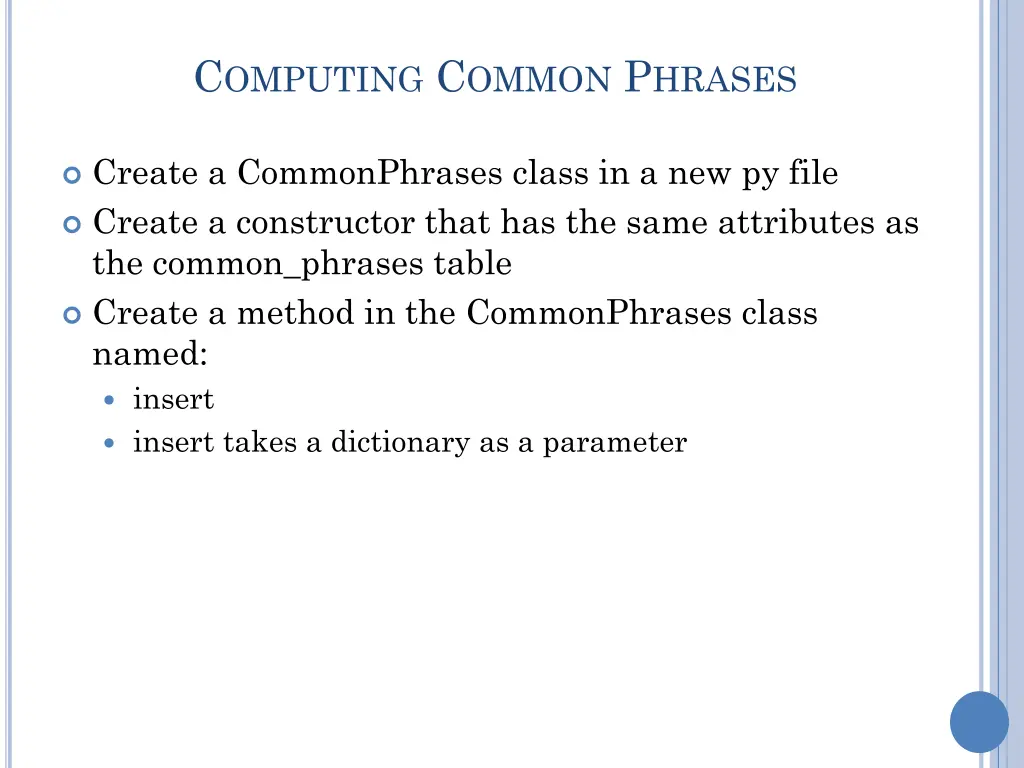
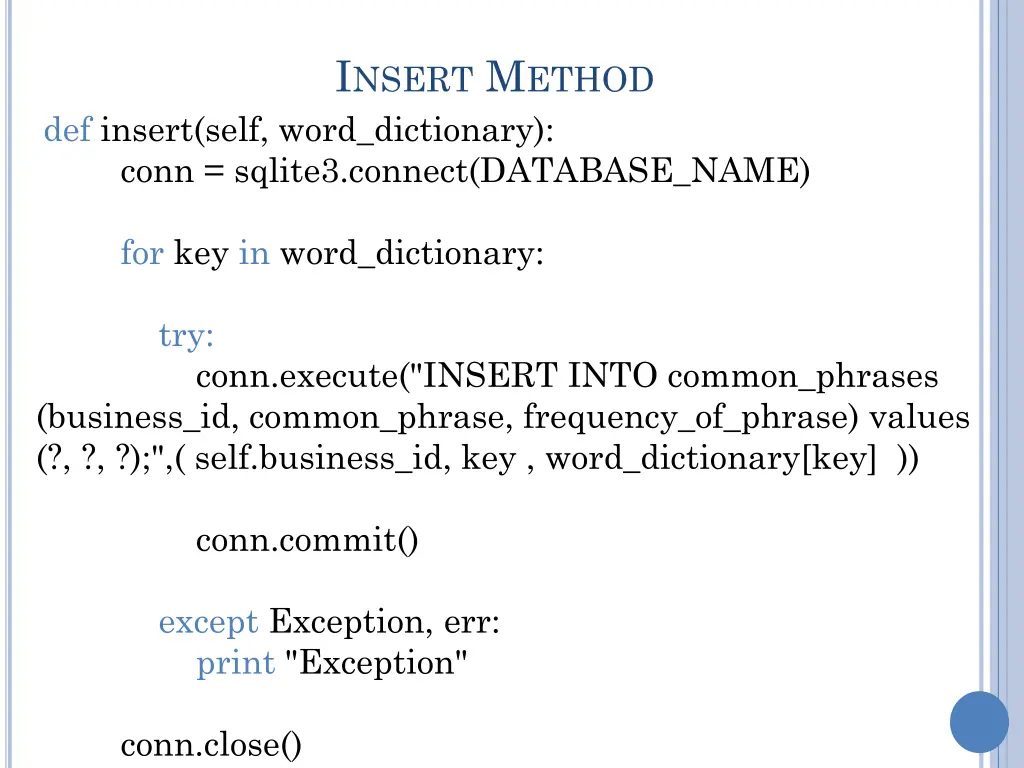
COMPUTING COMMON PHRASES Create a CommonPhrases class in a new py file Create a constructor that has the same attributes as the common_phrases table Create a method in the CommonPhrases class named: insert insert takes a dictionary as a parameter
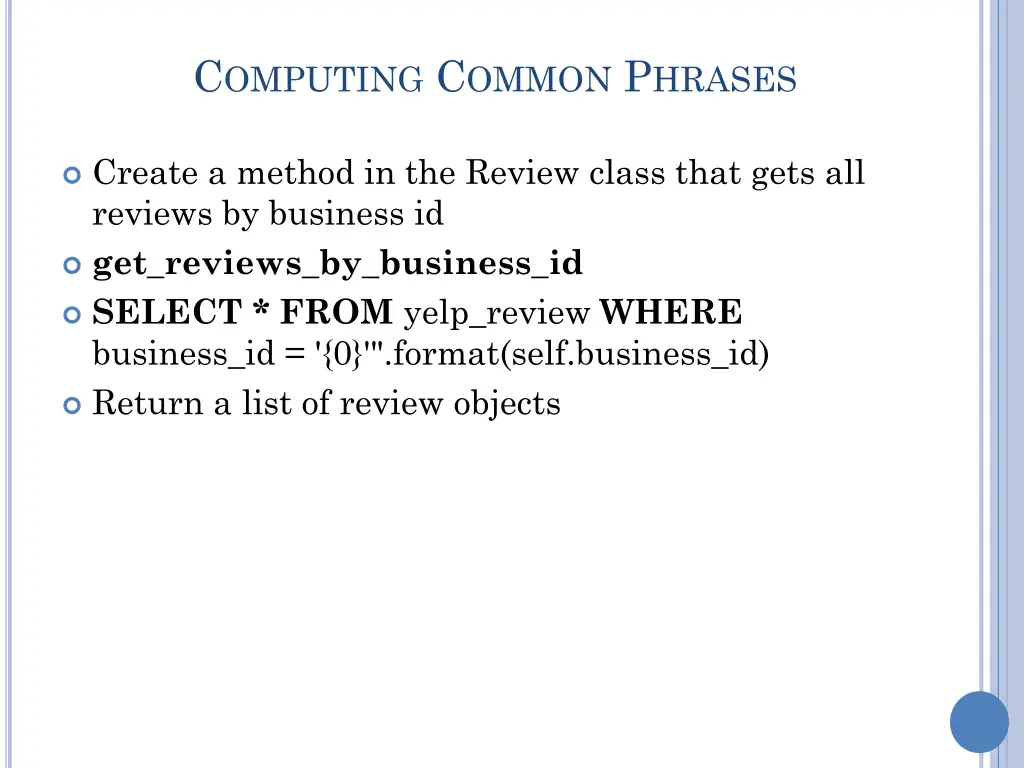
COMPUTING COMMON PHRASES Create a method in the Review class that gets all reviews by business id get_reviews_by_business_id SELECT * FROM yelp_review WHERE business_id = '{0}'".format(self.business_id) Return a list of review objects
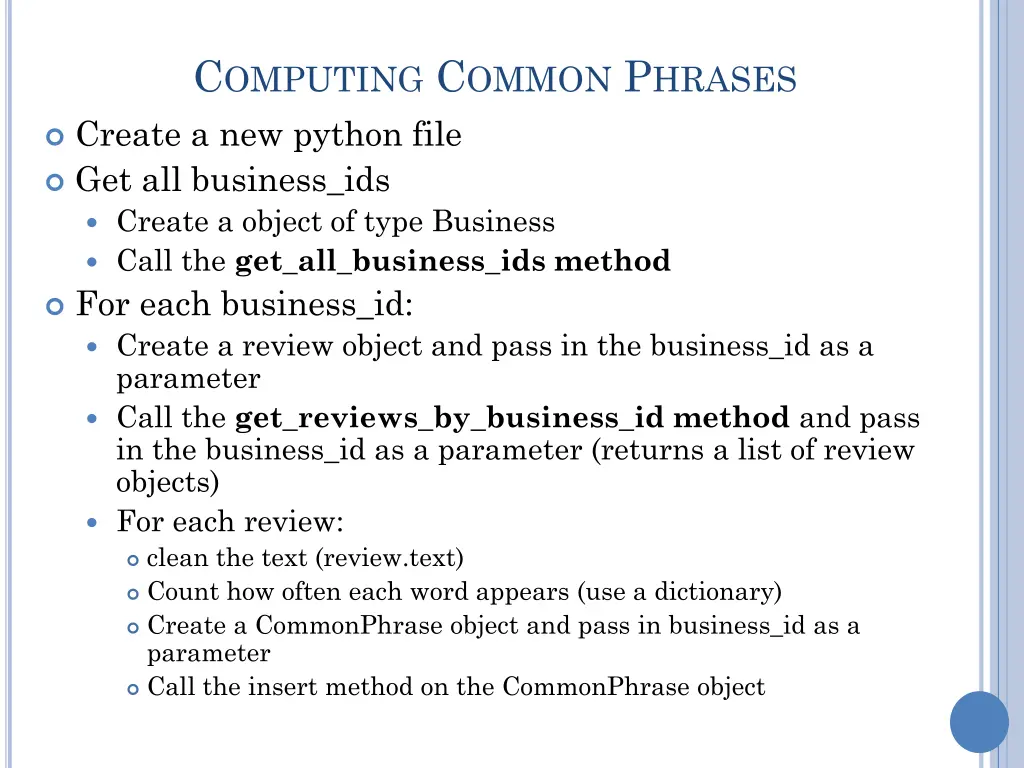
COMPUTING COMMON PHRASES Create a new python file Get all business_ids Create a object of type Business Call the get_all_business_ids method For each business_id: Create a review object and pass in the business_id as a parameter Call the get_reviews_by_business_id method and pass in the business_id as a parameter (returns a list of review objects) For each review: clean the text (review.text) Count how often each word appears (use a dictionary) Create a CommonPhrase object and pass in business_id as a parameter Call the insert method on the CommonPhrase object