Join the UW CSE 374 Winter 2017 course for a deep dive into programming concepts and tools. Explore command-line tools, C programming, and basic software engineering concepts to elevate your skills. Engage with instructors and TAs, take notes, and experiment with hands-on tasks provided in class. Get ready to move beyond novice programmer status!
Please find below an Image/Link to download the presentation.
The content on the website is provided AS IS for your information and personal use only. It may not be sold, licensed, or shared on other websites without obtaining consent from the author. If you encounter any issues during the download, it is possible that the publisher has removed the file from their server.
You are allowed to download the files provided on this website for personal or commercial use, subject to the condition that they are used lawfully. All files are the property of their respective owners.
The content on the website is provided AS IS for your information and personal use only. It may not be sold, licensed, or shared on other websites without obtaining consent from the author.
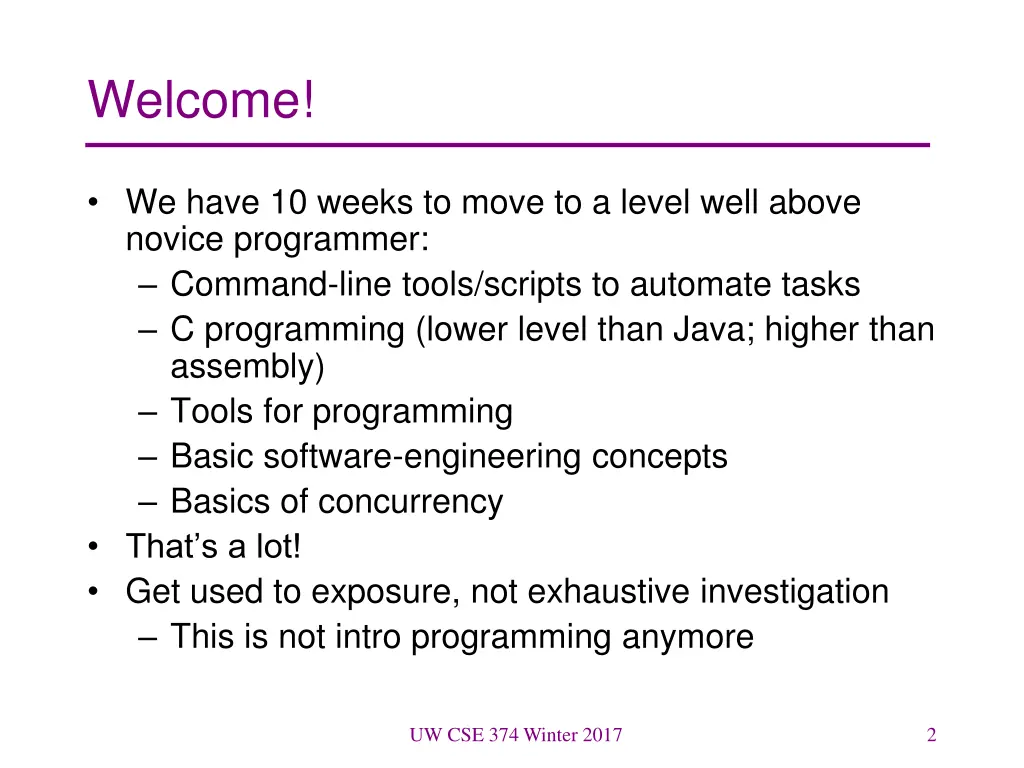
Welcome! We have 10 weeks to move to a level well above novice programmer: Command-line tools/scripts to automate tasks C programming (lower level than Java; higher than assembly) Tools for programming Basic software-engineering concepts Basics of concurrency That s a lot! Get used to exposure, not exhaustive investigation This is not intro programming anymore UW CSE 374 Winter 2017 2
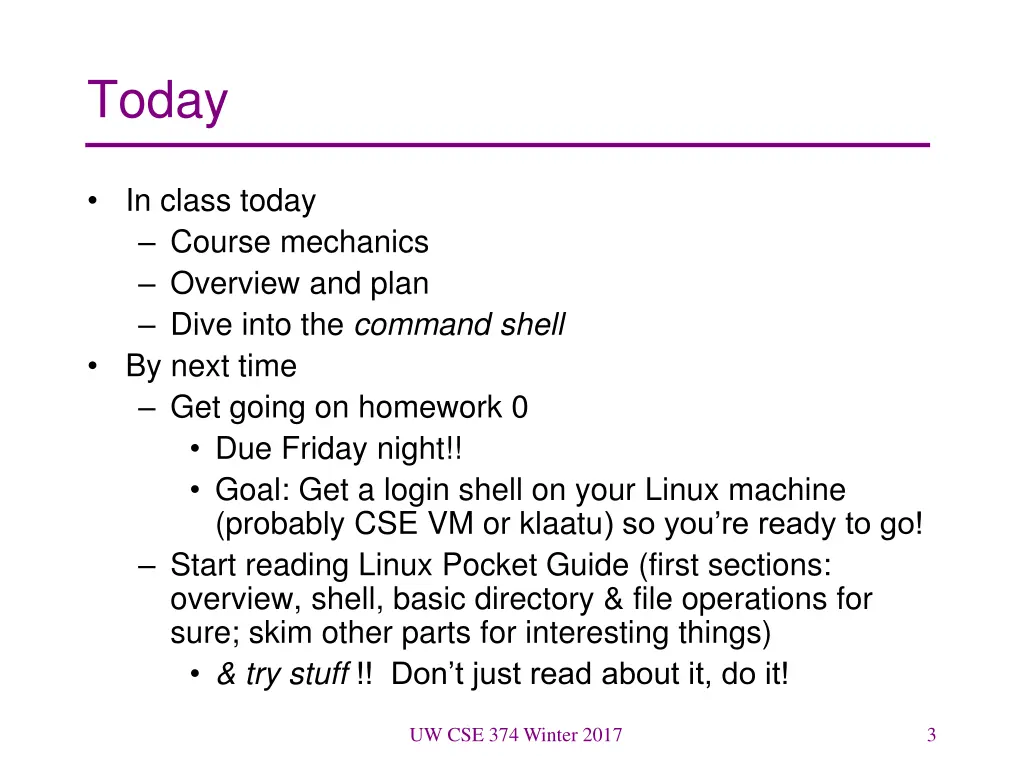
Today In class today Course mechanics Overview and plan Dive into the command shell By next time Get going on homework 0 Due Friday night!! Goal: Get a login shell on your Linux machine (probably CSE VM or klaatu) so you re ready to go! Start reading Linux Pocket Guide (first sections: overview, shell, basic directory & file operations for sure; skim other parts for interesting things) & try stuff !! Don t just read about it, do it! UW CSE 374 Winter 2017 3
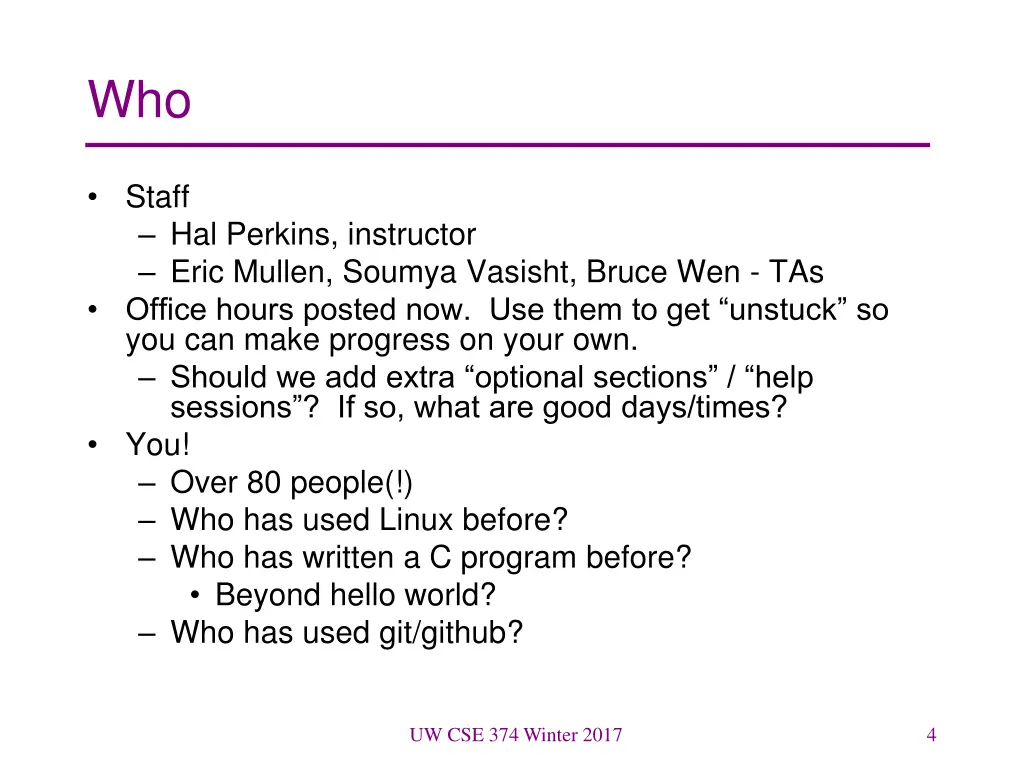
Who Staff Hal Perkins, instructor Eric Mullen, Soumya Vasisht, Bruce Wen - TAs Office hours posted now. Use them to get unstuck so you can make progress on your own. Should we add extra optional sections / help sessions ? If so, what are good days/times? You! Over 80 people(!) Who has used Linux before? Who has written a C program before? Beyond hello world? Who has used git/github? UW CSE 374 Winter 2017 4
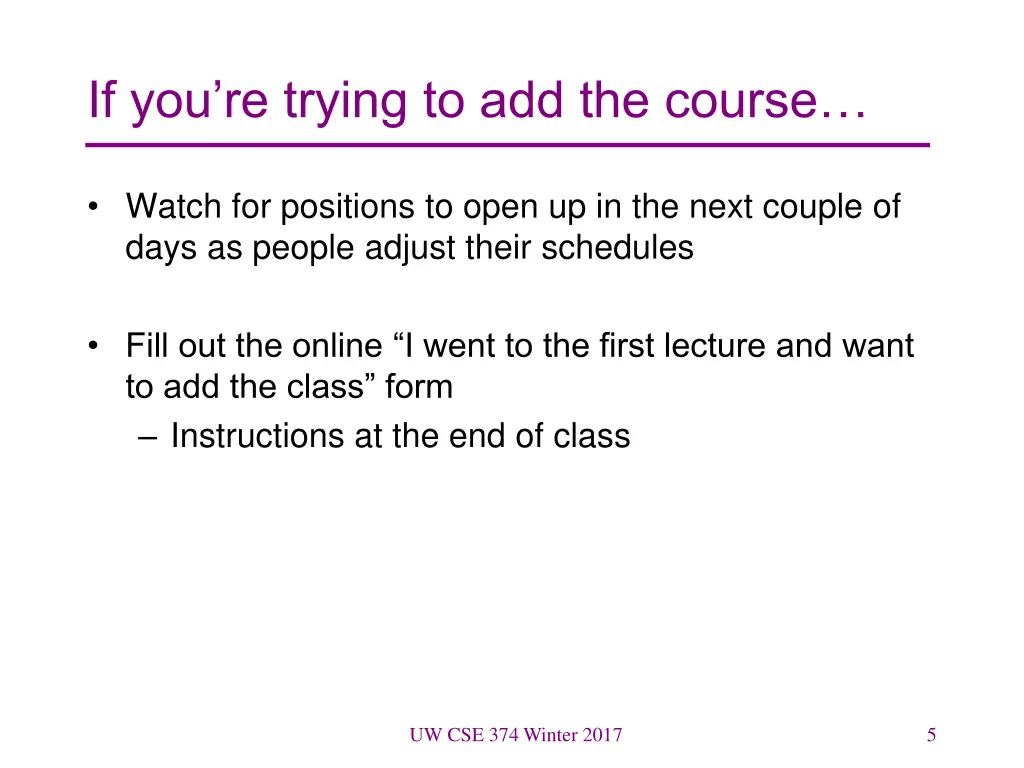
If youre trying to add the course Watch for positions to open up in the next couple of days as people adjust their schedules Fill out the online I went to the first lecture and want to add the class form Instructions at the end of class UW CSE 374 Winter 2017 5
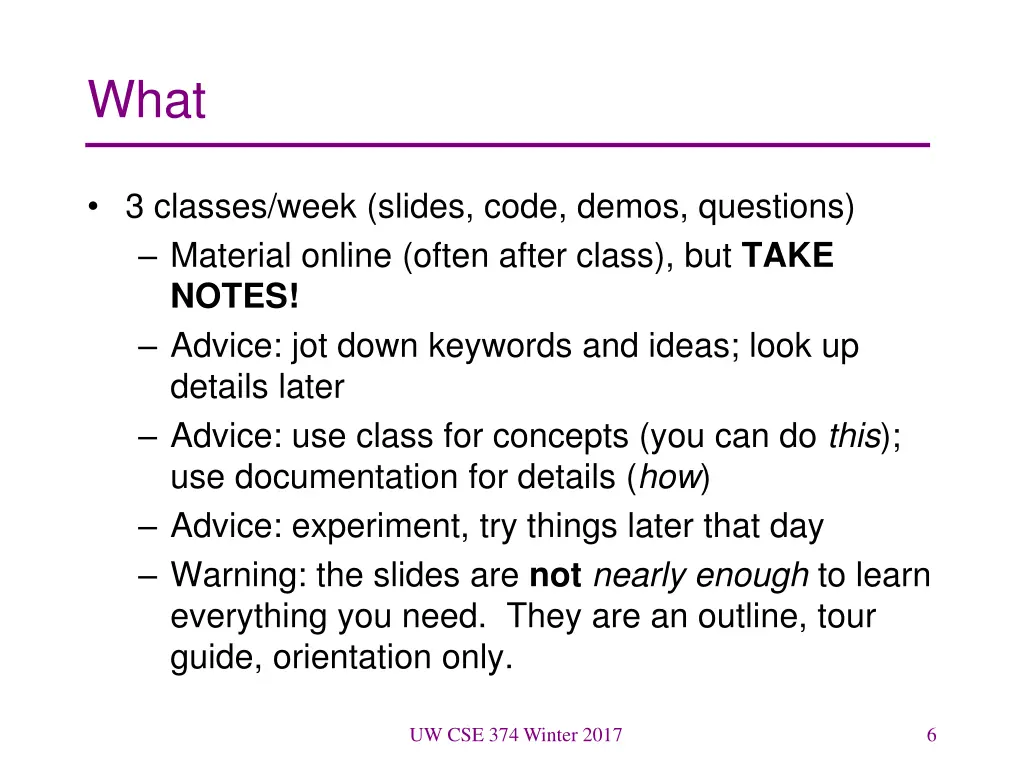
What 3 classes/week (slides, code, demos, questions) Material online (often after class), but TAKE NOTES! Advice: jot down keywords and ideas; look up details later Advice: use class for concepts (you can do this); use documentation for details (how) Advice: experiment, try things later that day Warning: the slides are notnearly enough to learn everything you need. They are an outline, tour guide, orientation only. UW CSE 374 Winter 2017 6
Laptops in class? Just say no! Eh, what s the problem? What uses make sense? What gets in the way / causes problems? For your neighbors? For you! UW CSE 374 Winter 2017 7
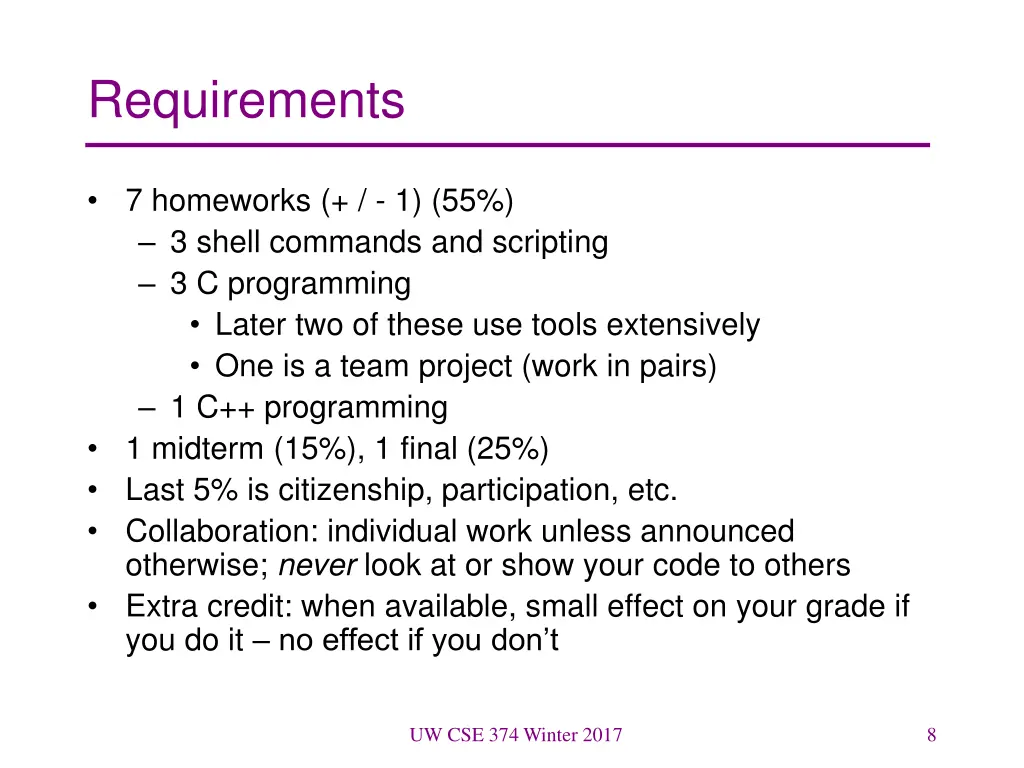
Requirements 7 homeworks (+ / - 1) (55%) 3 shell commands and scripting 3 C programming Later two of these use tools extensively One is a team project (work in pairs) 1 C++ programming 1 midterm (15%), 1 final (25%) Last 5% is citizenship, participation, etc. Collaboration: individual work unless announced otherwise; never look at or show your code to others Extra credit: when available, small effect on your grade if you do it no effect if you don t UW CSE 374 Winter 2017 8
Academic Integrity Policy on the course web. Read it! Do your own work always explain any unconventional action on your part I trust you completely I have no sympathy for trust violations nor should you Honest work is the most important feature of a university. It shows respect for your colleagues and yourself. UW CSE 374 Winter 2017 9
Deadlines Turn things in on time! But things happen, so You have 4 late days to use this quarter No more than 2 late days per assignment Counted in 24 hour chunks (10 min = 24 hours) On group projects, can only use if both partners have late days and both partners are charged That s it. No other extensions (but contact instructor if you are hospitalized, etc.) Advice: Save late days for the end of quarter when you (might) really need them UW CSE 374 Winter 2017 10
What to Expect Assignments may be less structured than you re used to Write a program that does this You need to figure out if you re getting the right output Usually no sample solution to compare with Learning how to deal with this is part of the plan Learning how to learn things is part of the plan Learn your way around man pages, books, online documents (Google is your friend but only one of them) But don t just cut-n-paste code to get it to work You must understand why your code does what it does, and be able to explain it! Tinker try things. Write toy programs The course is much harder if you only do the assigned work Don t avoid learning new tools UW CSE 374 Winter 2017 11
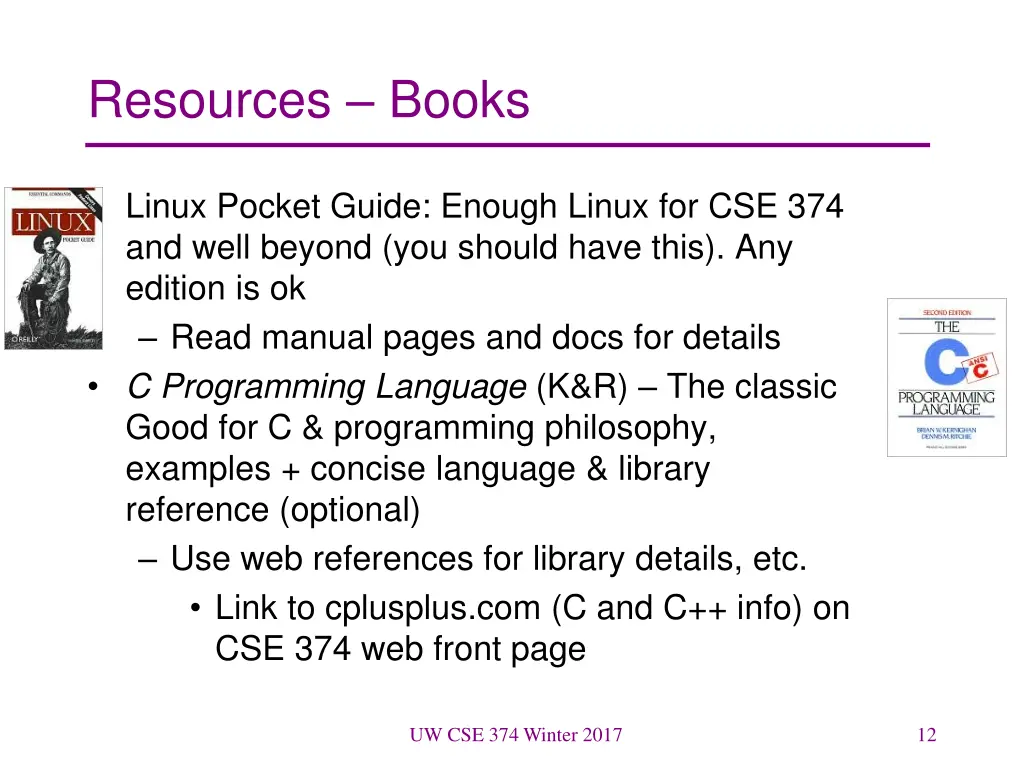
Resources Books Linux Pocket Guide: Enough Linux for CSE 374 and well beyond (you should have this). Any edition is ok Read manual pages and docs for details C Programming Language (K&R) The classic Good for C & programming philosophy, examples + concise language & library reference (optional) Use web references for library details, etc. Link to cplusplus.com (C and C++ info) on CSE 374 web front page UW CSE 374 Winter 2017 12
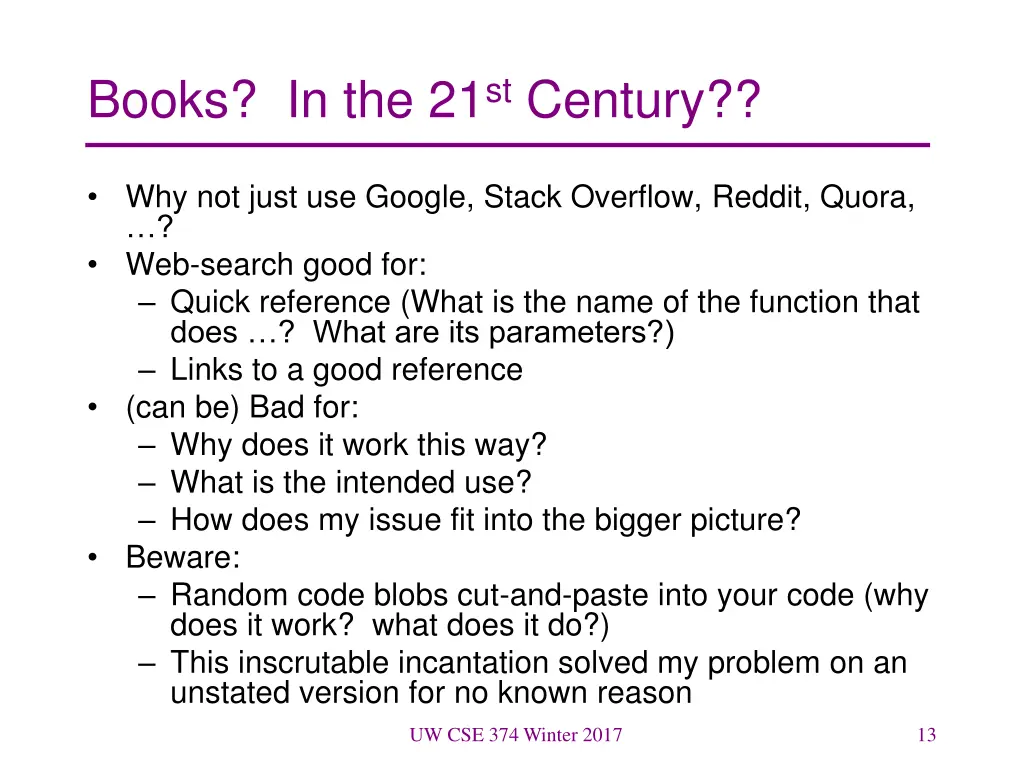
Books? In the 21st Century?? Why not just use Google, Stack Overflow, Reddit, Quora, ? Web-search good for: Quick reference (What is the name of the function that does ? What are its parameters?) Links to a good reference (can be) Bad for: Why does it work this way? What is the intended use? How does my issue fit into the bigger picture? Beware: Random code blobs cut-and-paste into your code (why does it work? what does it do?) This inscrutable incantation solved my problem on an unstated version for no known reason UW CSE 374 Winter 2017 13
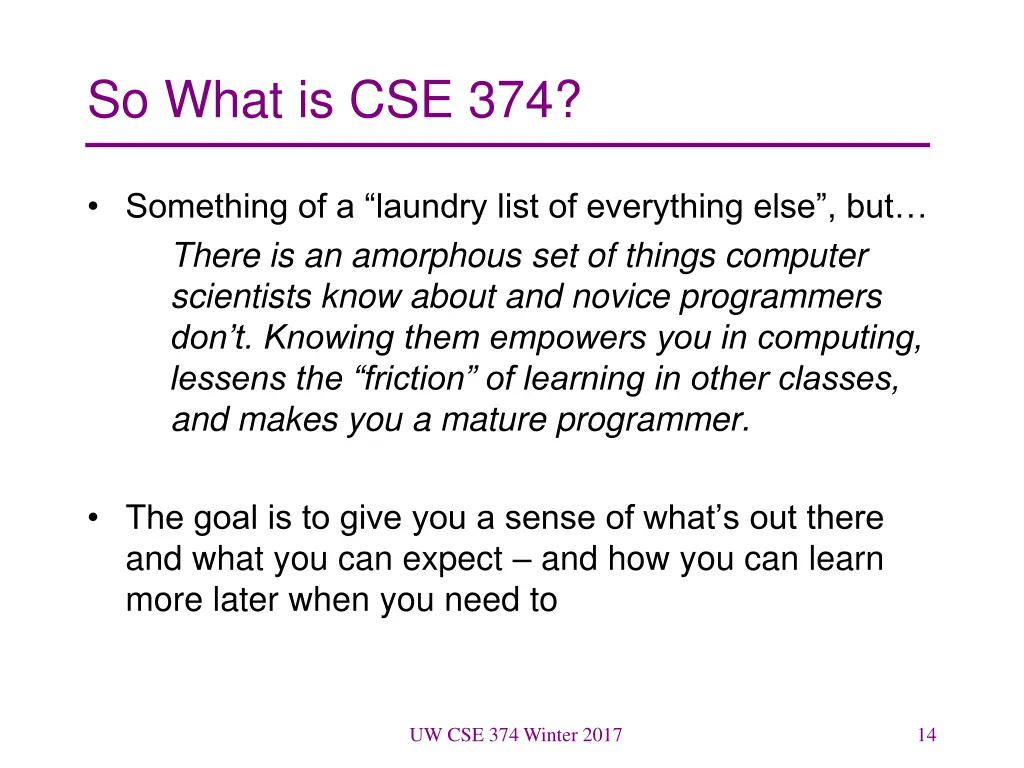
So What is CSE 374? Something of a laundry list of everything else , but There is an amorphous set of things computer scientists know about and novice programmers don t. Knowing them empowers you in computing, lessens the friction of learning in other classes, and makes you a mature programmer. The goal is to give you a sense of what s out there and what you can expect and how you can learn more later when you need to UW CSE 374 Winter 2017 14
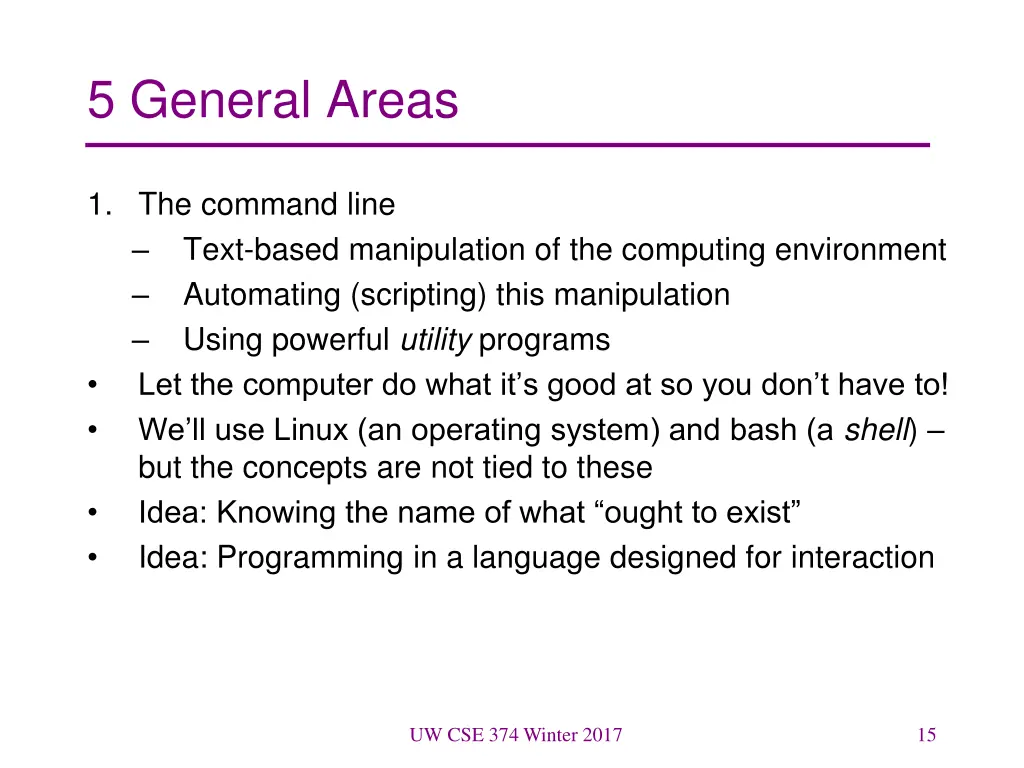
5 General Areas 1. The command line Text-based manipulation of the computing environment Automating (scripting) this manipulation Using powerful utility programs Let the computer do what it s good at so you don t have to! We ll use Linux (an operating system) and bash (a shell) but the concepts are not tied to these Idea: Knowing the name of what ought to exist Idea: Programming in a language designed for interaction UW CSE 374 Winter 2017 15
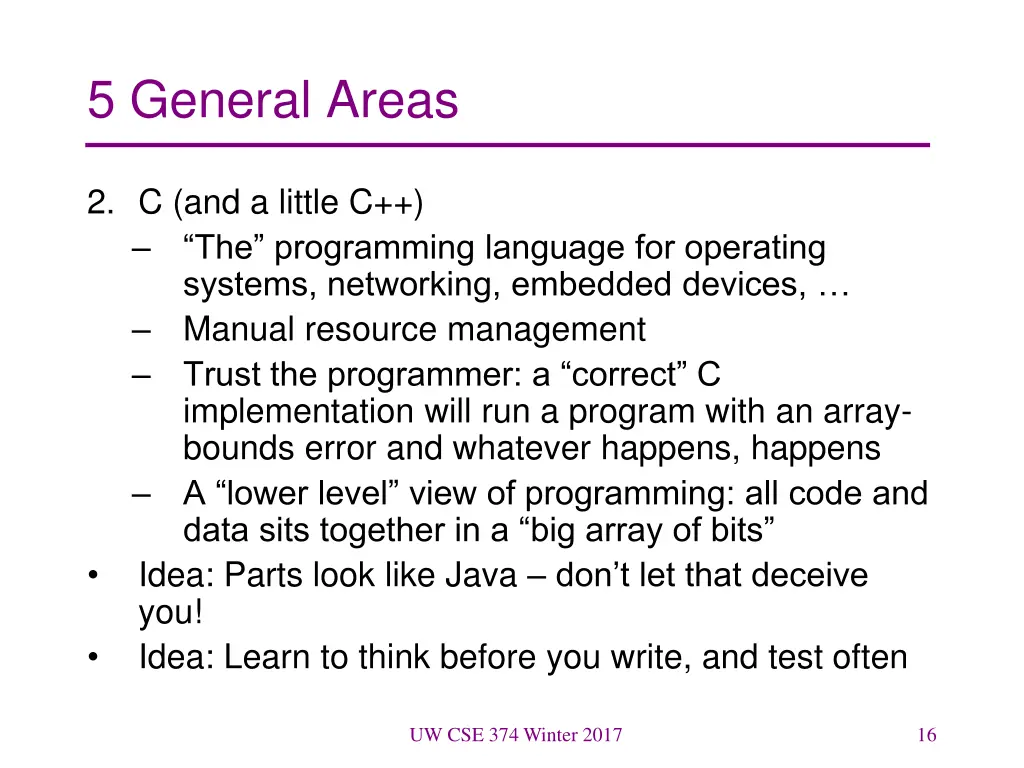
5 General Areas 2. C (and a little C++) The programming language for operating systems, networking, embedded devices, Manual resource management Trust the programmer: a correct C implementation will run a program with an array- bounds error and whatever happens, happens A lower level view of programming: all code and data sits together in a big array of bits Idea: Parts look like Java don t let that deceive you! Idea: Learn to think before you write, and test often UW CSE 374 Winter 2017 16
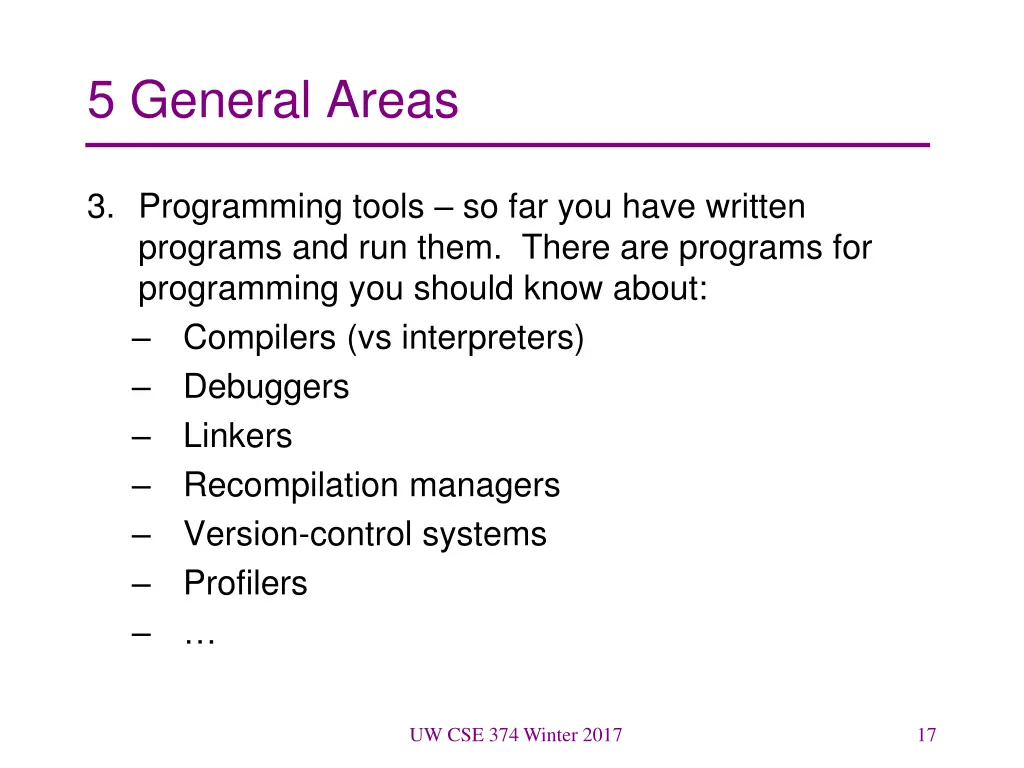
5 General Areas 3. Programming tools so far you have written programs and run them. There are programs for programming you should know about: Compilers (vs interpreters) Debuggers Linkers Recompilation managers Version-control systems Profilers UW CSE 374 Winter 2017 17
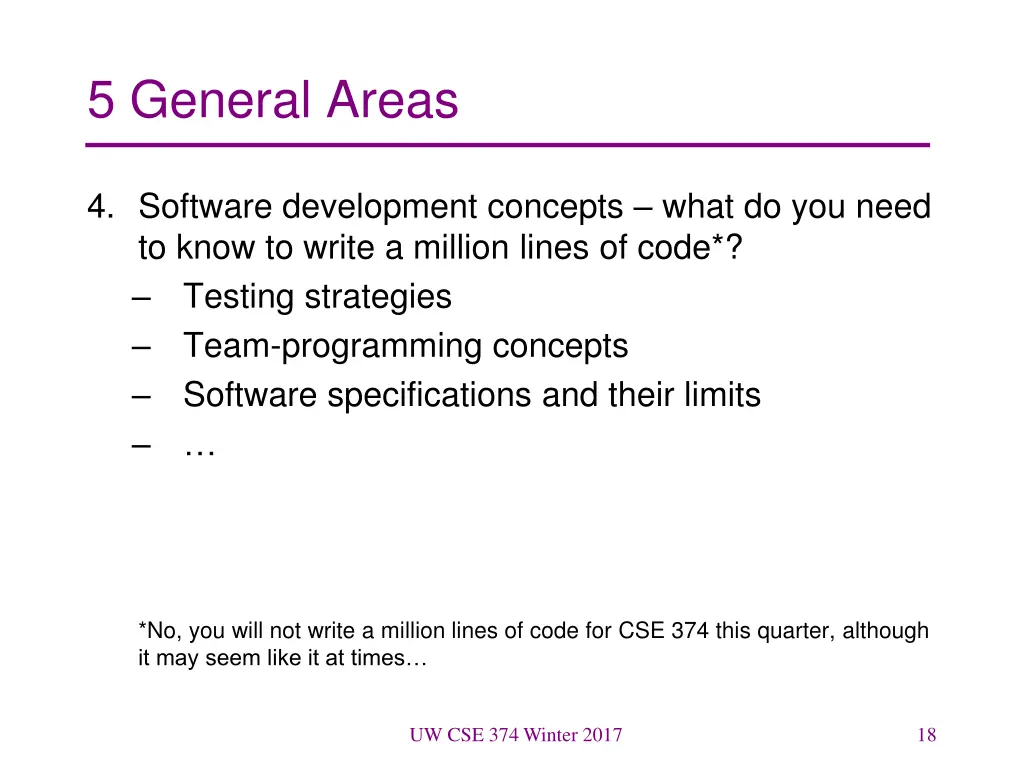
5 General Areas 4. Software development concepts what do you need to know to write a million lines of code*? Testing strategies Team-programming concepts Software specifications and their limits *No, you will not write a million lines of code for CSE 374 this quarter, although it may seem like it at times UW CSE 374 Winter 2017 18
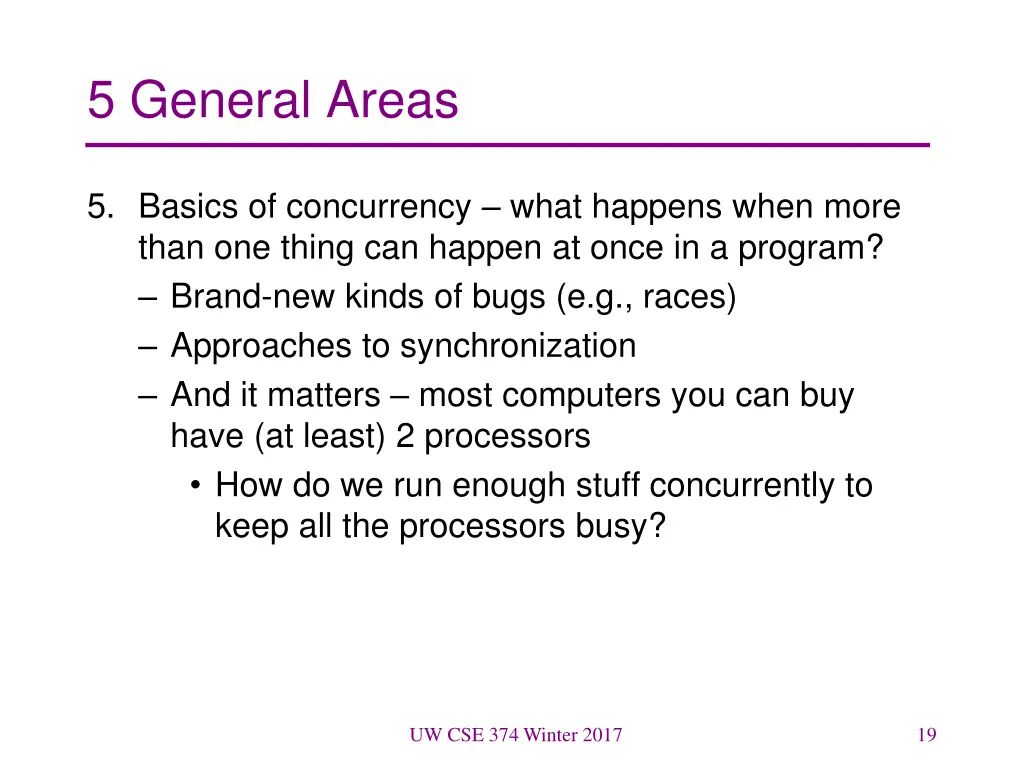
5 General Areas 5. Basics of concurrency what happens when more than one thing can happen at once in a program? Brand-new kinds of bugs (e.g., races) Approaches to synchronization And it matters most computers you can buy have (at least) 2 processors How do we run enough stuff concurrently to keep all the processors busy? UW CSE 374 Winter 2017 19
Perspective There is more to programming than Java methods There is more to software development than programming There is more to computer science than software development So let s get started. . . UW CSE 374 Winter 2017 20
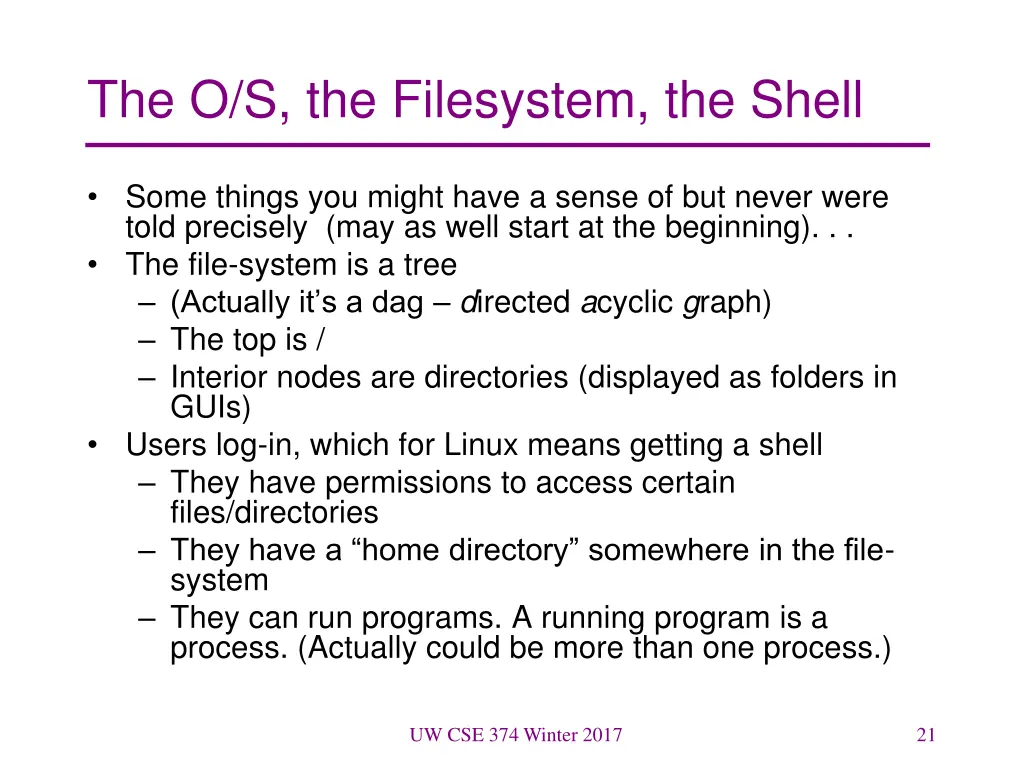
The O/S, the Filesystem, the Shell Some things you might have a sense of but never were told precisely (may as well start at the beginning). . . The file-system is a tree (Actually it s a dag directed acyclic graph) The top is / Interior nodes are directories (displayed as folders in GUIs) Users log-in, which for Linux means getting a shell They have permissions to access certain files/directories They have a home directory somewhere in the file- system They can run programs. A running program is a process. (Actually could be more than one process.) UW CSE 374 Winter 2017 21
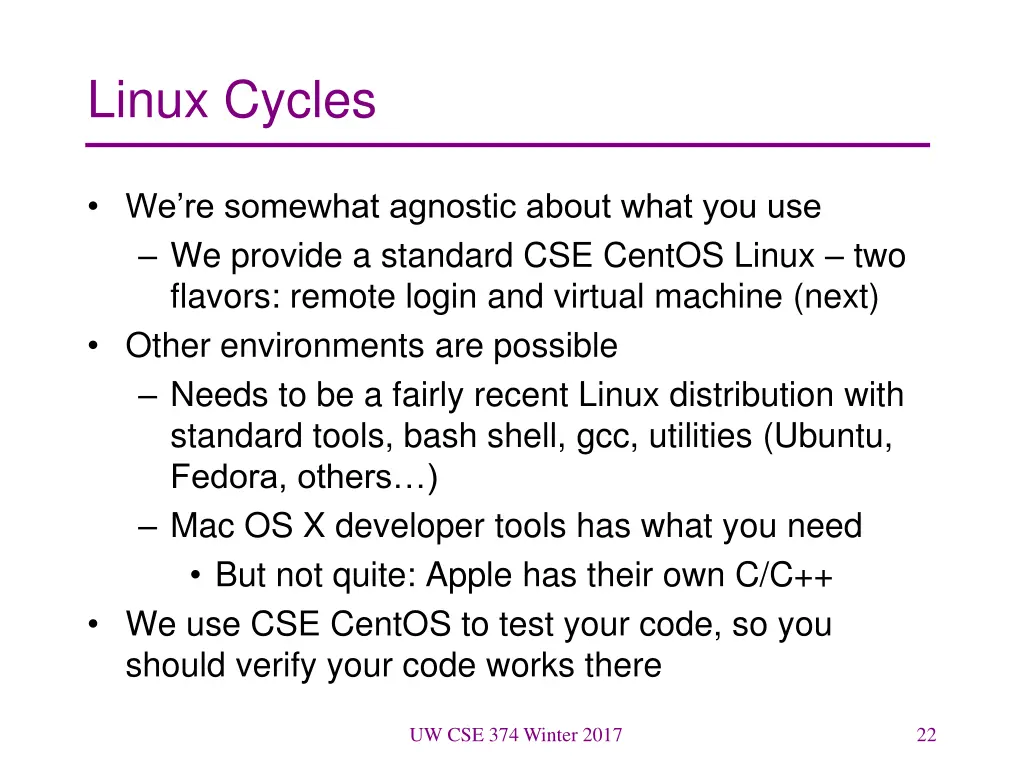
Linux Cycles We re somewhat agnostic about what you use We provide a standard CSE CentOS Linux two flavors: remote login and virtual machine (next) Other environments are possible Needs to be a fairly recent Linux distribution with standard tools, bash shell, gcc, utilities (Ubuntu, Fedora, others ) Mac OS X developer tools has what you need But not quite: Apple has their own C/C++ We use CSE CentOS to test your code, so you should verify your code works there UW CSE 374 Winter 2017 22
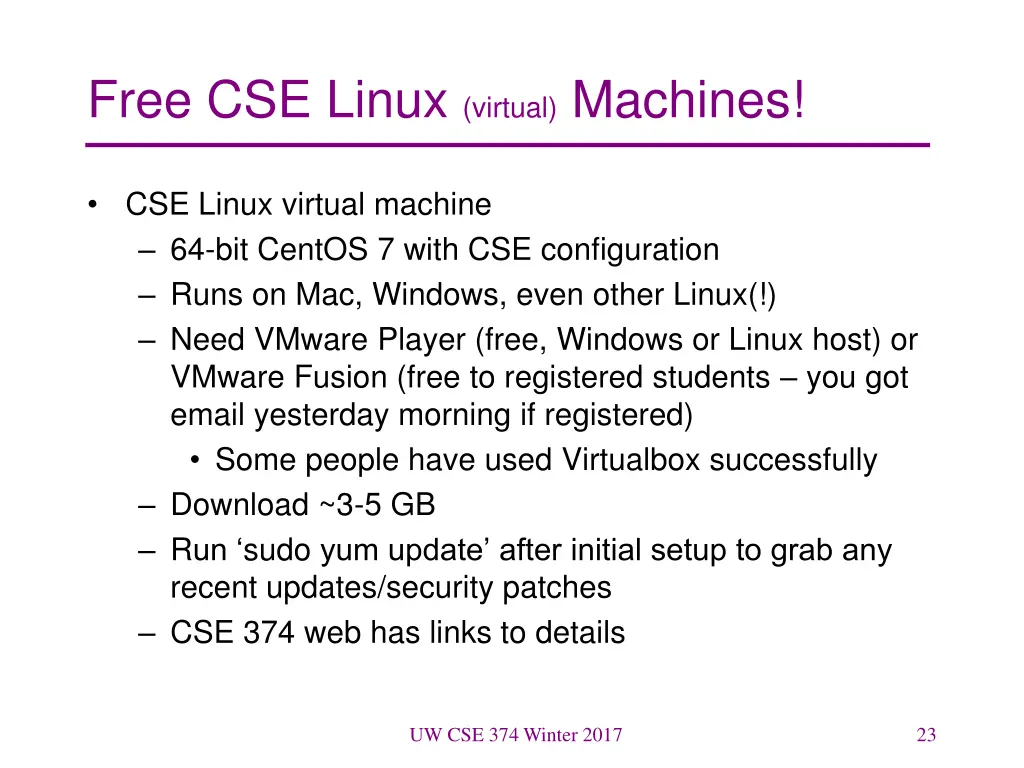
Free CSE Linux (virtual) Machines! CSE Linux virtual machine 64-bit CentOS 7 with CSE configuration Runs on Mac, Windows, even other Linux(!) Need VMware Player (free, Windows or Linux host) or VMware Fusion (free to registered students you got email yesterday morning if registered) Some people have used Virtualbox successfully Download ~3-5 GB Run sudo yum update after initial setup to grab any recent updates/security patches CSE 374 web has links to details UW CSE 374 Winter 2017 23
UW CSE Linux Virtual Machine Startup Configure user account name and user/superuser passwords Shell window Demo UW CSE 374 Winter 2017 24
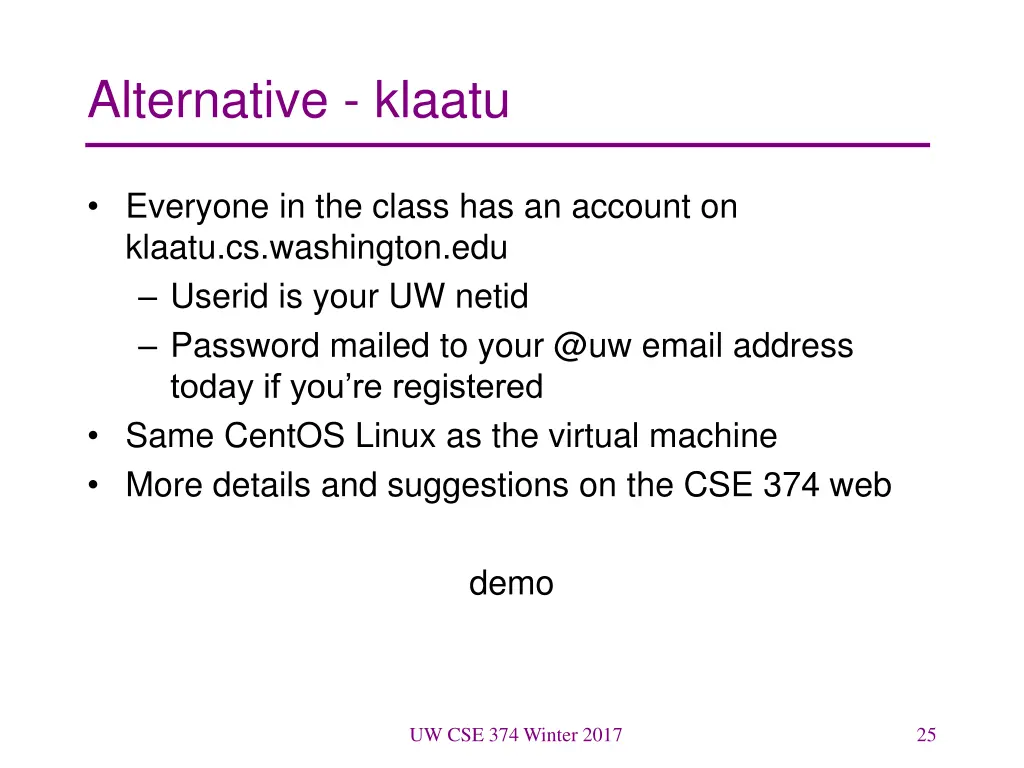
Alternative - klaatu Everyone in the class has an account on klaatu.cs.washington.edu Userid is your UW netid Password mailed to your @uw email address today if you re registered Same CentOS Linux as the virtual machine More details and suggestions on the CSE 374 web demo UW CSE 374 Winter 2017 25
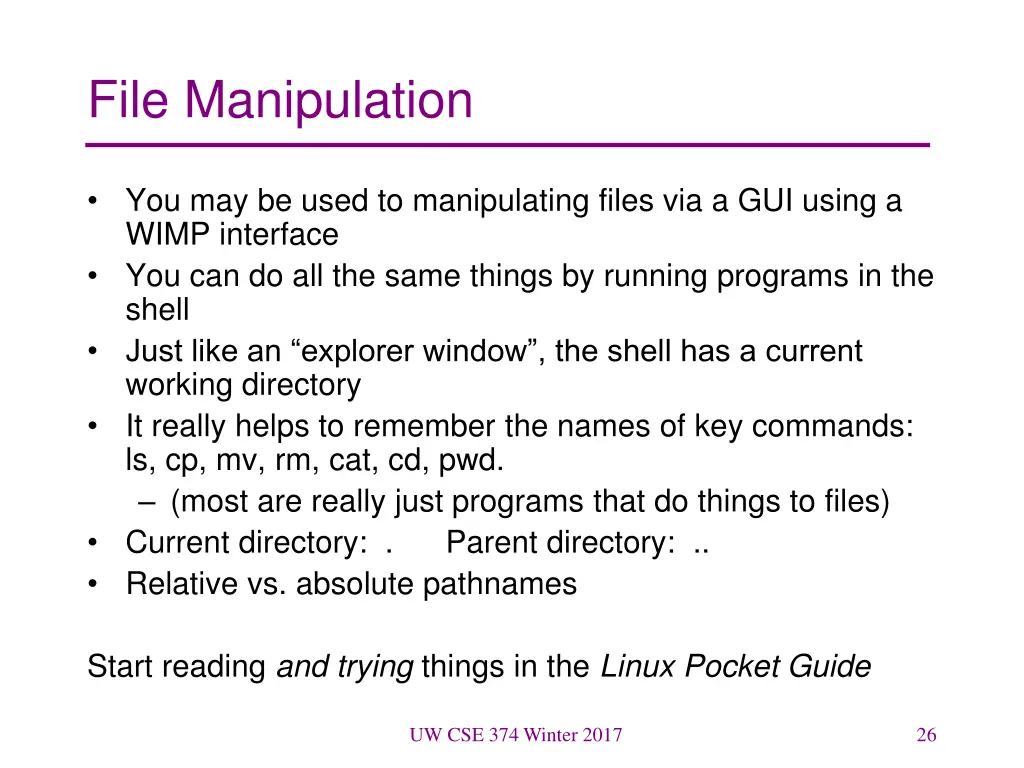
File Manipulation You may be used to manipulating files via a GUI using a WIMP interface You can do all the same things by running programs in the shell Just like an explorer window , the shell has a current working directory It really helps to remember the names of key commands: ls, cp, mv, rm, cat, cd, pwd. (most are really just programs that do things to files) Current directory: . Parent directory: .. Relative vs. absolute pathnames Start reading and trying things in the Linux Pocket Guide UW CSE 374 Winter 2017 26
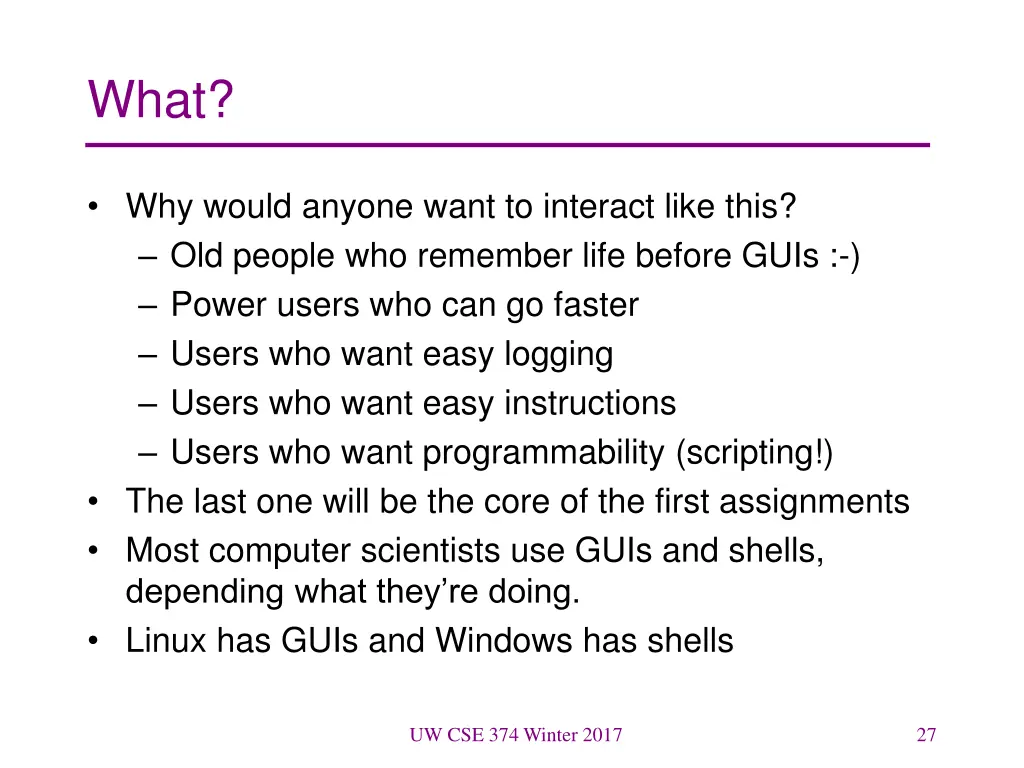
What? Why would anyone want to interact like this? Old people who remember life before GUIs :-) Power users who can go faster Users who want easy logging Users who want easy instructions Users who want programmability (scripting!) The last one will be the core of the first assignments Most computer scientists use GUIs and shells, depending what they re doing. Linux has GUIs and Windows has shells UW CSE 374 Winter 2017 27
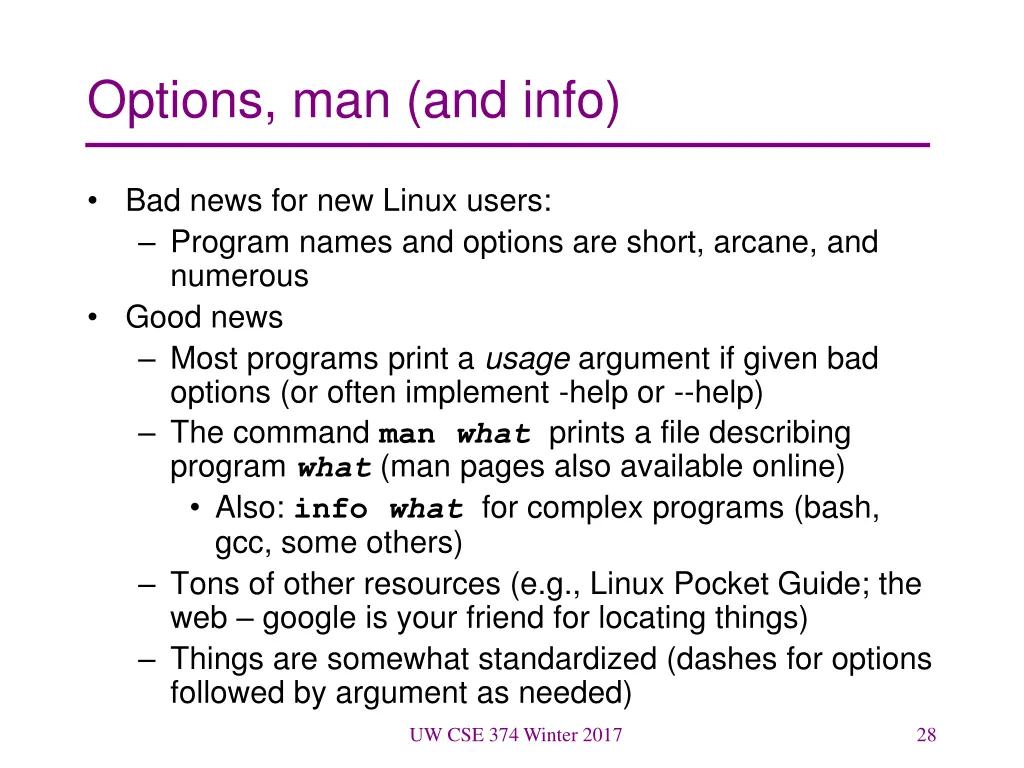
Options, man (and info) Bad news for new Linux users: Program names and options are short, arcane, and numerous Good news Most programs print a usage argument if given bad options (or often implement -help or --help) The command man whatprints a file describing program what (man pages also available online) Also: info whatfor complex programs (bash, gcc, some others) Tons of other resources (e.g., Linux Pocket Guide; the web google is your friend for locating things) Things are somewhat standardized (dashes for options followed by argument as needed) UW CSE 374 Winter 2017 28
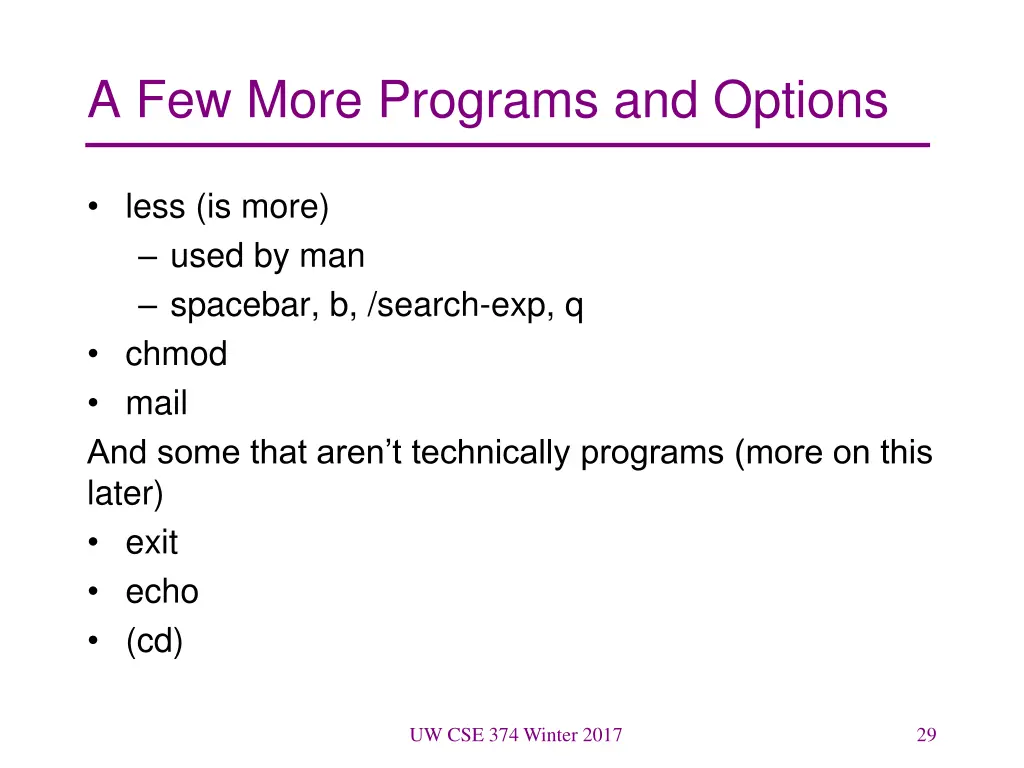
A Few More Programs and Options less (is more) used by man spacebar, b, /search-exp, q chmod mail And some that aren t technically programs (more on this later) exit echo (cd) UW CSE 374 Winter 2017 29
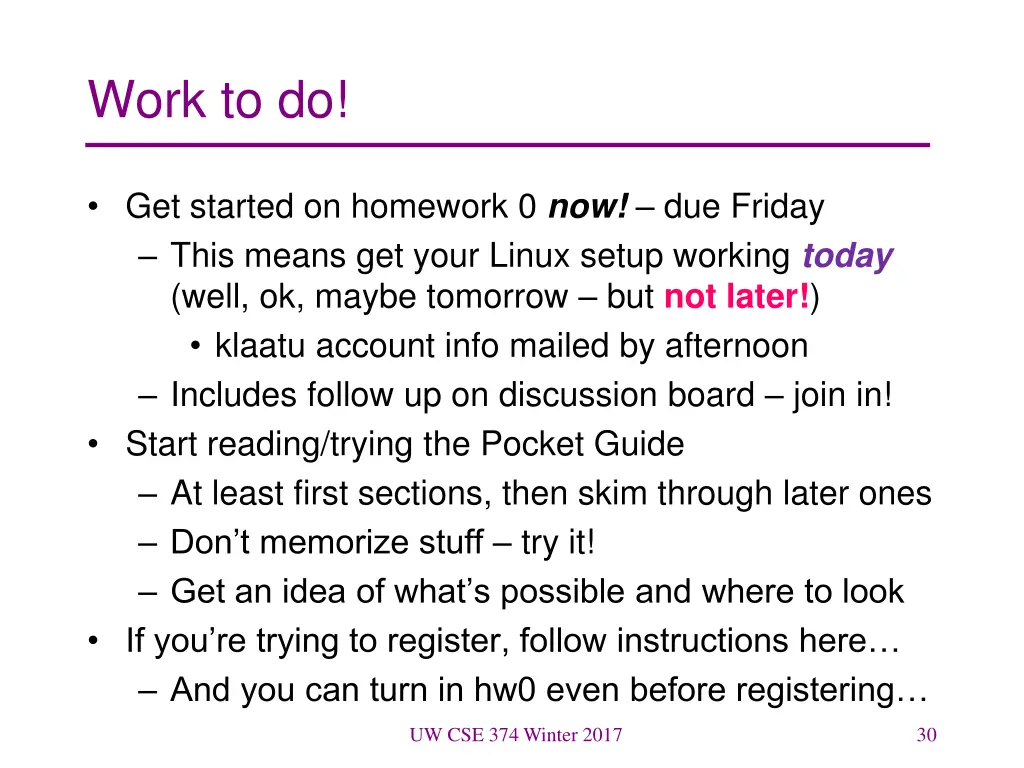
Work to do! Get started on homework 0 now! due Friday This means get your Linux setup working today (well, ok, maybe tomorrow but not later!) klaatu account info mailed by afternoon Includes follow up on discussion board join in! Start reading/trying the Pocket Guide At least first sections, then skim through later ones Don t memorize stuff try it! Get an idea of what s possible and where to look If you re trying to register, follow instructions here And you can turn in hw0 even before registering UW CSE 374 Winter 2017 30