Python in Astronomy: Getting Started Guide
Explore the benefits of using Python for astronomy, from its popularity to practical tips on installation and package management. Discover the best practices for running the Python interpreter and choose the right version for your needs.

Uploaded on | 2 Views
Download Presentation

Please find below an Image/Link to download the presentation.
The content on the website is provided AS IS for your information and personal use only. It may not be sold, licensed, or shared on other websites without obtaining consent from the author. If you encounter any issues during the download, it is possible that the publisher has removed the file from their server.
You are allowed to download the files provided on this website for personal or commercial use, subject to the condition that they are used lawfully. All files are the property of their respective owners.
The content on the website is provided AS IS for your information and personal use only. It may not be sold, licensed, or shared on other websites without obtaining consent from the author.
E N D
Presentation Transcript
Getting Started with Python in Astronomy Eric Gentry 1/22/2019 Astro 257
Target Audience Someone who knows how to code, but hasn t used python before.
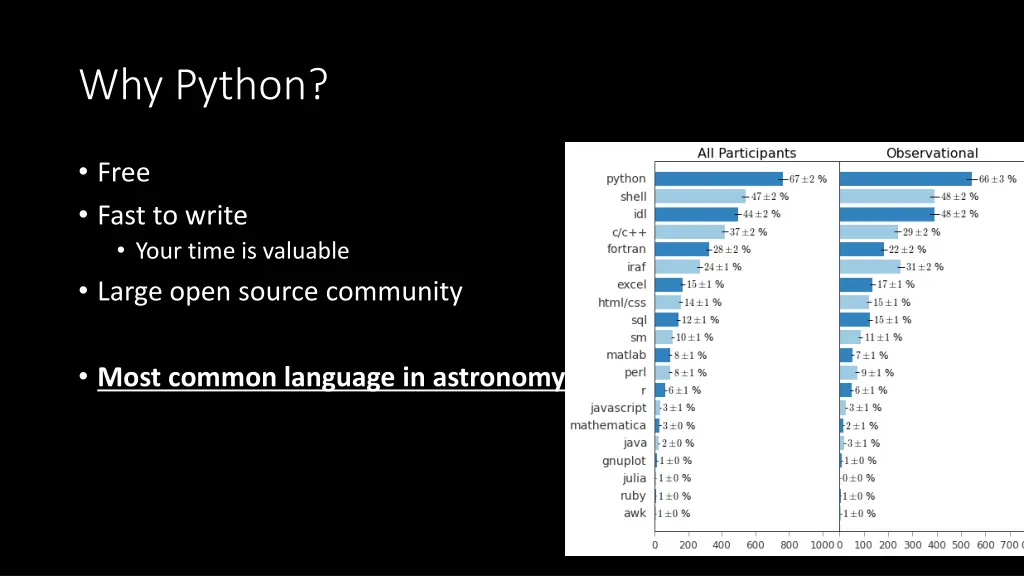
Why Python? Free Fast to write Your time is valuable Large open source community Most common language in astronomy
Which Python? 2 or 3? 3. If your advisor uses python 2-only code, fine, but I d recommend having python 3 be your default, and only activating python 2 when needed. See: conda environments, pyenv, virtualenv or similar tools to switch versions Many major astronomy packages are no longer updated for python 2. If you use 2, you re already missing out on the newest features. The exact version of 3.X probably doesn t matter. The current is 3.7, so that s a good place to start.
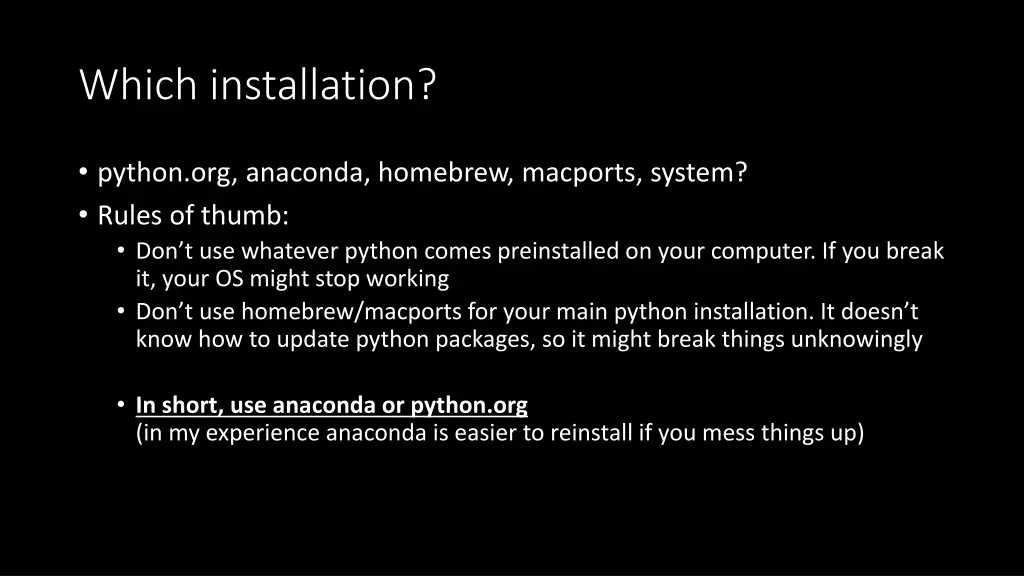
Which installation? python.org, anaconda, homebrew, macports, system? Rules of thumb: Don t use whatever python comes preinstalled on your computer. If you break it, your OS might stop working Don t use homebrew/macports for your main python installation. It doesn t know how to update python packages, so it might break things unknowingly In short, use anaconda or python.org (in my experience anaconda is easier to reinstall if you mess things up)
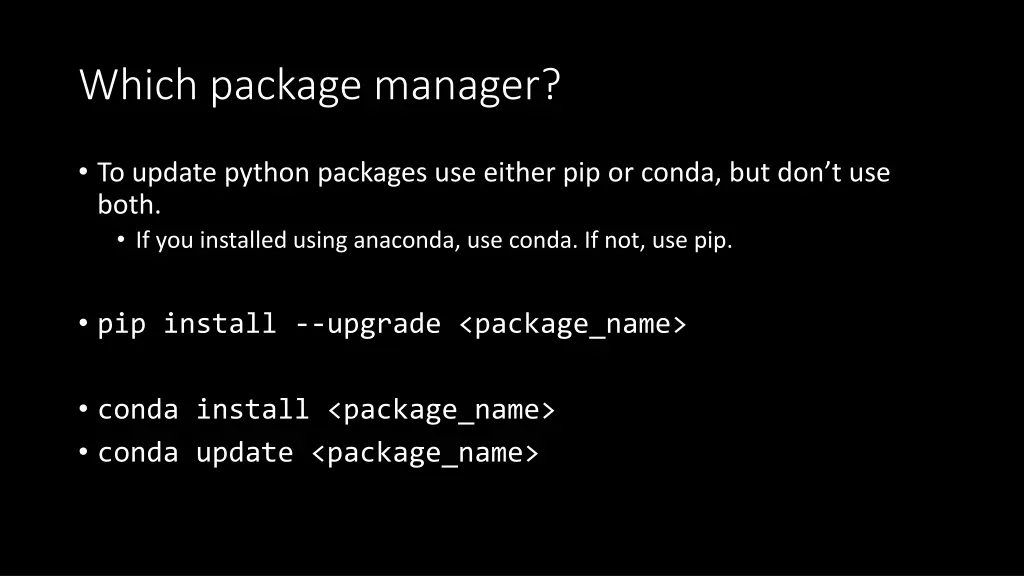
Which package manager? To update python packages use either pip or conda, but don t use both. If you installed using anaconda, use conda. If not, use pip. pip install --upgrade <package_name> conda install <package_name> conda update <package_name>
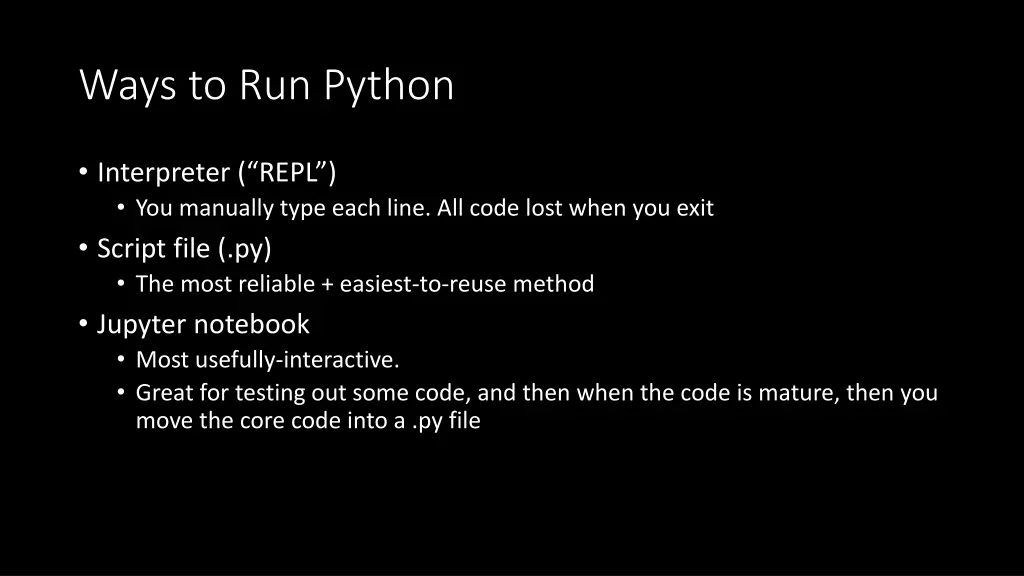
Ways to Run Python Interpreter ( REPL ) You manually type each line. All code lost when you exit Script file (.py) The most reliable + easiest-to-reuse method Jupyter notebook Most usefully-interactive. Great for testing out some code, and then when the code is mature, then you move the core code into a .py file
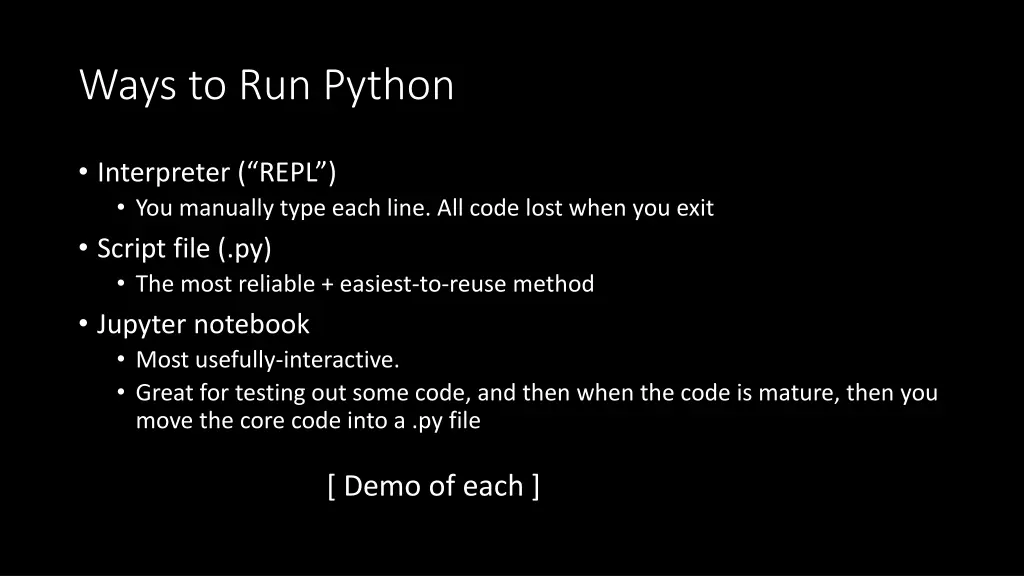
Ways to Run Python Interpreter ( REPL ) You manually type each line. All code lost when you exit Script file (.py) The most reliable + easiest-to-reuse method Jupyter notebook Most usefully-interactive. Great for testing out some code, and then when the code is mature, then you move the core code into a .py file [ Demo of each ]
[Interactive Demo] Notebook can be downloaded here, or viewed here.
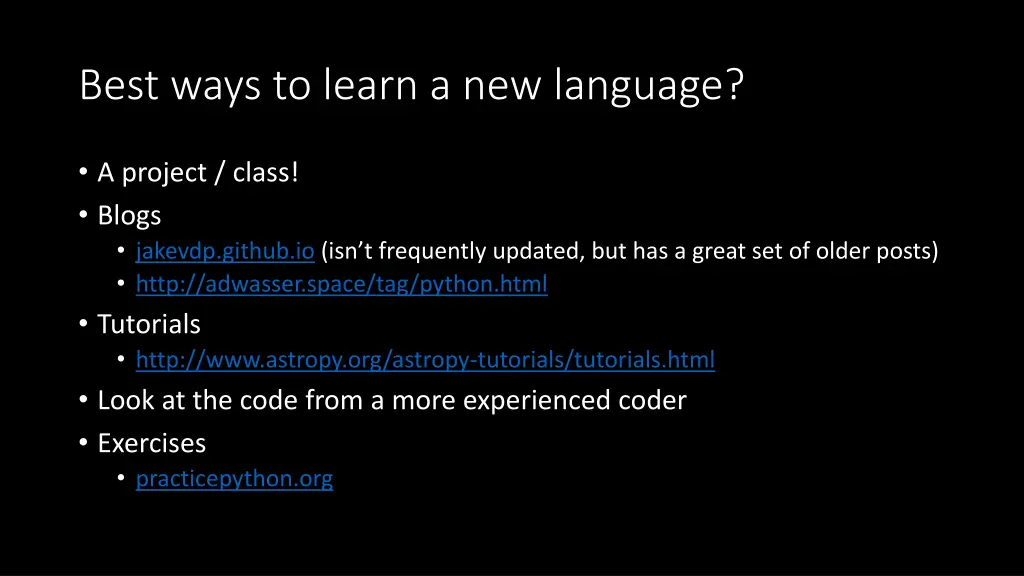
Best ways to learn a new language? A project / class! Blogs jakevdp.github.io (isn t frequently updated, but has a great set of older posts) http://adwasser.space/tag/python.html Tutorials http://www.astropy.org/astropy-tutorials/tutorials.html Look at the code from a more experienced coder Exercises practicepython.org
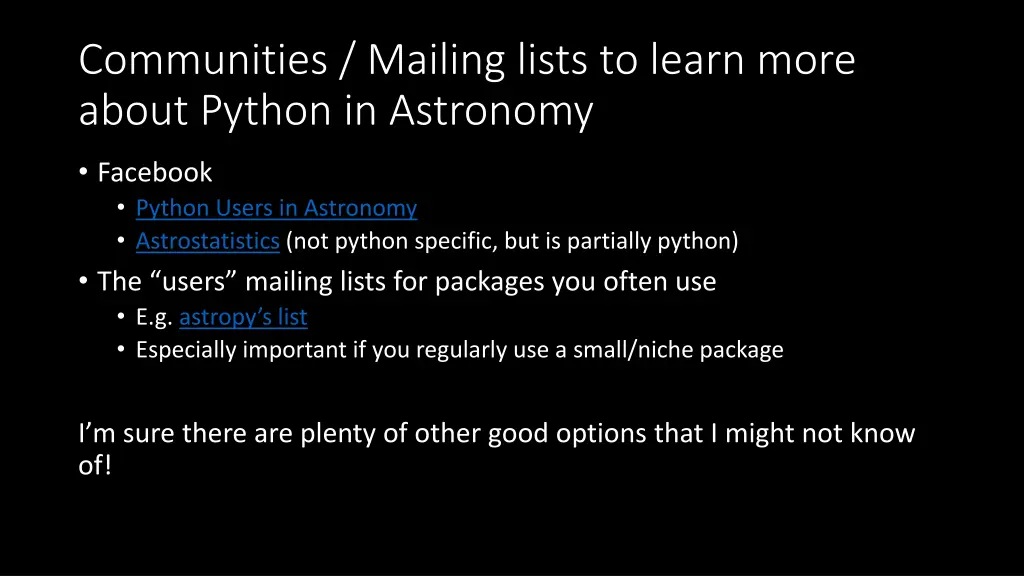
Communities / Mailing lists to learn more about Python in Astronomy Facebook Python Users in Astronomy Astrostatistics (not python specific, but is partially python) The users mailing lists for packages you often use E.g. astropy s list Especially important if you regularly use a small/niche package I m sure there are plenty of other good options that I might not know of!