Rosters Monitoring & Enrollment Procedures at Yavapai College
Learn about the rosters monitoring and enrollment procedures at Yavapai College. From accessing class rosters to managing no-shows and withdrawals, this guide outlines important steps for faculty to ensure proper enrollment tracking and confidentiality maintenance.

Download Presentation

Please find below an Image/Link to download the presentation.
The content on the website is provided AS IS for your information and personal use only. It may not be sold, licensed, or shared on other websites without obtaining consent from the author. If you encounter any issues during the download, it is possible that the publisher has removed the file from their server.
You are allowed to download the files provided on this website for personal or commercial use, subject to the condition that they are used lawfully. All files are the property of their respective owners.
The content on the website is provided AS IS for your information and personal use only. It may not be sold, licensed, or shared on other websites without obtaining consent from the author.
E N D
Presentation Transcript
Rosters & FERPA Monitoring enrollment and maintaining confidentiality! Sheila Jarrell, M.Ed. Registrar, Yavapai College
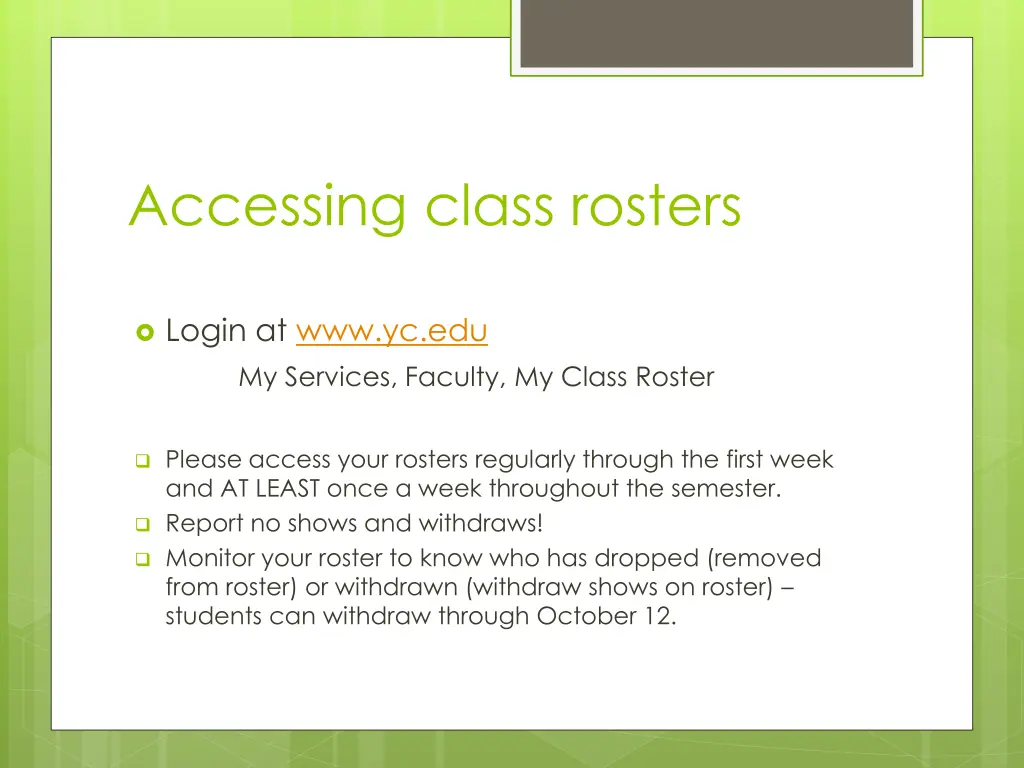
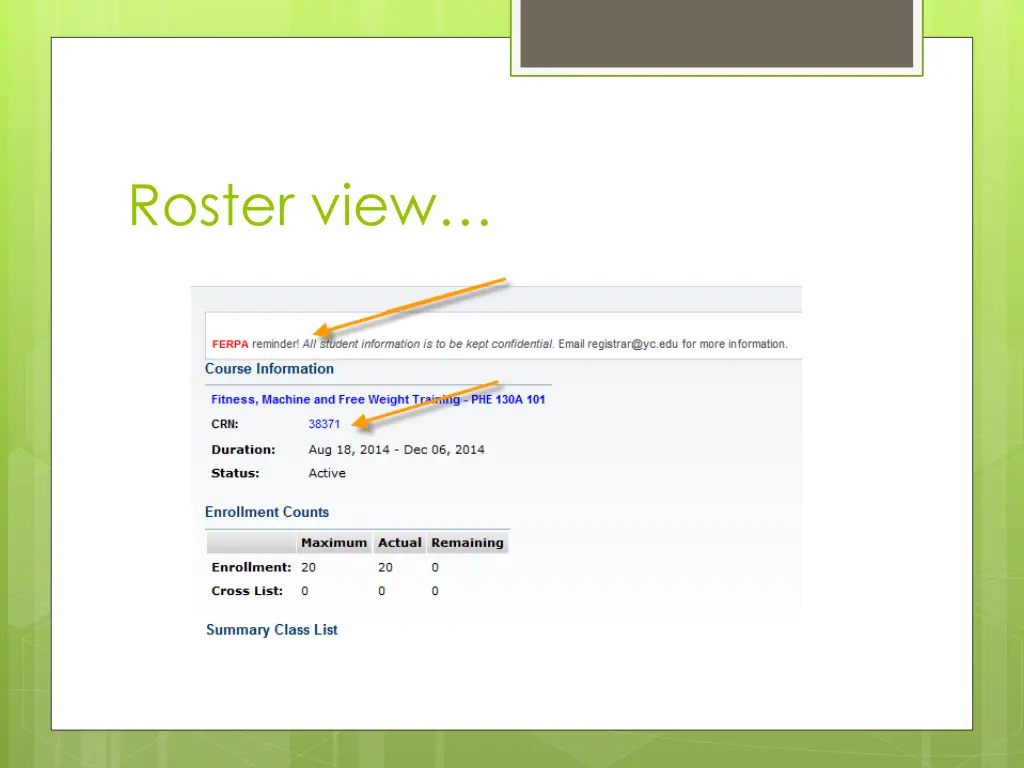
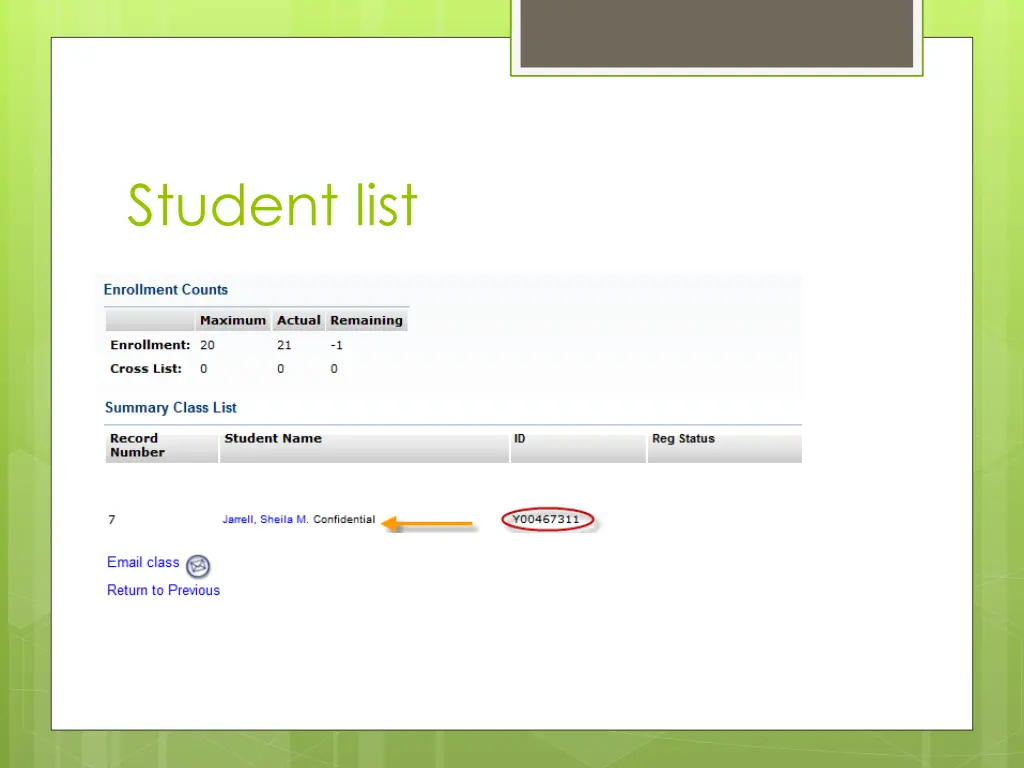
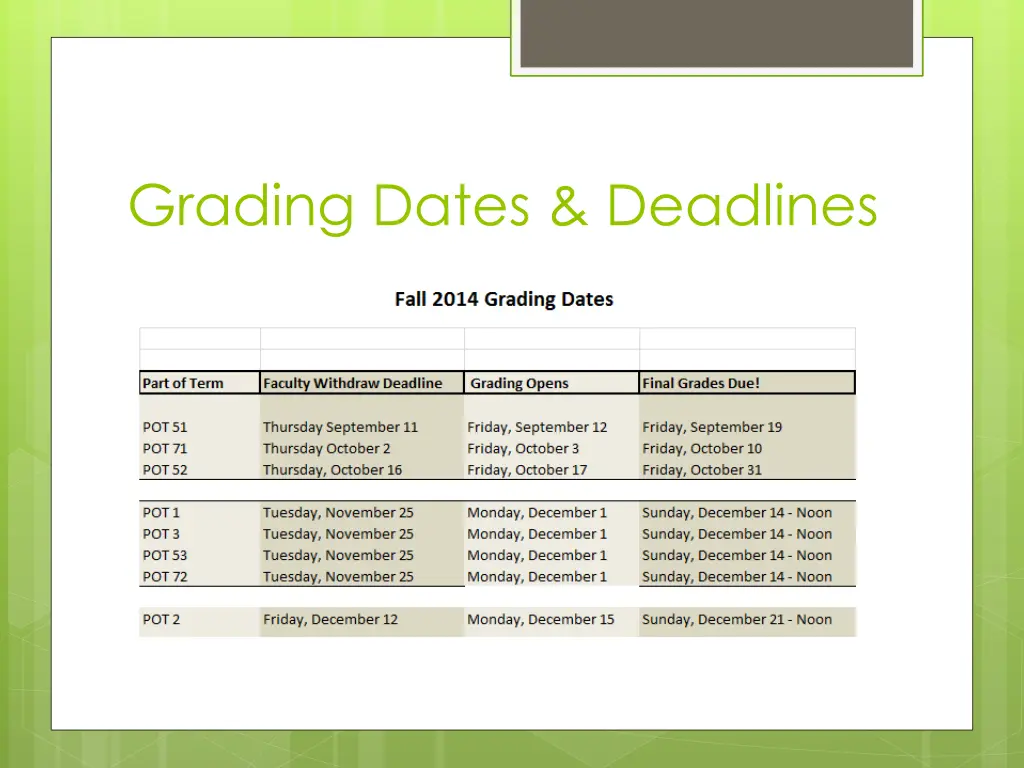
Accessing class rosters Login at www.yc.edu My Services, Faculty, My Class Roster Please access your rosters regularly through the first week and AT LEAST once a week throughout the semester. Report no shows and withdraws! Monitor your roster to know who has dropped (removed from roster) or withdrawn (withdraw shows on roster) students can withdraw through October 12.
Monitor Rosters for current enrollment-via www.yc.edu, not Blackboard!
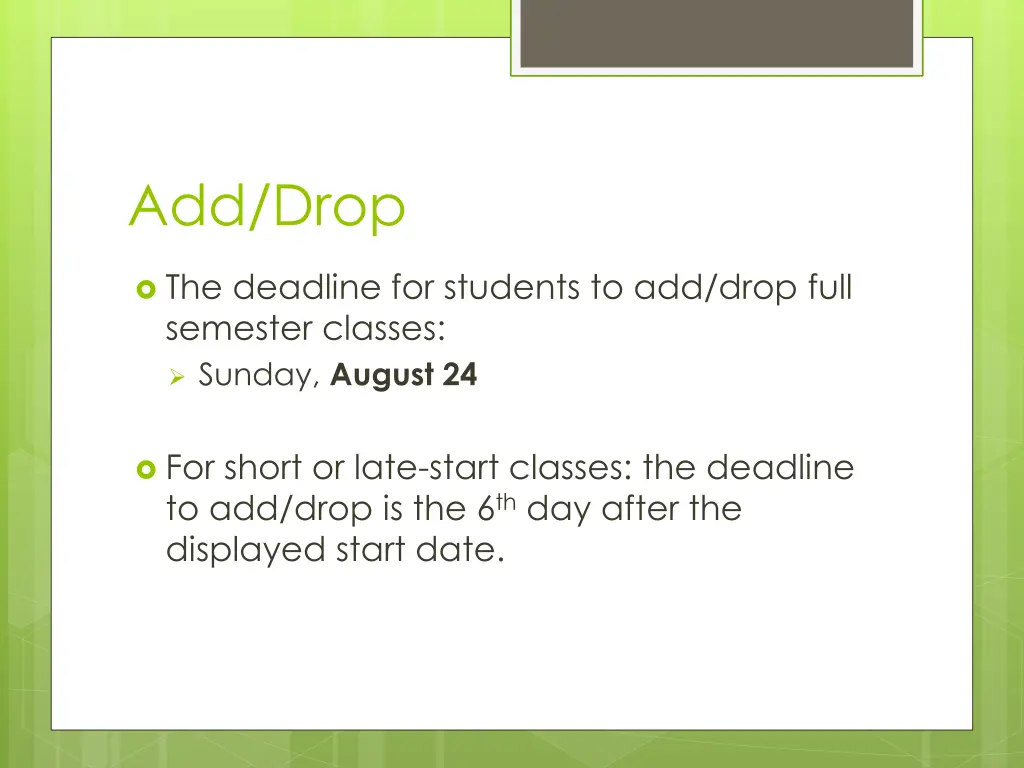
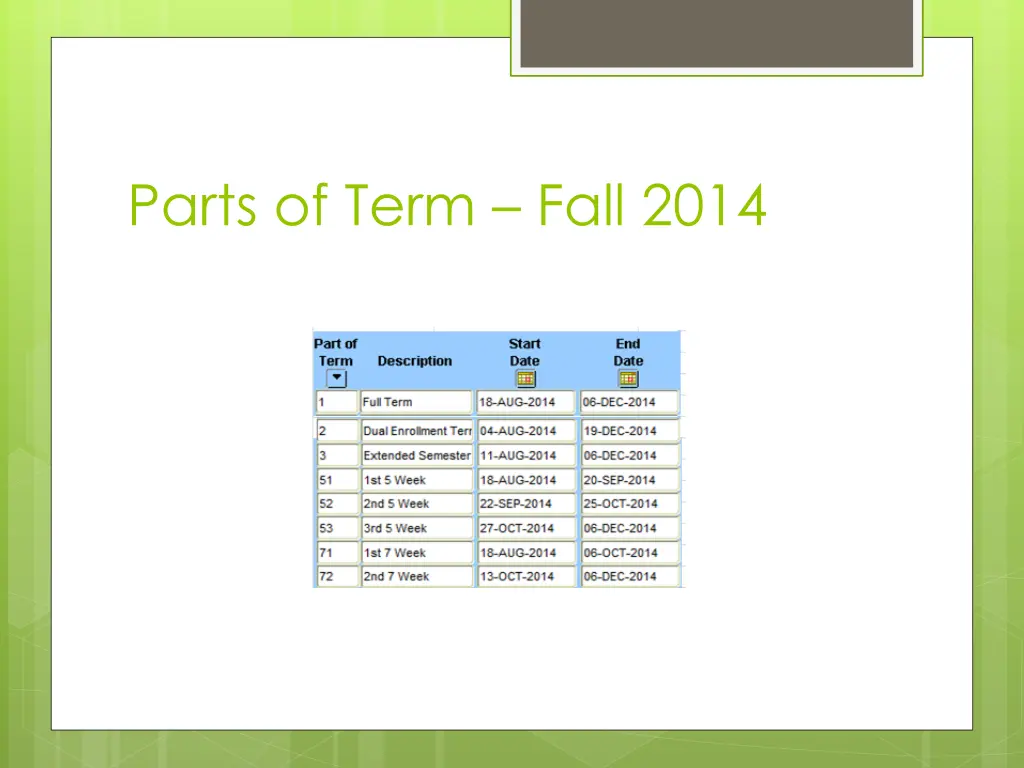
Add/Drop The deadline for students to add/drop full semester classes: Sunday, August 24 For short or late-start classes: the deadline to add/drop is the 6thday after the displayed start date.
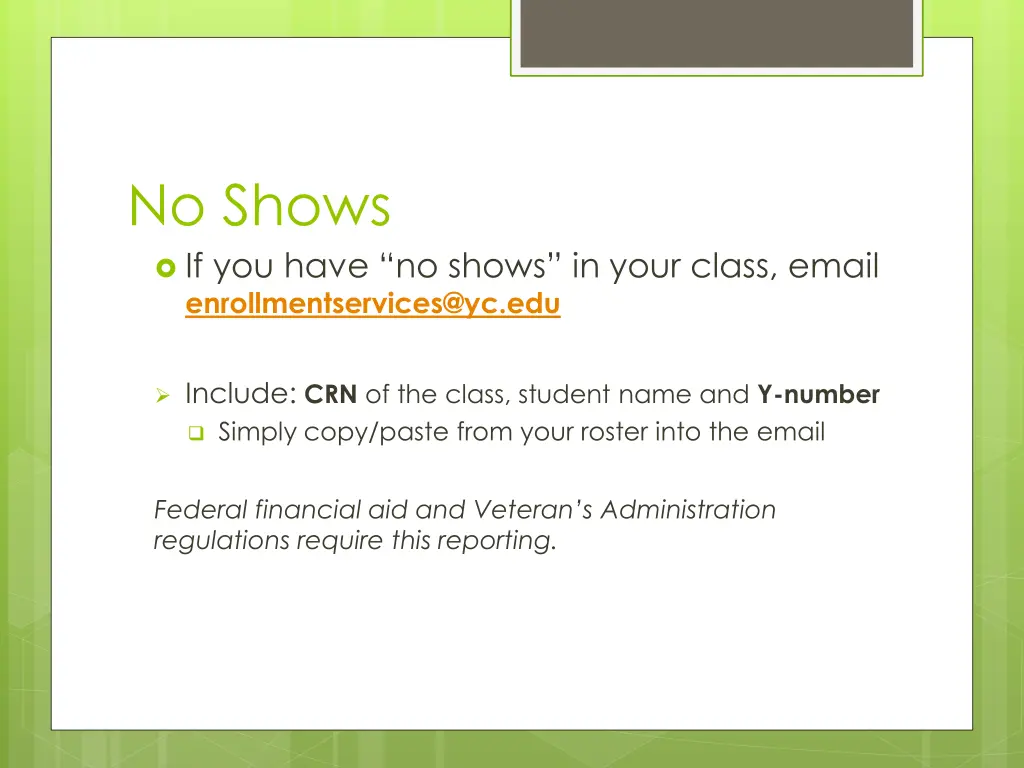
No Shows If you have no shows in your class, email enrollmentservices@yc.edu Include: CRN of the class, student name and Y-number Simply copy/paste from your roster into the email Federal financial aid and Veteran s Administration regulations require this reporting.
Enrollment during first week Enrollment will shift through August 24 as students add and drop classes, and as faculty identify no shows. As the no shows are processed, those seats are made available for other students. Submit no shows by 4pm Friday for processing to open those seats.
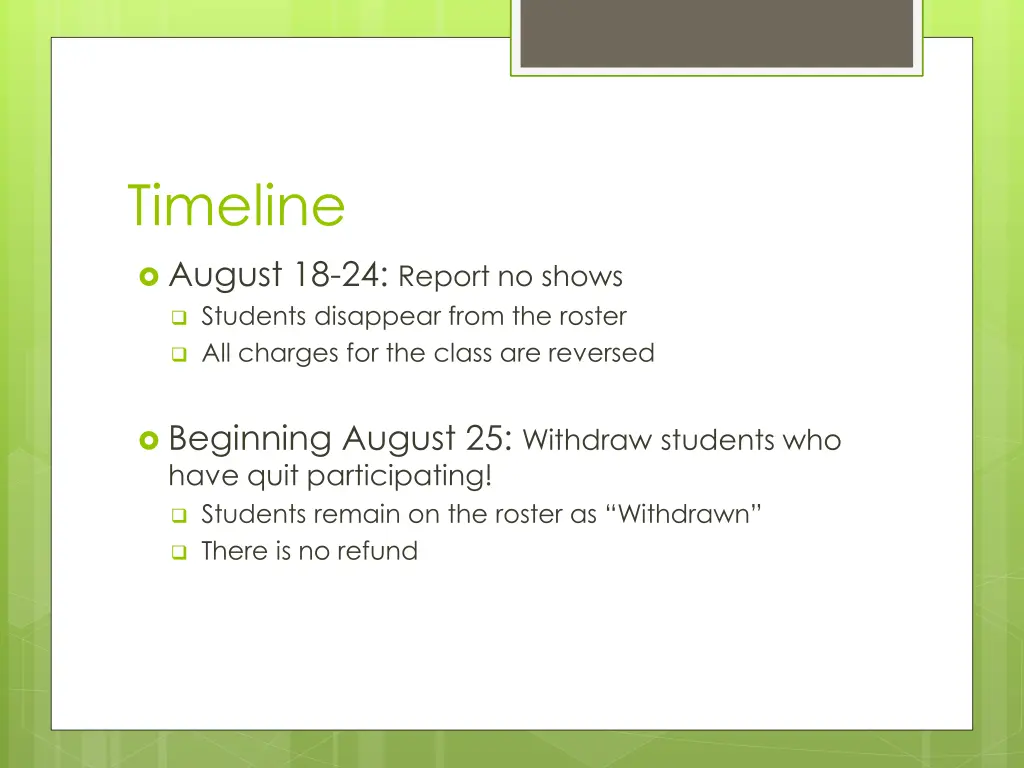
Timeline August 18-24: Report no shows Students disappear from the roster All charges for the class are reversed Beginning August 25: Withdraw students who have quit participating! Students remain on the roster as Withdrawn There is no refund
Withdrawing students Withdraw students who have stopped participating: email enrollmentservices@yc.edu Include: CRN of the class, student name and Ynumber AND the last date of participation Simply copy/paste CRN and Ynumber from your roster into the email Determine last date of participation! Federal financial aid and Veteran s Administration regulations require this reporting.
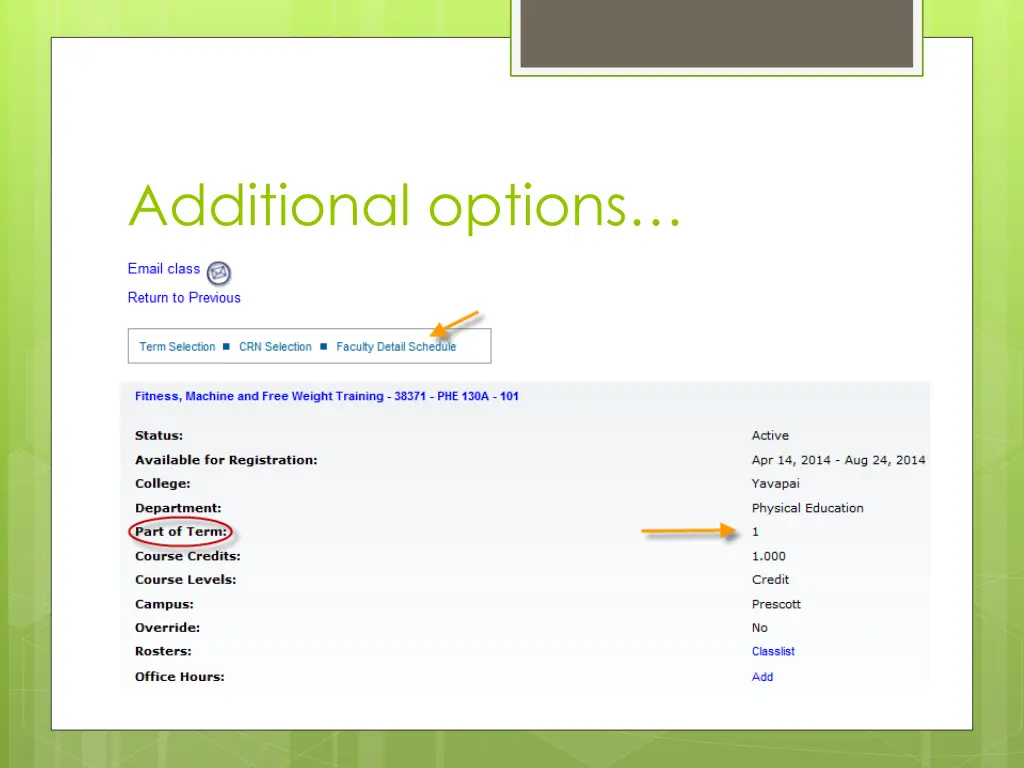
Student demographic data Click on any student name on your roster to access the student s demographic data
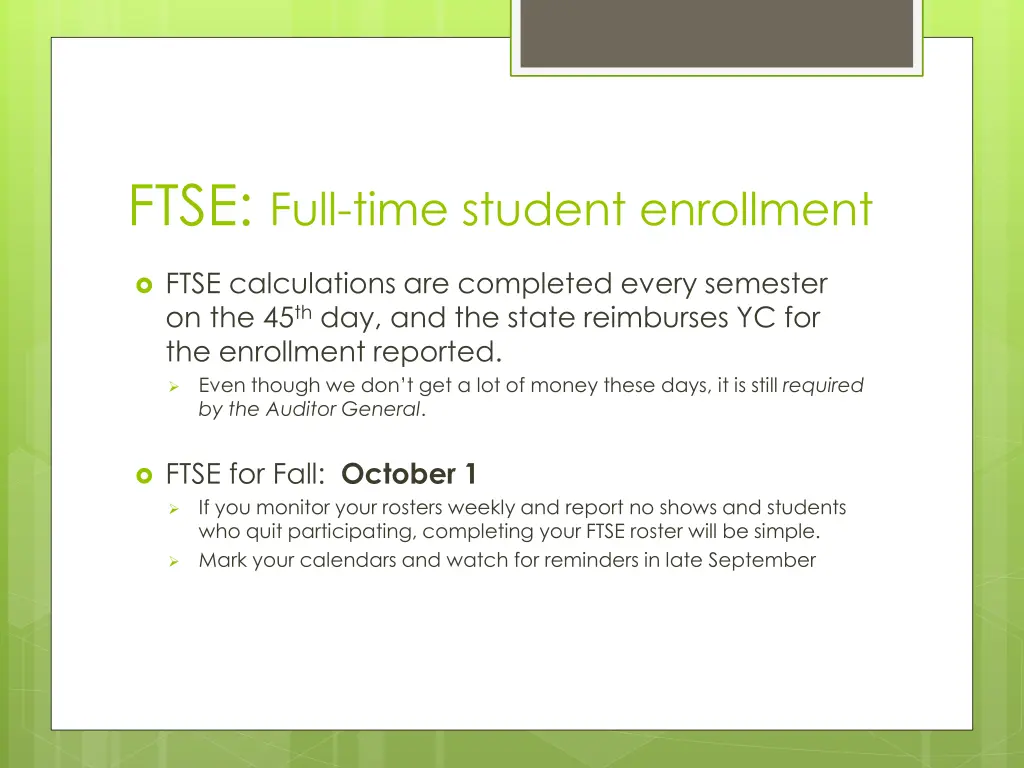
FTSE: Full-time student enrollment FTSE calculations are completed every semester on the 45thday, and the state reimburses YC for the enrollment reported. Even though we don t get a lot of money these days, it is still required by the Auditor General. FTSE for Fall: October 1 If you monitor your rosters weekly and report no shows and students who quit participating, completing your FTSE roster will be simple. Mark your calendars and watch for reminders in late September
FERPA Reminder FERPA Reminder: All student education information and records are confidential. (See handout ) Do not discuss student information with a third party without the students signature allowing the release. Be mindful of your home computer!- Families should not view any rosters or any other educational data
Faculty Support Page! http://www.yc.edu/v5content/registrar/fa culty-support.htm
Questions? Questions regarding rosters, grades, FTSE or FERPA? Contact registrar@yc.edu Call Sheila Jarrell, Registrar, at 928-776-2107 Stop by my office: 1-129D, Prescott Campus!