Dive into a Scheme course roster management system that utilizes functions like resetting, loading from files, storing to files, and sorting student entries. Learn how to manage rosters without storage variables, handle input, and follow a structured software development approach.
Please find below an Image/Link to download the presentation.
The content on the website is provided AS IS for your information and personal use only. It may not be sold, licensed, or shared on other websites without obtaining consent from the author. If you encounter any issues during the download, it is possible that the publisher has removed the file from their server.
You are allowed to download the files provided on this website for personal or commercial use, subject to the condition that they are used lawfully. All files are the property of their respective owners.
The content on the website is provided AS IS for your information and personal use only. It may not be sold, licensed, or shared on other websites without obtaining consent from the author.
E N D
Presentation Transcript
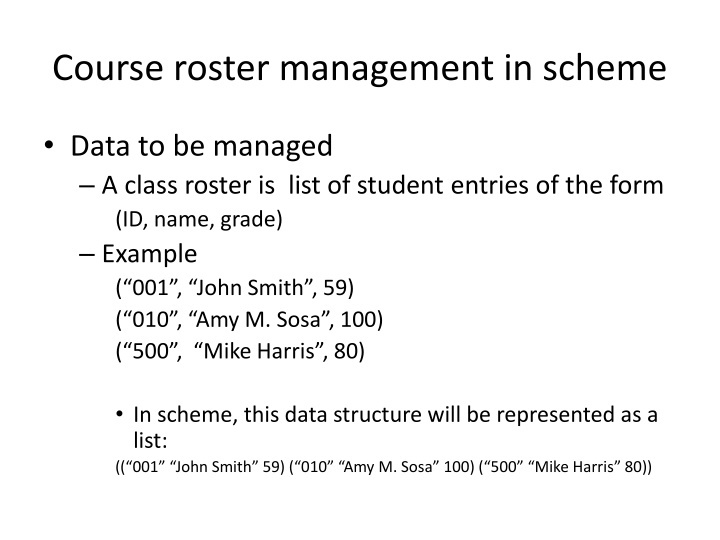
Course roster management in scheme Data to be managed A class roster is list of student entries of the form (ID, name, grade) Example ( 001 , John Smith , 59) ( 010 , Amy M. Sosa , 100) ( 500 , Mike Harris , 80) In scheme, this data structure will be represented as a list: (( 001 John Smith 59) ( 010 Amy M. Sosa 100) ( 500 Mike Harris 80))
Course roster management in scheme The roster management system supports the following functions (in the menu): 0. Reset roster 1. Load roster from file 2. Store roster to file 3. Display roster sorted by ID 4. Display roster sorted by name 5. Display roster sorted by grade 6. Display student info 7. Add a student to roster 8. Remove a student from roster 9. Exit
How to maintain the roster? There is no storage (variables) in scheme The roster has either to be an argument to a function or a return value. The function to print a menu needs to have an argument for the roster. Menu (roster)
Menu system Display the menu Read input from user Perform some operation on the roster and continue. How to do this in scheme? See t1.scm.
Dealing with input Read 2 items (id and grade) and return the list of just two items just read? (define read-2-items (lambda () (begin (display input id and grade: ) (list (read) (read)) ) ) Let us say if we want to append this item into the roster list, what to do? See t2.scm
Load from file and store to file Straight-forward (write object file) to write the whole roster to a file. (read file) to read the whole roster from a file.
Sorting A function (insert item sorted_list) How? (Insertionsort l) (insert (car l) (insertionsort (cdr l))
Order of software development Do NOT write the whole program in one shot!!!! One function at a time. Test before considering the next function.