Secure Computer Problem Solving Tips
Learn how to responsibly and safely solve computer problems by physically securing your system, keeping backups up to date, using antivirus software, avoiding suspicious links, and not attempting complex repairs without proper knowledge.

Download Presentation

Please find below an Image/Link to download the presentation.
The content on the website is provided AS IS for your information and personal use only. It may not be sold, licensed, or shared on other websites without obtaining consent from the author. If you encounter any issues during the download, it is possible that the publisher has removed the file from their server.
You are allowed to download the files provided on this website for personal or commercial use, subject to the condition that they are used lawfully. All files are the property of their respective owners.
The content on the website is provided AS IS for your information and personal use only. It may not be sold, licensed, or shared on other websites without obtaining consent from the author.
E N D
Presentation Transcript
Act Responsibly Act Responsibly and safely and safely when solving when solving computer computer problems problems
Responsible Problem Solving points
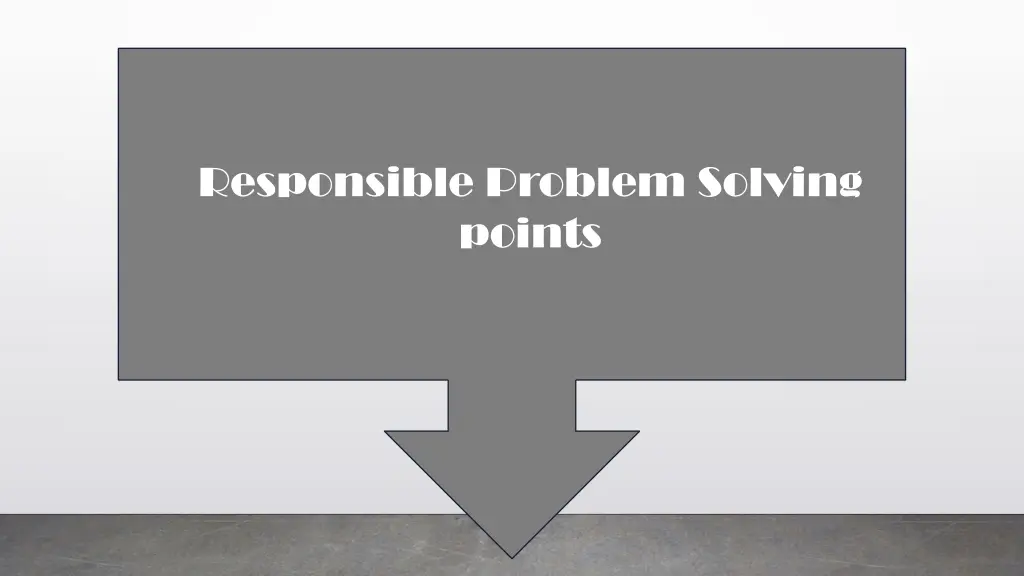
Physically Secure Your System Physical protection for your computers and devices is as important as online safety measures. While exploiting a network hack can be limited by time and a properly configured system, a stolen computer gives a hacker almost unlimited power to access your data. Install Tracking Software A computer can be tracked through Wi-Fi if it goes missing. Some specialized software can also alert you and authorities about the location of your system when it is moved away from designated safe locations.
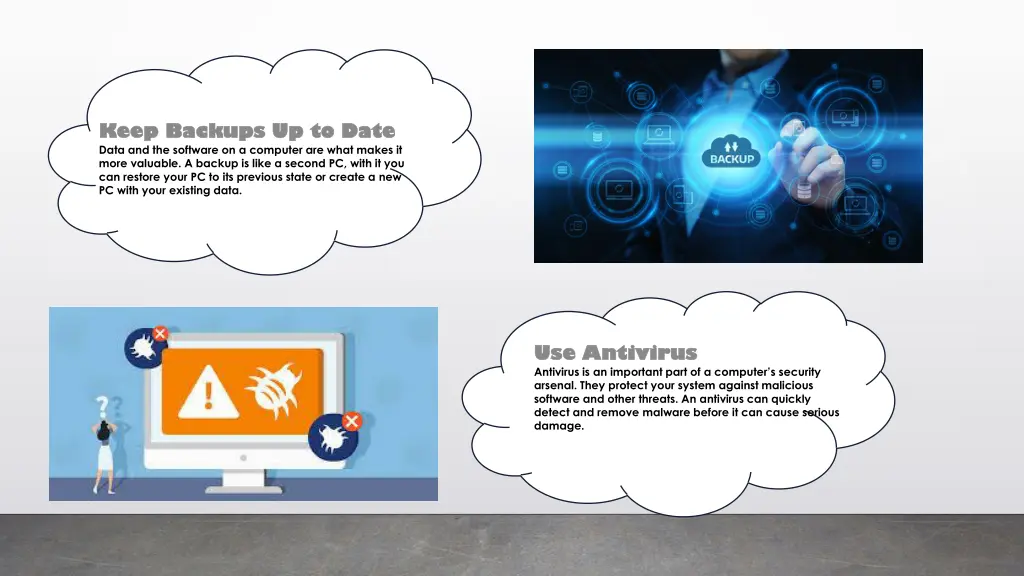
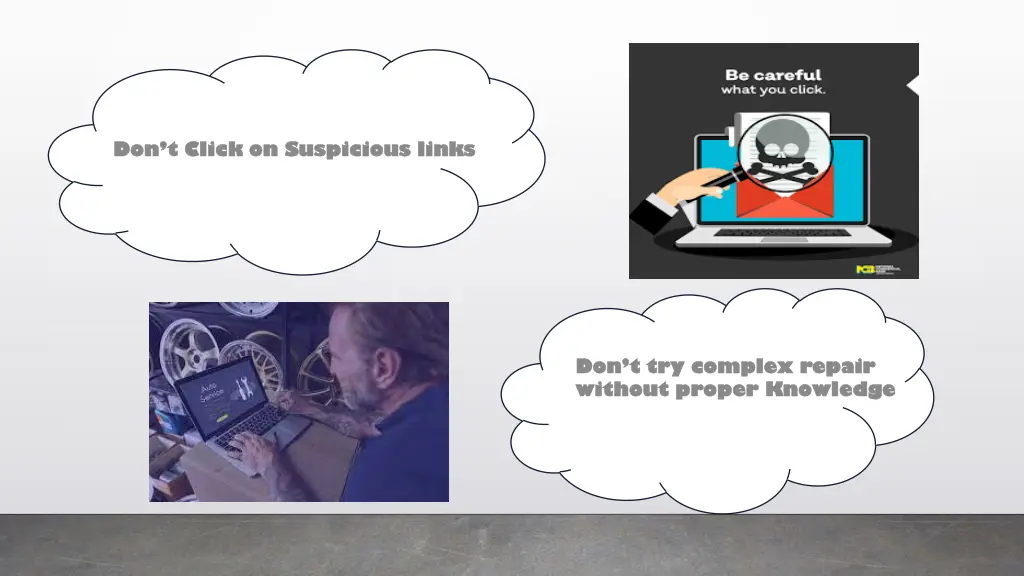
Keep Backups Up to Date Keep Backups Up to Date Data and the software on a computer are what makes it more valuable. A backup is like a second PC, with it you can restore your PC to its previous state or create a new PC with your existing data. Use Antivirus Use Antivirus Antivirus is an important part of a computer s security arsenal. They protect your system against malicious software and other threats. An antivirus can quickly detect and remove malware before it can cause serious damage.
Dont Click on Suspicious links Don t Click on Suspicious links Don t try complex repair Don t try complex repair without proper Knowledge without proper Knowledge