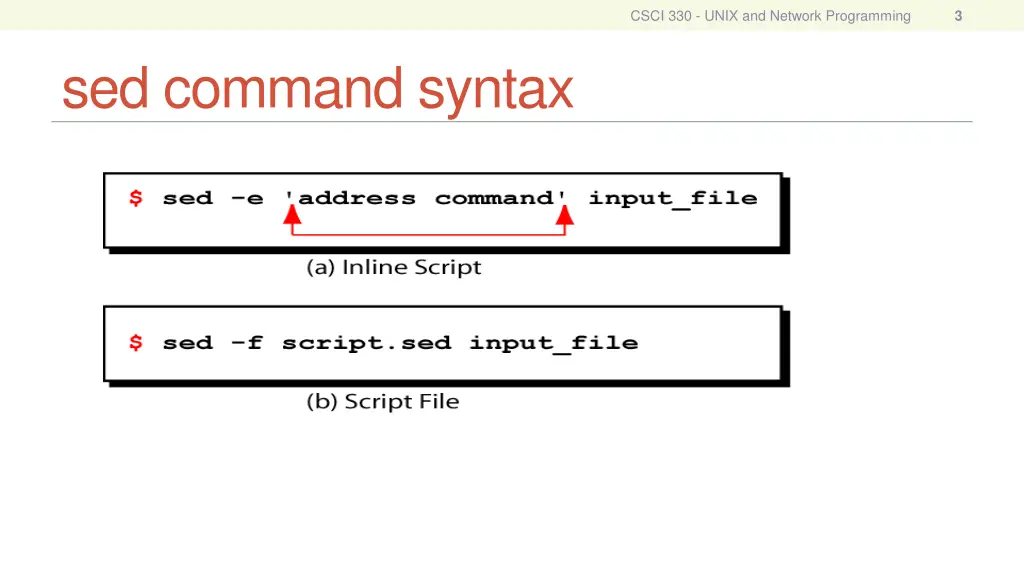
Sed is a powerful non-interactive stream editor used in UNIX and Network Programming to automate file edits, simplify repetitive editing tasks, write conversion programs, and perform editing operations from shell scripts. This tool works by reading files line by line, copying each line into a temporary buffer, applying editing instructions, and sending the modified lines to the output. Sed operates based on command syntax and instruction formats that determine which lines in the input file are processed. Address types such as Single-Line, Set-of-Lines, and Range are used to specify which lines to target with sed commands. Examples illustrate how sed can be used to target specific lines or patterns within files efficiently.
Please find below an Image/Link to download the presentation.
The content on the website is provided AS IS for your information and personal use only. It may not be sold, licensed, or shared on other websites without obtaining consent from the author. If you encounter any issues during the download, it is possible that the publisher has removed the file from their server.
You are allowed to download the files provided on this website for personal or commercial use, subject to the condition that they are used lawfully. All files are the property of their respective owners.
The content on the website is provided AS IS for your information and personal use only. It may not be sold, licensed, or shared on other websites without obtaining consent from the author.
E N D
Presentation Transcript
CSCI 330 UNIX and Network Programming Unit XI sed - Stream Editor
CSCI 330 - UNIX and Network Programming 2 What is sed? A non-interactive stream editor Use sed to: Automatically perform edits on file(s) Simplify doing the same edits on multiple files Write conversion programs Do editing operations from shell script
CSCI 330 - UNIX and Network Programming 4 How Does sed Work? sed reads file line by line line of input is copied into a temporary buffer called pattern space editing instructions are applied to line in the pattern space line is sent to output (unless -n option was used) line is removed from pattern space sed reads next line of input, until end of file Note: input file is unchanged unless -i option is used
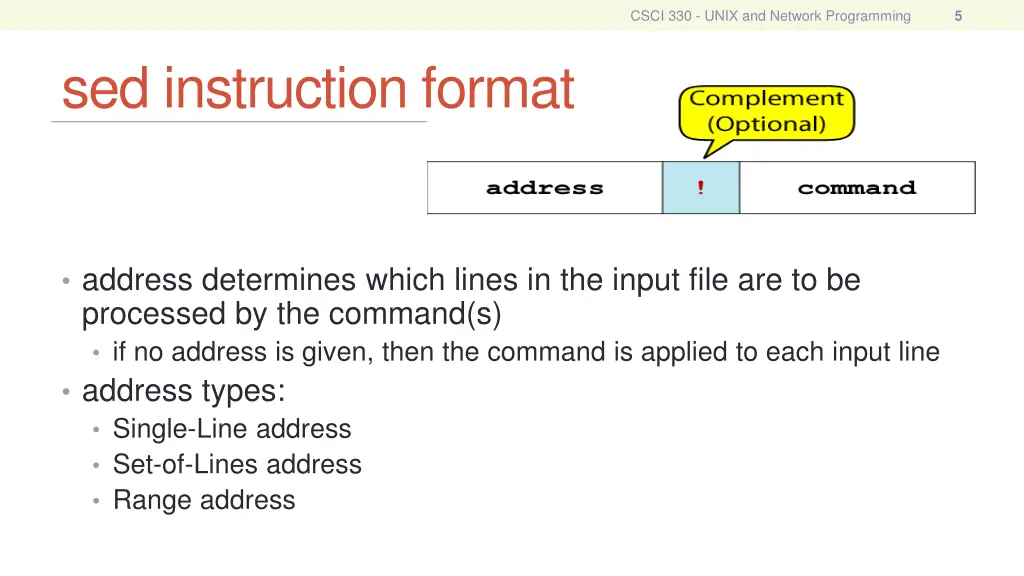
CSCI 330 - UNIX and Network Programming 5 sed instruction format address determines which lines in the input file are to be processed by the command(s) if no address is given, then the command is applied to each input line address types: Single-Line address Set-of-Lines address Range address
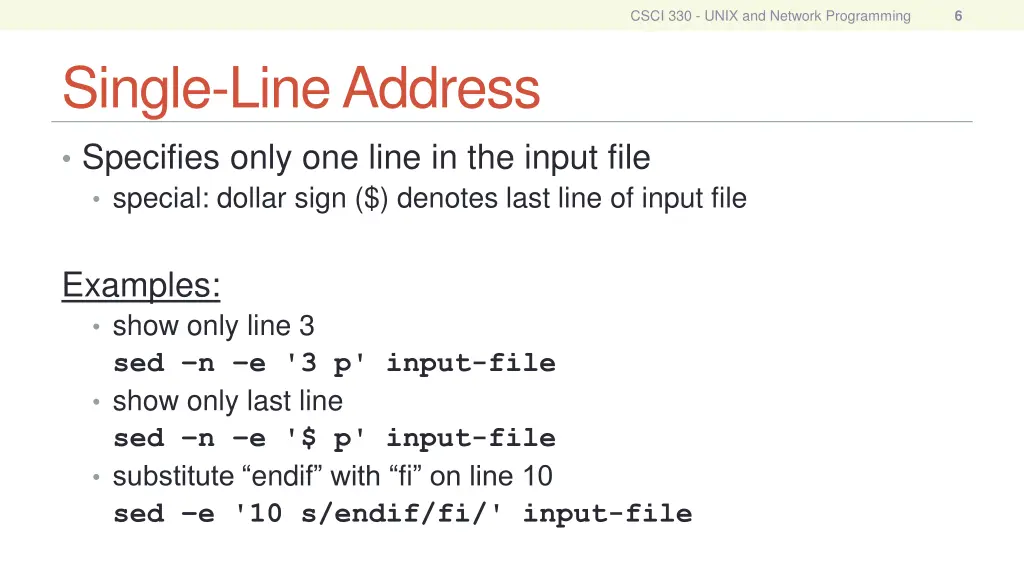
CSCI 330 - UNIX and Network Programming 6 Single-Line Address Specifies only one line in the input file special: dollar sign ($) denotes last line of input file Examples: show only line 3 sed n e '3 p' input-file show only last line sed n e '$ p' input-file substitute endif with fi on line 10 sed e '10 s/endif/fi/' input-file
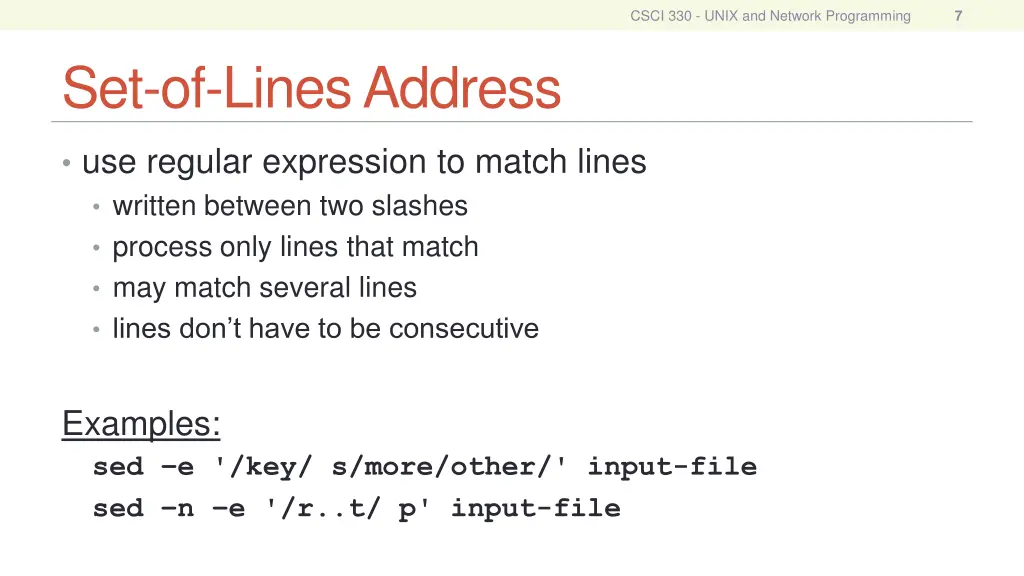
CSCI 330 - UNIX and Network Programming 7 Set-of-Lines Address use regular expression to match lines written between two slashes process only lines that match may match several lines lines don t have to be consecutive Examples: sed e '/key/ s/more/other/' input-file sed n e '/r..t/ p' input-file
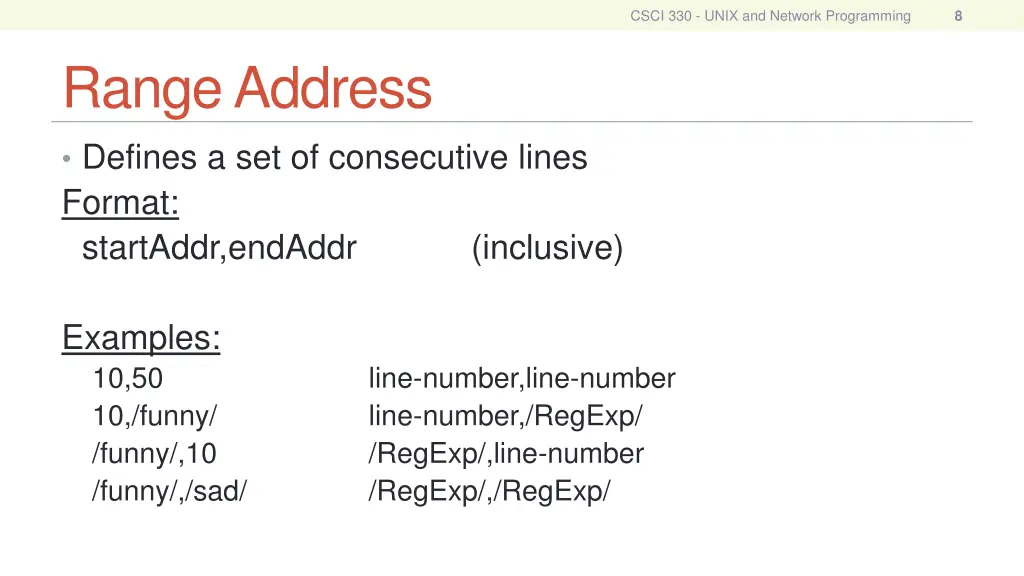
CSCI 330 - UNIX and Network Programming 8 Range Address Defines a set of consecutive lines Format: startAddr,endAddr (inclusive) Examples: 10,50 10,/funny/ /funny/,10 /funny/,/sad/ line-number,line-number line-number,/RegExp/ /RegExp/,line-number /RegExp/,/RegExp/
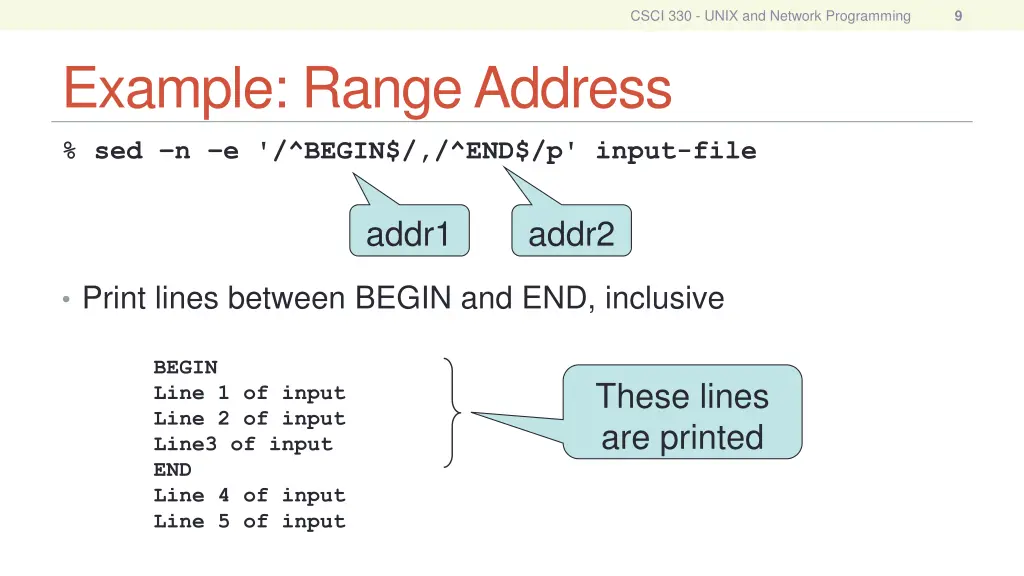
CSCI 330 - UNIX and Network Programming 9 Example: Range Address % sed n e '/^BEGIN$/,/^END$/p' input-file addr1 addr2 Print lines between BEGIN and END, inclusive BEGIN Line 1 of input Line 2 of input Line3 of input END Line 4 of input Line 5 of input These lines are printed
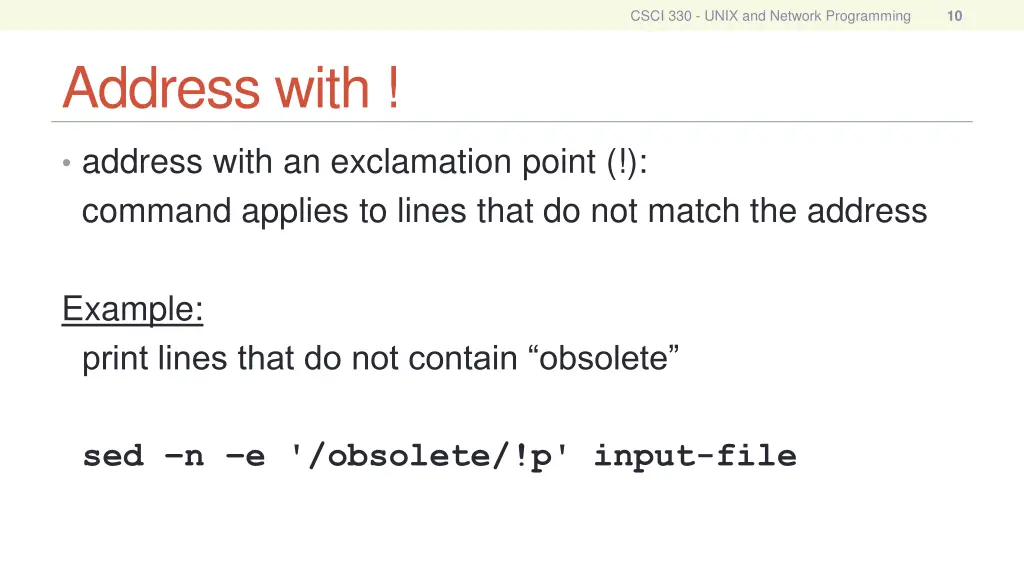
CSCI 330 - UNIX and Network Programming 10 Address with ! address with an exclamation point (!): command applies to lines that do not match the address Example: print lines that do not contain obsolete sed n e '/obsolete/!p' input-file
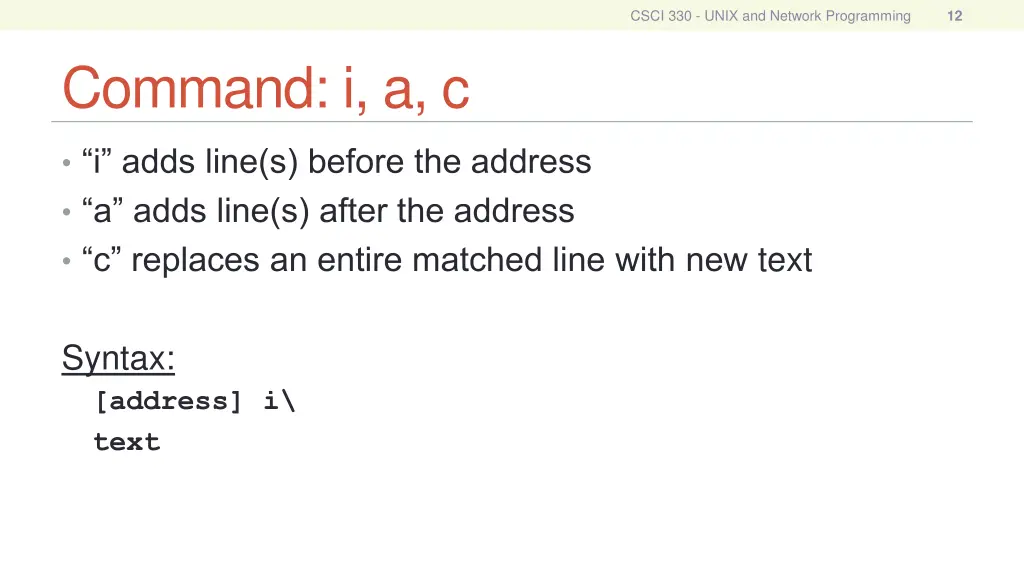
CSCI 330 - UNIX and Network Programming 12 Command: i, a, c i adds line(s) before the address a adds line(s) after the address c replaces an entire matched line with new text Syntax: [address] i\ text
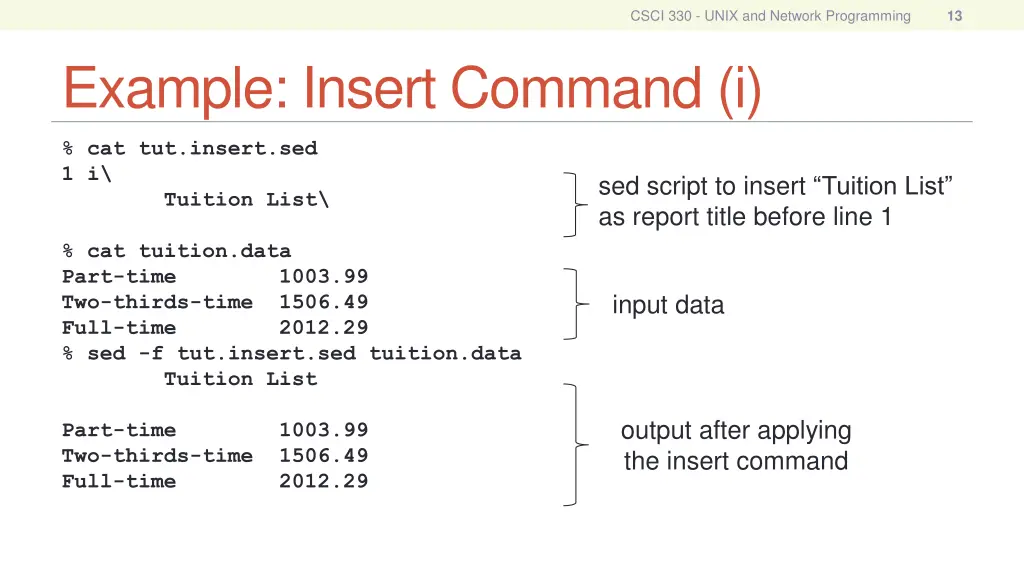
CSCI 330 - UNIX and Network Programming 13 Example: Insert Command (i) % cat tut.insert.sed 1 i\ Tuition List\ sed script to insert Tuition List as report title before line 1 % cat tuition.data Part-time 1003.99 Two-thirds-time 1506.49 Full-time 2012.29 % sed -f tut.insert.sed tuition.data Tuition List input data output after applying the insert command Part-time 1003.99 Two-thirds-time 1506.49 Full-time 2012.29
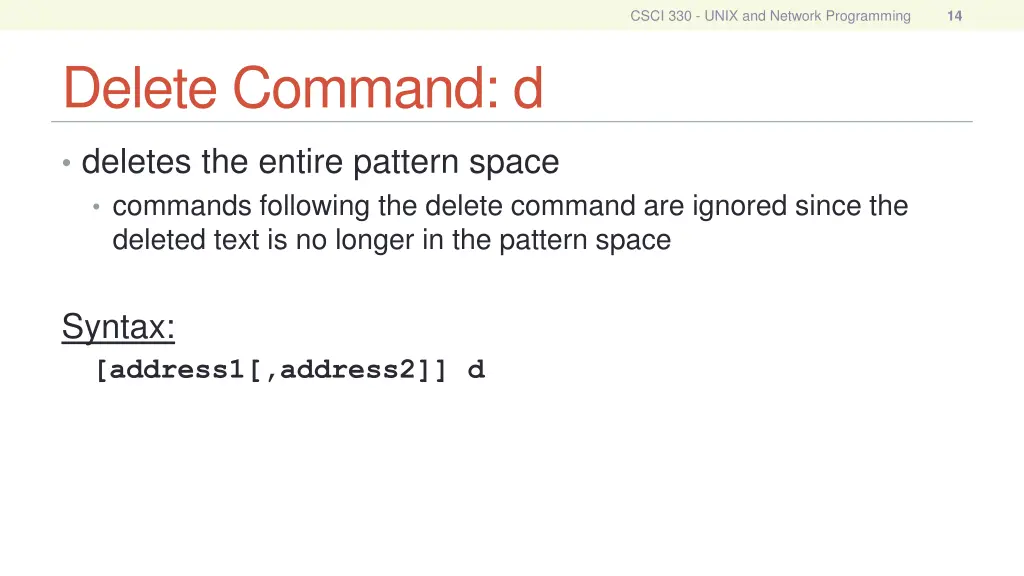
CSCI 330 - UNIX and Network Programming 14 Delete Command: d deletes the entire pattern space commands following the delete command are ignored since the deleted text is no longer in the pattern space Syntax: [address1[,address2]] d
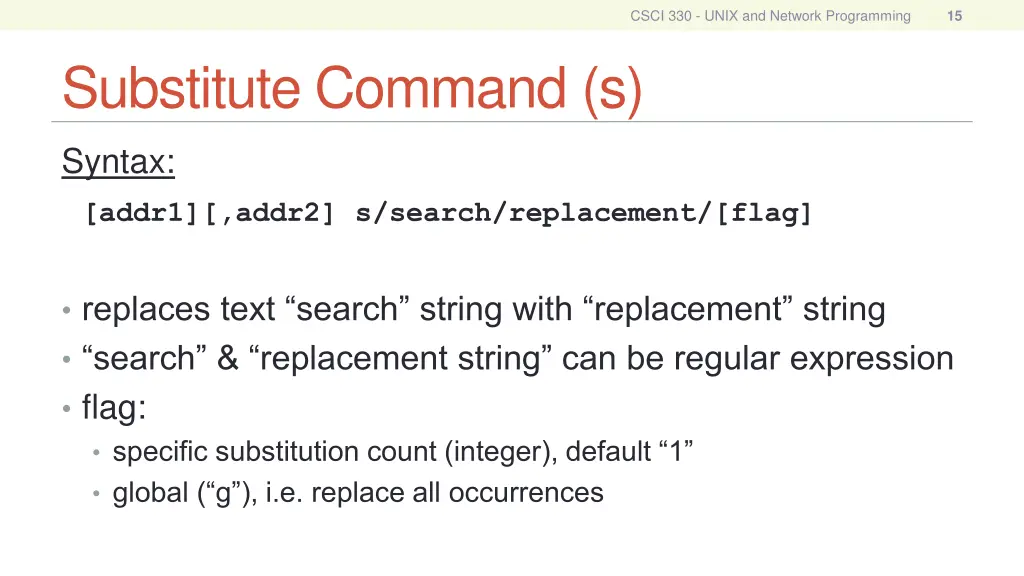
CSCI 330 - UNIX and Network Programming 15 Substitute Command (s) Syntax: [addr1][,addr2] s/search/replacement/[flag] replaces text search string with replacement string search & replacement string can be regular expression flag: specific substitution count (integer), default 1 global ( g ), i.e. replace all occurrences
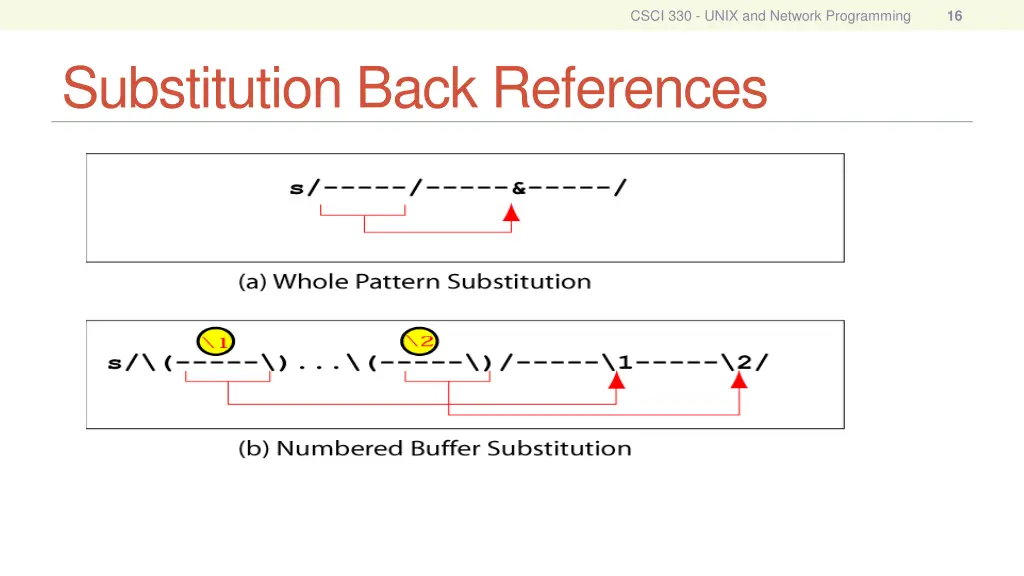
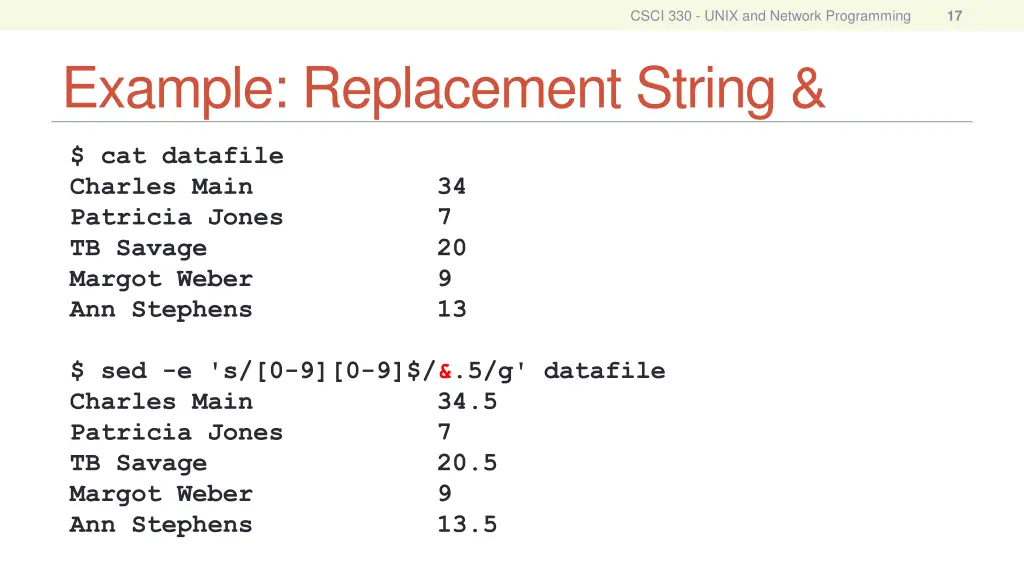
CSCI 330 - UNIX and Network Programming 17 Example: Replacement String & $ cat datafile Charles Main 34 Patricia Jones 7 TB Savage 20 Margot Weber 9 Ann Stephens 13 $ sed -e 's/[0-9][0-9]$/&.5/g' datafile Charles Main 34.5 Patricia Jones 7 TB Savage 20.5 Margot Weber 9 Ann Stephens 13.5
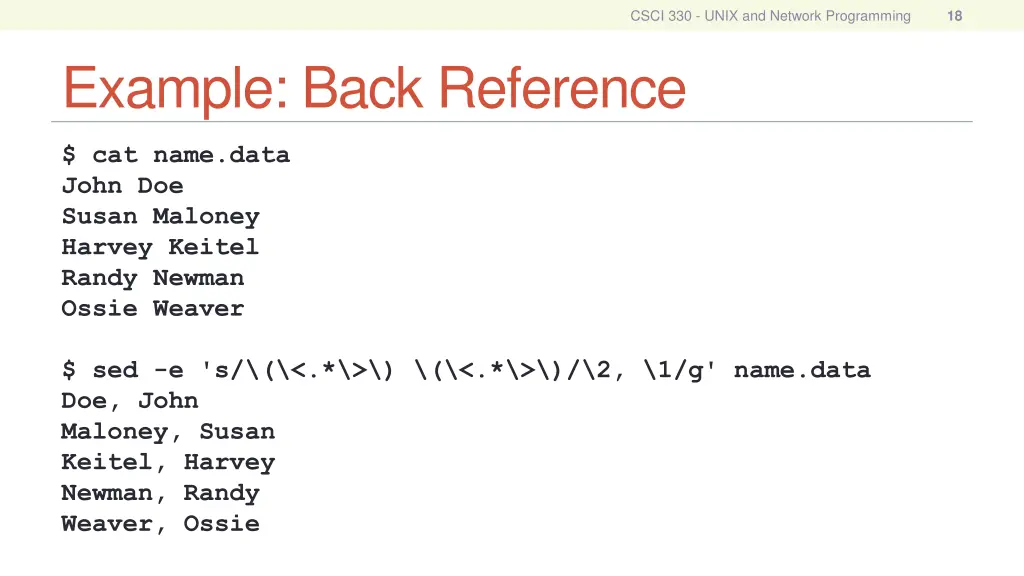
CSCI 330 - UNIX and Network Programming 18 Example: Back Reference $ cat name.data John Doe Susan Maloney Harvey Keitel Randy Newman Ossie Weaver $ sed -e 's/\(\<.*\>\) \(\<.*\>\)/\2, \1/g' name.data Doe, John Maloney, Susan Keitel, Harvey Newman, Randy Weaver, Ossie
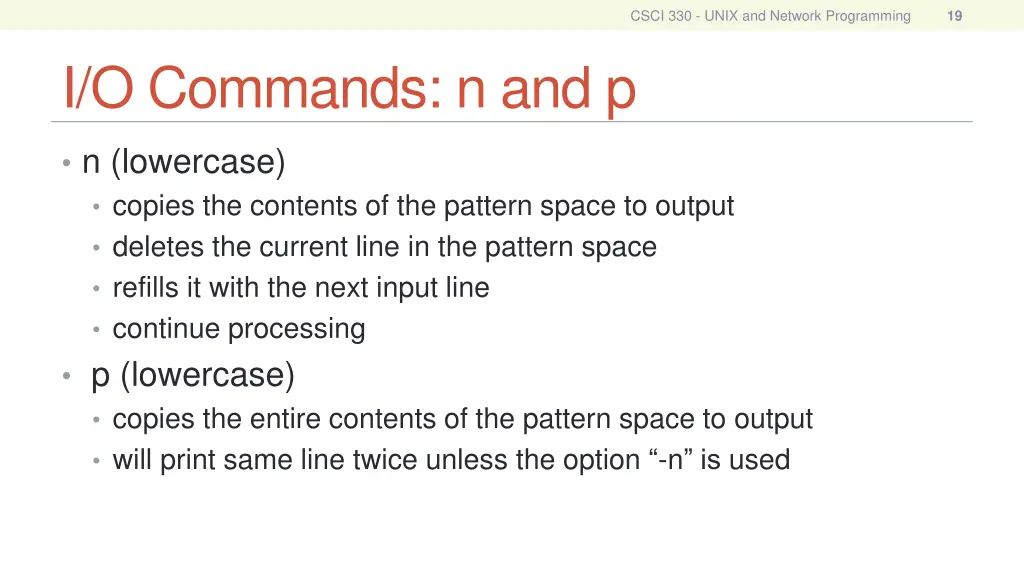
CSCI 330 - UNIX and Network Programming 19 I/O Commands: n and p n (lowercase) copies the contents of the pattern space to output deletes the current line in the pattern space refills it with the next input line continue processing p (lowercase) copies the entire contents of the pattern space to output will print same line twice unless the option -n is used
CSCI 330 - UNIX and Network Programming 20 File commands allows to read and write from/to file while processing standard input r read command w write command
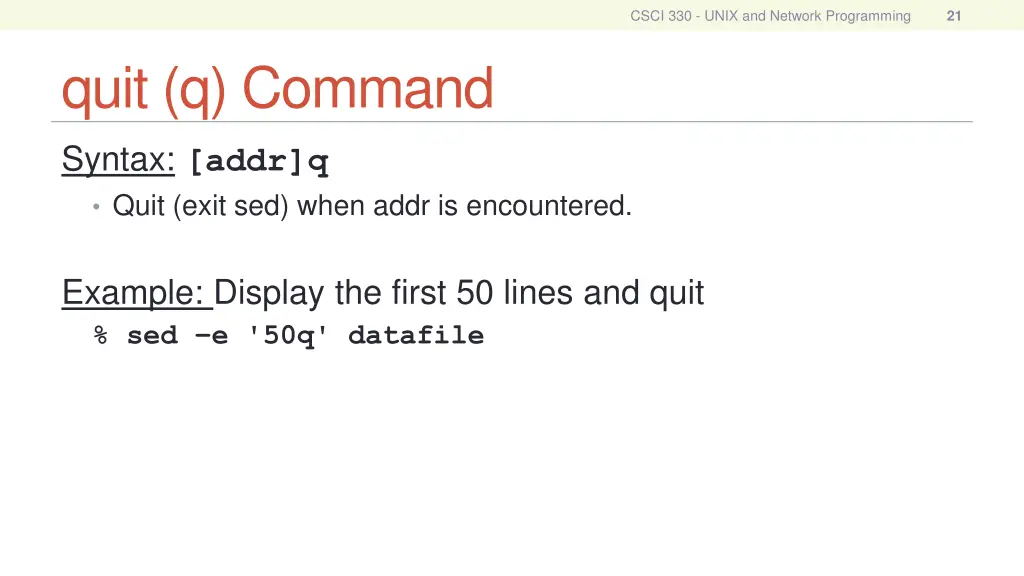
CSCI 330 - UNIX and Network Programming 21 quit (q) Command Syntax: [addr]q Quit (exit sed) when addr is encountered. Example: Display the first 50 lines and quit % sed e '50q' datafile