Submitting Reflections Entries: Preparation and Registration
Ensure a smooth process by starting early and verifying your Council/PTA is in good standing. Follow step-by-step instructions to register your Reflections Chair and submit entries successfully.

Download Presentation

Please find below an Image/Link to download the presentation.
The content on the website is provided AS IS for your information and personal use only. It may not be sold, licensed, or shared on other websites without obtaining consent from the author.If you encounter any issues during the download, it is possible that the publisher has removed the file from their server.
You are allowed to download the files provided on this website for personal or commercial use, subject to the condition that they are used lawfully. All files are the property of their respective owners.
The content on the website is provided AS IS for your information and personal use only. It may not be sold, licensed, or shared on other websites without obtaining consent from the author.
E N D
Presentation Transcript
Submitting Reflections Entries to NCPTA Training for Councils and Local Units without Active Councils
Recommended Browser For best results and to avoid difficulties with submitting Reflections entries, DO NOT use Google Chrome. Please try Firefox or Safari
Start Preparing Early! Confirm your Council/PTA is in Good Standing Organize files ahead of time Print and fill out Participation Form Verify Student Entry Forms are complete Convert Reflections art files to proper format Double check the art files have the correct naming convention
Good Standing Reminder Important: You will not be able to register or submit Reflections entries if your Council/PTA is not in Good Standing Councils may only submit Reflections entries for PTAs in Good Standing
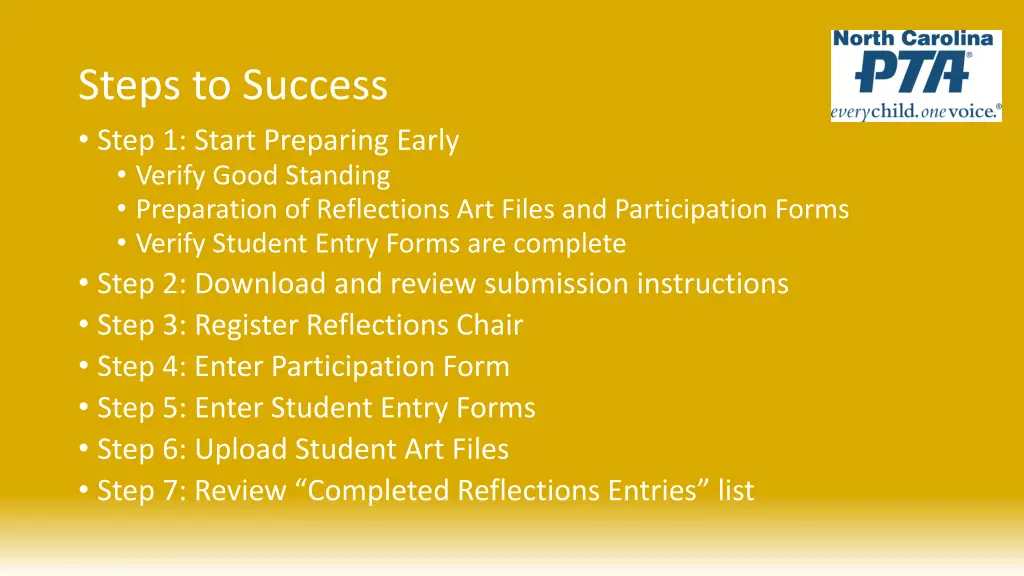
Steps to Success Step 1: Start Preparing Early Verify Good Standing Preparation of Reflections Art Files and Participation Forms Verify Student Entry Forms are complete Step 2: Download and review submission instructions Step 3: Register Reflections Chair Step 4: Enter Participation Form Step 5: Enter Student Entry Forms Step 6: Upload Student Art Files Step 7: Review Completed Reflections Entries list
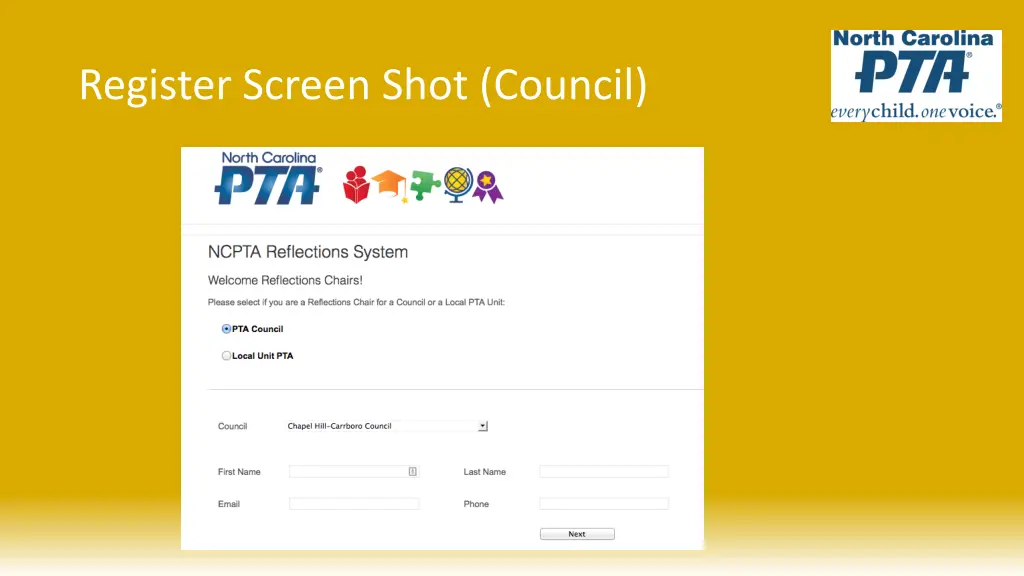
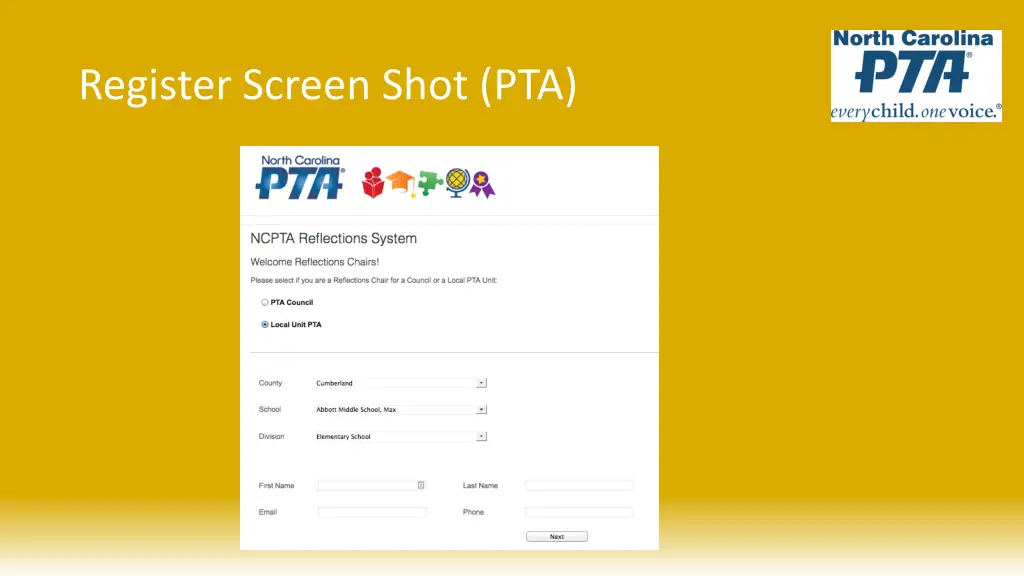
Register Your Reflections Chair The Reflections Chair who is responsible for submitting the Reflections entries must register To register you will need to provide your name, email, phone number and password The system will only allow for one registered user per Council/PTA Once you register, you will use your email address and password to log into the system NOTE that Reflections Chairs must create a new registration each school year
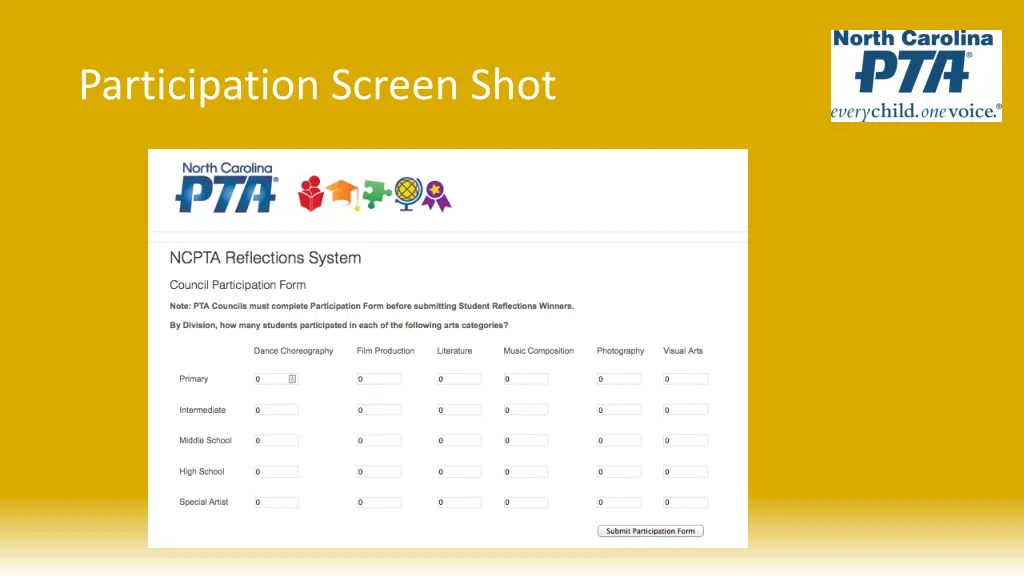
Participation Form Enter the Participation Form information This form must be entered in its entirety in order to submit Reflections entries
Submitting Reflections Entries Submitting entries is a two-part process Part 1: Enter the Student Entry Form Part 2: Upload the Reflections Art File You must enter the Student Entry Form first before uploading the Art File You can either enter all the Student Entry Forms at one time and then upload all the art files, or, you may enter one complete submission at a time (Student Entry and Art File)
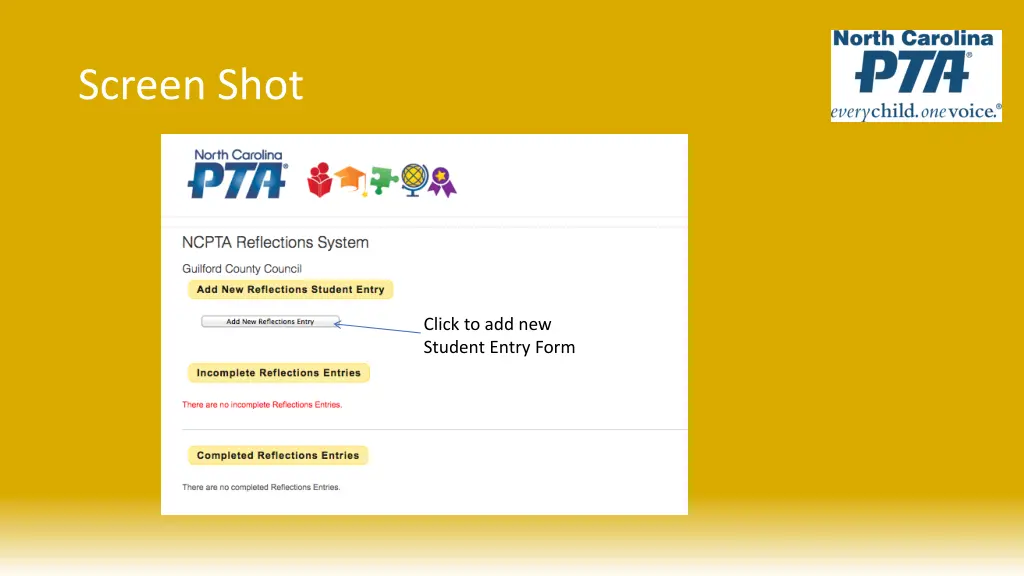
Screen Shot Click to add new Student Entry Form
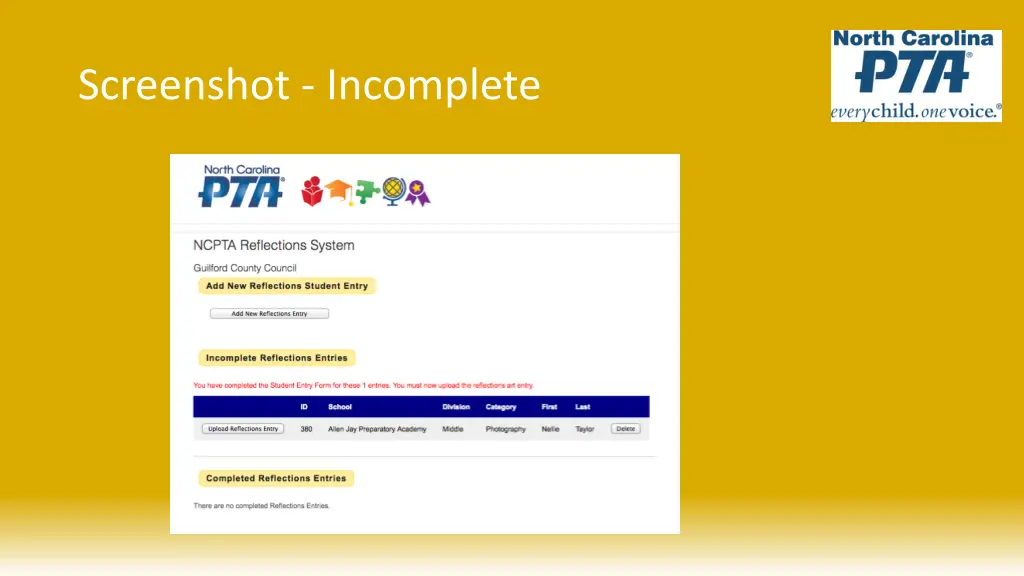
Student Entry Form The Student Entry Form MUST be manually entered The Student Entry Form must be completed in its entirety in order for the system to accept the entry If the parent email address or phone is not provided, the chair will need to use their own Once the Student Entry Form is complete, you will see the entry in the Incomplete Reflections Entries section. It is incomplete because the Reflections Art File must be uploaded Note: The system will only allow one reflections entry for a student and category combination. If you have multiple entries for the same student (i.e. Sally Jones has two Music entries), enter the second name as First Last2 (i.e. Sally Jones2) in the student entry form
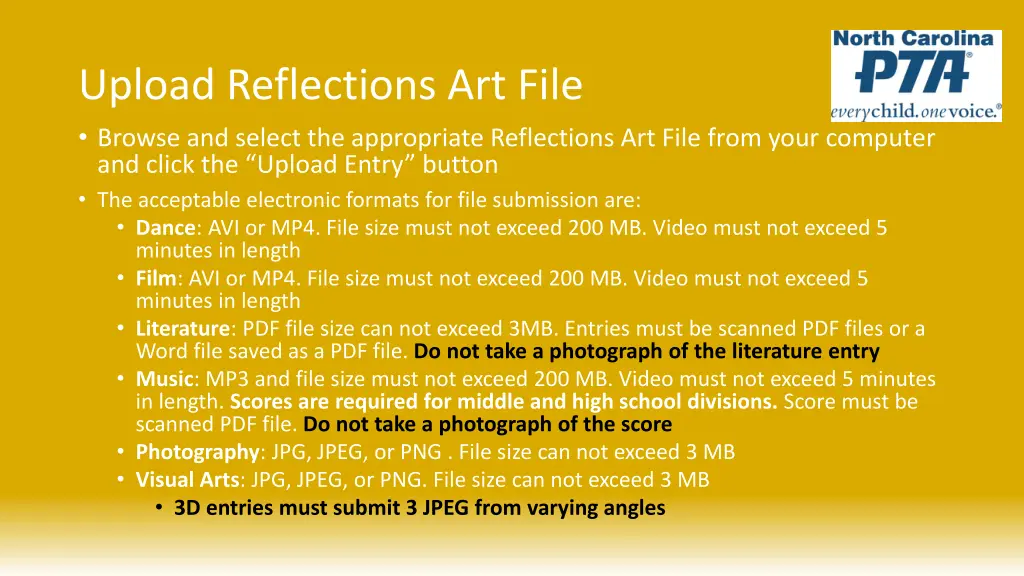
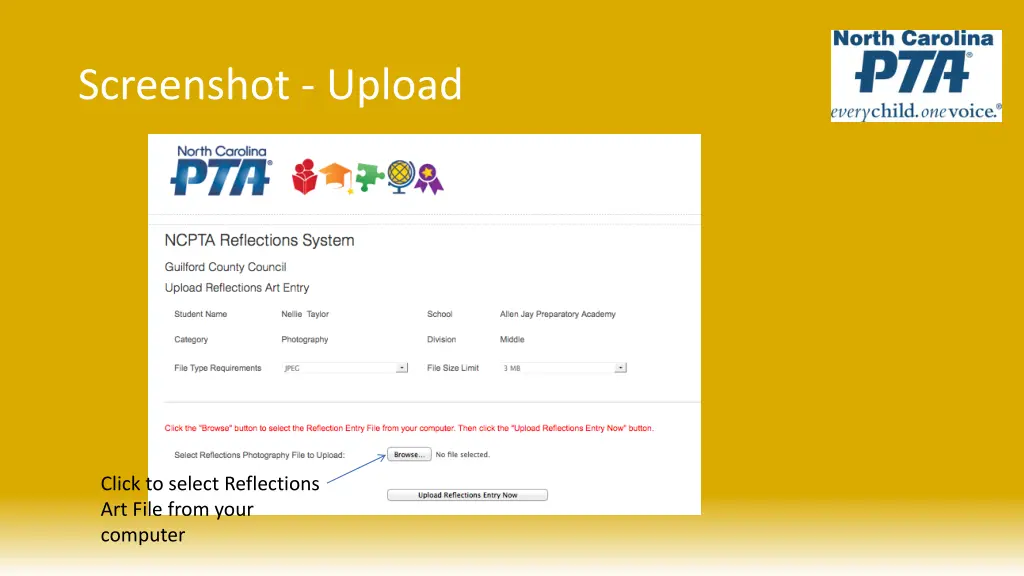
Upload Reflections Art File Browse and select the appropriate Reflections Art File from your computer and click the Upload Entry button The acceptable electronic formats for file submission are: Dance: AVI or MP4. File size must not exceed 200 MB. Video must not exceed 5 minutes in length Film: AVI or MP4. File size must not exceed 200 MB. Video must not exceed 5 minutes in length Literature: PDF file size can not exceed 3MB. Entries must be scanned PDF files or a Word file saved as a PDF file. Do not take a photograph of the literature entry Music: MP3 and file size must not exceed 200 MB. Video must not exceed 5 minutes in length. Scores are required for middle and high school divisions. Score must be scanned PDF file. Do not take a photograph of the score Photography: JPG, JPEG, or PNG . File size can not exceed 3 MB Visual Arts: JPG, JPEG, or PNG. File size can not exceed 3 MB 3D entries must submit 3 JPEG from varying angles
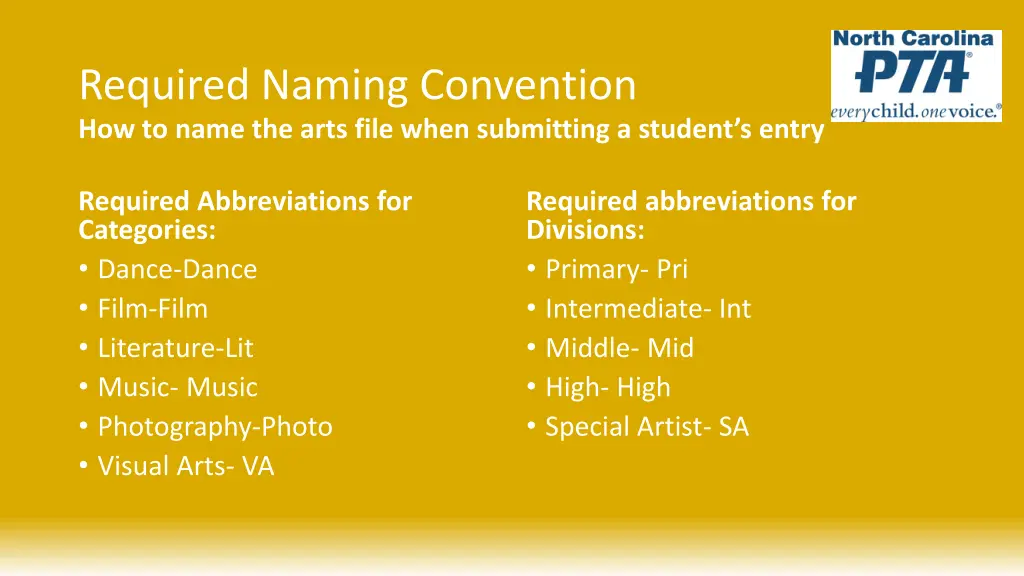
Required Naming Convention How to name the arts file when submitting a student s entry Required Abbreviations for Categories: Dance-Dance Film-Film Literature-Lit Music- Music Photography-Photo Visual Arts- VA Required abbreviations for Divisions: Primary- Pri Intermediate- Int Middle- Mid High- High Special Artist- SA
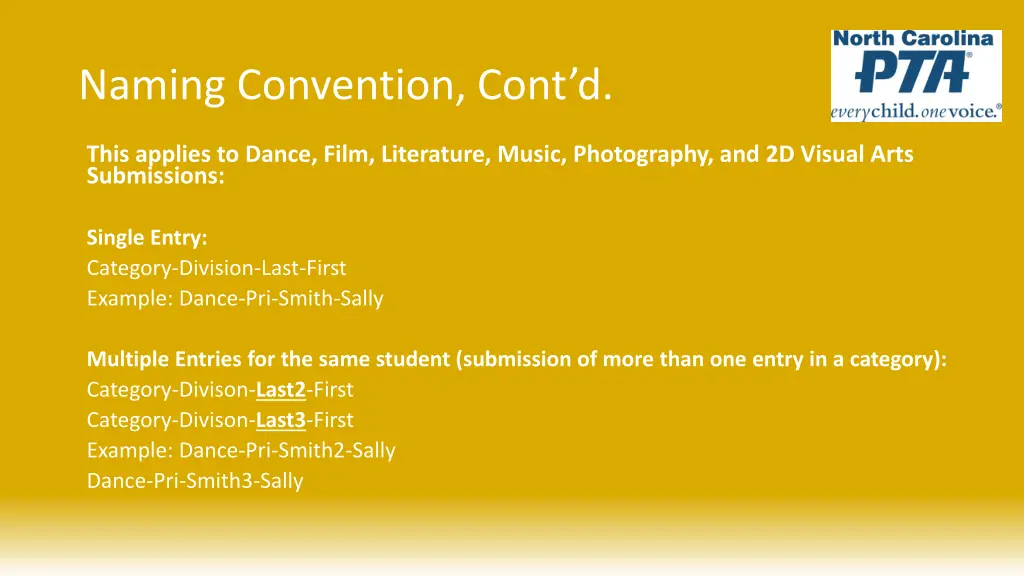
Naming Convention, Contd. This applies to Dance, Film, Literature, Music, Photography, and 2D Visual Arts Submissions: Single Entry: Category-Division-Last-First Example: Dance-Pri-Smith-Sally Multiple Entries for the same student (submission of more than one entry in a category): Category-Divison-Last2-First Category-Divison-Last3-First Example: Dance-Pri-Smith2-Sally Dance-Pri-Smith3-Sally
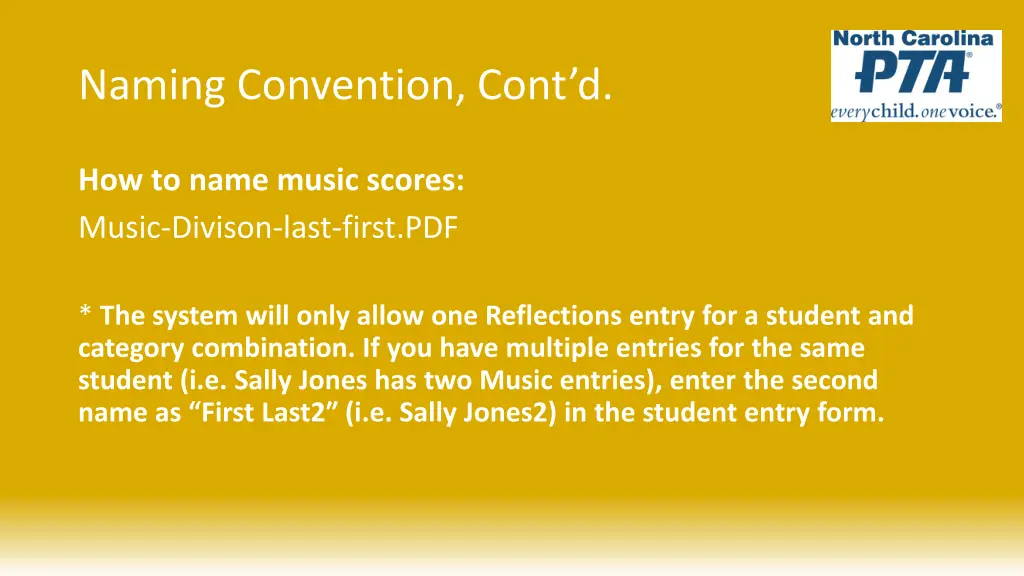
Naming Convention, Contd. How to name music scores: Music-Divison-last-first.PDF * The system will only allow one Reflections entry for a student and category combination. If you have multiple entries for the same student (i.e. Sally Jones has two Music entries), enter the second name as First Last2 (i.e. Sally Jones2) in the student entry form.
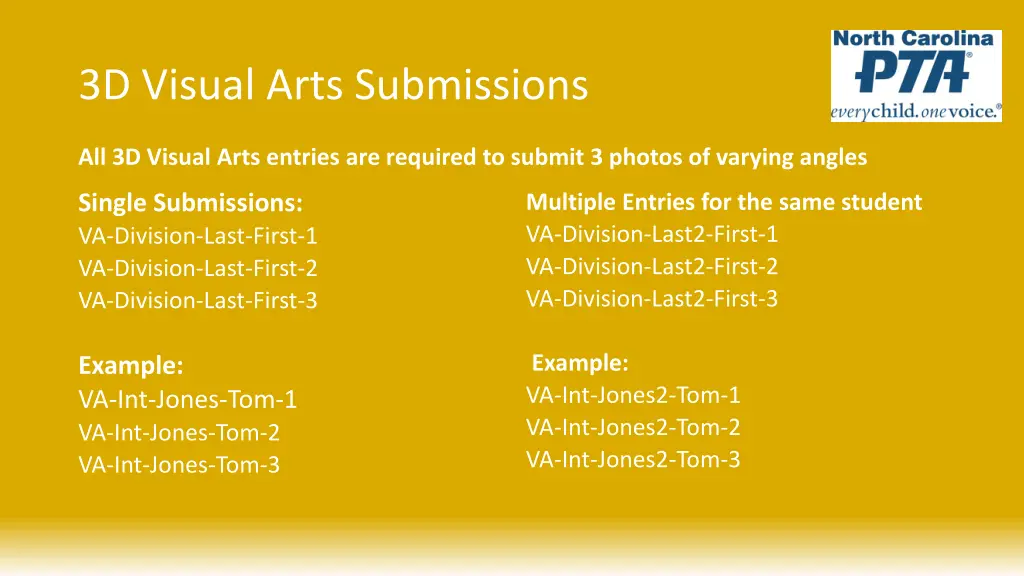
3D Visual Arts Submissions All 3D Visual Arts entries are required to submit 3 photos of varying angles Single Submissions: VA-Division-Last-First-1 VA-Division-Last-First-2 VA-Division-Last-First-3 Multiple Entries for the same student VA-Division-Last2-First-1 VA-Division-Last2-First-2 VA-Division-Last2-First-3 Example: VA-Int-Jones2-Tom-1 VA-Int-Jones2-Tom-2 VA-Int-Jones2-Tom-3 Example: VA-Int-Jones-Tom-1 VA-Int-Jones-Tom-2 VA-Int-Jones-Tom-3
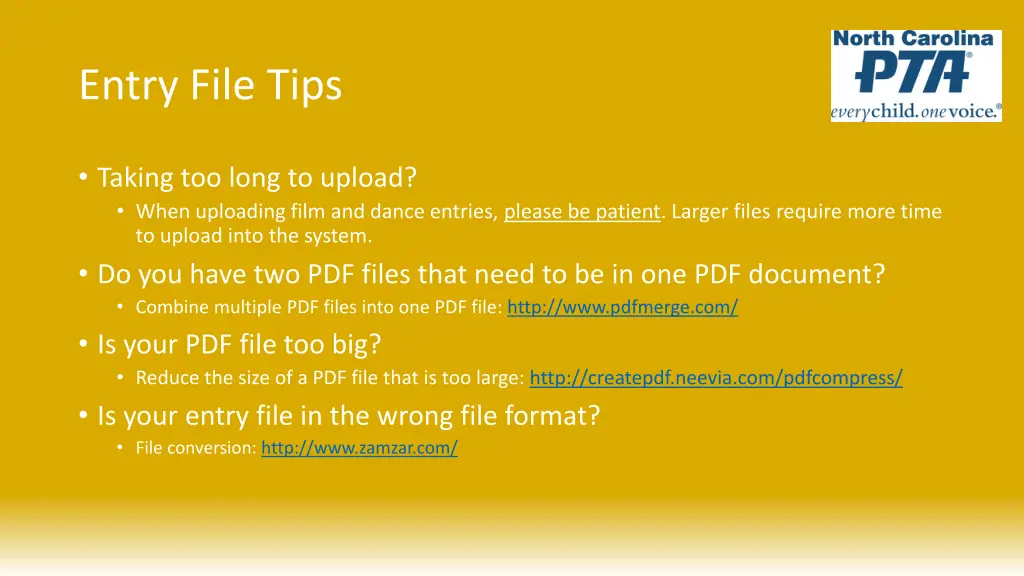
Entry File Tips Taking too long to upload? When uploading film and dance entries, please be patient. Larger files require more time to upload into the system. Do you have two PDF files that need to be in one PDF document? Combine multiple PDF files into one PDF file: http://www.pdfmerge.com/ Is your PDF file too big? Reduce the size of a PDF file that is too large: http://createpdf.neevia.com/pdfcompress/ Is your entry file in the wrong file format? File conversion: http://www.zamzar.com/
Screenshot - Upload Click to select Reflections Art File from your computer
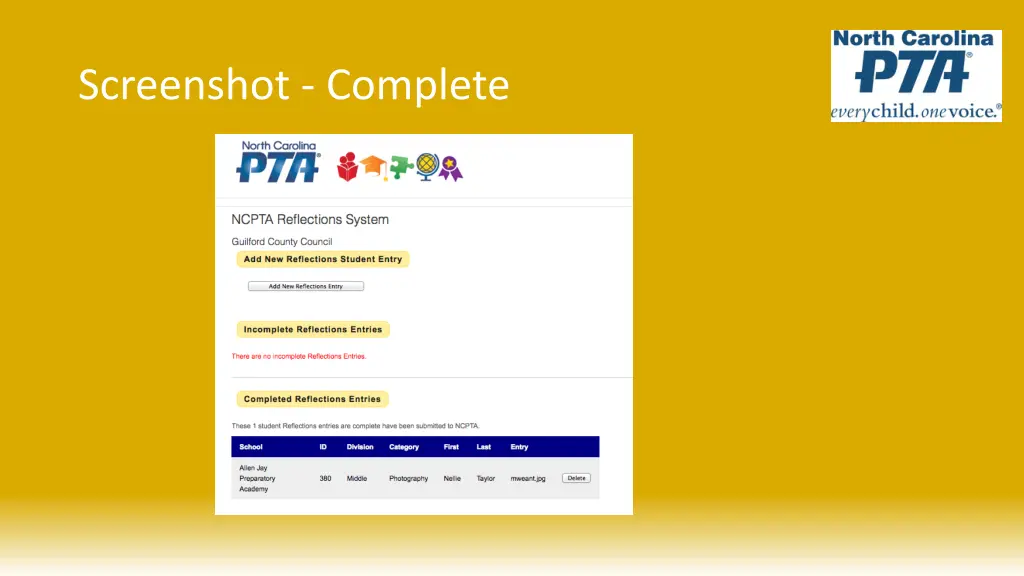
Review Entries for Accuracy Once you have entered the Student Entry Form and uploaded the Art File, the student will be listed under Completed Reflections Entries The entries in this list have been submitted to NCPTA and no further action is needed The Submission Process is not complete until both the Student Entry Form is entered and the Art File is uploaded Option to Delete a Submission Once the Student Entry Form is entered and the Student Art File is uploaded, modifications can not be made but the user can delete the entry and start over
Wrap Up Remember to start early and take time to prepare! Deadline to submit entries into the NCPTA Reflections Submission Website is Wednesday, January 6, 2021 No changes or modifications after January 6 If an entry is not complete by January 6, the submission will be disqualified Detailed Instructions on the NCPTA Website Contact the NCPTA Office with any questions Thank you for volunteering!