The Evolution of Cashless Transactions and Paytm Wallet Usage
"Explore the benefits of cashless transactions, the convenience of using Paytm Wallet, and the various features such as easy registration, adding money, and diverse uses offered by this digital payment platform."

Download Presentation

Please find below an Image/Link to download the presentation.
The content on the website is provided AS IS for your information and personal use only. It may not be sold, licensed, or shared on other websites without obtaining consent from the author. If you encounter any issues during the download, it is possible that the publisher has removed the file from their server.
You are allowed to download the files provided on this website for personal or commercial use, subject to the condition that they are used lawfully. All files are the property of their respective owners.
The content on the website is provided AS IS for your information and personal use only. It may not be sold, licensed, or shared on other websites without obtaining consent from the author.
E N D
Presentation Transcript
By SAGAR M. JONDHALE CPTP-5 ACST
Why Cashless Transactions? 1) Money can be traced to the last penny 2) Reduction in generation and use of Black Money 3) Safety of money 4) Systematic record of transactions
Types of Cashless Transactions 1)Using Debit Cards 2)Using Credit Cards 3)Using Internet Banking 4)Using Mobile Banking 5)Mobile Wallets
What is Paytm Wallet? Paytm stands for Pay Through Mobile Paytm Wallet is a digital wallet or a mobile wallet, designed to make and receive payments digitally Brief History: Started by Vijay Shekhar Sharma of One97 Communication Limited in 2010 Objectives: 1) To get rid of cash transactions 2) To make/receive payments on the go
Why Paytm Wallet? Simple and user-friendly Highly secure use 128-bit encryption technology Cashback offers discounts Extraordinary offers to win gadgets and other products
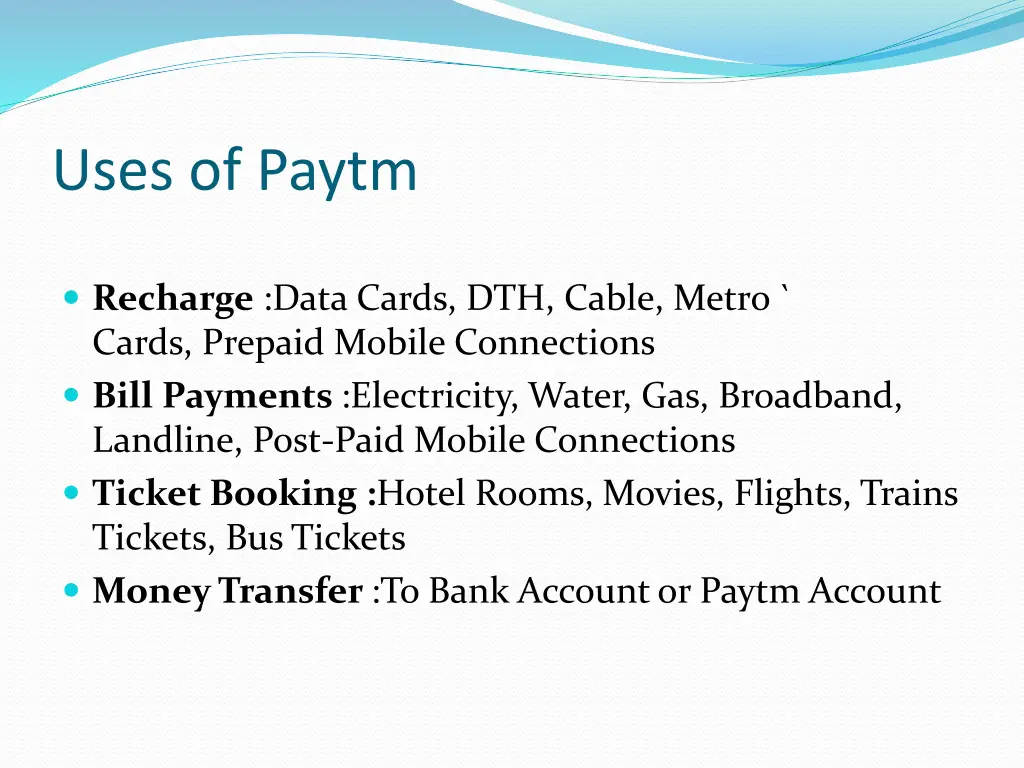
Uses of Paytm Recharge :Data Cards, DTH, Cable, Metro ` Cards, Prepaid Mobile Connections Bill Payments :Electricity, Water, Gas, Broadband, Landline, Post-Paid Mobile Connections Ticket Booking :Hotel Rooms, Movies, Flights, Trains Tickets, Bus Tickets Money Transfer :To Bank Account or Paytm Account
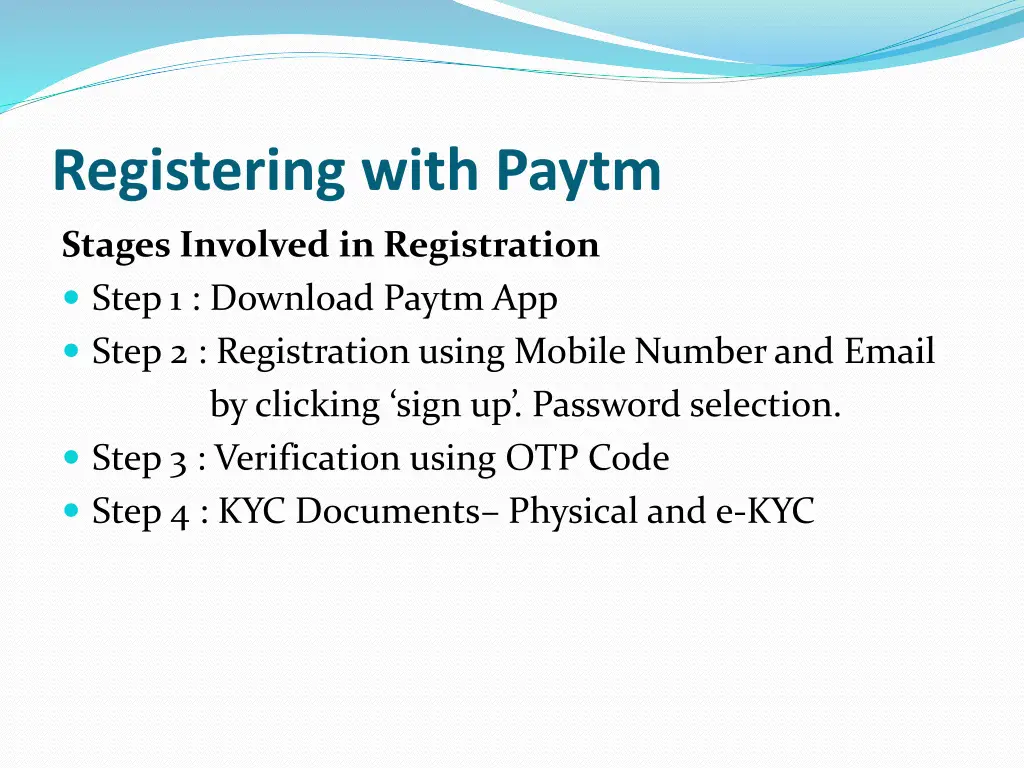
Registering with Paytm Stages Involved in Registration Step 1 : Download Paytm App Step 2 : Registration using Mobile Number and Email by clicking sign up . Password selection. Step 3 : Verification using OTP Code Step 4 : KYC Documents Physical and e-KYC
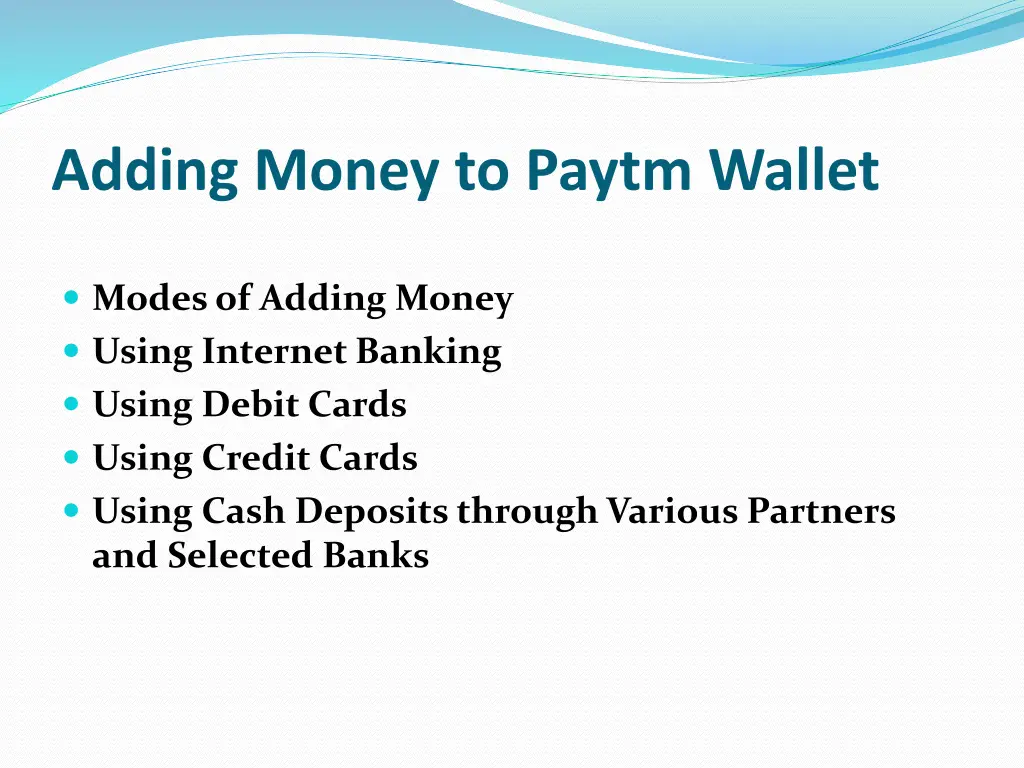
Adding Money to Paytm Wallet Modes of Adding Money Using Internet Banking Using Debit Cards Using Credit Cards Using Cash Deposits through Various Partners and Selected Banks
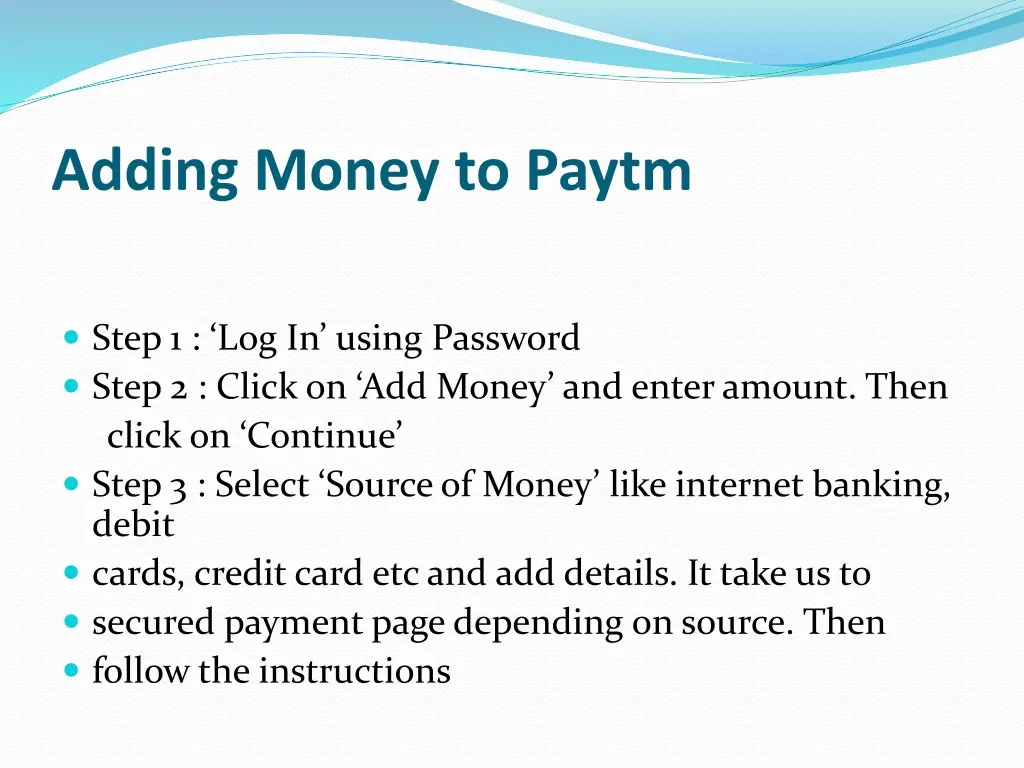
Adding Money to Paytm Step 1 : Log In using Password Step 2 : Click on Add Money and enter amount. Then click on Continue Step 3 : Select Source of Money like internet banking, debit cards, credit card etcand add details. It take us to secured payment page depending on source. Then follow the instructions
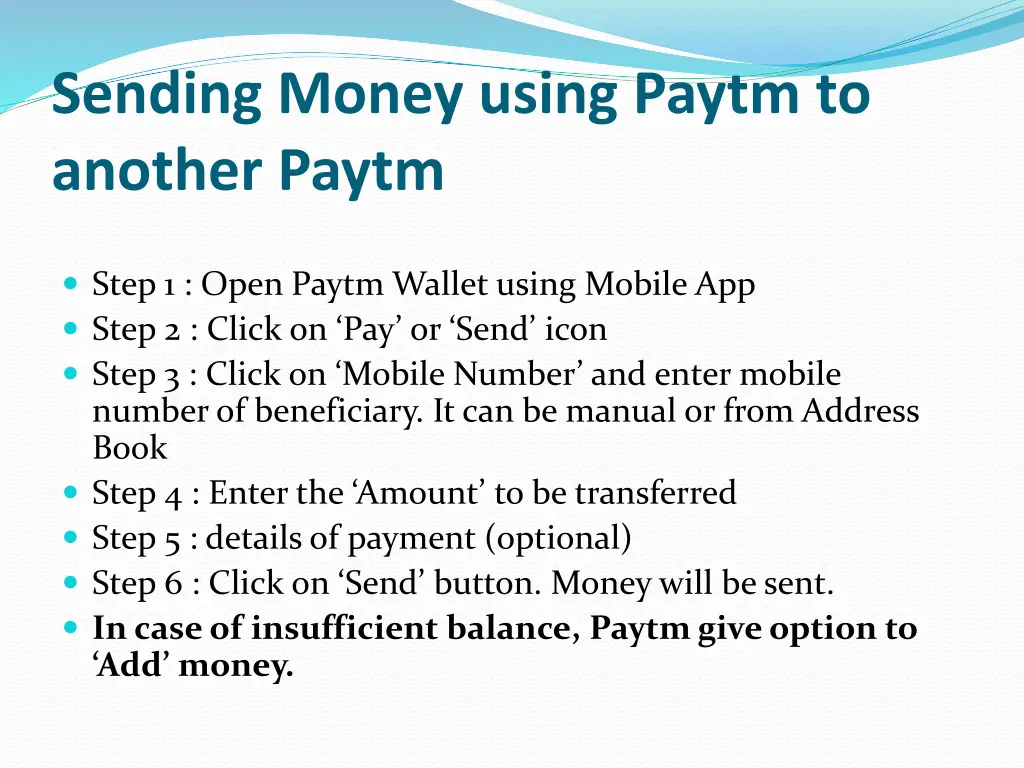
Sending Money using Paytm to another Paytm Step 1 : Open Paytm Wallet using Mobile App Step 2 : Click on Pay or Send icon Step 3 : Click on Mobile Number and enter mobile number of beneficiary. It can be manual or from Address Book Step 4 : Enter the Amount to be transferred Step 5 : details of payment (optional) Step 6 : Click on Send button. Money will be sent. In case of insufficient balance, Paytmgive option to Add money.
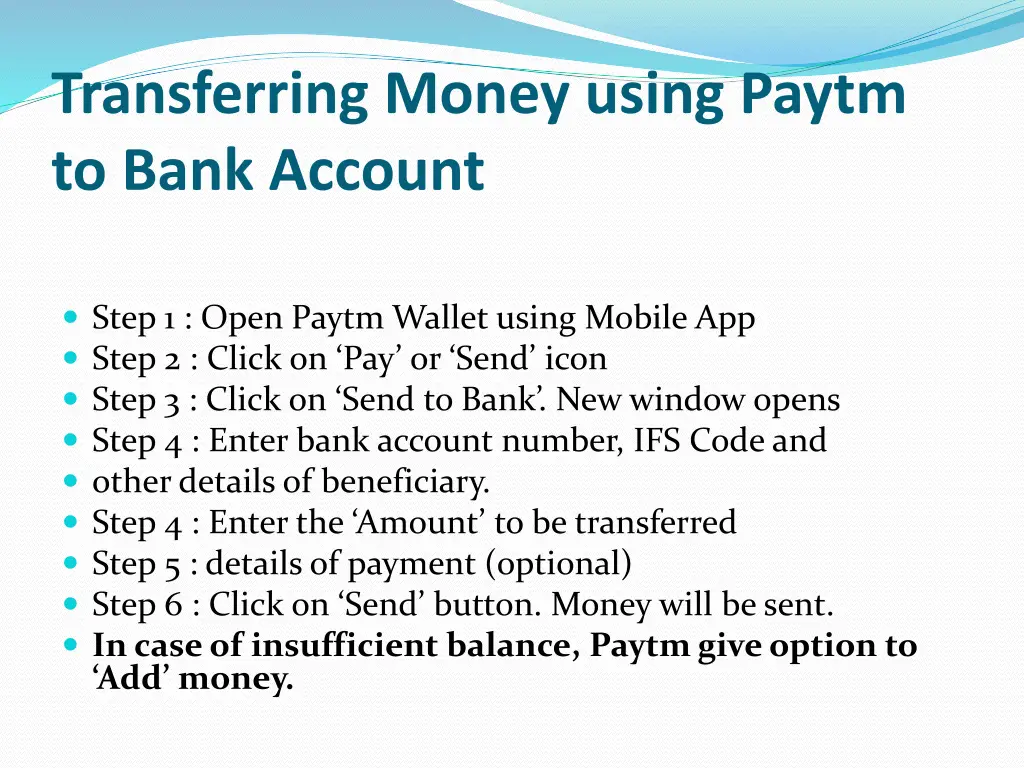
Transferring Money using Paytm to Bank Account Step 1 : Open Paytm Wallet using Mobile App Step 2 : Click on Pay or Send icon Step 3 : Click on Send to Bank . New window opens Step 4 : Enter bank account number, IFS Code and other details of beneficiary. Step 4 : Enter the Amount to be transferred Step 5 : details of payment (optional) Step 6 : Click on Send button. Money will be sent. In case of insufficient balance, Paytmgive option to Add money.
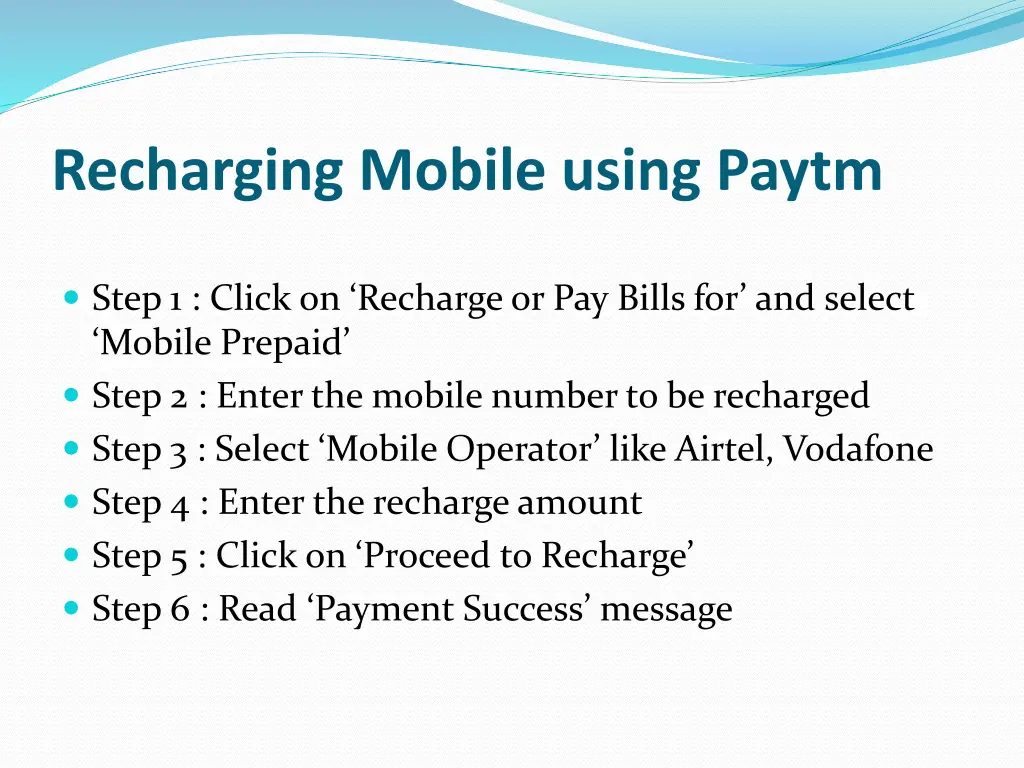
Recharging Mobile using Paytm Step 1 : Click on Recharge or Pay Bills for and select Mobile Prepaid Step 2 : Enter the mobile number to be recharged Step 3 : Select Mobile Operator like Airtel, Vodafone Step 4 : Enter the recharge amount Step 5 : Click on Proceed to Recharge Step 6 : Read Payment Success message