Learn how to declare, initialize, and process arrays in Java to efficiently store and manipulate lists of objects of the same type in computer memory. Gain insights into when to use arrays and how to work with array subscripts. Explore examples of representing populations by country using arrays.
Please find below an Image/Link to download the presentation.
The content on the website is provided AS IS for your information and personal use only. It may not be sold, licensed, or shared on other websites without obtaining consent from the author. If you encounter any issues during the download, it is possible that the publisher has removed the file from their server.
You are allowed to download the files provided on this website for personal or commercial use, subject to the condition that they are used lawfully. All files are the property of their respective owners.
The content on the website is provided AS IS for your information and personal use only. It may not be sold, licensed, or shared on other websites without obtaining consent from the author.
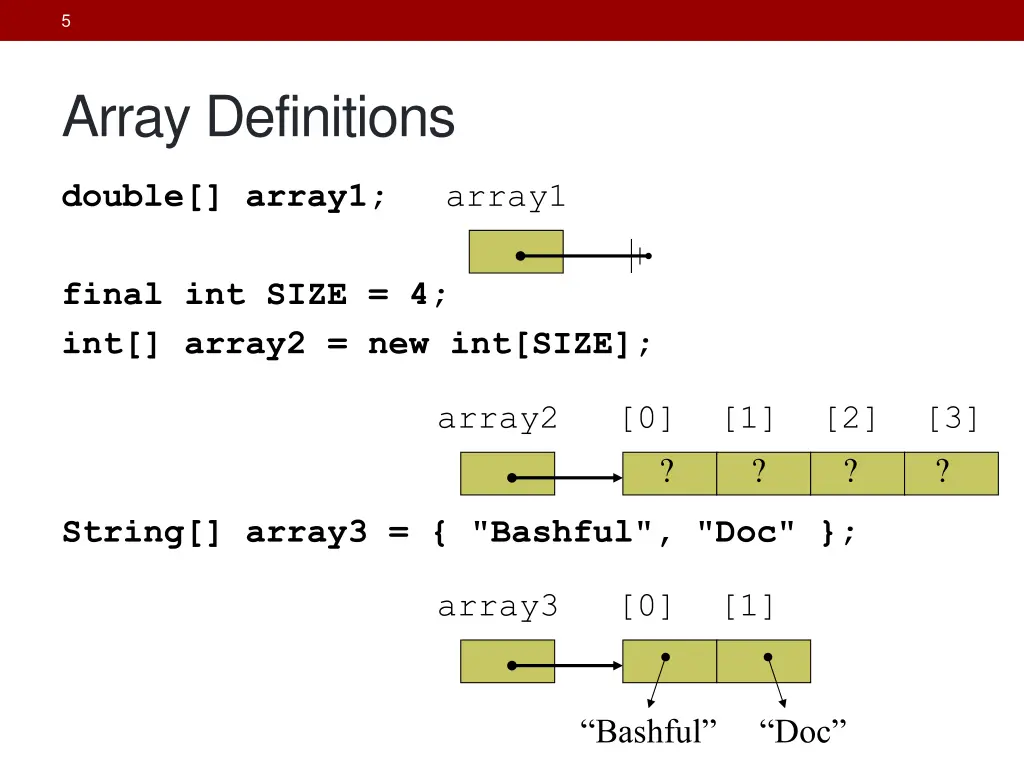
Objectives Be able to declare and initialize arrays Be able to conceptualize (draw) how arrays are represented in computer memory. Be able to process arrays (especially using for loops) Understand when to use an array
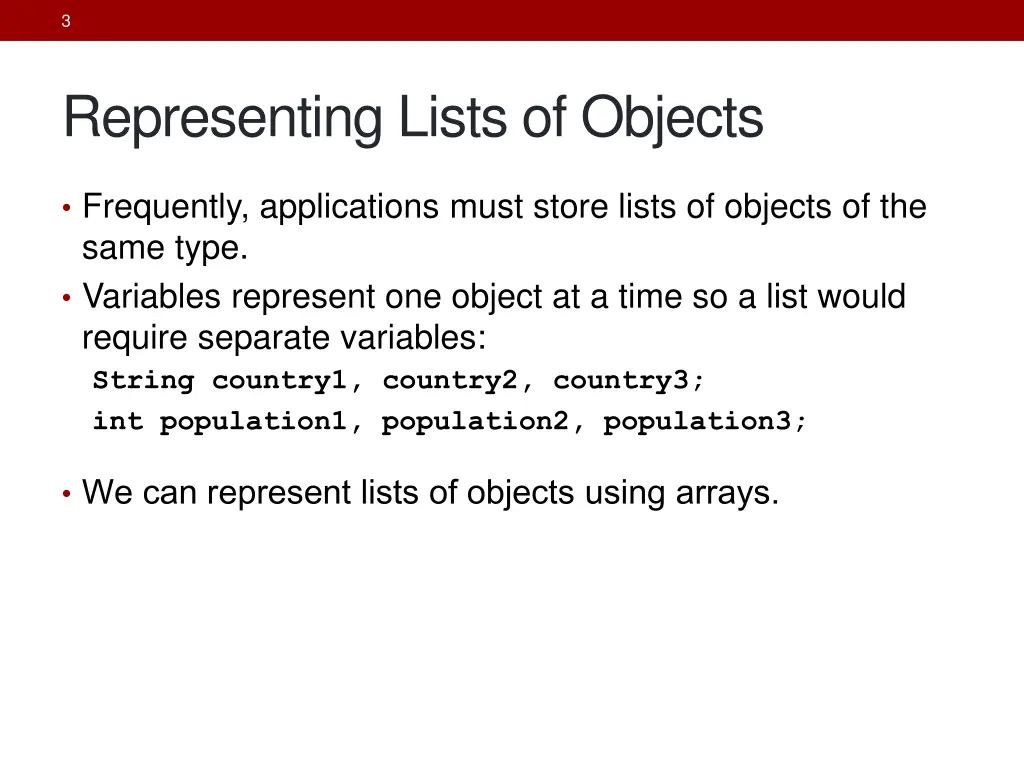
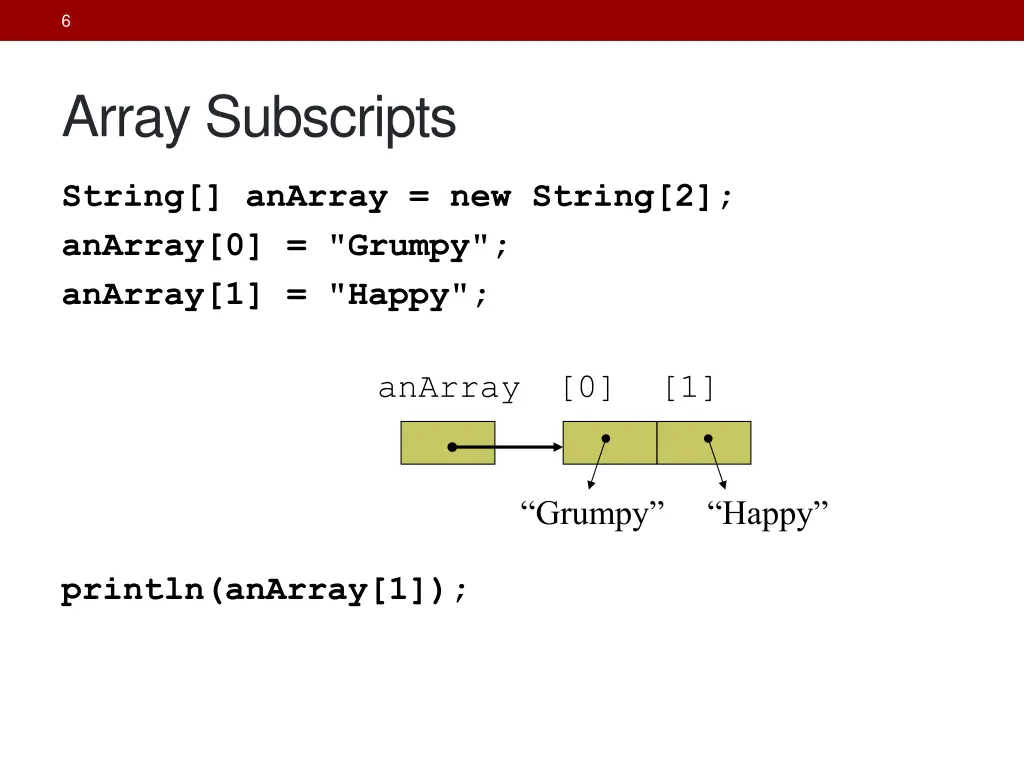
3 Representing Lists of Objects Frequently, applications must store lists of objects of the same type. Variables represent one object at a time so a list would require separate variables: String country1, country2, country3; int population1, population2, population3; We can represent lists of objects using arrays.
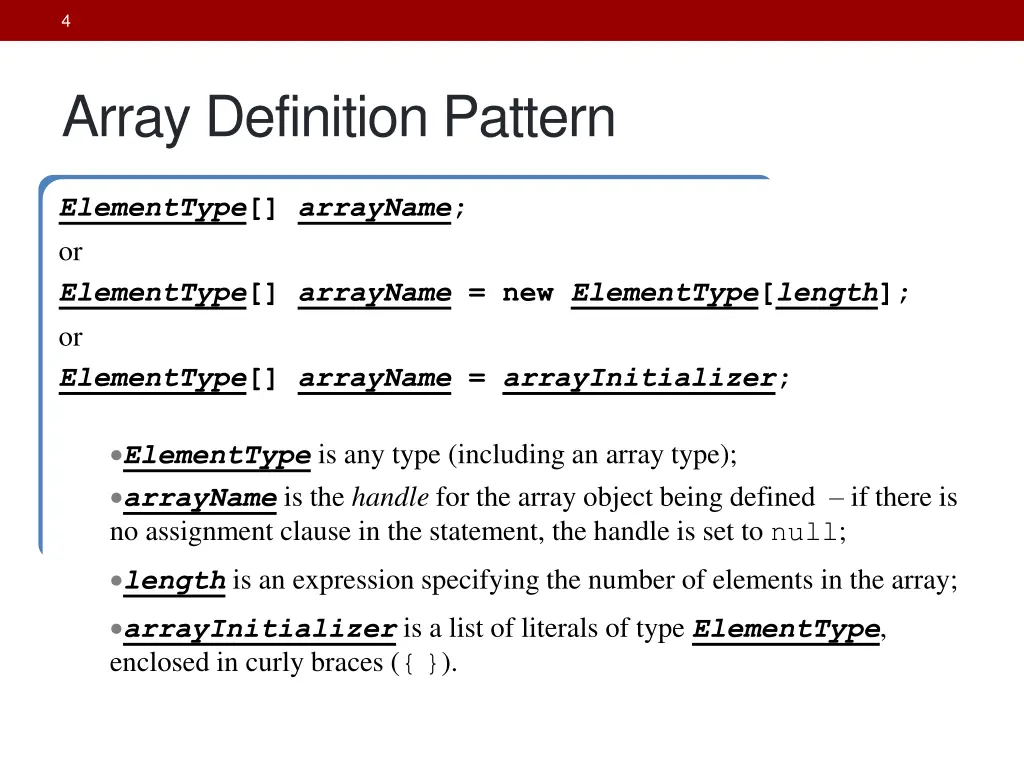
4 Array Definition Pattern ElementType[] arrayName; or ElementType[] arrayName = new ElementType[length]; or ElementType[] arrayName = arrayInitializer; ElementType is any type (including an array type); arrayName is the handle for the array object being defined if there is no assignment clause in the statement, the handle is set to null; length is an expression specifying the number of elements in the array; arrayInitializer is a list of literals of type ElementType, enclosed in curly braces ({}).
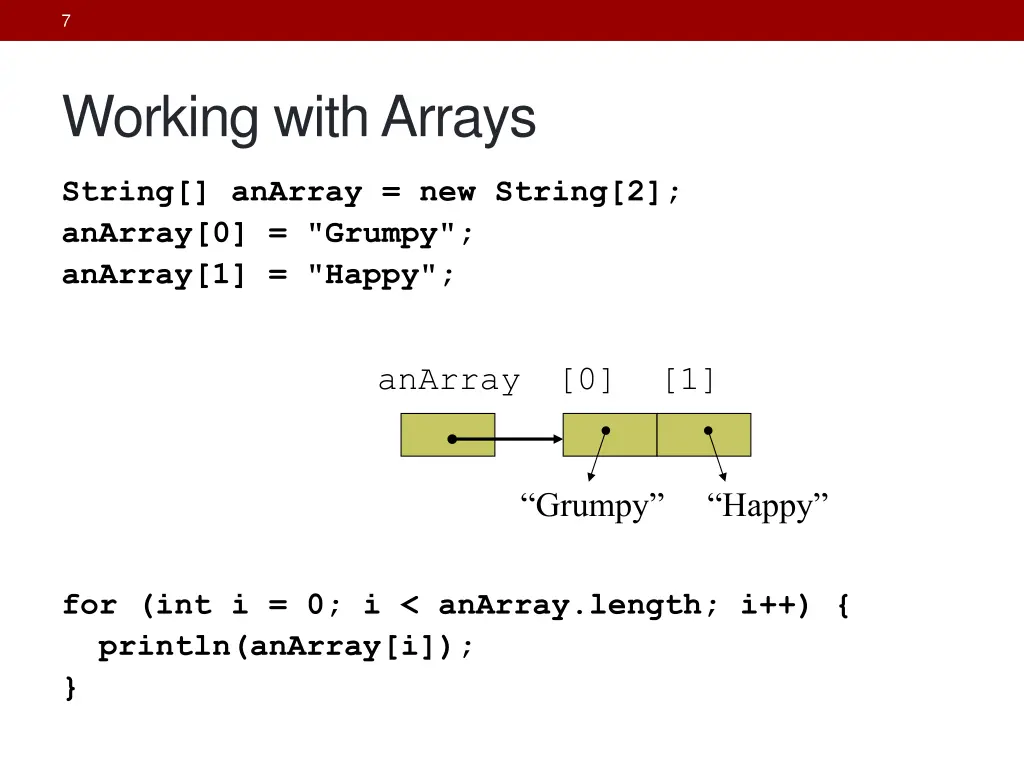
7 Working with Arrays String[] anArray = new String[2]; anArray[0] = "Grumpy"; anArray[1] = "Happy"; anArray [0] [1] Grumpy Happy for (int i = 0; i < anArray.length; i++) { println(anArray[i]); }
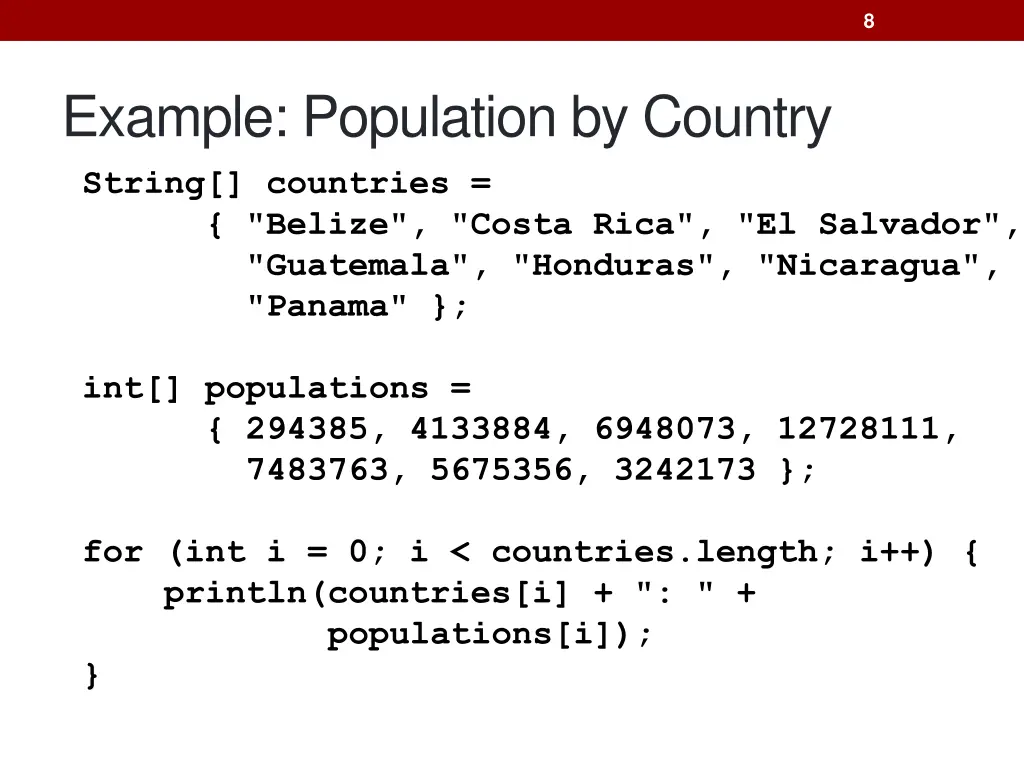
8 Example: Population by Country String[] countries = { "Belize", "Costa Rica", "El Salvador", "Guatemala", "Honduras", "Nicaragua", "Panama" }; int[] populations = { 294385, 4133884, 6948073, 12728111, 7483763, 5675356, 3242173 }; for (int i = 0; i < countries.length; i++) { println(countries[i] + ": " + populations[i]); }
9 Arrays as Parameters public static int computeTotal(int[] values) { int result = 0; for (int i = 0; i < values.length; i++) { result += values[i]; } return result; }
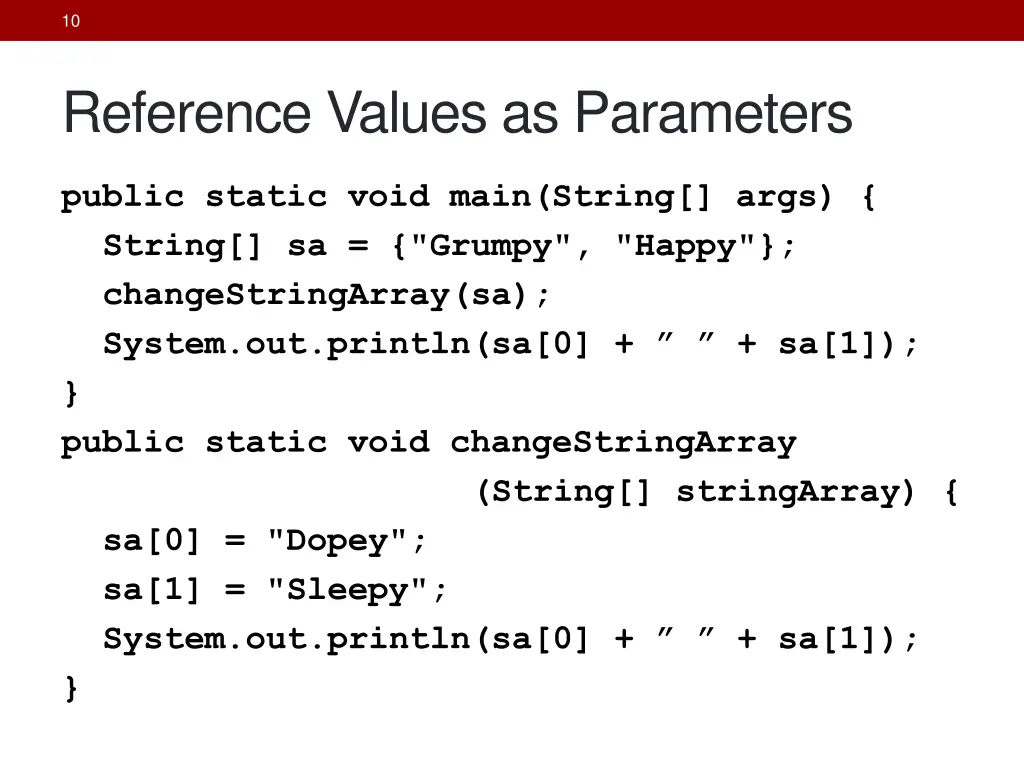
10 Reference Values as Parameters public static void main(String[] args) { String[] sa = {"Grumpy", "Happy"}; changeStringArray(sa); System.out.println(sa[0] + + sa[1]); } public static void changeStringArray (String[] stringArray) { sa[0] = "Dopey"; sa[1] = "Sleepy"; System.out.println(sa[0] + + sa[1]); }
Search Linear Search: 1. Receive a non-null list of values and a target value. 2. Loop for each element in list a. If value equals list[i] then i. Return true 3. Return false.
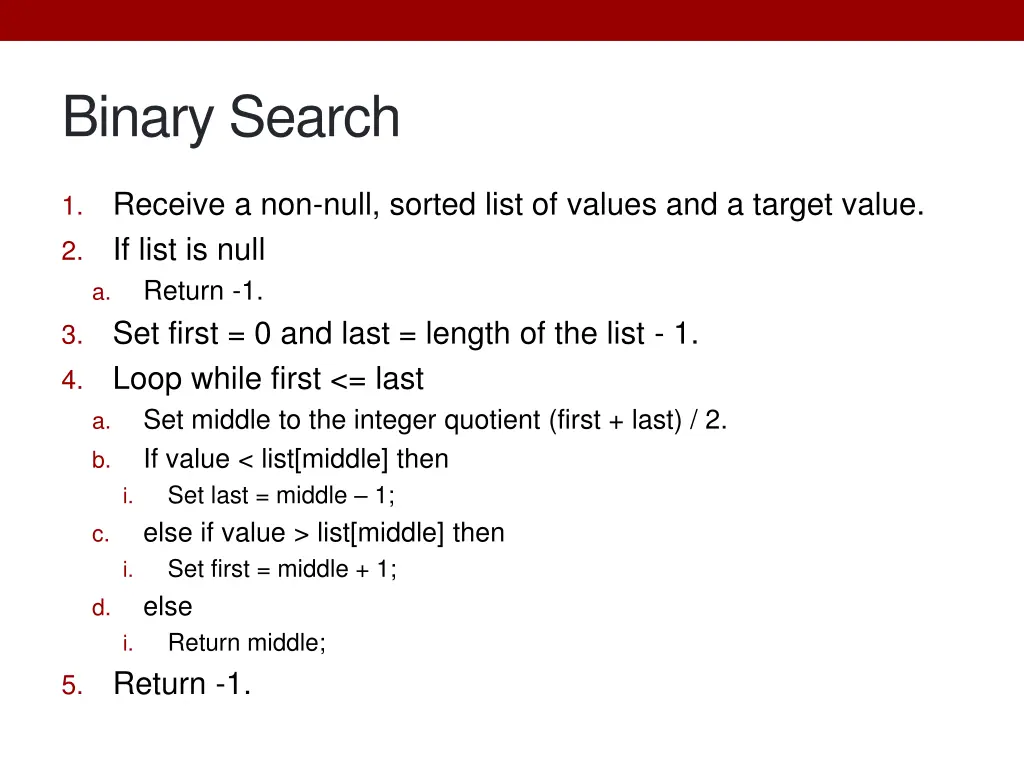
Binary Search Receive a non-null, sorted list of values and a target value. If list is null Return -1. Set first = 0 and last = length of the list - 1. Loop while first <= last Set middle to the integer quotient (first + last) / 2. If value < list[middle] then i. Set last = middle 1; else if value > list[middle] then i. Set first = middle + 1; else i. Return middle; Return -1. 1. 2. a. 3. 4. a. b. c. d. 5.
15 Multi-Dimensional Data Some data sets cannot be represented with single- dimensional arrays. Examples: Matrixes, sudoku puzzles, tictactoe games, chess, checkers, etc. Spreadsheets are generally two dimensional. Databases are generally X dimensional where X > 2.
16 Multi-Dimensional Arrays Some data collections, like the Sudoku grid can be viewed as multi-dimensional data. Declaring 2-D arrays: type[][] identifier = arrayExpression; Constructing 2-D arrays: new type[totalRows][totalColumns] Accessing 2-D array elements: identifier[someRow][someColumn] This can be generalized to more dimensions.