Understanding Main Memory Management in Operating Systems
Explore the basics of main memory management in operating systems, including the role of hardware registers, protection mechanisms, logical vs. physical address spaces, and memory space allocation. Gain insights into how CPUs interact with memory units and the crucial role of the Memory-Management Unit (MMU) in address mapping.

Download Presentation

Please find below an Image/Link to download the presentation.
The content on the website is provided AS IS for your information and personal use only. It may not be sold, licensed, or shared on other websites without obtaining consent from the author. If you encounter any issues during the download, it is possible that the publisher has removed the file from their server.
You are allowed to download the files provided on this website for personal or commercial use, subject to the condition that they are used lawfully. All files are the property of their respective owners.
The content on the website is provided AS IS for your information and personal use only. It may not be sold, licensed, or shared on other websites without obtaining consent from the author.
E N D
Presentation Transcript
Operating Systems Operating Systems Chapter10 Main Memory Main Memory By: Lecturer By: Lecturer Raoof Raoof Talal Talal
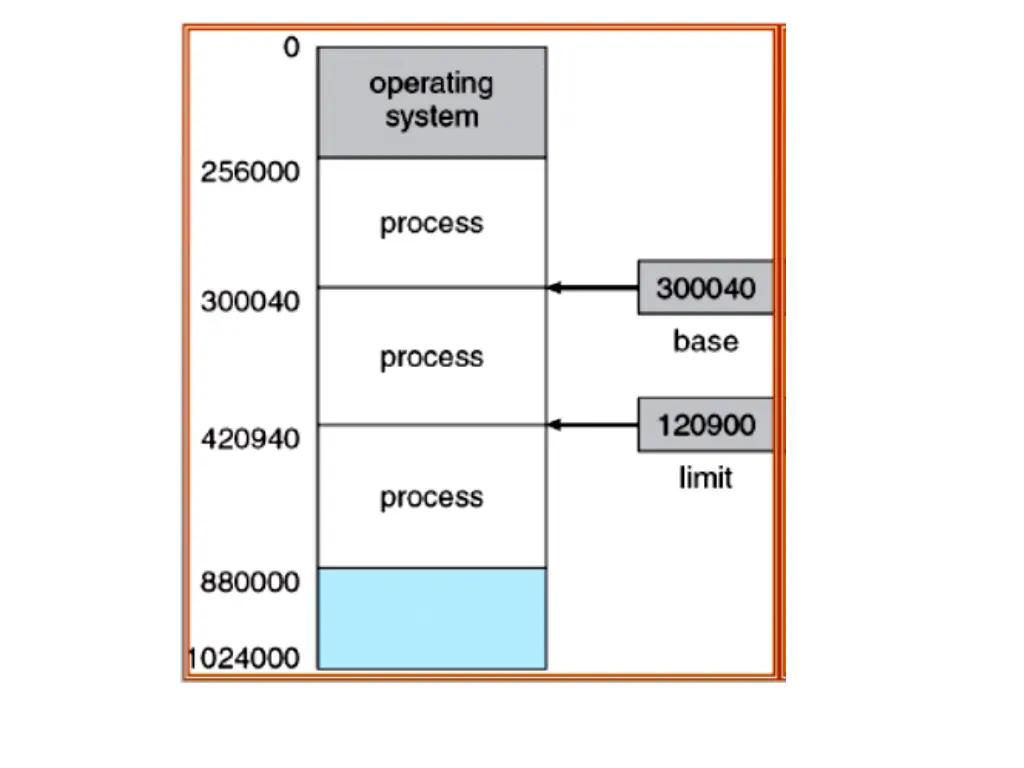
10.1 Background 10.1.1 Basic Hardware Main memory and the registers built into the processor itself are the only storage that the CPU can access directly. To protect user processes from one another, We can provide this protection by using two registers, usually a base and a limit, as illustrated in Figure 10.1.
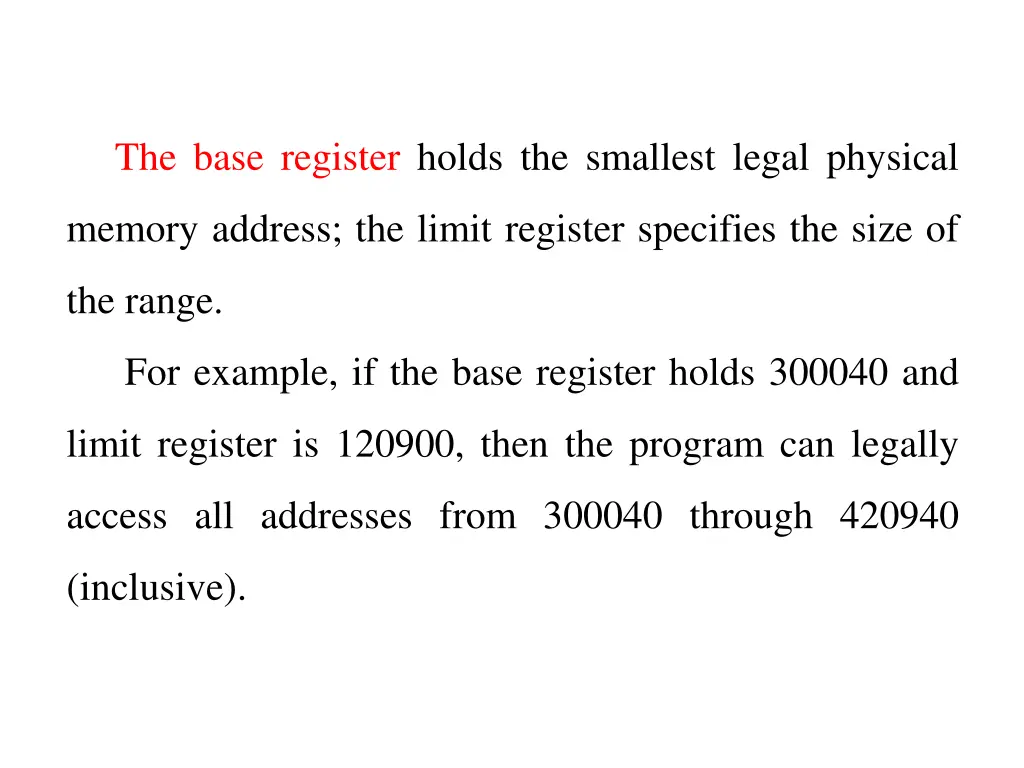
The base register holds the smallest legal physical memory address; the limit register specifies the size of the range. For example, if the base register holds 300040 and limit register is 120900, then the program can legally access all addresses from 300040 through 420940 (inclusive).
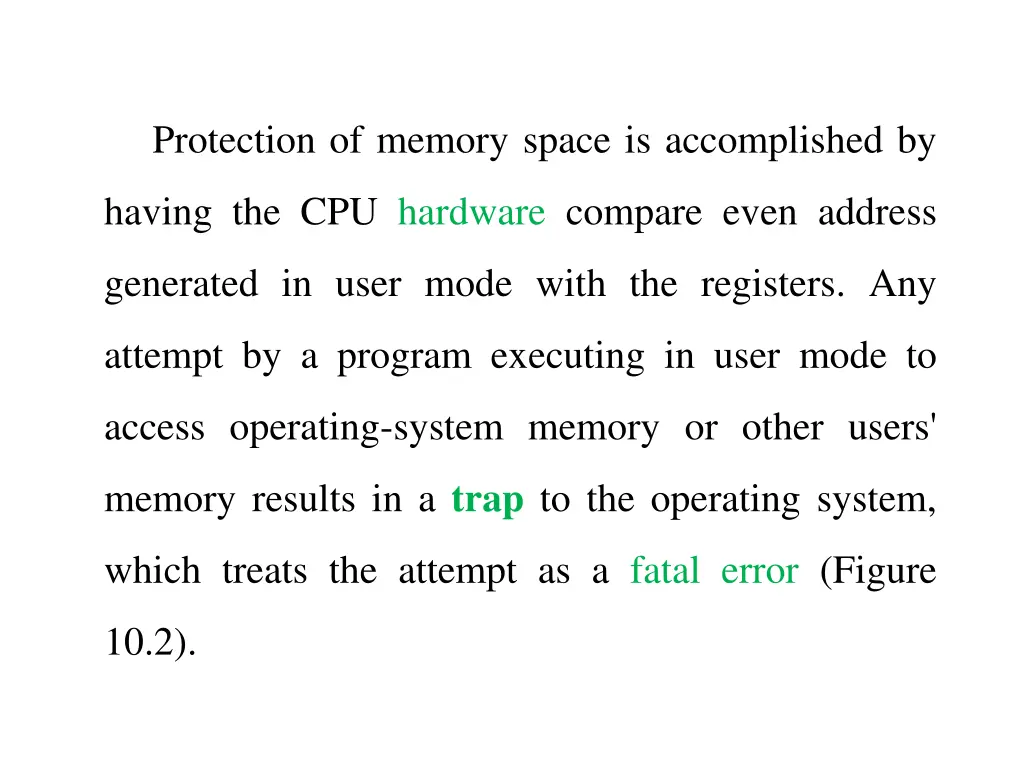
Protection of memory space is accomplished by having the CPU hardware compare even address generated in user mode with the registers. Any attempt by a program executing in user mode to access operating-system memory or other users' memory results in a trap to the operating system, which treats the attempt as a fatal error (Figure 10.2).
10.1.2 Logical Versus Physical Address Space An address generated by the CPU is commonly referred to as a logical address, whereas an address seen by the memory unit is commonly referred to as a physical address. The run-time mapping from logical (virtual) to physical addresses is done by a hardware device called the memory- management unit (MMU). We illustrate this mapping with a simple MMU scheme, which is a generalization of the base-register scheme. The base register is now called a relocation register. The value in the relocation register is added to every address generated by a user process at the time it is sent to memory (Figure 10.3).
For example, if the base is 14000, then an attempt by the user to address location 0 is dynamically relocated to location 14000; an access to location 346 is mapped to location 14346 and so on.
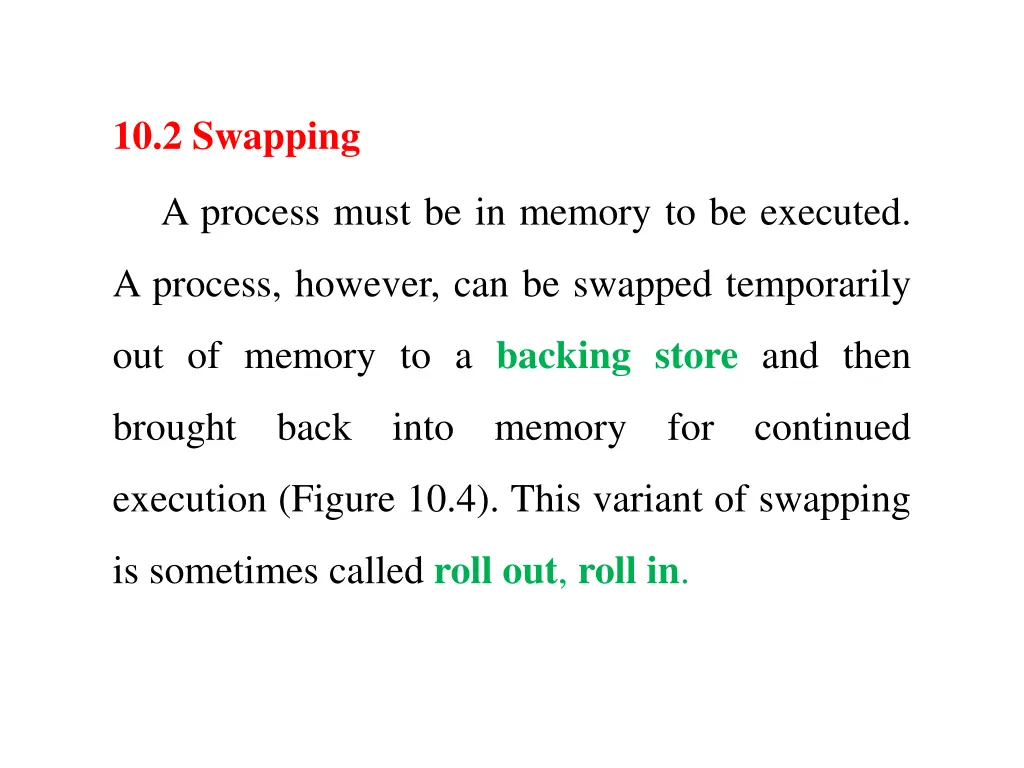
10.2 Swapping A process must be in memory to be executed. A process, however, can be swapped temporarily out of memory to a backing store and then brought back into memory for continued execution (Figure 10.4). This variant of swapping is sometimes called roll out, roll in.
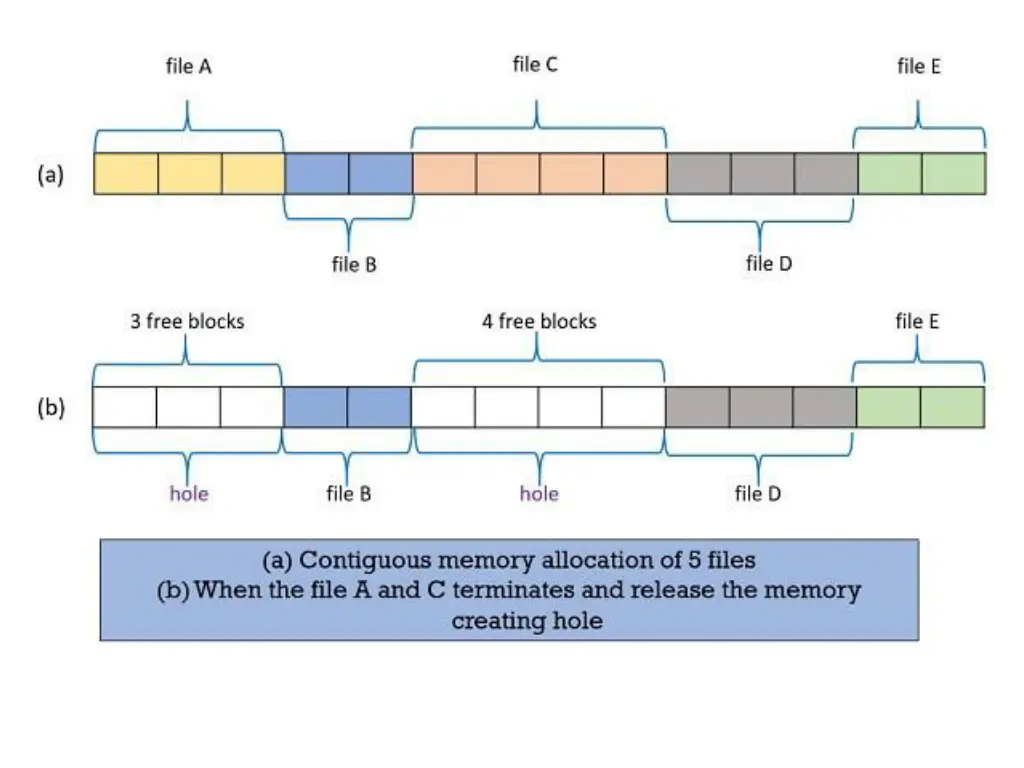
10.3 Contiguous Memory Allocation One of the simplest methods for allocating memory is to divide memory into several fixed-sized partitions. Each partition may contain exactly one process. Thus, the degree of multiprogramming is bound by the number of partitions. Initially, all memory is available for user processes and is considered one large block of available memory, a hole. When a process arrives and needs memory, we search for a hole large enough for this process. If we find one, we allocate only as much memory as is needed, keeping the rest available to satisfy future requests.
Block Allocation List Block allocation list maintains two tables. One table contains the entries of the blocks that are allocated to the various files. The other table contains the entries of the holes that are free and can be allocated to the process in the waiting queue. Now, as we have entries of free blocks which one must be chosen can be decided using either of these strategies: first-fit, best-fit, worst-fit strategies.
1. First-fit Here, the searching starts either at the beginning of the table or from where the previous first-fit search has ended. While searching, the first hole that is found to be large enough for a process to accommodate is selected.
Example 1: Consider a swapping system in which memory consists of the following holes (blocks) sizes in memory order:10KB, 4KB, 20KB, 18KB, 7KB, 9KB, 12 KB, and 15KB. Which hole is taken for successive segment requests of 12KB, 10KB, and 9KB for first fit? Process Size Block Size Memory Wastage P1 12KB Block3 20KB 8KB P2 10KB Block1 10KB 0 P3 9KB Block4 18KB 9KB
2. Best-fit This method needs the list of free holes to be sorted according to their size. Then the smallest hole that is large enough for the process to accommodate is selected from the list of free holes. This strategy reduces the wastage of memory as it does not allocate a hole of larger size which leaves some amount of memory even after the process accommodates the space.
Example 2: Consider a swapping system in which memory consists of the following holessizes in memory order:10KB, 4KB, 20KB, 18KB, 7KB, 9KB, 12 KB, and 15KB. Which hole is taken for successive segment requests of 12KB, 10KB, and 9KB for best fit? Process Size Block Size Memory Wastage P1 12KB Block7 12KB 0 P2 10KB Block1 10KB 0 P3 9KB Block6 9KB 0
3. Worst-fit This method requires the entire list of free holes to be sorted. Here, again the largest hole among the free holes is selected. This strategy leaves the largest leftover hole which may be useful for the other process.
Example 3: Consider a swapping system in which memory consists of the following holessizes in memory order:10KB, 4KB, 20KB, 18KB, 7KB, 9KB, 12 KB, and 15KB. Which hole is taken for successive segment requests of 12KB, 10KB, and 9KB for worst fit? Process Size Block Size Memory Wastage P1 12KB Block3 20KB 8KB P2 10KB Block4 18KB 8KB P3 9KB Block8 15KB 6KB