Understanding Practice Payments Process in Healthcare
Learn about the steps involved in NHAIS and Open Exeter payment systems, including challenges, setup procedures, and tips for managing invoice payments effectively in healthcare practices.

Download Presentation

Please find below an Image/Link to download the presentation.
The content on the website is provided AS IS for your information and personal use only. It may not be sold, licensed, or shared on other websites without obtaining consent from the author. If you encounter any issues during the download, it is possible that the publisher has removed the file from their server.
You are allowed to download the files provided on this website for personal or commercial use, subject to the condition that they are used lawfully. All files are the property of their respective owners.
The content on the website is provided AS IS for your information and personal use only. It may not be sold, licensed, or shared on other websites without obtaining consent from the author.
E N D
Presentation Transcript
Understanding Practice Payments Alan Edwards Q1 2015
Agenda 1. 2. 3. NHAIS / Open Exeter Payments. Invoice Payments. Useful Links and Support.
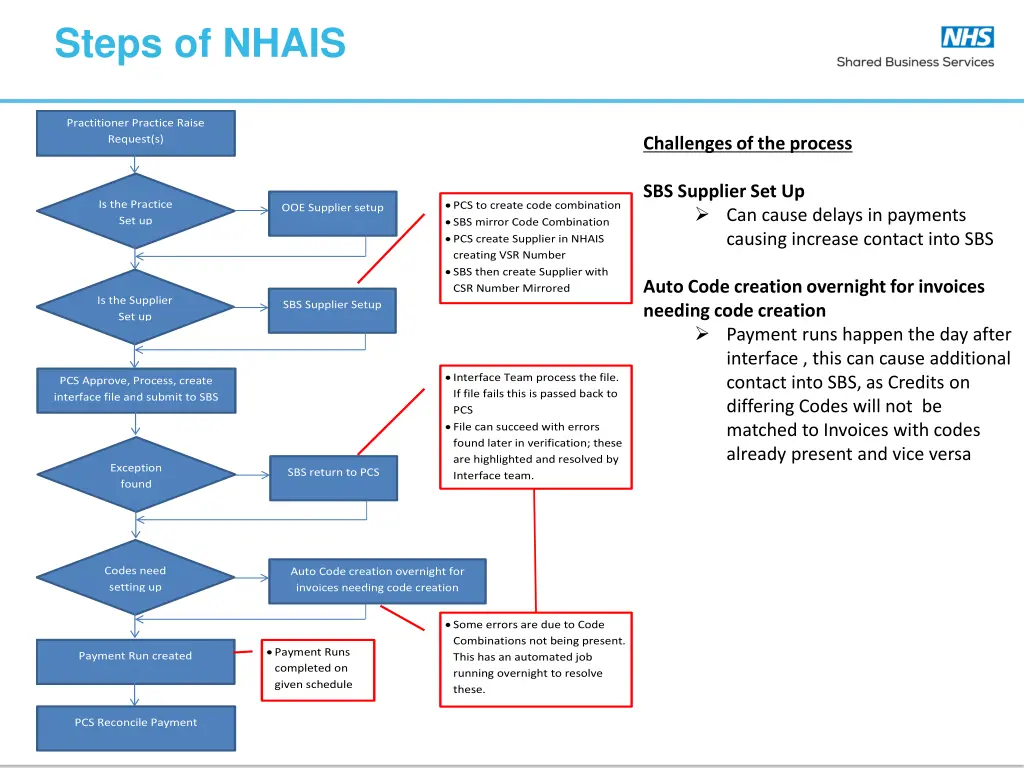
Steps of NHAIS Practitioner Practice Raise Request(s) Challenges of the process SBS Supplier Set Up Can cause delays in payments causing increase contact into SBS PCS to create code combination SBS mirror Code Combination PCS create Supplier in NHAIS creating VSR Number SBS then create Supplier with CSR Number Mirrored Is the Practice Set up OOE Supplier setup Auto Code creation overnight for invoices needing code creation Payment runs happen the day after interface , this can cause additional contact into SBS, as Credits on differing Codes will not be matched to Invoices with codes already present and vice versa Is the Supplier Set up SBS Supplier Setup Interface Team process the file. If file fails this is passed back to PCS File can succeed with errors found later in verification; these are highlighted and resolved by Interface team. PCS Approve, Process, create interface file and submit to SBS Exception found SBS return to PCS Codes need setting up Auto Code creation overnight for invoices needing code creation Some errors are due to Code Combinations not being present. This has an automated job running overnight to resolve these. Payment Runs completed on given schedule Payment Run created PCS Reconcile Payment
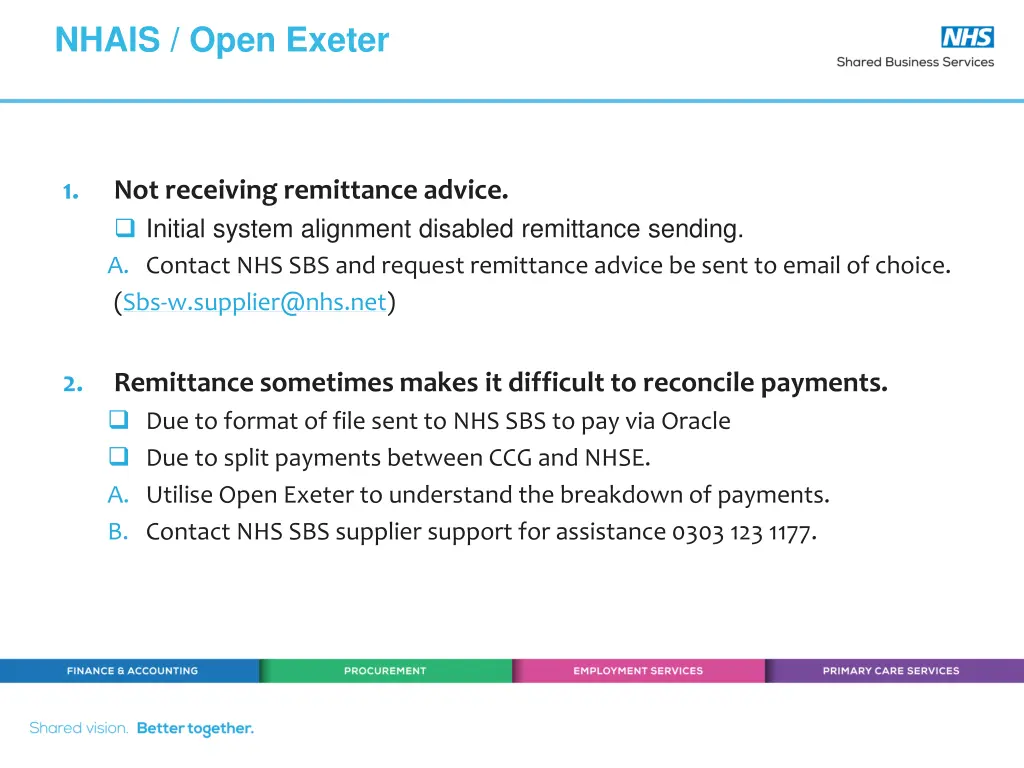
NHAIS / Open Exeter 1. Not receiving remittance advice. Initial system alignment disabled remittance sending. A. Contact NHS SBS and request remittance advice be sent to email of choice. (Sbs-w.supplier@nhs.net) 2. Remittance sometimes makes it difficult to reconcile payments. Due to format of file sent to NHS SBS to pay via Oracle Due to split payments between CCG and NHSE. A. Utilise Open Exeter to understand the breakdown of payments. B. Contact NHS SBS supplier support for assistance 0303 123 1177.
NHAIS / Open Exeter Useful Tips 1. Who is paying? 2. When do they pay? A. Ask either NHSE, CCG or SBS Helpdesk to confirm payment times 1. 2. 3. 4. Allow at least 3 days for BACs to clear. Check Open Exeter once money reaches account. Sign up for remittance via NHS SBS Support desk. Call the dedicated GP support desk for any assistance.
INVOICE PAYMENTS Paper & Electronic.
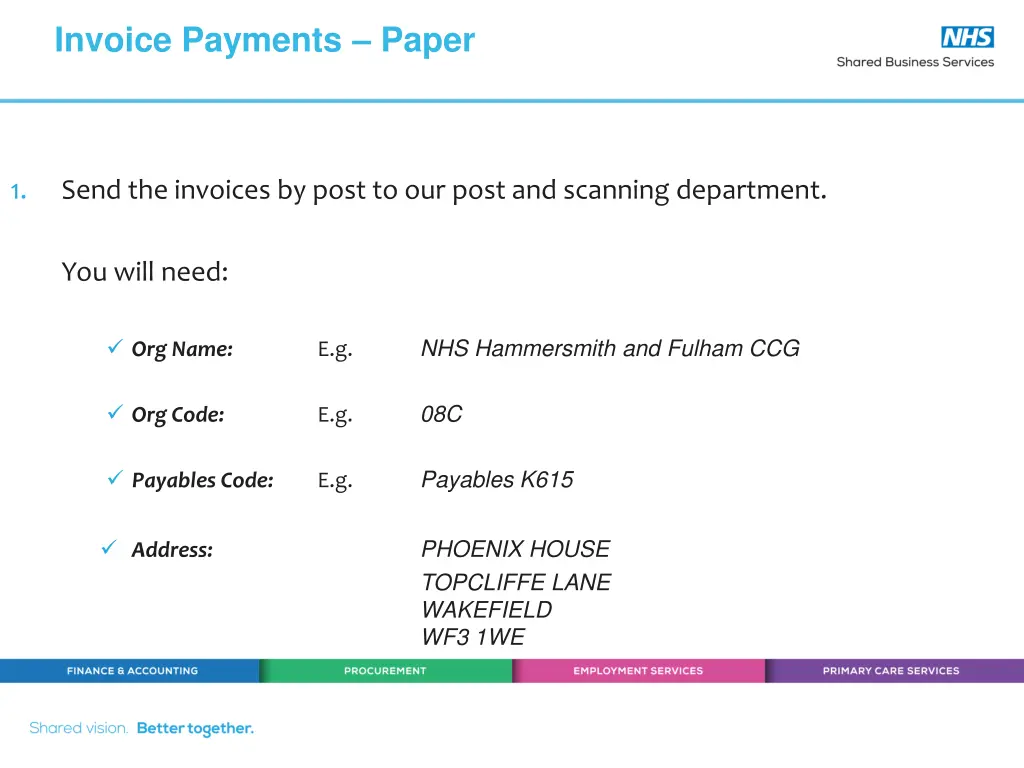
Invoice Payments Paper 1. Send the invoices by post to our post and scanning department. You will need: NHS Hammersmith and Fulham CCG Org Name: E.g. 08C Org Code: E.g. Payables K615 Payables Code: E.g. PHOENIX HOUSE TOPCLIFFE LANE WAKEFIELD WF3 1WE Address:
Invoice Payments Electronic 1. Submit the invoices via our Tradeshift eInvoicing payments system: You will need to sign up to a Tradeshift account at https://go.tradeshift.com/register You will then need to connect to NHS Shared Business Services, which only takes a moment. You then need to connect to the NHS organisations you wish to invoice.
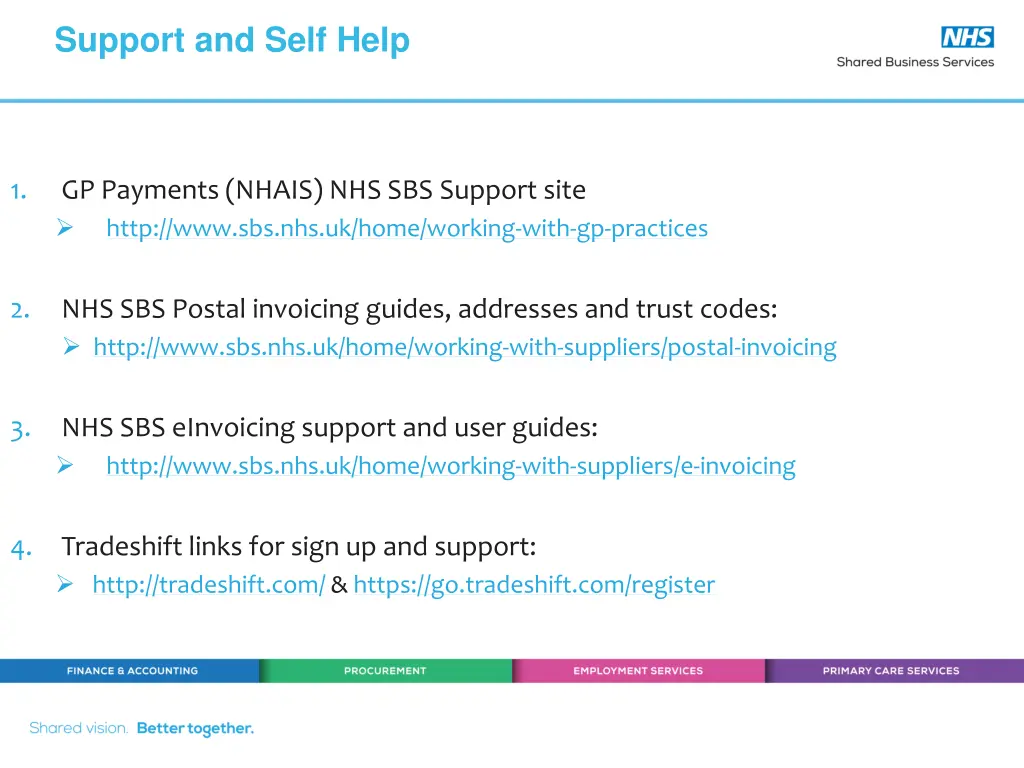
Support and Self Help 1. GP Payments (NHAIS) NHS SBS Support site http://www.sbs.nhs.uk/home/working-with-gp-practices 2. NHS SBS Postal invoicing guides, addresses and trust codes: http://www.sbs.nhs.uk/home/working-with-suppliers/postal-invoicing 3. NHS SBS eInvoicing support and user guides: http://www.sbs.nhs.uk/home/working-with-suppliers/e-invoicing 4. Tradeshift links for sign up and support: http://tradeshift.com/ & https://go.tradeshift.com/register
Support and Self Help 1. NHS SBS GP / NHS Payment Support Helpdesk 0303 123 1177 GPs Select Option 2 and then Option 1. NHS orgs Select Option 2 and Option 2. 2. NHS SBS GP / NHS Payment Support email Sbs-w.supplier@nhs.net