Understanding Python Lists and Dictionaries for Elementary Statistics
Explore Python lists and dictionaries to store data efficiently and implement algorithms for basic statistical computations in Chapter 4 of Python Programming in Context. Learn about list operations, mutability, methods, and simple statistics calculations.

Uploaded on | 1 Views
Download Presentation

Please find below an Image/Link to download the presentation.
The content on the website is provided AS IS for your information and personal use only. It may not be sold, licensed, or shared on other websites without obtaining consent from the author. If you encounter any issues during the download, it is possible that the publisher has removed the file from their server.
You are allowed to download the files provided on this website for personal or commercial use, subject to the condition that they are used lawfully. All files are the property of their respective owners.
The content on the website is provided AS IS for your information and personal use only. It may not be sold, licensed, or shared on other websites without obtaining consent from the author.
E N D
Presentation Transcript
Python Programming in Context Chapter 4
Objectives To understand Python lists To use lists as a means of storing data To use dictionaries to store associative data To implement algorithms to compute elementary statistics
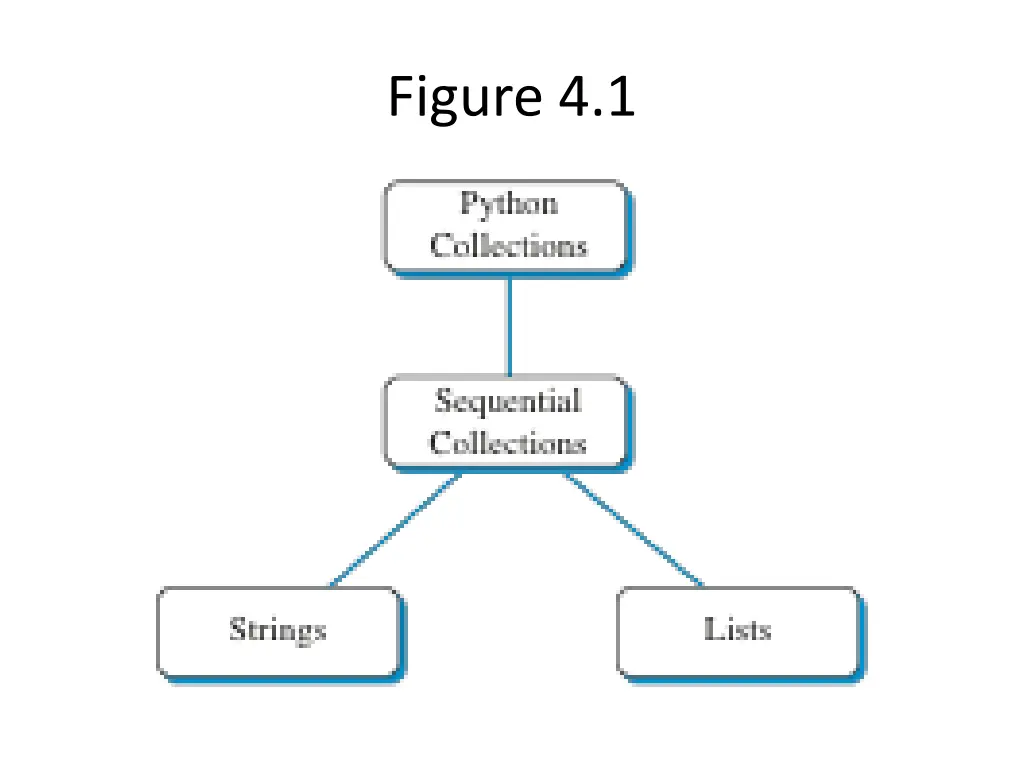
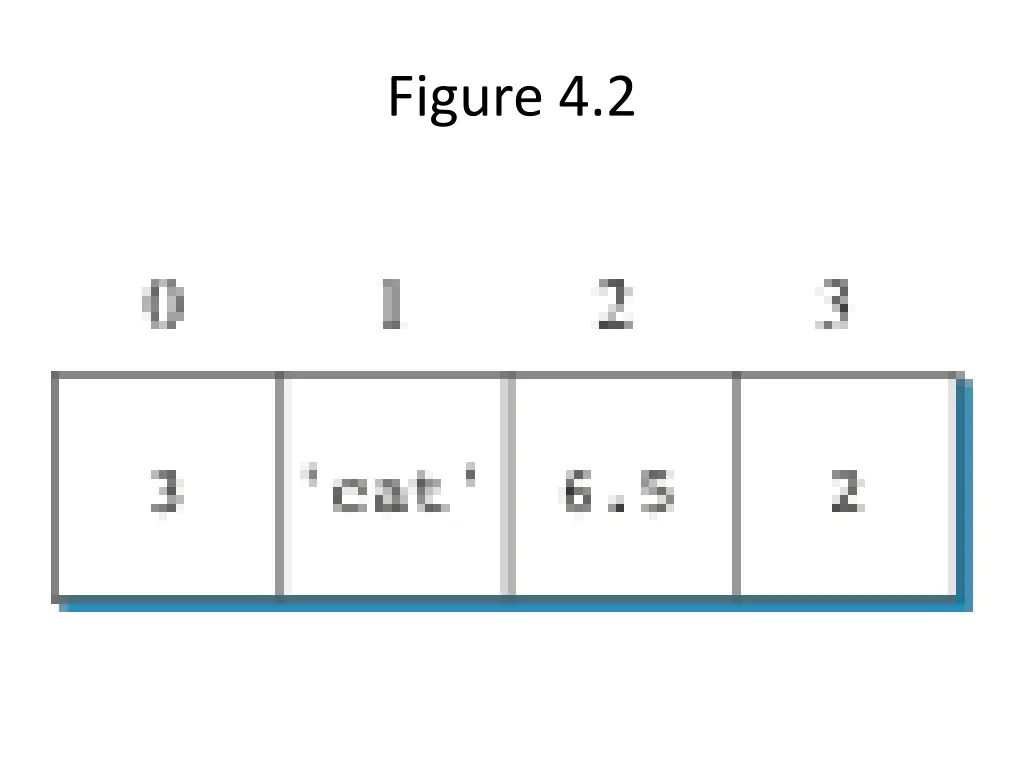
List Heterogeneous collection of Python data objects Ordered Comma delimited inside square brackets [ ]
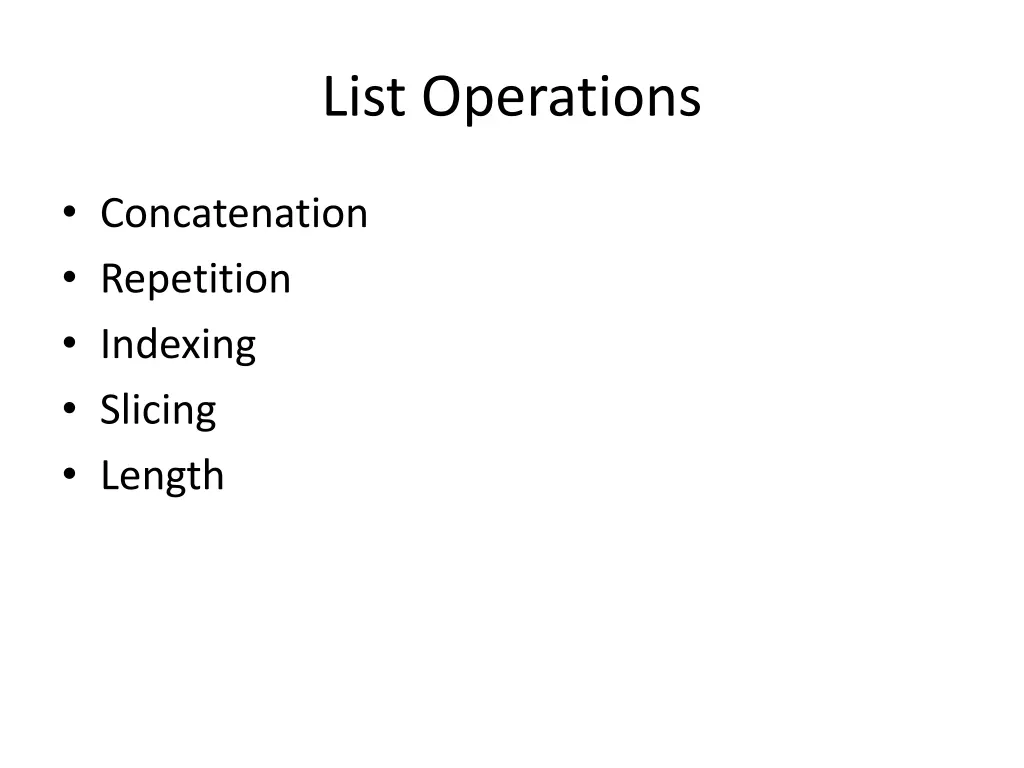
List Operations Concatenation Repetition Indexing Slicing Length
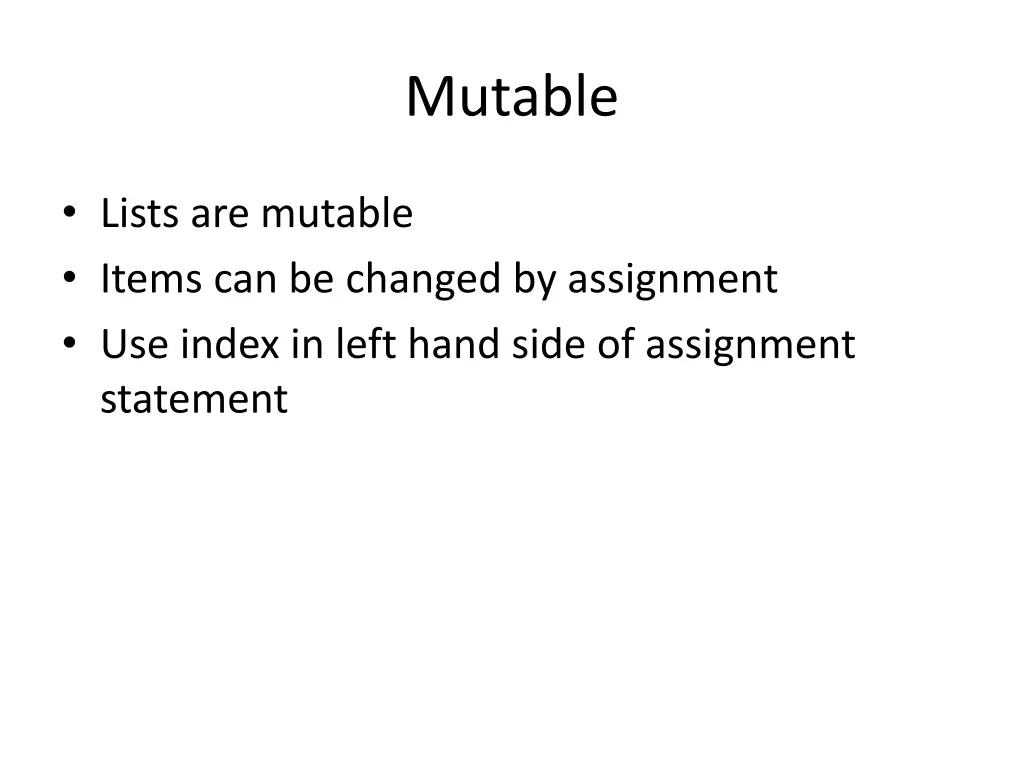
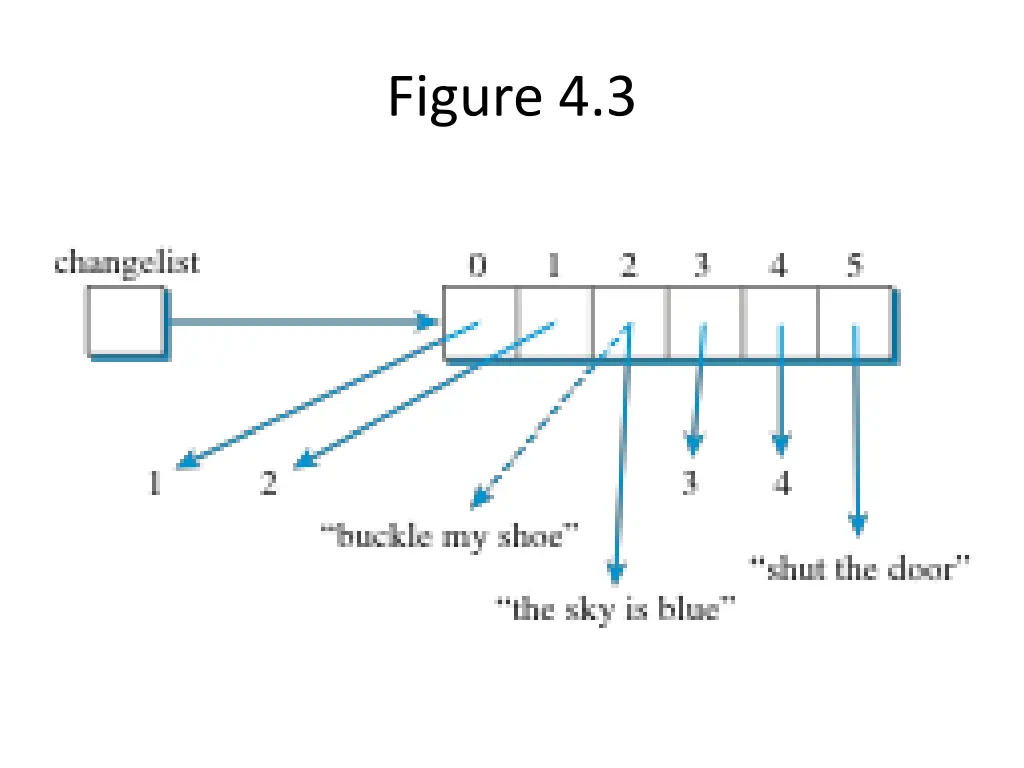
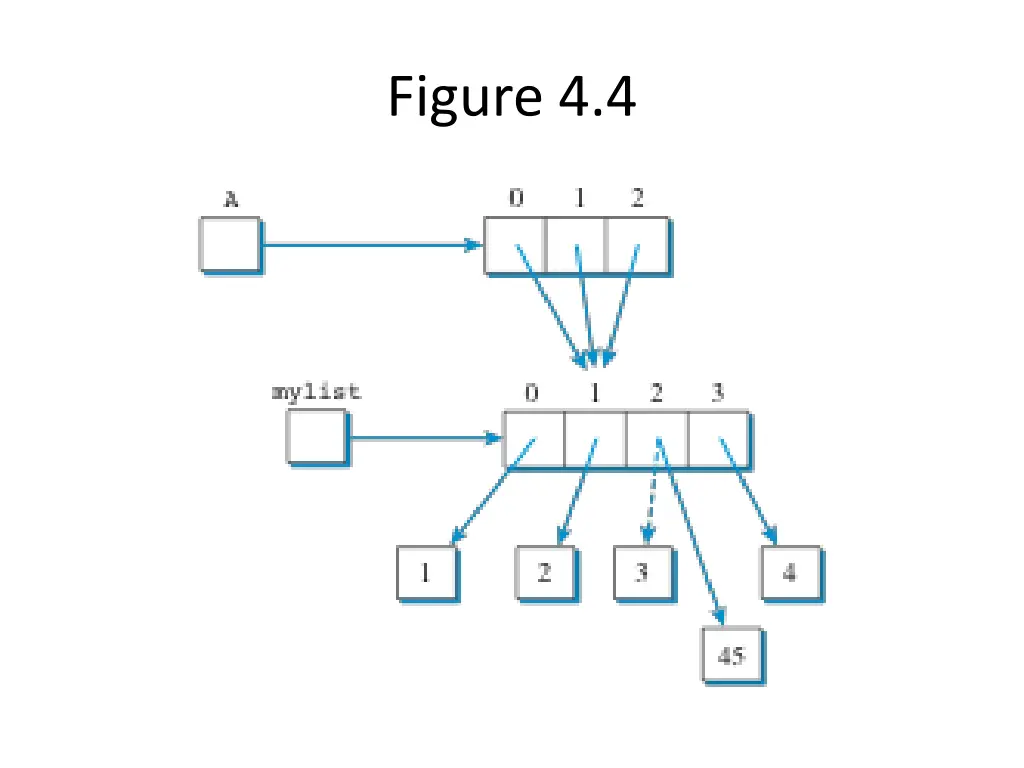
Mutable Lists are mutable Items can be changed by assignment Use index in left hand side of assignment statement
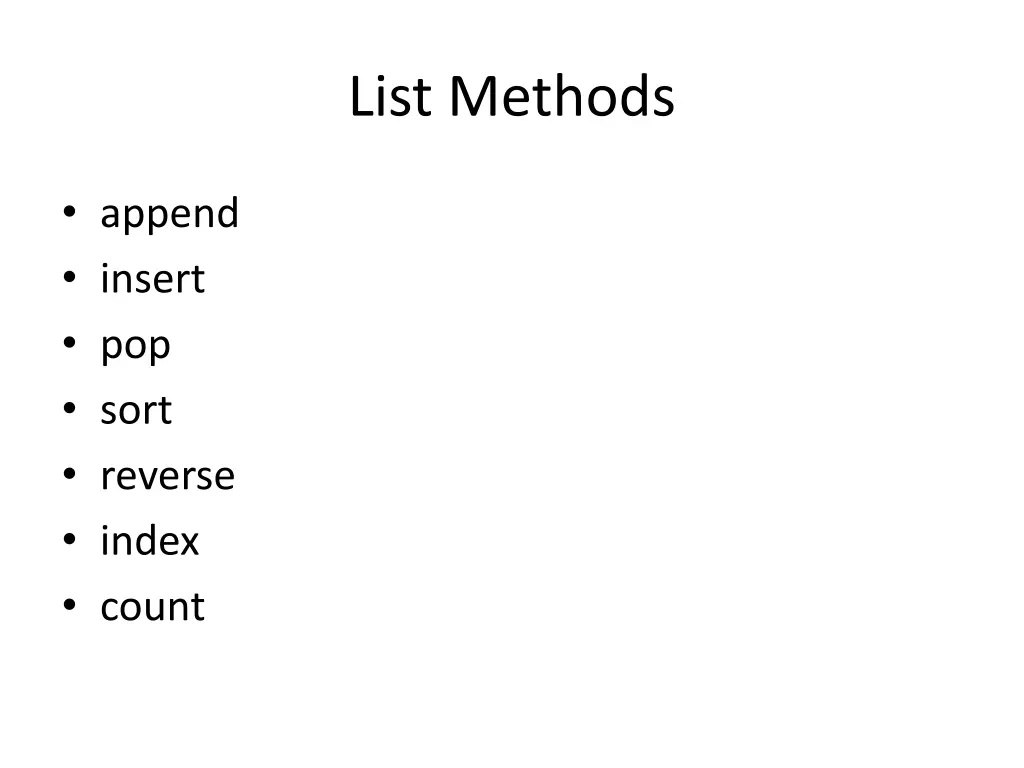
List Methods append insert pop sort reverse index count
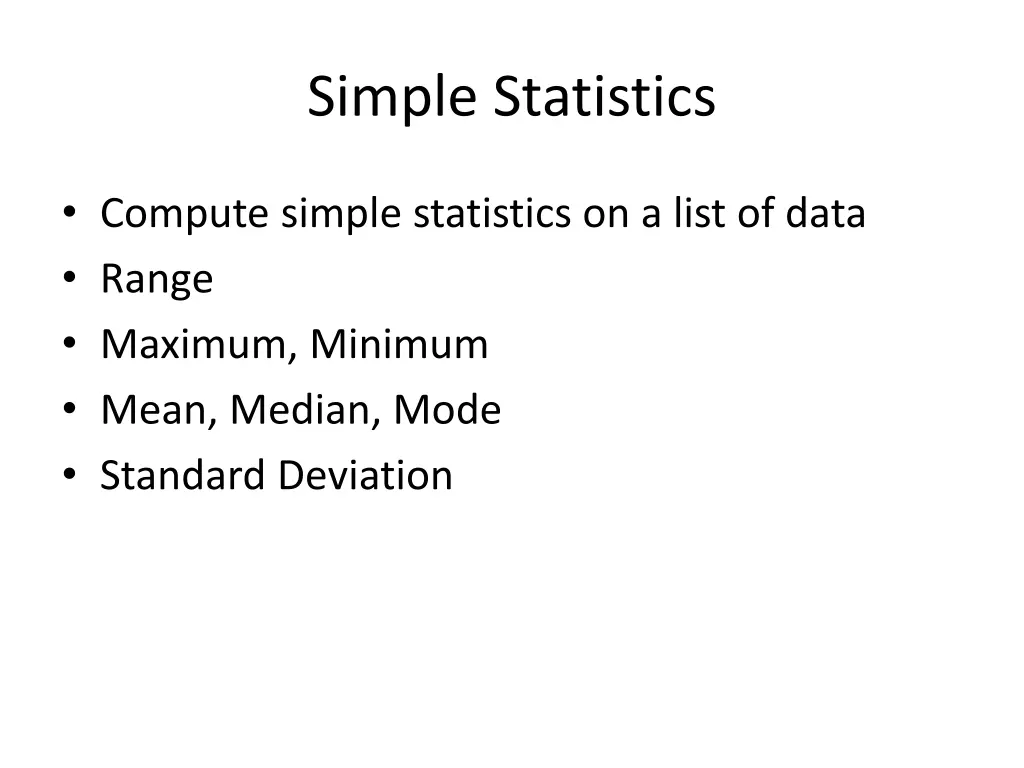
Simple Statistics Compute simple statistics on a list of data Range Maximum, Minimum Mean, Median, Mode Standard Deviation
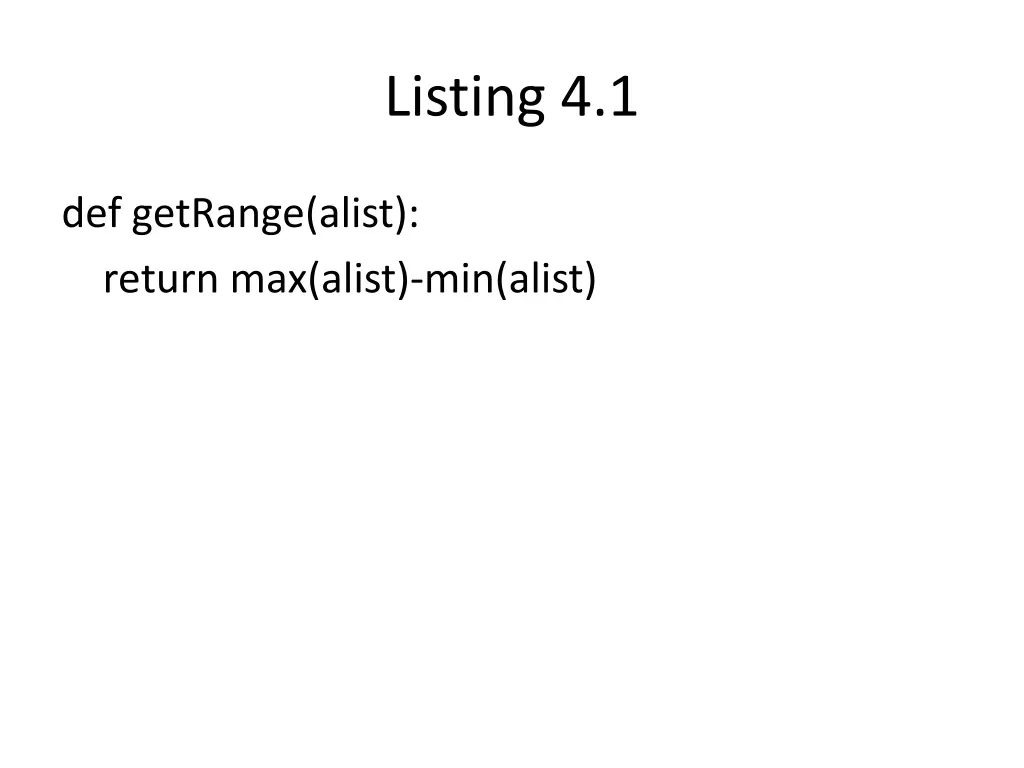
Listing 4.1 def getRange(alist): return max(alist)-min(alist)
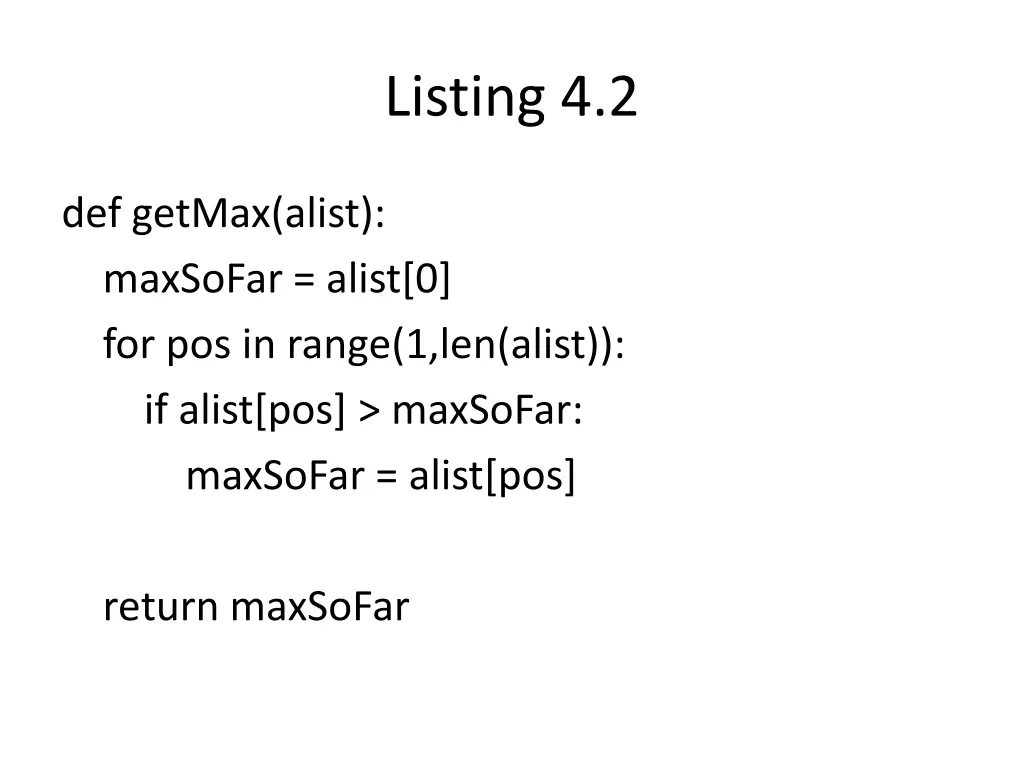
Listing 4.2 def getMax(alist): maxSoFar = alist[0] for pos in range(1,len(alist)): if alist[pos] > maxSoFar: maxSoFar = alist[pos] return maxSoFar
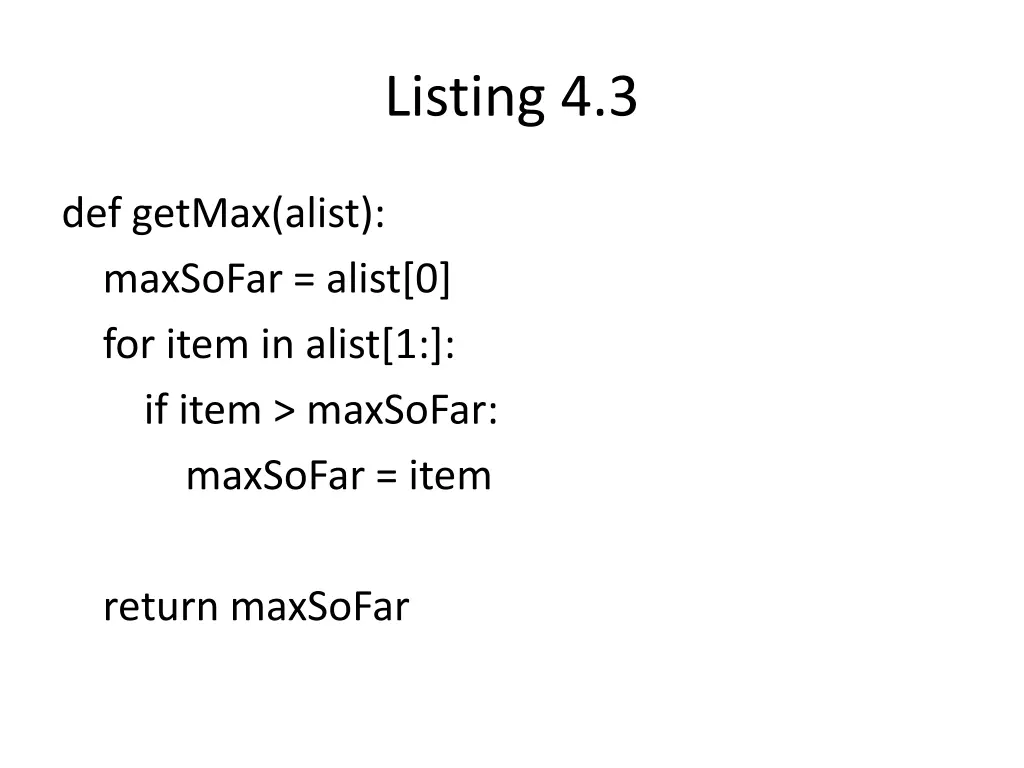
Listing 4.3 def getMax(alist): maxSoFar = alist[0] for item in alist[1:]: if item > maxSoFar: maxSoFar = item return maxSoFar
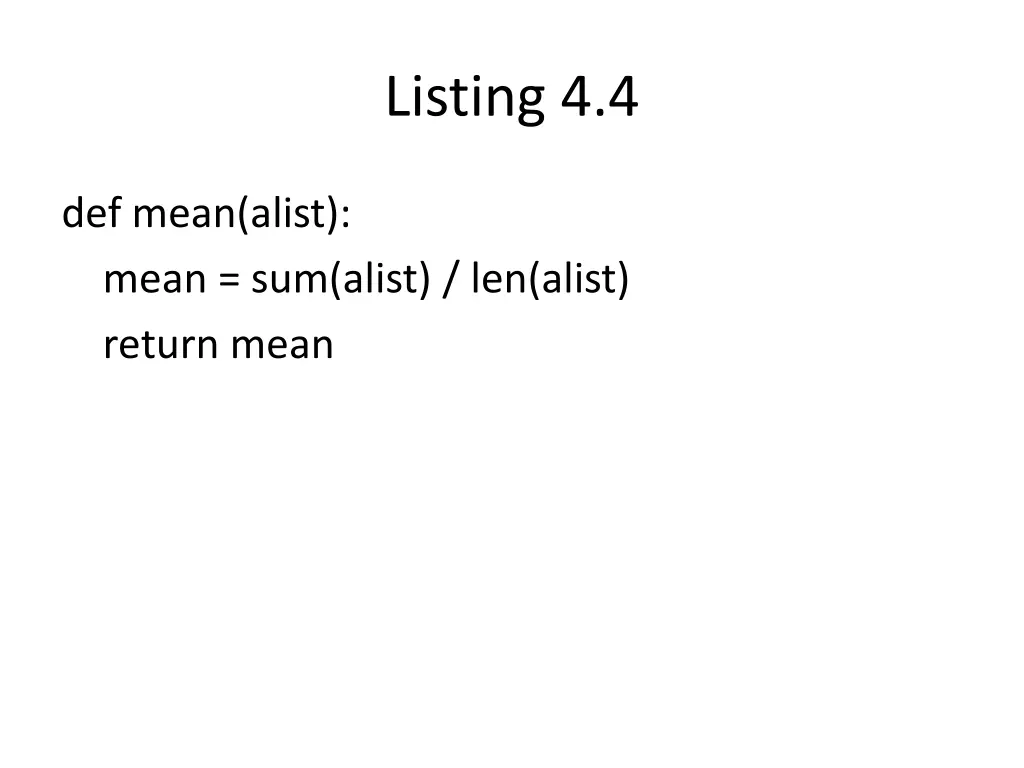
Listing 4.4 def mean(alist): mean = sum(alist) / len(alist) return mean
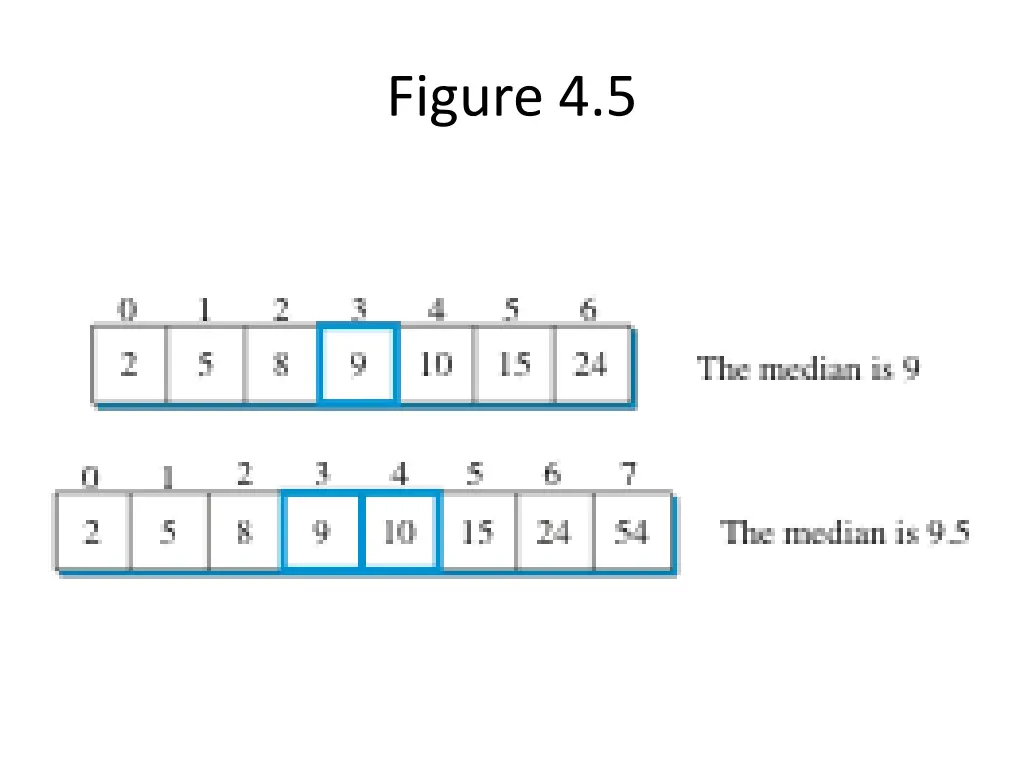
Median Middle item Depends on length of list Even or Odd number of items
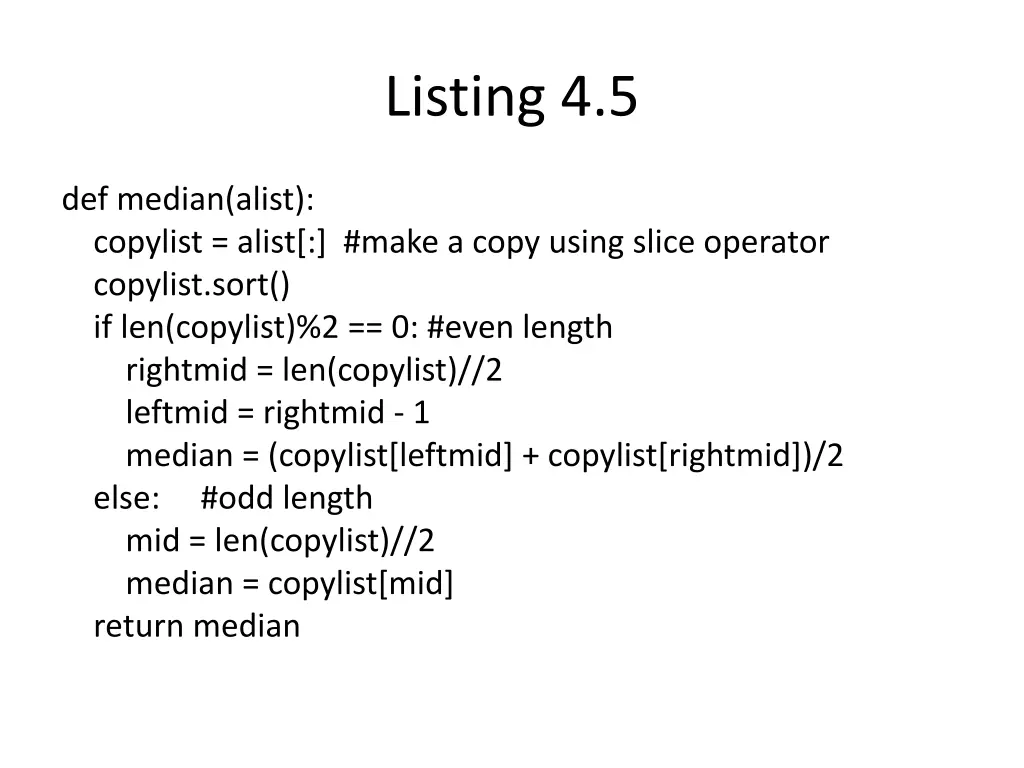
Listing 4.5 def median(alist): copylist = alist[:] #make a copy using slice operator copylist.sort() if len(copylist)%2 == 0: #even length rightmid = len(copylist)//2 leftmid = rightmid - 1 median = (copylist[leftmid] + copylist[rightmid])/2 else: #odd length mid = len(copylist)//2 median = copylist[mid] return median
Dictionary Collection of associated key-value pairs Fast lookup Comma delimited key:value pair in curly braces { } Use index operator and key to look up value Use it to implement item counting
Dictionary Methods keys values items get
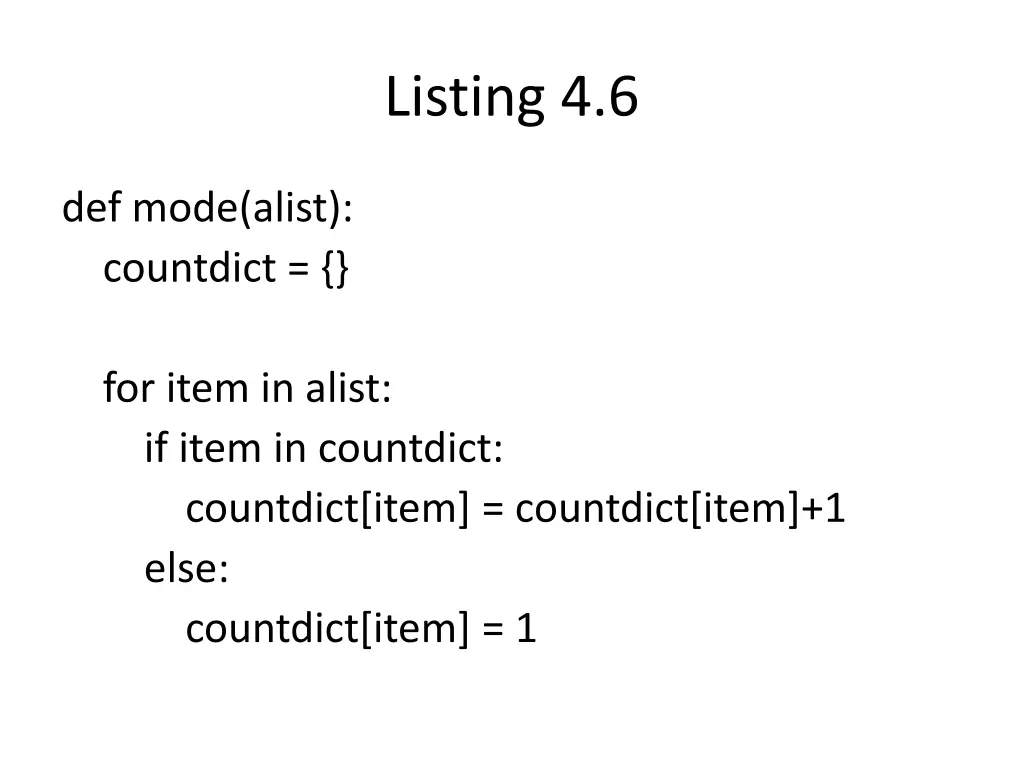
Listing 4.6 def mode(alist): countdict = {} for item in alist: if item in countdict: countdict[item] = countdict[item]+1 else: countdict[item] = 1
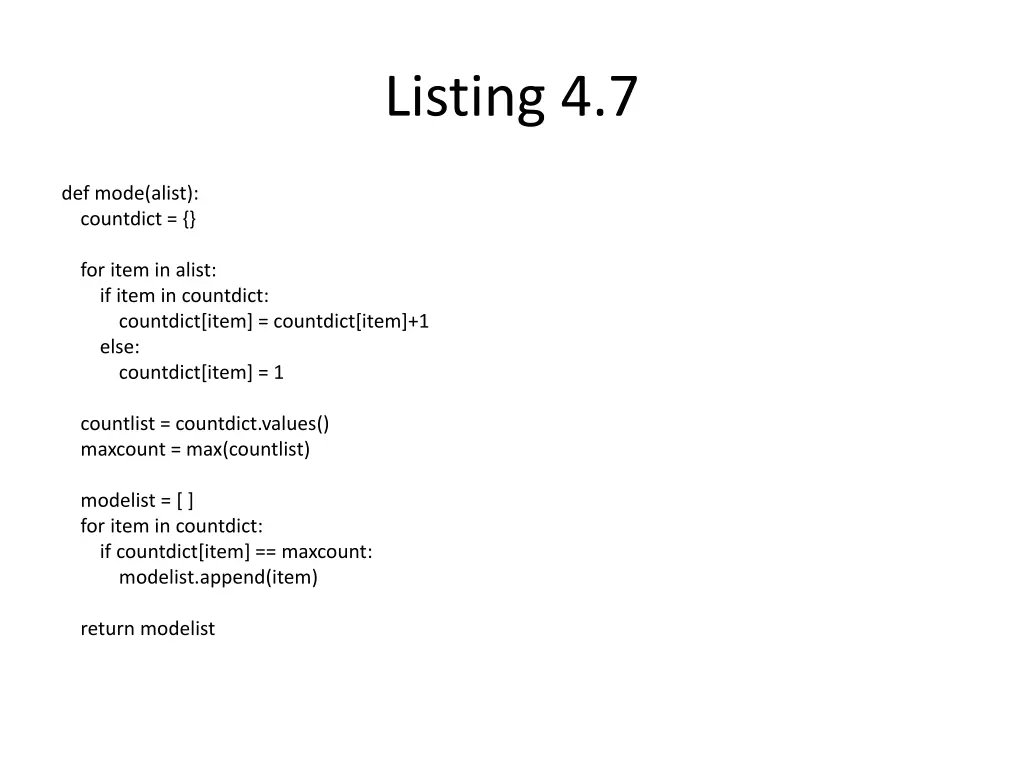
Listing 4.7 def mode(alist): countdict = {} for item in alist: if item in countdict: countdict[item] = countdict[item]+1 else: countdict[item] = 1 countlist = countdict.values() maxcount = max(countlist) modelist = [ ] for item in countdict: if countdict[item] == maxcount: modelist.append(item) return modelist
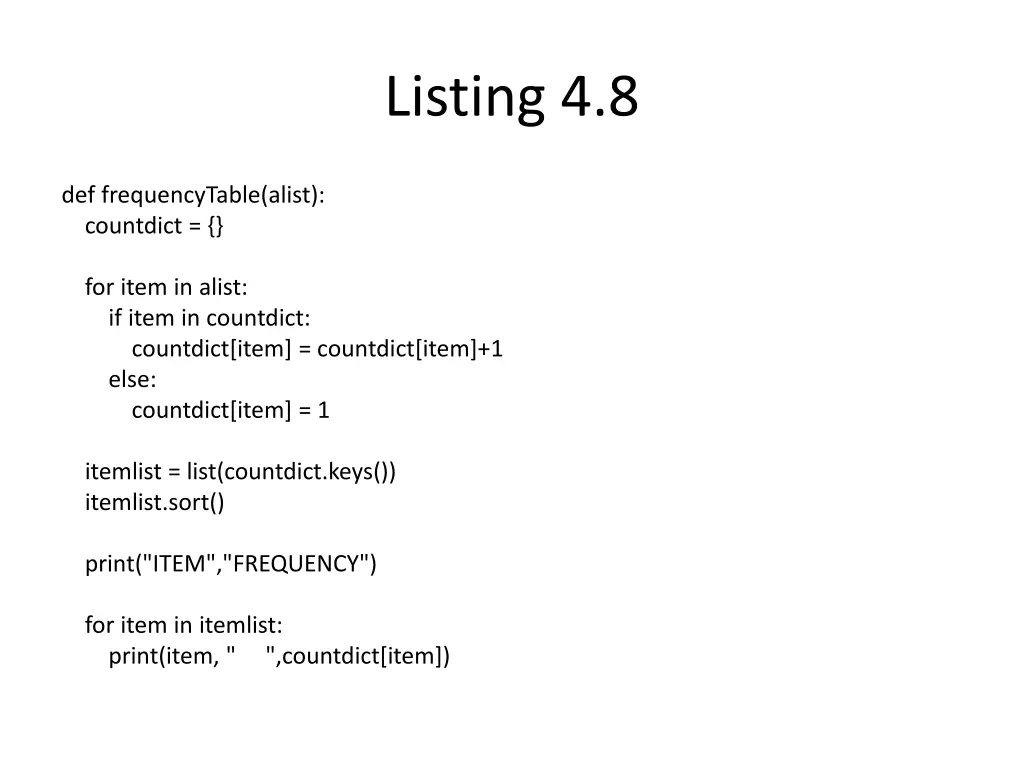
Listing 4.8 def frequencyTable(alist): countdict = {} for item in alist: if item in countdict: countdict[item] = countdict[item]+1 else: countdict[item] = 1 itemlist = list(countdict.keys()) itemlist.sort() print("ITEM","FREQUENCY") for item in itemlist: print(item, " ",countdict[item])
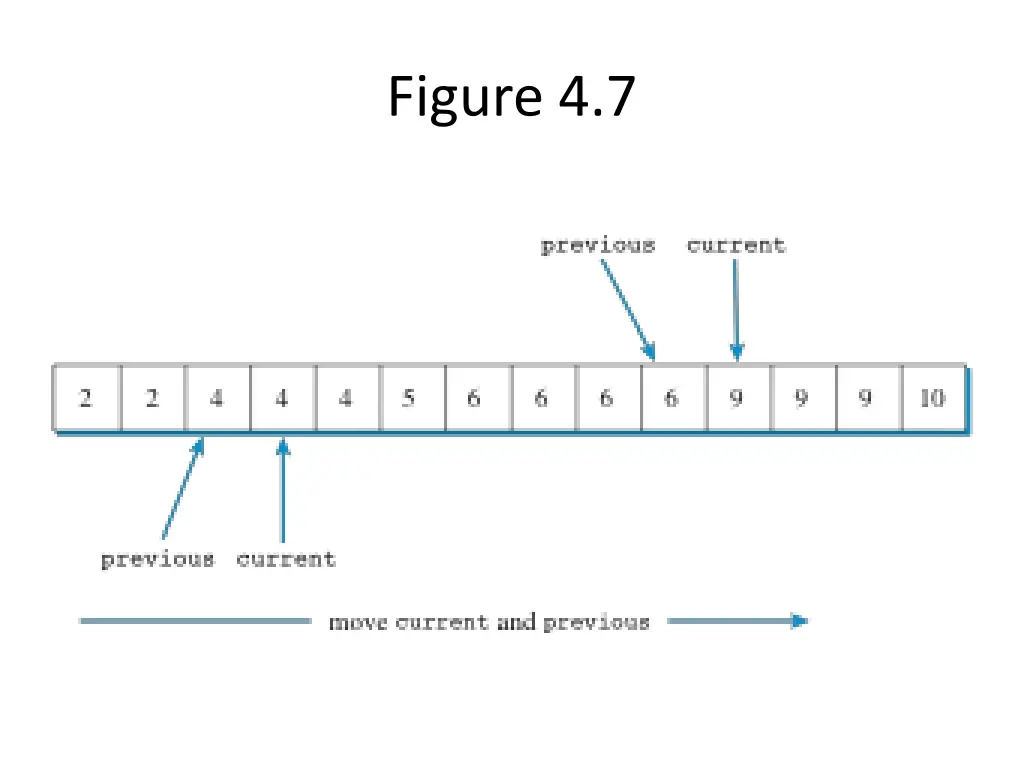
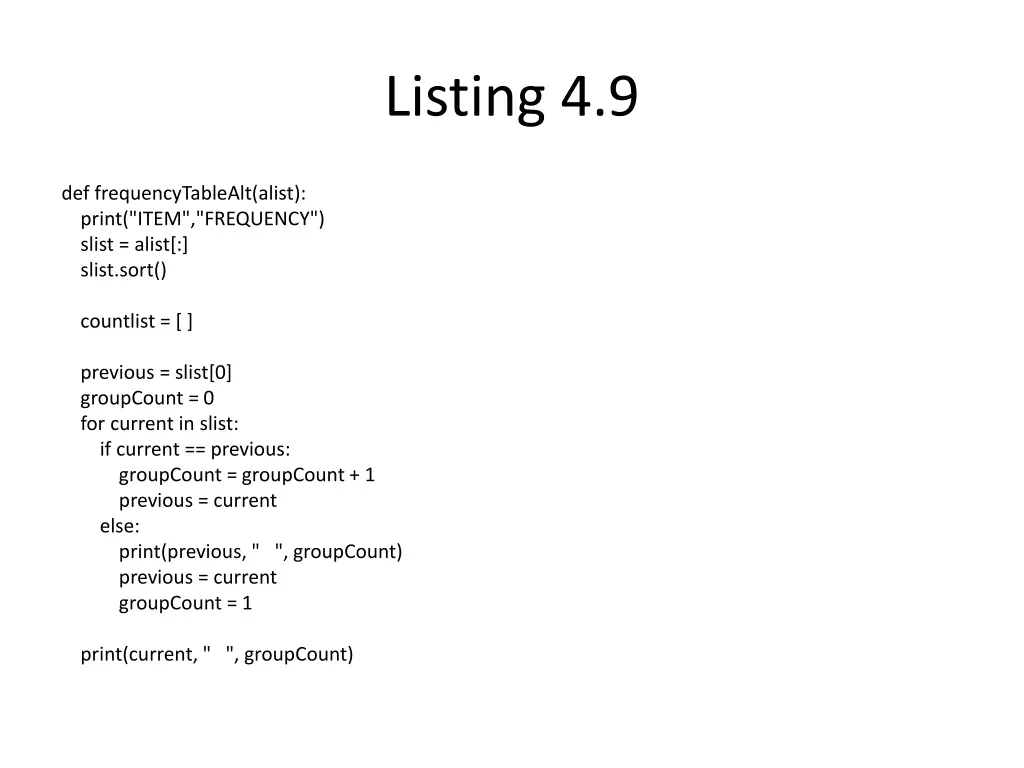
Listing 4.9 def frequencyTableAlt(alist): print("ITEM","FREQUENCY") slist = alist[:] slist.sort() countlist = [ ] previous = slist[0] groupCount = 0 for current in slist: if current == previous: groupCount = groupCount+ 1 previous = current else: print(previous, " ", groupCount) previous = current groupCount = 1 print(current, " ", groupCount)
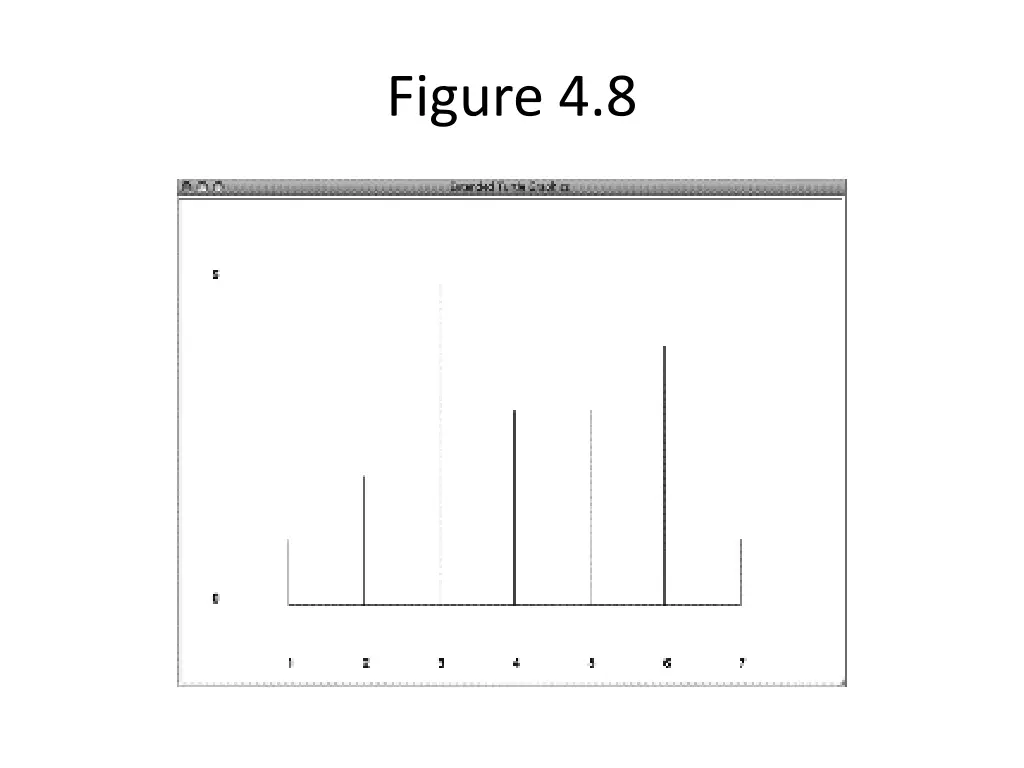
Drawing a Frequency Chart Use turtle to draw a picture of the data Use frequency count data
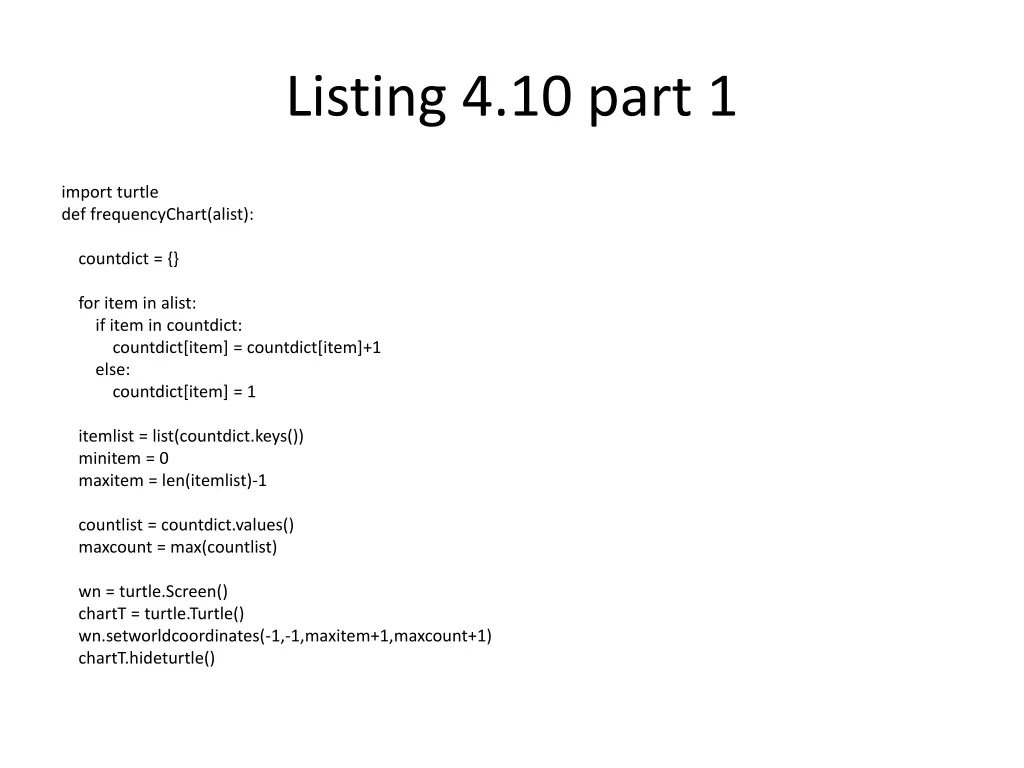
Listing 4.10 part 1 import turtle def frequencyChart(alist): countdict = {} for item in alist: if item in countdict: countdict[item] = countdict[item]+1 else: countdict[item] = 1 itemlist = list(countdict.keys()) minitem = 0 maxitem = len(itemlist)-1 countlist = countdict.values() maxcount = max(countlist) wn = turtle.Screen() chartT = turtle.Turtle() wn.setworldcoordinates(-1,-1,maxitem+1,maxcount+1) chartT.hideturtle()
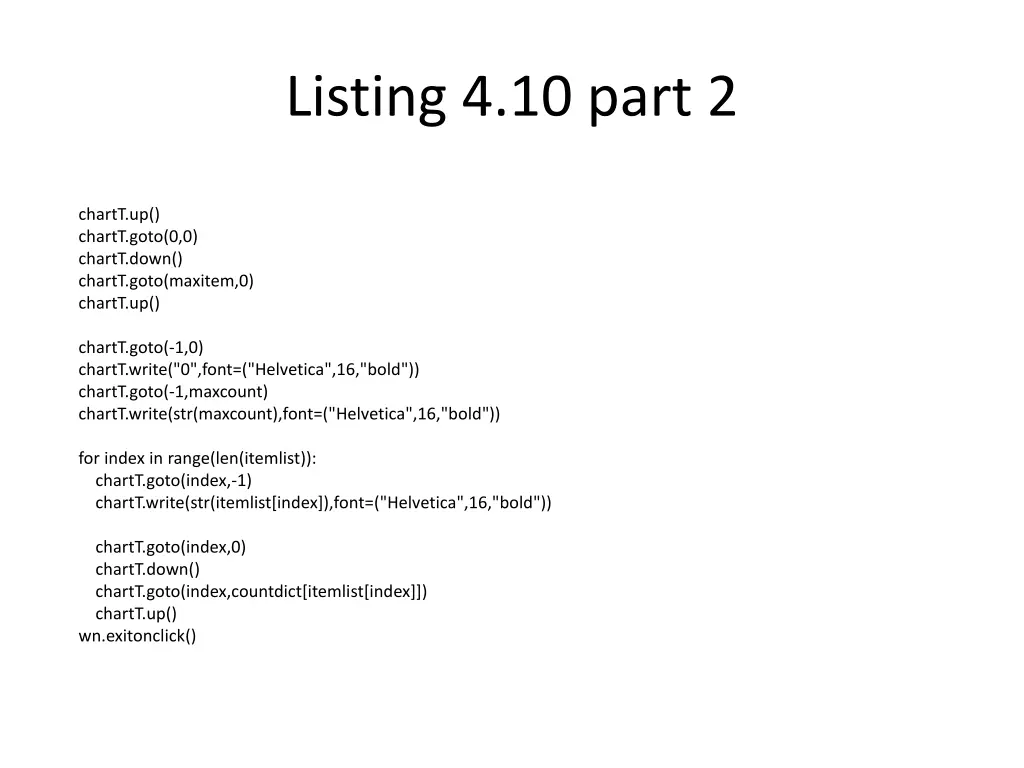
Listing 4.10 part 2 chartT.up() chartT.goto(0,0) chartT.down() chartT.goto(maxitem,0) chartT.up() chartT.goto(-1,0) chartT.write("0",font=("Helvetica",16,"bold")) chartT.goto(-1,maxcount) chartT.write(str(maxcount),font=("Helvetica",16,"bold")) for index in range(len(itemlist)): chartT.goto(index,-1) chartT.write(str(itemlist[index]),font=("Helvetica",16,"bold")) chartT.goto(index,0) chartT.down() chartT.goto(index,countdict[itemlist[index]]) chartT.up() wn.exitonclick()
Standard Deviation Accumulator pattern Math module Sum of squares
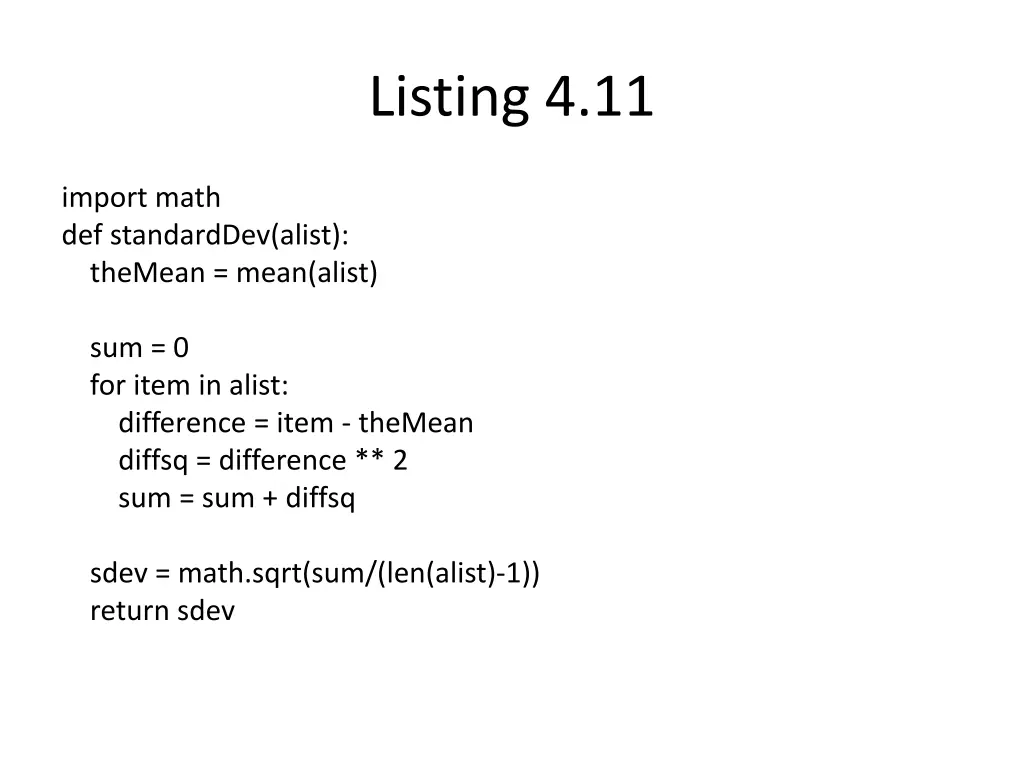
Listing 4.11 import math def standardDev(alist): theMean = mean(alist) sum = 0 for item in alist: difference = item - theMean diffsq = difference ** 2 sum = sum + diffsq sdev = math.sqrt(sum/(len(alist)-1)) return sdev