Web Accessibility 2.0
Explore the progression of web accessibility standards from the early days of Section 508 in 1998 to the implementation of WCAG 2.0 principles. Learn about key milestones, regulations, and the importance of making digital content perceivable for all users.

Download Presentation

Please find below an Image/Link to download the presentation.
The content on the website is provided AS IS for your information and personal use only. It may not be sold, licensed, or shared on other websites without obtaining consent from the author.If you encounter any issues during the download, it is possible that the publisher has removed the file from their server.
You are allowed to download the files provided on this website for personal or commercial use, subject to the condition that they are used lawfully. All files are the property of their respective owners.
The content on the website is provided AS IS for your information and personal use only. It may not be sold, licensed, or shared on other websites without obtaining consent from the author.
E N D
Presentation Transcript
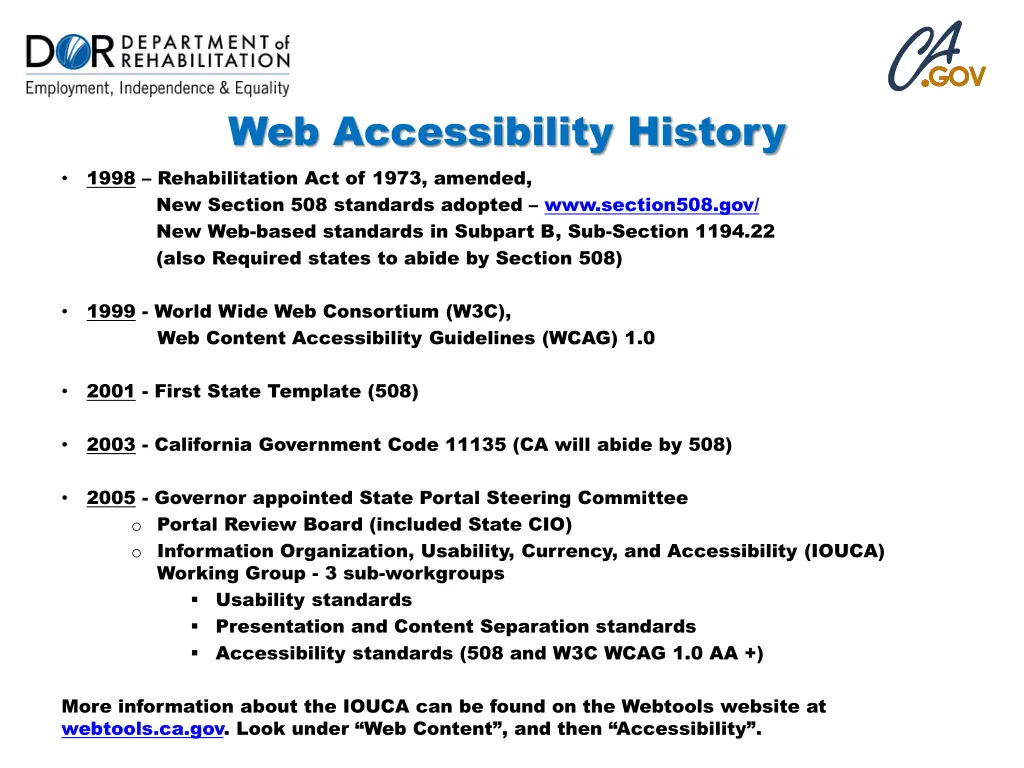
Web Accessibility History 1998 Rehabilitation Act of 1973, amended, New Section 508 standards adopted www.section508.gov/ New Web-based standards in Subpart B, Sub-Section 1194.22 (also Required states to abide by Section 508) 1999 - World Wide Web Consortium (W3C), Web Content Accessibility Guidelines (WCAG) 1.0 2001 - First State Template (508) 2003 - California Government Code 11135 (CA will abide by 508) 2005 - Governor appointed State Portal Steering Committee o Portal Review Board (included State CIO) o Information Organization, Usability, Currency, and Accessibility (IOUCA) Working Group - 3 sub-workgroups Usability standards Presentation and Content Separation standards Accessibility standards (508 and W3C WCAG 1.0 AA +) More information about the IOUCA can be found on the Webtools website at webtools.ca.gov. Look under Web Content , and then Accessibility .
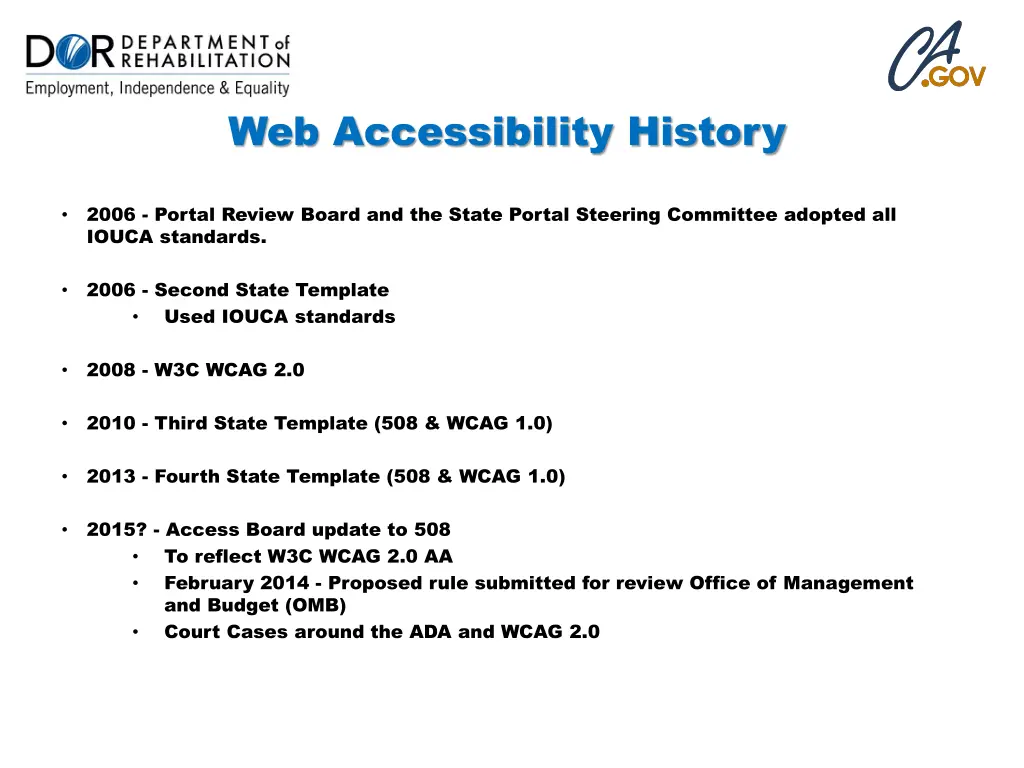
Web Accessibility History 2006 - Portal Review Board and the State Portal Steering Committee adopted all IOUCA standards. 2006 - Second State Template Used IOUCA standards 2008 - W3C WCAG 2.0 2010 - Third State Template (508 & WCAG 1.0) 2013 - Fourth State Template (508 & WCAG 1.0) 2015? - Access Board update to 508 To reflect W3C WCAG 2.0 AA February 2014 - Proposed rule submitted for review Office of Management and Budget (OMB) Court Cases around the ADA and WCAG 2.0
What are we NOT going to talking about? Documents o Word and Forms www.dor.ca.gov/DisabilityAccessInfo/DAS-Trainings.html o PDF webtools.ca.gov/web-content/web-accessibility/how-to-implement/#pdf o Make it a webpage, if you can (RTF, PDF) Why do we do this? Screen Reader and Zoom softwares (except for testing)
What Are We Talking About? How do end users access information? Browsers o HTML o Generated HTML (PSP, ASP, ARIA, C#, VB, MySQL, Silverlight ) Screen Readers o Read HTML (www.csszengarden.com) Magnifying Software (Zoom Text, ) o Reads the page
Lets Dive In WCAG 2.0 Accessibility organized under 4 principles: Perceivable Operable Understandable Robust
Perceivable Provide text alternatives for non-text content. Provide captions and other alternatives for multimedia. Create content that can be presented in different ways, including by assistive technologies, without losing meaning. Make it easier for users to see and hear content.
Operable Make all functionality available from a keyboard. Give users enough time to read and use content. Do not use content that causes seizures. Help users navigate and find content.
Understandable Make text readable and understandable. Make content appear and operate in predictable ways. Help users avoid and correct mistakes.
Robust Maximize compatibility with current and future user tools.
Testing Get a screen reader oWindow Eyes (Free?) - www.windoweyesforoffice.com/ oJAWS (Job Access With Speech) Free Demo - www.freedomscientific.com/Downloads/ProductDemos/#JAWS Accessibility Checkers oOnly check about 25 - 30% oThe rest must be checked by humans
Reading Resources Why do we do this? It s the right thing to do. Comparable access for everyone. Government Code Section 11135-11139.7 o www.leginfo.ca.gov/cgi-bin/displaycode?section=gov&group=11001-12000&file=11135-11139.7 State Administrative Manual Section 4833 o www.documents.dgs.ca.gov/sam/SamPrint/new/sam_master/rev427sept14/chap4800/4833.pdf State Information Management Manual Section 25 www.cio.ca.gov/Government/IT_Policy/pdf/SIMM_25_IT_Accessibility_Resource_Guide_06292011.pdf
Working Resources How do we do this? Color Wheel ogmazzocato.altervista.org/colorwheel/wheel.php
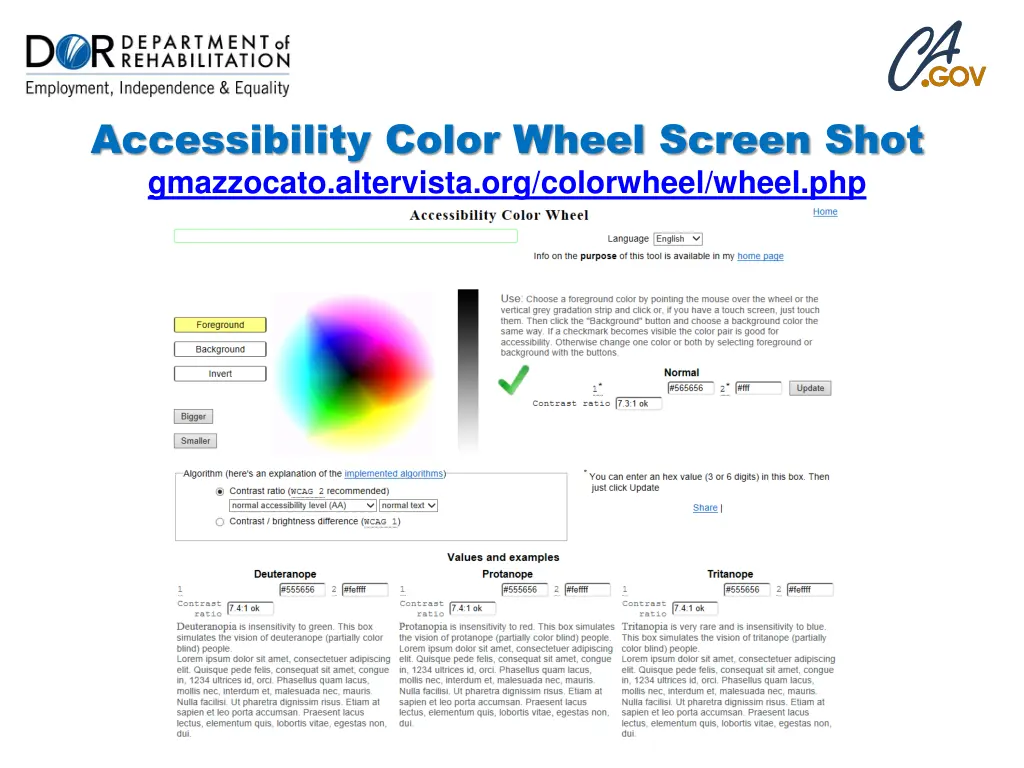
Accessibility Color Wheel Screen Shot gmazzocato.altervista.org/colorwheel/wheel.php
Working Resources How do we do this? Section 508 www.section508.gov W3C WCAG 2.0 Customizable Quick Reference owww.w3.org/WAI/WCAG20/quickref/ oIncludes techniques and Understanding Documents for each guideline. oLaw requires AA compliance.
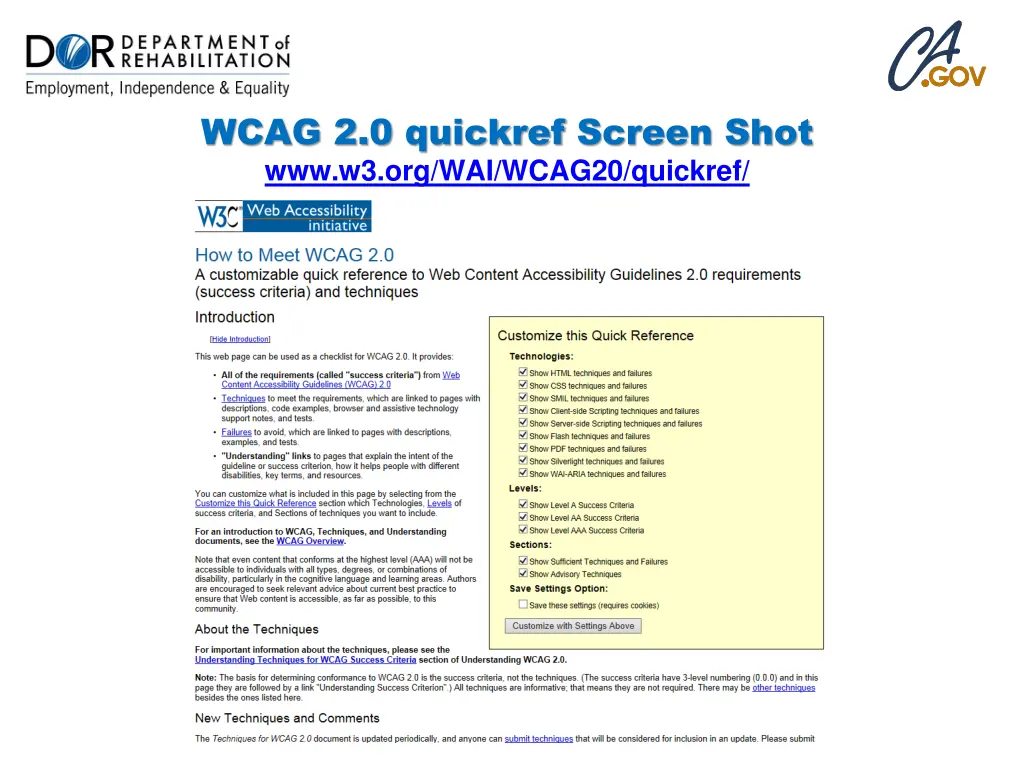
WCAG 2.0 quickref Screen Shot www.w3.org/WAI/WCAG20/quickref/