Web-Based Applications: Advantages, Disadvantages, and Implementations
Explore the world of web-based applications with insights on their advantages, disadvantages, architecture, technologies, design considerations, and alternatives to traditional apps. Learn how web-based applications offer server-side operation, flexibility, and enhanced data security while facing challenges such as trust issues, response time, and browser compatibility.

Download Presentation

Please find below an Image/Link to download the presentation.
The content on the website is provided AS IS for your information and personal use only. It may not be sold, licensed, or shared on other websites without obtaining consent from the author. If you encounter any issues during the download, it is possible that the publisher has removed the file from their server.
You are allowed to download the files provided on this website for personal or commercial use, subject to the condition that they are used lawfully. All files are the property of their respective owners.
The content on the website is provided AS IS for your information and personal use only. It may not be sold, licensed, or shared on other websites without obtaining consent from the author.
E N D
Presentation Transcript
Subject : Web Based Applicatio ns Presented by Amol Narayan Thakur CPTP 4A Class C 35
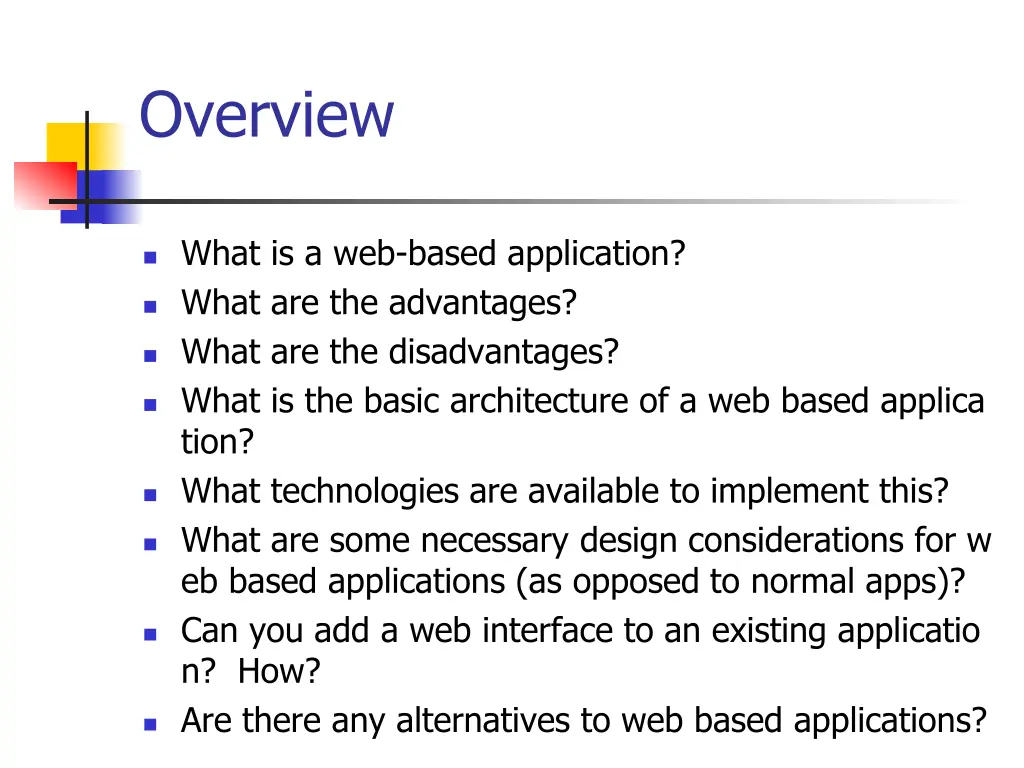
Overview What is a web-based application? What are the advantages? What are the disadvantages? What is the basic architecture of a web based applica tion? What technologies are available to implement this? What are some necessary design considerations for w eb based applications (as opposed to normal apps)? Can you add a web interface to an existing applicatio n? How? Are there any alternatives to web based applications?
What is a Web Based Application? A web based application is a software package that can be accessed through the web browser. The softw are and database reside on a central server rather th an being installed on the desktop system and is acces sed over a network. (NetSity corporate homepage) A common example is web-based email. ie, Hotmail, Yahoo! mail or UWP s web mail.
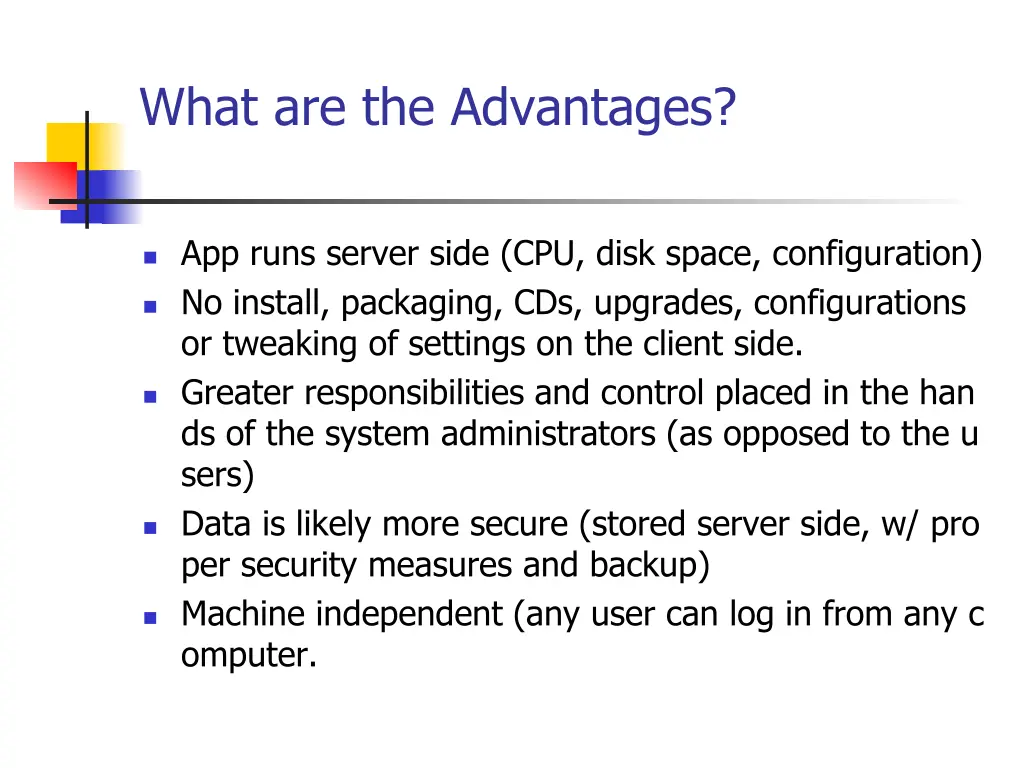
What are the Advantages? App runs server side (CPU, disk space, configuration) No install, packaging, CDs, upgrades, configurations or tweaking of settings on the client side. Greater responsibilities and control placed in the han ds of the system administrators (as opposed to the u sers) Data is likely more secure (stored server side, w/ pro per security measures and backup) Machine independent (any user can log in from any c omputer.
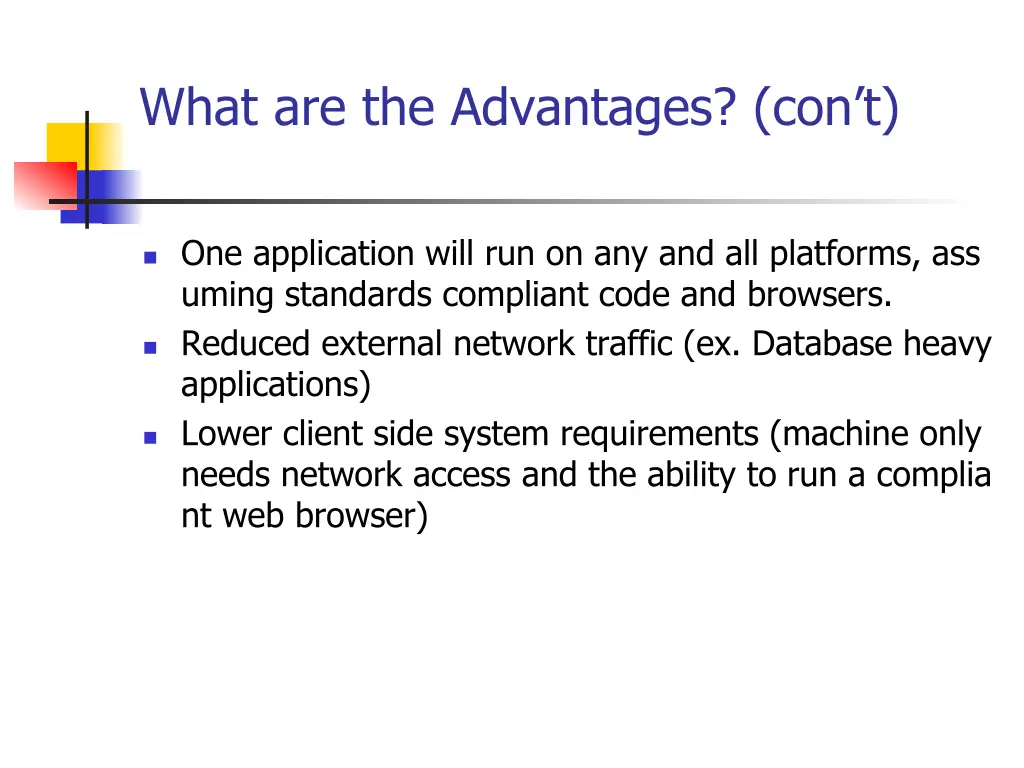
What are the Advantages? (cont) One application will run on any and all platforms, ass uming standards compliant code and browsers. Reduced external network traffic (ex. Database heavy applications) Lower client side system requirements (machine only needs network access and the ability to run a complia nt web browser)
What are the Disadvantages? Who has my data? Essentially, not you. Issues of trust; many users do not trust other people, even within the same company, to keep their data sa fe and secure. Response time. While the actual execution of the ap p may be much quicker, user response time can be n oticeably slower than a local app. Internet (or network) connectivity is not (yet) ubiquit ous.
What are the Disadvantages? (cont) Browser compatibility can still be a problem. Some tasks that are simple in traditional application d evelopment, are quite complicated from a web applic ation (ex, local printing) Security concerns limit what you can accomplish (limi ted access to the users local machine). Depending on the application, usability can be very b andwidth sensitive.
What are the Disadvantages? (cont) Some advantages are also disadvantages: Running applications server-side requires servers wit h sufficient power (CPU, memory, disk, bandwidth) to handle multiple simultaneous users. Placing greater control in the hands of the system ad ministrators is only an advantage with a sufficient nu mber of competent admins.
The Right Tool for the Right Job Web based applications are ideal for: Database heavy applications Applications that must be used remotely Varied user base Low GUI requirements Not performance sensitive (client side)
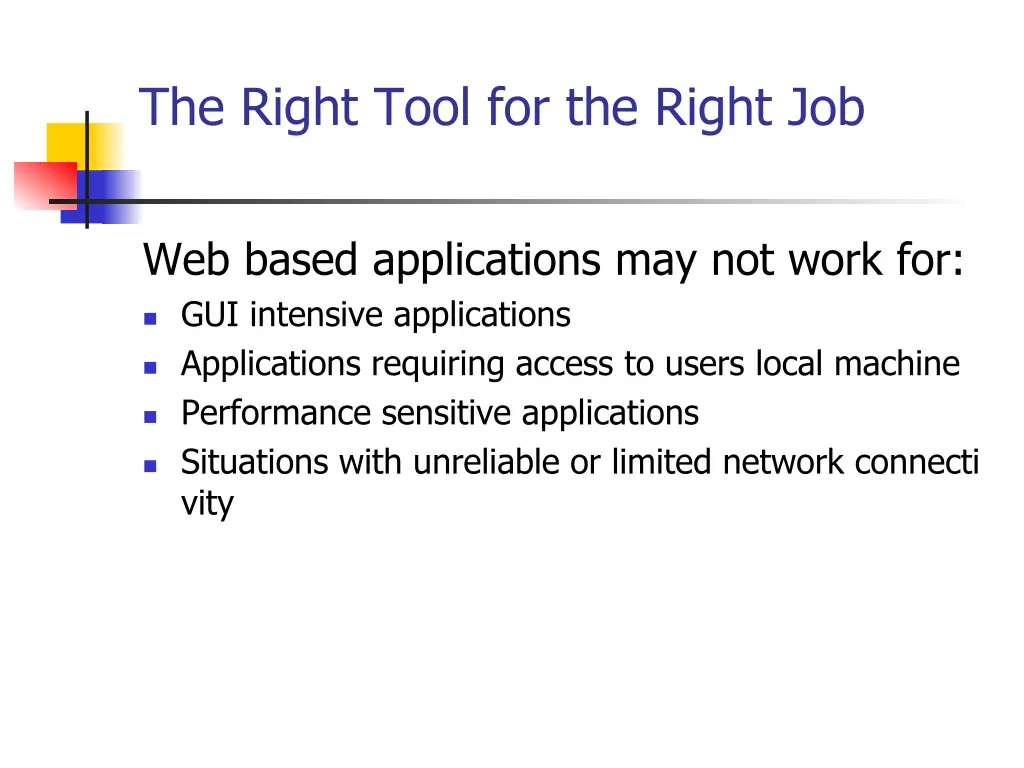
The Right Tool for the Right Job Web based applications may not work for: GUI intensive applications Applications requiring access to users local machine Performance sensitive applications Situations with unreliable or limited network connecti vity
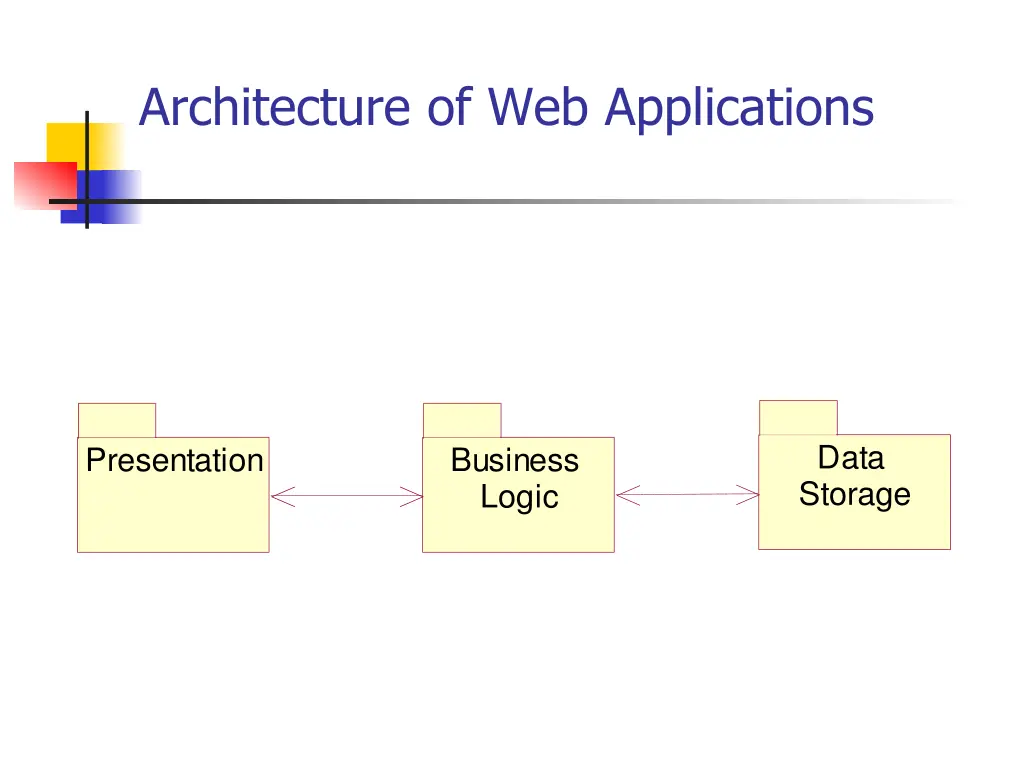
Architecture of Web Applications Data Storage Presentation Business Logic
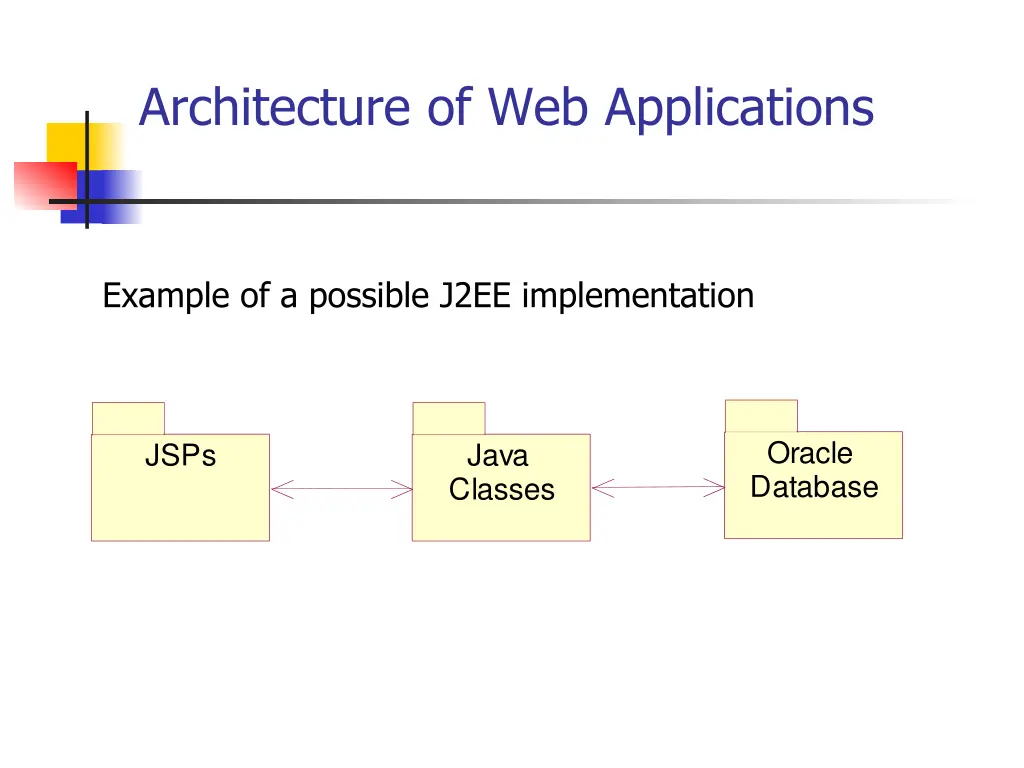
Architecture of Web Applications Example of a possible J2EE implementation Oracle Database JSPs Java Classes
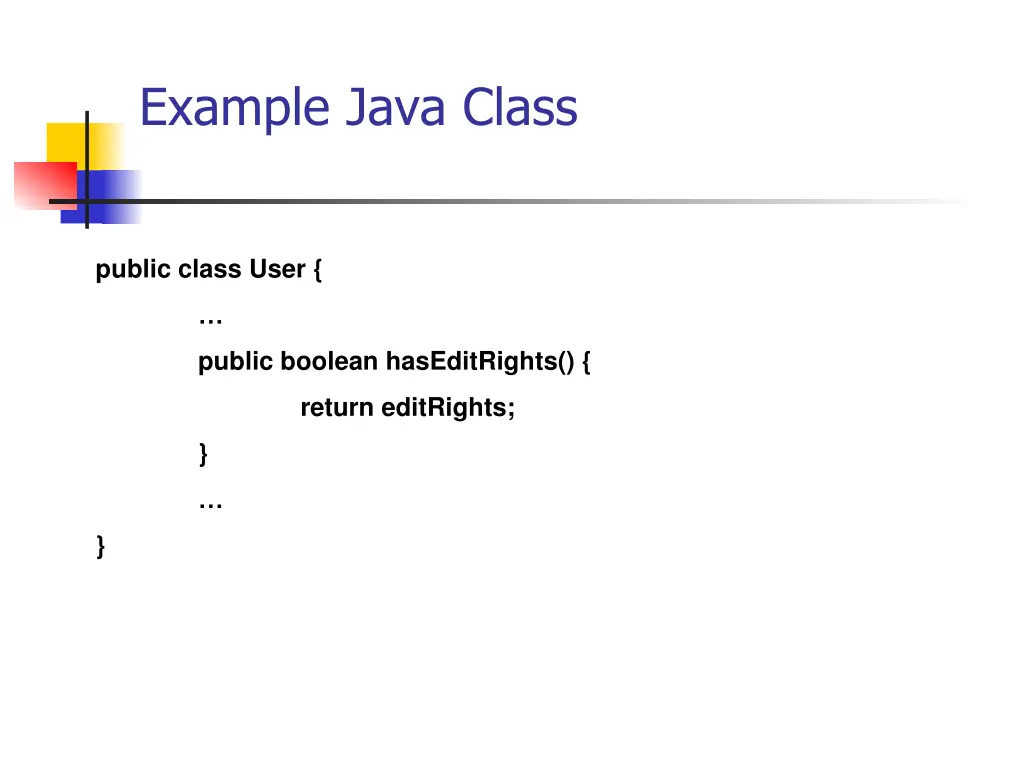
Example Java Class public class User { public boolean hasEditRights() { return editRights; } }
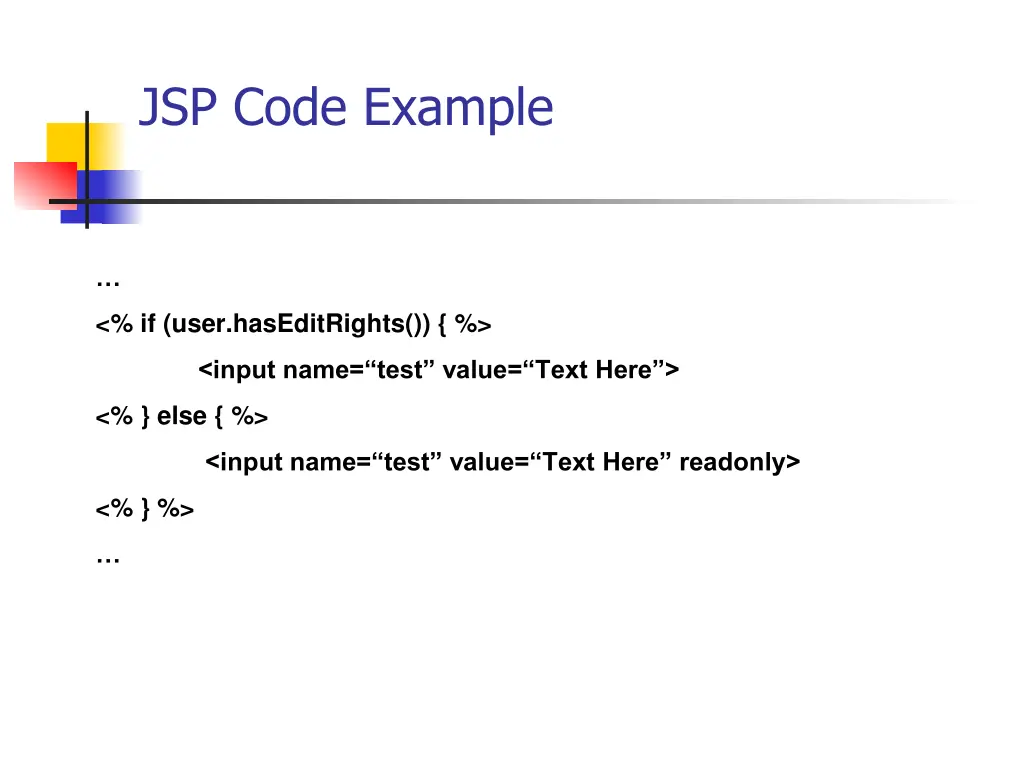
JSP Code Example <% if (user.hasEditRights()) { %> <input name= test value= Text Here > <% } else { %> <input name= test value= Text Here readonly> <% } %>
Design Considerations back-end code can generally use standard object-or ientated programming practices and standards presentation code differs somewhat because of the restrictions imposed by web standards. Same guidelines for good GUI design apply, but addit ional considerations must be made. Proper web site design considerations also apply The application code must be built to handle multiple simultaneous users.
Adding a Web Interface for an Existin g Application. Can be extremely difficult (if not impossible) or triviall y easy, depending on the application. Can be done at different levels: New program, share data store (Webmail). Old program, with a new, web based, GUI.
Alternatives to Web Based Applicatio ns Citrix Remote Desktop Hybrid Application Others