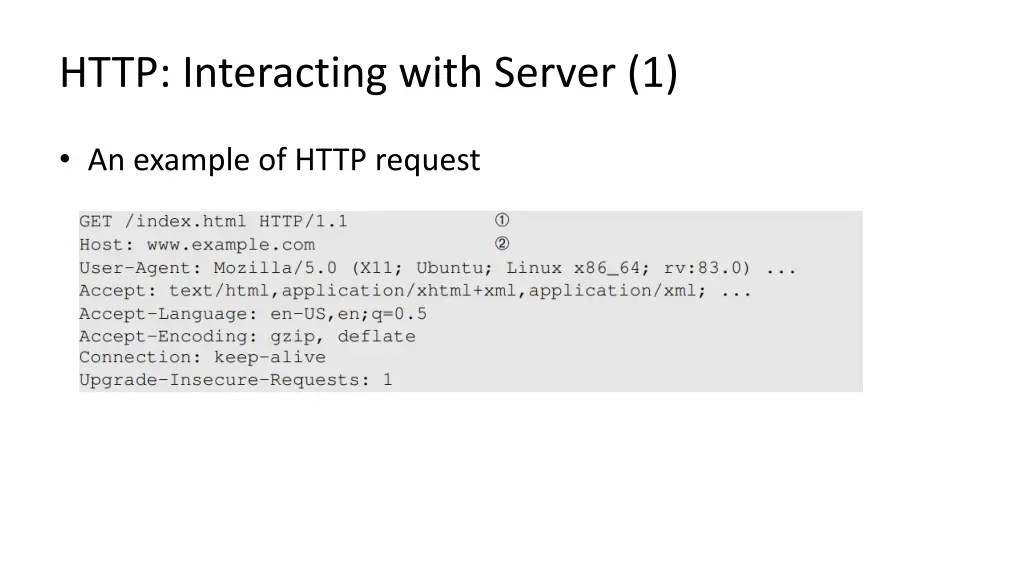
Explore essential concepts such as web architecture, HTTP protocol, cookies, JavaScript, and more. Learn about web servers, CSS, dynamic content, JavaScript implementation, server interactions, and HTTP protocols in this comprehensive guide to web security fundamentals.
Please find below an Image/Link to download the presentation.
The content on the website is provided AS IS for your information and personal use only. It may not be sold, licensed, or shared on other websites without obtaining consent from the author. If you encounter any issues during the download, it is possible that the publisher has removed the file from their server.
You are allowed to download the files provided on this website for personal or commercial use, subject to the condition that they are used lawfully. All files are the property of their respective owners.
The content on the website is provided AS IS for your information and personal use only. It may not be sold, licensed, or shared on other websites without obtaining consent from the author.
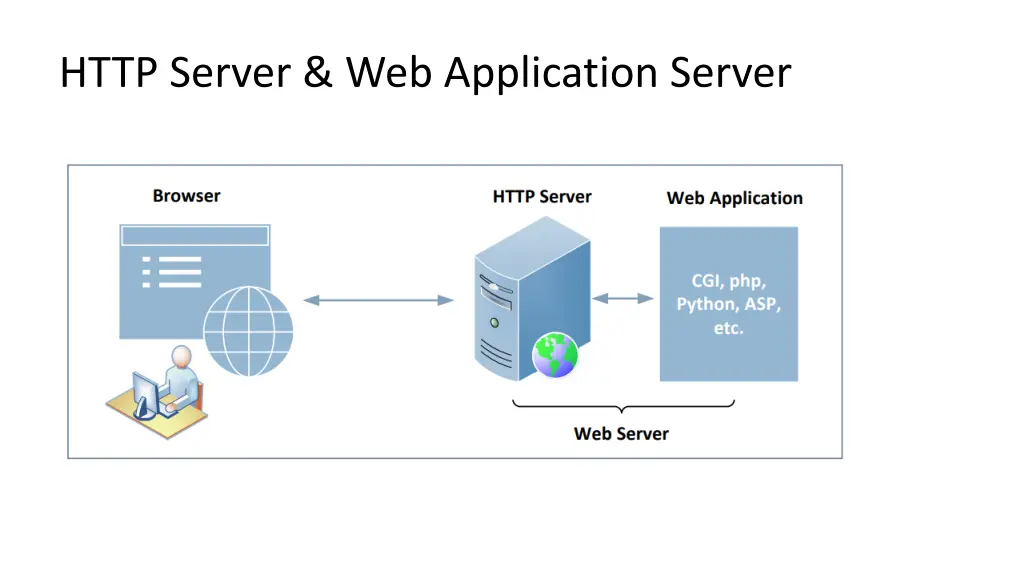
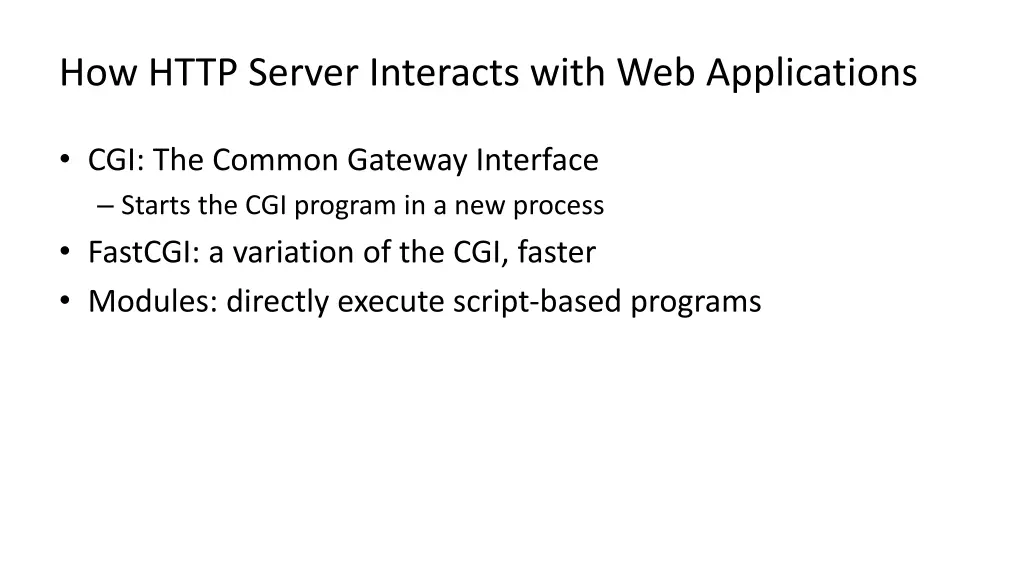
How HTTP Server Interacts with Web Applications CGI: The Common Gateway Interface Starts the CGI program in a new process FastCGI: a variation of the CGI, faster Modules: directly execute script-based programs
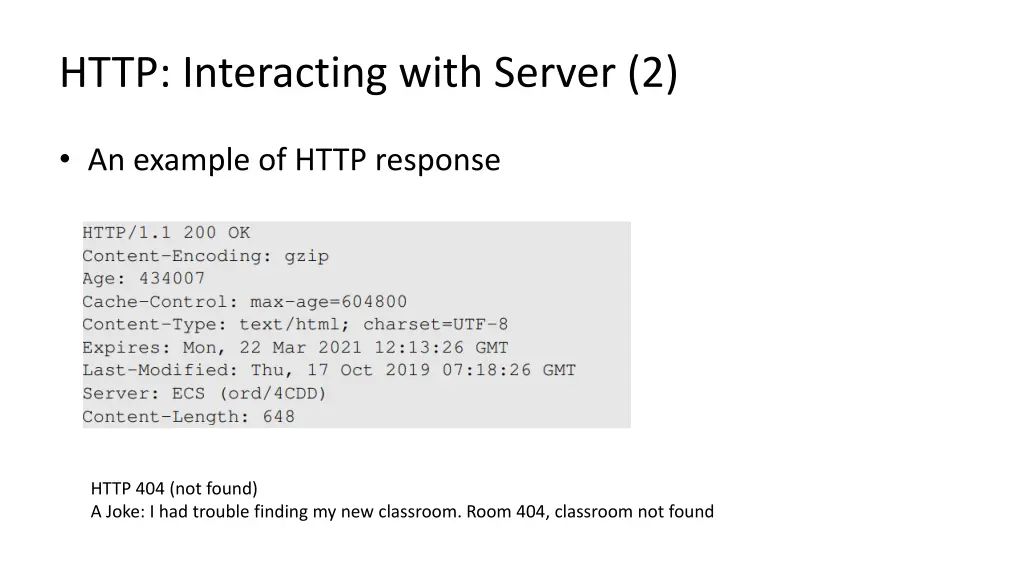
HTTP: Interacting with Server (2) An example of HTTP response HTTP 404 (not found) A Joke: I had trouble finding my new classroom. Room 404, classroom not found
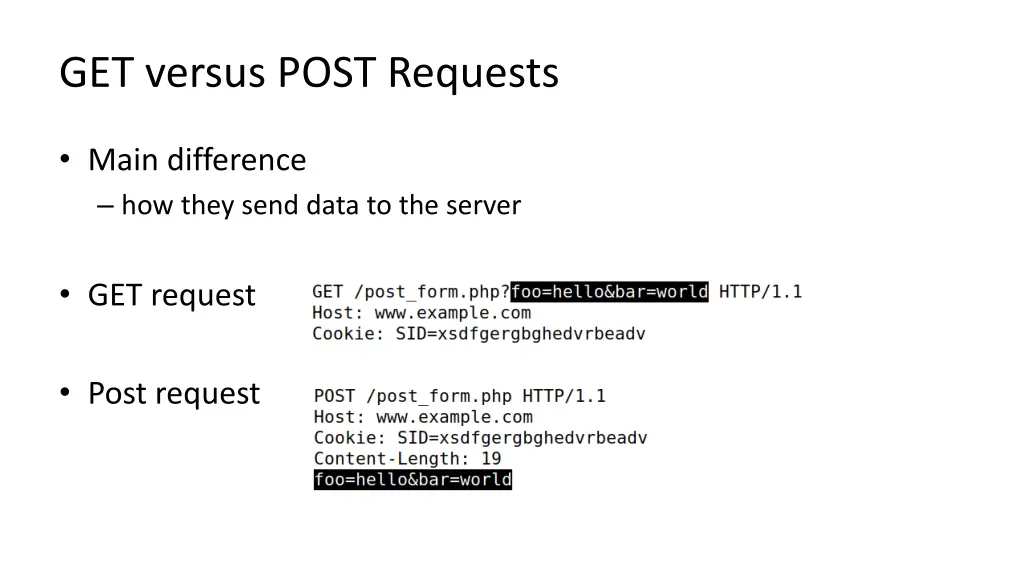
GET versus POST Requests Main difference how they send data to the server GET request Post request
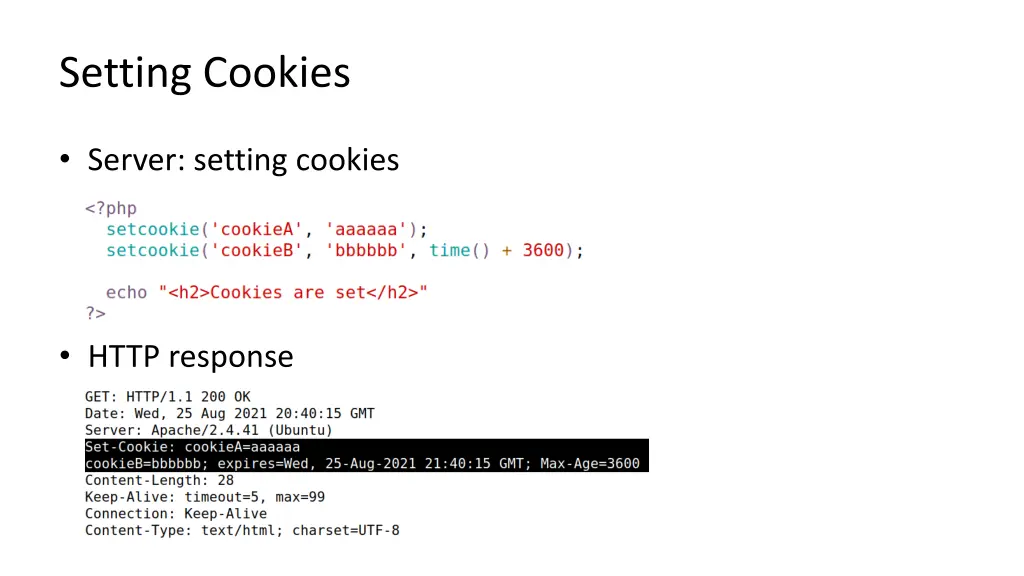
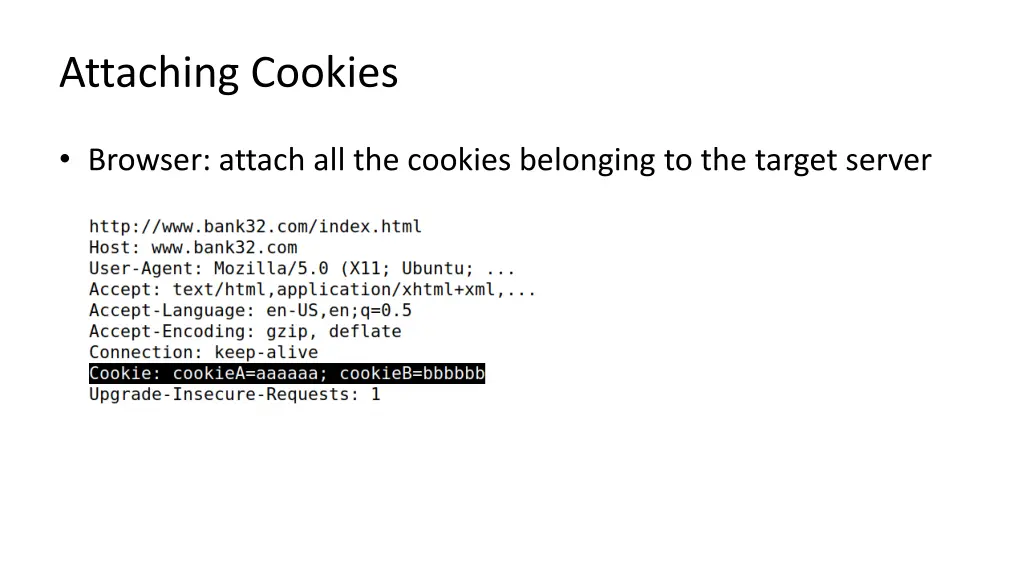
Cookies Web server is stateless does not maintain a long-term connection with the client HTTP Cookies: used to save information on the client side Browser save cookies Attach cookies in every request
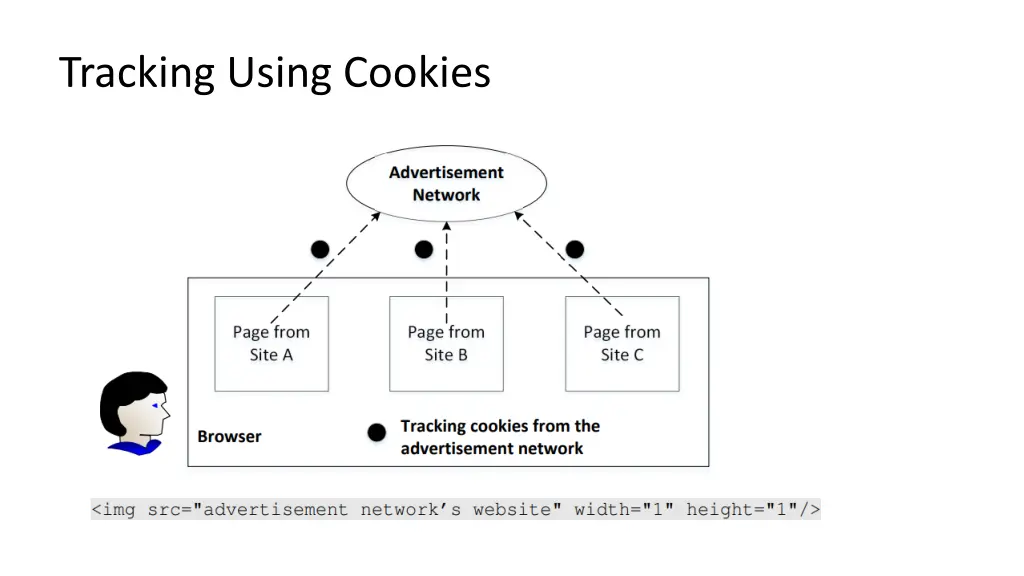
Prevent Tracking Using anonymous mode in browsing Block third-party cookies First-party cookies are essential for browsing Third-part cookies are mainly used for advertisement, information collection, etc.
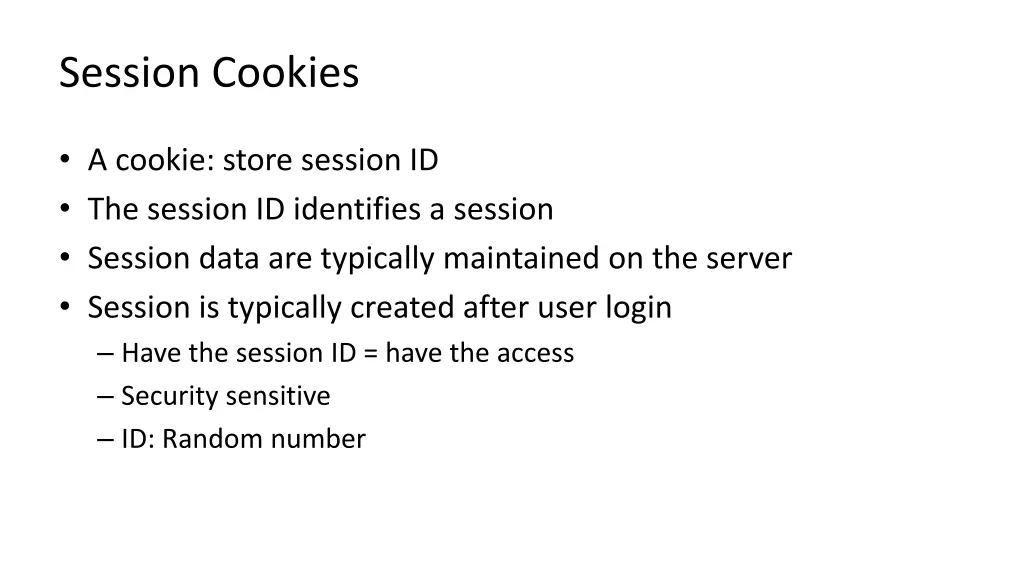
Session Cookies A cookie: store session ID The session ID identifies a session Session data are typically maintained on the server Session is typically created after user login Have the session ID = have the access Security sensitive ID: Random number
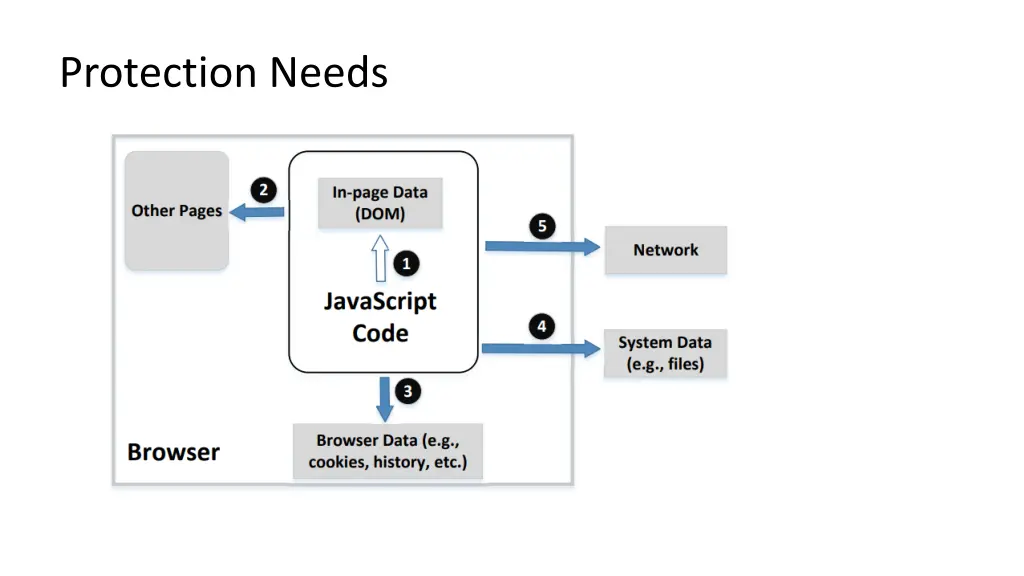
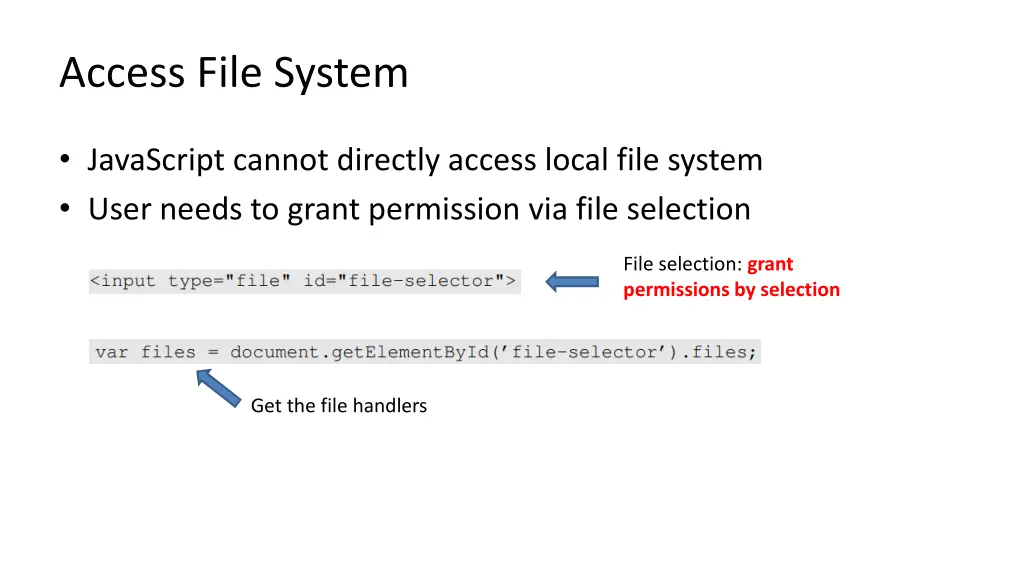
Access File System JavaScript cannot directly access local file system User needs to grant permission via file selection File selection: grant permissions by selection Get the file handlers
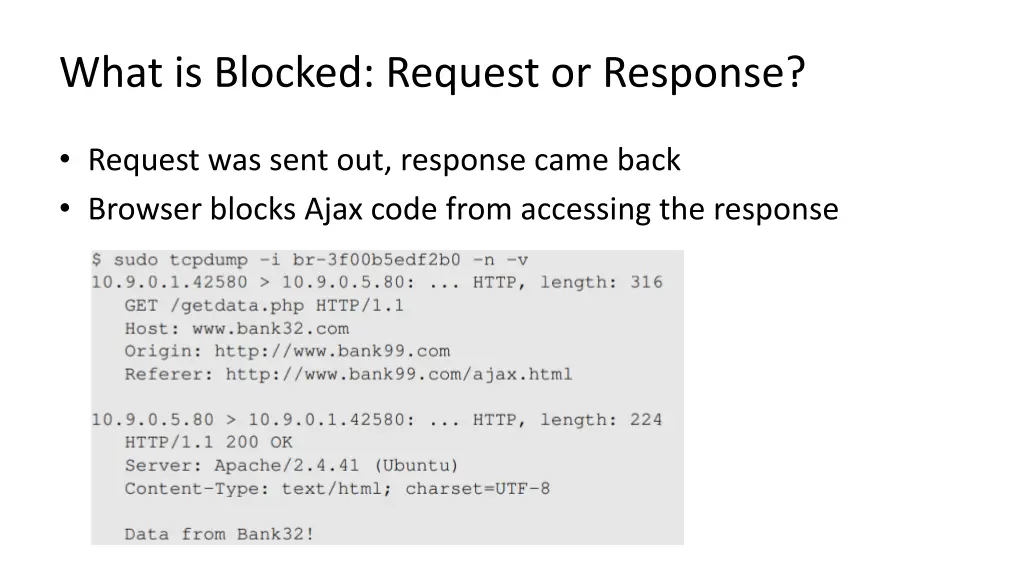
Access Network and Ajax Three communication mechanisms Normal HTTP Ajax WebSocket Security policies are different
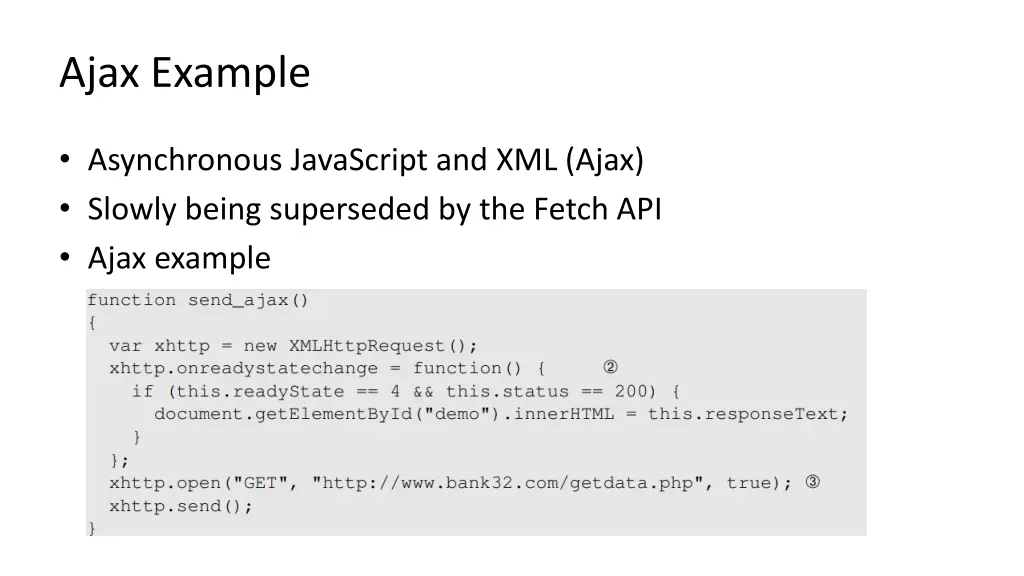
Ajax Example Asynchronous JavaScript and XML (Ajax) Slowly being superseded by the Fetch API Ajax example
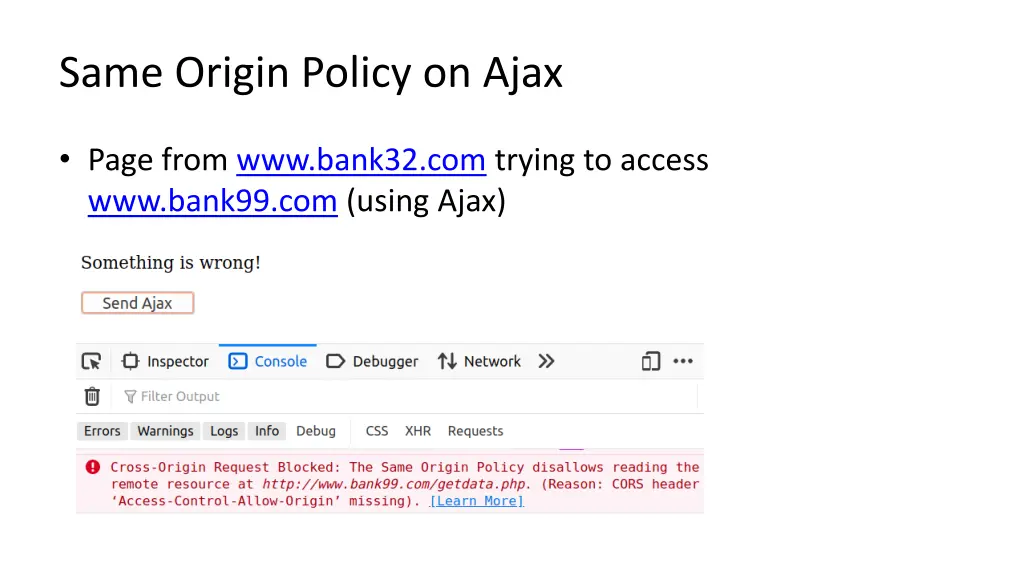
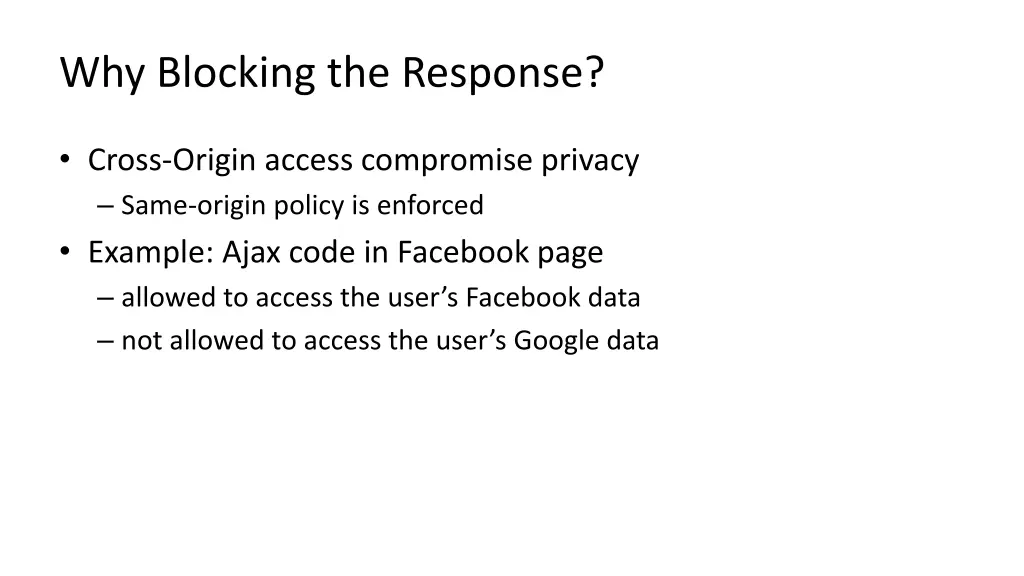
Why Blocking the Response? Cross-Origin access compromise privacy Same-origin policy is enforced Example: Ajax code in Facebook page allowed to access the user s Facebook data not allowed to access the user s Google data
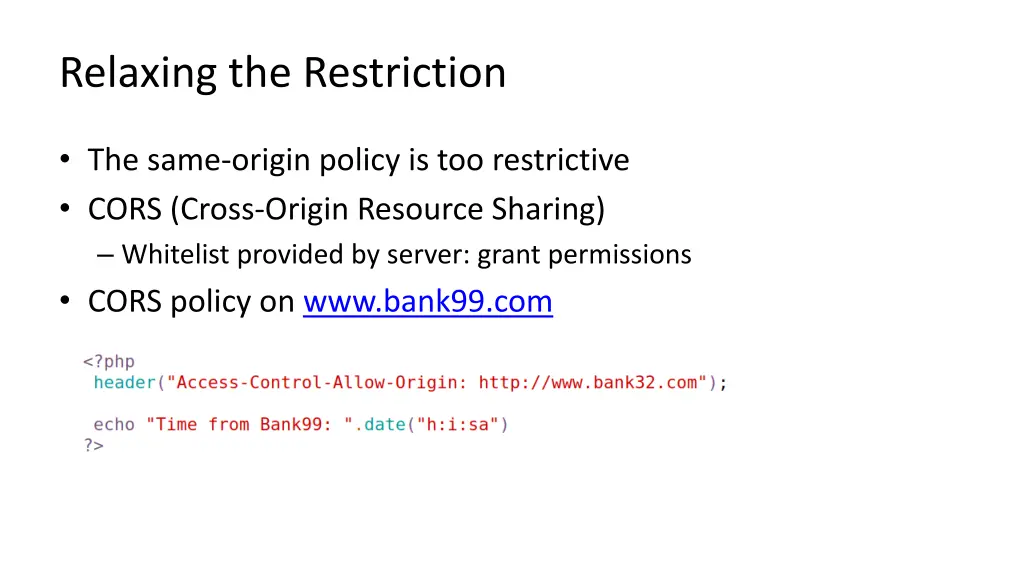
Relaxing the Restriction The same-origin policy is too restrictive CORS (Cross-Origin Resource Sharing) Whitelist provided by server: grant permissions CORS policy on www.bank99.com
WebSocket Ajax uses HTTP: half-duplex Browser sends request, server responds No push mechanism (from server) WebSocket is full-duplex Both browser/server can send data (without request)
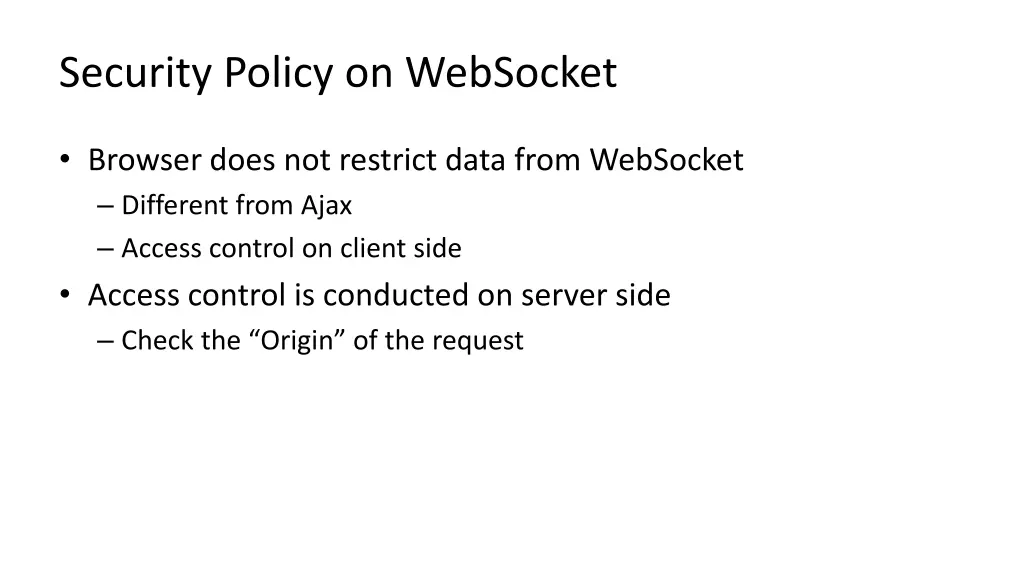
Security Policy on WebSocket Browser does not restrict data from WebSocket Different from Ajax Access control on client side Access control is conducted on server side Check the Origin of the request
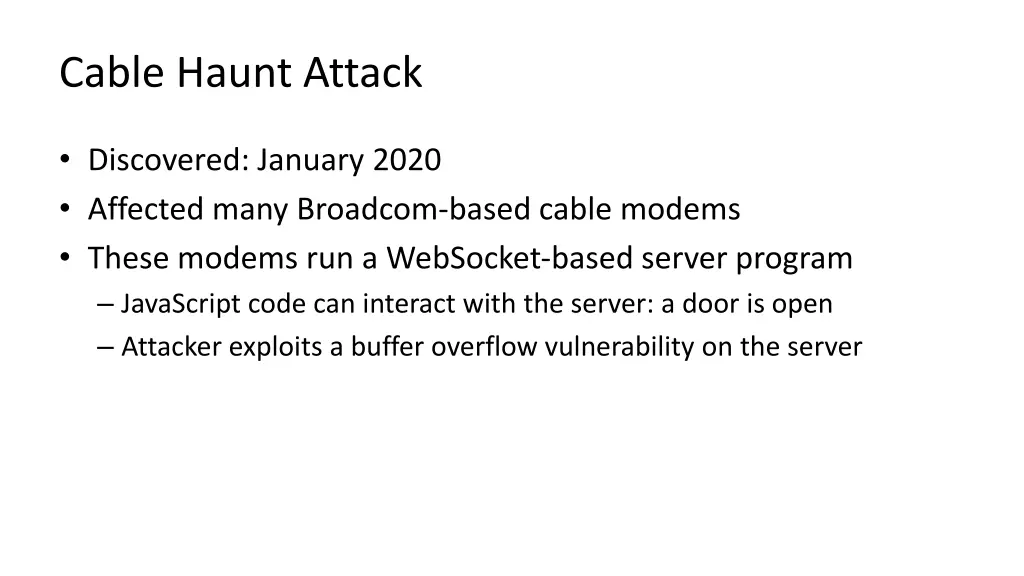
Cable Haunt Attack Discovered: January 2020 Affected many Broadcom-based cable modems These modems run a WebSocket-based server program JavaScript code can interact with the server: a door is open Attacker exploits a buffer overflow vulnerability on the server