Dive into the world of sed - the stream editor in Unix systems - and learn how to efficiently transform and manipulate text streams. Explore basic syntax, addressing basics, and how sed processes input lines, accompanied by helpful visuals and easy-to-follow explanations.
Please find below an Image/Link to download the presentation.
The content on the website is provided AS IS for your information and personal use only. It may not be sold, licensed, or shared on other websites without obtaining consent from the author. If you encounter any issues during the download, it is possible that the publisher has removed the file from their server.
You are allowed to download the files provided on this website for personal or commercial use, subject to the condition that they are used lawfully. All files are the property of their respective owners.
The content on the website is provided AS IS for your information and personal use only. It may not be sold, licensed, or shared on other websites without obtaining consent from the author.
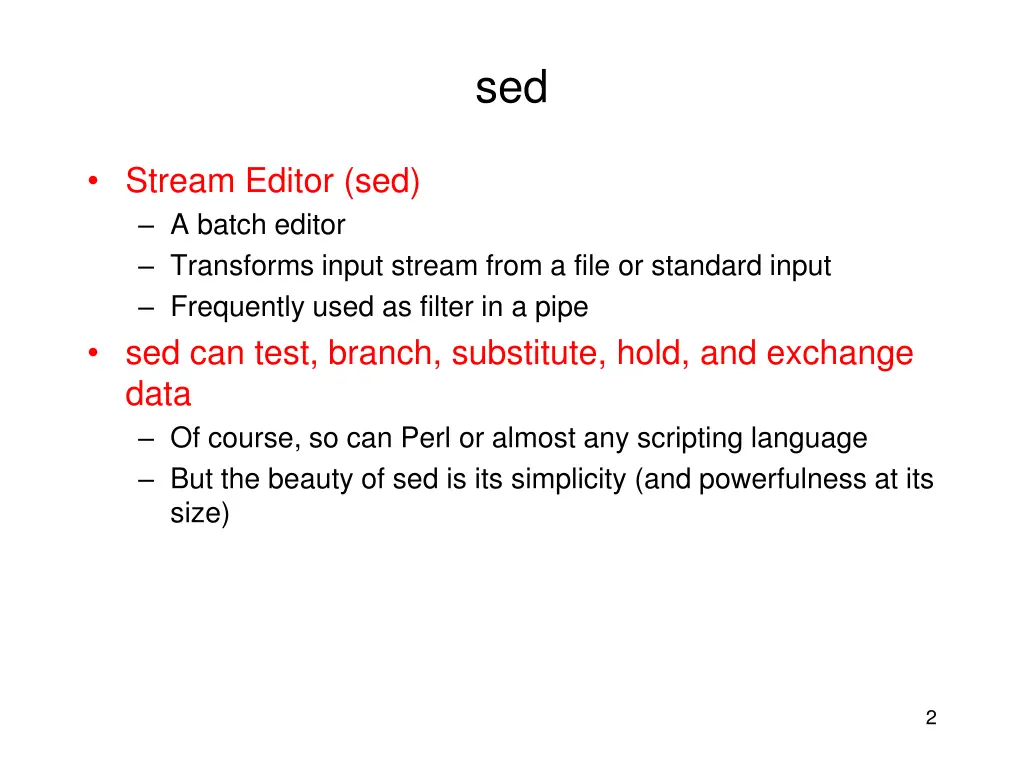
sed Stream Editor (sed) A batch editor Transforms input stream from a file or standard input Frequently used as filter in a pipe sed can test, branch, substitute, hold, and exchange data Of course, so can Perl or almost any scripting language But the beauty of sed is its simplicity (and powerfulness at its size) 2
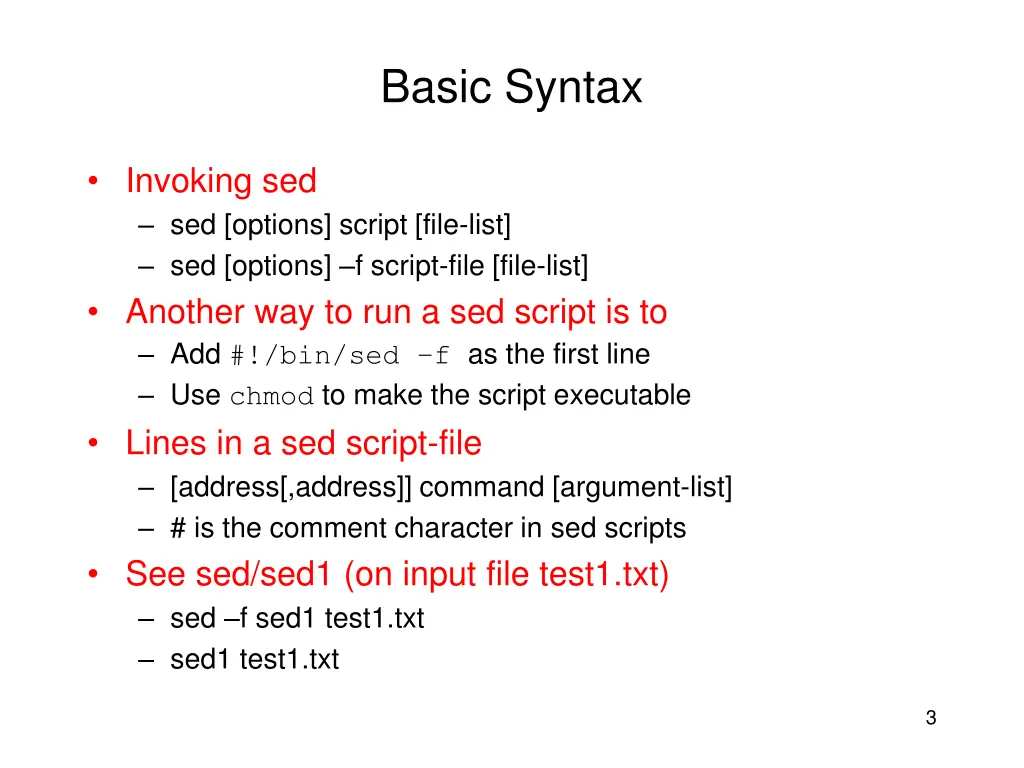
Basic Syntax Invoking sed sed [options] script [file-list] sed [options] f script-file [file-list] Another way to run a sed script is to Add #!/bin/sed f as the first line Use chmod to make the script executable Lines in a sed script-file [address[,address]] command [argument-list] # is the comment character in sed scripts See sed/sed1 (on input file test1.txt) sed f sed1 test1.txt sed1 test1.txt 3
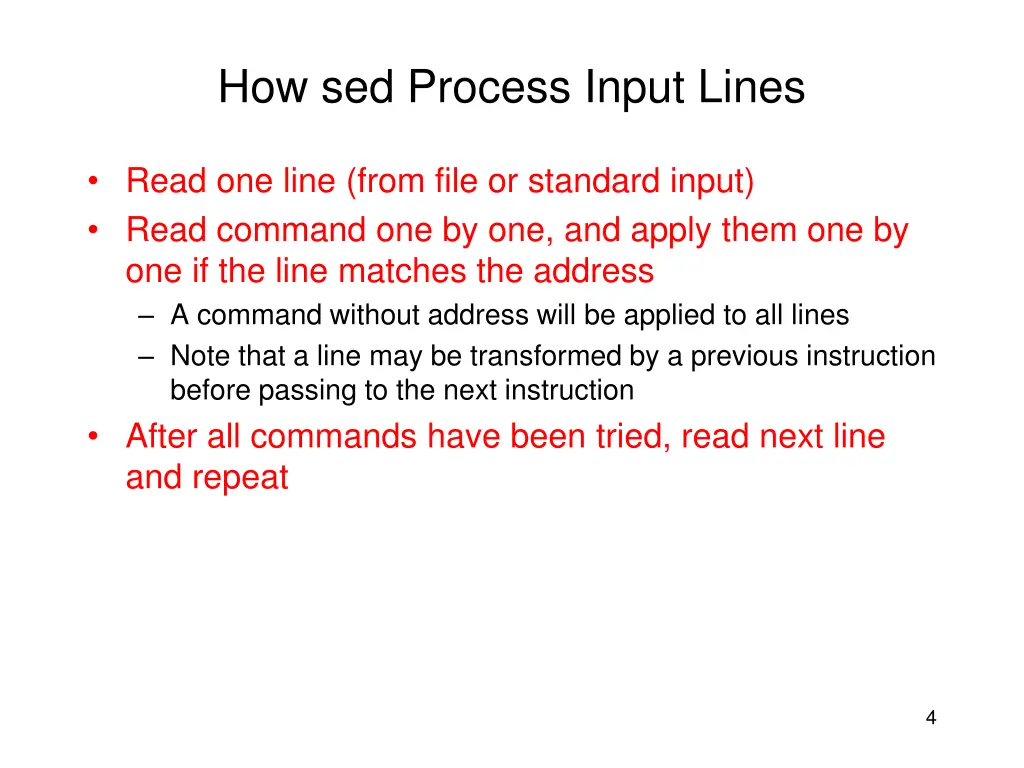
How sed Process Input Lines Read one line (from file or standard input) Read command one by one, and apply them one by one if the line matches the address A command without address will be applied to all lines Note that a line may be transformed by a previous instruction before passing to the next instruction After all commands have been tried, read next line and repeat 4
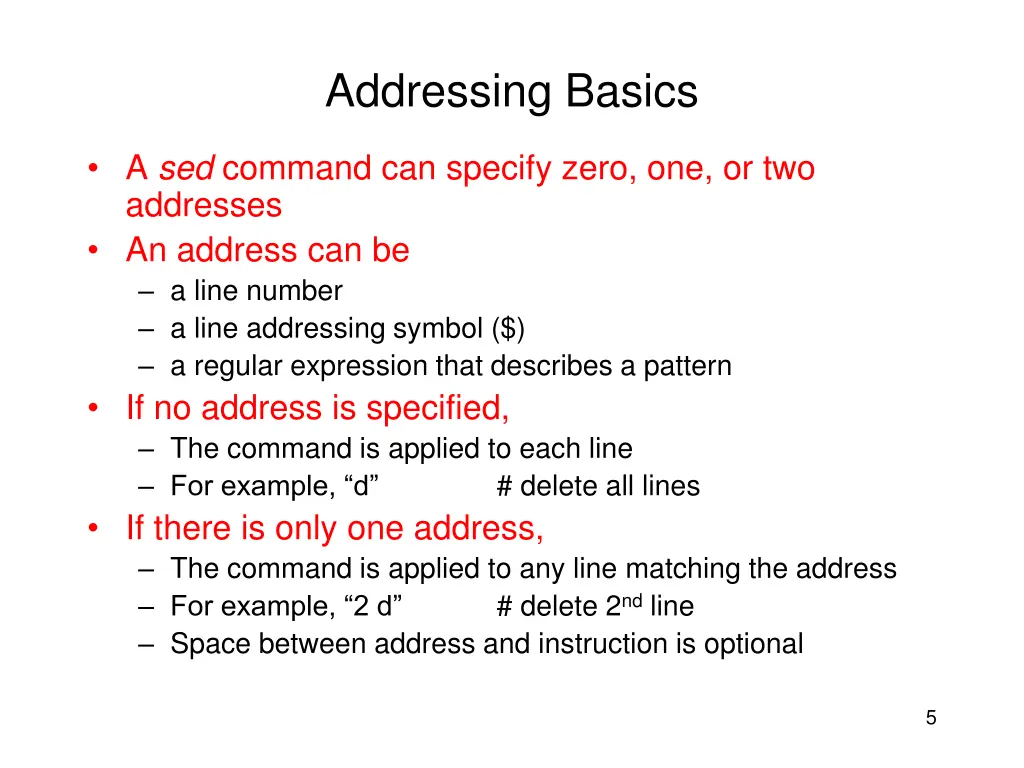
Addressing Basics A sed command can specify zero, one, or two addresses An address can be a line number a line addressing symbol ($) a regular expression that describes a pattern If no address is specified, The command is applied to each line For example, d If there is only one address, The command is applied to any line matching the address For example, 2 d Space between address and instruction is optional # delete all lines # delete 2nd line 5
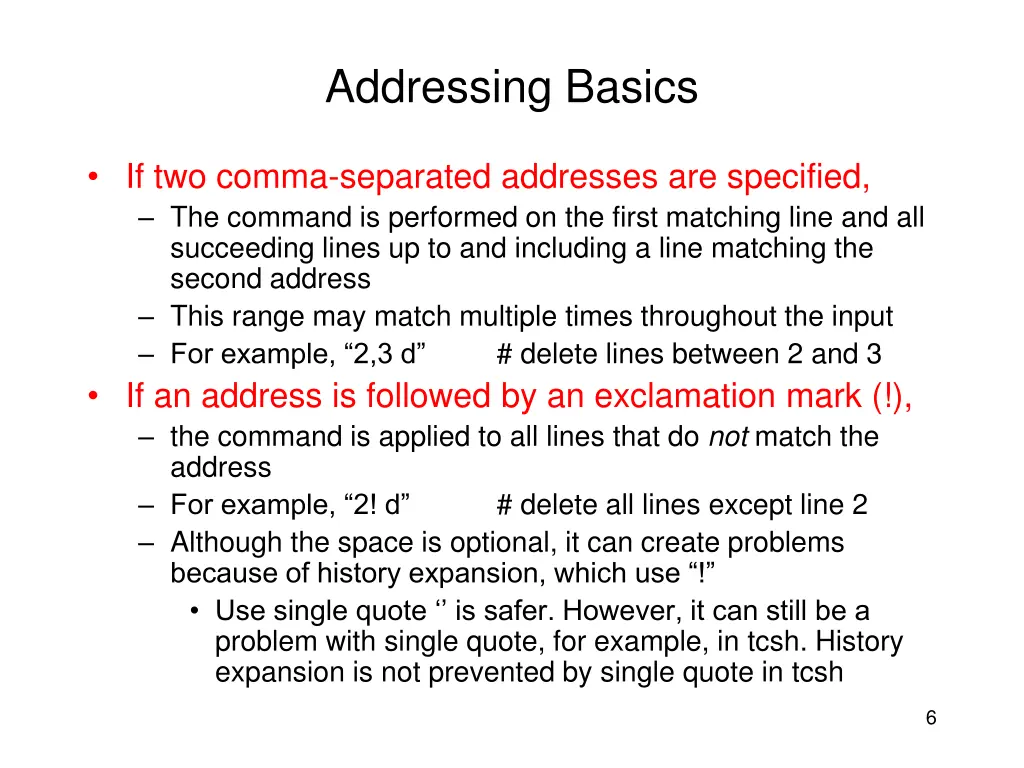
Addressing Basics If two comma-separated addresses are specified, The command is performed on the first matching line and all succeeding lines up to and including a line matching the second address This range may match multiple times throughout the input For example, 2,3 d # delete lines between 2 and 3 If an address is followed by an exclamation mark (!), the command is applied to all lines that do not match the address For example, 2! d # delete all lines except line 2 Although the space is optional, it can create problems because of history expansion, which use ! Use single quote is safer. However, it can still be a problem with single quote, for example, in tcsh. History expansion is not prevented by single quote in tcsh 6
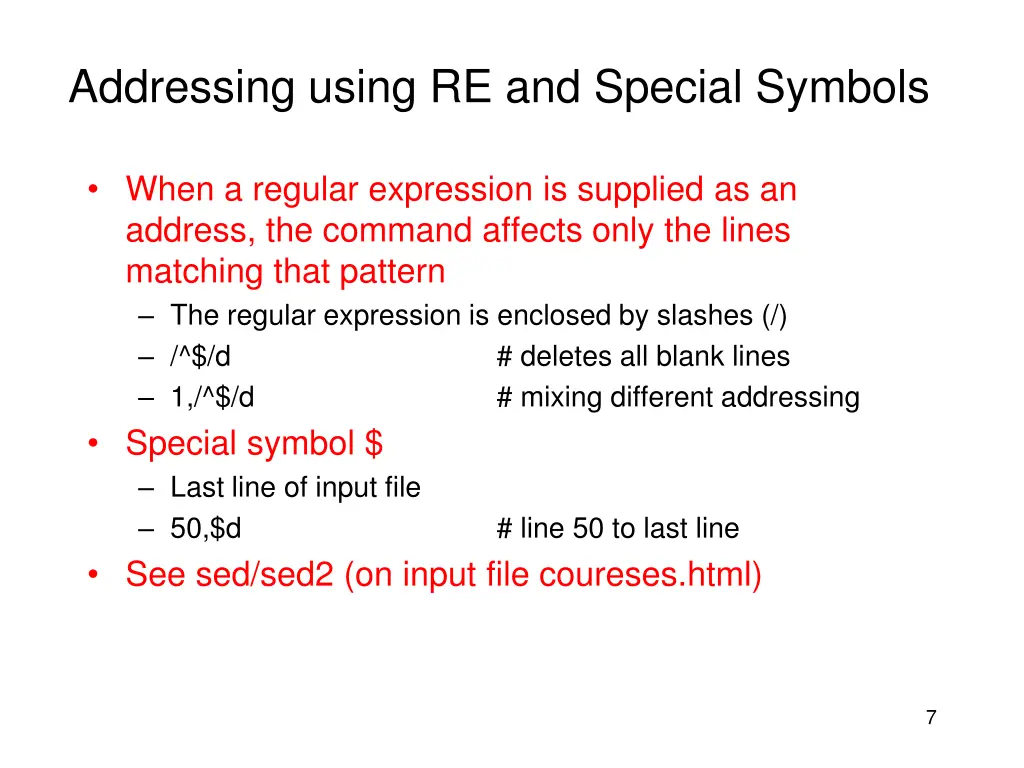
Addressing using RE and Special Symbols When a regular expression is supplied as an address, the command affects only the lines matching that pattern The regular expression is enclosed by slashes (/) /^$/d 1,/^$/d Special symbol $ Last line of input file 50,$d See sed/sed2 (on input file coureses.html) # deletes all blank lines # mixing different addressing # line 50 to last line 7
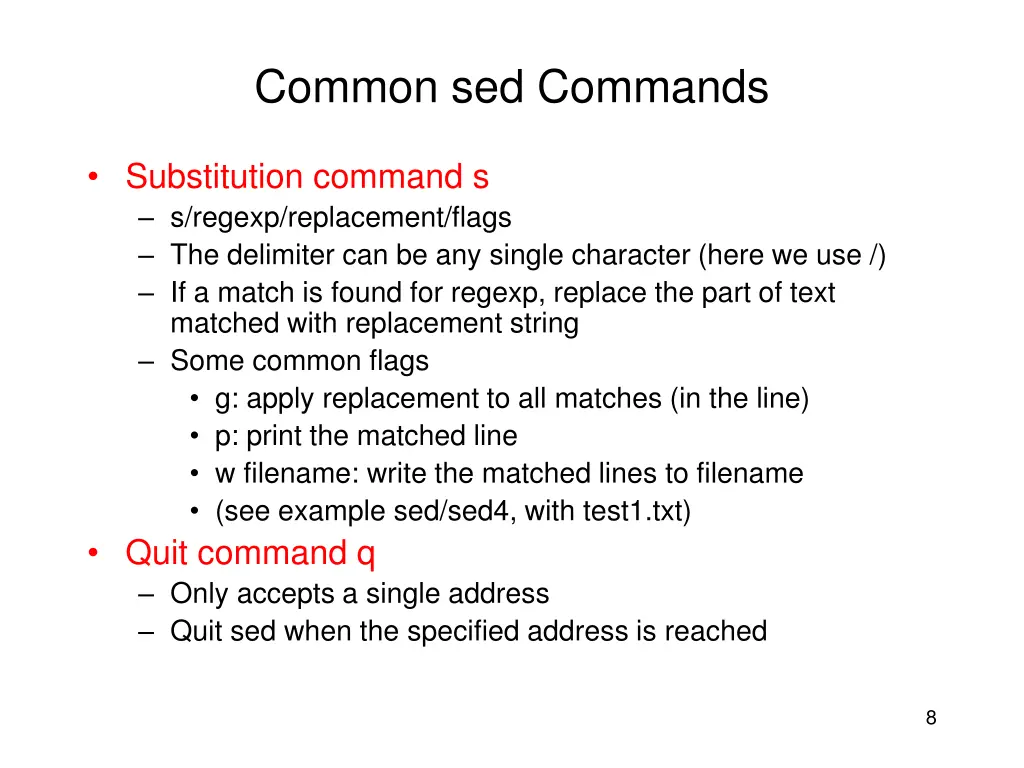
Common sed Commands Substitution command s s/regexp/replacement/flags The delimiter can be any single character (here we use /) If a match is found for regexp, replace the part of text matched with replacement string Some common flags g: apply replacement to all matches (in the line) p: print the matched line w filename: write the matched lines to filename (see example sed/sed4, with test1.txt) Quit command q Only accepts a single address Quit sed when the specified address is reached 8
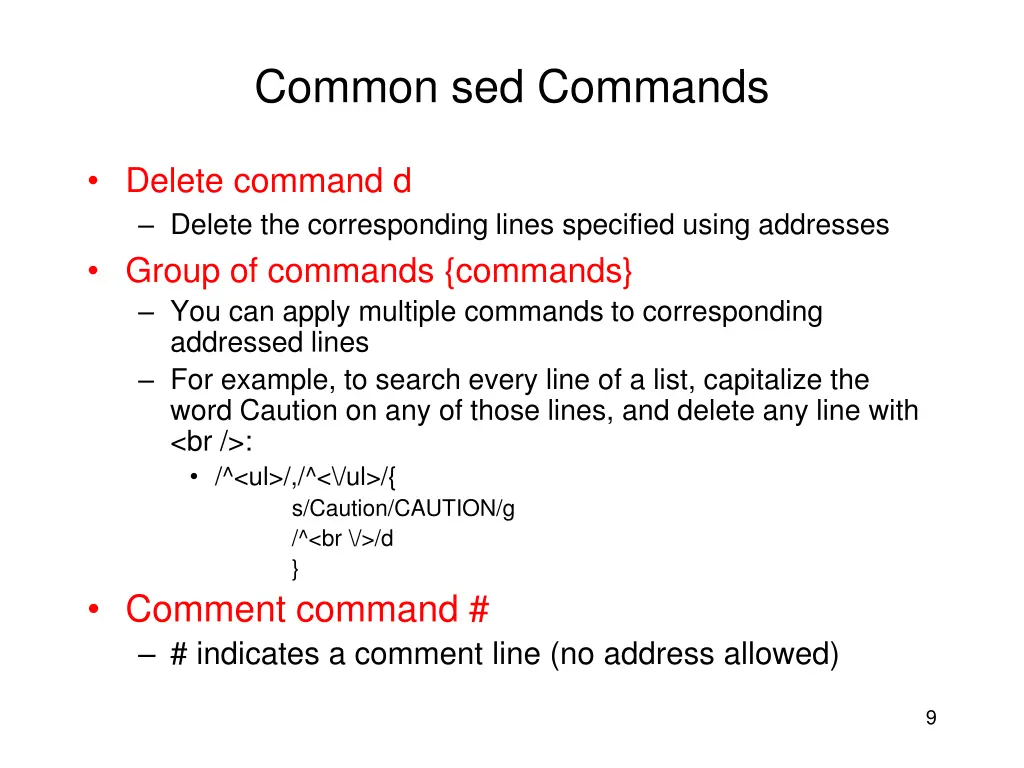
Common sed Commands Delete command d Delete the corresponding lines specified using addresses Group of commands {commands} You can apply multiple commands to corresponding addressed lines For example, to search every line of a list, capitalize the word Caution on any of those lines, and delete any line with <br />: /^<ul>/,/^<\/ul>/{ s/Caution/CAUTION/g /^<br \/>/d } Comment command # # indicates a comment line (no address allowed) 9
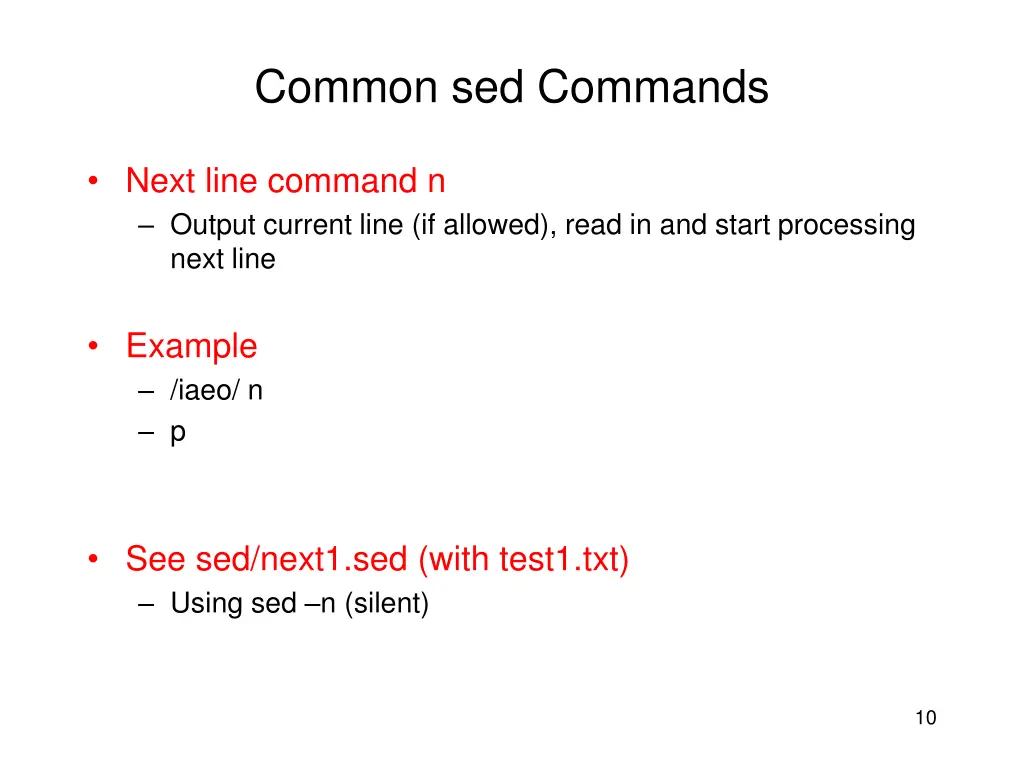
Common sed Commands Next line command n Output current line (if allowed), read in and start processing next line Example /iaeo/ n p See sed/next1.sed (with test1.txt) Using sed n (silent) 10
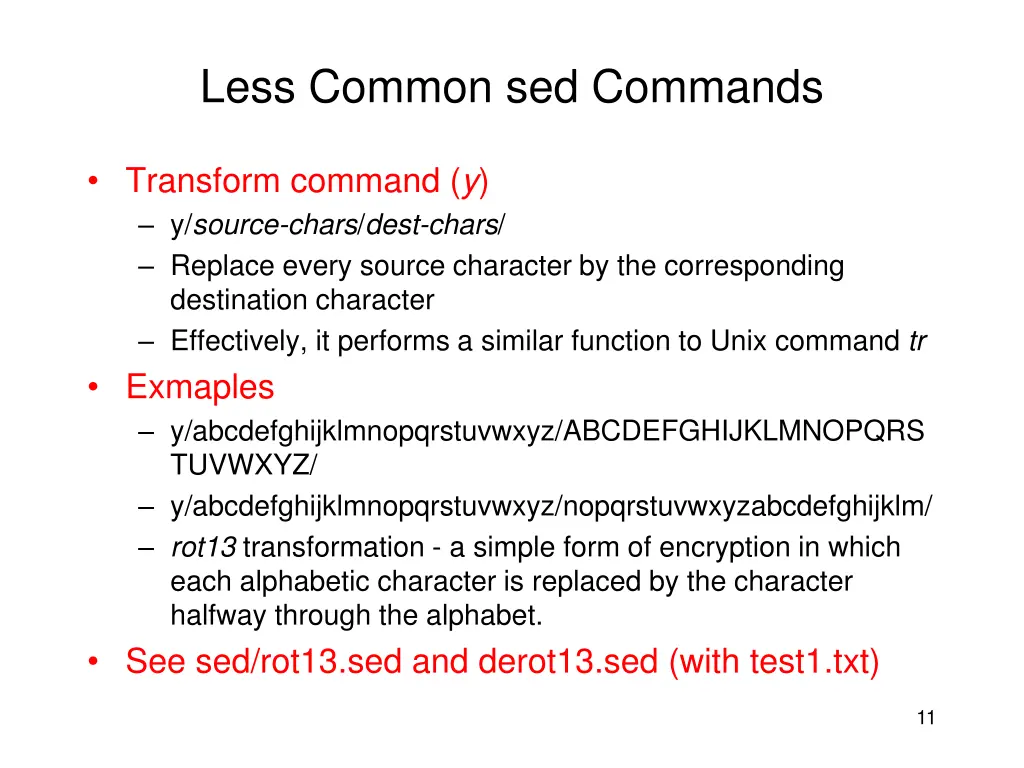
Less Common sed Commands Transform command (y) y/source-chars/dest-chars/ Replace every source character by the corresponding destination character Effectively, it performs a similar function to Unix command tr Exmaples y/abcdefghijklmnopqrstuvwxyz/ABCDEFGHIJKLMNOPQRS TUVWXYZ/ y/abcdefghijklmnopqrstuvwxyz/nopqrstuvwxyzabcdefghijklm/ rot13 transformation - a simple form of encryption in which each alphabetic character is replaced by the character halfway through the alphabet. See sed/rot13.sed and derot13.sed (with test1.txt) 11
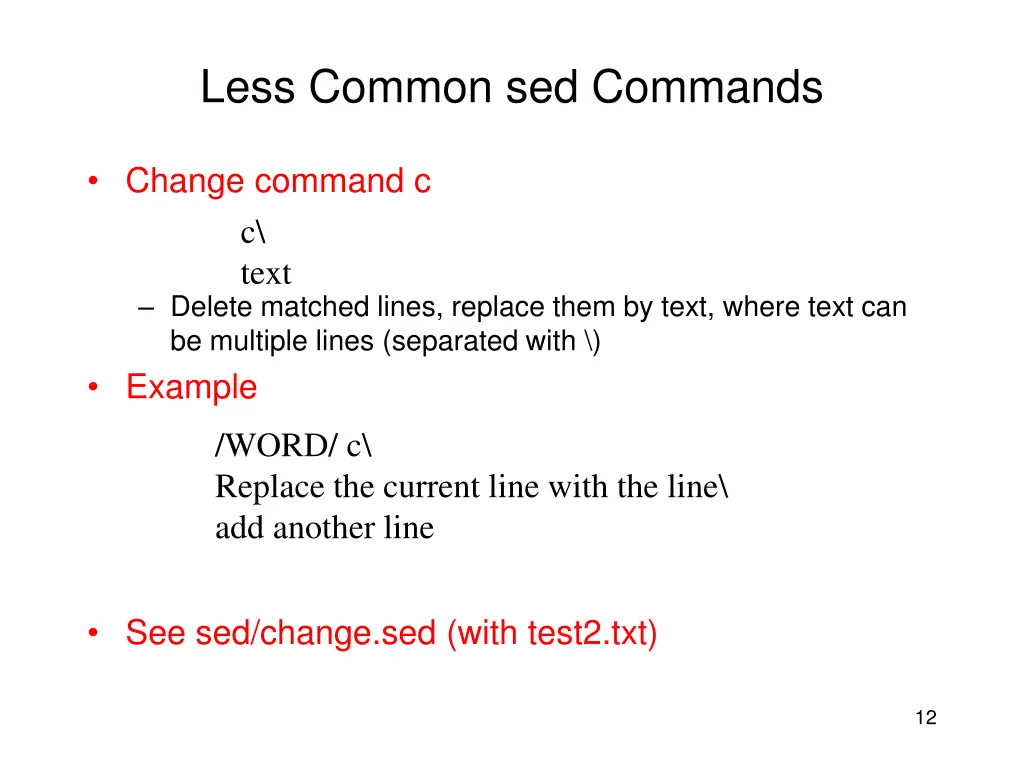
Less Common sed Commands Change command c c\ text Delete matched lines, replace them by text, where text can be multiple lines (separated with \) Example /WORD/ c\ Replace the current line with the line\ add another line See sed/change.sed (with test2.txt) 12
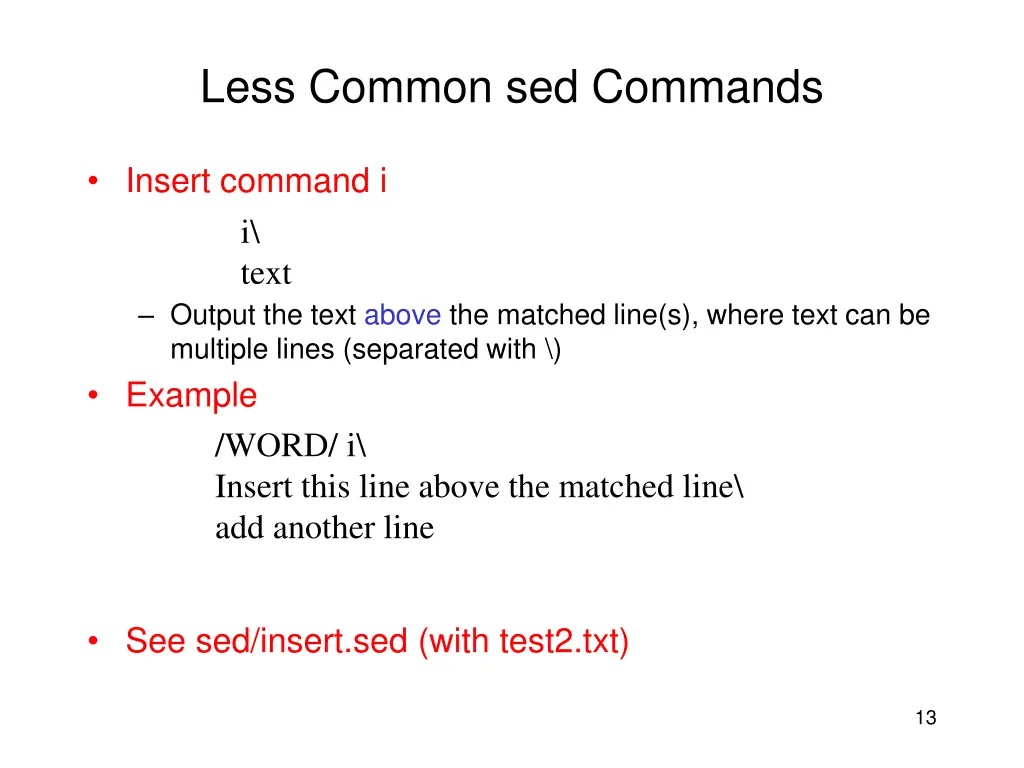
Less Common sed Commands Insert command i i\ text Output the text above the matched line(s), where text can be multiple lines (separated with \) Example /WORD/ i\ Insert this line above the matched line\ add another line See sed/insert.sed (with test2.txt) 13
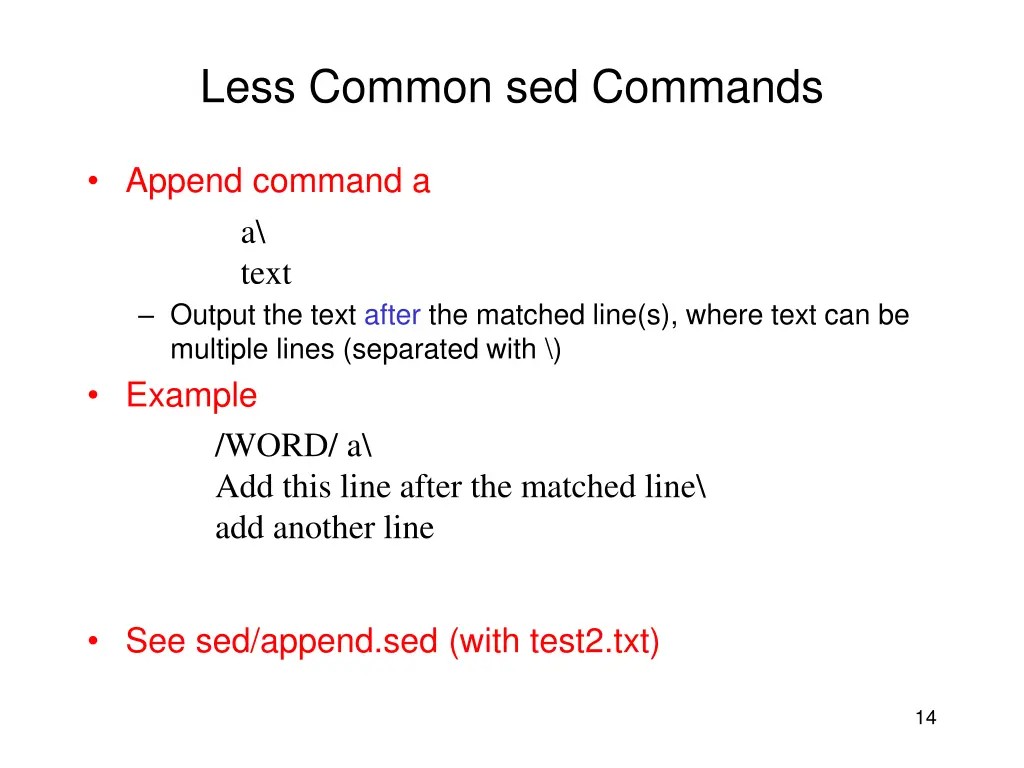
Less Common sed Commands Append command a a\ text Output the text after the matched line(s), where text can be multiple lines (separated with \) Example /WORD/ a\ Add this line after the matched line\ add another line See sed/append.sed (with test2.txt) 14
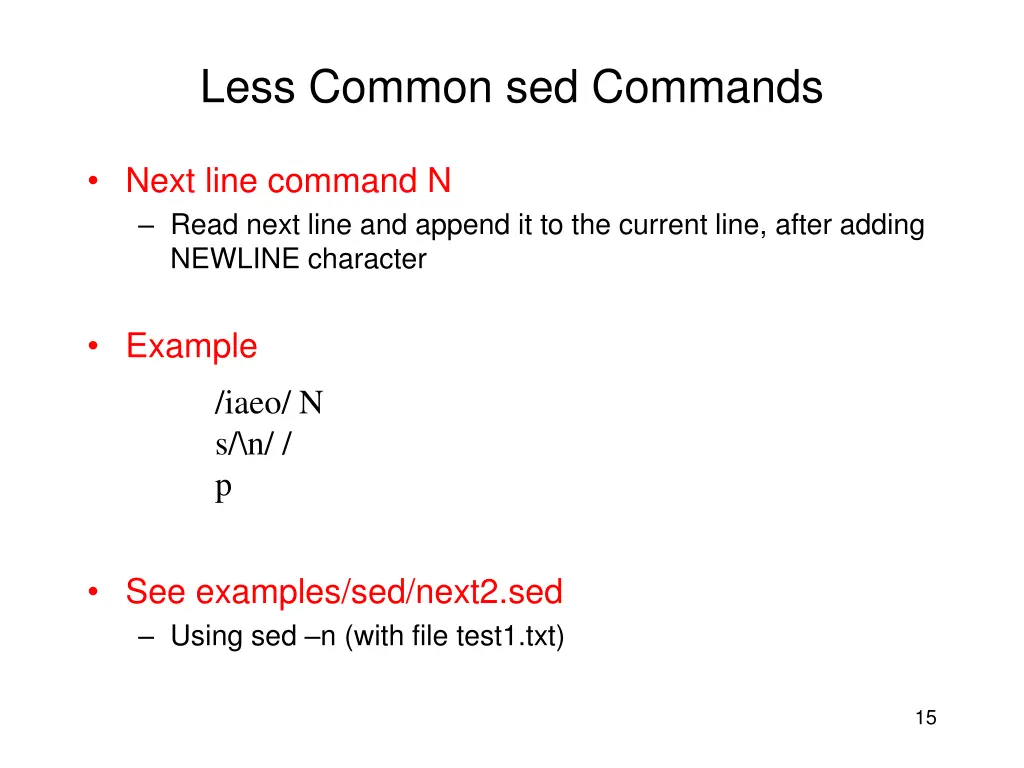
Less Common sed Commands Next line command N Read next line and append it to the current line, after adding NEWLINE character Example /iaeo/ N s/\n/ / p See examples/sed/next2.sed Using sed n (with file test1.txt) 15
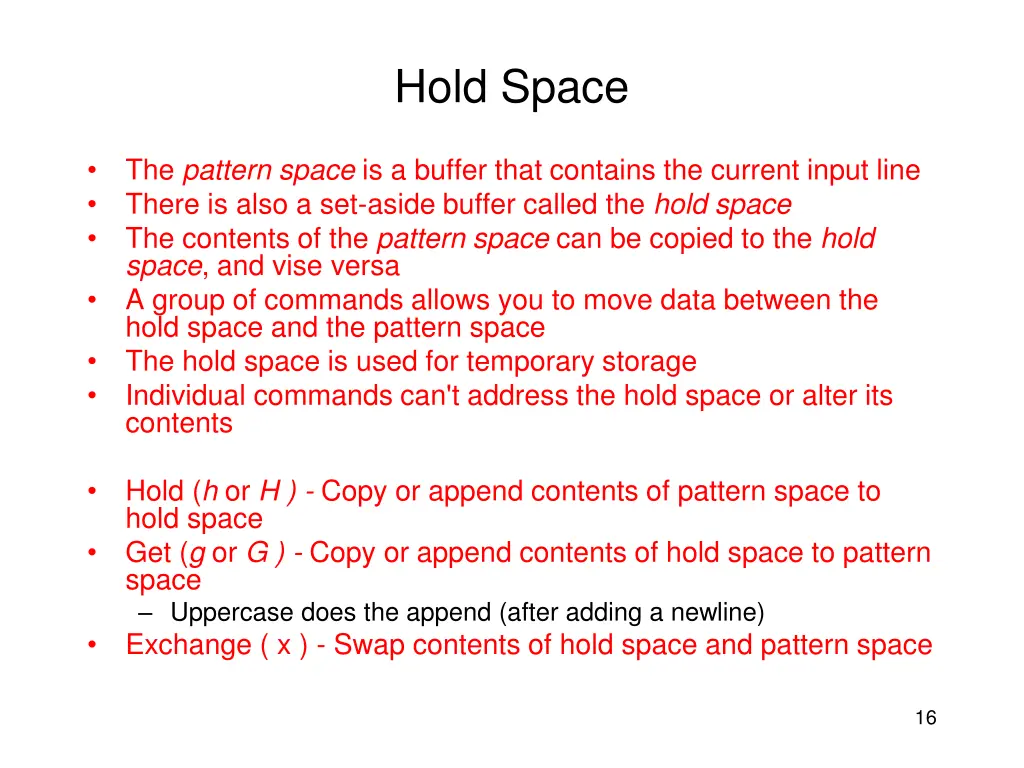
Hold Space The pattern space is a buffer that contains the current input line There is also a set-aside buffer called the hold space The contents of the pattern space can be copied to the hold space, and vise versa A group of commands allows you to move data between the hold space and the pattern space The hold space is used for temporary storage Individual commands can't address the hold space or alter its contents Hold (h or H ) - Copy or append contents of pattern space to hold space Get (g or G ) - Copy or append contents of hold space to pattern space Uppercase does the append (after adding a newline) Exchange ( x ) - Swap contents of hold space and pattern space 16
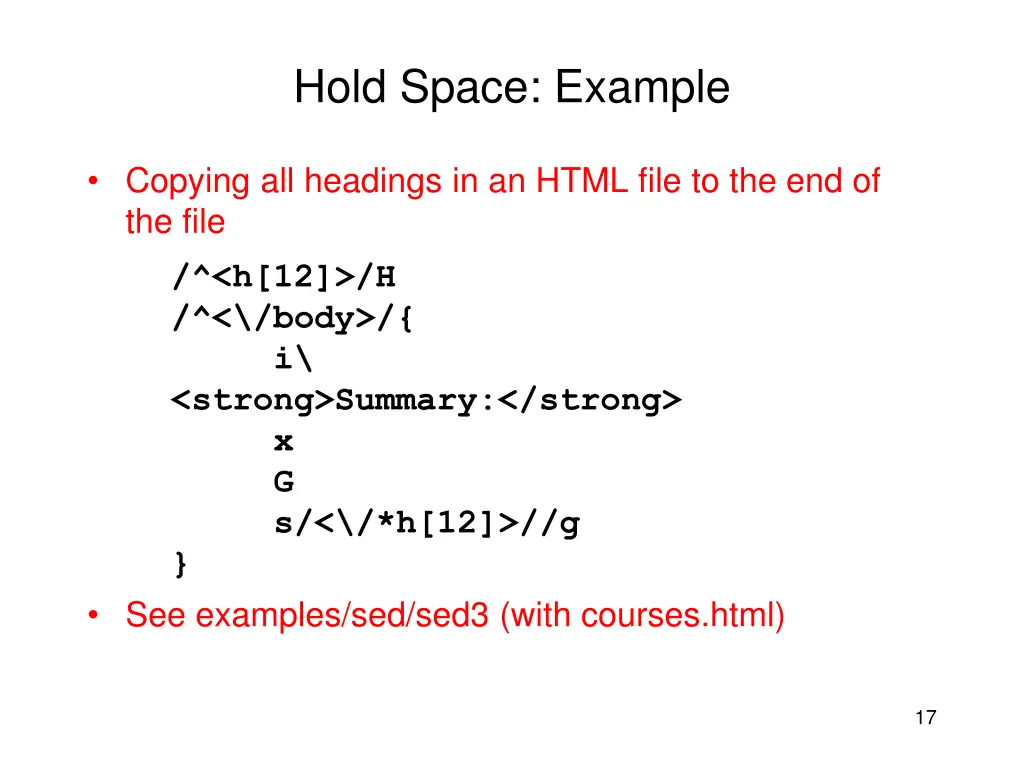
Hold Space: Example Copying all headings in an HTML file to the end of the file /^<h[12]>/H /^<\/body>/{ i\ <strong>Summary:</strong> x G s/<\/*h[12]>//g } See examples/sed/sed3 (with courses.html) 17
More about sed Manual page of sed sed Gnu Project http://www.gnu.org/software/sed/sed.html Sed An Introduction http://www.grymoire.com/Unix/Sed.html 18
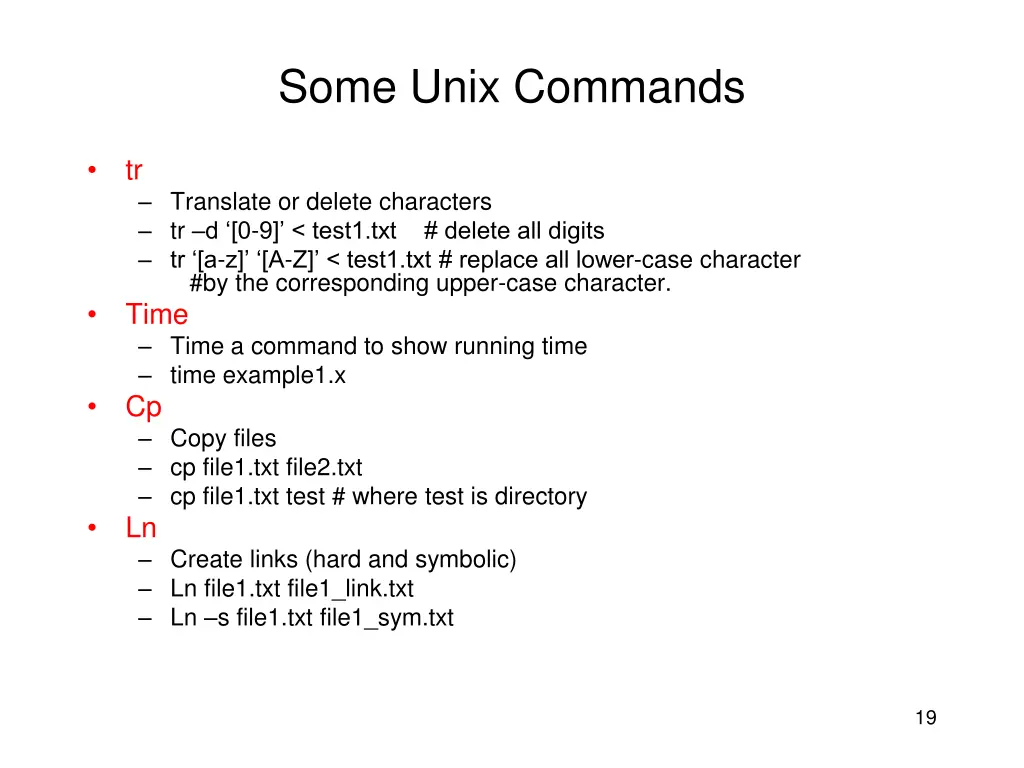
Some Unix Commands tr Translate or delete characters tr d [0-9] < test1.txt # delete all digits tr [a-z] [A-Z] < test1.txt # replace all lower-case character #by the corresponding upper-case character. Time Time a command to show running time time example1.x Cp Copy files cp file1.txt file2.txt cp file1.txt test # where test is directory Ln Create links (hard and symbolic) Ln file1.txt file1_link.txt Ln s file1.txt file1_sym.txt 19